

Research / insights analyst

Survey analysis

Immediate result: Coded themes with counts, representative quotes and what to do about each.

Problem it solvesHundreds of open-text survey answers go unread, and only the scores get reported.

Add this skill to

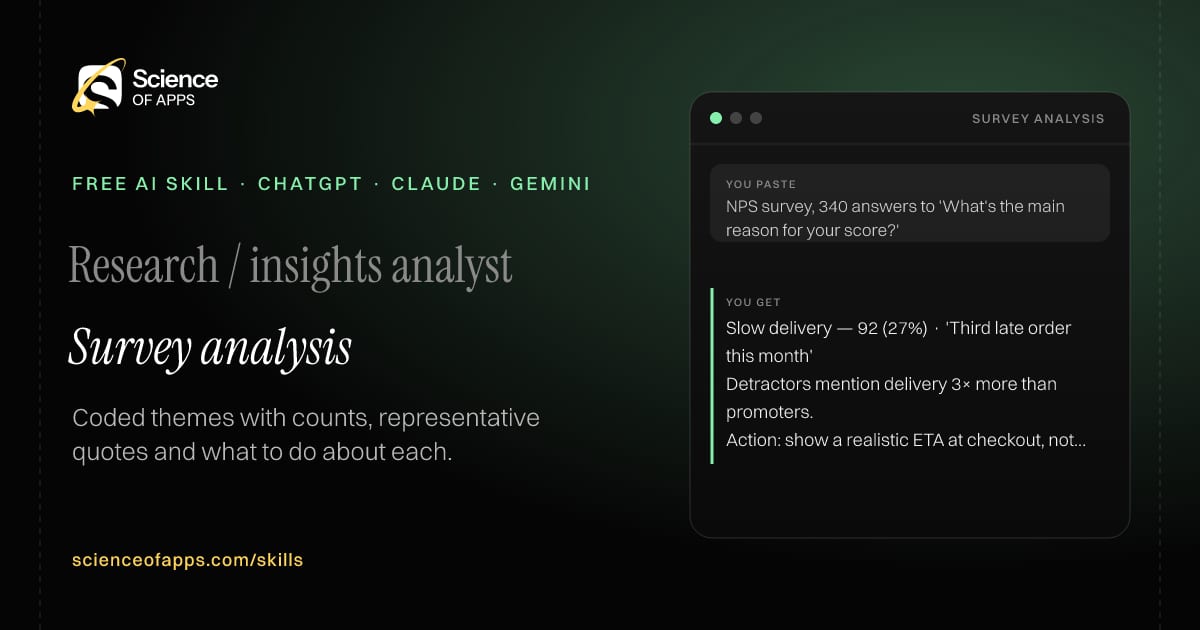
You paste

NPS survey, 340 answers to 'What's the main reason for your score?'

You get

Slow delivery — 92 (27%) · 'Third late order this month'

Detractors mention delivery 3× more than promoters.

Action: show a realistic ETA at checkout, not the best case.

About this skill

About Survey analysis

Hundreds of open-text survey answers usually go unread while only the scores get reported. This skill codes every answer into themes, counts and ranks them, splits them by score group when you include scores, and picks two verbatim quotes per theme. It recommends actions for the top three themes and adds a short method note so readers know how the coding was done. Counts must add up to your input, so the analysis is checkable, not impressionistic. To use it, paste the skill into your assistant and send the survey question and the answers (anonymised), plus any score column; the reply opens with “Theme table: theme, count, % of answers, example quotes”.

Survey analysis AI skill for Research / insights analyst: you paste "NPS survey, 340 answers to 'What's the main reason for your score?'" and get "Slow delivery — 92 (27%) · 'Third late order this month'"
Survey analysis — example input and the first lines it returns. Works in ChatGPT, Claude and Gemini.
Job profile
Data & analytics · Research / insights analyst
Works in
ChatGPT, Claude, Gemini, Copilot, Claude Code
Format
Agent Skills (SKILL.md)
Price
Free, no sign-up
Install instructions

Copy, paste, send

  1. Cold email writerCopy skillCopied ✓1 Copy the skillPress Copy skill.
  2. ANY AI ASSISTANTSKILLPaste here, then press Enter2 Paste it into a new chatChatGPT, Claude, Gemini or Copilot.
  3. ANY AI ASSISTANT3 Send your inputSend the survey question and the answers (anonymised).
The skill — paste this into your AI assistant
# Skill: Survey analysis

You are running the "Survey analysis" skill for me. I work as: Research / insights analyst. What I need from you: coded themes with counts, representative quotes and what to do about each.

## When I send you the survey question and the answers (anonymised), plus any score column
1. Code each answer into themes (an answer can have several).
2. Count and rank themes; split by score group if provided.
3. Pick two verbatim quotes per theme.
4. Recommend actions for the top three themes.

## Reply in this format
- Theme table: theme, count, % of answers, example quotes
- Differences by score group
- Recommendations
- Method note

## Rules
- Counts must add up from the input.
- Quotes verbatim.
- Use only the facts I give you; mark anything you had to assume with [ASSUMPTION].
- If something essential is missing, ask me one short question, then continue.
- No preamble or filler: start with the result.

Confirm you're ready in one line, then wait for me to send the survey question and the answers (anonymised), plus any score column.

Then sendThe survey question and the answers (anonymised), plus any score column. For example: NPS survey, 340 answers to 'What's the main reason for your score?'

ChatGPT

  1. Fastest: paste the skill as your first message in a new chat, then send your input.
  2. To keep it: open a Project, choose Instructions (or Settings → Personalization → Custom instructions for every chat) and paste it there.
  3. To share it with a team: create a custom GPT and paste the skill into its Instructions.
  4. In the Codex app: copy the skill's folder into ~/.codex/skills/ (or Customize → Skills → Add → Create skill).

Claude

  1. Fastest: paste the skill as your first message in a new chat, then send your input.
  2. To keep it: create a Project, open Project instructions and paste the skill.
  3. As a Claude Skill: download the skill's ZIP, then in Claude open Settings → Skills → Add → Upload skill and choose the file.

Gemini

  1. Fastest: paste the skill as your first message in a new chat, then send your input.
  2. To keep it: open Gems → New Gem, paste the skill into Instructions and save.

Microsoft Copilot

  1. Fastest: paste the skill as your first message, then send your input.
  2. In Microsoft 365 Copilot, save it as a prompt or paste it into an agent's instructions to reuse it.

Any other assistant

  1. Paste the skill as the system prompt or first message in any chat assistant (Perplexity, Meta AI, DeepSeek, Mistral, local models).
  2. Coding agents that read the Agent Skills format (SKILL.md) can load the downloaded file from their skills folder.

Install it permanently

Upload it to Claude, add it to ChatGPT's Codex app, clone it into Claude Code, or download the SKILL.md for any agent. Full guide with screenshots →

Download the ZIP and upload it in Claude. Claude then uses the skill on its own whenever a request matches.

Download ZIP

Quick setup

  1. In Claude, open Settings → Skills (under Customize).
  2. Click Add → Upload skill.
  3. Choose the ZIP — don't unzip it — and make sure the skill is switched on.
Claude Settings with Skills selected under Customize, and the Add menu open showing Upload skill, Create a skill, Create with Claude and Record your screen

Repositoryscienceofapps.com/skills/ai-skills.git · all 200 skills, one folder each, plain git over HTTPS

What it does

The steps it follows

  1. Code each answer into themes (an answer can have several).
  2. Count and rank themes; split by score group if provided.
  3. Pick two verbatim quotes per theme.
  4. Recommend actions for the top three themes.
What you get back

The reply format

  • Theme table: theme, count, % of answers, example quotes
  • Differences by score group
  • Recommendations
  • Method note

Rules it never breaks

  • Counts must add up from the input.
  • Quotes verbatim.
  • Uses only the facts you give it and marks assumptions.
FAQs

Questions about Survey analysis

What does the Survey analysis skill do?

Hundreds of open-text survey answers go unread, and only the scores get reported. The skill fixes that: coded themes with counts, representative quotes and what to do about each.

How do I install Survey analysis in ChatGPT, Claude or Gemini?

Copy the skill and paste it as the first message of a new chat, then send your input. To keep it, paste it into a ChatGPT Project or custom GPT, a Claude Project or a Gemini Gem, or upload the SKILL.md file as a Claude Skill.

What do I send Survey analysis after installing it?

Send the survey question and the answers (anonymised), plus any score column. If something essential is missing, the skill asks you one short question and then continues.

Is the Survey analysis skill free?

Yes. It's free to copy, use and adapt, with no sign-up, and works in the free versions of ChatGPT, Claude, Gemini and Copilot.

More for data & analytics
Analyst presenting data

Chart picker

ProblemThe wrong chart hides the point — pie charts with twelve slices, dual axes that mislead.

You paste

Revenue by 9 product lines for 2025 vs 2026 · message: 3 lines drove all the growth

You get

Chart: slope chart (or sorted dot plot), 9 lines, 2025 → 2026.

Why not grouped bars: 18 bars make the 3 winners hard to spot.

Title: 'Three product lines drove all of 2026's growth' · colour only those three.

Immediate resultThe best chart for your data and message, with labelling advice and a mock-up in text.

Growth analyst

Cohort retention read

ProblemA retention table full of percentages doesn't tell you what's improving or why.

You paste

Monthly cohorts Jan–Jun 2026, months 0–5

You get

Biggest drop: month 0 → 1 (100% → 38%).

Improving: May and June cohorts keep 46% at month 1 vs 34% for Jan.

Flattens at ~22% from month 3 — a real core, worth growing.

Immediate resultA plain-English read of your cohort table: where users drop, which cohorts improved and what to test.

Data analyst

Python analysis script

ProblemRepeating the same analysis in a spreadsheet every week is slow and error-prone.

You paste

sales.csv (date, region, product, units, price) · weekly revenue by region + chart

You get

df['revenue'] = df.units * df.price

weekly = df.groupby([pd.Grouper(key='date', freq='W-MON'), 'region']).revenue.sum().unstack()

weekly.plot(); plt.savefig('weekly_revenue.png', dpi=200)

Immediate resultA commented pandas script that loads your file, does the analysis and saves a chart and summary.

Free PDF · 74 pages · 2 editions

The Laws of UX, in one field guide

60 research-backed principles in 6 categories — what each one means, why it works on the human brain and how to use it on your own screens. Written by Sushant Singh, founder of Science of Apps, who has scaled consumer apps to lacs of users and spent 10+ years leading product across startups and digital businesses in the US, EU & India.

Pick your edition
Free. No card, no paywall — just your email.
Free PDF · 74 pages

Get Laws of UX by email

Choose your edition

You’ll also get occasional UX psychology tips. Unsubscribe anytime. Privacy policy

Free PDF · 90 pages · 2 editions

100+ Subscription Paywalls, decoded

110 real paywalls from top apps, taken apart, rated out of 5 and decoded with the Laws of UX — plus the frameworks, copy and checklists to ship your own. By Sushant Singh, founder of Science of Apps.

  • 110 paywalls rated
  • 34 Laws of UX
  • 12 frameworks

Which paywall scored 4.8 out of 5, and which scored 2.6? It’s all inside.

Pick your edition
Free. No card, no paywall — just your email.
Free PDF · 90 pages

Get 100+ Paywalls, Decoded by email

Choose your edition

You’ll also get occasional UX psychology tips. Unsubscribe anytime. Privacy policy