Fitts's Law
The time it takes to reach a target depends on its distance and size: bigger, closer targets are faster and easier to hit.
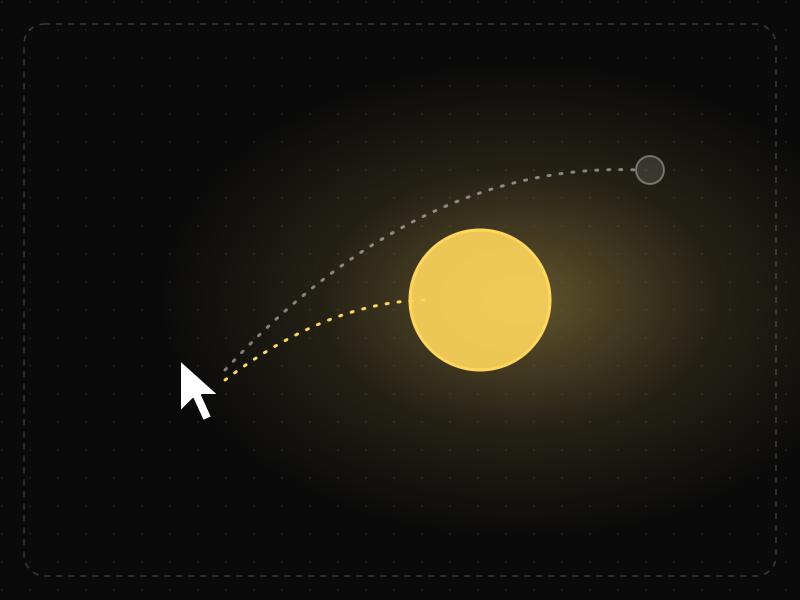
See it in action
The same screen without and with Fitts's Law. Watch both sides play out, then compare the outcome.
A tiny button in the far corner takes longer to reach and is easy to miss on the first try.
A big, close target is hit quickly and reliably — no second attempt needed.
What to watch: the travel distance and the near-miss on the small target.
Make primary actions large and place them close to where the pointer or thumb already is.
Put frequent actions in tiny targets or far corners, or pack tap targets tightly together.
Key takeaways
- Make primary actions large and place them where thumbs and cursors already are.
- Give touch targets enough size and spacing to prevent mis-taps.
- Screen edges and corners act as 'infinitely deep' targets for pointers.
Quick facts
- Also known as
- —
- Described by
- Paul Fitts
- Year
- 1954
- Category
- Interaction & speed
- Often confused with
- Hick's Law (Fitts's Law vs Hick's Law)
- Related laws
- Hick's Law, Doherty Threshold, Jakob's Law, Steering Law
Fitts's Law explained
Fitts's Law predicts that the time needed to move to a target depends on the distance to it and its size. Large targets close to where the pointer or thumb already is are fast to hit; small, distant targets are slow and error-prone.
The law is usually written as movement time growing with the logarithm of distance divided by target width. In practice that means doubling a button's size or halving its distance both make it noticeably easier to hit, while tiny targets far away carry a real cost.
On touchscreens the 'pointer' is a thumb, which is imprecise and covers what it touches. That makes generous target sizes, spacing between targets and placement within easy reach even more important on mobile than on desktop.
Where it comes from
Psychologist Paul Fitts published the law in 1954 after studying how quickly people could tap between targets of different sizes and distances. It predicts movement time as a function of the ratio between distance and target width, and has been validated for mice, touchscreens and many other pointing devices.
How it shows up in apps
On mobile, the reachable area of the screen and the size of buttons decide how effortless core actions feel. Tiny close icons, crowded toolbars and primary buttons parked at the top of tall phones all add avoidable friction.
Fitts's Law examples
Moving a checkout button from the top-right corner to a full-width bar at the bottom of the screen puts it under the user's thumb and reduces both tap time and mis-taps.
Bottom navigation and sticky CTAs
Mobile apps place primary navigation and key actions near the bottom of the screen, within easy thumb reach, rather than in the top corners of tall phones.
Platform target size guidance
Apple recommends touch targets of at least 44 by 44 points and Google's Material Design 48 by 48 density-independent pixels, while WCAG 2.2 sets a 24 by 24 CSS pixel minimum for accessibility.
Menus in screen corners
On desktop, operating systems put menus and start buttons at screen edges because the cursor stops at the edge, making those targets effectively infinitely deep.
How to apply Fitts's Law
- Make primary actions large and place them where users' thumbs or cursors already are.
- Use touch targets of at least 44 to 48 points and leave space between adjacent targets to prevent mis-taps.
- Expand the clickable area of small icons and links beyond their visible bounds.
- Keep destructive actions away from frequently used ones so a near miss does not cause harm.
- Place related actions close together to shorten travel between sequential steps.
Want Fitts's Law checked in your own product? Our mobile app ux audit evaluates it alongside the other principles that shape how users decide, onboard and stay.
Common mistakes
- Putting the most important button in the top corner of a tall phone screen.
- Using tiny close icons or text links as the only way to perform common actions.
- Making every button large, which removes hierarchy and makes the primary action harder to find.
How to measure it
Watch tap accuracy and mis-tap rates (for example taps just outside a button followed by a retry), time from screen load to primary action, and session recordings showing thumb travel. Comparing conversion before and after enlarging or repositioning a key action quantifies the gain.
Frequently asked questions
What is Fitts's Law?
The time it takes to reach a target depends on its distance and size: bigger, closer targets are faster and easier to hit.
Where does Fitts's Law come from?
Psychologist Paul Fitts published the law in 1954 after studying how quickly people could tap between targets of different sizes and distances. It predicts movement time as a function of the ratio between distance and target width, and has been validated for mice, touchscreens and many other pointing devices.
How does Fitts's Law apply to app design?
On mobile, the reachable area of the screen and the size of buttons decide how effortless core actions feel. Tiny close icons, crowded toolbars and primary buttons parked at the top of tall phones all add avoidable friction.
What is the formula for Fitts's Law?
A common form is MT = a + b × log2(D/W + 1), where MT is movement time, D is distance to the target, W is the target's width, and a and b are constants measured for the device and user.
What is the minimum touch target size?
Apple recommends 44 by 44 points and Material Design 48 by 48 dp. WCAG 2.2 requires at least 24 by 24 CSS pixels (or enough spacing) at level AA, and 44 by 44 at level AAA.
How do you measure Fitts's Law in a product?
Watch tap accuracy and mis-tap rates (for example taps just outside a button followed by a retry), time from screen load to primary action, and session recordings showing thumb travel. Comparing conversion before and after enlarging or repositioning a key action quantifies the gain.
Sources
- Fitts, P. M. (1954). The information capacity of the human motor system in controlling the amplitude of movement. Journal of Experimental Psychology, 47(6). Find on Google Scholar ↗
Related laws
 Decision-making
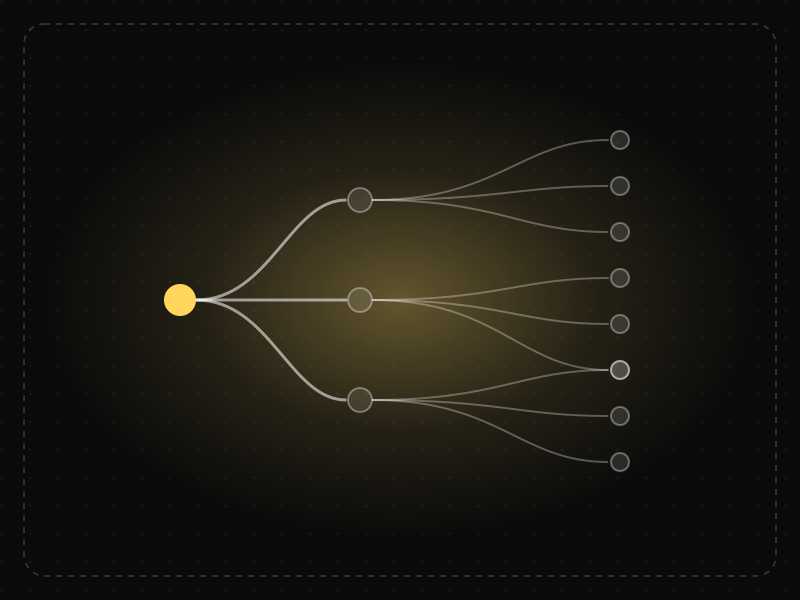
Hick's Law
The time it takes to make a decision increases with the number and complexity of the choices available.
 Interaction & speed
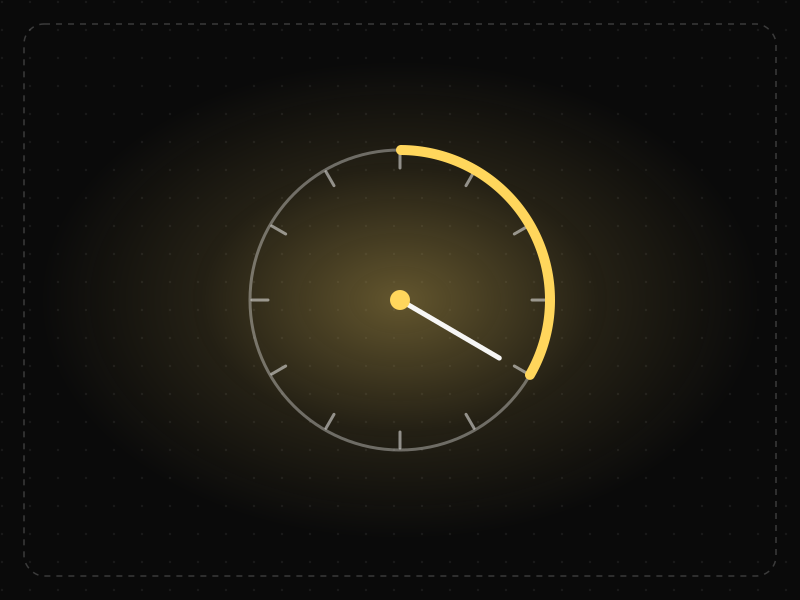
Doherty Threshold
Productivity and engagement rise sharply when a system responds in under about 400 milliseconds, so neither the user nor the computer is left waiting on the other.
 Interaction & speed
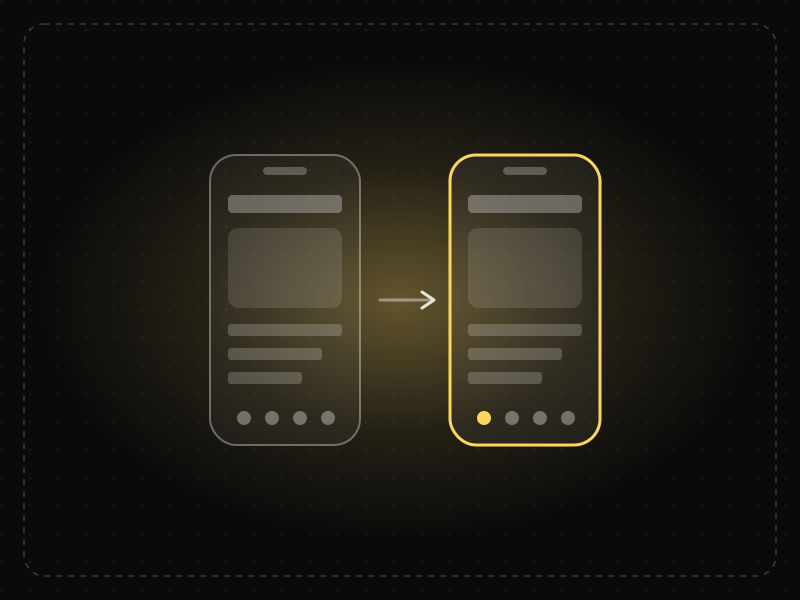
Jakob's Law
Users spend most of their time in other products, so they expect yours to work the same way as the apps and sites they already know.
 Interaction & speed
Steering Law
The time it takes to move a pointer through a tunnel or path depends on the path's length and width: long, narrow paths are slow and error-prone.
Fitts's Law in practice
- Design historyWindows evolution: how every version from Windows 1.0 to Windows 11 was designed, and what testing changedWindows evolution from tiled Windows 1.0 (1985) to Windows 11: the Start button, XP's Bliss, Windows 8's missing Start and the tests behind each change.
- Architecture & engineeringThe best airports in the world in 2026, and the design science that makes them easy to useThe best airports in the world in 2026, led by Singapore Changi, and the design behind them: wayfinding, short walks, daylight and the psychology of waiting.
- Design historyiPhone evolution: every iPhone from 2007 to 2026, and the design decisions that shaped itiPhone evolution from the 3.5-inch original (2007) to the foldable iPhone Duo (2026): every model, the design change it made and why Apple made it.
- UI/UX designLaws of UX explained: Hick's law, Fitts's law and Jakob's law, with app examplesThe three most-used laws of UX explained with app examples: Hick's law (choices), Fitts's law (target size and distance) and Jakob's law (familiarity).
- Career guidesUX psychology skills employers want in 2027: attention, memory, perception, decision-making and how designers apply them without manipulationUX psychology skills employers want in 2027: attention, memory, perception, decision-making, Hick's and Fitts's laws, cognitive load and ethics.
- UI/UX designOnboarding screen examples: 40 patterns that get users to value faster40 app onboarding examples and patterns — welcome, sign-up, personalisation, permissions, empty states and first success — and why each works.
Certifications that test it
- Free certification · UX/UI, Design, Research & CreativeUX Design CertificationCertifies that you can take a product problem from user need to a tested, usable flow — research, information architecture, interaction design and usability evaluation.
- Free certification · UX/UI, Design, Research & CreativeUI Design CertificationCertifies that you can design clear, consistent, accessible interfaces — visual hierarchy, typography, colour, layout, components and interaction states.
- Free certification · UX/UI, Design, Research & CreativeAccessibility Certification (WCAG)Certifies that you can design and review digital products for people with disabilities — WCAG 2.2 principles, inclusive design patterns, assistive technology and accessibility testing.
- Free certification · UX/UI, Design, Research & CreativeMobile App Design CertificationCertifies that you can design native-feeling iOS and Android apps — platform conventions, navigation and gestures, touch ergonomics and accessibility, and performance, offline and permission flows.
- Free skill test · 10 minUX Psychology QuizA 10-minute quiz on the psychology behind UX: the cognitive, behavioural and perceptual laws of UX — Hick's law, Fitts's law, Jakob's law and more — and how to apply them.


Get the ideas, not the noise.
Sign up with Google and we’ll send you short UX psychology tips by email — why people tap, stall and leave, and what to do about it. Unsubscribe anytime. Prefer something to keep? Get the free Laws of UX guide as a PDF.