Free UX certification in Product Design Science
A free 18-question assessment of how well you apply the laws of UX and behavioural science to real product decisions. Score 70% or more and you get a certificate from Science of Apps, signed by our founder, that anyone can verify — download it and add it to LinkedIn.
- Beginner difficulty.No experience needed: fundamentals and clear reasoning.
- 18 scenario questions
- ~12 minutes, untimed
- 70% to pass · 90% for distinction
- Free no sign-up needed
- LinkedIn-ready · add it to your profile in one clickSee how ↓

 Founder, Science of Apps
What is the Product Design Science certification?
A free online UX and product design certification from Science of Apps. You answer 18 real product scenarios on the laws of UX and behavioural science — how people decide, notice, perceive and stay motivated — and pass with 70% to earn a founder-signed certificate that anyone can verify by its credential ID or QR code.
Who it’s for
UX & product designers
Show you can justify design decisions with evidence — Hick's Law, Fitts's Law, Gestalt principles — not just taste. A quick way to find gaps before a design critique or review.
Product managers
Test the behavioural science behind activation, onboarding and pricing decisions: defaults, loss aversion, the Goal-Gradient Effect and more — the language you need to brief and challenge design.
UX & PM interview prep
Every question is a “what would you do?” product scenario, the same shape as design and product interview prompts. Practise explaining the principle behind your answer.
Job seekers & career switchers
Moving into UX or product from another field? Add a verifiable credential to LinkedIn and your CV that shows you understand the fundamentals, then back it with your portfolio.
Students & bootcamp graduates
Check your understanding of the core laws of UX after a course or bootcamp, with every answer explained and linked to a full guide to keep learning.
Founders, engineers & marketers
Anyone who shapes a product benefits from knowing why people click, choose and come back. Free, with no sign-up — find out how much product intuition you already have.
Land the job, not just the certificate
Career guide · 9 min readProduct design science in 2027: how designers, PMs and founders use the laws of UX and behavioural science to make product decisions employers trust
Product design science in 2027: how designers, PMs, founders and marketers use the laws of UX and behavioural science to make better product decisions.
Read the hiring playbook →What you’ll be tested on
36 questions across six areas — each attempt draws 3 from every area. These are the laws they cover:
Decision-making
How people weigh options, risks and defaults when they choose.
Hick's Law · Default Effect · Anchoring Effect · Decoy Effect · Loss Aversion · Social Proof
Memory & attention
What people notice, remember and can keep in mind while using an app.
Miller's Law · Recognition over Recall · Chunking · Von Restorff Effect · Banner Blindness · Change Blindness
Perception
How the eye groups and interprets what it sees on screen (Gestalt principles).
Law of Proximity · Law of Similarity · Law of Common Region · Aesthetic-Usability Effect · Figure-Ground · Law of Common Fate
Interaction & speed
How targets, conventions and response times shape effortless interaction.
Fitts's Law · Doherty Threshold · Jakob's Law · Postel's Law · Paradox of the Active User · Labor Illusion
Motivation & emotion
What keeps people going, coming back and feeling good about an experience.
Goal-Gradient Effect · Peak-End Rule · Zeigarnik Effect · Fogg Behavior Model · IKEA Effect · Reciprocity
Product strategy
Principles for deciding what to build, simplify and prioritise.
Pareto Principle · Tesler's Law · Progressive Disclosure · Kano Model · Gall's Law · Occam's Razor
Try a sample question
A sign-up form has 12 required fields and half of visitors abandon it. Which change is most likely to lift completion?
- Make the submit button larger and brighter
- Ask only for email and password now, and collect the rest later, when it’s needed
- Add an animated spinner while the form submits
- Split it into 12 screens with one field each
Show the answer
B. Every extra field adds cognitive load before the user has seen any value. Asking for the minimum now and the rest in context is progressive disclosure. A bigger button (Fitts’s Law) doesn’t remove the effort, and 12 one-field screens hide how much is left, which works against the Goal-Gradient Effect. The real test has 18 questions like this.
How it works
- Answer 18 scenarios. One question at a time, grouped into six short sections. Go back and change answers any time; your progress is saved.
- See your results. Your score by area, plus every answer explained with a link to the law behind it.
- Get your certificate. Pass with 70%, add your name and email, and receive a founder-signed certificate as a PDF in your inbox — with a QR code and link anyone can use to verify it.
Pass, then add it to LinkedIn in one click
No typing. The Add to LinkedIn button opens your profile’s Licenses & certifications form already filled in: the certificate name, Science of Apps as the issuer, the issue date, your credential ID and a link recruiters can use to verify it.
- 1Take the ~12-minute test
- 2Score 70% or more
- 3Click Add to LinkedIn

Product Design Science
Science of Apps
Show credential ↗How to use your certificate
- LinkedIn: add it under Licenses & certifications in one click, with your credential ID and verification link.
- CV or résumé: list “Product Design Science Certificate — Science of Apps” with the issue date and credential URL.
- Portfolio: pair it with case studies where you applied these principles — that's what convinces hiring managers.
- Interviews: use the explanations to practise talking through the reasoning behind design and product decisions.
- Your team: share the test to build a shared vocabulary for design reviews and product decisions.
Want to prepare first? Every question is based on the free Laws of UX guide →
Frequently asked questions
Is this UX certification really free?
Yes. The Product Design Science certification is completely free, with no sign-up and no payment. Take the assessment online, and if you pass you get your certificate straight away — on screen, as a PDF and PNG download, and by email.
What does the assessment cover?
18 scenario questions — 3 from each of six areas of the Laws of UX: decision-making, memory and attention, perception, interaction and speed, motivation and emotion, and product strategy. Each question asks what you'd do in a real product situation, such as a checkout, onboarding flow or pricing page, rather than for a definition.
How hard is it, and what score do I need to pass?
You need 70% to pass and 90% or more for a certificate with distinction. It's untimed and usually takes about 12 minutes. The questions are written for people with some UX or product experience; beginners who read the Laws of UX guide first usually pass.
Who is this certification for?
UX designers, product designers and product managers who want to test their grasp of behavioural science; candidates preparing for UX or product interviews; job seekers and career switchers who want a verifiable credential for LinkedIn or a CV; and students, founders and engineers who shape products.
Will it help me in UX or product manager interviews?
It's good practice: each question is a product scenario like the ones interviewers use, and every answer is explained with the law behind it, so you can practise articulating your reasoning. The certificate shows initiative and a working knowledge of UX principles — but it complements a portfolio and real product experience rather than replacing them.
How do I get my certificate?
Pass the assessment, then enter your name and email. Your certificate — signed by our founder, with a credential ID and a scannable QR code — appears on screen to download as a PDF or PNG, and is emailed to you as a PDF.
Can employers verify my certificate?
Yes. Every certificate has a unique credential ID and a QR code. Anyone can scan it or enter the ID at scienceofapps.com/certification/verify/ to see the name, score and date it was issued, so it can't be faked or edited.
How do I add it to LinkedIn?
After you pass, use the Add to LinkedIn button: it pre-fills Licenses & certifications with the name (Product Design Science), the issuing organisation (Science of Apps), the issue date, your credential ID and the verification link.
Does the certificate expire?
No. Each certificate is dated, so it always shows when you passed. You can retake the assessment later for a fresh certificate.
Is there a certification for my specific role?
Yes. Product Design Science is the foundation certificate for everyone who shapes products. Science of Apps also offers role certifications — UX design, UI design, product design, UX research, UX writing, accessibility, design systems, behavioral design, CRO, AI UX design, product management and design leadership — each a timed, 20-question test built around that job.
What if I don't pass?
You'll see every answer with an explanation and a link to the law behind it. You can retake after 30 minutes — time to read the explanations — and each attempt draws a new set of questions.
Is this an accredited qualification?
No. It's Science of Apps' own assessment: the certificate shows you passed our test of applied UX and behavioural science. It isn't issued by a university or standards body.
How should I prepare?
Read the free Laws of UX guide on this site — every question maps to one of its laws, with the same examples, guidelines and common mistakes. Pay most attention to the common mistakes: many questions test them.
Ready for more? Explore the role certifications for UX, UI, product, research and more →
621 more certifications to collect
Foundation
AI & Generative AI
- AI UX Design Certification30 min · Advanced
- Prompt Engineering Certification30 min · Intermediate
- AI Product Manager Certification30 min · Advanced
Software Engineering & Web Development
- HTML and CSS Fundamentals Certification10 min · Beginner
- JavaScript Fundamentals Certification10 min · Beginner
- TypeScript Fundamentals Certification15 min · Intermediate
Data Analytics & Business Intelligence
- Product Analytics Certification30 min · Advanced
- Data Literacy Certification10 min · Beginner
- Microsoft Excel Fundamentals Certification10 min · Beginner
Digital Marketing, SEO, AEO & Growth
- Conversion Rate Optimization (CRO) Certification30 min · Advanced
- App Store Optimization (ASO) Certification30 min · Intermediate
- Growth Marketing Certification30 min · Intermediate
UX/UI, Design, Research & Creative
- UX Design Certification30 min · Intermediate
- UI Design Certification30 min · Intermediate
- Product Design Certification30 min · Intermediate
Product, Project Management & Business Analysis
- Product Manager Certification30 min · Intermediate
- Design Leadership Certification30 min · Advanced
- Agile Product Owner Certification30 min · Intermediate
Cybersecurity, IT, Cloud & DevOps
- Cybersecurity Fundamentals Certification10 min · Beginner
- Security Awareness and Phishing Detection Certification10 min · Beginner
- Network Security Fundamentals Certification15 min · Intermediate
Sales, Customer Success & Support
- Sales Fundamentals Certification10 min · Beginner
- Consultative Selling Certification15 min · Intermediate
- B2B Sales Development Representative Certification10 min · Beginner
Human Resources & People Management
- Human Resources Fundamentals Certification10 min · Beginner
- Talent Acquisition and Recruitment Certification10 min · Beginner
- Technical Recruitment Certification15 min · Intermediate
Finance, Accounting, Operations & Entrepreneurship
- Financial Literacy for Professionals Certification10 min · Beginner
- Accounting Fundamentals Certification10 min · Beginner
- Bookkeeping Fundamentals Certification10 min · Beginner
Communication, Leadership & Transferable Skills
- Critical Thinking Test10 min · Beginner
- Attention to Detail Test10 min · Beginner
- Cognitive Bias Test10 min · Beginner
Languages
- English Level Test30 min · Beginner
- American Sign Language (ASL) Foundations Test25 min · Intermediate
- App & Software Localization Test25 min · Intermediate
Healthcare, Education, Legal Operations & Sustainability
- Healthcare Administration Fundamentals Certification10 min · Beginner
- Medical Office Administration Certification10 min · Beginner
- Healthcare Data Privacy Awareness Certification10 min · Beginner
Test Prep, Academics & Aptitude
- SAT Math Practice Test20 min · Advanced
- SAT Reading and Writing Practice Test20 min · Advanced
- ACT Practice Test (English, Math, Reading & Science)20 min · Advanced
Language Exam Prep
- IELTS Academic Practice Test with Band Score20 min · Advanced
- IELTS General Training Practice Test20 min · Advanced
- TOEFL iBT Practice Test20 min · Advanced
Office & Productivity Software
- Microsoft Word Skills Certification15 min · Intermediate
- Microsoft PowerPoint Skills Certification15 min · Intermediate
- Microsoft Outlook Skills Certification10 min · Beginner
Engineering, Architecture, Construction & Safety
- Mechanical Engineering Practice Test (FE-Style)20 min · Advanced
- Electrical Engineering Practice Test (FE-Style)20 min · Advanced
- Civil Engineering Practice Test (FE-Style)20 min · Advanced
Hospitality, Travel & Retail
- Hospitality Management Certification10 min · Beginner
- Food Safety Certification10 min · Beginner
- Hotel Revenue Management Certification15 min · Intermediate
Read before you test
- Career guidesUX psychology skills employers want in 2027: attention, memory, perception, decision-making and how designers apply them without manipulationUX psychology skills employers want in 2027: attention, memory, perception, decision-making, Hick's and Fitts's laws, cognitive load and ethics.
- Law of UX · Memory & attentionCognitive LoadCognitive load is the amount of mental effort needed to understand and use an interface; when it exceeds what people can handle, they slow down, make mistakes or give up.
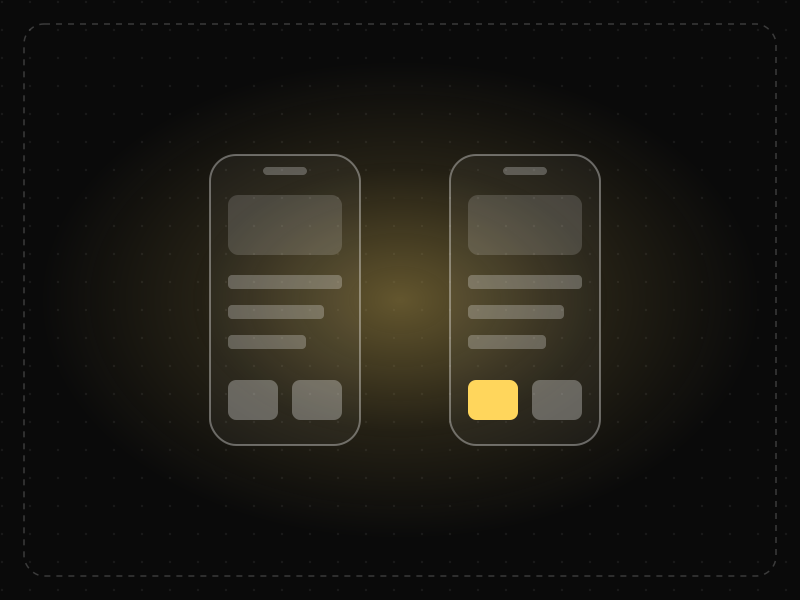
- Law of UX · Decision-makingCognitive BiasA cognitive bias is a systematic error in thinking — a mental shortcut that predictably skews how people perceive information and make decisions.
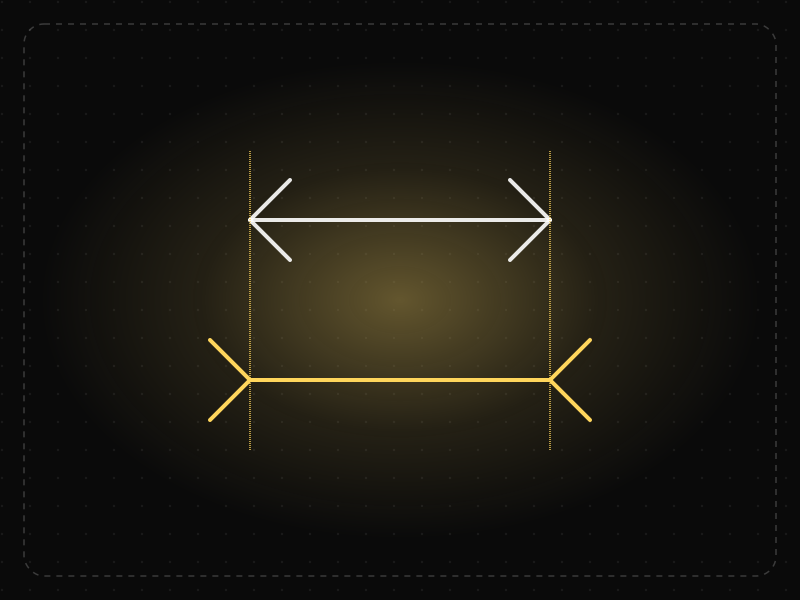
- Law of UX · Memory & attentionChange BlindnessPeople often fail to notice changes in what they are looking at, especially when the change happens during a page load, transition or interruption.
- Career guidesProduct design science in 2027: how designers, PMs and founders use the laws of UX and behavioural science to make product decisions employers trustProduct design science in 2027: how designers, PMs, founders and marketers use the laws of UX and behavioural science to make better product decisions.
- Law of UX · Decision-makingSocial ProofWhen people are uncertain, they look to what others like them are doing to decide what's right.

Get the ideas, not the noise.
Sign up with Google and we’ll send you short UX psychology tips by email — why people tap, stall and leave, and what to do about it. Unsubscribe anytime. Prefer something to keep? Get the free Laws of UX guide as a PDF.