Law of Common Region
Elements that sit inside the same clearly bounded area are perceived as a group, even if they are not otherwise similar.
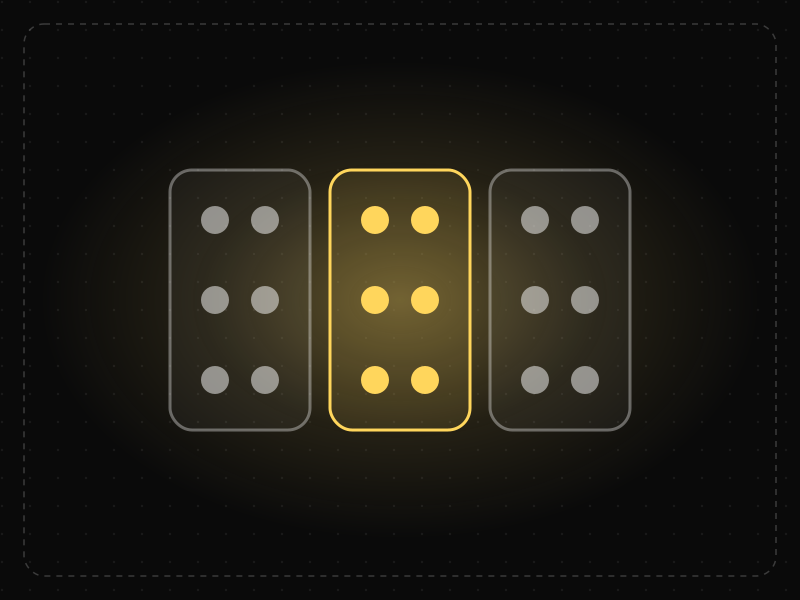
See it in action
The same screen without and with Law of Common Region. Watch both sides play out, then compare the outcome.
Without boundaries the prices, features and buttons drift together — which “Select” goes with which plan?
A shared background turns name, price and button into one object, so the choice is instant and unambiguous.
What to watch: the moment the cards appear, each price and button visibly belongs to one plan.
Put related content inside a shared container — a card, panel or tinted background.
Rely on alignment alone when several groups sit side by side.
Key takeaways
- Use cards, panels and backgrounds to group related content.
- A visible boundary can override proximity and similarity cues.
- Too many nested boxes add noise — group only what truly belongs together.
Quick facts
- Also known as
- —
- Described by
- Stephen Palmer
- Year
- 1992
- Category
- Perception
- Related laws
- Law of Proximity, Law of Uniform Connectedness, Chunking, Figure-Ground
Law of Common Region explained
The Law of Common Region is a Gestalt principle stating that elements placed within the same bounded area are perceived as a group. A border, background colour or card around items tells the eye that they belong together.
Common region is so strong that it can override other grouping cues. Items that are far apart but share a container read as related, while items that are close together but in different containers read as separate.
In interfaces, cards, panels, sections and table rows all use common region to create structure without relying on extra labels.
Where it comes from
Added to the Gestalt principles of perceptual grouping by cognitive psychologist Stephen Palmer in 1992, building on the classic Gestalt work of the 1920s.
How it shows up in apps
Cards on a feed, grouped settings sections and pricing tier boxes all rely on common region to tell users what belongs together and what they're comparing.
Law of Common Region examples
Wrapping each pricing plan's name, price, features and button in its own card makes the three plans instantly comparable as units.
Product cards
E-commerce grids place each product's image, name, price and rating inside a card, so shoppers immediately know which details belong to which product.
Settings sections
Mobile settings screens group related toggles in rounded panels with headings, making long lists of options easy to scan.
Pricing tiers
Pricing pages put each plan's price, features and button inside its own column or card, and highlight the recommended plan's container to make it stand out.
How to apply Law of Common Region
- Use cards, backgrounds or borders to group content that belongs to the same object or task.
- Keep the visual treatment of containers consistent across the product.
- Use common region to separate distinct sections of complex screens such as dashboards.
- Avoid nesting too many containers inside containers, which creates visual noise.
- Combine common region with proximity and headings for clear hierarchy.
Want Law of Common Region checked in your own product? Our mobile app ux audit evaluates it alongside the other principles that shape how users decide, onboard and stay.
Common mistakes
- Putting unrelated items in the same card, which signals a relationship that does not exist.
- Boxing everything, so containers lose their meaning and the interface feels heavy.
- Using borders and backgrounds that are too faint to read as grouping, especially for users with low vision.
How to measure it
In usability tests, ask users which items they think belong together or test whether they attribute information (such as a price) to the correct item. Card sorting and first-click tests reveal whether visual grouping matches users' mental model.
Frequently asked questions
What is Law of Common Region?
Elements that sit inside the same clearly bounded area are perceived as a group, even if they are not otherwise similar.
Where does Law of Common Region come from?
Added to the Gestalt principles of perceptual grouping by cognitive psychologist Stephen Palmer in 1992, building on the classic Gestalt work of the 1920s.
How does Law of Common Region apply to app design?
Cards on a feed, grouped settings sections and pricing tier boxes all rely on common region to tell users what belongs together and what they're comparing.
Who described the Law of Common Region?
Psychologist Stephen Palmer described common region as a grouping principle in 1992, extending the original Gestalt principles of perception.
What is the difference between common region and proximity?
Proximity groups items by closeness; common region groups items by a shared boundary. A clear boundary can group items even when they are not close together.
How do you measure Law of Common Region in a product?
In usability tests, ask users which items they think belong together or test whether they attribute information (such as a price) to the correct item. Card sorting and first-click tests reveal whether visual grouping matches users' mental model.
Sources
- Palmer, S. E. (1992). Common region: A new principle of perceptual grouping. Cognitive Psychology, 24(3). Find on Google Scholar ↗
Related laws
 Perception
Law of Proximity
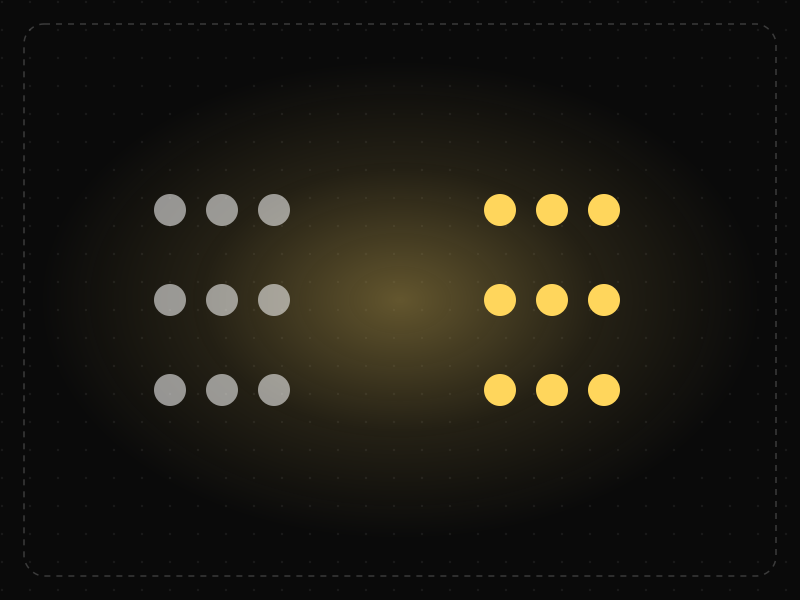
Objects that are close to each other are perceived as belonging together, so spacing alone can communicate structure.
 Perception
Law of Uniform Connectedness
Elements that are visually connected — by lines, colors or shared frames — are perceived as more related than elements with no connection.
 Memory & attention
Chunking
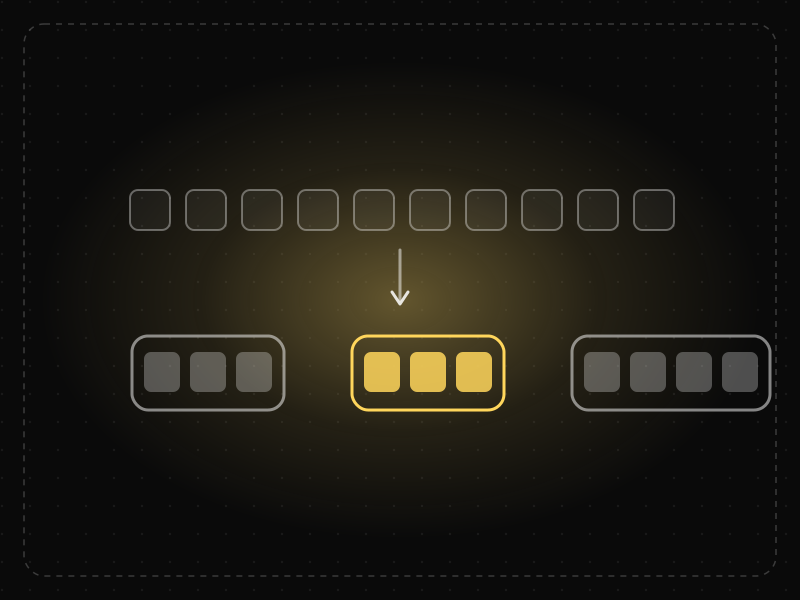
Chunking is grouping individual pieces of information into larger, meaningful units so they are easier to scan, understand and remember.
 Perception
Figure-Ground
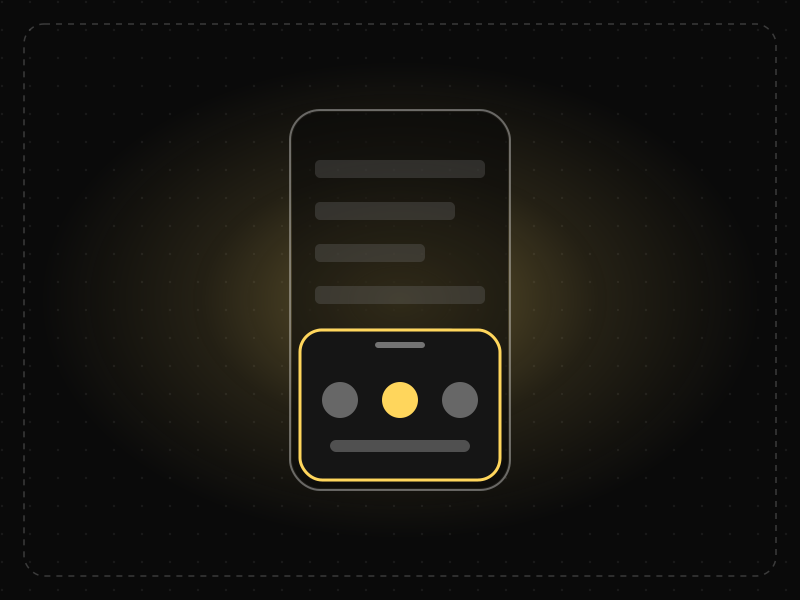
People instinctively separate what they see into a foreground object (the figure) and the background (the ground), and focus on the figure.
Law of Common Region in practice
- Career guidesUX psychology skills employers want in 2027: attention, memory, perception, decision-making and how designers apply them without manipulationUX psychology skills employers want in 2027: attention, memory, perception, decision-making, Hick's and Fitts's laws, cognitive load and ethics.
- Making moneyApp monetization strategies that don't annoy users — designed with behavioural scienceMonetize your app without wrecking retention: value-first paywalls, honest trials, rewarded ads, anchoring and decoy pricing done ethically, and what to avoid.
- Everyday design scienceLondon Tube map history: why Harry Beck's 1933 diagram isn't to scale, and why that worksLondon Tube map history from the 1908 geographic maps to Harry Beck's 1933 diagram. Why it isn't to scale, how it shapes route choices and what research shows.
- UI/UX designLaws of UX explained: Hick's law, Fitts's law and Jakob's law, with app examplesThe three most-used laws of UX explained with app examples: Hick's law (choices), Fitts's law (target size and distance) and Jakob's law (familiarity).
- Original dataPlay Store statistics: we analysed 1,986 apps featured on Google Play India — here's what they have in commonPlay Store statistics from our analysis of 1,986 apps on Google Play India: ratings, installs, ads, in-app purchases, update frequency and app age.
- Career guidesExcel skills for jobs in 2027: what employers actually test, the questions they ask and how to prove itExcel skills for jobs in 2027: which roles need them, how employers test Excel in interviews, real test questions with answers, common traps and a plan.


Certifications that test it
- Free certification · UX/UI, Design, Research & CreativeUI Design CertificationCertifies that you can design clear, consistent, accessible interfaces — visual hierarchy, typography, colour, layout, components and interaction states.
- Free certification · UX/UI, Design, Research & CreativeFigma CertificationCertifies that you can build production-ready work in Figma — auto layout, components and variants, variables and modes, prototyping and developer handoff.


Get the ideas, not the noise.
Sign up with Google and we’ll send you short UX psychology tips by email — why people tap, stall and leave, and what to do about it. Unsubscribe anytime. Prefer something to keep? Get the free Laws of UX guide as a PDF.