Law of Similarity
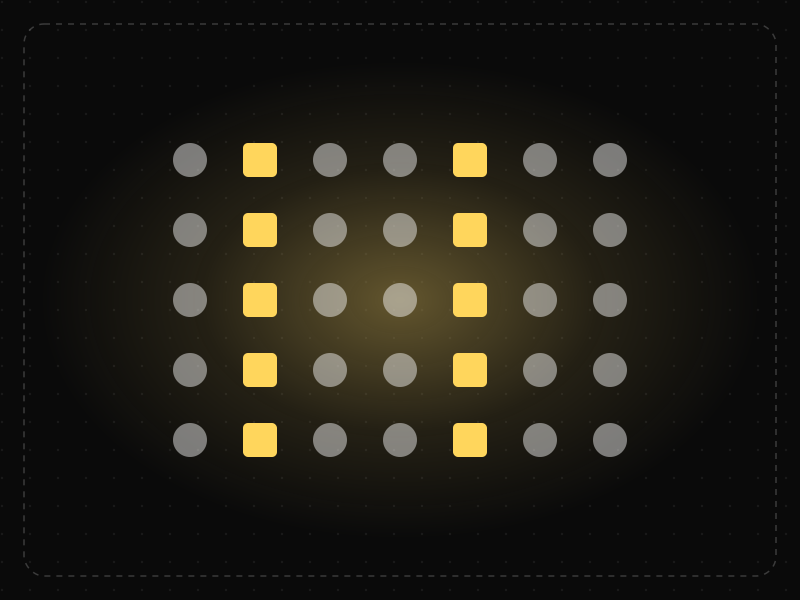
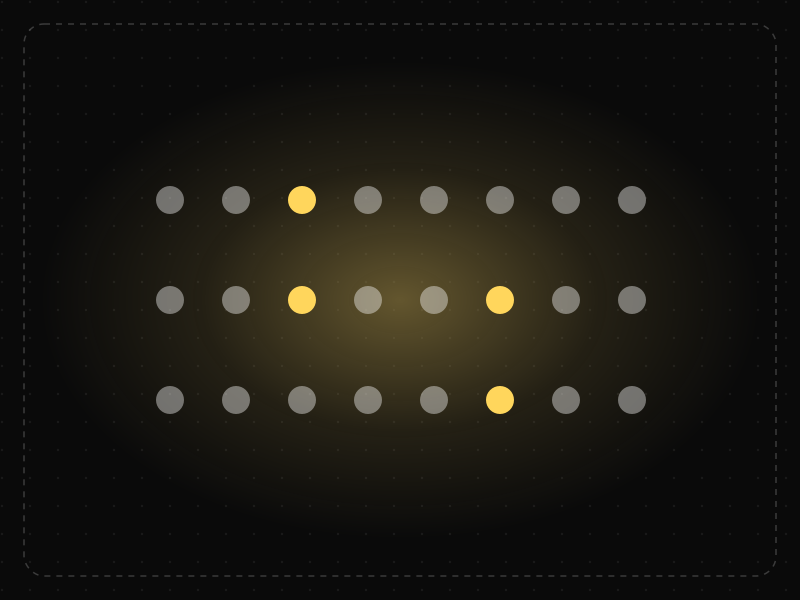
Elements that look alike — in color, shape, size or style — are perceived as related or as having the same function.
See it in action
The same screen without and with Law of Similarity. Watch both sides play out, then compare the outcome.
Destructive and primary actions share one style, so a hurried tap lands on Delete.
The primary action is gold and the destructive one is red: people find Save at a glance and avoid Delete.
What to watch: how quickly the finger finds the right button once colour separates the action types.
Give elements that do the same thing the same look, and make different functions look different.
Style links, buttons and plain text alike, or give a destructive action the primary style.
Key takeaways
- Style all interactive elements consistently so users can recognize them.
- Don't style non-clickable text like links or buttons.
- Use a distinct style only for what should stand out.
Quick facts
- Also known as
- —
- Described by
- Max Wertheimer
- Year
- 1923
- Category
- Perception
- Related laws
- Von Restorff Effect, Law of Proximity, Jakob's Law, Law of Common Fate
Law of Similarity explained
The Law of Similarity is a Gestalt principle stating that elements that look alike (sharing colour, shape, size, texture or style) are perceived as related, even if they are not next to each other.
Users rely on similarity to learn an interface. Once they discover that blue underlined text is a link, or that filled buttons are primary actions, they expect every element with that styling to behave the same way.
This makes consistency a usability feature. When similar-looking elements behave differently, or elements that behave the same look different, people make mistakes and lose confidence.
Where it comes from
One of the Gestalt grouping principles described by Max Wertheimer in 1923.
How it shows up in apps
Consistent button, link and tag styles let users learn what is tappable once and apply it everywhere. Inconsistent styling causes missed actions and taps on things that do nothing.
Law of Similarity examples
Making every tappable chip share the same pill shape and color — and keeping static labels plain — helps users understand at a glance which filters they can toggle.
Consistent link and button styles
Using one colour and treatment for every clickable link lets users spot interactive elements instantly across the whole product.
Status colours
Dashboards that use the same green for every 'healthy' status and the same red for every 'error' let people scan dozens of rows and spot problems without reading labels.
Highlighting differences
In a list of identical items, giving one a different colour or shape (such as an unread message or a featured plan) makes it stand out precisely because it breaks the similarity.
How to apply Law of Similarity
- Style elements with the same function identically throughout the product.
- Define clear visual tokens for interactive states, statuses and hierarchy in a design system.
- Avoid styling non-interactive text to look like links or buttons.
- Use deliberate dissimilarity to draw attention to the one element that matters.
- Do not rely on colour alone; combine colour with shape, icons or text for accessibility.
Want Law of Similarity checked in your own product? Our mobile app ux audit evaluates it alongside the other principles that shape how users decide, onboard and stay.
Common mistakes
- Using the brand colour for both decorative headings and clickable links, so users cannot tell what is interactive.
- Multiple button styles for the same type of action on different screens.
- Encoding meaning only in colour, which fails for colour-blind users.
How to measure it
Usability tests and first-click tests show whether users correctly identify interactive elements and statuses. Design-system audits that count style variations for the same component reveal inconsistency before it reaches users.
Frequently asked questions
What is Law of Similarity?
Elements that look alike — in color, shape, size or style — are perceived as related or as having the same function.
Where does Law of Similarity come from?
One of the Gestalt grouping principles described by Max Wertheimer in 1923.
How does Law of Similarity apply to app design?
Consistent button, link and tag styles let users learn what is tappable once and apply it everywhere. Inconsistent styling causes missed actions and taps on things that do nothing.
What is an example of the Law of Similarity in web design?
Making all links the same colour, or all primary buttons the same filled style, so users recognise them as a group with the same behaviour wherever they appear.
How does similarity relate to the Von Restorff effect?
Similarity groups alike items together; the Von Restorff effect describes how the one item that differs from the group stands out and is remembered.
How do you measure Law of Similarity in a product?
Usability tests and first-click tests show whether users correctly identify interactive elements and statuses. Design-system audits that count style variations for the same component reveal inconsistency before it reaches users.
Sources
- Wertheimer, M. (1923). Untersuchungen zur Lehre von der Gestalt II. Psychologische Forschung, 4. Find on Google Scholar ↗
Related laws
 Memory & attention
Von Restorff Effect
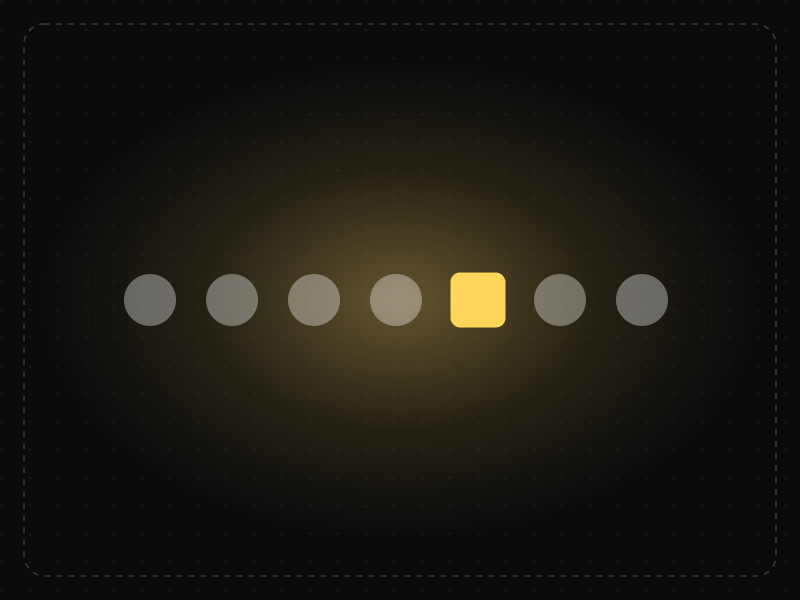
When several similar items are present, the one that differs from the rest is the one most likely to be noticed and remembered.
 Perception
Law of Proximity
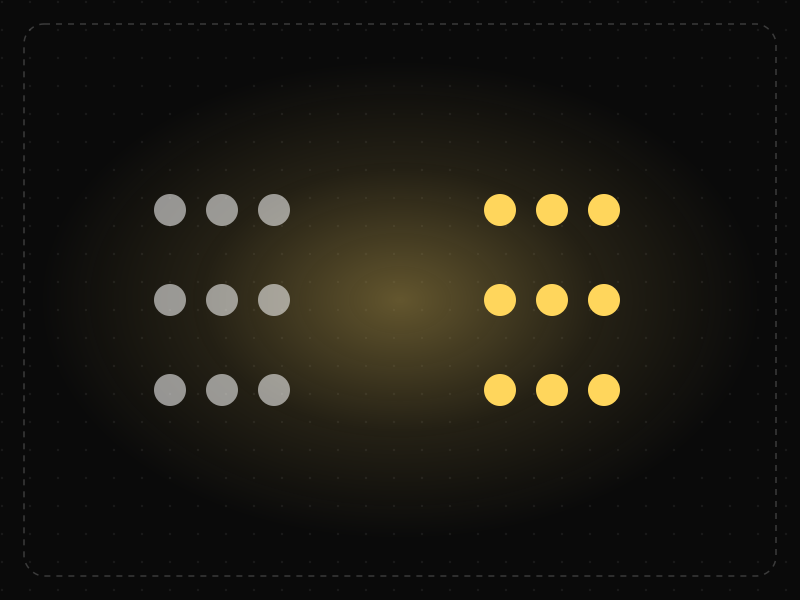
Objects that are close to each other are perceived as belonging together, so spacing alone can communicate structure.
 Interaction & speed
Jakob's Law
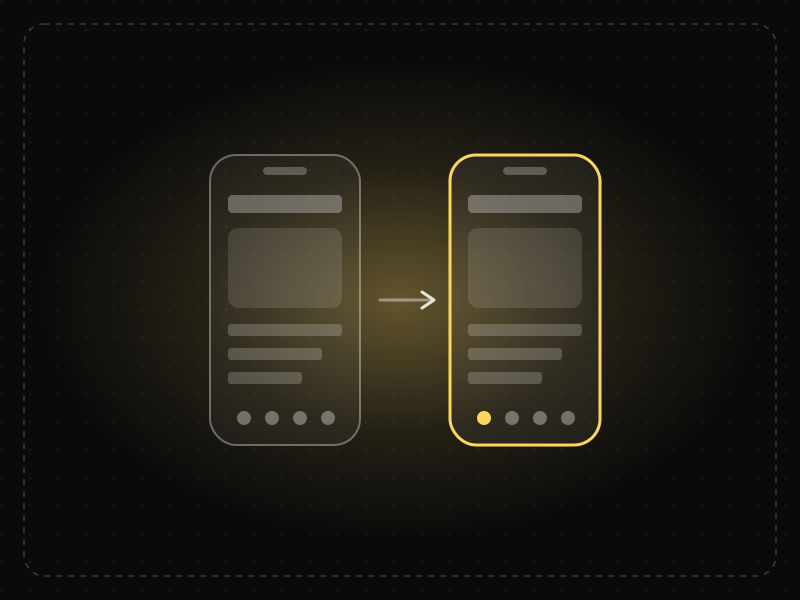
Users spend most of their time in other products, so they expect yours to work the same way as the apps and sites they already know.
 Perception
Law of Common Fate
Elements that move or change together in the same direction are perceived as a group, even if they look different or are far apart.
Law of Similarity in practice
- Everyday design scienceWhy are stop signs octagons? The design rules behind road signs around the worldStop signs are octagons so drivers recognise them by shape alone, even from behind. The history of road sign shapes, colours and lettering from 1923 to today.
- Career guidesUX psychology skills employers want in 2027: attention, memory, perception, decision-making and how designers apply them without manipulationUX psychology skills employers want in 2027: attention, memory, perception, decision-making, Hick's and Fitts's laws, cognitive load and ethics.
- UI/UX designLaws of UX explained: Hick's law, Fitts's law and Jakob's law, with app examplesThe three most-used laws of UX explained with app examples: Hick's law (choices), Fitts's law (target size and distance) and Jakob's law (familiarity).
- Everyday design scienceWhy the human body is shaped the way it is: the design logic behind every partWhy is every body part shaped the way it is? Domes protect, tubes carry, folds add surface, levers move. The design logic of 164 parts, and which can be moved.
- UI/UX designColour psychology in design: what the research supports, and how to use colour in appsColour psychology in app design without the myths: what research supports, cultural meanings in India, colour for hierarchy and state, and contrast.
- Making moneyApp monetization strategies that don't annoy users — designed with behavioural scienceMonetize your app without wrecking retention: value-first paywalls, honest trials, rewarded ads, anchoring and decoy pricing done ethically, and what to avoid.
Certifications that test it
- Free certification · UX/UI, Design, Research & CreativeUI Design CertificationCertifies that you can design clear, consistent, accessible interfaces — visual hierarchy, typography, colour, layout, components and interaction states.
- Free certification · UX/UI, Design, Research & CreativeAccessibility Certification (WCAG)Certifies that you can design and review digital products for people with disabilities — WCAG 2.2 principles, inclusive design patterns, assistive technology and accessibility testing.
- Free certification · UX/UI, Design, Research & CreativeDesign Systems CertificationCertifies that you can build, document, govern and scale a design system — tokens, components, documentation, adoption and design–engineering collaboration.
- Free certification · UX/UI, Design, Research & CreativeFigma CertificationCertifies that you can build production-ready work in Figma — auto layout, components and variants, variables and modes, prototyping and developer handoff.
- Free certification · UX/UI, Design, Research & CreativeInformation Architecture CertificationCertifies that you can structure content people can find — organisation schemes and labelling, navigation systems, card sorting and tree testing, and search.
- Free skill test · 10 minAttention to Detail TestA 10-minute attention to detail test for design and product work: spot inconsistencies against specs and tokens, and errors in copy, dates, prices and data.


Get the ideas, not the noise.
Sign up with Google and we’ll send you short UX psychology tips by email — why people tap, stall and leave, and what to do about it. Unsubscribe anytime. Prefer something to keep? Get the free Laws of UX guide as a PDF.