The psychology behind
apps people love.
60 UX laws and UI design principles from psychology and behavioral science that explain how people perceive, decide and act inside digital products — each explained in plain English with real app examples, how to apply it, common mistakes, how to measure it and research sources.
What are the laws of UX?
Laws of UX are well-established findings from psychology, behavioral economics and human–computer interaction that describe how people perceive interfaces, make decisions and take action. Designers use them as evidence-based guidelines — for example, Hick's Law (more choices slow decisions down) and Fitts's Law (bigger, closer targets are faster to hit).
All laws of UX
Psychology principles that explain how people perceive, decide and act inside apps.
 Perception
Aesthetic-Usability Effect
People perceive attractive interfaces as easier to use — and are more forgiving of their flaws — than plain ones with the same functionality.
 Interaction & speed
Affordances & Signifiers
An affordance is what an object lets you do; a signifier is the cue that shows you how. Clear signifiers tell users what is interactive and how to use it.
 Decision-making
Anchoring Effect
The first number or piece of information people see becomes a reference point that strongly influences how they judge everything after it.
 Decision-making
Authority Bias
People give more weight to information and recommendations from perceived experts and authorities, and are more likely to follow them.
 Memory & attention
Banner Blindness
Users learn to ignore anything that looks like an advertisement, including real content that happens to be styled or placed like an ad.
 Memory & attention
Change Blindness
People often fail to notice changes in what they are looking at, especially when the change happens during a page load, transition or interruption.
 Decision-making
Choice Overload
When people face too many options, deciding becomes harder and less satisfying — and they are more likely to choose nothing at all.
 Memory & attention
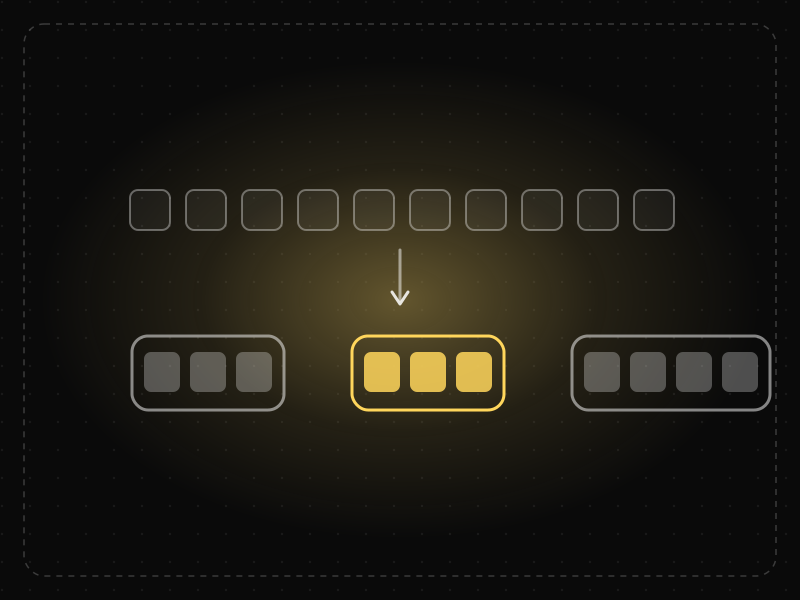
Chunking
Chunking is grouping individual pieces of information into larger, meaningful units so they are easier to scan, understand and remember.
 Decision-making
Cognitive Bias
A cognitive bias is a systematic error in thinking — a mental shortcut that predictably skews how people perceive information and make decisions.
 Memory & attention
Cognitive Load
Cognitive load is the amount of mental effort needed to understand and use an interface; when it exceeds what people can handle, they slow down, make mistakes or give up.
 Decision-making
Commitment & Consistency
Once people make a small commitment, they are more likely to make larger commitments that are consistent with it.
 Motivation & emotion
Curiosity Gap
When people notice a gap between what they know and what they want to know, curiosity motivates them to close it.
 Decision-making
Decoy Effect
Adding a third option that is clearly worse than one choice but similar in price makes that choice look more attractive.
 Decision-making
Default Effect
People tend to stick with the pre-selected option, so defaults strongly shape what most users end up choosing.
 Interaction & speed
Doherty Threshold
Productivity and engagement rise sharply when a system responds in under about 400 milliseconds, so neither the user nor the computer is left waiting on the other.
 Motivation & emotion
Endowment Effect
People value things more once they feel they own them — including progress, content and customizations inside an app.
 Memory & attention
F-Shaped Pattern
When pages lack clear structure, people scan text in an F-shape: across the top, across a little lower, then down the left side, missing much of the content.
 Perception
Figure-Ground
People instinctively separate what they see into a foreground object (the figure) and the background (the ground), and focus on the figure.
 Interaction & speed
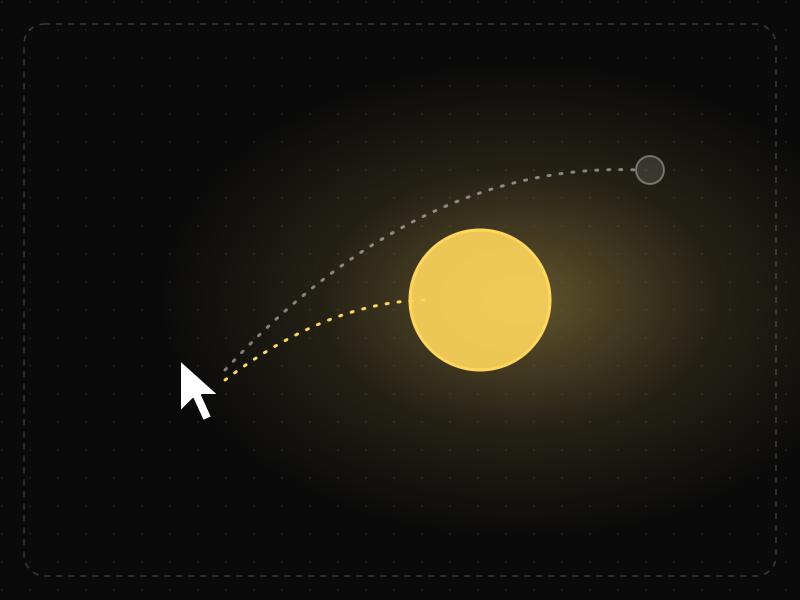
Fitts's Law
The time it takes to reach a target depends on its distance and size: bigger, closer targets are faster and easier to hit.
 Motivation & emotion
Flow
Flow is the state of full, energized focus people reach when a task's challenge closely matches their skill and they get clear, immediate feedback.
 Motivation & emotion
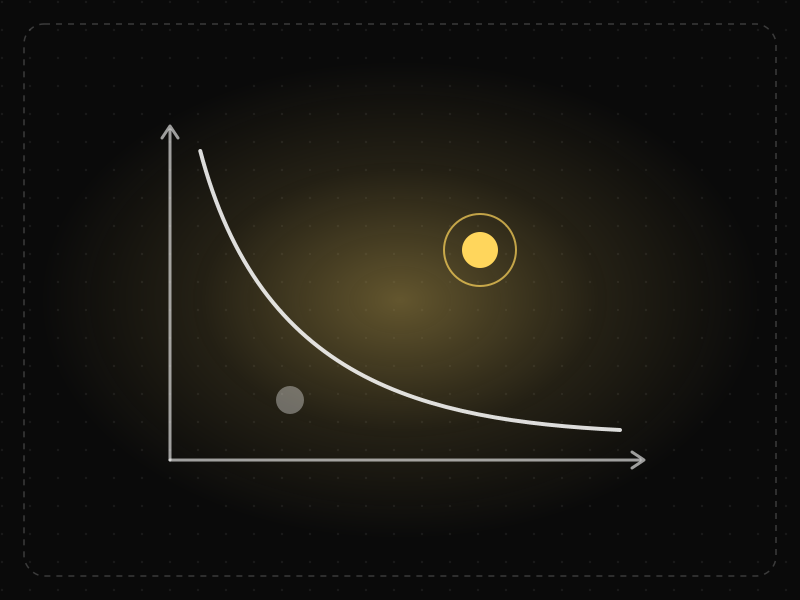
Fogg Behavior Model
A behavior happens when motivation, ability and a prompt come together at the same moment (B = MAP); if one is missing, the behavior doesn't happen.
 Decision-making
Framing Effect
The same information leads to different decisions depending on how it is presented — for example, as a gain or as a loss.
 Product strategy
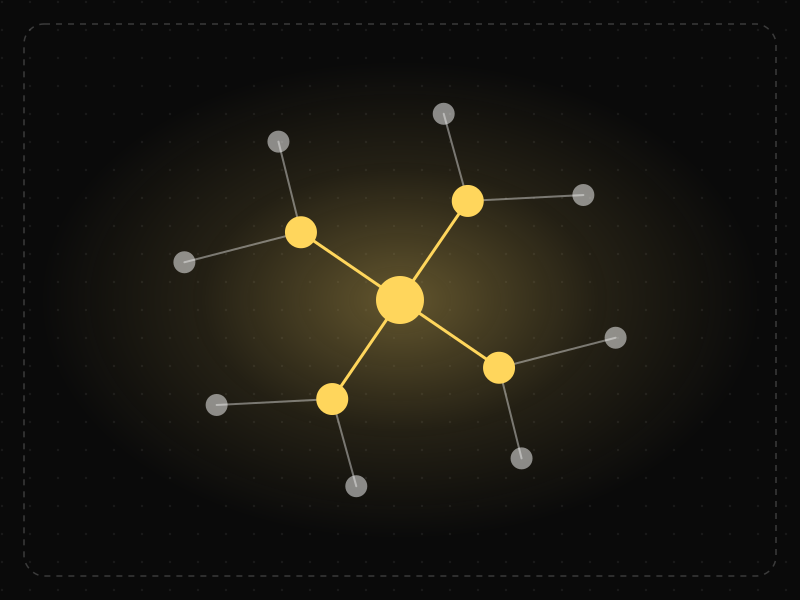
Gall's Law
A complex system that works has invariably evolved from a simple system that worked; complex systems designed from scratch rarely work.
 Motivation & emotion
Goal-Gradient Effect
People speed up their effort as they get closer to a goal, so visible progress — even artificial head starts — increases completion.
 Decision-making
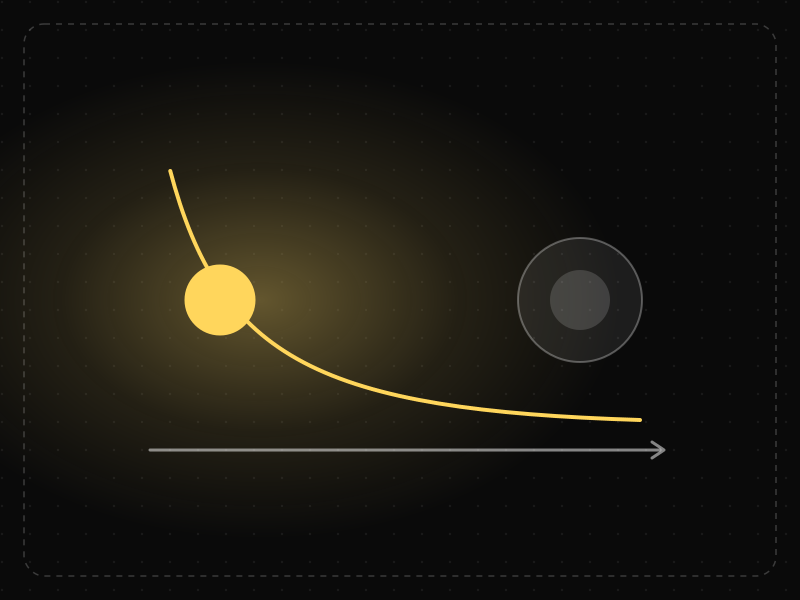
Hick's Law
The time it takes to make a decision increases with the number and complexity of the choices available.
 Decision-making
Hyperbolic Discounting
People prefer smaller rewards now over larger rewards later, and this preference is strongest for rewards that are immediate.
 Motivation & emotion
IKEA Effect
People place disproportionately high value on things they helped create, even when the result isn't perfect.
 Interaction & speed
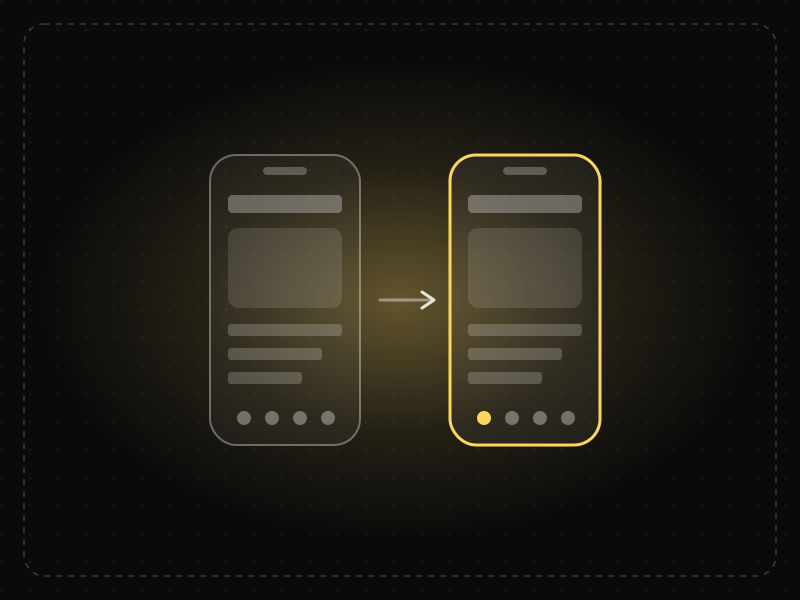
Jakob's Law
Users spend most of their time in other products, so they expect yours to work the same way as the apps and sites they already know.
 Product strategy
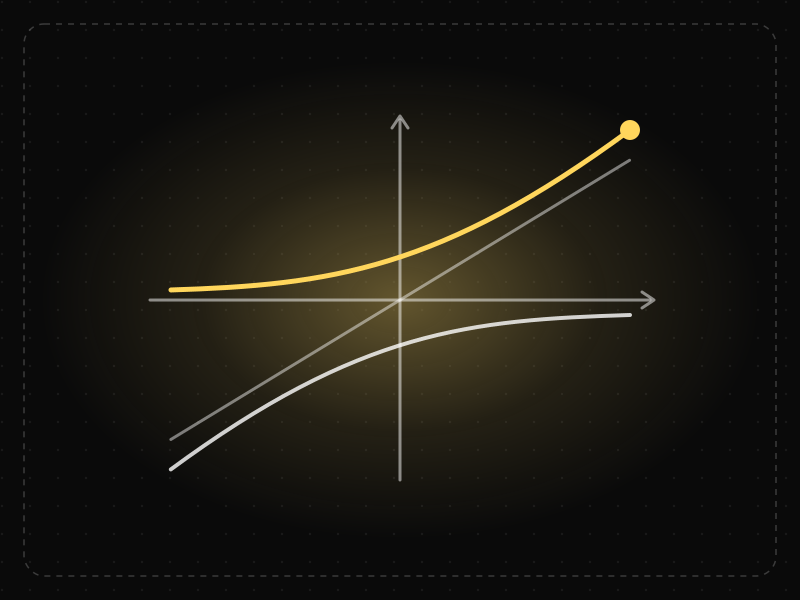
Kano Model
Features affect satisfaction in different ways: basic needs prevent dissatisfaction, performance features increase satisfaction proportionally and delighters create unexpected joy.
 Interaction & speed
Labor Illusion
People value a service more when they can see the work being done for them, even if it means waiting a little longer.
 Perception
Law of Closure
People mentally complete incomplete shapes and patterns, perceiving a whole even when parts of it are missing.
 Perception
Law of Common Fate
Elements that move or change together in the same direction are perceived as a group, even if they look different or are far apart.
 Perception
Law of Common Region
Elements that sit inside the same clearly bounded area are perceived as a group, even if they are not otherwise similar.
 Perception
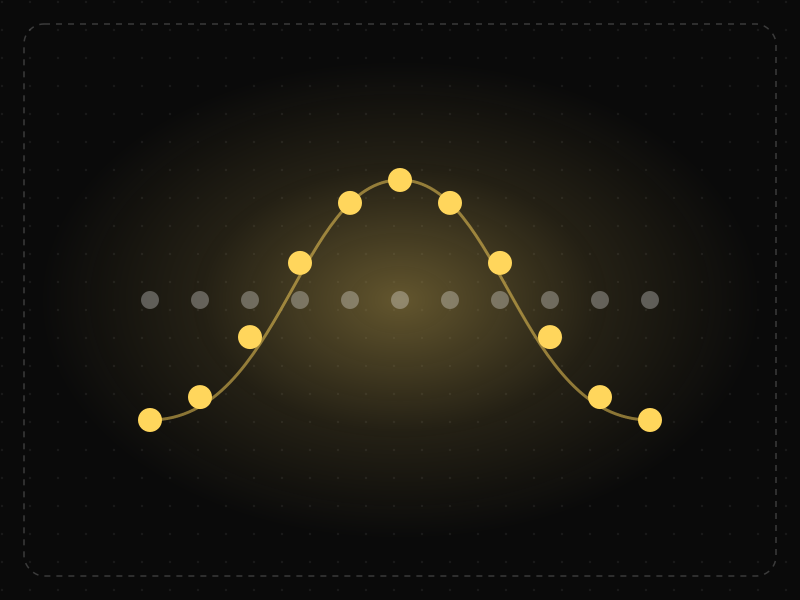
Law of Continuity
The eye follows smooth lines and curves, so elements arranged along a line or path are perceived as related and in sequence.
 Perception
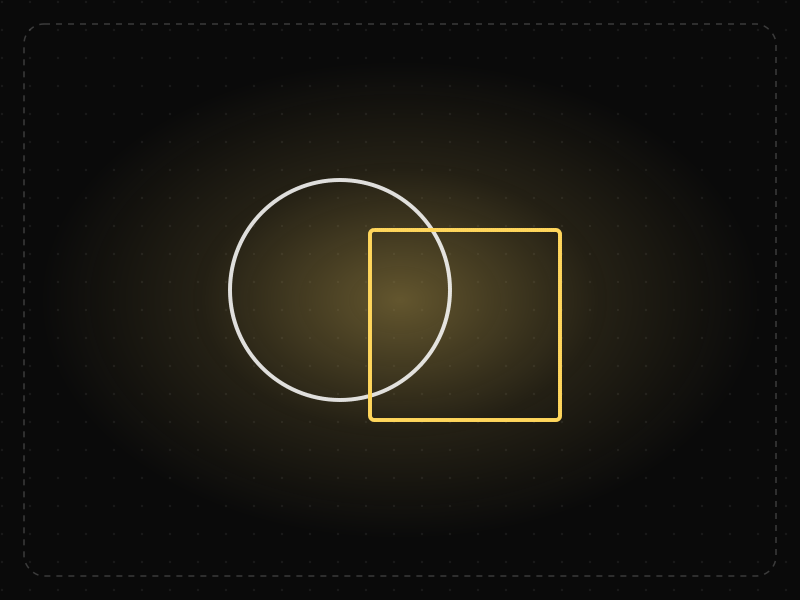
Law of Prägnanz
People interpret complex or ambiguous visuals in the simplest way possible, because simple forms take the least mental effort to process.
 Perception
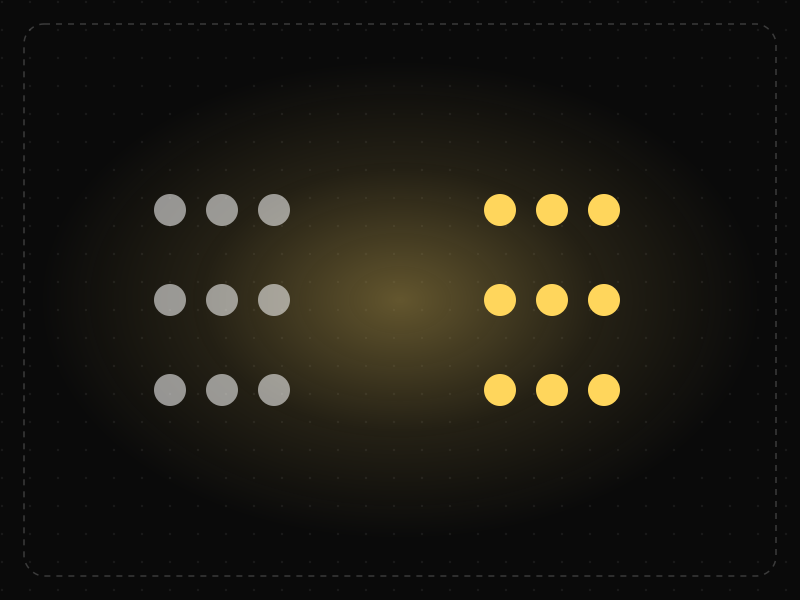
Law of Proximity
Objects that are close to each other are perceived as belonging together, so spacing alone can communicate structure.
 Perception
Law of Similarity
Elements that look alike — in color, shape, size or style — are perceived as related or as having the same function.
 Perception
Law of Uniform Connectedness
Elements that are visually connected — by lines, colors or shared frames — are perceived as more related than elements with no connection.
 Decision-making
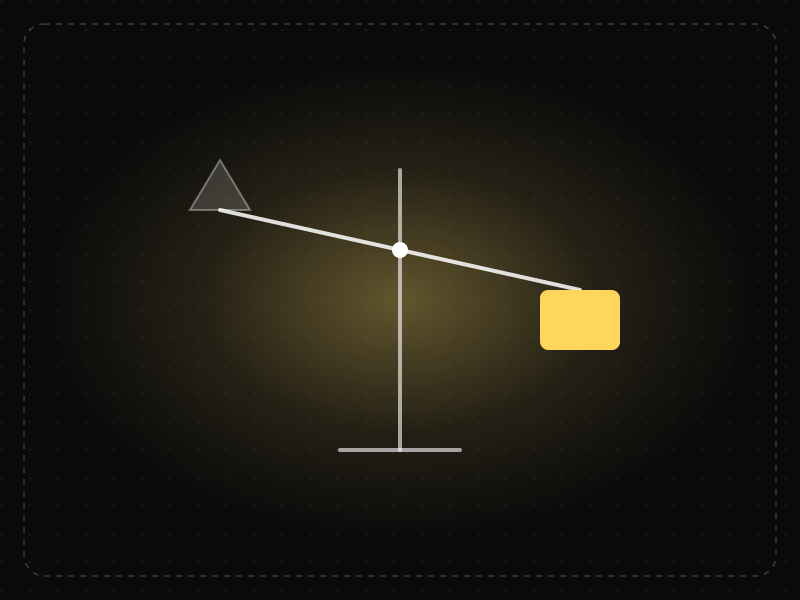
Loss Aversion
Losses feel more powerful than equivalent gains — in many studies roughly twice as strong — so people work harder to avoid losing something than to gain it.
 Memory & attention
Mental Model
A mental model is a person's internal picture of how a system works; interfaces feel intuitive when they match it and confusing when they don't.
 Memory & attention
Miller's Law
People can hold only a limited number of items in short-term memory — famously about seven, plus or minus two — so information should be organized into small chunks.
 Product strategy
Occam's Razor
Among solutions that work equally well, prefer the one with the fewest assumptions and parts — in design, the simplest option that does the job.
 Interaction & speed
Paradox of the Active User
Users start using software immediately instead of reading instructions, even when learning first would save them time later.
 Product strategy
Pareto Principle
For many outcomes, roughly 80% of the effects come from about 20% of the causes — so a few features, users or issues usually matter most.
 Product strategy
Parkinson's Law
Work expands to fill the time available for its completion — and users' tasks expand to fill the time an interface allows.
 Motivation & emotion
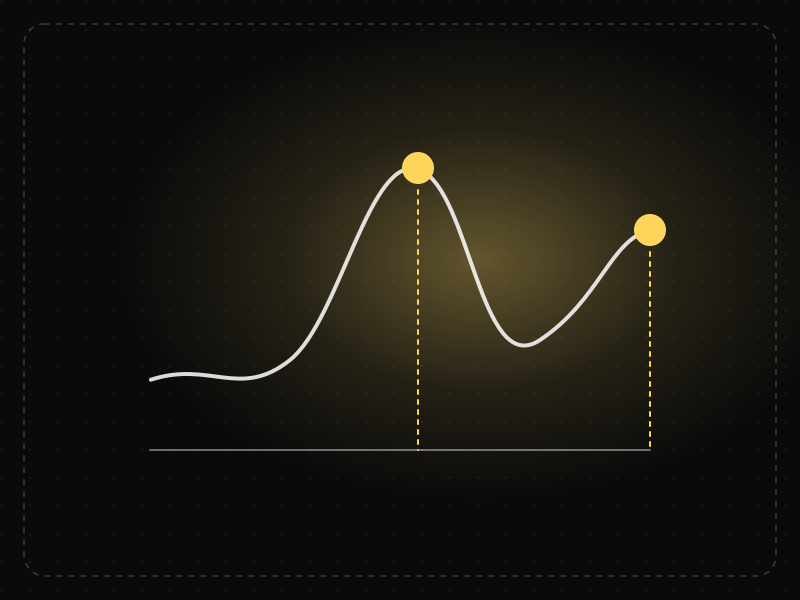
Peak-End Rule
People judge an experience mostly by how they felt at its most intense moment and at its end, not by the average of every moment.
 Interaction & speed
Postel's Law
Be liberal in what you accept and conservative in what you send: accept messy user input gracefully, and respond in clear, consistent ways.
 Product strategy
Progressive Disclosure
Show only the most important options first and reveal advanced or rarely used features when users need them, making interfaces easier to learn and use.
 Motivation & emotion
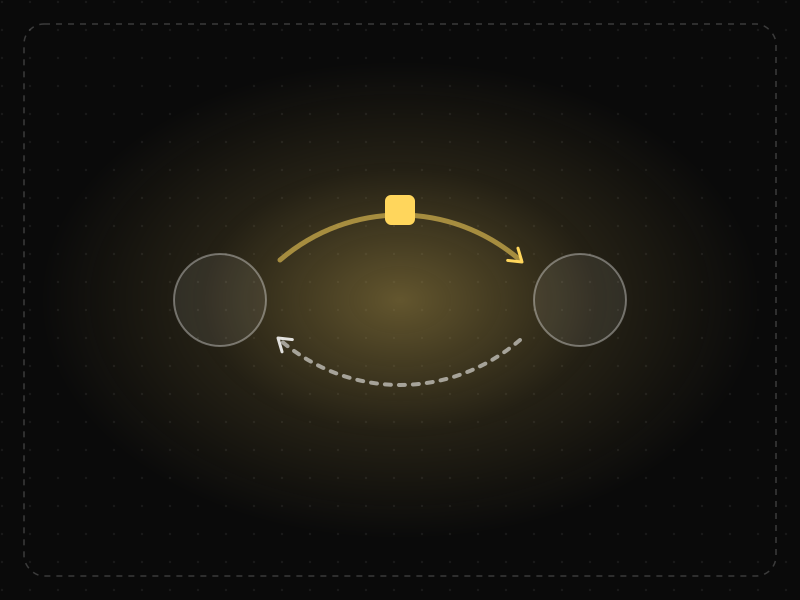
Reciprocity
People feel a strong urge to return favors, so giving value first makes users more willing to give back — attention, data or payment.
 Memory & attention
Recognition over Recall
Recognising something is much easier than recalling it from memory, so interfaces should show options and information instead of making users remember them.
 Decision-making
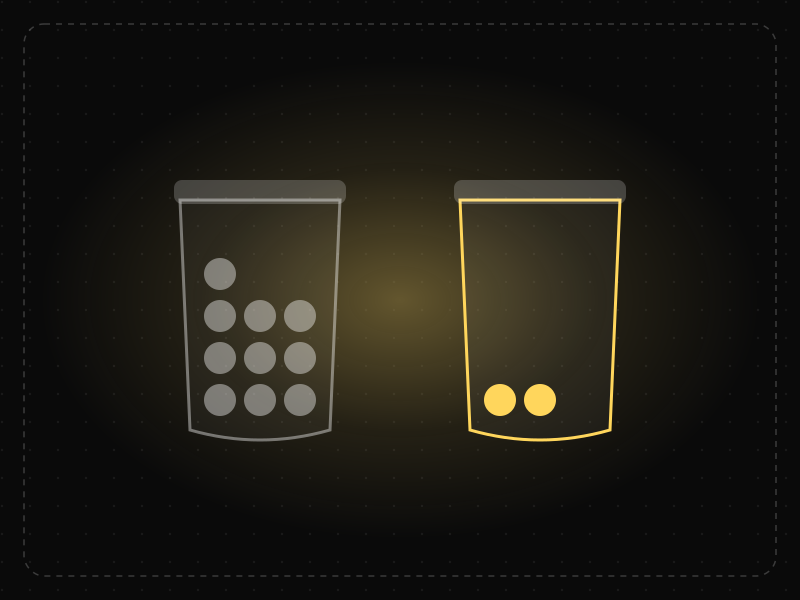
Scarcity Effect
People value things more when they seem rare, limited or about to become unavailable.
 Memory & attention
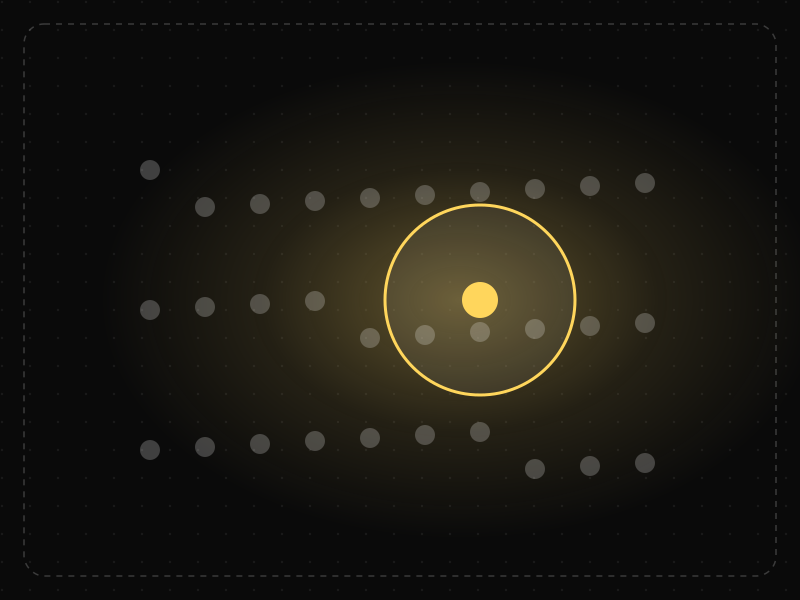
Selective Attention
People focus on the small part of their environment related to their current goal and filter out the rest — including things designers want them to notice.
 Memory & attention
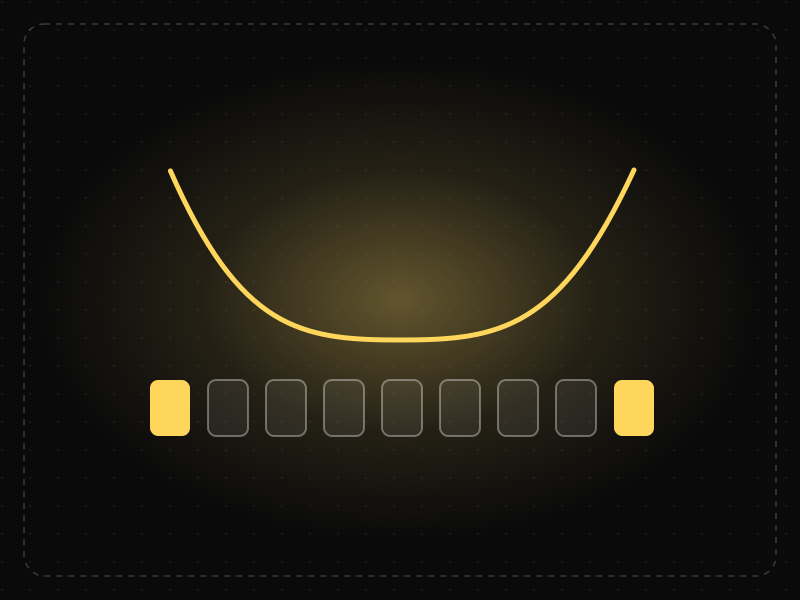
Serial Position Effect
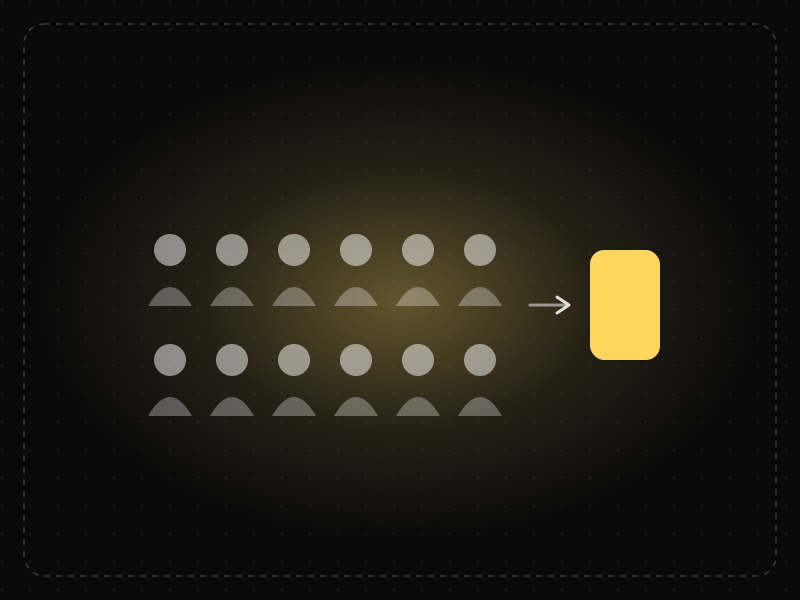
People best remember the first and last items in a series and tend to forget the ones in the middle.
 Decision-making
Social Proof
When people are uncertain, they look to what others like them are doing to decide what's right.
 Interaction & speed
Steering Law
The time it takes to move a pointer through a tunnel or path depends on the path's length and width: long, narrow paths are slow and error-prone.
 Product strategy
Tesler's Law
Every system has a certain amount of complexity that can't be removed — only moved — so the product should absorb it instead of passing it to users.
 Motivation & emotion
Variable Reward
Rewards that come unpredictably are more engaging than predictable ones, because anticipation of what might come next keeps people returning.
 Memory & attention
Von Restorff Effect
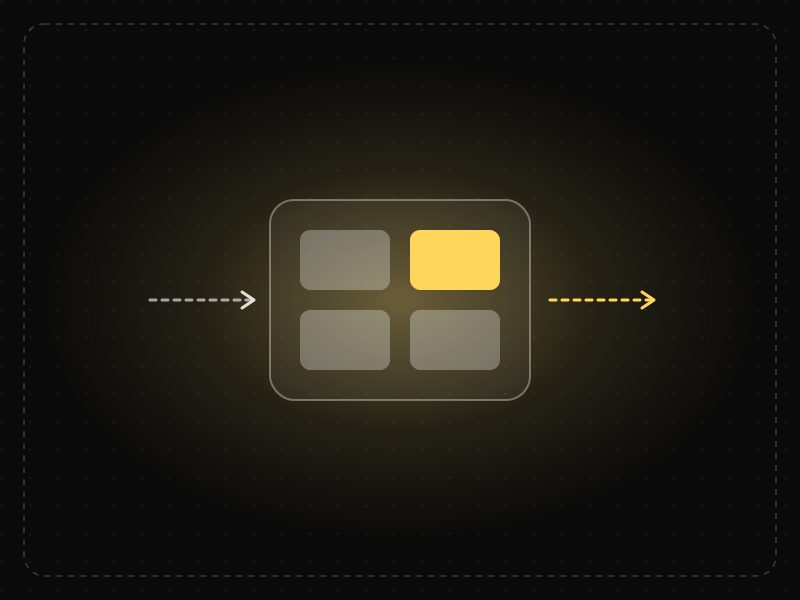
When several similar items are present, the one that differs from the rest is the one most likely to be noticed and remembered.
 Memory & attention
Working Memory
Working memory is the limited mental workspace that temporarily holds and manipulates information while we complete a task.
 Motivation & emotion
Zeigarnik Effect
People remember unfinished or interrupted tasks better than completed ones, and feel a pull to return and complete them.
Laws people often confuse
Hick's Law vs Fitts's Law
Hick's Law is about how long it takes to decide; Fitts's Law is about how long it takes to reach and hit a target. The difference, with app examples.
Miller's Law vs Cognitive Load
Miller's Law is about how many items working memory can hold; cognitive load is the total mental effort a task demands. How they differ in UX design.
Choice Overload vs Hick's Law
Hick's Law says more options slow decisions; choice overload says too many options can stop people deciding at all. The difference, with examples.
Jakob's Law vs Mental Model
A mental model is how a user believes something works; Jakob's Law says those beliefs come from the other products they use. How the two relate in design.
See which laws your app is breaking.
We evaluate your onboarding, activation and retention journeys against these principles and deliver a prioritized, evidence-based fix roadmap — explaining not just what users do, but why.
Questions about the laws of UX
What are the laws of UX?
Laws of UX are well-established findings from psychology, behavioral economics and human–computer interaction that describe how people perceive interfaces, make decisions and take action. Designers use them as evidence-based guidelines — for example, Hick's Law (more choices slow decisions down) and Fitts's Law (bigger, closer targets are faster to hit).
Are the laws of UX strict rules?
No. They describe tendencies observed in research, not rules that hold in every context. How strongly each one applies depends on the audience and situation, so the best teams use them to form hypotheses and then confirm them with real user behavior.
Which laws of UX matter most for app onboarding?
Onboarding is shaped most by cognitive load, Hick's Law, the goal-gradient effect, the default effect, progressive disclosure and the paradox of the active user: keep early steps light, show progress, pre-select sensible options, reveal advanced features later and teach inside the real task instead of a tutorial.
What is the difference between UX laws and UI design principles?
UX laws describe how people think and behave — how they perceive, remember, decide and stay motivated. UI design principles turn those findings into visual and interaction choices, such as grouping related items (Gestalt principles), sizing touch targets (Fitts's Law) or limiting options (Hick's Law). Most of the laws here inform both.
Which UX laws should every designer know?
A strong starting set is Hick's Law, Fitts's Law, Jakob's Law, Miller's Law, cognitive load, the Gestalt principles (proximity, similarity, common region, closure), the peak-end rule, the goal-gradient effect, the default effect and loss aversion. Together they cover perception, decisions, interaction speed and motivation.
How does Science of Apps use the laws of UX?
Every Science of Apps diagnosis evaluates an app's key journeys against these principles across five pillars — decision system, onboarding, UX and design, competitors and retention — explaining not just what users do but why, and turning each finding into a prioritized fix.