Cognitive Load
Cognitive load is the amount of mental effort needed to understand and use an interface; when it exceeds what people can handle, they slow down, make mistakes or give up.

See it in action
The same screen without and with Cognitive Load. Watch both sides play out, then compare the outcome.
Eight fields, mixed topics and jargon at once: the effort shows up as hesitation and abandonment.
One topic per step, smart defaults and plain words keep effort low and momentum high.
What to watch: the effort meter — same information collected, very different mental cost.
Remove, defer or automate anything not essential, and ask for one kind of thing at a time.
Strip out information people need — reducing load means less noise, not less help.
Key takeaways
- Remove extraneous load: decoration, jargon and choices that don't help the task.
- Spread unavoidable complexity across steps instead of front-loading it.
- Rely on recognition (visible options) rather than recall (remembering what to type).
Quick facts
- Also known as
- —
- Described by
- John Sweller
- Year
- 1988
- Category
- Memory & attention
- Often confused with
- Miller's Law (Cognitive Load vs Miller's Law)
- Related laws
- Working Memory, Hick's Law, Tesler's Law, Progressive Disclosure
Cognitive Load explained
Cognitive load is the total amount of mental effort required to use an interface. Every label to read, decision to make, item to remember and visual element to filter out draws on the same limited pool of attention and working memory.
Psychologists distinguish intrinsic load (the inherent difficulty of the task), extraneous load (effort caused by how the information is presented) and germane load (effort that builds understanding). Designers cannot remove the intrinsic difficulty of filing taxes, but they can remove a great deal of extraneous load.
When load exceeds capacity, people slow down, make mistakes, miss important information or give up. That is why reducing unnecessary load is one of the most reliable ways to improve activation and conversion.
Where it comes from
Cognitive Load Theory was developed by educational psychologist John Sweller in the late 1980s, building on research into the limits of working memory. It distinguishes intrinsic load (the task itself), extraneous load (how it's presented) and germane load (effort that builds understanding).
How it shows up in apps
Overloaded onboarding is one of the most common reasons new users never reach their first moment of value. Every extra field, unexplained term or competing call-to-action adds extraneous load right when motivation is most fragile.
Cognitive Load examples
A banking app's first screen asks for income, goals, risk tolerance and notification preferences at once. Moving all but one question to later, in context, lets users reach their dashboard and start using the product.
Forms that ask only what is needed
Removing optional fields, using smart defaults and auto-detecting city from postcode reduces the effort of a sign-up form and increases completion.
Dashboard overload
An analytics home screen with 20 equal-weight charts forces users to work out what matters. Leading with three key metrics and moving the rest to detail views makes insights obvious.
Recognition instead of recall
Showing recently used files, saved addresses and previous searches lets people recognise options instead of remembering them, cutting load on repeat tasks.
How to apply Cognitive Load
- Remove anything that does not help users complete the current task: extra fields, decorative clutter and redundant options.
- Use familiar patterns and conventions so people do not have to learn new interactions.
- Show information when it is needed (progressive disclosure) rather than everything at once.
- Prefer recognition over recall: display options, history and context instead of asking users to remember them.
- Write short, plain-language labels and instructions, and offload calculations and comparisons to the system.
Want Cognitive Load checked in your own product? Our mobile app ux audit evaluates it alongside the other principles that shape how users decide, onboard and stay.
Common mistakes
- Oversimplifying by hiding essential information, which forces users to search for it and adds load elsewhere.
- Assuming that because the team understands a screen, new users will too; experts underestimate load for novices.
- Adding tooltips and help text to explain a complex design instead of simplifying the design itself.
How to measure it
Track task completion rates, time on task and error rates, and ask a single ease question after key tasks. The NASA-TLX questionnaire measures perceived workload in research settings. In analytics, rage clicks, repeated back navigation and drop-off on dense screens are strong signs of overload.
Frequently asked questions
What is Cognitive Load?
Cognitive load is the amount of mental effort needed to understand and use an interface; when it exceeds what people can handle, they slow down, make mistakes or give up.
Where does Cognitive Load come from?
Cognitive Load Theory was developed by educational psychologist John Sweller in the late 1980s, building on research into the limits of working memory. It distinguishes intrinsic load (the task itself), extraneous load (how it's presented) and germane load (effort that builds understanding).
How does Cognitive Load apply to app design?
Overloaded onboarding is one of the most common reasons new users never reach their first moment of value. Every extra field, unexplained term or competing call-to-action adds extraneous load right when motivation is most fragile.
What are the three types of cognitive load?
Intrinsic load comes from the inherent complexity of the task, extraneous load from how information is presented, and germane load from the effort of building understanding. UX design mostly reduces extraneous load.
How do you reduce cognitive load in an app?
Remove unnecessary elements, use familiar patterns, break tasks into steps, show information only when relevant, use clear language and let the system remember and calculate for the user.
How do you measure Cognitive Load in a product?
Track task completion rates, time on task and error rates, and ask a single ease question after key tasks. The NASA-TLX questionnaire measures perceived workload in research settings. In analytics, rage clicks, repeated back navigation and drop-off on dense screens are strong signs of overload.
Sources
- Sweller, J. (1988). Cognitive load during problem solving: Effects on learning. Cognitive Science, 12(2). Find on Google Scholar ↗
- Sweller, J., van Merriënboer, J. J. G. & Paas, F. (1998). Cognitive architecture and instructional design. Educational Psychology Review, 10(3). Find on Google Scholar ↗
Related laws
 Memory & attention
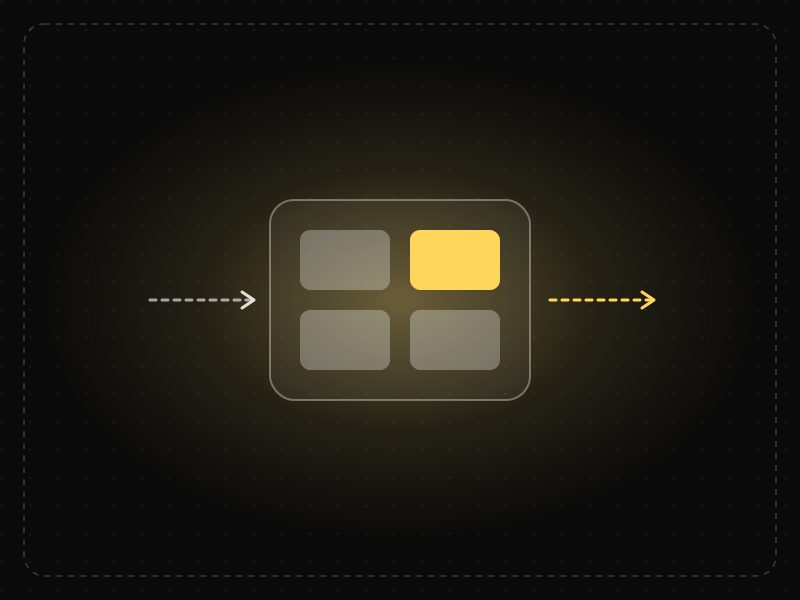
Working Memory
Working memory is the limited mental workspace that temporarily holds and manipulates information while we complete a task.
 Decision-making
Hick's Law
The time it takes to make a decision increases with the number and complexity of the choices available.
 Product strategy
Tesler's Law
Every system has a certain amount of complexity that can't be removed — only moved — so the product should absorb it instead of passing it to users.
 Product strategy
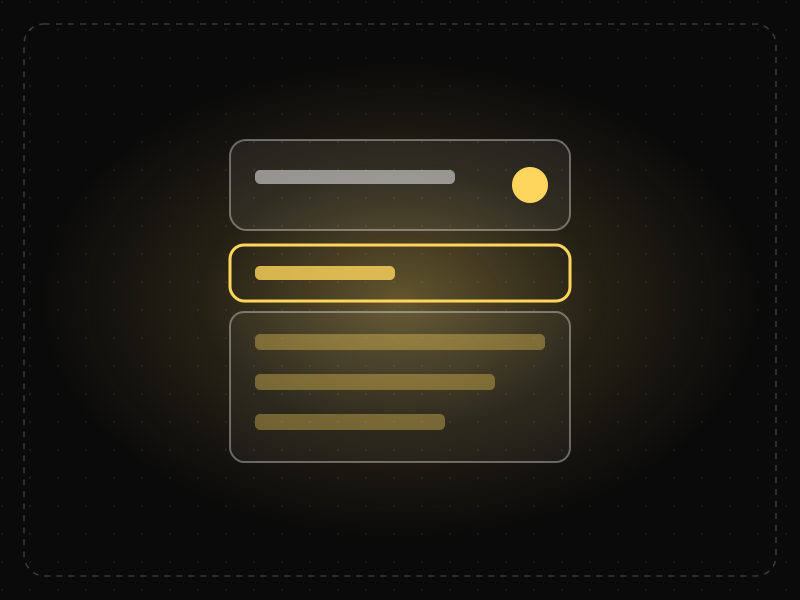
Progressive Disclosure
Show only the most important options first and reveal advanced or rarely used features when users need them, making interfaces easier to learn and use.
Cognitive Load in practice
- Career guidesDashboard design and KPI skills for BI and analyst jobs in 2027: what employers test and how to build dashboards people useDashboard design and KPI skills for BI and analyst jobs in 2027: choosing KPIs, leading vs lagging, layout and context, interview tasks and a plan.
- Career guidesUX psychology skills employers want in 2027: attention, memory, perception, decision-making and how designers apply them without manipulationUX psychology skills employers want in 2027: attention, memory, perception, decision-making, Hick's and Fitts's laws, cognitive load and ethics.
- Career guidesCognitive bias at work in 2027: anchoring, availability, confirmation bias, overconfidence, sunk cost and groupthink, how they distort hiring, forecasts and decisions, and practical ways to reduce themCognitive bias at work in 2027: anchoring, availability, confirmation bias, overconfidence, sunk cost, groupthink and practical debiasing habits.
- Career guidesHow to get a conversation designer job in 2027: chatbot and voice UX, dialogue flows, intents, repair, handoff, multilingual design and LLM assistantsHow to get a conversation designer job in 2027: chatbot and voice UX, dialogue flows, error repair, human handoff, multilingual design and LLM assistants.
- Career guidesCoaching and feedback skills for 2027: asking powerful questions, the GROW model, specific feedback on behaviour and impact, focusing on strengths, receiving feedback well, and building a feedback cultureCoaching and feedback skills for 2027: powerful questions, the GROW model, specific feedback, focusing on strengths, receiving feedback and feedback culture.
- Career guidesAttention to detail for 2027 jobs: how employers test it, checking data and documents, proofreading, catching errors before they ship, checklists, working under interruptions and proving accuracy on your CVAttention to detail for 2027 jobs: how employers test it, checking data and documents, proofreading, checklists, interruptions and proving accuracy.






Certifications that test it
- Free certification · UX/UI, Design, Research & CreativeUX Design CertificationCertifies that you can take a product problem from user need to a tested, usable flow — research, information architecture, interaction design and usability evaluation.
- Free certification · UX/UI, Design, Research & CreativeUX Writing & Content Design CertificationCertifies that you can write interface copy that helps people act — microcopy, errors, onboarding, voice and tone, content structure and testing words.
- Free certification · UX/UI, Design, Research & CreativeAccessibility Certification (WCAG)Certifies that you can design and review digital products for people with disabilities — WCAG 2.2 principles, inclusive design patterns, assistive technology and accessibility testing.
- Free certification · UX/UI, Design, Research & CreativeInteraction Design CertificationCertifies that you can design how interfaces behave — usability principles and mental models, feedback and states, forms and input, and motion and timing.
- Free certification · Data Analytics & Business IntelligenceProduct Analytics CertificationCertifies that you can turn product data into decisions — metrics and instrumentation, funnels and conversion, retention and cohorts, and A/B testing and statistics.
- Free certification · AI & Generative AIPrompt Engineering CertificationCertifies that you can get reliable results from large language models — prompt fundamentals, structure and reasoning, prompting for real product work, and evaluation, safety and reliability.






Get the ideas, not the noise.
Sign up with Google and we’ll send you short UX psychology tips by email — why people tap, stall and leave, and what to do about it. Unsubscribe anytime. Prefer something to keep? Get the free Laws of UX guide as a PDF.