Working Memory
Working memory is the limited mental workspace that temporarily holds and manipulates information while we complete a task.
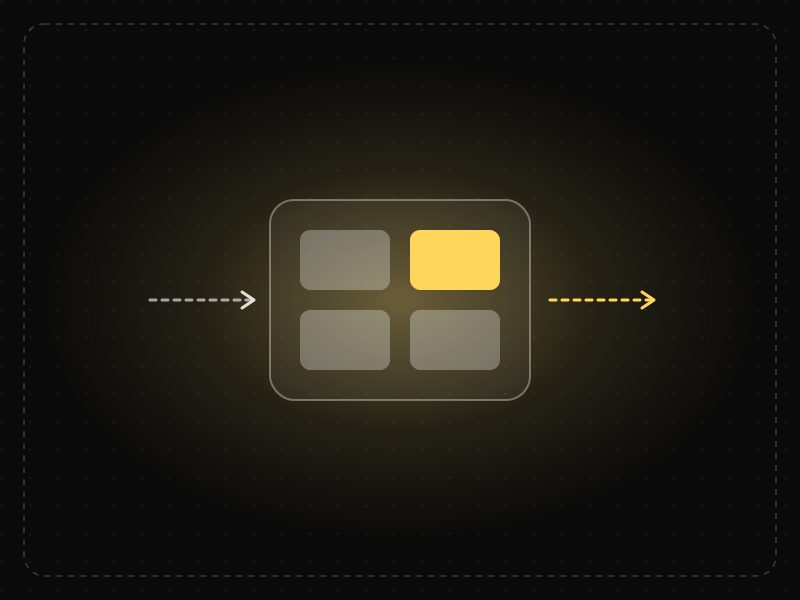
See it in action
The same screen without and with Working Memory. Watch both sides play out, then compare the outcome.
Holding a code while switching apps overloads working memory; people forget half and switch back.
Autofill keeps the code on screen, so nothing has to be carried in the head.
What to watch: the moment the first screen disappears — that's when working memory has to carry the load.
Keep needed information visible at the point of use (autofill, summaries, inline references).
Make people remember details from one screen to type them on another.
Key takeaways
- Keep the information users need visible instead of making them remember it.
- Support recognition over recall: show recent items, choices and context.
- Interruptions empty working memory — help users pick up where they left off.
Quick facts
- Also known as
- —
- Described by
- Alan Baddeley & Graham Hitch
- Year
- 1974
- Category
- Memory & attention
- Related laws
- Miller's Law, Cognitive Load, Chunking, Recognition over Recall
Working Memory explained
Working memory is the mental system that temporarily holds and manipulates information needed for the task at hand, such as remembering a code while typing it or comparing two options.
It is limited in capacity (only a few chunks at a time) and in duration (information fades within seconds unless it is rehearsed). Distractions and interruptions quickly clear it.
Interfaces that ask users to remember information across screens, hold several variables in mind or switch between tasks overload working memory, leading to errors and frustration.
Where it comes from
Alan Baddeley and Graham Hitch proposed the multi-component model of working memory in 1974, with separate systems for verbal and visual information coordinated by a 'central executive'.
How it shows up in apps
Comparing plans on different screens, copying codes between apps and returning to a half-finished task all strain working memory and cause errors and abandonment.
Working Memory examples
A travel app keeps the selected flight's times and price pinned at the top while the user chooses seats, so they never need to go back and check.
Persistent context in checkout
Showing an order summary on every checkout step means shoppers do not have to remember what they are buying or how much it costs.
Copy buttons for codes
Offering a copy button for account numbers, coupon codes and API keys removes the need to read and retype them.
Visible filters
Displaying active filters as chips above search results helps users remember which filters are applied while they browse.
How to apply Working Memory
- Keep information users need visible rather than expecting them to remember it.
- Provide summaries, breadcrumbs and context throughout multi-step tasks.
- Support copy, paste and autofill to avoid manual transcription.
- Minimise interruptions during complex tasks.
- Make it easy to compare options side by side.
Want Working Memory checked in your own product? Our saas ux audit evaluates it alongside the other principles that shape how users decide, onboard and stay.
Common mistakes
- Displaying important details on one screen and asking for decisions based on them on another.
- Using codes or reference numbers that must be memorised.
- Interrupting multi-step tasks with modals or unrelated prompts.
How to measure it
Look for back-and-forth navigation, errors in re-entered data and time spent on comparison tasks. Usability tests where users think aloud often reveal when they are struggling to remember information.
Frequently asked questions
What is Working Memory?
Working memory is the limited mental workspace that temporarily holds and manipulates information while we complete a task.
Where does Working Memory come from?
Alan Baddeley and Graham Hitch proposed the multi-component model of working memory in 1974, with separate systems for verbal and visual information coordinated by a 'central executive'.
How does Working Memory apply to app design?
Comparing plans on different screens, copying codes between apps and returning to a half-finished task all strain working memory and cause errors and abandonment.
What is the difference between working memory and short-term memory?
Short-term memory refers to temporary storage of information. Working memory includes that storage plus the active manipulation of information, such as comparing or calculating.
Who developed the working memory model?
Alan Baddeley and Graham Hitch proposed the influential multi-component model of working memory in 1974.
How do you measure Working Memory in a product?
Look for back-and-forth navigation, errors in re-entered data and time spent on comparison tasks. Usability tests where users think aloud often reveal when they are struggling to remember information.
Sources
- Baddeley, A. D. & Hitch, G. (1974). Working memory. In G. H. Bower (Ed.), The Psychology of Learning and Motivation, Vol. 8. Academic Press. Find on Google Scholar ↗
- Cowan, N. (2001). The magical number 4 in short-term memory. Behavioral and Brain Sciences, 24(1). Find on Google Scholar ↗
Related laws
 Memory & attention
Miller's Law
People can hold only a limited number of items in short-term memory — famously about seven, plus or minus two — so information should be organized into small chunks.
 Memory & attention
Cognitive Load
Cognitive load is the amount of mental effort needed to understand and use an interface; when it exceeds what people can handle, they slow down, make mistakes or give up.
 Memory & attention
Chunking
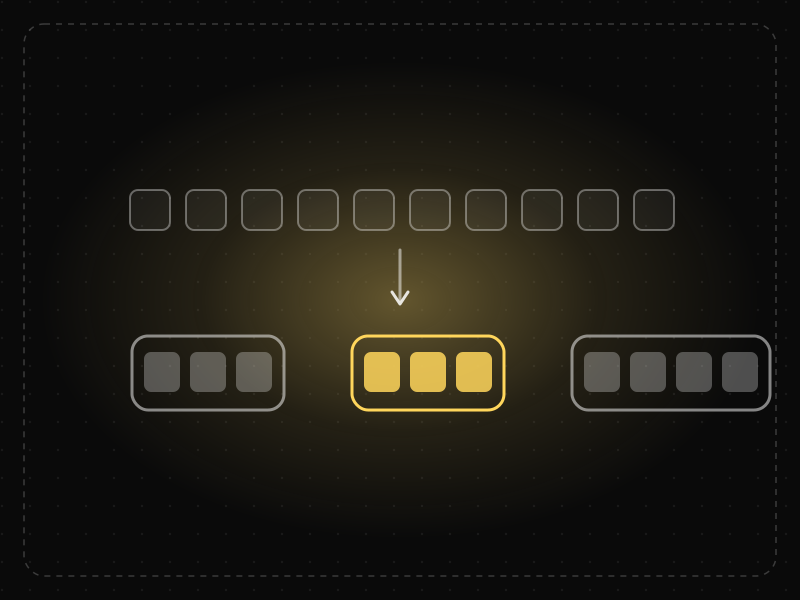
Chunking is grouping individual pieces of information into larger, meaningful units so they are easier to scan, understand and remember.
 Memory & attention
Recognition over Recall
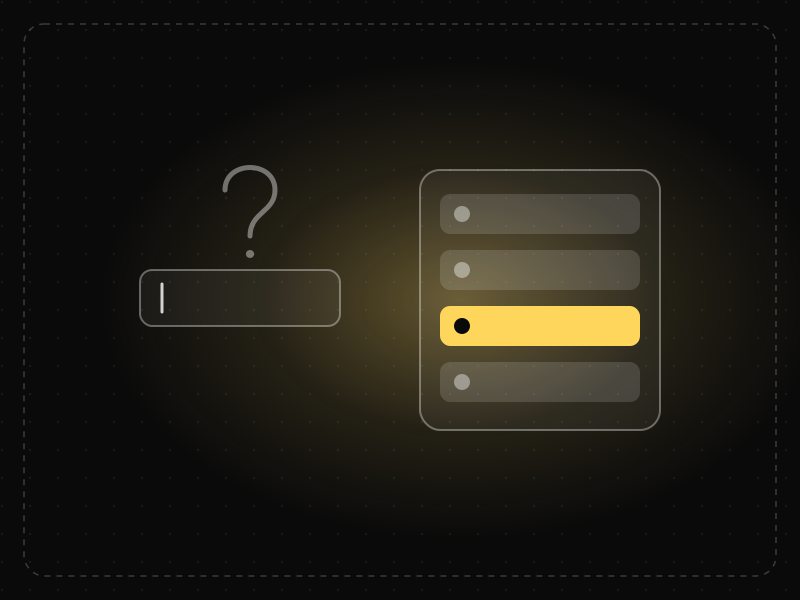
Recognising something is much easier than recalling it from memory, so interfaces should show options and information instead of making users remember them.
Working Memory in practice
- Career guidesUX psychology skills employers want in 2027: attention, memory, perception, decision-making and how designers apply them without manipulationUX psychology skills employers want in 2027: attention, memory, perception, decision-making, Hick's and Fitts's laws, cognitive load and ethics.
- Making moneyApp monetization strategies that don't annoy users — designed with behavioural scienceMonetize your app without wrecking retention: value-first paywalls, honest trials, rewarded ads, anchoring and decoy pricing done ethically, and what to avoid.
- Making moneyHow to earn money online for students in India — 15 real ways (and scams to avoid)15 real ways students in India can earn money online — internships, freelancing, tutoring, content and building apps — plus the 'task' scams to avoid.
- Making moneyPassive income for developers: 12 ideas that hold up — and the work behind them12 passive income ideas for developers — micro-SaaS, templates, plugins, courses, APIs, open-source sponsorships — with honest effort and income expectations.
- Career guidesAttention to detail for 2027 jobs: how employers test it, checking data and documents, proofreading, catching errors before they ship, checklists, working under interruptions and proving accuracy on your CVAttention to detail for 2027 jobs: how employers test it, checking data and documents, proofreading, checklists, interruptions and proving accuracy.
- Career guidesUsability testing skills employers want in 2027: task design, moderating, remote and unmoderated tests, severity ratings and fixes teams shipUsability testing skills employers want in 2027: task design, moderation, remote and unmoderated tests, SUS, severity ratings and findings that ship.





Certifications that test it

Get the ideas, not the noise.
Sign up with Google and we’ll send you short UX psychology tips by email — why people tap, stall and leave, and what to do about it. Unsubscribe anytime. Prefer something to keep? Get the free Laws of UX guide as a PDF.