Miller's Law
Also known as Magical Number Seven
People can hold only a limited number of items in short-term memory — famously about seven, plus or minus two — so information should be organized into small chunks.

See it in action
The same screen without and with Miller's Law. Watch both sides play out, then compare the outcome.
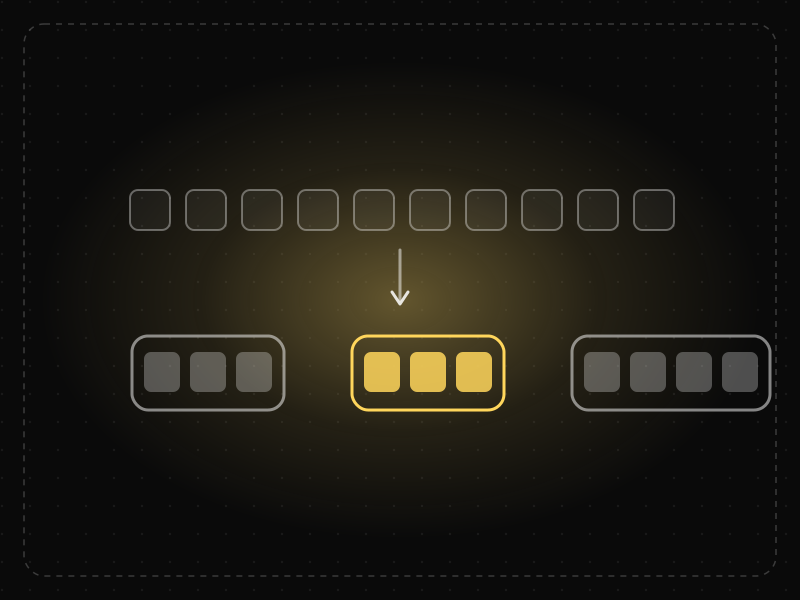
A long undivided list exceeds what people can hold in mind, so they re-scan it every visit.
Three labelled groups of 3–4 items are easy to remember: people learn where things live.
What to watch: the same eleven items become three memorable groups.
Organise content into a few meaningful groups so people hold a handful of chunks, not every item.
Treat “7 ± 2” as a hard limit on menu items — the point is grouping, not counting.
Key takeaways
- Don't make users remember information from one screen to the next.
- Organize content into small, meaningful groups.
- Treat 'seven' as a reminder of limits, not a rule for menu length; later research suggests about four chunks.
Quick facts
- Also known as
- Magical Number Seven
- Described by
- George A. Miller
- Year
- 1956
- Category
- Memory & attention
- Often confused with
- Cognitive Load (Miller's Law vs Cognitive Load)
- Related laws
- Chunking, Working Memory, Cognitive Load
Miller's Law explained
Miller's Law is based on George Miller's 1956 observation that the average person can hold about seven (plus or minus two) items in short-term memory. Later research suggests the practical limit is closer to about four meaningful chunks.
The precise number matters less than the principle: working memory is small, and interfaces that ask people to keep many things in mind at once will cause errors and fatigue.
Miller's Law is often misused to argue that menus must have exactly seven items. In reality, people do not need to memorise visible menus; the law is about what users must remember, not what they can see.
Where it comes from
Psychologist George A. Miller published 'The Magical Number Seven, Plus or Minus Two' in 1956. In 2001 Nelson Cowan reviewed later evidence and argued that working memory capacity is closer to about four chunks.
How it shows up in apps
Flows that ask users to remember a code, compare options across screens, or recall what they chose earlier overload short-term memory and cause errors.
Miller's Law examples
A checkout keeps the order summary visible on the payment step so users don't have to remember what they're paying for.
Verification codes
Six-digit one-time codes are short enough to glance at and type, while longer codes force people to switch back and forth between screens.
Comparing plans
Asking users to remember the features of plan A while scrolling to plan B overloads memory. A side-by-side comparison table removes the need to remember.
Multi-step forms
Showing a summary of earlier answers at the review step means users do not need to remember what they entered three screens ago.
How to apply Miller's Law
- Chunk information into small, meaningful groups.
- Keep information users need visible instead of asking them to remember it across screens.
- Use side-by-side comparisons for decisions that involve multiple attributes.
- Keep codes, identifiers and instructions short.
- Do not treat seven as a hard rule for visible menus; focus on what must be remembered.
Want Miller's Law checked in your own product? Our saas ux audit evaluates it alongside the other principles that shape how users decide, onboard and stay.
Common mistakes
- Limiting navigation to seven items purely because of Miller's Law.
- Hiding details on earlier steps that users need later in a flow.
- Long instructions that must be remembered before an action can be completed.
How to measure it
Look for error rates on tasks that require remembering information between screens, and observe in tests whether people go back to re-check details. Fewer back-and-forth navigations after a change indicate reduced memory demands.
Frequently asked questions
What is Miller's Law?
People can hold only a limited number of items in short-term memory — famously about seven, plus or minus two — so information should be organized into small chunks.
Where does Miller's Law come from?
Psychologist George A. Miller published 'The Magical Number Seven, Plus or Minus Two' in 1956. In 2001 Nelson Cowan reviewed later evidence and argued that working memory capacity is closer to about four chunks.
How does Miller's Law apply to app design?
Flows that ask users to remember a code, compare options across screens, or recall what they chose earlier overload short-term memory and cause errors.
Is the magical number really seven?
Miller's 1956 paper suggested seven plus or minus two, but later research, including Nelson Cowan's work in 2001, suggests about four chunks is a more accurate limit.
Does Miller's Law mean menus should have seven items?
No. Users scan visible menus rather than memorising them. The law applies to information people must hold in their heads.
How do you measure Miller's Law in a product?
Look for error rates on tasks that require remembering information between screens, and observe in tests whether people go back to re-check details. Fewer back-and-forth navigations after a change indicate reduced memory demands.
Sources
- Miller, G. A. (1956). The magical number seven, plus or minus two. Psychological Review, 63(2). Find on Google Scholar ↗
- Cowan, N. (2001). The magical number 4 in short-term memory: A reconsideration of mental storage capacity. Behavioral and Brain Sciences, 24(1). Find on Google Scholar ↗
Related laws
 Memory & attention
Chunking
Chunking is grouping individual pieces of information into larger, meaningful units so they are easier to scan, understand and remember.
 Memory & attention
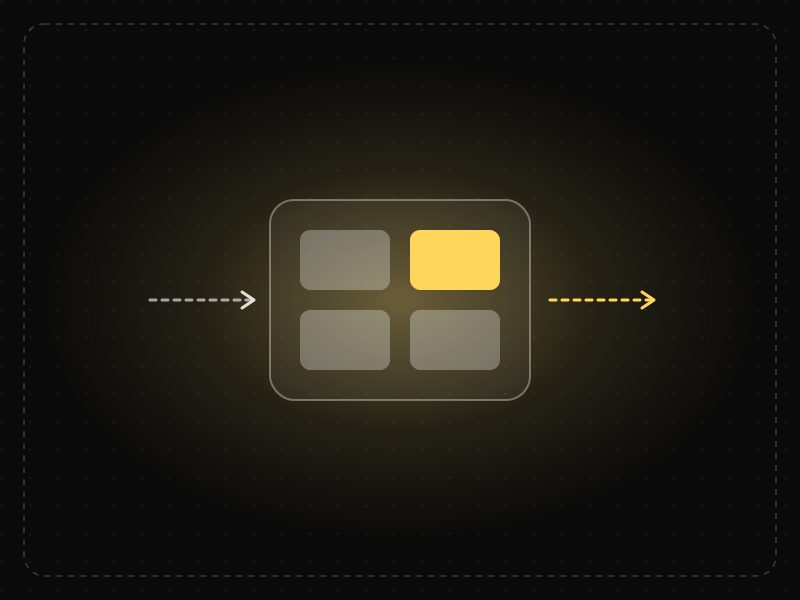
Working Memory
Working memory is the limited mental workspace that temporarily holds and manipulates information while we complete a task.
 Memory & attention
Cognitive Load
Cognitive load is the amount of mental effort needed to understand and use an interface; when it exceeds what people can handle, they slow down, make mistakes or give up.
Miller's Law in practice
- Career guidesUX psychology skills employers want in 2027: attention, memory, perception, decision-making and how designers apply them without manipulationUX psychology skills employers want in 2027: attention, memory, perception, decision-making, Hick's and Fitts's laws, cognitive load and ethics.
- Architecture & engineeringThe Seven Wonders of the World, ancient and new: who built them, how, and what is leftThe Seven Wonders of the World, ancient and new: who built each, when, how they were engineered, and why only the Great Pyramid of the first seven survives.
- App marketing & ASOApp retention rate benchmarks by category — and how to read your own numbersApp retention rate benchmarks by category — day 1, day 7 and day 30 ranges compiled from public industry roundups — plus how to measure and improve your own.
- Architecture & engineeringThe best airports in the world in 2026, and the design science that makes them easy to useThe best airports in the world in 2026, led by Singapore Changi, and the design behind them: wayfinding, short walks, daylight and the psychology of waiting.
- Product management25 best books for product managers — what each teaches and who should read itThe 25 best books for product managers, grouped by skill — discovery, strategy, metrics, design, psychology, interviews and leadership — with what each teaches.
- App developmentFreelancer vs agency vs in-house: who should build your app?Freelancers are cheapest, agencies fastest for version one, in-house best long term. Costs, risks and a decision guide for hiring app developers in India.

Certifications that test it
- Free certification · UX/UI, Design, Research & CreativeUX Writing & Content Design CertificationCertifies that you can write interface copy that helps people act — microcopy, errors, onboarding, voice and tone, content structure and testing words.
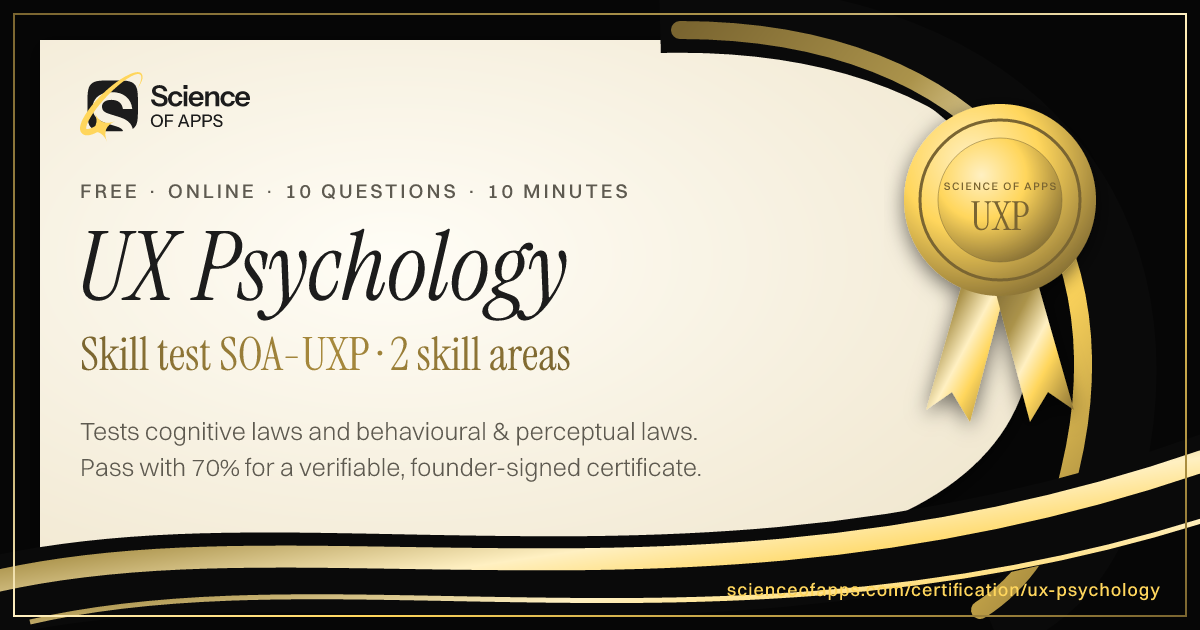
- Free skill test · 10 minUX Psychology QuizA 10-minute quiz on the psychology behind UX: the cognitive, behavioural and perceptual laws of UX — Hick's law, Fitts's law, Jakob's law and more — and how to apply them.

Get the ideas, not the noise.
Sign up with Google and we’ll send you short UX psychology tips by email — why people tap, stall and leave, and what to do about it. Unsubscribe anytime. Prefer something to keep? Get the free Laws of UX guide as a PDF.