Banner Blindness
Also known as Ad blindness
Users learn to ignore anything that looks like an advertisement, including real content that happens to be styled or placed like an ad.
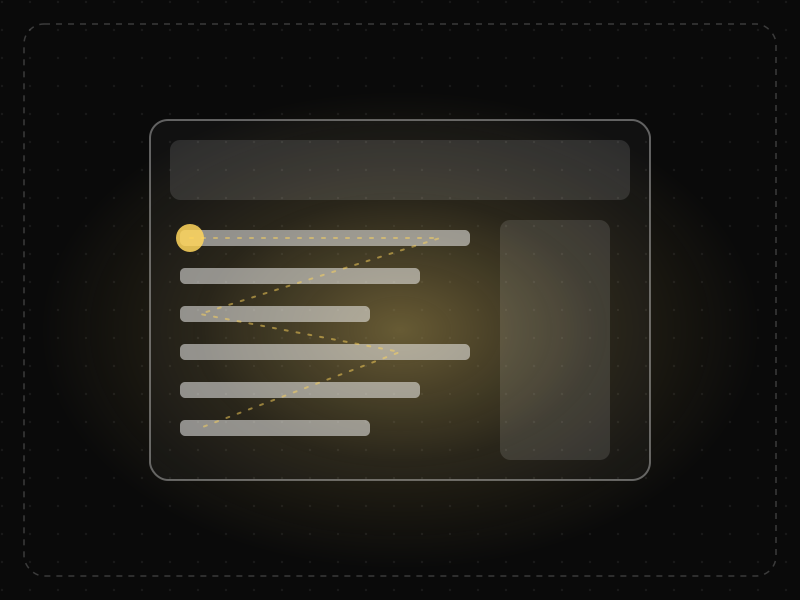
See it in action
The same screen without and with Banner Blindness. Watch both sides play out, then compare the outcome.
Eye-tracking style fixations skip the banner entirely: it looks like advertising, so it's ignored.
Placed in the reading flow and styled like the content, the notice gets read.
What to watch: the gold fixation dots — they never land on the ad-like banner.
Put critical messages in the content area, in the product's own visual language.
Use banner shapes, ad positions, flashing or ALL CAPS for anything people must read.
Key takeaways
- Do not style important content like ads.
- Avoid placing key information in typical ad locations such as sidebars and top banners.
- Integrate important messages into the flow of content and tasks.
Quick facts
- Also known as
- Ad blindness
- Described by
- Jan Panero Benway & David Lane
- Year
- 1998
- Category
- Memory & attention
- Related laws
- Selective Attention, Von Restorff Effect, F-Shaped Pattern
Banner Blindness explained
Banner blindness is a learned behaviour. After years of encountering ads, users have learned that certain shapes, colours and positions rarely contain useful information, so they skip them automatically.
The effect applies to anything that resembles an ad: horizontal banners, sidebar boxes, animated elements, stock images and overly promotional language.
This means that making something bigger and brighter can make it less noticed, not more, if it starts to look like advertising.
Where it comes from
Jan Panero Benway and David Lane described banner blindness in 1998 after observing that users frequently missed prominent banner-style information on websites. Later eye-tracking studies by the Nielsen Norman Group confirmed that users rarely look at ad-like elements.
How it shows up in apps
Promotional banners, coloured boxes in sidebars and flashy announcements are often ignored. Important notices, onboarding hints and feature announcements styled like ads may never be seen.
Banner Blindness examples
A SaaS dashboard announces a critical billing change in a bright banner at the top of the page. Most users scroll past without reading it. Moving the message into an inline notice next to the billing settings gets it read.
Missed announcements
Feature announcements placed in top banners often get low engagement, while contextual tips near the relevant feature perform better.
Sidebar content
Useful links and offers placed in a right-hand sidebar are often ignored because users associate that area with ads.
In-feed integration
Messages styled like native content within a feed are noticed more, which is why platforms must clearly label sponsored content.
How to apply Banner Blindness
- Place important information within the main content area and task flow.
- Avoid ad-like styling such as animated banners and promotional imagery.
- Use plain, informative language rather than marketing speak.
- Show messages in context, near the feature they relate to.
- Test whether users actually notice key messages.
Want Banner Blindness checked in your own product? Our saas ux audit evaluates it alongside the other principles that shape how users decide, onboard and stay.
Common mistakes
- Putting critical notices in banners that look like ads.
- Using flashing or animated elements to grab attention.
- Disguising ads as content, which is deceptive.
How to measure it
Eye-tracking, heatmaps and click-through rates reveal whether users notice key messages. Compare engagement for banner placements versus inline, contextual placements.
Frequently asked questions
What is Banner Blindness?
Users learn to ignore anything that looks like an advertisement, including real content that happens to be styled or placed like an ad.
Where does Banner Blindness come from?
Jan Panero Benway and David Lane described banner blindness in 1998 after observing that users frequently missed prominent banner-style information on websites. Later eye-tracking studies by the Nielsen Norman Group confirmed that users rarely look at ad-like elements.
How does Banner Blindness apply to app design?
Promotional banners, coloured boxes in sidebars and flashy announcements are often ignored. Important notices, onboarding hints and feature announcements styled like ads may never be seen.
Why do users ignore banners?
Because they have learned that banner-style elements are usually ads, they automatically filter them out to focus on their task.
How can you avoid banner blindness?
Place important content in context, avoid ad-like styling and use clear, non-promotional language.
How do you measure Banner Blindness in a product?
Eye-tracking, heatmaps and click-through rates reveal whether users notice key messages. Compare engagement for banner placements versus inline, contextual placements.
Sources
- Benway, J. P., & Lane, D. M. (1998). Banner blindness: Web searchers often miss 'obvious' links. Internetworking, 1(3). Find on Google Scholar ↗
- Pernice, K. (2018). Banner Blindness Revisited: Users Dodge Ads on Mobile and Desktop. Nielsen Norman Group. Find on Google Scholar ↗
Related laws
 Memory & attention
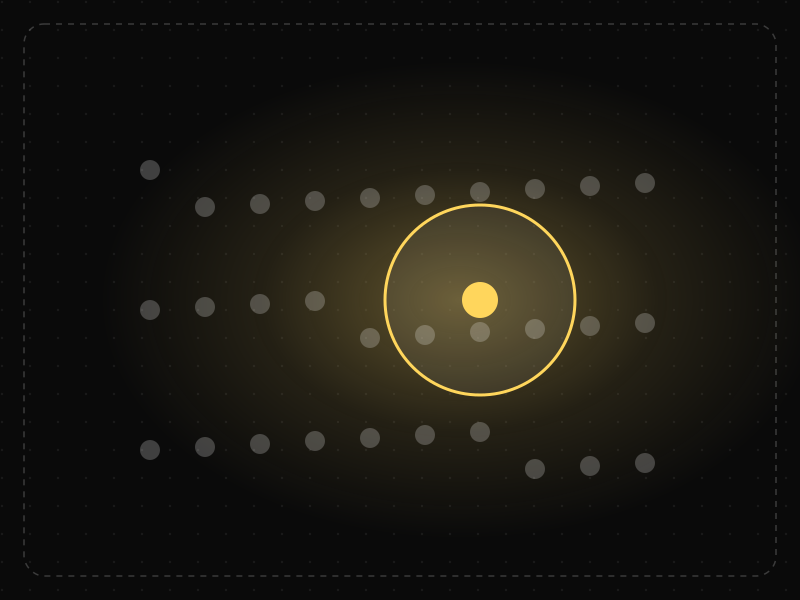
Selective Attention
People focus on the small part of their environment related to their current goal and filter out the rest — including things designers want them to notice.
 Memory & attention
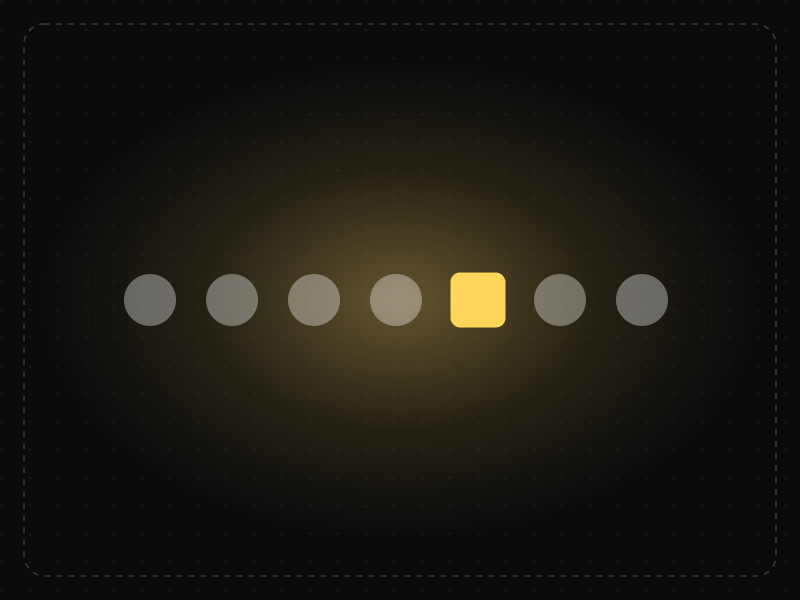
Von Restorff Effect
When several similar items are present, the one that differs from the rest is the one most likely to be noticed and remembered.
 Memory & attention
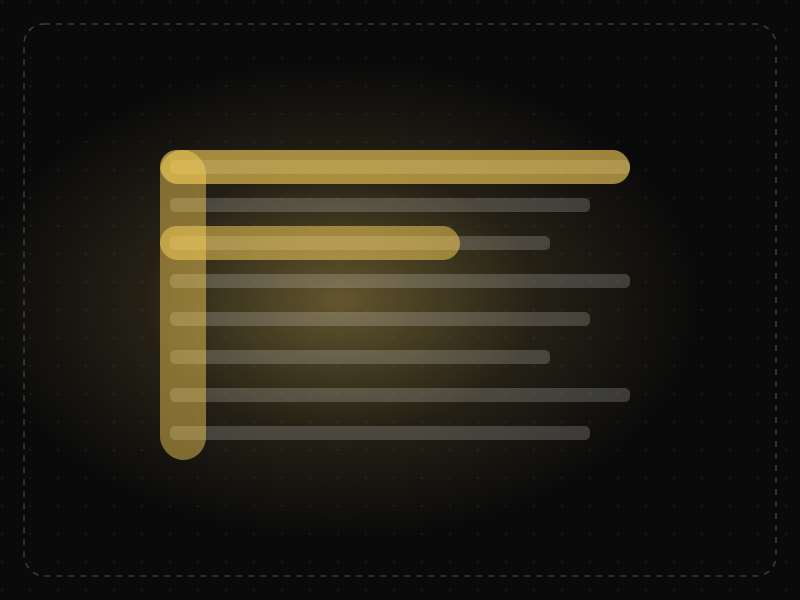
F-Shaped Pattern
When pages lack clear structure, people scan text in an F-shape: across the top, across a little lower, then down the left side, missing much of the content.
Banner Blindness in practice
- Career guidesUX psychology skills employers want in 2027: attention, memory, perception, decision-making and how designers apply them without manipulationUX psychology skills employers want in 2027: attention, memory, perception, decision-making, Hick's and Fitts's laws, cognitive load and ethics.
- Original dataIndian app statistics 2026: subscribers, broadband, UPI, installs, startups and what top apps look likeIndian app statistics for 2026 from official and public data: 1.35 billion telecom subscribers, 24 billion UPI payments a month and top-app benchmarks.
- Career guidesAPI design and integration skills for developer jobs in 2027: what interviews test and what good APIs look likeAPI design and integration skills for developer jobs in 2027: resources, errors, pagination, versioning, OAuth, webhooks and idempotency.
- Making moneyApp monetization strategies that don't annoy users — designed with behavioural scienceMonetize your app without wrecking retention: value-first paywalls, honest trials, rewarded ads, anchoring and decoy pricing done ethically, and what to avoid.
- Career guidesHow to get a UX designer job in 2027: the hiring playbook, from the other side of the deskHow to get a UX designer job in 2027: what recruiters screen for, the interview loop, a portfolio that survives a 30-second look, pay and a 12-week plan.
- Career guidesSQL for data analyst jobs in 2027: what employers test, the questions they ask and how to prove you're readySQL for data analyst jobs in 2027: which roles need it, how employers test it, real interview questions with answers, the traps that fail candidates and a plan.
Get the ideas, not the noise.
Sign up with Google and we’ll send you short UX psychology tips by email — why people tap, stall and leave, and what to do about it. Unsubscribe anytime. Prefer something to keep? Get the free Laws of UX guide as a PDF.