Selective Attention
Also known as Banner blindness
People focus on the small part of their environment related to their current goal and filter out the rest — including things designers want them to notice.
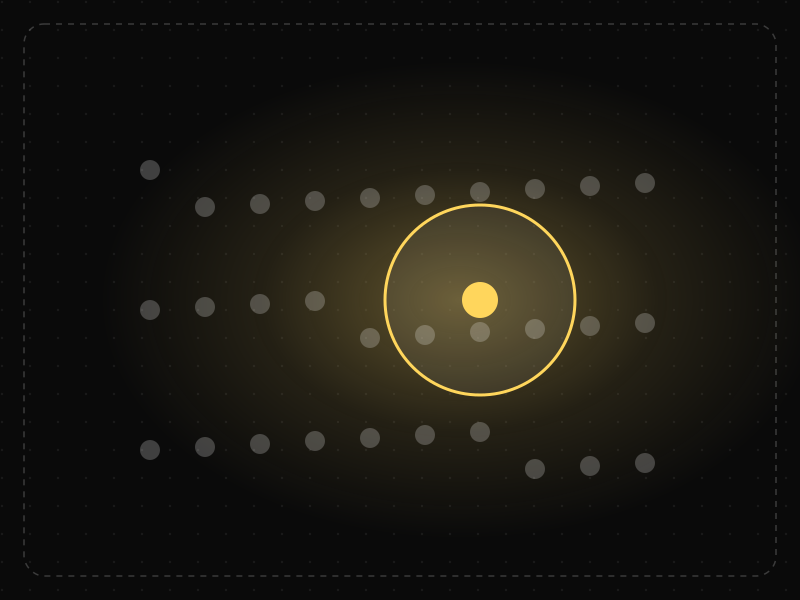
See it in action
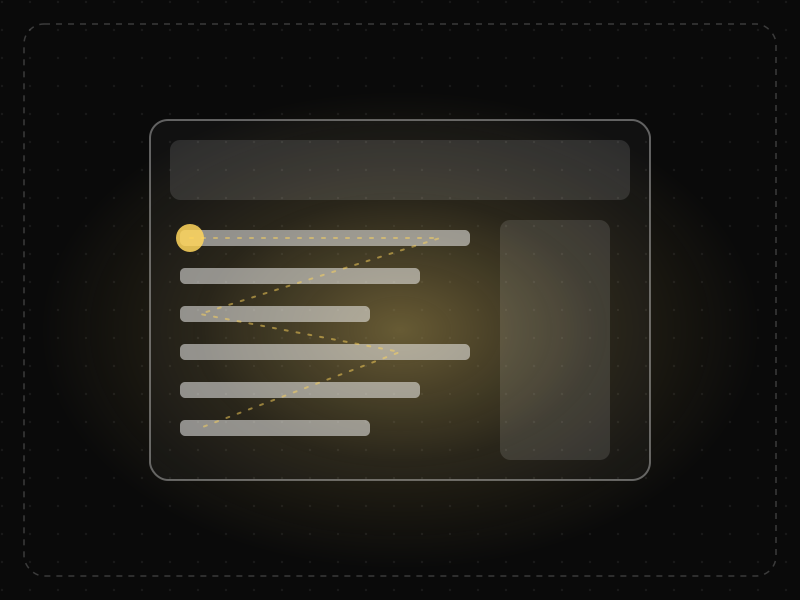
The same screen without and with Selective Attention. Watch both sides play out, then compare the outcome.
Focused on the button, people never look up: the message at the top is filtered out.
The message appears right where the eyes already are, so it's seen and fixed immediately.
What to watch: where attention is (the pointer) versus where the message appears.
Put messages, errors and key information inside the area people are focused on.
Expect people to notice changes at the edge of the screen while they're busy with a task.
Key takeaways
- Put important information where the user is already looking for their task.
- Content that looks like ads or decoration tends to be ignored.
- Changes outside the focus of attention often go unnoticed.
Quick facts
- Also known as
- Banner blindness
- Described by
- Colin Cherry
- Year
- 1953
- Category
- Memory & attention
- Related laws
- Von Restorff Effect, Cognitive Load, Serial Position Effect, Banner Blindness
Selective Attention explained
Selective attention is the process of focusing on a subset of stimuli in the environment, usually those related to our goals, while filtering out everything else.
Users scan interfaces looking for what helps them complete their task. Elements that do not seem relevant are ignored, sometimes completely, even when they are large and colourful. This is why important messages placed where users are not looking often go unseen.
Selective attention also explains banner blindness and inattentional blindness: people may fail to notice something obvious when their attention is focused elsewhere.
Where it comes from
Colin Cherry described the 'cocktail party effect' in 1953, showing how people follow one conversation among many. Daniel Simons and Christopher Chabris's 1999 'invisible gorilla' study showed that people focused on a task can miss even very obvious events.
How it shows up in apps
Promotional banners, upsells and important notices placed outside the user's task path are routinely missed. If a critical message is being ignored, it is often a placement problem, not a copy problem.
Selective Attention examples
Moving a 'Verify your email' prompt from a top banner into the flow the user is trying to complete makes far more users notice and act on it.
Missed notifications
A warning placed at the top of a page is often missed when users are focused on a form lower down. Showing the message next to the relevant field gets it noticed.
Banner blindness
Content styled like an advertisement, such as a brightly coloured box in a sidebar, is routinely ignored, even when it contains useful information.
Goal-focused checkout
Shoppers focused on paying often miss cross-sell offers placed around the payment form, which is why these offers perform better after purchase.
How to apply Selective Attention
- Place important information where users are already looking, in context with their task.
- Avoid styling key content like ads.
- Use contrast, motion and position sparingly so attention cues stay meaningful.
- Reduce competing elements on screens where one action matters most.
- Test whether users notice critical messages, not just whether they exist.
Want Selective Attention checked in your own product? Our saas ux audit evaluates it alongside the other principles that shape how users decide, onboard and stay.
Common mistakes
- Assuming users will see something because it is on the screen.
- Overusing attention-grabbing elements, which leads users to ignore them all.
- Putting critical warnings in banners or sidebars that users have learned to skip.
How to measure it
Use eye-tracking, heatmaps and first-click tests to see what users notice. Track whether users act on critical messages, such as reading a warning before proceeding, and test placements that increase noticing.
Frequently asked questions
What is Selective Attention?
People focus on the small part of their environment related to their current goal and filter out the rest — including things designers want them to notice.
Where does Selective Attention come from?
Colin Cherry described the 'cocktail party effect' in 1953, showing how people follow one conversation among many. Daniel Simons and Christopher Chabris's 1999 'invisible gorilla' study showed that people focused on a task can miss even very obvious events.
How does Selective Attention apply to app design?
Promotional banners, upsells and important notices placed outside the user's task path are routinely missed. If a critical message is being ignored, it is often a placement problem, not a copy problem.
What is the cocktail party effect?
It is a classic example of selective attention, described by Colin Cherry in 1953: people can focus on one conversation in a noisy room while still noticing their own name elsewhere.
How does selective attention affect UX design?
Users focus on what is relevant to their current goal and ignore the rest, so important information must be placed in context and designed not to look like noise.
How do you measure Selective Attention in a product?
Use eye-tracking, heatmaps and first-click tests to see what users notice. Track whether users act on critical messages, such as reading a warning before proceeding, and test placements that increase noticing.
Sources
- Cherry, E. C. (1953). Some experiments on the recognition of speech, with one and with two ears. Journal of the Acoustical Society of America, 25(5). Find on Google Scholar ↗
- Simons, D. J. & Chabris, C. F. (1999). Gorillas in our midst: Sustained inattentional blindness for dynamic events. Perception, 28(9). Find on Google Scholar ↗
Related laws
 Memory & attention
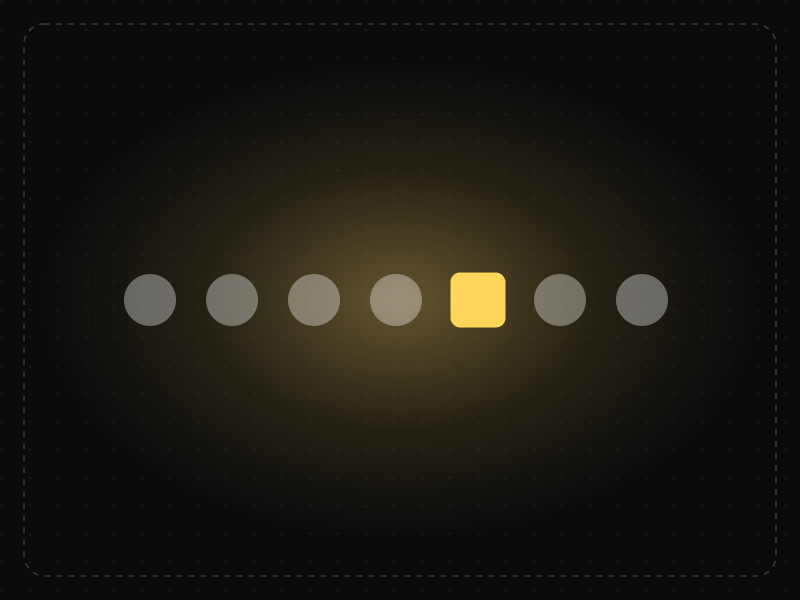
Von Restorff Effect
When several similar items are present, the one that differs from the rest is the one most likely to be noticed and remembered.
 Memory & attention
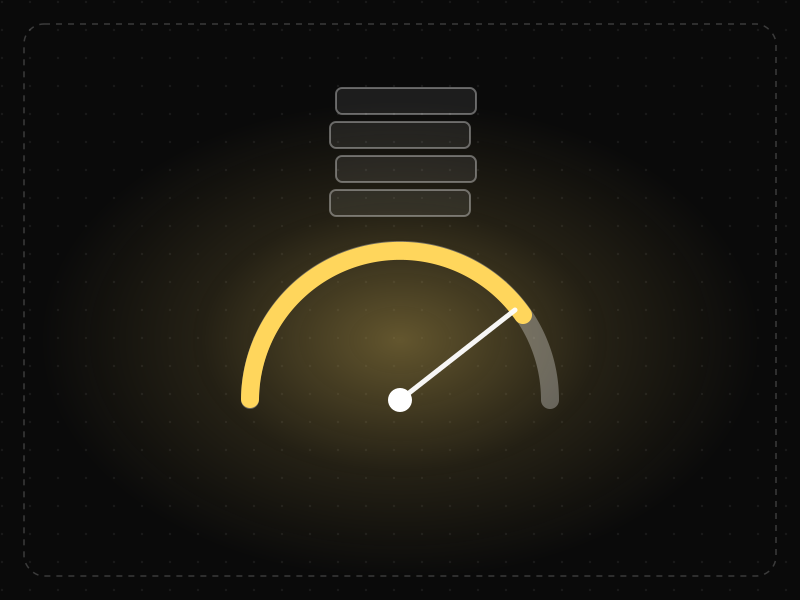
Cognitive Load
Cognitive load is the amount of mental effort needed to understand and use an interface; when it exceeds what people can handle, they slow down, make mistakes or give up.
 Memory & attention
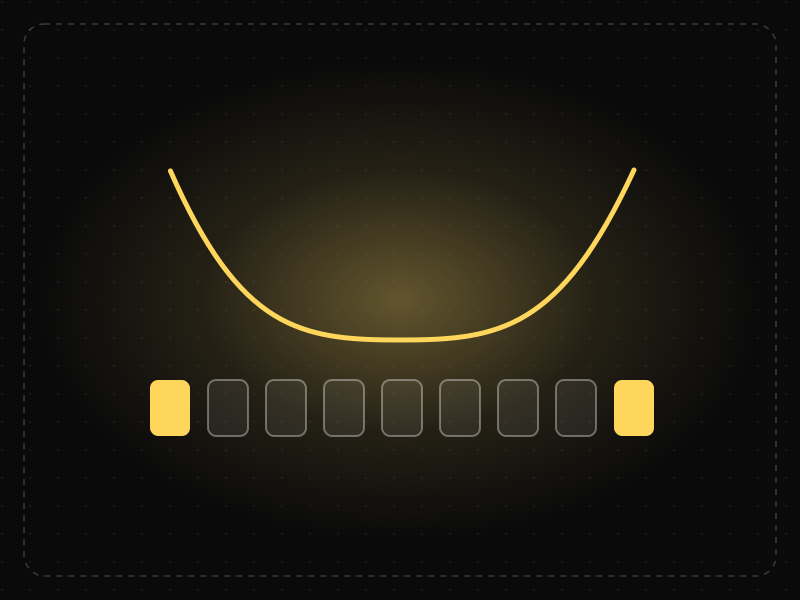
Serial Position Effect
People best remember the first and last items in a series and tend to forget the ones in the middle.
 Memory & attention
Banner Blindness
Users learn to ignore anything that looks like an advertisement, including real content that happens to be styled or placed like an ad.
Selective Attention in practice
- Career guidesUX psychology skills employers want in 2027: attention, memory, perception, decision-making and how designers apply them without manipulationUX psychology skills employers want in 2027: attention, memory, perception, decision-making, Hick's and Fitts's laws, cognitive load and ethics.
- Design historyLogo evolution: how 20 famous logos changed, and why almost all of them got simplerLogo evolution of 20 brands from Coca-Cola (1886) to Air India (2023): who designed each, what changed, and the memory science behind simpler logos.
- Career guidesDesign critique and visual judgment skills employers want in 2027: goal-based feedback, hierarchy, alignment, spacing, consistency and running critiquesDesign critique skills employers want in 2027: goal-based feedback, visual judgment, hierarchy, alignment, spacing, consistency and running good critiques.
- UI/UX designDark patterns examples: 15 tricks apps use on you — and India's rules against them15 dark pattern examples — false urgency, basket sneaking, drip pricing, subscription traps — the psychology behind them and India's 2023 rules.
- Architecture & engineeringThe best airports in the world in 2026, and the design science that makes them easy to useThe best airports in the world in 2026, led by Singapore Changi, and the design behind them: wayfinding, short walks, daylight and the psychology of waiting.
- Career guidesSearch analytics and Google Search Console skills employers want in 2027: performance data, indexing reports, diagnosis and reporting that drives decisionsGoogle Search Console skills employers want in 2027: performance reports, filters and comparisons, indexing, page experience, data limits and reporting.
Certifications that test it
Get the ideas, not the noise.
Sign up with Google and we’ll send you short UX psychology tips by email — why people tap, stall and leave, and what to do about it. Unsubscribe anytime. Prefer something to keep? Get the free Laws of UX guide as a PDF.