Aesthetic-Usability Effect
People perceive attractive interfaces as easier to use — and are more forgiving of their flaws — than plain ones with the same functionality.
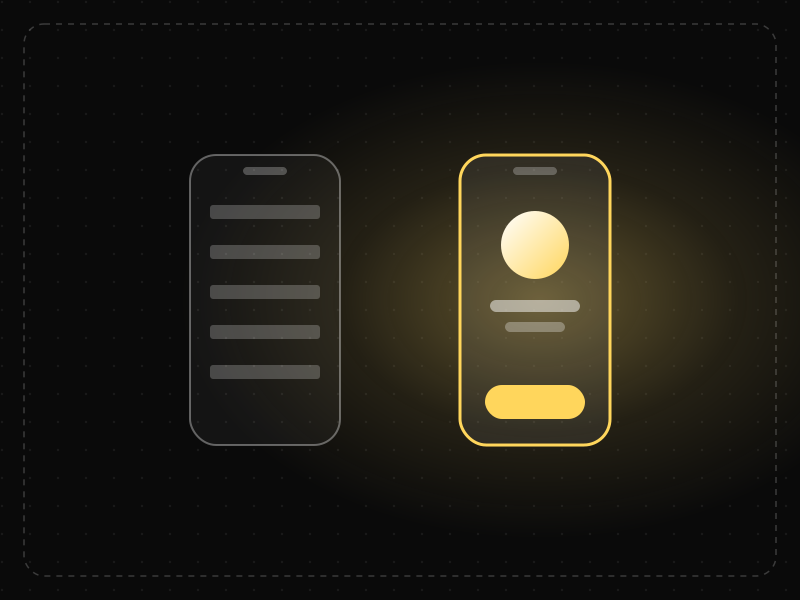
See it in action
The same screen without and with Aesthetic-Usability Effect. Watch both sides play out, then compare the outcome.
The same one-second lag feels like a broken app here — users rate it 2/5.
Identical lag, but the polished screen earns trust — users rate it 4/5 and forgive the wait.
What to watch: both screens stall for the same second; only the perceived quality — and the rating — differs.
Invest in consistent spacing, type and alignment; polish buys tolerance for small flaws.
Let good looks hide real usability problems in testing — watch behaviour, not just ratings.
Key takeaways
- A polished visual layer raises perceived usability and trust before anyone completes a task.
- Good looks can mask real usability problems in user testing, so measure behavior, not just opinions.
- Aesthetics buy patience for minor issues; they don't fix broken flows.
Quick facts
- Also known as
- —
- Described by
- Masaaki Kurosu & Kaori Kashimura
- Year
- 1995
- Category
- Perception
- Related laws
- Peak-End Rule, Law of Prägnanz, Cognitive Bias
Aesthetic-Usability Effect explained
People judge how easy a product is to use partly by how good it looks. When an interface feels polished, balanced and intentional, users assume it will work well, forgive small problems more readily and report higher satisfaction, even when its real usability is no better than a plainer alternative.
This happens because first impressions form in a fraction of a second, long before anyone has completed a task. Visual quality acts as a shortcut for competence and trust: if a team cared about spacing, type and colour, it probably cared about the details users cannot see as well.
The effect cuts both ways. Good aesthetics buy goodwill and patience, but they can also hide real usability problems in research sessions, because participants are less likely to criticise something that looks attractive.
Where it comes from
Described by Masaaki Kurosu and Kaori Kashimura at Hitachi in 1995. In a study of ATM interface layouts, participants' ratings of how usable a layout looked tracked its visual appeal more closely than its actual ease of use. Noam Tractinsky replicated the finding across cultures in 1997.
How it shows up in apps
First impressions in an app store listing, onboarding screen or paywall set expectations for the whole product. A refined, consistent visual system makes new users more willing to push through a slightly confusing step — but it can also hide friction from your own team, because users rate pretty screens highly even when they fail to complete the task.
Aesthetic-Usability Effect examples
Two versions of the same sign-up form ask for identical fields. The version with clear hierarchy, comfortable spacing and a confident brand color is rated easier to use, and users tolerate a validation hiccup on it without abandoning.
Fintech onboarding
Two banking apps ask for the same identity details in the same number of steps. Users of the one with a consistent visual system, clear typography and calm motion rate it as faster and more secure, and abandon fewer sessions when a verification step fails.
Landing page credibility
Visitors decide whether a SaaS website is trustworthy within the first second. A dated or cluttered layout lowers perceived credibility before any copy is read, which depresses demo requests even when the product itself is strong.
Error tolerance in a polished app
When a well-designed meditation app occasionally loads slowly, reviews mention the delay far less than they do for a visually rough competitor with the same performance, because users give the attractive product the benefit of the doubt.
How to apply Aesthetic-Usability Effect
- Invest in a consistent visual system (spacing scale, type ramp, colour tokens) before adding new features to key screens.
- Polish the first screens users see (sign-up, onboarding and the first-value moment) because that is where trust is formed.
- Use visual quality to support clarity: hierarchy, contrast and whitespace should make the next action more obvious, not just prettier.
- In usability tests, watch behaviour (task success, time, errors) rather than relying only on what participants say they liked.
- Pair aesthetic upgrades with real fixes so goodwill is not spent covering problems that should be solved.
Want Aesthetic-Usability Effect checked in your own product? Our mobile app ux audit evaluates it alongside the other principles that shape how users decide, onboard and stay.
Common mistakes
- Treating a visual redesign as a substitute for fixing broken flows; attractive screens delay complaints but do not remove friction.
- Sacrificing legibility or contrast for style, which harms accessibility and the very usability users assume is there.
- Trusting positive interview feedback on a beautiful prototype without measuring whether people can actually complete tasks.
How to measure it
Compare perceived usability (for example System Usability Scale or a single ease question) against observed task success and time on task. A large gap where people rate the product highly but still fail tasks signals that aesthetics are masking problems. A/B testing a visual refresh on key screens while holding the flow constant isolates the effect on conversion and trust.
Frequently asked questions
What is Aesthetic-Usability Effect?
People perceive attractive interfaces as easier to use — and are more forgiving of their flaws — than plain ones with the same functionality.
Where does Aesthetic-Usability Effect come from?
Described by Masaaki Kurosu and Kaori Kashimura at Hitachi in 1995. In a study of ATM interface layouts, participants' ratings of how usable a layout looked tracked its visual appeal more closely than its actual ease of use. Noam Tractinsky replicated the finding across cultures in 1997.
How does Aesthetic-Usability Effect apply to app design?
First impressions in an app store listing, onboarding screen or paywall set expectations for the whole product. A refined, consistent visual system makes new users more willing to push through a slightly confusing step — but it can also hide friction from your own team, because users rate pretty screens highly even when they fail to complete the task.
Does the aesthetic-usability effect mean design is just decoration?
No. It shows that visual design changes how people feel about and tolerate a product, which affects real outcomes such as trust, conversion and retention. Good visual design also improves usability directly through hierarchy and clarity.
Can a beautiful design hide usability problems?
Yes. Attractive interfaces make users more forgiving and less critical in research, so teams should measure task performance directly rather than relying on satisfaction ratings alone.
How do you measure Aesthetic-Usability Effect in a product?
Compare perceived usability (for example System Usability Scale or a single ease question) against observed task success and time on task. A large gap where people rate the product highly but still fail tasks signals that aesthetics are masking problems. A/B testing a visual refresh on key screens while holding the flow constant isolates the effect on conversion and trust.
Sources
- Kurosu, M. & Kashimura, K. (1995). Apparent usability vs. inherent usability. CHI '95 Conference Companion. Find on Google Scholar ↗
- Tractinsky, N. (1997). Aesthetics and apparent usability: Empirically assessing cultural and methodological issues. Proceedings of CHI '97. Find on Google Scholar ↗
Related laws
 Motivation & emotion
Peak-End Rule
People judge an experience mostly by how they felt at its most intense moment and at its end, not by the average of every moment.
 Perception
Law of Prägnanz
People interpret complex or ambiguous visuals in the simplest way possible, because simple forms take the least mental effort to process.
 Decision-making
Cognitive Bias
A cognitive bias is a systematic error in thinking — a mental shortcut that predictably skews how people perceive information and make decisions.
Aesthetic-Usability Effect in practice
- Design historyiOS design history: from leather and linen to flat design to Liquid GlassiOS design history in three eras: skeuomorphism (2007), flat iOS 7 (2013) and Liquid Glass (2025). Who decided each change, why, and what the research says.
- Career guidesUX psychology skills employers want in 2027: attention, memory, perception, decision-making and how designers apply them without manipulationUX psychology skills employers want in 2027: attention, memory, perception, decision-making, Hick's and Fitts's laws, cognitive load and ethics.
- UI/UX designUX research methods: which one to use when — a practical guide by question and stageUX research methods explained by the question each answers — interviews, usability tests, surveys, diary studies, card sorting, A/B tests.
- Career guidesHow to get a conversation designer job in 2027: chatbot and voice UX, dialogue flows, intents, repair, handoff, multilingual design and LLM assistantsHow to get a conversation designer job in 2027: chatbot and voice UX, dialogue flows, error repair, human handoff, multilingual design and LLM assistants.
- Career guidesHow to succeed as a first-time manager in 2027: one-on-ones, delegation, setting expectations, feedback, managing former peers, hiring, handling conflict and leading hybrid teamsHow to succeed as a new manager in 2027: one-on-ones, delegation, clear expectations, feedback, managing former peers, hiring, conflict and hybrid teams.
- Templates & tools50 user interview questions that uncover real problems — grouped by goal, with the questions to avoid50 user interview questions for discovery and usability research, grouped by goal, with a simple script and the leading questions to avoid.
Certifications that test it
- Free certification · UX/UI, Design, Research & CreativeUI Design CertificationCertifies that you can design clear, consistent, accessible interfaces — visual hierarchy, typography, colour, layout, components and interaction states.
- Free certification · UX/UI, Design, Research & CreativeUX Writing & Content Design CertificationCertifies that you can write interface copy that helps people act — microcopy, errors, onboarding, voice and tone, content structure and testing words.
- Free certification · Digital Marketing, SEO, AEO & GrowthApp Store Optimization (ASO) CertificationCertifies that you can grow app installs organically — keyword research and metadata, store creative, ratings and reviews, and store experiments, localisation and in-app events on the App Store and Google Play.
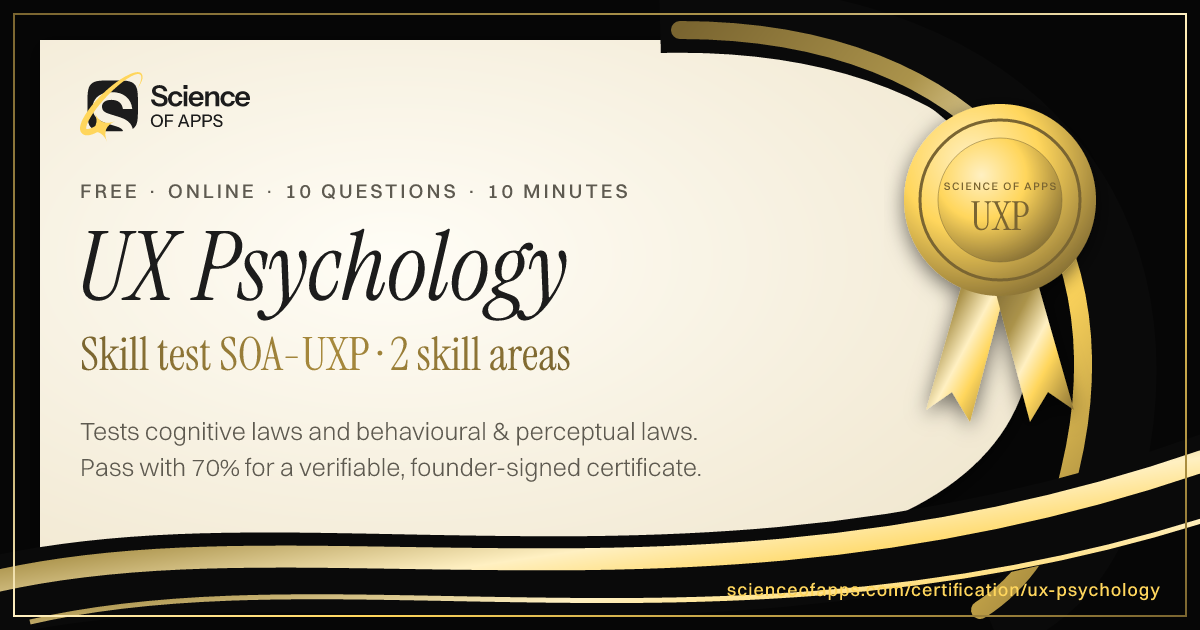
- Free skill test · 10 minUX Psychology QuizA 10-minute quiz on the psychology behind UX: the cognitive, behavioural and perceptual laws of UX — Hick's law, Fitts's law, Jakob's law and more — and how to apply them.



Get the ideas, not the noise.
Sign up with Google and we’ll send you short UX psychology tips by email — why people tap, stall and leave, and what to do about it. Unsubscribe anytime. Prefer something to keep? Get the free Laws of UX guide as a PDF.