Law of Proximity
Objects that are close to each other are perceived as belonging together, so spacing alone can communicate structure.
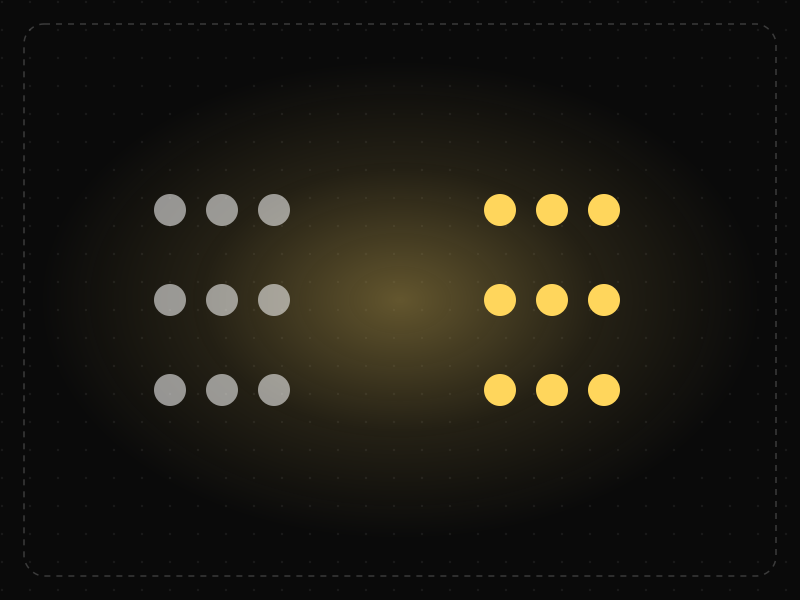
See it in action
The same screen without and with Law of Proximity. Watch both sides play out, then compare the outcome.
Labels float halfway between fields, so people pair them with the wrong input and type into the wrong box.
4px between label and field, 28px between pairs: each pair reads as one unit before anyone thinks about it.
What to watch: the spacing alone decides which label belongs to which field — no lines or boxes needed.
Keep related items closer to each other than to anything else (label → field, price → product).
Space every element evenly; uniform gaps make relationships ambiguous.
Key takeaways
- Put related items close together and separate unrelated groups with clear space.
- Place labels nearer to their own field than to the next one.
- Consistent spacing rules make layouts readable without extra lines or boxes.
Quick facts
- Also known as
- —
- Described by
- Max Wertheimer
- Year
- 1923
- Category
- Perception
- Related laws
- Law of Common Region, Law of Similarity, Chunking
Law of Proximity explained
The Law of Proximity is a Gestalt principle stating that objects that are near each other tend to be perceived as a group. Spacing alone, without any lines or boxes, can communicate structure.
This makes whitespace one of the most powerful tools in interface design. Tighter spacing within a group and larger spacing between groups tells users what belongs together before they read a single word.
Inconsistent spacing does the opposite: a label that sits closer to the wrong input or a button that floats between sections creates confusion and errors.
Where it comes from
One of the original Gestalt principles of perceptual organization described by Max Wertheimer in 1923 and developed by Kurt Koffka and Wolfgang Köhler.
How it shows up in apps
Ambiguous spacing in forms and lists makes users guess which label, price or button belongs to what — a quiet but common source of errors.
Law of Proximity examples
In a sign-up form, reducing the gap between each label and its input (and increasing the gap between fields) removes confusion about which label belongs to which box.
Form labels
Placing each label directly above its input with a small gap, and leaving a larger gap before the next label, makes it obvious which label belongs to which field.
Navigation groups
Footers group links into columns separated by generous spacing, so visitors can scan by topic without needing borders.
Article layout
Headings that sit closer to the paragraph below than the one above clearly introduce the next section rather than ending the previous one.
How to apply Law of Proximity
- Use a consistent spacing scale and apply smaller gaps within groups and larger gaps between them.
- Place labels, helper text and error messages close to the element they describe.
- Keep related actions (such as Save and Cancel) together and separate destructive actions.
- Rely on whitespace before adding borders or dividers to show grouping.
- Check layouts at every breakpoint, as spacing relationships can break on small screens.
Want Law of Proximity checked in your own product? Our mobile app ux audit evaluates it alongside the other principles that shape how users decide, onboard and stay.
Common mistakes
- Equal spacing between everything, which makes it impossible to see structure.
- Headings placed equidistant between sections, so it is unclear which content they introduce.
- Error messages displayed far from the field they refer to.
How to measure it
Test form completion and error rates, and use first-click tests to see whether users associate labels and actions with the right elements. Heatmaps and session recordings reveal when people click the wrong control because of misleading spacing.
Frequently asked questions
What is Law of Proximity?
Objects that are close to each other are perceived as belonging together, so spacing alone can communicate structure.
Where does Law of Proximity come from?
One of the original Gestalt principles of perceptual organization described by Max Wertheimer in 1923 and developed by Kurt Koffka and Wolfgang Köhler.
How does Law of Proximity apply to app design?
Ambiguous spacing in forms and lists makes users guess which label, price or button belongs to what — a quiet but common source of errors.
Why does proximity matter in UI design?
Because people perceive nearby items as related, spacing communicates structure instantly. Good spacing reduces the need for borders, labels and instructions.
Is the Law of Proximity a Gestalt principle?
Yes. It is one of the original Gestalt principles of perceptual grouping described by Max Wertheimer and colleagues in the early 20th century.
How do you measure Law of Proximity in a product?
Test form completion and error rates, and use first-click tests to see whether users associate labels and actions with the right elements. Heatmaps and session recordings reveal when people click the wrong control because of misleading spacing.
Sources
- Wertheimer, M. (1923). Untersuchungen zur Lehre von der Gestalt II. Psychologische Forschung, 4. Find on Google Scholar ↗
- Koffka, K. (1935). Principles of Gestalt Psychology. Harcourt, Brace. Find on Google Scholar ↗
Related laws
 Perception
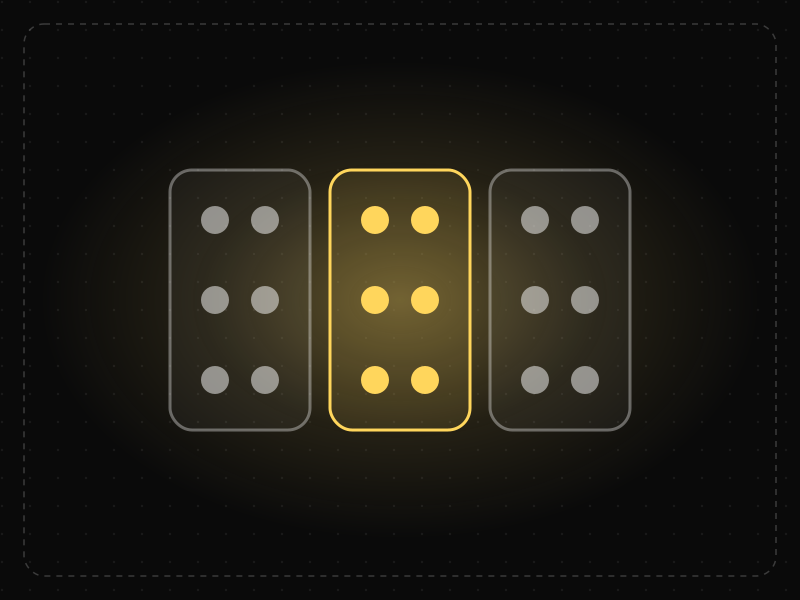
Law of Common Region
Elements that sit inside the same clearly bounded area are perceived as a group, even if they are not otherwise similar.
 Perception
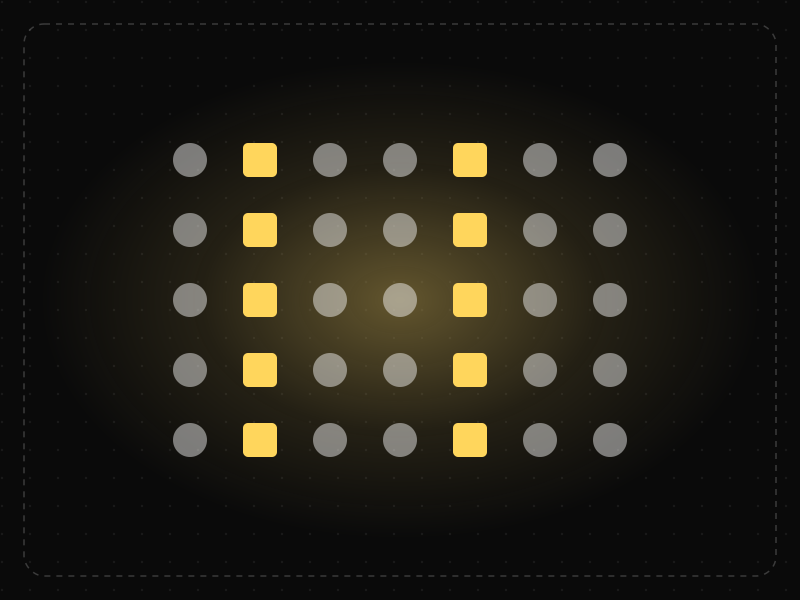
Law of Similarity
Elements that look alike — in color, shape, size or style — are perceived as related or as having the same function.
 Memory & attention
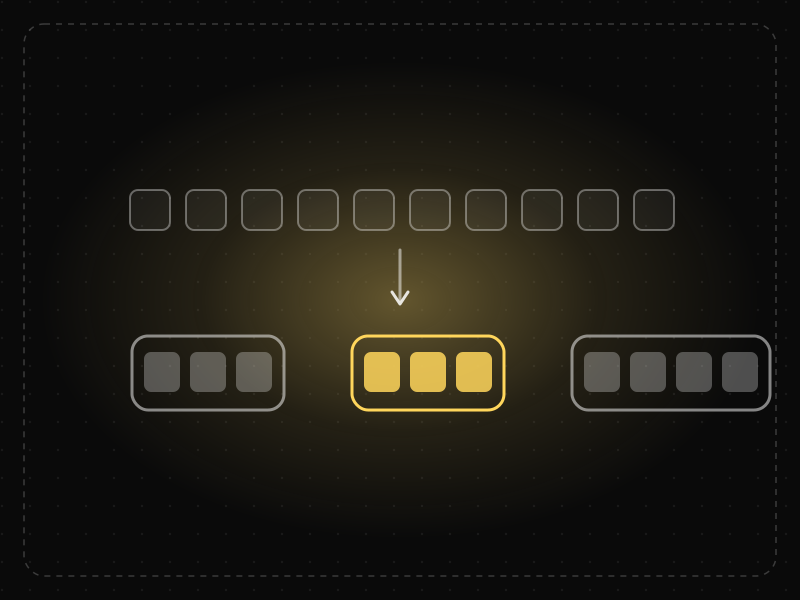
Chunking
Chunking is grouping individual pieces of information into larger, meaningful units so they are easier to scan, understand and remember.
Law of Proximity in practice
- Career guidesData visualisation jobs and skills in 2027: what employers test, the portfolio that wins and the chart mistakes that lose offersData visualisation jobs and skills in 2027: which roles need them, how employers test chart judgement, a portfolio that wins, interview questions and a plan.
- Career guidesDashboard design and KPI skills for BI and analyst jobs in 2027: what employers test and how to build dashboards people useDashboard design and KPI skills for BI and analyst jobs in 2027: choosing KPIs, leading vs lagging, layout and context, interview tasks and a plan.
- Career guidesUX psychology skills employers want in 2027: attention, memory, perception, decision-making and how designers apply them without manipulationUX psychology skills employers want in 2027: attention, memory, perception, decision-making, Hick's and Fitts's laws, cognitive load and ethics.
- UI/UX designUI vs UX design: what's the difference, and which career fits you?UI vs UX design explained: what each covers, the skills and tools, how they work together, salaries in India and how to choose between the two careers.
- UI/UX designOnboarding screen examples: 40 patterns that get users to value faster40 app onboarding examples and patterns — welcome, sign-up, personalisation, permissions, empty states and first success — and why each works.
- Making moneyApp monetization strategies that don't annoy users — designed with behavioural scienceMonetize your app without wrecking retention: value-first paywalls, honest trials, rewarded ads, anchoring and decoy pricing done ethically, and what to avoid.


Certifications that test it
- Free certification · UX/UI, Design, Research & CreativeUI Design CertificationCertifies that you can design clear, consistent, accessible interfaces — visual hierarchy, typography, colour, layout, components and interaction states.
- Free certification · UX/UI, Design, Research & CreativeFigma CertificationCertifies that you can build production-ready work in Figma — auto layout, components and variants, variables and modes, prototyping and developer handoff.
- Free skill test · 10 minUX Psychology QuizA 10-minute quiz on the psychology behind UX: the cognitive, behavioural and perceptual laws of UX — Hick's law, Fitts's law, Jakob's law and more — and how to apply them.


Get the ideas, not the noise.
Sign up with Google and we’ll send you short UX psychology tips by email — why people tap, stall and leave, and what to do about it. Unsubscribe anytime. Prefer something to keep? Get the free Laws of UX guide as a PDF.