Framing Effect
The same information leads to different decisions depending on how it is presented — for example, as a gain or as a loss.

See it in action
The same screen without and with Framing Effect. Watch both sides play out, then compare the outcome.
Leading with the failure rate makes a reliable update sound risky, so people postpone it.
Identical data presented as the success rate: people feel safe and go ahead.
What to watch: the numbers mean exactly the same thing; only the frame changes the decision.
Choose the frame that helps people judge accurately, and keep the full picture available.
Frame facts to mislead — e.g. hiding real risk behind a cheerful percentage.
Key takeaways
- Wording and context change choices even when the facts are identical.
- Frame benefits in terms users care about (time saved, not features added).
- Test framings — the best one depends on your audience.
Quick facts
- Also known as
- —
- Described by
- Amos Tversky & Daniel Kahneman
- Year
- 1981
- Category
- Decision-making
- Related laws
- Anchoring Effect, Loss Aversion, Cognitive Bias
Framing Effect explained
The framing effect describes how people react differently to the same information depending on how it is presented. Equivalent facts can lead to different decisions when framed as gains or losses, positives or negatives.
For example, '90 percent success rate' and '10 percent failure rate' describe the same outcome but feel very different.
In interfaces, framing shapes how users perceive prices, risks, features and choices. Thoughtful framing improves clarity; manipulative framing misleads.
Where it comes from
Amos Tversky and Daniel Kahneman showed in 1981 that people's choices between public-health programs reversed depending on whether outcomes were described as lives saved or lives lost.
How it shows up in apps
Permission prompts, pricing, error messages and upgrade screens are all frames. Small wording changes can shift opt-in and conversion rates without changing the product.
Framing Effect examples
A notification permission screen framed as 'Get reminded before your class starts' earns more opt-ins than 'Allow notifications'.
Price framing
Presenting an annual plan as '$8 per month, billed annually' rather than '$96 per year' makes the cost feel smaller and easier to compare with monthly plans.
Security messages
'Protect your account with two-factor authentication' tends to motivate more than 'Your account is less secure without two-factor authentication', depending on the audience.
Feature benefits
'Save 5 hours a week' frames a feature in terms of user benefit, which is more persuasive than listing technical capabilities.
How to apply Framing Effect
- Frame information around user goals and benefits.
- Test gain-framed and loss-framed messages for important decisions.
- Keep framing honest; never obscure important facts such as total cost.
- Use consistent units to make comparisons fair.
- Consider the emotional context of the message.
Want Framing Effect checked in your own product? Our retention & churn audit evaluates it alongside the other principles that shape how users decide, onboard and stay.
Common mistakes
- Framing that hides the true cost or risk.
- Confirm-shaming copy such as 'No thanks, I don't like saving money'.
- Inconsistent framing that makes options hard to compare.
How to measure it
A/B test different framings of key messages and measure the decision outcome as well as later indicators like refunds, churn and support contacts.
Frequently asked questions
What is Framing Effect?
The same information leads to different decisions depending on how it is presented — for example, as a gain or as a loss.
Where does Framing Effect come from?
Amos Tversky and Daniel Kahneman showed in 1981 that people's choices between public-health programs reversed depending on whether outcomes were described as lives saved or lives lost.
How does Framing Effect apply to app design?
Permission prompts, pricing, error messages and upgrade screens are all frames. Small wording changes can shift opt-in and conversion rates without changing the product.
Who discovered the framing effect?
Amos Tversky and Daniel Kahneman demonstrated it in their 1981 study, often called the Asian disease problem.
Is framing manipulation?
Not inherently. All information has a frame. It becomes manipulative when framing hides or distorts facts to push users against their interests.
How do you measure Framing Effect in a product?
A/B test different framings of key messages and measure the decision outcome as well as later indicators like refunds, churn and support contacts.
Sources
- Tversky, A. & Kahneman, D. (1981). The framing of decisions and the psychology of choice. Science, 211(4481). Find on Google Scholar ↗
Related laws
 Decision-making
Anchoring Effect
The first number or piece of information people see becomes a reference point that strongly influences how they judge everything after it.
 Decision-making
Loss Aversion
Losses feel more powerful than equivalent gains — in many studies roughly twice as strong — so people work harder to avoid losing something than to gain it.
 Decision-making
Cognitive Bias
A cognitive bias is a systematic error in thinking — a mental shortcut that predictably skews how people perceive information and make decisions.
Framing Effect in practice
- Making moneyApp monetization strategies that don't annoy users — designed with behavioural scienceMonetize your app without wrecking retention: value-first paywalls, honest trials, rewarded ads, anchoring and decoy pricing done ethically, and what to avoid.
- Career guidesStatistical reasoning at work in 2027: base rates, bias and misleading numbers — how employers test judgement with dataStatistical reasoning skills for analysts and managers in 2027: base rates, sampling bias, Simpson's paradox, risk, how employers test it and a plan.
- Career guidesBusiness decision-making under uncertainty for 2027: framing decisions, reversible vs irreversible choices, expected value, scenarios and sensitivity, premortems, decision trees, deciding with 70% of the information and learning from outcomesBusiness decision-making under uncertainty in 2027: framing, reversible choices, expected value, scenarios, premortems, decision trees and learning.
- Career guidesData-driven decision-making for managers and team leads in 2027: how employers test it and how to get better at itData-driven decision-making for managers, team leads and founders in 2027: framing questions, choosing metrics, weighing evidence, how it's tested and a plan.
- Career guidesStrategic decision-making skills employers want in 2027: framing choices, options and criteria, scenarios, reversibility, expected value, pre-mortems and group biasesStrategic decision-making skills for 2027: framing choices, options, criteria, scenarios, reversibility, expected value, pre-mortems and avoiding group bias.
- Career guidesDecision-making skills at work in 2027: framing decisions, setting criteria, weighing options, deciding at the right speed, involving the right people, avoiding bias, committing and learning from decisionsDecision-making skills at work in 2027: framing, criteria, weighing options, right speed, involving people, avoiding bias, committing and learning.
Certifications that test it
- Free certification · UX/UI, Design, Research & CreativeUX Research CertificationCertifies that you can plan, run and synthesize user research that changes decisions — method choice, recruiting, interviewing, usability testing, surveys and analysis.
- Free certification · UX/UI, Design, Research & CreativeUX Writing & Content Design CertificationCertifies that you can write interface copy that helps people act — microcopy, errors, onboarding, voice and tone, content structure and testing words.
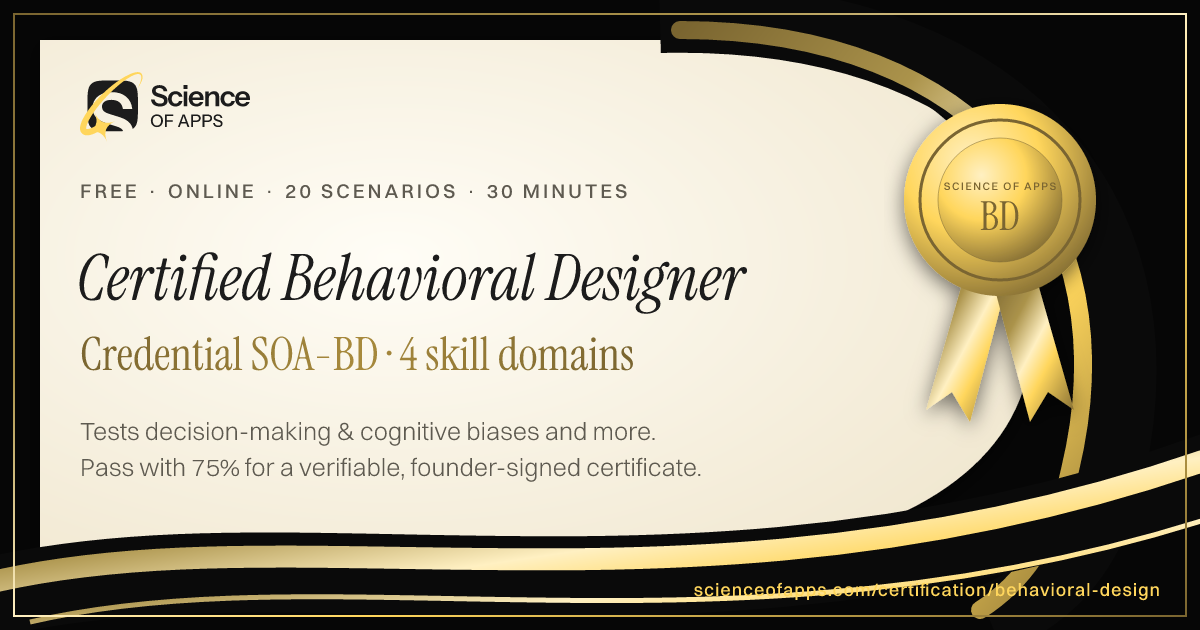
- Free certification · UX/UI, Design, Research & CreativeBehavioral Design CertificationCertifies that you can apply behavioral psychology and behavioral economics to product design ethically — motivation, decision architecture, habits and the laws of UX.
- Free certification · Product, Project Management & Business AnalysisDesign Leadership CertificationCertifies that you can lead design — build and grow teams, set design strategy, run design operations, measure design's impact and influence the business.
- Free certification · UX/UI, Design, Research & CreativeUsability Testing CertificationCertifies that you can plan, run and report usability tests — recruiting, task writing and moderation, usability metrics like SUS, and severity-ranked findings.
- Free certification · Product, Project Management & Business AnalysisProduct Strategy CertificationCertifies that you can set product strategy — customer and market insight, positioning and differentiation, strategic choices and bets, and outcome roadmaps and OKRs.





Get the ideas, not the noise.
Sign up with Google and we’ll send you short UX psychology tips by email — why people tap, stall and leave, and what to do about it. Unsubscribe anytime. Prefer something to keep? Get the free Laws of UX guide as a PDF.