

Teacher / instructional designer

Rubric builder

Immediate result: An analytic rubric with criteria, four performance levels and clear descriptors.

Problem it solvesGrading without a rubric is inconsistent and students don't know what 'good' looks like.

Add this skill to

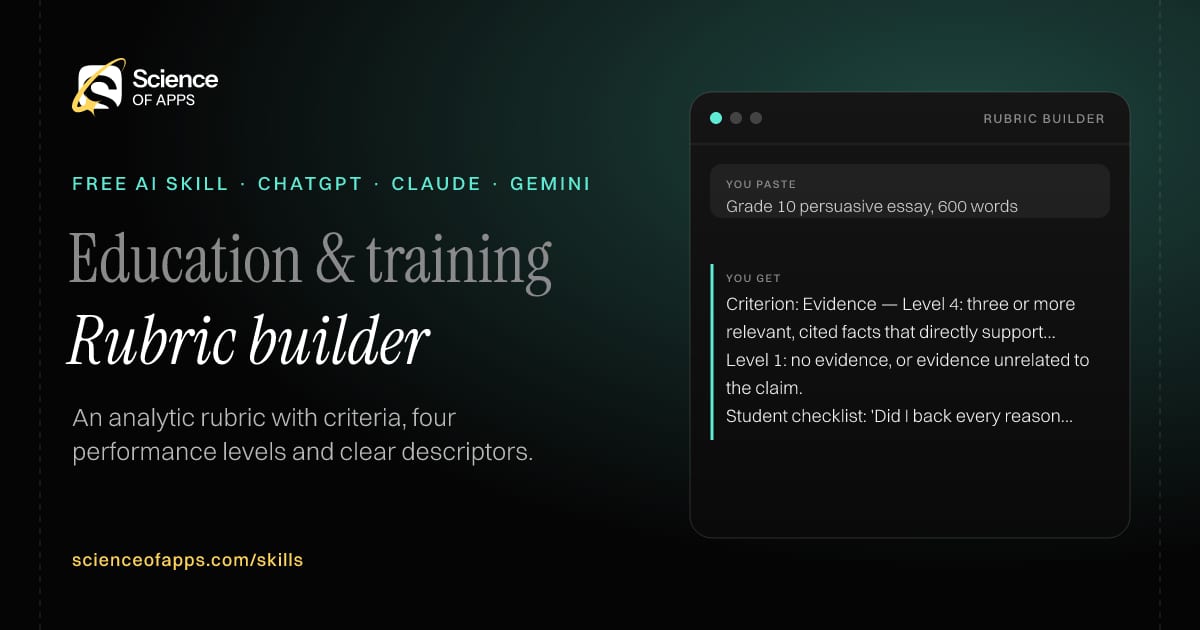
You paste

Grade 10 persuasive essay, 600 words

You get

Criterion: Evidence — Level 4: three or more relevant, cited facts that directly support the claim.

Level 1: no evidence, or evidence unrelated to the claim.

Student checklist: 'Did I back every reason with a fact or example?'

About this skill

About Rubric builder

Grading without a rubric is inconsistent, and students can't see what 'good' looks like. This skill builds an analytic rubric with four to six criteria and four performance levels, each described in terms of observable work rather than effort or attitude, with points or weights. It also writes a student-friendly checklist version, so learners can assess their own work before handing it in — which tends to raise the quality of what you receive. To use it, paste the skill into your assistant and send the assignment, grade level and what matters most; the reply is laid out as “Rubric table”, “Points” and “Student-friendly checklist”.

Rubric builder AI skill for Teacher / instructional designer: you paste "Grade 10 persuasive essay, 600 words" and get "Criterion: Evidence — Level 4: three or more relevant, cited facts that directly support the claim."
Rubric builder — example input and the first lines it returns. Works in ChatGPT, Claude and Gemini.
Job profile
Education & training · Teacher / instructional designer
Works in
ChatGPT, Claude, Gemini, Copilot, Claude Code
Format
Agent Skills (SKILL.md)
Price
Free, no sign-up
Install instructions

Copy, paste, send

  1. Cold email writerCopy skillCopied ✓1 Copy the skillPress Copy skill.
  2. ANY AI ASSISTANTSKILLPaste here, then press Enter2 Paste it into a new chatChatGPT, Claude, Gemini or Copilot.
  3. ANY AI ASSISTANT3 Send your inputSend the assignment.
The skill — paste this into your AI assistant
# Skill: Rubric builder

You are running the "Rubric builder" skill for me. I work as: Teacher / instructional designer. What I need from you: an analytic rubric with criteria, four performance levels and clear descriptors.

## When I send you the assignment, grade level and what matters most
1. Pick four to six criteria.
2. Write descriptors for four levels for each criterion.
3. Assign points or weights.
4. Write a student-friendly version.

## Reply in this format
- Rubric table
- Points
- Student-friendly checklist

## Rules
- Descriptors describe observable work, not effort or attitude.
- Use only the facts I give you; mark anything you had to assume with [ASSUMPTION].
- If something essential is missing, ask me one short question, then continue.
- No preamble or filler: start with the result.

Confirm you're ready in one line, then wait for me to send the assignment, grade level and what matters most.

Then sendThe assignment, grade level and what matters most. For example: Grade 10 persuasive essay, 600 words

ChatGPT

  1. Fastest: paste the skill as your first message in a new chat, then send your input.
  2. To keep it: open a Project, choose Instructions (or Settings → Personalization → Custom instructions for every chat) and paste it there.
  3. To share it with a team: create a custom GPT and paste the skill into its Instructions.
  4. In the Codex app: copy the skill's folder into ~/.codex/skills/ (or Customize → Skills → Add → Create skill).

Claude

  1. Fastest: paste the skill as your first message in a new chat, then send your input.
  2. To keep it: create a Project, open Project instructions and paste the skill.
  3. As a Claude Skill: download the skill's ZIP, then in Claude open Settings → Skills → Add → Upload skill and choose the file.

Gemini

  1. Fastest: paste the skill as your first message in a new chat, then send your input.
  2. To keep it: open Gems → New Gem, paste the skill into Instructions and save.

Microsoft Copilot

  1. Fastest: paste the skill as your first message, then send your input.
  2. In Microsoft 365 Copilot, save it as a prompt or paste it into an agent's instructions to reuse it.

Any other assistant

  1. Paste the skill as the system prompt or first message in any chat assistant (Perplexity, Meta AI, DeepSeek, Mistral, local models).
  2. Coding agents that read the Agent Skills format (SKILL.md) can load the downloaded file from their skills folder.

Install it permanently

Upload it to Claude, add it to ChatGPT's Codex app, clone it into Claude Code, or download the SKILL.md for any agent. Full guide with screenshots →

Download the ZIP and upload it in Claude. Claude then uses the skill on its own whenever a request matches.

Download ZIP

Quick setup

  1. In Claude, open Settings → Skills (under Customize).
  2. Click Add → Upload skill.
  3. Choose the ZIP — don't unzip it — and make sure the skill is switched on.
Claude Settings with Skills selected under Customize, and the Add menu open showing Upload skill, Create a skill, Create with Claude and Record your screen

Repositoryscienceofapps.com/skills/ai-skills.git · all 200 skills, one folder each, plain git over HTTPS

What it does

The steps it follows

  1. Pick four to six criteria.
  2. Write descriptors for four levels for each criterion.
  3. Assign points or weights.
  4. Write a student-friendly version.
What you get back

The reply format

  • Rubric table
  • Points
  • Student-friendly checklist

Rules it never breaks

  • Descriptors describe observable work, not effort or attitude.
  • Uses only the facts you give it and marks assumptions.
FAQs

Questions about Rubric builder

What does the Rubric builder skill do?

Grading without a rubric is inconsistent and students don't know what 'good' looks like. The skill fixes that: an analytic rubric with criteria, four performance levels and clear descriptors.

How do I install Rubric builder in ChatGPT, Claude or Gemini?

Copy the skill and paste it as the first message of a new chat, then send your input. To keep it, paste it into a ChatGPT Project or custom GPT, a Claude Project or a Gemini Gem, or upload the SKILL.md file as a Claude Skill.

What do I send Rubric builder after installing it?

Send the assignment, grade level and what matters most. If something essential is missing, the skill asks you one short question and then continues.

Is the Rubric builder skill free?

Yes. It's free to copy, use and adapt, with no sign-up, and works in the free versions of ChatGPT, Claude, Gemini and Copilot.

More for education & training
Teacher / trainer

Quiz generator

ProblemWriting good quiz questions with plausible wrong answers takes longer than teaching the lesson.

You paste

10 MCQs from this chapter text on the French Revolution, Class 9

You get

Q3: Which event in 1789 began the revolution? a) Storming of the Bastille b) Execution of Louis XVI c) Reign of Terror d) Rise of Napoleon

Answer: a — b (1793), c (1793–94) and d (1799) came later.

Difficulty: easy

Immediate resultA quiz with answer key, explanations and distractors based on common mistakes.

Teacher

Differentiated worksheet

ProblemOne worksheet can't fit a class with very different levels.

You paste

Grade 5 maths, adding fractions with unlike denominators, 8 questions

You get

Support: worked example 1/2 + 1/3 = 3/6 + 2/6 = 5/6, then 4 similar questions.

Core: 8 mixed questions including word problems.

Challenge: 'Find two fractions with different denominators that add up to 1.'

Immediate resultThe same worksheet at three levels — support, core and challenge — with an answer key.

Teacher / tutor

Student feedback writer

ProblemWriting personal, useful feedback on 40 assignments is exhausting, so feedback gets generic.

You paste

Class 8 paragraph on climate change; rubric: claim, evidence, clarity

You get

What's working: your opening claim is clear — 'Cities are getting hotter every summer.'

Improve: back it with one fact, such as a temperature record from your city.

Next step: find one news source and add a sentence that starts 'According to…'.

Immediate resultSpecific feedback for a piece of work: what's working, one thing to improve and a next step.

Free PDF · 74 pages · 2 editions

The Laws of UX, in one field guide

60 research-backed principles in 6 categories — what each one means, why it works on the human brain and how to use it on your own screens. Written by Sushant Singh, founder of Science of Apps, who has scaled consumer apps to lacs of users and spent 10+ years leading product across startups and digital businesses in the US, EU & India.

Pick your edition
Free. No card, no paywall — just your email.
Free PDF · 74 pages

Get Laws of UX by email

Choose your edition

You’ll also get occasional UX psychology tips. Unsubscribe anytime. Privacy policy

Free PDF · 90 pages · 2 editions

100+ Subscription Paywalls, decoded

110 real paywalls from top apps, taken apart, rated out of 5 and decoded with the Laws of UX — plus the frameworks, copy and checklists to ship your own. By Sushant Singh, founder of Science of Apps.

  • 110 paywalls rated
  • 34 Laws of UX
  • 12 frameworks

Which paywall scored 4.8 out of 5, and which scored 2.6? It’s all inside.

Pick your edition
Free. No card, no paywall — just your email.
Free PDF · 90 pages

Get 100+ Paywalls, Decoded by email

Choose your edition

You’ll also get occasional UX psychology tips. Unsubscribe anytime. Privacy policy