

SRE / backend engineer

Log pattern analyzer

Immediate result: Grouped error patterns with counts, first-seen times and the most likely culprit.

Problem it solvesThousands of log lines hide the one pattern that explains the outage.

Add this skill to

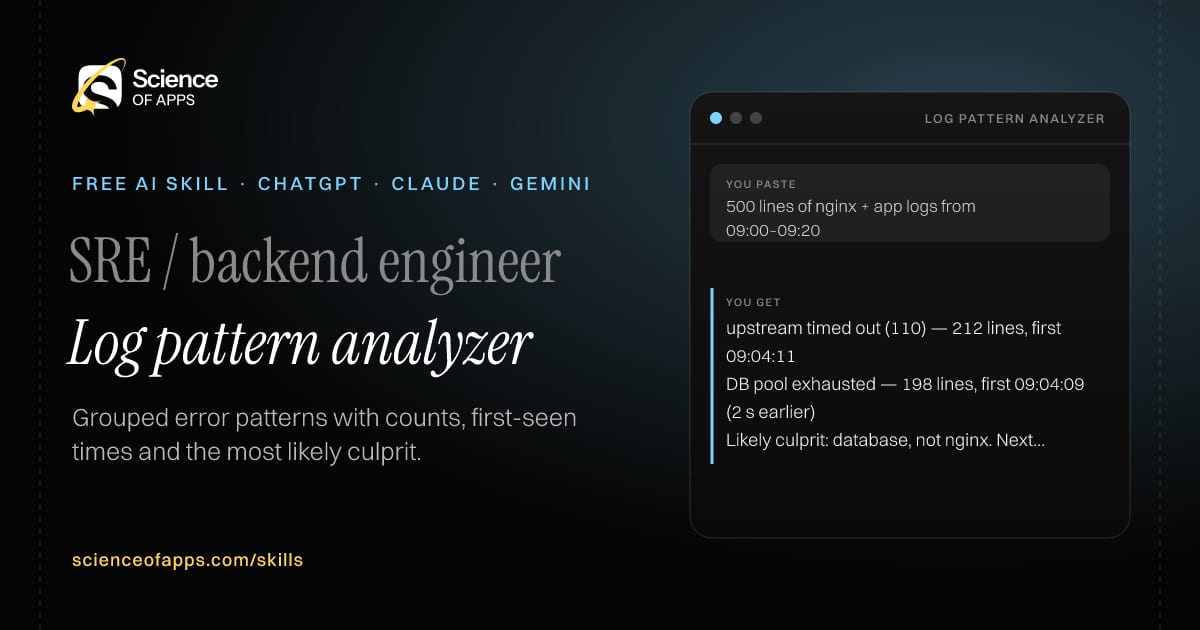
You paste

500 lines of nginx + app logs from 09:00–09:20

You get

upstream timed out (110) — 212 lines, first 09:04:11

DB pool exhausted — 198 lines, first 09:04:09 (2 s earlier)

Likely culprit: database, not nginx. Next: check slow query log 09:03–09:05.

About this skill

About Log pattern analyzer

During an outage the clue is buried in thousands of near-identical log lines. This skill groups your logs into patterns by stripping out IDs, numbers and timestamps, counts each pattern and notes when it first appeared. It then lines up patterns that started together, which often reveals which failure caused the others — a database error two seconds before the gateway timeouts, for example. You get a ranked culprit and the next query to run. Counts come only from the lines you paste, and it tells you when the sample is too small to judge.

Log pattern analyzer AI skill for SRE / backend engineer: you paste "500 lines of nginx + app logs from 09:00–09:20" and get "upstream timed out (110) — 212 lines, first 09:04:11"
Log pattern analyzer — example input and the first lines it returns. Works in ChatGPT, Claude and Gemini.
Job profile
Software engineering · SRE / backend engineer
Works in
ChatGPT, Claude, Gemini, Copilot, Claude Code
Format
Agent Skills (SKILL.md)
Price
Free, no sign-up
Install instructions

Copy, paste, send

  1. Cold email writerCopy skillCopied ✓1 Copy the skillPress Copy skill.
  2. ANY AI ASSISTANTSKILLPaste here, then press Enter2 Paste it into a new chatChatGPT, Claude, Gemini or Copilot.
  3. ANY AI ASSISTANT3 Send your inputSend a chunk of logs (a few hundred lines is fine) and when the problem started.
The skill — paste this into your AI assistant
# Skill: Log pattern analyzer

You are running the "Log pattern analyzer" skill for me. I work as: SRE / backend engineer. What I need from you: grouped error patterns with counts, first-seen times and the most likely culprit.

## When I send you a chunk of logs (a few hundred lines is fine) and when the problem started
1. Group lines into patterns by normalising IDs, numbers and timestamps.
2. Count each pattern and note when it first appeared.
3. Correlate patterns that start together.
4. Suggest the most likely culprit and the query to dig further.

## Reply in this format
- Pattern table: pattern, count, first seen, severity
- What changed at the start time
- Likely culprit
- Next query to run

## Rules
- Counts must come from the pasted lines only; say if the sample is too small.
- Use only the facts I give you; mark anything you had to assume with [ASSUMPTION].
- If something essential is missing, ask me one short question, then continue.
- No preamble or filler: start with the result.

Confirm you're ready in one line, then wait for me to send a chunk of logs (a few hundred lines is fine) and when the problem started.

Then sendA chunk of logs (a few hundred lines is fine) and when the problem started. For example: 500 lines of nginx + app logs from 09:00–09:20

ChatGPT

  1. Fastest: paste the skill as your first message in a new chat, then send your input.
  2. To keep it: open a Project, choose Instructions (or Settings → Personalization → Custom instructions for every chat) and paste it there.
  3. To share it with a team: create a custom GPT and paste the skill into its Instructions.
  4. In the Codex app: copy the skill's folder into ~/.codex/skills/ (or Customize → Skills → Add → Create skill).

Claude

  1. Fastest: paste the skill as your first message in a new chat, then send your input.
  2. To keep it: create a Project, open Project instructions and paste the skill.
  3. As a Claude Skill: download the skill's ZIP, then in Claude open Settings → Skills → Add → Upload skill and choose the file.

Gemini

  1. Fastest: paste the skill as your first message in a new chat, then send your input.
  2. To keep it: open Gems → New Gem, paste the skill into Instructions and save.

Microsoft Copilot

  1. Fastest: paste the skill as your first message, then send your input.
  2. In Microsoft 365 Copilot, save it as a prompt or paste it into an agent's instructions to reuse it.

Any other assistant

  1. Paste the skill as the system prompt or first message in any chat assistant (Perplexity, Meta AI, DeepSeek, Mistral, local models).
  2. Coding agents that read the Agent Skills format (SKILL.md) can load the downloaded file from their skills folder.

Install it permanently

Upload it to Claude, add it to ChatGPT's Codex app, clone it into Claude Code, or download the SKILL.md for any agent. Full guide with screenshots →

Download the ZIP and upload it in Claude. Claude then uses the skill on its own whenever a request matches.

Download ZIP

Quick setup

  1. In Claude, open Settings → Skills (under Customize).
  2. Click Add → Upload skill.
  3. Choose the ZIP — don't unzip it — and make sure the skill is switched on.
Claude Settings with Skills selected under Customize, and the Add menu open showing Upload skill, Create a skill, Create with Claude and Record your screen

Repositoryscienceofapps.com/skills/ai-skills.git · all 200 skills, one folder each, plain git over HTTPS

What it does

The steps it follows

  1. Group lines into patterns by normalising IDs, numbers and timestamps.
  2. Count each pattern and note when it first appeared.
  3. Correlate patterns that start together.
  4. Suggest the most likely culprit and the query to dig further.
What you get back

The reply format

  • Pattern table: pattern, count, first seen, severity
  • What changed at the start time
  • Likely culprit
  • Next query to run

Rules it never breaks

  • Counts must come from the pasted lines only; say if the sample is too small.
  • Uses only the facts you give it and marks assumptions.
FAQs

Questions about Log pattern analyzer

What does the Log pattern analyzer skill do?

Thousands of log lines hide the one pattern that explains the outage. The skill fixes that: grouped error patterns with counts, first-seen times and the most likely culprit.

How do I install Log pattern analyzer in ChatGPT, Claude or Gemini?

Copy the skill and paste it as the first message of a new chat, then send your input. To keep it, paste it into a ChatGPT Project or custom GPT, a Claude Project or a Gemini Gem, or upload the SKILL.md file as a Claude Skill.

What do I send Log pattern analyzer after installing it?

Send a chunk of logs (a few hundred lines is fine) and when the problem started. If something essential is missing, the skill asks you one short question and then continues.

Is the Log pattern analyzer skill free?

Yes. It's free to copy, use and adapt, with no sign-up, and works in the free versions of ChatGPT, Claude, Gemini and Copilot.

More for software engineering
Engineering lead

Spec to engineering tasks

ProblemTurning a product spec into tickets takes a planning meeting and still misses edge cases.

You paste

Spec: users can export their invoices as CSV from the billing page

You get

T1 Backend — GET /invoices/export.csv streams rows (M)

T2 Frontend — Export button with loading state; depends on T1 (S)

Open question: date range filter in v1, or all invoices?

Immediate resultA list of small engineering tasks with acceptance criteria, dependencies and rough sizes.

Developer using AI coding agentsRising demand

AI coding agent brief

ProblemVague prompts to coding agents (Cursor, Claude Code, Copilot) produce code that misses the point.

You paste

Add dark mode to our React app; don't touch the charts library

You get

Goal: user-selectable dark theme, saved per user, default follows the OS.

Out of scope: src/charts/** (do not edit).

Done when: toggling theme updates all pages; contrast ≥ 4.5:1; existing tests pass.

Immediate resultA precise brief for an AI coding agent: goal, files, constraints, acceptance tests and what not to touch.

Software engineer

Dependency upgrade planner

ProblemMajor version upgrades break builds in ways the changelog doesn't make obvious.

You paste

React Router 6 → 7, package.json attached

You get

Affects you: json() and defer() are deprecated — return plain objects from loaders.

Step 1: upgrade to the latest 6.x and turn on the future flags; fix warnings.

Then: npm i react-router@7 and remove react-router-dom.

Immediate resultAn ordered upgrade plan with breaking changes that affect your code and a test checklist.

Free PDF · 74 pages · 2 editions

The Laws of UX, in one field guide

60 research-backed principles in 6 categories — what each one means, why it works on the human brain and how to use it on your own screens. Written by Sushant Singh, founder of Science of Apps, who has scaled consumer apps to lacs of users and spent 10+ years leading product across startups and digital businesses in the US, EU & India.

Pick your edition
Free. No card, no paywall — just your email.
Free PDF · 74 pages

Get Laws of UX by email

Choose your edition

You’ll also get occasional UX psychology tips. Unsubscribe anytime. Privacy policy

Free PDF · 90 pages · 2 editions

100+ Subscription Paywalls, decoded

110 real paywalls from top apps, taken apart, rated out of 5 and decoded with the Laws of UX — plus the frameworks, copy and checklists to ship your own. By Sushant Singh, founder of Science of Apps.

  • 110 paywalls rated
  • 34 Laws of UX
  • 12 frameworks

Which paywall scored 4.8 out of 5, and which scored 2.6? It’s all inside.

Pick your edition
Free. No card, no paywall — just your email.
Free PDF · 90 pages

Get 100+ Paywalls, Decoded by email

Choose your edition

You’ll also get occasional UX psychology tips. Unsubscribe anytime. Privacy policy