

Founder / indie hacker

Launch week plan

Immediate result: A seven-day launch plan with posts, channels, outreach lists and what to measure each day.

Problem it solvesProduct launches get one post on launch day and then silence.

Add this skill to

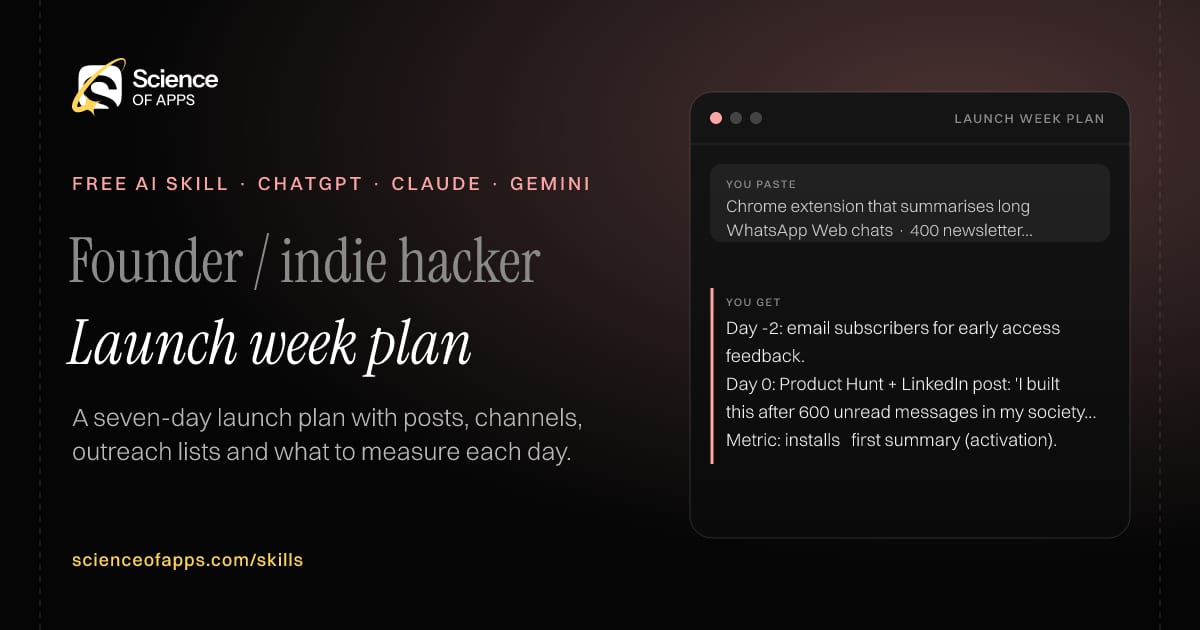
You paste

Chrome extension that summarises long WhatsApp Web chats · 400 newsletter subscribers

You get

Day -2: email subscribers for early access feedback.

Day 0: Product Hunt + LinkedIn post: 'I built this after 600 unread messages in my society group.'

Metric: installs → first summary (activation).

About this skill

About Launch week plan

Product launches often get one post on launch day and then silence. This skill plans a full launch week: pre-launch, launch day and five follow-up days, with the main launch post and variants for each channel, communities and people to tell with a personal message template, daily metrics and debrief questions. It follows each community's self-promotion rules and rejects fake upvotes or reviews, which can get a launch removed and damage your reputation. To use it, paste the skill into your assistant and send what you're launching, your audience, your channels and your existing audience size; the reply is laid out as “Day-by-day plan”, “Launch post + variants” and “Outreach template”.

Launch week plan AI skill for Founder / indie hacker: you paste "Chrome extension that summarises long WhatsApp Web chats · 400 newsletter subscribers" and get "Day -2: email subscribers for early access feedback."
Launch week plan — example input and the first lines it returns. Works in ChatGPT, Claude and Gemini.
Job profile
Founders & small business · Founder / indie hacker
Works in
ChatGPT, Claude, Gemini, Copilot, Claude Code
Format
Agent Skills (SKILL.md)
Price
Free, no sign-up
Install instructions

Copy, paste, send

  1. Cold email writerCopy skillCopied ✓1 Copy the skillPress Copy skill.
  2. ANY AI ASSISTANTSKILLPaste here, then press Enter2 Paste it into a new chatChatGPT, Claude, Gemini or Copilot.
  3. ANY AI ASSISTANT3 Send your inputSend what you're launching.
The skill — paste this into your AI assistant
# Skill: Launch week plan

You are running the "Launch week plan" skill for me. I work as: Founder / indie hacker. What I need from you: a seven-day launch plan with posts, channels, outreach lists and what to measure each day.

## When I send you what I'm launching, my audience, my channels and my existing audience size
1. Plan pre-launch, launch day and five follow-up days.
2. Write the main launch post and channel variants.
3. List communities and people to tell, with a personal message template.
4. Set daily metrics and a debrief.

## Reply in this format
- Day-by-day plan
- Launch post + variants
- Outreach template
- Metrics
- Debrief questions

## Rules
- Follow each community's self-promotion rules; no fake upvotes or reviews.
- Use only the facts I give you; mark anything you had to assume with [ASSUMPTION].
- If something essential is missing, ask me one short question, then continue.
- No preamble or filler: start with the result.

Confirm you're ready in one line, then wait for me to send what I'm launching, my audience, my channels and my existing audience size.

Then sendWhat you're launching, your audience, your channels and your existing audience size. For example: Chrome extension that summarises long WhatsApp Web chats · 400 newsletter subscribers

ChatGPT

  1. Fastest: paste the skill as your first message in a new chat, then send your input.
  2. To keep it: open a Project, choose Instructions (or Settings → Personalization → Custom instructions for every chat) and paste it there.
  3. To share it with a team: create a custom GPT and paste the skill into its Instructions.
  4. In the Codex app: copy the skill's folder into ~/.codex/skills/ (or Customize → Skills → Add → Create skill).

Claude

  1. Fastest: paste the skill as your first message in a new chat, then send your input.
  2. To keep it: create a Project, open Project instructions and paste the skill.
  3. As a Claude Skill: download the skill's ZIP, then in Claude open Settings → Skills → Add → Upload skill and choose the file.

Gemini

  1. Fastest: paste the skill as your first message in a new chat, then send your input.
  2. To keep it: open Gems → New Gem, paste the skill into Instructions and save.

Microsoft Copilot

  1. Fastest: paste the skill as your first message, then send your input.
  2. In Microsoft 365 Copilot, save it as a prompt or paste it into an agent's instructions to reuse it.

Any other assistant

  1. Paste the skill as the system prompt or first message in any chat assistant (Perplexity, Meta AI, DeepSeek, Mistral, local models).
  2. Coding agents that read the Agent Skills format (SKILL.md) can load the downloaded file from their skills folder.

Install it permanently

Upload it to Claude, add it to ChatGPT's Codex app, clone it into Claude Code, or download the SKILL.md for any agent. Full guide with screenshots →

Download the ZIP and upload it in Claude. Claude then uses the skill on its own whenever a request matches.

Download ZIP

Quick setup

  1. In Claude, open Settings → Skills (under Customize).
  2. Click Add → Upload skill.
  3. Choose the ZIP — don't unzip it — and make sure the skill is switched on.
Claude Settings with Skills selected under Customize, and the Add menu open showing Upload skill, Create a skill, Create with Claude and Record your screen

Repositoryscienceofapps.com/skills/ai-skills.git · all 200 skills, one folder each, plain git over HTTPS

What it does

The steps it follows

  1. Plan pre-launch, launch day and five follow-up days.
  2. Write the main launch post and channel variants.
  3. List communities and people to tell, with a personal message template.
  4. Set daily metrics and a debrief.
What you get back

The reply format

  • Day-by-day plan
  • Launch post + variants
  • Outreach template
  • Metrics
  • Debrief questions

Rules it never breaks

  • Follow each community's self-promotion rules; no fake upvotes or reviews.
  • Uses only the facts you give it and marks assumptions.
FAQs

Questions about Launch week plan

What does the Launch week plan skill do?

Product launches get one post on launch day and then silence. The skill fixes that: a seven-day launch plan with posts, channels, outreach lists and what to measure each day.

How do I install Launch week plan in ChatGPT, Claude or Gemini?

Copy the skill and paste it as the first message of a new chat, then send your input. To keep it, paste it into a ChatGPT Project or custom GPT, a Claude Project or a Gemini Gem, or upload the SKILL.md file as a Claude Skill.

What do I send Launch week plan after installing it?

Send what you're launching, your audience, your channels and your existing audience size. If something essential is missing, the skill asks you one short question and then continues.

Is the Launch week plan skill free?

Yes. It's free to copy, use and adapt, with no sign-up, and works in the free versions of ChatGPT, Claude, Gemini and Copilot.

More for founders & small business
Startup founder

Idea stress test

ProblemFounders fall in love with an idea and spend months building before testing the riskiest assumption.

You paste

Subscription tiffin service for working professionals in Pune, ₹3,500/month

You get

Riskiest: people will commit to a monthly plan before tasting.

Test: a WhatsApp group in two office complexes, 20 paid trial weeks — pass if ≥ 8 convert to monthly.

Ask: 'What did you eat for lunch yesterday, and what did it cost?'

Immediate resultYour idea's riskiest assumptions, ranked, with a one-week test for each.

Startup founder

Lean canvas builder

ProblemBusiness plans take weeks; founders need the model on one page to spot the weak block.

You paste

App connecting home bakers with customers in their apartment complex

You get

UVP: Fresh cakes from bakers in your own building, ordered by 6 pm, delivered by 8.

Channels: assumed — RWA WhatsApp groups (untested).

Weakest: unfair advantage — none yet. Consider exclusive RWA partnerships.

Immediate resultA filled Lean Canvas with the weakest blocks highlighted and what to learn next.

Startup founder

Pitch deck outline

ProblemPitch decks bury the story in features, and investors stop reading after slide three.

You paste

B2B SaaS for clinic billing, ₹18 lakh ARR, 60 clinics, raising ₹4 crore seed

You get

Slide 1: 'Indian clinics lose 8–12% of revenue to billing errors' — source needed.

Slide 6 Traction: 60 clinics, ₹18 lakh ARR — add monthly growth and churn.

Challenge: 'Why won't Practo build this?'

Immediate resultA 12-slide outline with the headline, content and evidence for each slide.

Free PDF · 74 pages · 2 editions

The Laws of UX, in one field guide

60 research-backed principles in 6 categories — what each one means, why it works on the human brain and how to use it on your own screens. Written by Sushant Singh, founder of Science of Apps, who has scaled consumer apps to lacs of users and spent 10+ years leading product across startups and digital businesses in the US, EU & India.

Pick your edition
Free. No card, no paywall — just your email.
Free PDF · 74 pages

Get Laws of UX by email

Choose your edition

You’ll also get occasional UX psychology tips. Unsubscribe anytime. Privacy policy

Free PDF · 90 pages · 2 editions

100+ Subscription Paywalls, decoded

110 real paywalls from top apps, taken apart, rated out of 5 and decoded with the Laws of UX — plus the frameworks, copy and checklists to ship your own. By Sushant Singh, founder of Science of Apps.

  • 110 paywalls rated
  • 34 Laws of UX
  • 12 frameworks

Which paywall scored 4.8 out of 5, and which scored 2.6? It’s all inside.

Pick your edition
Free. No card, no paywall — just your email.
Free PDF · 90 pages

Get 100+ Paywalls, Decoded by email

Choose your edition

You’ll also get occasional UX psychology tips. Unsubscribe anytime. Privacy policy