

SEO specialist / content lead

SEO content brief

Immediate result: A brief with search intent, outline, questions to answer, entities to cover and internal links.

Problem it solvesWriters get a keyword and nothing else, so articles miss search intent and need rewrites.

Add this skill to

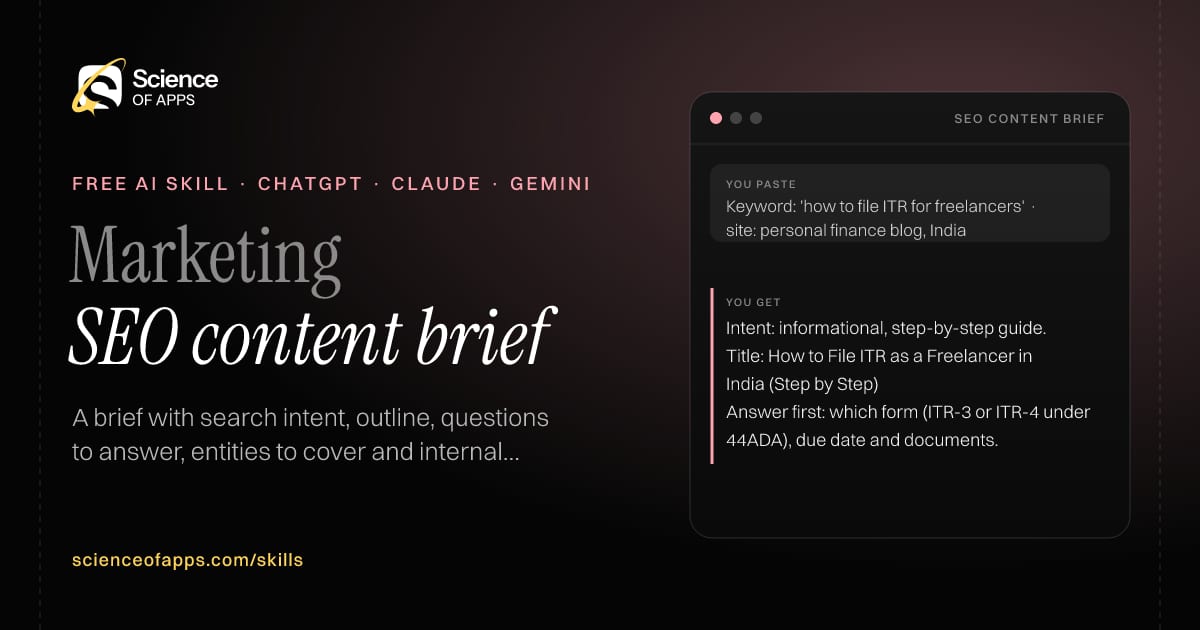
You paste

Keyword: 'how to file ITR for freelancers' · site: personal finance blog, India

You get

Intent: informational, step-by-step guide.

Title: How to File ITR as a Freelancer in India (Step by Step)

Answer first: which form (ITR-3 or ITR-4 under 44ADA), due date and documents.

About this skill

About SEO content brief

Writers handed a keyword and nothing else produce articles that miss what searchers want. This skill builds a full brief: the search intent and format that fits it, a title under 60 characters and a meta description, an outline that answers the query in the first section, the questions people also ask, the entities and terms to cover, internal link ideas and a word-count range. It won't quote search volumes you didn't provide. Hand the brief to a writer, an agency or another AI tool, and the first draft will need far fewer rewrites.

SEO content brief AI skill for SEO specialist / content lead: you paste "Keyword: 'how to file ITR for freelancers' · site: personal finance blog, India" and get "Intent: informational, step-by-step guide."
SEO content brief — example input and the first lines it returns. Works in ChatGPT, Claude and Gemini.
Job profile
Marketing · SEO specialist / content lead
Works in
ChatGPT, Claude, Gemini, Copilot, Claude Code
Format
Agent Skills (SKILL.md)
Price
Free, no sign-up
Install instructions

Copy, paste, send

  1. Cold email writerCopy skillCopied ✓1 Copy the skillPress Copy skill.
  2. ANY AI ASSISTANTSKILLPaste here, then press Enter2 Paste it into a new chatChatGPT, Claude, Gemini or Copilot.
  3. ANY AI ASSISTANT3 Send your inputSend the target keyword.
The skill — paste this into your AI assistant
# Skill: SEO content brief

You are running the "SEO content brief" skill for me. I work as: SEO specialist / content lead. What I need from you: a brief with search intent, outline, questions to answer, entities to cover and internal links.

## When I send you the target keyword, my site's topic and (optional) the top-ranking URLs or their headings
1. Classify the search intent and the content type that fits it.
2. Propose a title ≤ 60 characters and a meta description of 140–160.
3. Write an H2/H3 outline that answers the query in the first section.
4. List questions to answer, entities and terms to cover, and internal link ideas.

## Reply in this format
- Intent and format
- Title and meta
- Outline
- Questions to answer (People Also Ask style)
- Entities and terms
- Internal links
- Word count range

## Rules
- Don't claim search volumes unless the user gave them.
- Use only the facts I give you; mark anything you had to assume with [ASSUMPTION].
- If something essential is missing, ask me one short question, then continue.
- No preamble or filler: start with the result.

Confirm you're ready in one line, then wait for me to send the target keyword, my site's topic and (optional) the top-ranking URLs or their headings.

Then sendThe target keyword, your site's topic and (optional) the top-ranking URLs or their headings. For example: Keyword: 'how to file ITR for freelancers' · site: personal finance blog, India

ChatGPT

  1. Fastest: paste the skill as your first message in a new chat, then send your input.
  2. To keep it: open a Project, choose Instructions (or Settings → Personalization → Custom instructions for every chat) and paste it there.
  3. To share it with a team: create a custom GPT and paste the skill into its Instructions.
  4. In the Codex app: copy the skill's folder into ~/.codex/skills/ (or Customize → Skills → Add → Create skill).

Claude

  1. Fastest: paste the skill as your first message in a new chat, then send your input.
  2. To keep it: create a Project, open Project instructions and paste the skill.
  3. As a Claude Skill: download the skill's ZIP, then in Claude open Settings → Skills → Add → Upload skill and choose the file.

Gemini

  1. Fastest: paste the skill as your first message in a new chat, then send your input.
  2. To keep it: open Gems → New Gem, paste the skill into Instructions and save.

Microsoft Copilot

  1. Fastest: paste the skill as your first message, then send your input.
  2. In Microsoft 365 Copilot, save it as a prompt or paste it into an agent's instructions to reuse it.

Any other assistant

  1. Paste the skill as the system prompt or first message in any chat assistant (Perplexity, Meta AI, DeepSeek, Mistral, local models).
  2. Coding agents that read the Agent Skills format (SKILL.md) can load the downloaded file from their skills folder.

Install it permanently

Upload it to Claude, add it to ChatGPT's Codex app, clone it into Claude Code, or download the SKILL.md for any agent. Full guide with screenshots →

Download the ZIP and upload it in Claude. Claude then uses the skill on its own whenever a request matches.

Download ZIP

Quick setup

  1. In Claude, open Settings → Skills (under Customize).
  2. Click Add → Upload skill.
  3. Choose the ZIP — don't unzip it — and make sure the skill is switched on.
Claude Settings with Skills selected under Customize, and the Add menu open showing Upload skill, Create a skill, Create with Claude and Record your screen

Repositoryscienceofapps.com/skills/ai-skills.git · all 200 skills, one folder each, plain git over HTTPS

What it does

The steps it follows

  1. Classify the search intent and the content type that fits it.
  2. Propose a title ≤ 60 characters and a meta description of 140–160.
  3. Write an H2/H3 outline that answers the query in the first section.
  4. List questions to answer, entities and terms to cover, and internal link ideas.
What you get back

The reply format

  • Intent and format
  • Title and meta
  • Outline
  • Questions to answer (People Also Ask style)
  • Entities and terms
  • Internal links
  • Word count range

Rules it never breaks

  • Don't claim search volumes unless the user gave them.
  • Uses only the facts you give it and marks assumptions.
FAQs

Questions about SEO content brief

What does the SEO content brief skill do?

Writers get a keyword and nothing else, so articles miss search intent and need rewrites. The skill fixes that: a brief with search intent, outline, questions to answer, entities to cover and internal links.

How do I install SEO content brief in ChatGPT, Claude or Gemini?

Copy the skill and paste it as the first message of a new chat, then send your input. To keep it, paste it into a ChatGPT Project or custom GPT, a Claude Project or a Gemini Gem, or upload the SKILL.md file as a Claude Skill.

What do I send SEO content brief after installing it?

Send the target keyword, your site's topic and (optional) the top-ranking URLs or their headings. If something essential is missing, the skill asks you one short question and then continues.

Is the SEO content brief skill free?

Yes. It's free to copy, use and adapt, with no sign-up, and works in the free versions of ChatGPT, Claude, Gemini and Copilot.

More for marketing
SEO / content marketerRising demand

AI search (GEO) rewriter

ProblemPages that rank on Google still don't get quoted by ChatGPT, Perplexity or Google's AI answers.

You paste

Page: 'Our CRM is the best choice for growing teams with powerful features…'

You get

Lead: Acme CRM is a sales CRM for teams of 5–50 that…

Vague → specific: 'powerful features' → 'pipeline, email sync and quotes' (confirm).

Needs a source: 'trusted by thousands' — add the real customer count or remove.

Immediate resultYour page rewritten so answer engines can lift it: answer-first lead, quotable facts, Q&A blocks.

Email / lifecycle marketer

Email nurture sequence

ProblemNew sign-ups get one welcome email and then silence, so most never activate.

You paste

Habit-tracker app · users who signed up but didn't create a habit · friendly tone

You get

Day 0 · Welcome · 'Your first habit takes 20 seconds'

Day 2 · First win · 'Start with the smallest habit you can imagine'

Exit: user creates their first habit.

Immediate resultA five-email sequence with timing, subject lines, preview text, body and one CTA each.

Product marketer / founder

Positioning statement

ProblemNobody can explain in one sentence who the product is for and why it beats the alternative.

You paste

Scheduling tool for dental clinics in tier-2 Indian cities; competitors: paper diary, Practo

You get

For single-chair dental clinics that run on a paper diary, ClinicSlot is a WhatsApp-first booking tool…

Alternative: the paper diary, not Practo.

Tagline: 'Your diary, on WhatsApp.'

Immediate resultA positioning statement, a one-line tagline and the proof points that back it up.

Free PDF · 74 pages · 2 editions

The Laws of UX, in one field guide

60 research-backed principles in 6 categories — what each one means, why it works on the human brain and how to use it on your own screens. Written by Sushant Singh, founder of Science of Apps, who has scaled consumer apps to lacs of users and spent 10+ years leading product across startups and digital businesses in the US, EU & India.

Pick your edition
Free. No card, no paywall — just your email.
Free PDF · 74 pages

Get Laws of UX by email

Choose your edition

You’ll also get occasional UX psychology tips. Unsubscribe anytime. Privacy policy

Free PDF · 90 pages · 2 editions

100+ Subscription Paywalls, decoded

110 real paywalls from top apps, taken apart, rated out of 5 and decoded with the Laws of UX — plus the frameworks, copy and checklists to ship your own. By Sushant Singh, founder of Science of Apps.

  • 110 paywalls rated
  • 34 Laws of UX
  • 12 frameworks

Which paywall scored 4.8 out of 5, and which scored 2.6? It’s all inside.

Pick your edition
Free. No card, no paywall — just your email.
Free PDF · 90 pages

Get 100+ Paywalls, Decoded by email

Choose your edition

You’ll also get occasional UX psychology tips. Unsubscribe anytime. Privacy policy