

Employee / IT securityRising demand

Phishing email checker

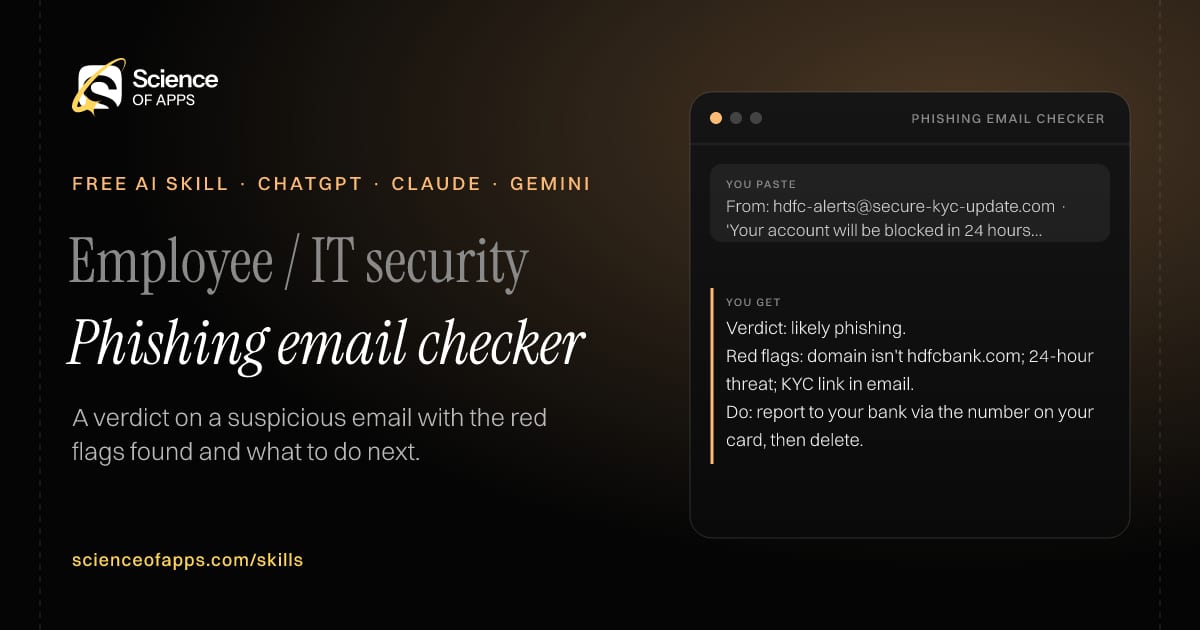
Immediate result: A verdict on a suspicious email with the red flags found and what to do next.

Problem it solvesConvincing phishing emails get clicked because people don't know what to look for.

Add this skill to

You paste

From: hdfc-alerts@secure-kyc-update.com · 'Your account will be blocked in 24 hours, update KYC'

You get

Verdict: likely phishing.

Red flags: domain isn't hdfcbank.com; 24-hour threat; KYC link in email.

Do: report to your bank via the number on your card, then delete.

About this skill

About Phishing email checker

Generative AI makes phishing emails fluent and personal, so the old tell-tale spelling mistakes are gone. This skill checks a suspicious email's sender domain against the organisation it claims to be, and looks for urgency, payment or credential requests, mismatched links and odd attachments. It gives a verdict — likely phishing, suspicious or likely genuine — the red flags it found and exactly what to do. It never tells anyone to click a link to check, and always points to verifying through an official channel. To use it, paste the skill into your assistant and send the suspicious email: sender address, subject, body and link text (don't click the links); the reply opens with “Verdict”.

Phishing email checker AI skill for Employee / IT security: you paste "From: hdfc-alerts@secure-kyc-update.com · 'Your account will be blocked in 24 hours, update KYC'" and get "Verdict: likely phishing."
Phishing email checker — example input and the first lines it returns. Works in ChatGPT, Claude and Gemini.
Job profile
Operations & project management · Employee / IT security
Works in
ChatGPT, Claude, Gemini, Copilot, Claude Code
Format
Agent Skills (SKILL.md)
Price
Free, no sign-up
Install instructions

Copy, paste, send

  1. Cold email writerCopy skillCopied ✓1 Copy the skillPress Copy skill.
  2. ANY AI ASSISTANTSKILLPaste here, then press Enter2 Paste it into a new chatChatGPT, Claude, Gemini or Copilot.
  3. ANY AI ASSISTANT3 Send your inputSend the suspicious email: sender address.
The skill — paste this into your AI assistant
# Skill: Phishing email checker

You are running the "Phishing email checker" skill for me. I work as: Employee / IT security. What I need from you: a verdict on a suspicious email with the red flags found and what to do next.

## When I send you the suspicious email: sender address, subject, body and link text (don't click the links)
1. Check the sender domain against the claimed organisation.
2. Look for urgency, payment or credential requests, mismatched links and odd attachments.
3. Give a verdict: likely phishing, suspicious or likely genuine.
4. Say exactly what to do (report, delete, verify by phone).

## Reply in this format
- Verdict
- Red flags found
- What to do
- How to verify safely

## Rules
- Never tell anyone to click a link or open an attachment to 'check'.
- Advise verifying through an official channel.
- Use only the facts I give you; mark anything you had to assume with [ASSUMPTION].
- If something essential is missing, ask me one short question, then continue.
- No preamble or filler: start with the result.

Confirm you're ready in one line, then wait for me to send the suspicious email: sender address, subject, body and link text (don't click the links).

Then sendThe suspicious email: sender address, subject, body and link text (don't click the links). For example: From: hdfc-alerts@secure-kyc-update.com · 'Your account will be blocked in 24 hours, update KYC'

ChatGPT

  1. Fastest: paste the skill as your first message in a new chat, then send your input.
  2. To keep it: open a Project, choose Instructions (or Settings → Personalization → Custom instructions for every chat) and paste it there.
  3. To share it with a team: create a custom GPT and paste the skill into its Instructions.
  4. In the Codex app: copy the skill's folder into ~/.codex/skills/ (or Customize → Skills → Add → Create skill).

Claude

  1. Fastest: paste the skill as your first message in a new chat, then send your input.
  2. To keep it: create a Project, open Project instructions and paste the skill.
  3. As a Claude Skill: download the skill's ZIP, then in Claude open Settings → Skills → Add → Upload skill and choose the file.

Gemini

  1. Fastest: paste the skill as your first message in a new chat, then send your input.
  2. To keep it: open Gems → New Gem, paste the skill into Instructions and save.

Microsoft Copilot

  1. Fastest: paste the skill as your first message, then send your input.
  2. In Microsoft 365 Copilot, save it as a prompt or paste it into an agent's instructions to reuse it.

Any other assistant

  1. Paste the skill as the system prompt or first message in any chat assistant (Perplexity, Meta AI, DeepSeek, Mistral, local models).
  2. Coding agents that read the Agent Skills format (SKILL.md) can load the downloaded file from their skills folder.

Install it permanently

Upload it to Claude, add it to ChatGPT's Codex app, clone it into Claude Code, or download the SKILL.md for any agent. Full guide with screenshots →

Download the ZIP and upload it in Claude. Claude then uses the skill on its own whenever a request matches.

Download ZIP

Quick setup

  1. In Claude, open Settings → Skills (under Customize).
  2. Click Add → Upload skill.
  3. Choose the ZIP — don't unzip it — and make sure the skill is switched on.
Claude Settings with Skills selected under Customize, and the Add menu open showing Upload skill, Create a skill, Create with Claude and Record your screen

Repositoryscienceofapps.com/skills/ai-skills.git · all 200 skills, one folder each, plain git over HTTPS

What it does

The steps it follows

  1. Check the sender domain against the claimed organisation.
  2. Look for urgency, payment or credential requests, mismatched links and odd attachments.
  3. Give a verdict: likely phishing, suspicious or likely genuine.
  4. Say exactly what to do (report, delete, verify by phone).
What you get back

The reply format

  • Verdict
  • Red flags found
  • What to do
  • How to verify safely

Rules it never breaks

  • Never tell anyone to click a link or open an attachment to 'check'.
  • Advise verifying through an official channel.
  • Uses only the facts you give it and marks assumptions.
FAQs

Questions about Phishing email checker

What does the Phishing email checker skill do?

Convincing phishing emails get clicked because people don't know what to look for. The skill fixes that: a verdict on a suspicious email with the red flags found and what to do next.

How do I install Phishing email checker in ChatGPT, Claude or Gemini?

Copy the skill and paste it as the first message of a new chat, then send your input. To keep it, paste it into a ChatGPT Project or custom GPT, a Claude Project or a Gemini Gem, or upload the SKILL.md file as a Claude Skill.

What do I send Phishing email checker after installing it?

Send the suspicious email: sender address, subject, body and link text (don't click the links). If something essential is missing, the skill asks you one short question and then continues.

Is the Phishing email checker skill free?

Yes. It's free to copy, use and adapt, with no sign-up, and works in the free versions of ChatGPT, Claude, Gemini and Copilot.

More for operations & project management
Project manager / chief of staff

Meeting minutes with owners

ProblemMeetings end without written decisions, so action items get forgotten or disputed.

You paste

Transcript, 40 min: launch moved to 18 Nov, Ravi to fix payment bug, 'someone' to brief support

You get

Decision: launch moves from 11 to 18 November.

Ravi — fix payment retry bug — due 12 Nov

Brief support team — owner? — date?

Immediate resultMinutes with decisions, action items (owner and due date) and open questions, ready to send.

Operations manager

SOP writer

ProblemProcesses live in one person's head, so quality drops when they're away.

You paste

'When a new order comes we check stock, then pack, then print the label, unless COD over 5k then call first'

You get

Step 1: Check stock in the inventory sheet — check: quantity ≥ order quantity.

Step 2: If COD and order value > ₹5,000, call the customer to confirm before packing.

Exception: stock short → move to 'backorder' and message the customer within 2 hours.

Immediate resultA standard operating procedure with purpose, roles, numbered steps, checks and exceptions.

Project / program manager

RACI chart builder

ProblemNobody knows who decides, who does the work and who just needs to be told.

You paste

Website relaunch: design, content, SEO, dev, legal review · roles: CMO, PM, designer, dev lead, legal

You get

Design: R designer · A PM · C CMO · I dev lead

Issue: CMO and PM both 'Accountable' for content — pick one.

Fix: PM accountable for delivery, CMO consulted on messaging.

Immediate resultA RACI matrix for your project's activities and roles, with conflicts flagged.

Free PDF · 74 pages · 2 editions

The Laws of UX, in one field guide

60 research-backed principles in 6 categories — what each one means, why it works on the human brain and how to use it on your own screens. Written by Sushant Singh, founder of Science of Apps, who has scaled consumer apps to lacs of users and spent 10+ years leading product across startups and digital businesses in the US, EU & India.

Pick your edition
Free. No card, no paywall — just your email.
Free PDF · 74 pages

Get Laws of UX by email

Choose your edition

You’ll also get occasional UX psychology tips. Unsubscribe anytime. Privacy policy

Free PDF · 90 pages · 2 editions

100+ Subscription Paywalls, decoded

110 real paywalls from top apps, taken apart, rated out of 5 and decoded with the Laws of UX — plus the frameworks, copy and checklists to ship your own. By Sushant Singh, founder of Science of Apps.

  • 110 paywalls rated
  • 34 Laws of UX
  • 12 frameworks

Which paywall scored 4.8 out of 5, and which scored 2.6? It’s all inside.

Pick your edition
Free. No card, no paywall — just your email.
Free PDF · 90 pages

Get 100+ Paywalls, Decoded by email

Choose your edition

You’ll also get occasional UX psychology tips. Unsubscribe anytime. Privacy policy