 By
Quick answer: Where can I list an AI agent?
- Agent directories: AI Agents List, AI Agents Directory.
- AI tool directories: There's An AI For That has an agents section.
- Registries: official MCP Registry; ChatGPT plugin directory submission.
- Permanent page: a product listing found by the problem it solves.
- Check quality: look at what else is featured before listing.
Key takeaways
- Agent directories are young; quality varies a lot.
- Registries reach AI clients, directories reach people.
- Describe the job the agent does, not the model behind it.
- Show a demo of a real task, start to finish.
- Keep one consistent name and description everywhere.
"AI agent" went from research term to product category in about two years, and directories followed. Some are carefully curated; some will list anything that pays. Where you list an agent depends on who should find it: people browsing for an agent to do a job, or AI clients looking for tools to connect to. This list covers both, from each site as checked on 17 November 2026, with a quality check to run before you submit. Jump to the list, registries or the quality check.
- Agents and tools in AI Agents List (its figure)
- 600+
- Users There's An AI For That reports
- 90M+
- Kinds of places to list: directories, registries, a product page
- 3
- Name and description, used everywhere
- 1
Where to list an AI agent
| Place | Who finds you | How to list |
|---|---|---|
| AI Agents List | People browsing agents by task | "Submit" on the site |
| AI Agents Directory | People browsing agents and agent skills | "Submit" on the site |
| There's An AI For That (agents) | AI tool shoppers | Paid listing (TAAFT alternatives) |
| Official MCP Registry | AI clients that connect to tools | Publish your MCP server |
| ChatGPT plugin directory | ChatGPT users | Plugin submission process |
| Science of Apps Launchpad | People searching for the problem | Free listing |
Table: Where to list an AI agent (each site's own pages, checked 17 Nov 2026)
1. AI Agents List
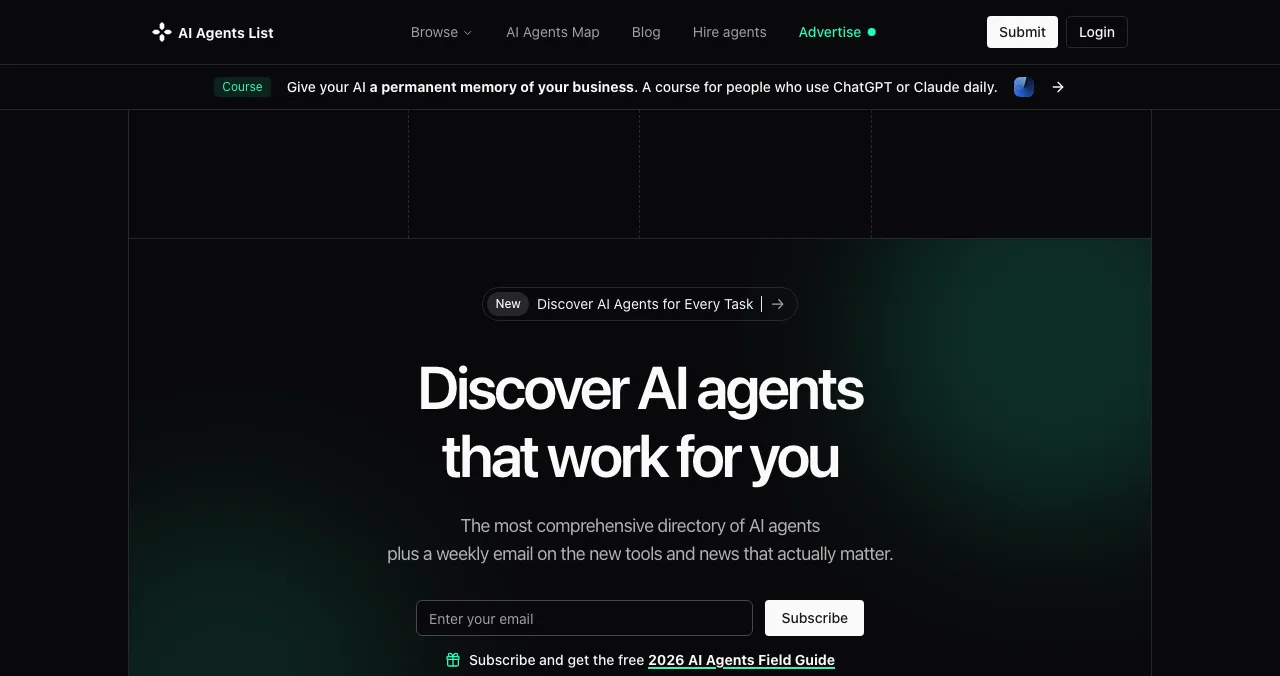
A directory of AI agents with a weekly email on new tools; its title claims 600+ AI tools and autonomous agents, and it has a Submit button and advertising options. Best for: agents that do a clear task people search for.
2. AI Agents Directory
AI Agents Directory lists curated agents and agent skills, with a leaderboard, news and "Get featured" placements. When we checked, its featured row mixed business tools with adult (NSFW) products, so look at the categories you'd sit in before you pay for a placement.
3. There's An AI For That
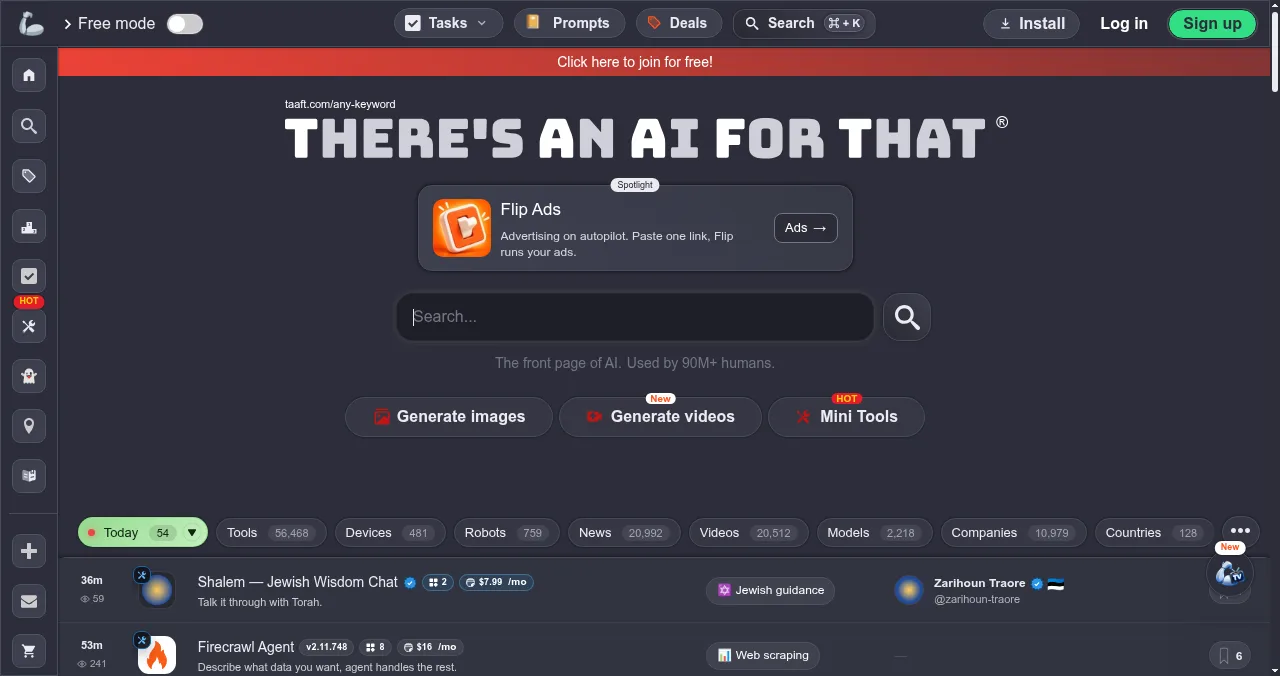
TAAFT describes itself as "the front page of AI", used by 90M+ people, and has an agents section listing recent agent releases. Listing is paid (alternatives and prices).
Registries for AI clients
4. Official MCP Registry
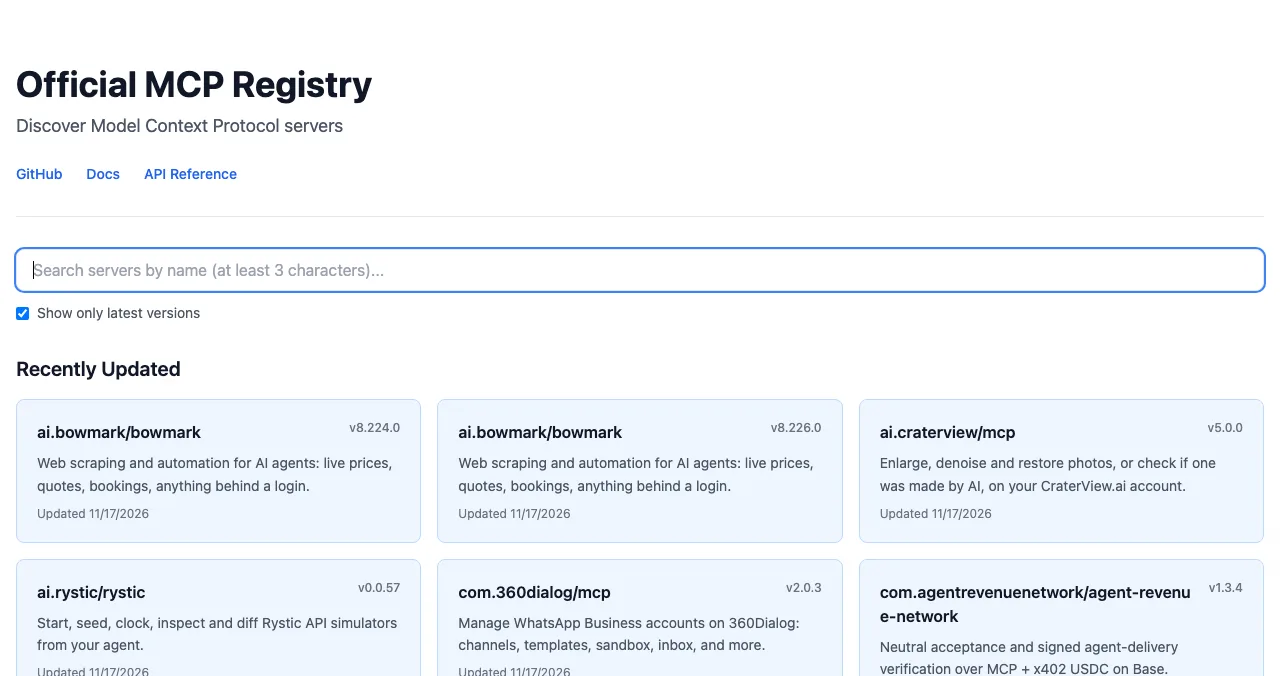
If your agent exposes an MCP server, publish it here so MCP clients can find it, then add it to community directories (MCP server directories). ChatGPT's plugin directory has its own submission process (GPT Store changes).
5. Science of Apps Launchpad
A free, permanent profile for the agent, found by the problem it solves on the Launchpad, Google and AI answers.
Check a directory before you list

- What's featured — products you'd be happy to sit next to
- Labelled placements — paid spots marked as paid
- Real activity — recent listings with views, votes or comments
- Clear pricing — what's free and what each fee buys
- A link to you — check it works and what rel it uses (dofollow check)
How to describe an AI agent

- The job — "Books meetings from your inbox", not "GPT-powered assistant".
- Who it's for — role and situation.
- What it connects to — the apps and data it uses.
- Permissions — what it can read and change.
- A demo — one real task, start to finish.
Mistakes

- Listing on every new directory — check quality first
- Leading with the model name — lead with the job
- No permission details — buyers want to know what it can touch
- Different names in each directory — one name everywhere
Ready to list your agent?
How we know
Directory details come from each site's homepage, read on 17 November 2026; figures are their own claims. Registry and plugin details come from the MCP Registry and OpenAI's help centre. The quality check and description steps are our editorial guidance.
Key terms, defined
- AI agent: software that uses AI to carry out tasks, often across several steps and tools.
- Agent skill: a reusable capability an agent can install.
- MCP: the Model Context Protocol for connecting AI clients to tools.
- Plugin (ChatGPT): a bundle of skills and connected apps in ChatGPT.
- Featured placement: a highlighted spot, often paid.
Frequently asked questions
Where can I list an AI agent?
AI agent directories such as AI Agents List and AI Agents Directory, the agents section of There's An AI For That, registries like the official MCP Registry if your agent exposes an MCP server, ChatGPT's plugin directory through its submission process, and a permanent listing on a launch platform.
What's the difference between an AI agent directory and an AI tool directory?
Agent directories focus on autonomous or task-running agents and agent skills; AI tool directories list all kinds of AI products. Many tool directories now have agent sections too.
Are AI agent directories worth it?
Some are. Check recent listings, whether featured spots are clearly labelled, and what kind of products sit next to yours. A directory whose featured row is full of irrelevant or adult products may not suit a business tool.
Should my agent be in the MCP Registry?
If it exposes an MCP server that AI clients can connect to, yes: the official registry provides MCP clients with a list of servers, like an app store. See our MCP server directories guide.
Can I publish an agent in ChatGPT?
OpenAI is moving creators from custom GPTs to plugins; making a plugin public requires a separate submission to ChatGPT's plugin directory. See our GPT Store guide.
How should I describe my AI agent?
Lead with the job: what it does, for whom, and the result. Name the tools it connects to and the permissions it needs. Avoid model names as the headline.
Sources
- AI Agents List (checked 17 Nov 2026)
- AI Agents Directory (checked 17 Nov 2026)
- There's An AI For That — Agents (checked 17 Nov 2026)
- Official MCP Registry (checked 17 Nov 2026)
- OpenAI Help Center — Plugins in ChatGPT (checked 17 Nov 2026)
- Checked November 17, 2026. Figures that change — fees, salaries, prices — are reviewed every six months; if something is out of date, tell us.
Where to go from here
- MCP server directories — for AI clients
- GPT Store changes — plugins now
- AI tools directories — the wider list
- Science of Apps - LaunchpadThe GPT Store and AI marketplaces in 2027: OpenAI is retiring custom GPTs on 11 December 2026, plugins replace them, and where else to publish custom AIOpenAI is retiring custom GPTs on 11 December 2026 and moving creators to plugins. What that means for the GPT Store and where to publish custom AI instead.
- Science of Apps - LaunchpadWhere to publish an MCP server: the official MCP Registry, Glama, MCP.so and Smithery compared, plus how to make a server people actually installWhere to publish an MCP server: the official MCP Registry, Glama, MCP.so and Smithery compared, what each needs and how to get your server found and installed.
- Science of Apps - LaunchpadThe best websites to launch an AI startup or AI tool, with what each one really costsWhere to launch an AI tool in 2027: free launch sites, AI directories and their real fees (TAAFT, Toolify, AIxploria), and which to use first.
- Science of Apps - LaunchpadWhere to launch a product built with no-code: platform showcases (Made in Webflow, Bubble's showcase), launch sites, founder communities and a permanent listingWhere to launch a product built with no-code: Made in Webflow, Bubble's showcase, Product Hunt, Indie Hackers and a free permanent listing.
- Science of Apps - LaunchpadNo-code tools directory guide: where to submit a tool built for no-code makers (NoCodeList, NoCode.Tech, Product Hunt, AlternativeTo, SaaSHub) and what each costsNo-code tools directories for a tool built for makers: NoCodeList (submit, or sponsor from $150/week), NoCode.Tech, Product Hunt and AlternativeTo.
- Science of Apps - LaunchpadHow to get your first users for a new app: the store listing, launch sites, communities, direct outreach and a web page that keeps bringing people inHow to get users for a new app, free: fix the store listing, launch on Product Hunt and Peerlist, reach people directly, and add a permanent web page.




Get the ideas, not the noise.
Sign up with Google and we’ll send you short UX psychology tips by email — why people tap, stall and leave, and what to do about it. Unsubscribe anytime. Prefer something to keep? Get the free Laws of UX guide as a PDF.
Launch day ends. Your listing shouldn't.
A free, permanent Launchpad profile for your AI agent is found by the problem it solves, on the Launchpad, Google and AI answers, ranked by relevance, never payment.