 By
Quick answer: Where can I launch my mobile app for free?
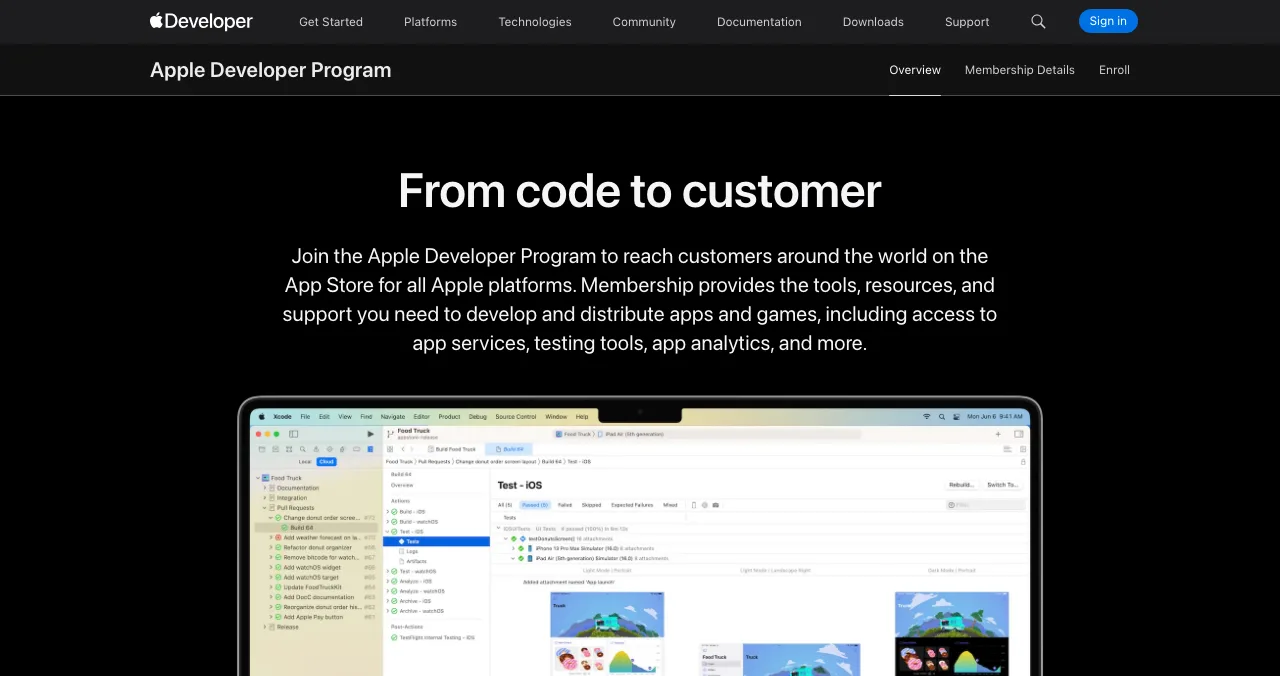
- Apple App Store: 99 USD per membership year; fee waivers for some nonprofits, schools and government entities.
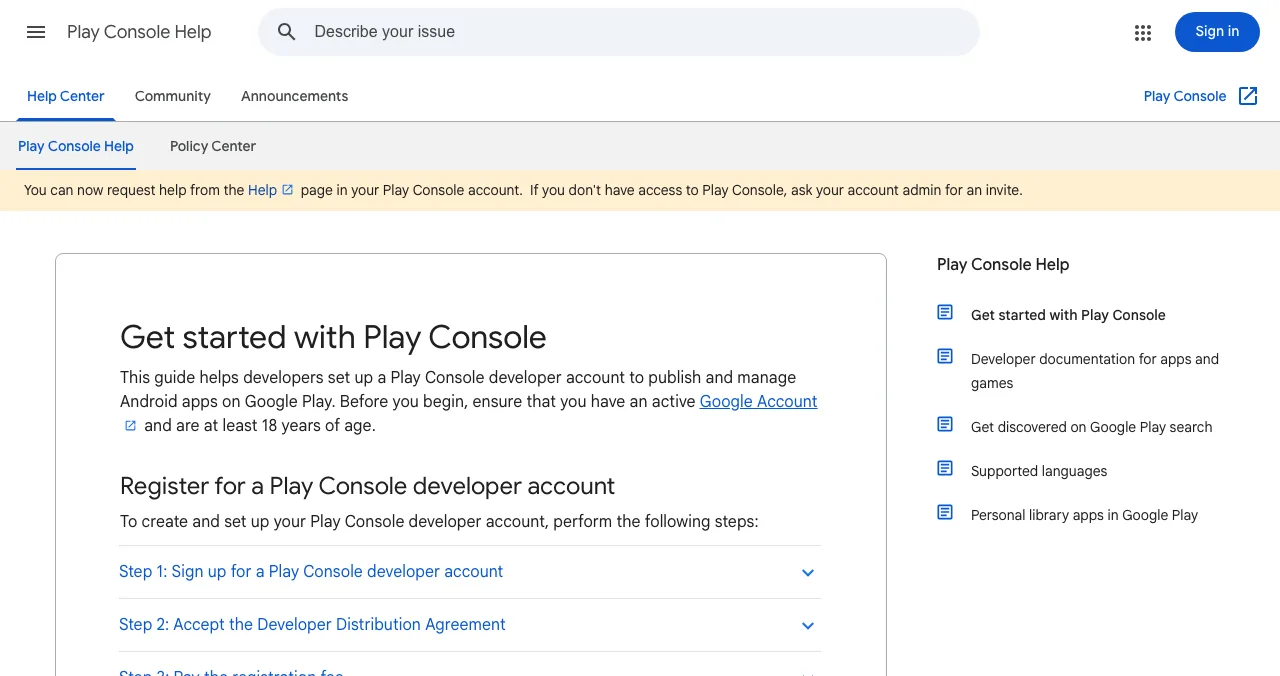
- Google Play: US$25 one-time; personal accounts must meet testing requirements.
- Free launch sites: Product Hunt, Peerlist, Uneed, Science of Apps Launchpad.
- Free directory: AlternativeTo (pick iOS and Android platforms).
- Order: store listing live, then launch sites, then directories.
Key takeaways
- Store fees are the cost of publishing; launching on websites is free.
- New Google Play personal accounts face testing requirements, so start early.
- Launch sites need a link people can use: the live store page.
- Your store listing is your landing page; screenshots matter most.
- A permanent web profile gives the app a page search and AI engines can find.
An app launch has two parts that founders often blur: publishing (getting into the App Store and Google Play, which costs money and takes review time) and launching (telling people, which can be free). This guide covers both, with the store fees read on Apple's and Google's own pages and the launch sites checked on 16–17 November 2026. Jump to store costs, free launch sites or the order.
Store costs
| Store | Cost | Notes |
|---|---|---|
| Apple App Store | 99 USD per membership year | Local pricing at enrollment; fee waivers for some nonprofits, schools, government |
| Google Play | US$25 one-time registration fee | Identity verification; personal accounts must meet testing and device-verification requirements |
Table: App store developer fees (Apple Developer and Play Console Help, checked 17 Nov 2026)
Free launch sites for apps
| Site | Free route | Note |
|---|---|---|
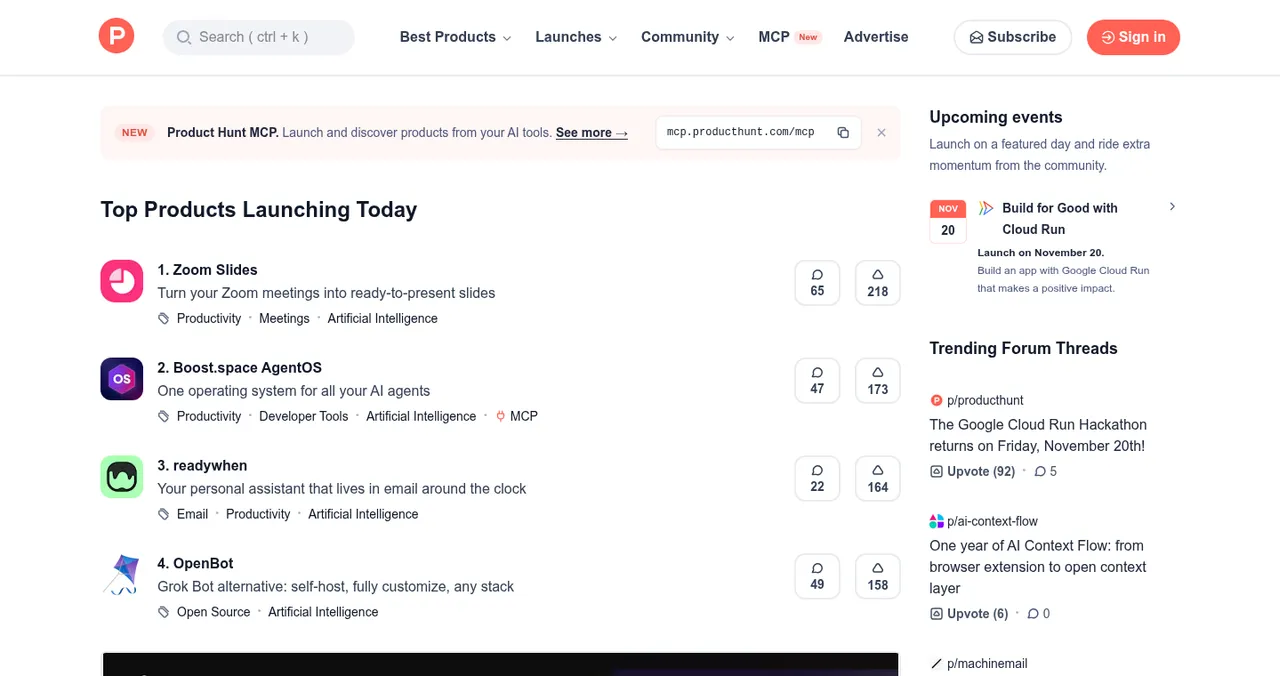
| Product Hunt | Free | Link straight to your store page |
| Peerlist Launchpad | Verified profile, complete project | Mondays |
| Uneed | Waiting line | A calmer launch day |
| AlternativeTo | Suggest your app | Choose iOS and Android platforms |
| Science of Apps Launchpad | Free, forever | A permanent web profile plus a product test |
Table: Free places to launch a mobile app (each site's own pages, checked 16–17 Nov 2026)
The launch order

- Store listing live — screenshots that show the core moment, a clear first line.
- First-run tested — sign-up and the first useful screen work on real devices.
- Permanent web profile — one page search and AI engines can find.
- Launch sites — Product Hunt, Peerlist, Uneed, linking to the store.
- Directories — AlternativeTo as an alternative to apps you replace.
- Ask early users for honest reviews — never pay for them.

Ready to launch?
How we know
Store fees come from Apple's enrollment page and Google's Play Console Help, read on 17 November 2026; launch sites from their own pages on 16–17 November. Fees can change and vary by region; check at sign-up.
Key terms, defined
- Developer account: the account needed to publish in an app store.
- Membership year: Apple's annual billing period for its program.
- Store listing: an app's page in the App Store or Google Play.
- Testing requirements: Google Play's pre-publication testing rules for personal accounts.
- First run: the first experience after installing an app.
Frequently asked questions
How much does it cost to publish an app?
Apple's Developer Program is 99 USD per membership year (prices vary by region; fee waivers exist for some nonprofits, educational institutions and government entities). Google Play charges a US$25 one-time registration fee.
Where can I launch a mobile app for free?
Product Hunt, Peerlist Launchpad, Uneed's free waiting line and Science of Apps Launchpad, plus AlternativeTo for app alternatives. Link to your live store listing.
Can I launch an app on Product Hunt?
Yes. Product Hunt says to use a direct link to where people can use or download it, such as an app store page.
What are Google Play's testing requirements?
Google says developers with personal accounts must complete specific app testing requirements before making an app available on Google Play, and verify access to an Android device. Check the Play Console help for current details.
When should I launch on launch sites?
After the app is live in the store and the first-run experience works. Launch-day visitors need a working download link.
How do I promote a new app for free?
Launch sites, a permanent web profile, communities where your users are, a clear store listing, and asking early users for reviews (never incentivised ones).
Sources
- Apple Developer — Become a member: Apple Developer Program (checked 17 Nov 2026)
- Google Play Console Help — Get started with Play Console (checked 17 Nov 2026)
- Product Hunt Help Center — Build your product page (checked 17 Nov 2026)
- Peerlist Help Center — How do I launch a project on Peerlist Launchpad? (checked 17 Nov 2026)
- AlternativeTo — FAQ (checked 17 Nov 2026)
- Science of Apps — Launchpad: launch your product free
- Checked November 17, 2026. Figures that change — fees, salaries, prices — are reviewed every six months; if something is out of date, tell us.
Where to go from here
- How to get users for your app — after launch
- 24 places to launch — the wider list
- How to launch on Product Hunt — the big day
- Science of Apps - LaunchpadHow to submit an app to the Apple App Store and Google Play in 2027: developer accounts and fees, builds, store listings, privacy forms, testing rules, review times, and what to do once you're approvedSubmit an app to the App Store ($99 a year) and Google Play ($25 once): accounts, builds, listings, privacy forms, testing rules and review times, step by step.
- Science of Apps - LaunchpadHow to launch and promote a Chrome extension: the Chrome Web Store listing, the free launch sites that take extensions, and where users look for themHow to launch and promote a Chrome extension: the Web Store's one-time fee and listing, then Product Hunt, Show HN, DevHunt, AlternativeTo and a free profile.
- Science of Apps - LaunchpadHow to get your first users for a new app: the store listing, launch sites, communities, direct outreach and a web page that keeps bringing people inHow to get users for a new app, free: fix the store listing, launch on Product Hunt and Peerlist, reach people directly, and add a permanent web page.
- App developmentApple developer account fee in India, and is it worth it?The Apple Developer Program costs US$99 a year (about ₹8,500). What you get, who gets a fee waiver, and when iOS is worth it in India.
- Science of Apps - LaunchpadApp directories for mobile apps: the app stores themselves, then the directories and launch sites that accept apps (Product Hunt, AlternativeTo, SaaSHub, a permanent listing) and whether they're worth itApp directories for mobile apps: the stores first, then directories that accept apps (Product Hunt, AlternativeTo, SaaSHub) and when they're worth it.
- Science of Apps - LaunchpadGame launch platforms for indie developers: Steam ($100 per game, recoupable), itch.io (open revenue sharing), the mobile app stores, and where to find beta testersGame launch platforms for indie developers: Steam's $100 fee and coming-soon rule, itch.io's open revenue share, app stores and beta testers.
Get the ideas, not the noise.
Sign up with Google and we’ll send you short UX psychology tips by email — why people tap, stall and leave, and what to do about it. Unsubscribe anytime. Prefer something to keep? Get the free Laws of UX guide as a PDF.
Launch day ends. Your listing shouldn't.
Launch your app free on the Launchpad: a permanent profile found by the problem it solves, ranked by relevance and never by payment, plus an end-to-end product test with a detailed report.