 By
Quick answer: How long does App Store review take?
- Fees: Apple US$99 a year; Google Play US$25 one-time.
- App Store review: at least 50% of submissions within 24 hours, 90% within 48 hours (Apple).
- Google Play review: no standard time; Google says some reviews can take up to seven days or longer in exceptional cases.
- New personal Play accounts: a closed test with 12 testers for 14 days before production.
- After approval: list the app free on the Launchpad for web discovery and a product report.
Key takeaways
- Budget at least two weeks for a first Android release on a new personal account because of the closed-test rule.
- Most App Store rejections are avoidable: crashes, placeholder content and missing demo accounts.
- Both stores require a privacy declaration and a privacy policy.
- Pre-orders (Apple) and pre-registration (Google) let you collect demand before release.
- Store pages don't rank well on the open web; give the app its own web page.
You've built the app. Now two gatekeepers stand between it and your users, and they work differently: Apple charges yearly and reviews every build by hand, while Google charges once but makes new personal accounts run a two-week closed test before they can publish. This guide covers both stores side by side, from developer accounts to the moment you're approved, with every fee, limit and timing checked on Apple's and Google's own pages on 18 November 2026. If you only need iOS, our App Store publishing guide goes deeper. Jump to the comparison, the App Store steps, the Google Play steps or what to do after approval.
- Apple Developer Program, per year
- $99
- Google Play registration, one-time
- $25
- Apple reviews 90% of submissions within
- 48h
- Closed test for new personal Play accounts
- 14 days
App Store vs Google Play submission, side by side
| Apple App Store | Google Play | |
|---|---|---|
| Developer fee | US$99 a year (fee waivers for eligible nonprofits, education, government) | US$25 one-time; no prepaid cards |
| Account types | Individual or organisation | Personal or organisation (organisation needs a D-U-N-S number) |
| Build format | Built and uploaded with Xcode to App Store Connect | Android App Bundle (required for new apps since August 2021) |
| Beta testing | TestFlight: up to 100 internal and 10,000 external testers | Internal, closed and open testing tracks |
| Extra rule for new developers | None comparable | New personal accounts: 12 testers opted in for 14 days |
| Privacy declaration | App privacy details | Data safety form, with a privacy policy |
| Review time | 50% within 24 hours, 90% within 48 hours | No standard time; up to 7 days or longer in exceptional cases for some accounts |
| Pre-launch demand | Pre-orders, 2–180 days ahead for new apps | Pre-registration, up to 90 days |
Table: How to submit an app to the App Store and Google Play (Apple and Google's own pages, checked 18 Nov 2026)
How do you submit an app to the App Store?
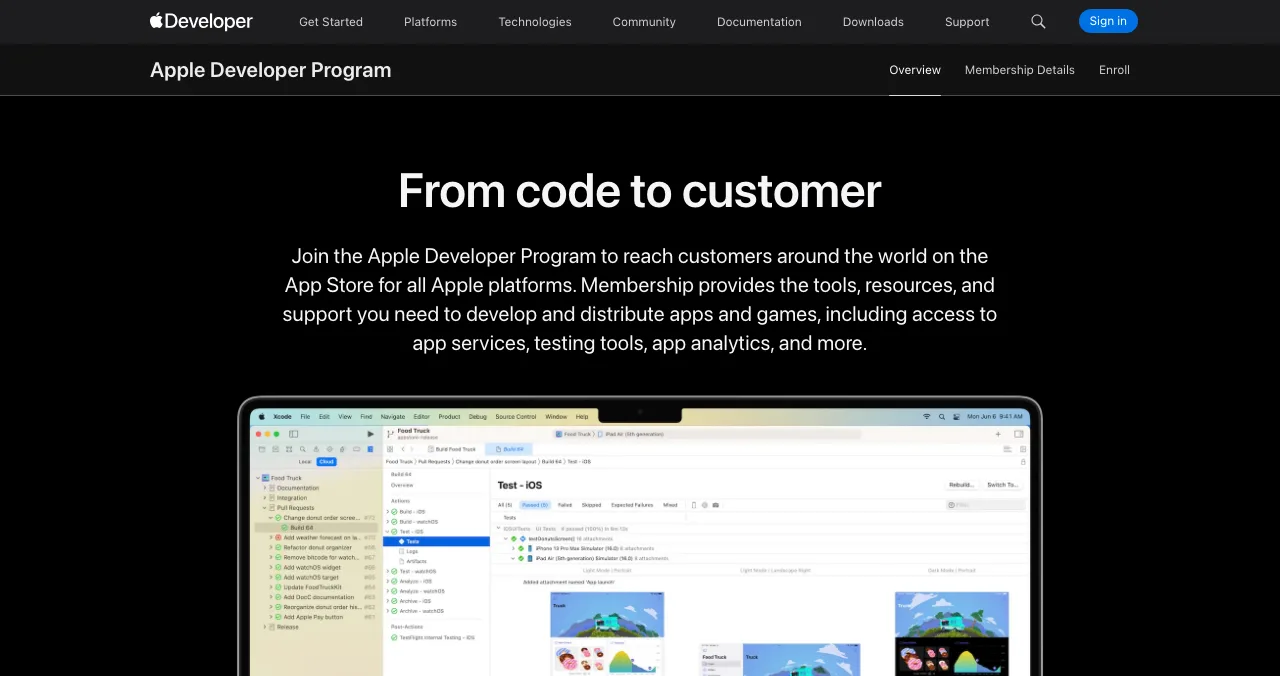

- Join the Apple Developer Program — US$99 per membership year, or the local equivalent. Eligible nonprofits, accredited educational institutions and government entities can request a fee waiver.
- Create the app in App Store Connect — name, bundle ID, primary language and SKU.
- Upload a build — archive in Xcode (or a cloud build service) and upload; wait for processing.
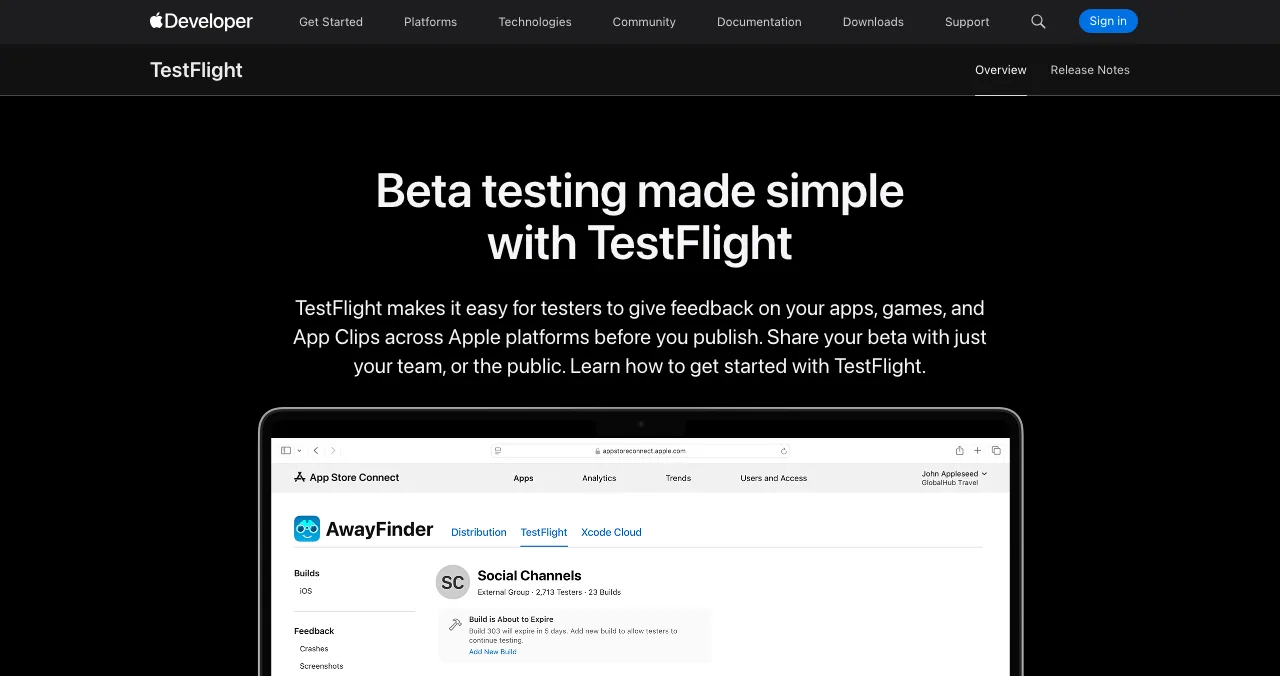
- Test with TestFlight — up to 100 internal testers from your team and up to 10,000 external testers; your first external build must be approved by App Review for TestFlight.
- Fill in the product page — description up to 4,000 characters, keywords up to 100 bytes (no competitors' names), promotional text up to 170 characters, screenshots.
- Complete app privacy details and the age rating — declare what your app and its SDKs collect, and whether it's used for tracking.
- Add App Review information — a working demo account if login is required, and notes for anything unusual. Apple's guidelines require reviewers to be able to access every feature.
- Choose a release option and submit — release manually, automatically on approval, or on a scheduled date.
How long does App Store review take?
Apple says App Review typically reviews at least 50% of submissions in under 24 hours and 90% in under 48 hours; incomplete submissions may take longer or fail. If you face a critical bug or a dated event, you can request an expedited review, decided case by case. If you believe a rejection misunderstood your app, you can appeal to the App Review Board, once per rejected submission.
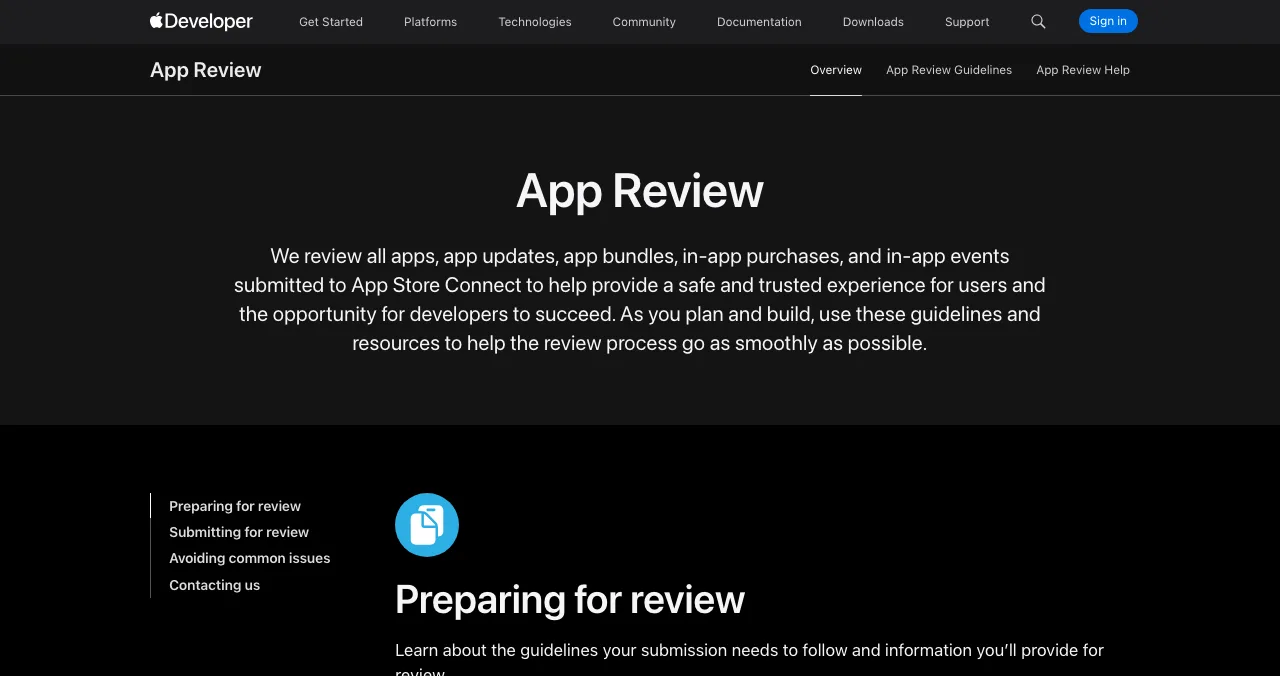
The most common reasons for rejection are crashes, bugs, broken links and placeholder content. Our App Store rejection reasons guide covers each one and its fix.
How do you publish an app on the Google Play Store?
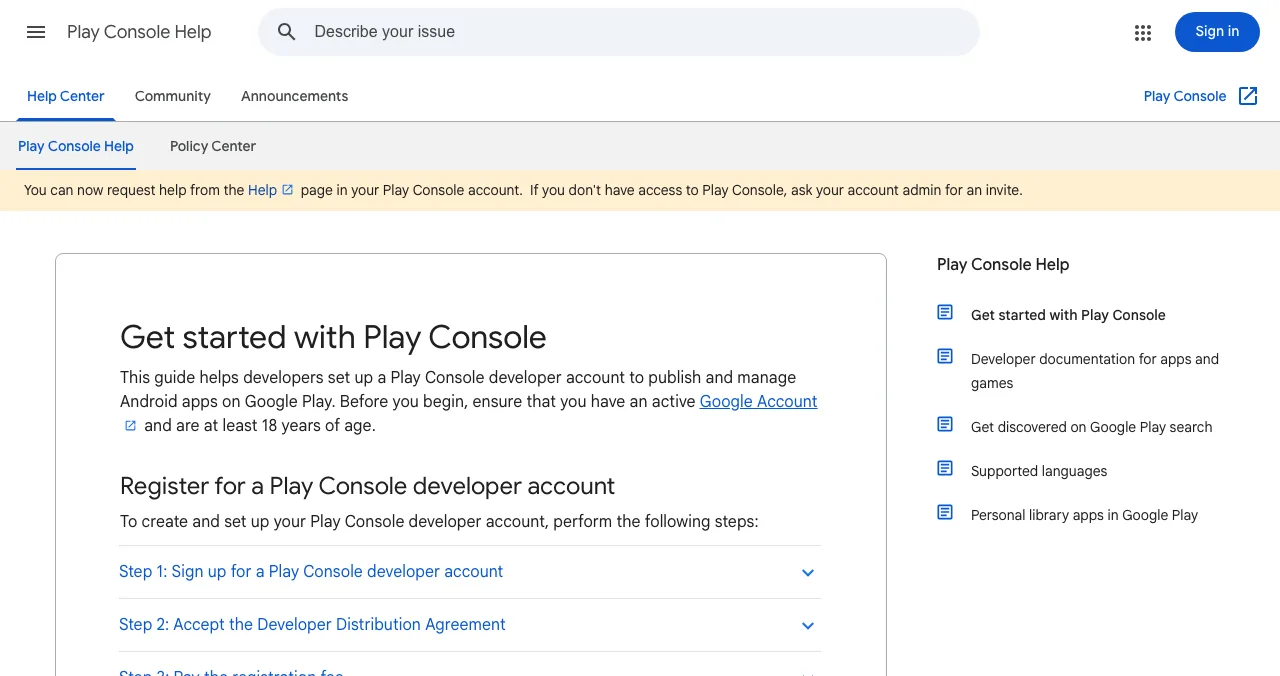

- Register a developer account — at least 18, with a Google Account; accept the Developer Distribution Agreement and pay the one-time US$25 fee by card (Mastercard, Visa, American Express; Discover in the US only; Visa Electron outside the US only; no prepaid cards).
- Choose personal or organisation — organisation accounts need a free D-U-N-S number and details from your payments profile. All contact details are verified with a one-time password.
- Verify your identity — you may need a government ID and a card in your legal name; the fee isn't refunded if the information is invalid.
- Create the app — name, package name (permanent: it can't be deleted or reused), default language, app or game, free or paid.
- Complete the dashboard — store listing (name up to 30 characters, short description 80, full description 4,000, screenshots, category, support email) and the App content declarations, including the Data safety form.
- Upload an Android App Bundle — required for new apps since August 2021; set up Play App Signing and meet the current target API level requirement.
- Run your testing tracks — new personal accounts created after 13 November 2023 need a closed test with at least 12 testers opted in continuously for 14 days, and must verify access to an Android device with the Play Console mobile app.
- Apply for production and release — choose countries, then roll out with standard or managed publishing.
How long does Google Play review take?
Google doesn't publish a standard review time. Its help centre says updates are processed and published as soon as possible, but for certain developer accounts, review "may take up to seven days or longer in exceptional cases". For a new personal account, the 14-day closed test is usually the longest step, so start it as soon as your first build works. Our Google Play developer account guide covers account types and verification in detail.
Build demand before release: pre-orders and pre-registration
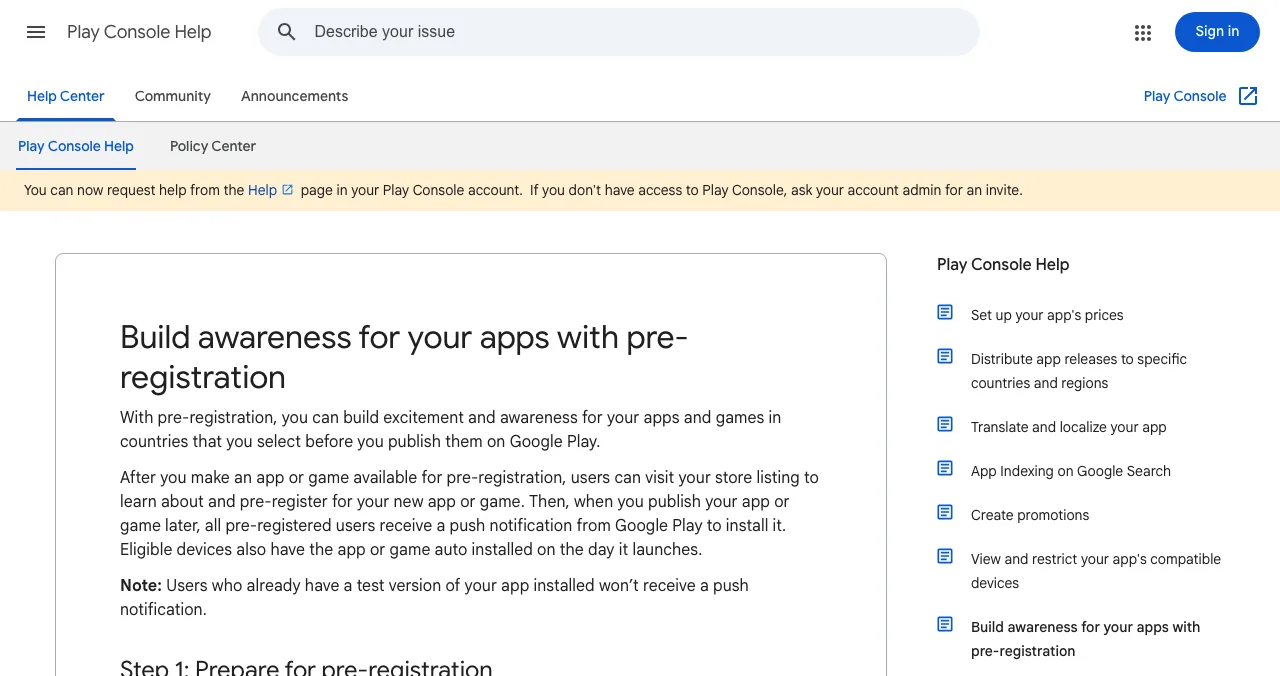
- Apple pre-orders: a new app can be offered for pre-order 2 to 180 days before release, after it has been reviewed. Customers' devices download it automatically on release day. Apple doesn't notify customers if the date changes, so tell them yourself.
- Google Play pre-registration: users sign up on your store listing; campaigns last up to 90 days, after which you must launch. At launch, pre-registered users get a Play notification, and eligible devices can install automatically.
Submission checklist for both stores

- No crashes on a clean install — test on a real, mid-range device for each platform
- No placeholder content — every screen, link and image final
- Demo account in the review notes — if any feature sits behind a login
- Privacy policy URL live — needed for Apple's privacy details and Google's Data safety form
- Privacy declarations match behaviour — including third-party SDKs
- Screenshots of the real app — showing the core job, not a splash screen
- Closed test started early — if you have a new personal Play account
- Release timing set — manual or scheduled on Apple, managed publishing on Google
What should you do after your app is approved?
Approval is when your launch starts, not when it ends. App store pages are hard to find from an ordinary Google search, and app stores won't tell you why visitors don't install. Give the app a permanent page on the web and get its first screens checked.

The Science of Apps Launchpad lists mobile apps free, forever, with links to both stores, found by the problem your app solves and ranked by relevance, never payment. As your listing goes live, a free baseline check looks at discoverability and your landing page; a full investigation tests the app end to end, including store listing and first-time experience.
- Areas of your app tested
- 22
- Automatic measurements
- 39
- Expert checks behind your login
- 74
- Verdicts that rank what to fix first
- 5
See what a new user sees, from store page to first value
List free, then order the report that fits: the store listing and first screens, or the full diagnosis with a plan.

 Economy
See what new customers see
- Store listing and homepage, screen by screen
- Scorecard against 60 Laws of UX
- Customers, competitors and the fixes worth most
PremiumThe full diagnosis and the plan
- Every screen, every finding, every flow
- All 60 laws with evidence and fixes
- 8 strategy chapters and a 90-day roadmap
Researched from your live app and fact-checked against the evidence. Private to your team.
A two-week timeline from build to both stores
- Day 1
Accounts
Enrol in the Apple Developer Program; register on Play Console and verify identity.
- Days 2–3
First builds
Upload to TestFlight; upload an app bundle to a closed testing track and invite at least 12 testers.
- Days 3–16
Test
Fix crashes and onboarding issues; keep Play testers opted in for 14 days.
- Day 10
Listings
Finish product pages, privacy details, Data safety form and screenshots.
- Day 12
Submit to Apple
With a demo account and review notes; choose a scheduled or manual release.
- Day 17
Google production
Apply for production access, then roll out.
- Launch day
Release both, list on the Launchpad
One web page linking to both stores.
Mistakes to avoid

- Announcing a launch date before approval — a rejection can cost days
- Starting the Play closed test late — it's 14 continuous days
- Using a prepaid card for Google's fee — Google doesn't accept them
- Forgetting the demo account — reviewers must reach every feature
- Privacy forms that don't match the SDKs — a common rejection and policy issue
- Relying on the stores for discovery — give the app a web page people can find
New users decide quickly whether an app is worth keeping, so the first screens matter most: the less cognitive load in onboarding, the more people reach the moment of value.
Ready to launch?
How we know
Every fee, limit and review time comes from Apple's Developer and App Store Connect pages and Google's Play Console Help and Android Developers pages, read on 18 November 2026. We quote Apple's review times and Google's review language exactly as published. The Launchpad's terms come from its homepage, investigation page and pricing page, read on 18 November 2026. Science of Apps runs the Launchpad and has no relationship with Apple or Google.
Key terms, defined
- App Store Connect: Apple's portal for uploading builds, managing listings and submitting for review.
- Play Console: Google's portal for creating apps, uploading bundles and publishing to Google Play.
- TestFlight: Apple's beta-testing service for internal and external testers.
- Android App Bundle: the publishing format Google Play requires for new apps; Play generates optimised APKs from it.
- Closed test: a Google Play testing track for invited testers; new personal accounts need 12 testers for 14 days.
- Data safety form: Google Play's declaration of what data an app collects and shares.
- App Review: Apple's review of every app, update and in-app purchase before release.
Frequently asked questions
How long does App Store review take?
Apple says App Review typically reviews at least 50% of submissions in less than 24 hours and 90% in less than 48 hours. Incomplete submissions may take longer or fail. A rejection adds time while you fix and resubmit, so submit at least a week before any launch date you've announced.
How long does Google Play review take?
Google doesn't publish a standard review time. Its help centre says updates are processed and published as soon as possible, but for certain developer accounts reviews may take up to seven days or longer in exceptional cases. New personal accounts must also finish a 14-day closed test before applying for production access.
How much does it cost to submit an app?
Apple's Developer Program costs US$99 per membership year, or the local equivalent; eligible nonprofits, accredited educational institutions and government entities can request a fee waiver. Google Play charges a one-time US$25 registration fee, paid by credit or debit card; prepaid cards aren't accepted. Store commissions on sales are separate.
What is the Google Play 12-tester rule?
Personal developer accounts created after 13 November 2023 must run a closed test with at least 12 testers who stay opted in continuously for 14 days before they can apply for production access. Organisation accounts, which need a D-U-N-S number, aren't subject to this requirement.
What do I need for an iOS app submission?
An Apple Developer Program membership, a build uploaded from Xcode to App Store Connect, the app's product page (description up to 4,000 characters, keywords up to 100 bytes, screenshots), app privacy details, an age rating, App Review information such as a demo account if login is required, and a release option.
Can I submit an app to both stores at the same time?
Yes. The stores are independent, so you can prepare both releases in parallel and use Apple's scheduled or manual release and Google's managed publishing to go live on the same day. Start the Google closed test early if you have a new personal account; it's usually the longest step.
What should I do after my app is approved?
Release it, then give it a home on the web: app store pages don't rank like a website. List it free on the Science of Apps Launchpad, which is found by problem and tests your store listing and onboarding with a detailed report, then launch on the sites that fit your audience.
Sources
- Apple Developer — Membership details and pricing (checked 18 Nov 2026)
- Apple Developer — App Review: review times, expedited reviews and appeals (checked 18 Nov 2026)
- Apple Developer — TestFlight (checked 18 Nov 2026)
- Apple Developer — Offering apps and games for pre-order (checked 18 Nov 2026)
- App Store Connect Help — Platform version information: description, keywords, promotional text (checked 18 Nov 2026)
- Apple Developer — App Store Review Guidelines
- Play Console Help — Get started with Play Console: US$25 one-time fee (checked 18 Nov 2026)
- Play Console Help — App testing requirements for new personal developer accounts (checked 18 Nov 2026)
- Play Console Help — Create and set up your app (checked 18 Nov 2026)
- Play Console Help — Data safety section (checked 18 Nov 2026)
- Play Console Help — Publishing and review times (checked 18 Nov 2026)
- Android Developers — About Android App Bundles (checked 18 Nov 2026)
- Science of Apps — Launchpad: launch your product free (checked 18 Nov 2026)
- Checked November 18, 2026. Figures that change — fees, salaries, prices — are reviewed every six months; if something is out of date, tell us.
Where to go from here
- Publish on the App Store — the Apple-only guide, in depth
- Google Play developer account — cost, setup, verification
- App Store rejection reasons — and how to fix each one
- App developmentHow to publish an app on the Apple App StorePublish an iPhone app on the App Store: Apple Developer Program, App Store Connect, build upload, privacy details, TestFlight, App Review and phased release.
- Science of Apps - LaunchpadWhere to launch a mobile app in 2027: the App Store and Google Play costs, free launch sites that take apps, and a launch order that gets first usersWhere to launch a mobile app in 2027: App Store ($99 a year) and Google Play ($25 once) costs, free launch sites for apps, and a launch order for first users.
- App developmentHow to publish an app on the Google Play Store, step by step (2027)Publish an Android app on Google Play in 2027: developer account, app bundle, store listing, data safety, the 12-tester closed test, review and rollout.
- Science of Apps - LaunchpadWhere to submit your startup in 2027: 11 startup submission sites checked on their own pages, what each costs, how long review takes and which links they giveWhere to submit your startup free: 11 startup submission sites checked 18 Nov 2026, with cost, review time, link type and which to submit to first.
- Science of Apps - LaunchpadHow much does it cost to launch a startup online? A line-item launch budget with the fees that are fixed (app stores, incorporation tools) and the many steps that are freeWhat it costs to launch a startup online: a line-item budget with fixed fees (App Store $99/yr, Google Play $25) and the launch steps that are free.
- Science of Apps - LaunchpadA paywall audit for subscription apps: 18 checks for clarity, choice, trust and timing, the app-store rules your paywall must follow, and patterns from good paywall examplesA paywall audit for subscription apps: 18 checks for clarity, plan choice, trust and timing, plus the Apple and Google Play rules to follow.
Get the ideas, not the noise.
Sign up with Google and we’ll send you short UX psychology tips by email — why people tap, stall and leave, and what to do about it. Unsubscribe anytime. Prefer something to keep? Get the free Laws of UX guide as a PDF.
Launch day ends. Your listing shouldn't.
Once your app is approved, list it free on the Science of Apps Launchpad: a permanent web page people find by problem, and a test of your store listing, onboarding and first screens with a detailed report.