 By
Quick answer: What should a coming soon page include?
- Purpose: say what's coming, for whom, and collect emails.
- Template: headline, one image, one email field, a reason to join now, privacy note.
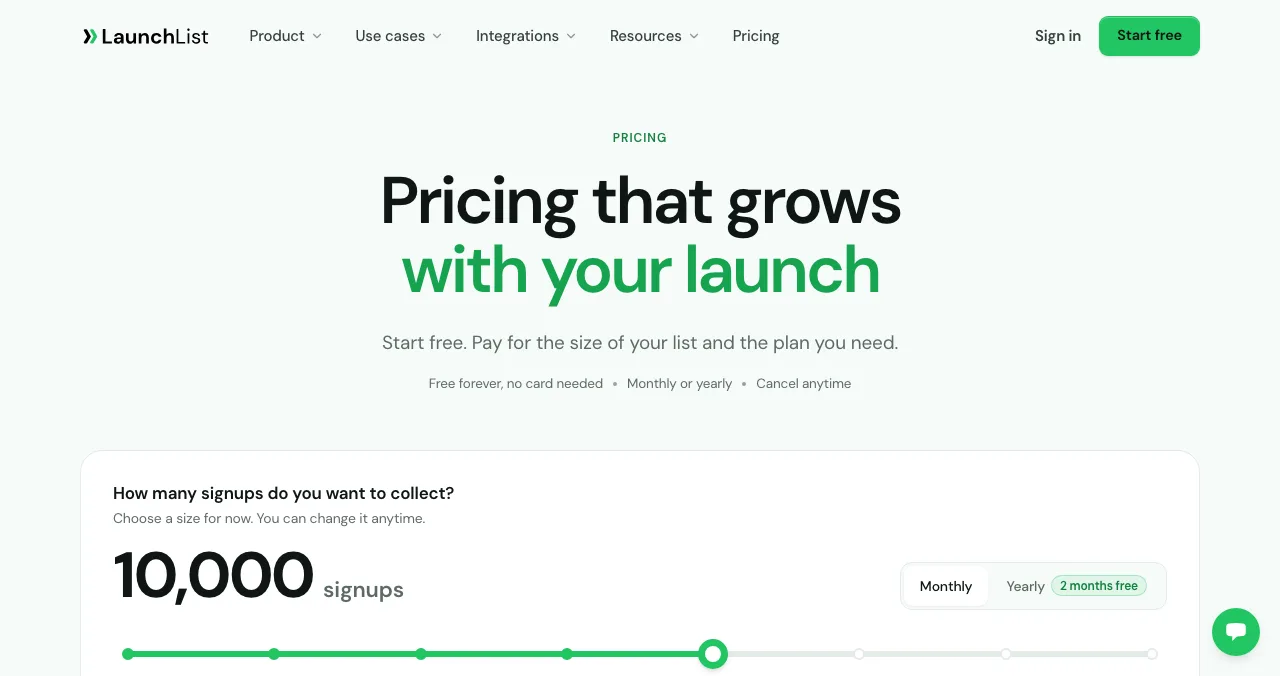
- Free waitlist page tools: LaunchList (free to 100 contacts), Waitlister (free plan).
- Free builders: Carrd (forms on Pro Standard, $19/year), Framer free plan.
- Launch day: list the live product free on the Science of Apps Launchpad, then email the list.
Key takeaways
- A coming soon page is a promise; be specific about what and roughly when.
- One email field converts better than a form.
- The first email after sign-up matters more than the page.
- Don't buy a fancy tool before you have 100 sign-ups.
- The page's job ends at launch; the product page takes over.
You're weeks from launch and people are asking where to sign up. A coming soon page is the cheapest way to turn that interest into a list you can email on launch day. It's one of the few pages where less really is more: one headline, one image, one field. This guide covers what to put on a coming soon page, a template you can copy, the free builders and waitlist page tools worth using, and the hand-off on launch day, when the coming soon website gives way to a permanent product page. Prices were read on each tool's own pricing page on 17–20 November 2026. Jump to the template, the tools or launch day.
Free ways to make a coming soon page
 Launch free
LaunchList For launch day
Waitlist pages, forms and referrals, priced by list size.
Free to 100 contactsFrom $19/mo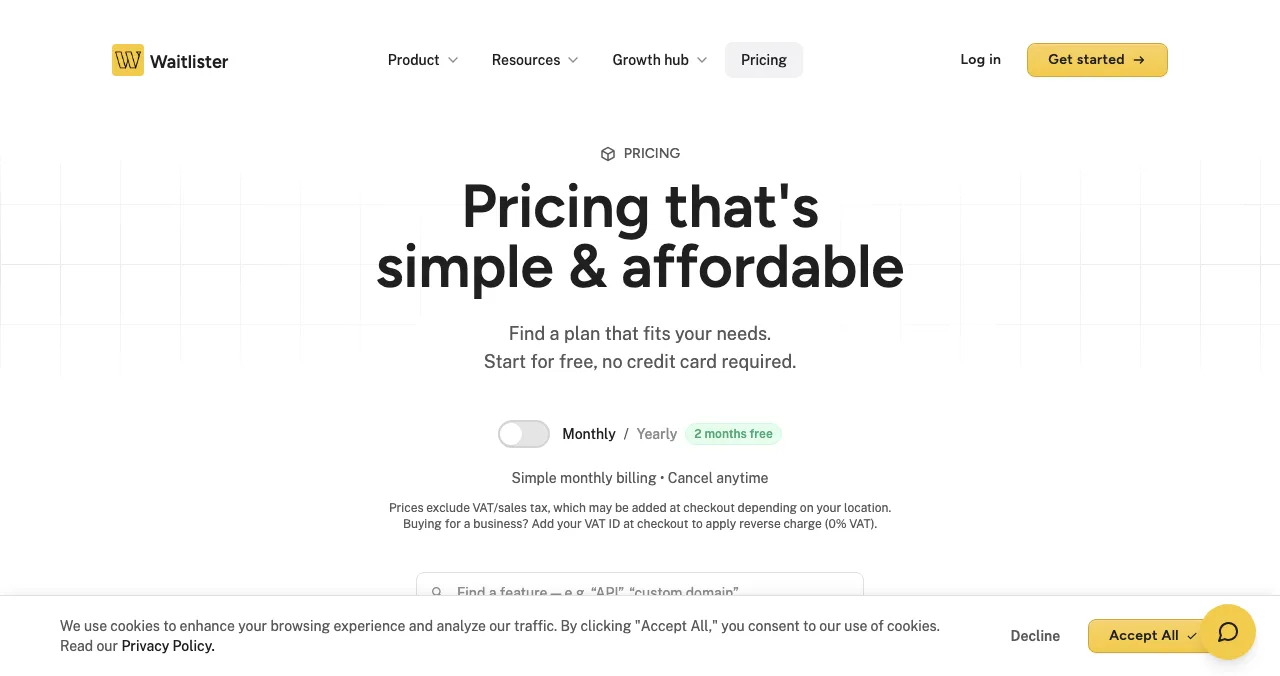
Waitlister
A landing page builder with a waitlist built in.
Free planFrom $19/mo
Carrd
The simplest one-page builder.
FreeForms from $19/yr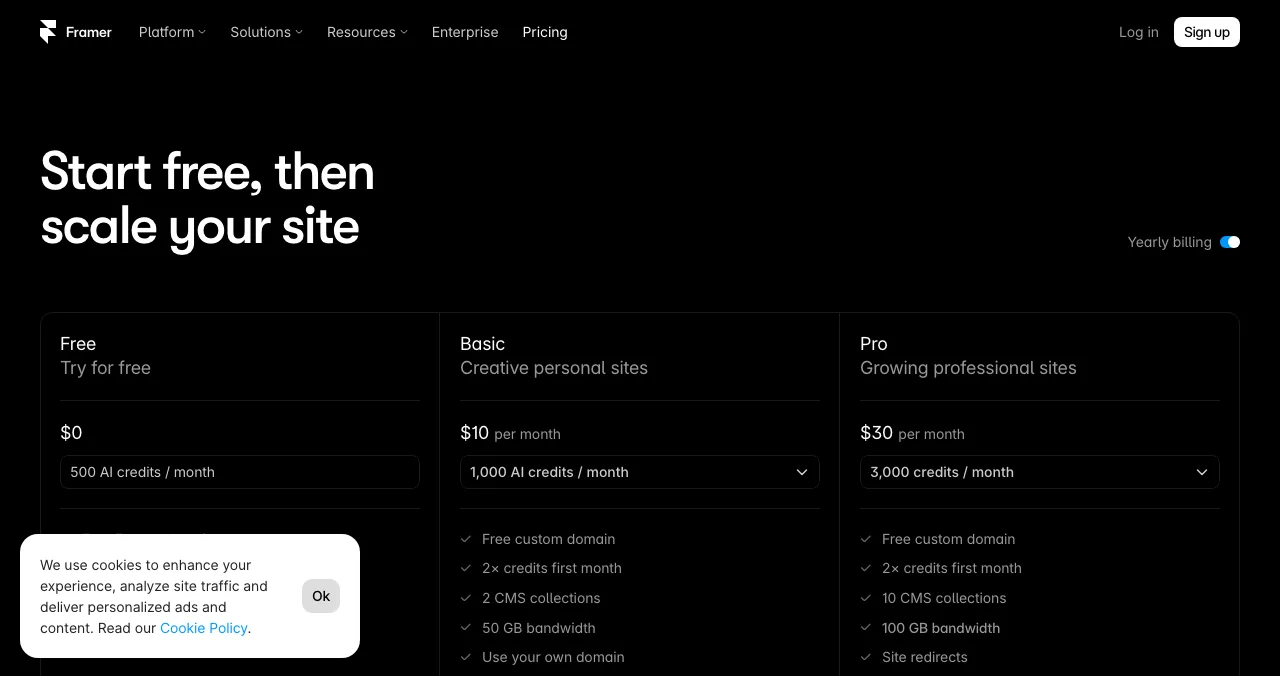
Framer
Design-led pages, free on a Framer domain.
Free1 GB bandwidth
Science of Apps Launchpad
The permanent product page for launch day.
Free foreverAny stage
The coming soon page template
| Section | What to write | Why |
|---|---|---|
| Headline | What you're building, for whom | People decide in seconds |
| One image | The product, or a mock-up labelled as one | Makes it real |
| Email field | One field, one button: "Get early access" | Every extra field loses people |
| Reason to join now | Early access, a founding price, a say in features | Gives a reason today, not later |
| Timeline | "Opening to the first 100 in March" | Specific beats "soon" |
| Privacy note | What you'll send and how to unsubscribe | Trust; and email rules apply |
Table: Coming soon page template (Science of Apps editorial framework)
If you email your list commercially in the US, the FTC's CAN-SPAM guide sets the basics: honest subject lines, your physical address and a working unsubscribe.
Coming soon page tools and builders
| Tool | Free option | First paid plan | Referrals | Best for |
|---|---|---|---|---|
| LaunchList | Free up to 100 contacts | $19/month | Yes | A full waitlist page that grows with you |
| Waitlister | Free plan | $19/month | Yes | A designed waitlist page fast |
| Carrd | Free, up to three sites | Pro Standard $19/year (forms, custom domain) | Via form tools | A cheap one-page coming soon website |
| Framer | Free on a Framer domain | Basic $10/month billed yearly | No | A beautiful page |
| Tally | Free forms within fair use | Paid plans | No | An email form behind any page |
Table: Coming soon page tools (pricing pages: LaunchList, Waitlister and Tally checked 17 Nov 2026; Carrd and Framer 20 Nov 2026)
LaunchList: a waitlist page that scales
Free up to 100 contacts, then plans by list size from $19 a month, with referral features. Best for: a waitlist you expect to grow.
Waitlister: a page and a list together
A free plan and paid plans from $19 a month. Best for: founders who want a designed waitlist page without a separate builder.
Carrd: a one-page coming soon website
Free for up to three sites on carrd.co. Signup forms (connecting to tools such as Mailchimp, Kit, Loops or beehiiv) and custom domains need Pro Standard at $19 a year. Best for: the cheapest coming soon page on your own domain.
Framer: the design-led option
Free on a Framer domain with 1 GB of bandwidth; custom domains on paid plans. Pair it with a free form tool for the email field. Best for: consumer products where the page itself sells the feeling.
For the full comparison, see waitlist tools.
Launch day: from coming soon to live
The coming soon page has one job left on launch day: hand people over to the real thing. That's the moment to publish a permanent product page.
- Cost
- Free, forever
- Stage
- Any, including pre-launch
- Visible for
- Permanent
- Ranking
- Relevance, editorial, community; never payment
- Extra
- Your product tested with a detailed report
The Launchpad accepts products at any stage, so you can create your listing early and save it as a draft. Publish it on launch day, after automated checks and a person's review, and it goes live with a Featured badge, a custom link and problem-based discovery. As it goes live, a free baseline check covers your landing page, discoverability and speed: exactly what your waitlist will meet when they click the launch email.
- Areas of your product tested
- 22
- Automatic measurements, desktop and mobile
- 39
- Expert checks behind your login
- 74
- Verdicts that rank what to fix first
- 5
Check what your waitlist will meet
List free, then order the report that fits your stage.

 Economy
See what new customers see
- Store listing and homepage, screen by screen
- Scorecard against 60 Laws of UX
- Customers, competitors and the fixes worth most
PremiumThe full diagnosis and the plan
- Every screen, every finding, every flow
- All 60 laws with evidence and fixes
- 8 strategy chapters and a 90-day roadmap
Fact-checked against the evidence. Private to your team, and never affects ranking.
From coming soon to launch: a plan
- 6 weeks out
Coming soon page
One page, one field; share it where your users are.
- 4 weeks out
First email
Thank sign-ups; ask one question about their problem.
- 2 weeks out
Draft your listing
Launchpad draft; screenshots of the real product.
- Launch day
Email first
Email the list, then publish the listing and post publicly.
- After
Retire the page
Replace it with your real landing page.
Mistakes

- "Something big is coming" — say what, and for whom
- A long form — one email field; ask the rest later
- No first email — silence for weeks and the list goes cold
- Countdown timers you can't keep — miss the date and you lose trust
- Leaving the page up after launch — replace it with the real thing
Ready to launch?
How we know
LaunchList, Waitlister and Tally prices come from their pricing pages as checked on 17 November 2026; Carrd and Framer from theirs on 20 November 2026 (Framer's US-dollar prices from its pricing page as archived by the Wayback Machine on 16 November 2026, since the live page localised for our location). Launchpad details come from its homepage and investigation page, read on 20 November 2026. The template is Science of Apps' editorial framework. Science of Apps runs the Launchpad.
Key terms, defined
- Coming soon page: a one-page site announcing a product before launch and collecting emails.
- Waitlist page: a coming soon page with a queue, often with referral positions.
- Pre-launch page: any page that collects interest before the product is available.
- Referral waitlist: a list where people move up by inviting others.
- Launch email: the first email telling your list the product is live.
Frequently asked questions
What should a coming soon page include?
A specific headline (what you're building and for whom), one image of the product or a mock-up labelled as such, a single email field with a clear button, a reason to join now such as early access, a rough timeline, a privacy note on how you'll use the email, and a link to follow progress. Keep it to one screen on a phone.
Is there a free coming soon page template?
Yes. Carrd and Framer offer free templates you can adapt, and waitlist tools such as LaunchList and Waitlister include ready-made pages. Use the six-part template in this guide in any of them: headline, image, email field, reason to join, timeline and privacy note.
What's the difference between a coming soon website and a waitlist page?
A coming soon website tells visitors something is on the way; a waitlist page adds a queue, usually with positions and referrals, so people can move up by inviting others. Most startups only need the simple version: a page and an email field. Referral queues suit consumer products with built-in excitement.
How do I make a coming soon page for free?
Use LaunchList (free up to 100 contacts) or Waitlister's free plan for a ready-made waitlist page, or a free Tally form linked from a Carrd or Framer page. Carrd's own forms need its Pro Standard plan, $19 a year. Prices were read on 17–20 November 2026.
Can I list a product on the Launchpad before it launches?
Yes. The Science of Apps Launchpad accepts products at any stage, free and permanently, after automated checks and a human review. Many founders list once people can try the product, so the listing's 'Visit' link leads somewhere useful and the free baseline check has something to test.
What should I do on launch day with my waitlist?
Email the list first, before any public post, with a direct link to try the product. Then publish your permanent product page, such as a Launchpad listing, and launch where your users gather. Replace the coming soon page with your real landing page so the domain doesn't keep promising something already live.
Sources
- LaunchList — Pricing (checked 17 Nov 2026)
- Waitlister — Pricing (checked 17 Nov 2026)
- Tally — Pricing (checked 17 Nov 2026)
- Carrd — Pro plans (checked 20 Nov 2026)
- Framer — Pricing, US-dollar view archived by the Wayback Machine on 16 Nov 2026 (checked 20 Nov 2026)
- Science of Apps — Launchpad homepage: what you can list, FAQ (checked 20 Nov 2026)
- Science of Apps — Product investigation (checked 20 Nov 2026)
- FTC — CAN-SPAM Act: a compliance guide for business
- Checked November 20, 2026. Figures that change — fees, salaries, prices — are reviewed every six months; if something is out of date, tell us.
Where to go from here
- Waitlist tools — prices and features compared
- Pre-launch marketing — filling the list
- List your startup before launch — pre-launch listings
- Science of Apps - LaunchpadProduct Hunt pre-launch: the pre-launch dashboard, building your audience weeks ahead, and the waitlists and listings that work alongside itProduct Hunt pre-launch, explained: the pre-launch dashboard, building an audience weeks ahead, a waitlist, BetaList and a draft listing while you build.
- Science of Apps - LaunchpadPre-launch marketing for startups: a six-week plan from waitlist to launch day, with the channels, assets and rules that matterPre-launch marketing for startups: a 6-week plan with a waitlist, building in public, early adopters, launch assets and a scheduled launch date.
- Science of Apps - LaunchpadThe best waitlist tools for a startup launch, with prices checked: LaunchList, Waitlister, GetWaitlist, Tally, plus what a waitlist landing page needs to convertThe best waitlist tools with prices checked: LaunchList, Waitlister, GetWaitlist and Tally, plus what a waitlist landing page needs to convert.
- Science of Apps - LaunchpadThe startup launch checklist for 2027: everything to do before, during and after launch, in orderA startup launch checklist for 2027: product, page, visibility, assets, launch-day and follow-up items, in order, with the platform rules that matter.
- Science of Apps - LaunchpadWhat a website for a startup needs on day one: a checklist of pages and checks, a startup website template, the free and cheap ways to build one, and how to test it the way a stranger wouldWhat a website for a startup needs on day one: the pages, the checks, a startup website template, and free ways to build and test it before launch.
- Science of Apps - LaunchpadThe best free landing page builders for startups in 2027: 9 free plans compared by pages, forms, branding, subscribers and custom domains, and the free product page that's live in five minutesA free landing page is easy; one with forms and your own domain isn't. 9 free landing page builders compared for startups, limits checked 20 Nov 2026.


Get the ideas, not the noise.
Sign up with Google and we’ll send you short UX psychology tips by email — why people tap, stall and leave, and what to do about it. Unsubscribe anytime. Prefer something to keep? Get the free Laws of UX guide as a PDF.
Launch day ends. Your listing shouldn't.
Collect sign-ups on your coming soon page now; when you're live, a free Science of Apps Launchpad listing gives the product a permanent page found by the problem it solves, and tests it with a detailed report.