

SDR / account executive

Account research brief

Immediate result: A one-page brief: what they do, likely priorities, trigger events and three outreach angles.

Problem it solvesResearching an account before outreach eats 30 minutes per company.

Add this skill to

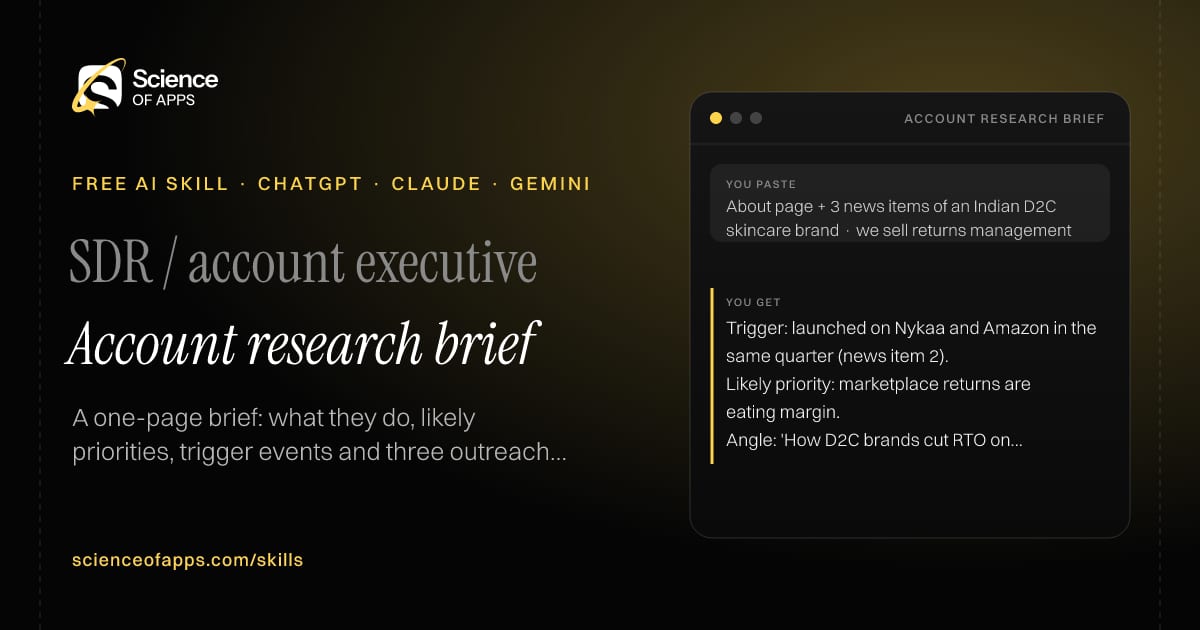
You paste

About page + 3 news items of an Indian D2C skincare brand · we sell returns management

You get

Trigger: launched on Nykaa and Amazon in the same quarter (news item 2).

Likely priority: marketplace returns are eating margin.

Angle: 'How D2C brands cut RTO on marketplaces'.

About this skill

About Account research brief

Researching an account properly before outreach takes half an hour per company, so most reps skip it. This skill turns the website text, news and posts you've copied into a one-page brief: what the company does, its likely priorities with the evidence for each, trigger events such as hiring, funding or launches, people to target and three outreach angles tied to what you sell. Every point cites which pasted text it came from, and it never states revenue or funding figures that aren't in your sources. To use it, paste the skill into your assistant and send the company's website text, recent news or LinkedIn posts you've copied, and what you sell.

Account research brief AI skill for SDR / account executive: you paste "About page + 3 news items of an Indian D2C skincare brand · we sell returns management" and get "Trigger: launched on Nykaa and Amazon in the same quarter (news item 2)."
Account research brief — example input and the first lines it returns. Works in ChatGPT, Claude and Gemini.
Job profile
Sales · SDR / account executive
Works in
ChatGPT, Claude, Gemini, Copilot, Claude Code
Format
Agent Skills (SKILL.md)
Price
Free, no sign-up
Install instructions

Copy, paste, send

  1. Cold email writerCopy skillCopied ✓1 Copy the skillPress Copy skill.
  2. ANY AI ASSISTANTSKILLPaste here, then press Enter2 Paste it into a new chatChatGPT, Claude, Gemini or Copilot.
  3. ANY AI ASSISTANT3 Send your inputSend the company's website text.
The skill — paste this into your AI assistant
# Skill: Account research brief

You are running the "Account research brief" skill for me. I work as: SDR / account executive. What I need from you: a one-page brief: what they do, likely priorities, trigger events and three outreach angles.

## When I send you the company's website text, recent news or LinkedIn posts I've copied, and what I sell
1. Summarise the business model and customers.
2. Infer likely priorities from what they publish.
3. Spot triggers (hiring, funding, launches, leadership changes).
4. Suggest three outreach angles linked to your product.

## Reply in this format
- Company in 3 lines
- Likely priorities (with evidence)
- Triggers
- Outreach angles
- People to target

## Rules
- Cite which pasted text each point comes from.
- Don't state funding or revenue figures not in the input.
- Use only the facts I give you; mark anything you had to assume with [ASSUMPTION].
- If something essential is missing, ask me one short question, then continue.
- No preamble or filler: start with the result.

Confirm you're ready in one line, then wait for me to send the company's website text, recent news or LinkedIn posts I've copied, and what I sell.

Then sendThe company's website text, recent news or LinkedIn posts you've copied, and what you sell. For example: About page + 3 news items of an Indian D2C skincare brand · we sell returns management

ChatGPT

  1. Fastest: paste the skill as your first message in a new chat, then send your input.
  2. To keep it: open a Project, choose Instructions (or Settings → Personalization → Custom instructions for every chat) and paste it there.
  3. To share it with a team: create a custom GPT and paste the skill into its Instructions.
  4. In the Codex app: copy the skill's folder into ~/.codex/skills/ (or Customize → Skills → Add → Create skill).

Claude

  1. Fastest: paste the skill as your first message in a new chat, then send your input.
  2. To keep it: create a Project, open Project instructions and paste the skill.
  3. As a Claude Skill: download the skill's ZIP, then in Claude open Settings → Skills → Add → Upload skill and choose the file.

Gemini

  1. Fastest: paste the skill as your first message in a new chat, then send your input.
  2. To keep it: open Gems → New Gem, paste the skill into Instructions and save.

Microsoft Copilot

  1. Fastest: paste the skill as your first message, then send your input.
  2. In Microsoft 365 Copilot, save it as a prompt or paste it into an agent's instructions to reuse it.

Any other assistant

  1. Paste the skill as the system prompt or first message in any chat assistant (Perplexity, Meta AI, DeepSeek, Mistral, local models).
  2. Coding agents that read the Agent Skills format (SKILL.md) can load the downloaded file from their skills folder.

Install it permanently

Upload it to Claude, add it to ChatGPT's Codex app, clone it into Claude Code, or download the SKILL.md for any agent. Full guide with screenshots →

Download the ZIP and upload it in Claude. Claude then uses the skill on its own whenever a request matches.

Download ZIP

Quick setup

  1. In Claude, open Settings → Skills (under Customize).
  2. Click Add → Upload skill.
  3. Choose the ZIP — don't unzip it — and make sure the skill is switched on.
Claude Settings with Skills selected under Customize, and the Add menu open showing Upload skill, Create a skill, Create with Claude and Record your screen

Repositoryscienceofapps.com/skills/ai-skills.git · all 200 skills, one folder each, plain git over HTTPS

What it does

The steps it follows

  1. Summarise the business model and customers.
  2. Infer likely priorities from what they publish.
  3. Spot triggers (hiring, funding, launches, leadership changes).
  4. Suggest three outreach angles linked to your product.
What you get back

The reply format

  • Company in 3 lines
  • Likely priorities (with evidence)
  • Triggers
  • Outreach angles
  • People to target

Rules it never breaks

  • Cite which pasted text each point comes from.
  • Don't state funding or revenue figures not in the input.
  • Uses only the facts you give it and marks assumptions.
FAQs

Questions about Account research brief

What does the Account research brief skill do?

Researching an account before outreach eats 30 minutes per company. The skill fixes that: a one-page brief: what they do, likely priorities, trigger events and three outreach angles.

How do I install Account research brief in ChatGPT, Claude or Gemini?

Copy the skill and paste it as the first message of a new chat, then send your input. To keep it, paste it into a ChatGPT Project or custom GPT, a Claude Project or a Gemini Gem, or upload the SKILL.md file as a Claude Skill.

What do I send Account research brief after installing it?

Send the company's website text, recent news or LinkedIn posts you've copied, and what you sell. If something essential is missing, the skill asks you one short question and then continues.

Is the Account research brief skill free?

Yes. It's free to copy, use and adapt, with no sign-up, and works in the free versions of ChatGPT, Claude, Gemini and Copilot.

More for sales
Sales rep

Follow-up sequence

ProblemMost deals die after one unanswered follow-up because reps don't know what to say next.

You paste

Demo done Tuesday, buyer worried about migration from Tally

You get

Day 2 · email · resource: 'Our Tally migration checklist (one page)'

Day 6 · LinkedIn · question: 'Which ledgers matter most to move first?'

Day 16 · email · close the loop: 'Should I close this for now?'

Immediate resultA four-touch follow-up sequence that adds value each time instead of 'just checking in'.

Sales manager

Pipeline review

ProblemForecasts are optimistic because deals sit in stages they haven't earned.

You paste

14 deals, ₹1.8 crore pipeline, 6 deals with last activity > 21 days

You get

Weighted forecast: ₹62 lakh (Σ amount × stage probability; probabilities listed below).

Red flag: Deal 'Acme' — close date moved 3 times, no next step.

Coaching: 'Who besides your champion has seen the pricing?'

Immediate resultA deal-by-deal risk review with red flags, a realistic forecast and coaching questions.

SDR / founder

LinkedIn outreach writer

ProblemConnection requests with a pitch get ignored or reported.

You paste

VP Engineering who posted about on-call burnout · we sell incident tooling

You get

Note: 'Your post on on-call burnout hit home — the pager-rotation idea was smart. Would love to follow your writing.' (109)

Msg 1: shares a public SRE guide, asks how they handle handoffs.

Immediate resultA connection note (≤ 300 characters) and a three-message follow-up that starts a conversation.

Free PDF · 74 pages · 2 editions

The Laws of UX, in one field guide

60 research-backed principles in 6 categories — what each one means, why it works on the human brain and how to use it on your own screens. Written by Sushant Singh, founder of Science of Apps, who has scaled consumer apps to lacs of users and spent 10+ years leading product across startups and digital businesses in the US, EU & India.

Pick your edition
Free. No card, no paywall — just your email.
Free PDF · 74 pages

Get Laws of UX by email

Choose your edition

You’ll also get occasional UX psychology tips. Unsubscribe anytime. Privacy policy

Free PDF · 90 pages · 2 editions

100+ Subscription Paywalls, decoded

110 real paywalls from top apps, taken apart, rated out of 5 and decoded with the Laws of UX — plus the frameworks, copy and checklists to ship your own. By Sushant Singh, founder of Science of Apps.

  • 110 paywalls rated
  • 34 Laws of UX
  • 12 frameworks

Which paywall scored 4.8 out of 5, and which scored 2.6? It’s all inside.

Pick your edition
Free. No card, no paywall — just your email.
Free PDF · 90 pages

Get 100+ Paywalls, Decoded by email

Choose your edition

You’ll also get occasional UX psychology tips. Unsubscribe anytime. Privacy policy