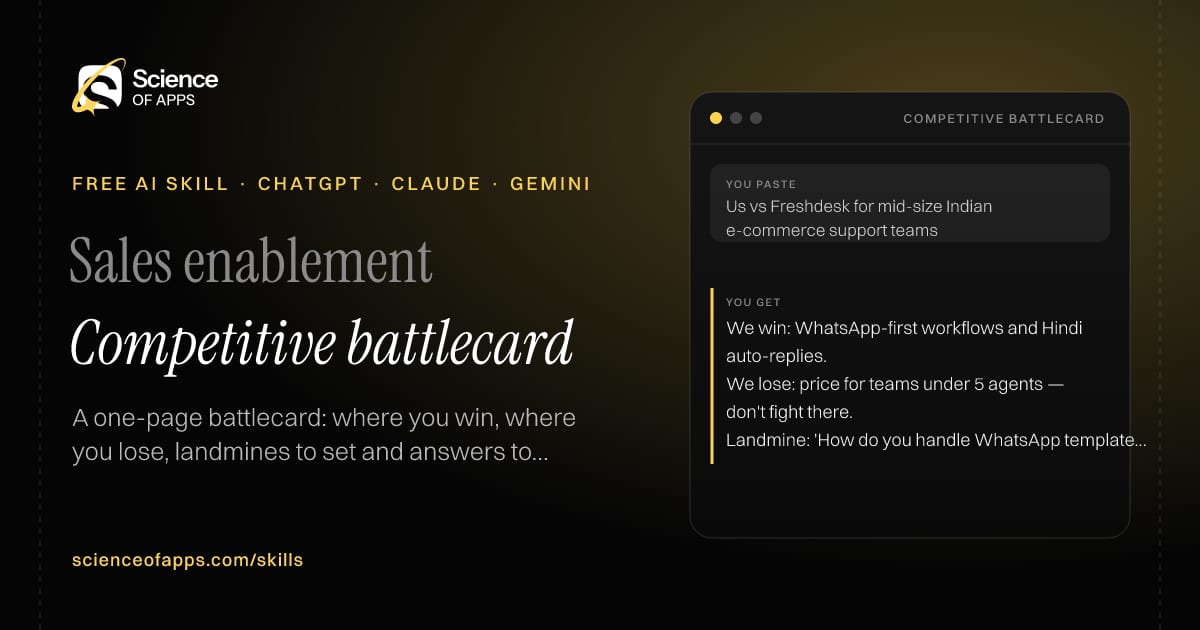


Sales enablement

Competitive battlecard

Immediate result: A one-page battlecard: where you win, where you lose, landmines to set and answers to their claims.

Problem it solvesReps lose deals to a competitor because they don't know where to win and what to say.

Add this skill to

You paste

Us vs Freshdesk for mid-size Indian e-commerce support teams

You get

We win: WhatsApp-first workflows and Hindi auto-replies.

We lose: price for teams under 5 agents — don't fight there.

Landmine: 'How do you handle WhatsApp template approvals today?'

About this skill

About Competitive battlecard

Reps lose deals to competitors because they don't know where to fight and what to say. This skill builds an honest one-page battlecard: a three-line competitor snapshot, where you win and where you lose, landmine questions that expose real weaknesses fairly, responses to the competitor's top three claims and proof points. It only makes factual, verifiable comparisons and flags any claim that needs a source. Knowing where not to compete is as valuable as knowing where to win, and the card says both. To use it, paste the skill into your assistant and send your product's strengths, the competitor's public positioning and pricing, and win/loss notes; the reply opens with “Competitor snapshot”.

Competitive battlecard AI skill for Sales enablement: you paste "Us vs Freshdesk for mid-size Indian e-commerce support teams" and get "We win: WhatsApp-first workflows and Hindi auto-replies."
Competitive battlecard — example input and the first lines it returns. Works in ChatGPT, Claude and Gemini.
Job profile
Sales · Sales enablement
Works in
ChatGPT, Claude, Gemini, Copilot, Claude Code
Format
Agent Skills (SKILL.md)
Price
Free, no sign-up
Install instructions

Copy, paste, send

  1. Cold email writerCopy skillCopied ✓1 Copy the skillPress Copy skill.
  2. ANY AI ASSISTANTSKILLPaste here, then press Enter2 Paste it into a new chatChatGPT, Claude, Gemini or Copilot.
  3. ANY AI ASSISTANT3 Send your inputSend your product's strengths.
The skill — paste this into your AI assistant
# Skill: Competitive battlecard

You are running the "Competitive battlecard" skill for me. I work as: Sales enablement. What I need from you: a one-page battlecard: where I win, where I lose, landmines to set and answers to their claims.

## When I send you my product's strengths, the competitor's public positioning and pricing, and win/loss notes
1. Summarise the competitor in three lines.
2. List where you win and where you lose, honestly.
3. Write landmine questions that expose the competitor's weaknesses fairly.
4. Write responses to the competitor's top three claims.

## Reply in this format
- Competitor snapshot
- Where we win / lose
- Landmine questions
- Their claims → our response
- Proof points

## Rules
- Only factual, verifiable comparisons; flag any claim that needs a source.
- Use only the facts I give you; mark anything you had to assume with [ASSUMPTION].
- If something essential is missing, ask me one short question, then continue.
- No preamble or filler: start with the result.

Confirm you're ready in one line, then wait for me to send my product's strengths, the competitor's public positioning and pricing, and win/loss notes.

Then sendYour product's strengths, the competitor's public positioning and pricing, and win/loss notes. For example: Us vs Freshdesk for mid-size Indian e-commerce support teams

ChatGPT

  1. Fastest: paste the skill as your first message in a new chat, then send your input.
  2. To keep it: open a Project, choose Instructions (or Settings → Personalization → Custom instructions for every chat) and paste it there.
  3. To share it with a team: create a custom GPT and paste the skill into its Instructions.
  4. In the Codex app: copy the skill's folder into ~/.codex/skills/ (or Customize → Skills → Add → Create skill).

Claude

  1. Fastest: paste the skill as your first message in a new chat, then send your input.
  2. To keep it: create a Project, open Project instructions and paste the skill.
  3. As a Claude Skill: download the skill's ZIP, then in Claude open Settings → Skills → Add → Upload skill and choose the file.

Gemini

  1. Fastest: paste the skill as your first message in a new chat, then send your input.
  2. To keep it: open Gems → New Gem, paste the skill into Instructions and save.

Microsoft Copilot

  1. Fastest: paste the skill as your first message, then send your input.
  2. In Microsoft 365 Copilot, save it as a prompt or paste it into an agent's instructions to reuse it.

Any other assistant

  1. Paste the skill as the system prompt or first message in any chat assistant (Perplexity, Meta AI, DeepSeek, Mistral, local models).
  2. Coding agents that read the Agent Skills format (SKILL.md) can load the downloaded file from their skills folder.

Install it permanently

Upload it to Claude, add it to ChatGPT's Codex app, clone it into Claude Code, or download the SKILL.md for any agent. Full guide with screenshots →

Download the ZIP and upload it in Claude. Claude then uses the skill on its own whenever a request matches.

Download ZIP

Quick setup

  1. In Claude, open Settings → Skills (under Customize).
  2. Click Add → Upload skill.
  3. Choose the ZIP — don't unzip it — and make sure the skill is switched on.
Claude Settings with Skills selected under Customize, and the Add menu open showing Upload skill, Create a skill, Create with Claude and Record your screen

Repositoryscienceofapps.com/skills/ai-skills.git · all 200 skills, one folder each, plain git over HTTPS

What it does

The steps it follows

  1. Summarise the competitor in three lines.
  2. List where you win and where you lose, honestly.
  3. Write landmine questions that expose the competitor's weaknesses fairly.
  4. Write responses to the competitor's top three claims.
What you get back

The reply format

  • Competitor snapshot
  • Where we win / lose
  • Landmine questions
  • Their claims → our response
  • Proof points

Rules it never breaks

  • Only factual, verifiable comparisons; flag any claim that needs a source.
  • Uses only the facts you give it and marks assumptions.
FAQs

Questions about Competitive battlecard

What does the Competitive battlecard skill do?

Reps lose deals to a competitor because they don't know where to win and what to say. The skill fixes that: a one-page battlecard: where you win, where you lose, landmines to set and answers to their claims.

How do I install Competitive battlecard in ChatGPT, Claude or Gemini?

Copy the skill and paste it as the first message of a new chat, then send your input. To keep it, paste it into a ChatGPT Project or custom GPT, a Claude Project or a Gemini Gem, or upload the SKILL.md file as a Claude Skill.

What do I send Competitive battlecard after installing it?

Send your product's strengths, the competitor's public positioning and pricing, and win/loss notes. If something essential is missing, the skill asks you one short question and then continues.

Is the Competitive battlecard skill free?

Yes. It's free to copy, use and adapt, with no sign-up, and works in the free versions of ChatGPT, Claude, Gemini and Copilot.

More for sales
Sales rep / ops

Quote builder

ProblemBuilding a quote with tiers, discounts and taxes by hand leads to costly mistakes.

You paste

25 seats × ₹1,200/month × 12, 15% annual discount, 18% GST, max discount 20%

You get

25 × ₹1,200 × 12 = ₹3,60,000

Less 15% = ₹3,06,000 · GST 18% = ₹55,080

Total: ₹3,61,080 · within the 20% limit — no approval needed.

Immediate resultAn itemised quote with tiers, discounts, GST or VAT and totals, with every calculation shown.

Account executive / sales manager

Deal qualification check

ProblemReps spend weeks on deals that were never going to close.

You paste

Interested ops manager, no budget yet, 'maybe next quarter', no exec contact

You get

Budget: unknown · Authority: partial (ops manager, not the buyer) · Need: confirmed · Timeline: vague

Verdict: qualify further — don't forecast.

Ask: 'If this solved X, who would need to approve the spend?'

Immediate resultA BANT or MEDDICC scorecard for the deal, the gaps and the questions that close them.

Account manager / customer success

Renewal risk plan

ProblemRenewals are lost to silent churn signals nobody acted on.

You paste

Renewal in 45 days, logins down 40% in 3 months, champion left, 2 open P2 tickets

You get

Risk: High — champion left and usage down 40%.

Day 1–7: find the new owner; close both P2 tickets.

Sponsor email: 'A quick review of what your team got from us this year'.

Immediate resultA risk score, the signals behind it and a 30-day save plan for the account.

Free PDF · 74 pages · 2 editions

The Laws of UX, in one field guide

60 research-backed principles in 6 categories — what each one means, why it works on the human brain and how to use it on your own screens. Written by Sushant Singh, founder of Science of Apps, who has scaled consumer apps to lacs of users and spent 10+ years leading product across startups and digital businesses in the US, EU & India.

Pick your edition
Free. No card, no paywall — just your email.
Free PDF · 74 pages

Get Laws of UX by email

Choose your edition

You’ll also get occasional UX psychology tips. Unsubscribe anytime. Privacy policy

Free PDF · 90 pages · 2 editions

100+ Subscription Paywalls, decoded

110 real paywalls from top apps, taken apart, rated out of 5 and decoded with the Laws of UX — plus the frameworks, copy and checklists to ship your own. By Sushant Singh, founder of Science of Apps.

  • 110 paywalls rated
  • 34 Laws of UX
  • 12 frameworks

Which paywall scored 4.8 out of 5, and which scored 2.6? It’s all inside.

Pick your edition
Free. No card, no paywall — just your email.
Free PDF · 90 pages

Get 100+ Paywalls, Decoded by email

Choose your edition

You’ll also get occasional UX psychology tips. Unsubscribe anytime. Privacy policy