 By
Quick answer: How does an AI website builder work?
- What it does: turns a description of your business into pages, copy, images and layout you then edit.
- Two kinds: visual-editor builders (Wix, Framer, Webflow, Squarespace, Relume) and code builders (Bolt, v0, Lovable).
- Wix AI website builder: prompt to site, then edit by hand or with Aria; free to start, Premium for a domain.
- Pick by: who edits it later, whether you need a shop or app logic, and the paid plan you'll end up on.
- Then launch: list the product free on the Launchpad so people find it.
Key takeaways
- The first draft takes minutes on every AI website builder; the differences show when you edit.
- Visual builders suit marketers; code builders suit products that need logic.
- AI copy is generic and sometimes invents claims; rewrite every fact before publishing.
- Free plans exist on most builders, but a custom domain is always paid.
- A builder publishes a site; getting it found and testing it are separate jobs.
"AI website builder" is searched about 110,000 times a month, and "Wix AI website builder" another 60,500 (Google Keyword Planner, global 12-month average). Every major builder now has one, and every demo looks the same: type a sentence, watch a site appear. What the demos don't show is what happens next, when you need to change the pricing section, connect a domain or add a sign-up flow. This guide explains how an AI powered website builder actually works, the two kinds you'll meet, what Wix's version does, and which to pick for your need, with each product described from its own pages as read on 20 November 2026. Jump to how they work, the picks or which to choose.
- Kinds of AI builder: visual editor or code
- 2
- Steps from prompt to published site
- 5
- Thing every free plan lacks: your own domain
- 1
How does an AI website builder work?
Under the hood, every artificial intelligence website builder does the same five jobs in order. The quality of each step is where they differ.
Brief
Your prompt
You describe the business, audience and goal; some builders ask follow-up questions.
Plan
Sitemap and sections
A language model decides which pages and sections the site needs.
Write
Copy
Headlines, descriptions and calls to action are generated for each section.
Design
Layout, style, images
The builder applies a theme, picks or generates images, and arranges blocks.
Edit and publish
You take over
The site opens in an editor; you change it, then publish to a subdomain or your domain.
The step that matters most is the last one. A visual builder hands you its normal drag-and-drop editor, so anyone on your team can change it later. A code builder hands you generated code, which gives you total flexibility but means changes go back through prompts or a developer.
| Visual-editor AI builders | Code-generating AI builders | |
|---|---|---|
| Examples | Wix, Framer, Webflow, Squarespace, Relume, Jimdo | Bolt, v0, Lovable, Replit |
| Output | Pages in the builder's own editor | HTML, CSS, JavaScript or React code |
| Best at | Marketing sites, small-business sites, portfolios | Pages with logic, prototypes, full apps |
| Editing later | Drag and drop, or ask the AI | Prompt again, or edit the code |
| Hosting | Included, on the builder | Included on some (Bolt, Vercel for v0) or export |
| Lock-in | High: sites rarely move between builders | Lower: you can take the code |
Table: The two kinds of AI website builder compared
The Wix AI website builder, explained
- What it is
- Prompt to a business-ready site
- Editing
- By hand, or with Aria, Wix's AI agent
- Cost
- Free to start, no credit card
- Free limits
- wixsite.com address, Wix ads, 500 MB, 1 GB
- Paid
- Premium for domain and payments
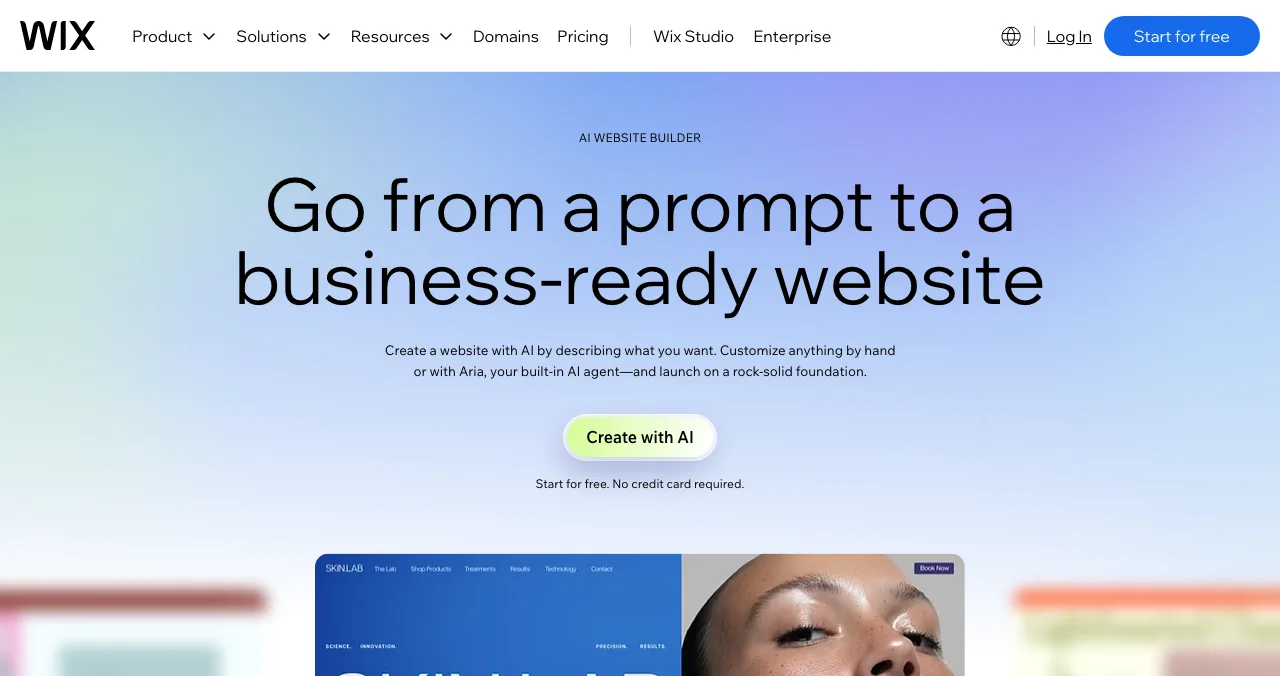
Wix's page describes going "from a prompt to a business-ready website" and calls the tool part of Wix Harmony. You describe what you want, Wix generates a site, and then you customise it by hand or by asking Aria, its built-in AI agent. It replaced Wix ADI, which Wix retired on 10 November 2024.
- Cost: Wix's FAQ says you can start building with AI for free. The free site lives on a wixsite.com address with Wix ads, up to 500 MB storage and 1 GB bandwidth.
- Paid: a Premium plan connects your own domain, removes Wix branding and adds online payments. Wix says prices and currency vary by location.
- Why it's popular: after generation you're in Wix's full editor, with its apps for bookings, stores and forms.
Best for: small businesses that want one tool for the site and the business tools around it.
Which AI website builders are worth picking?
Framer AI: for design control
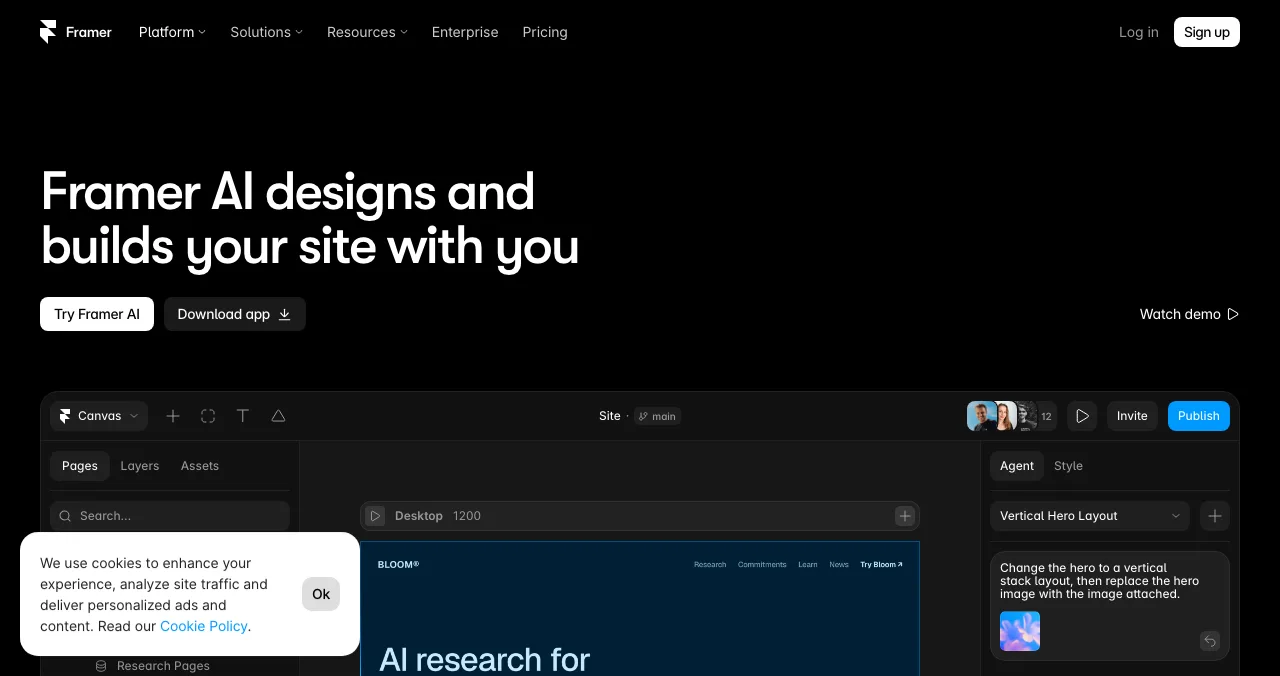
Framer says its AI "designs and builds your site with you" inside a design tool. The free plan includes 500 AI credits a month and a Framer domain, and Framer calls it ideal for non-commercial use; Basic is $10 a month with a custom domain and 1,000 credits.
Best for: designers and design-led landing pages.
Webflow AI site builder: for professional teams
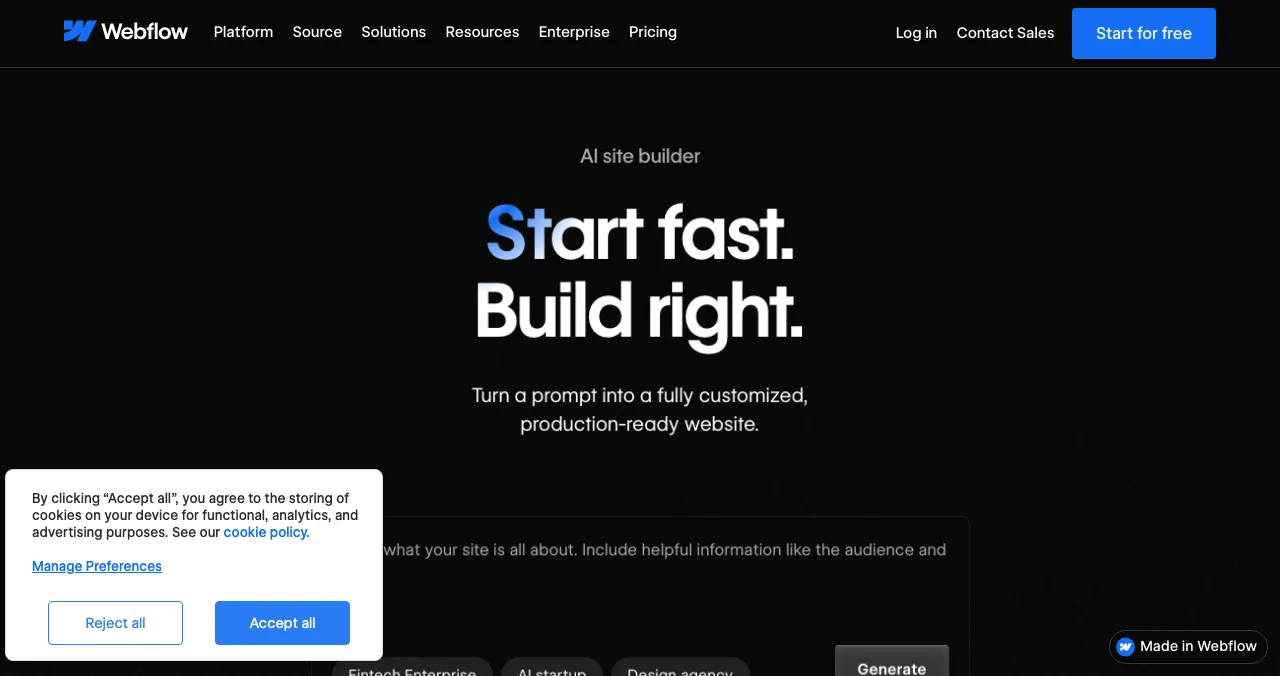
Webflow's AI site builder promises to "turn a prompt into a fully customized, production-ready website". The result lives in Webflow's professional editor and CMS. The free Starter plan allows two static pages on webflow.io; Basic is $15 a month billed yearly.
Best for: marketing teams who want a site developers respect. See Webflow vs WordPress vs Framer.
Squarespace: AI with a design-first editor
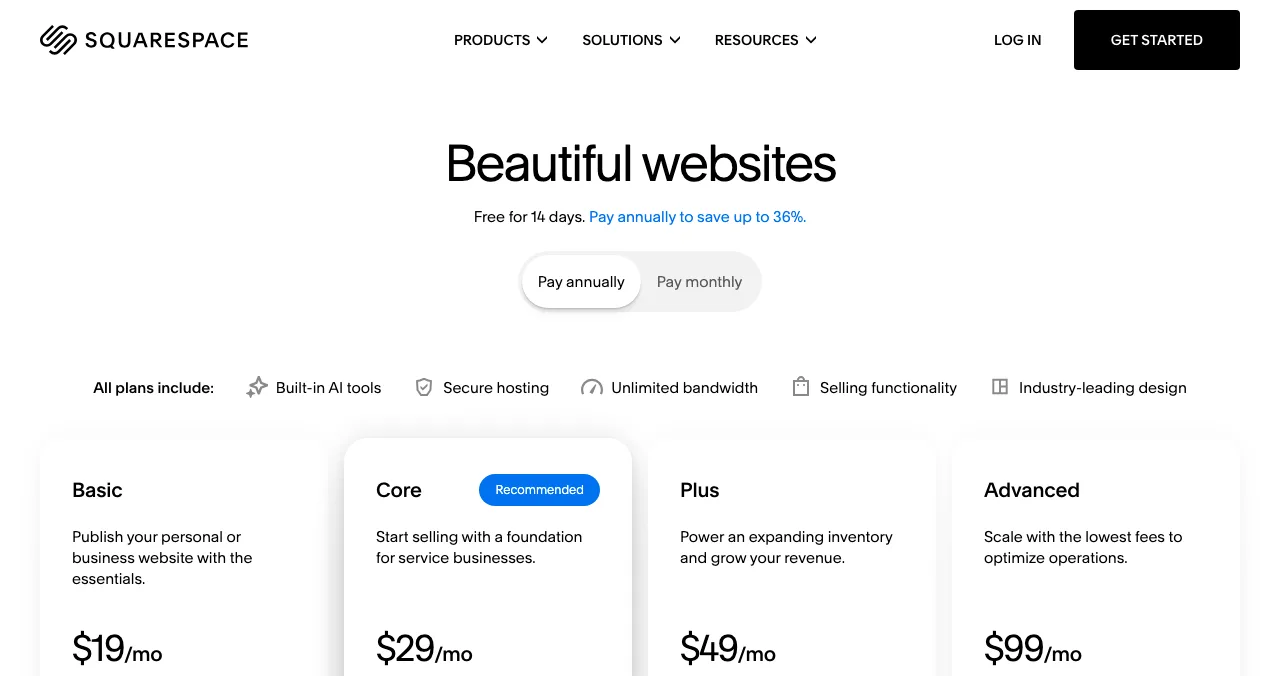
Squarespace says its AI website builder "turns your blank page into a website". There's no free plan: every site starts with a 14-day free trial, and Basic was shown at $19 a month billed annually or $25 monthly to a US visitor.
Best for: polished brand and portfolio sites, if you'll pay from day one.
Relume: AI that starts from the sitemap
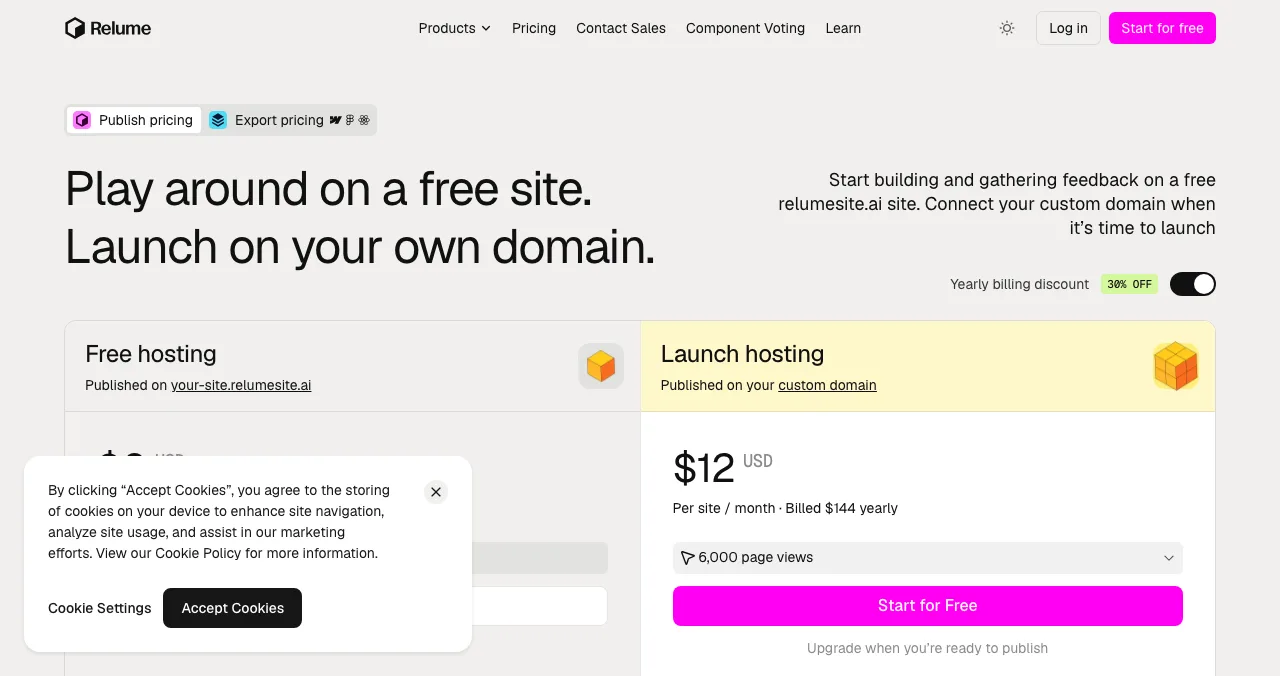
Relume generates a sitemap and wireframes before any visuals, which suits sites with many pages. Free hosting runs on a relumesite.ai address with up to 1,500 page views a month; your own domain costs $12 per site a month billed yearly.
Best for: planning a multi-page site properly.
Bolt and v0: AI that writes code
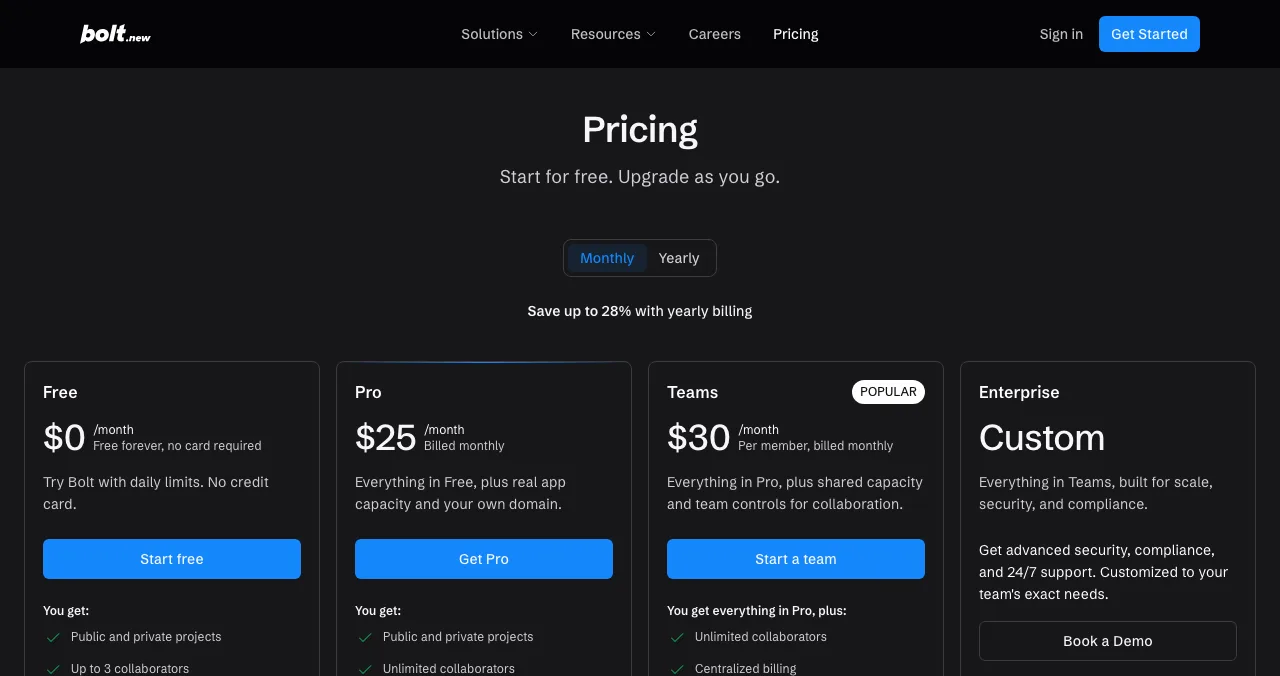
Bolt calls itself an AI powered website and app builder: it writes code and hosts it, with 1M tokens a month on the free plan and Bolt branding. Pro is $25 a month.
Best for: pages that need forms, calculators or logic.
v0 by Vercel
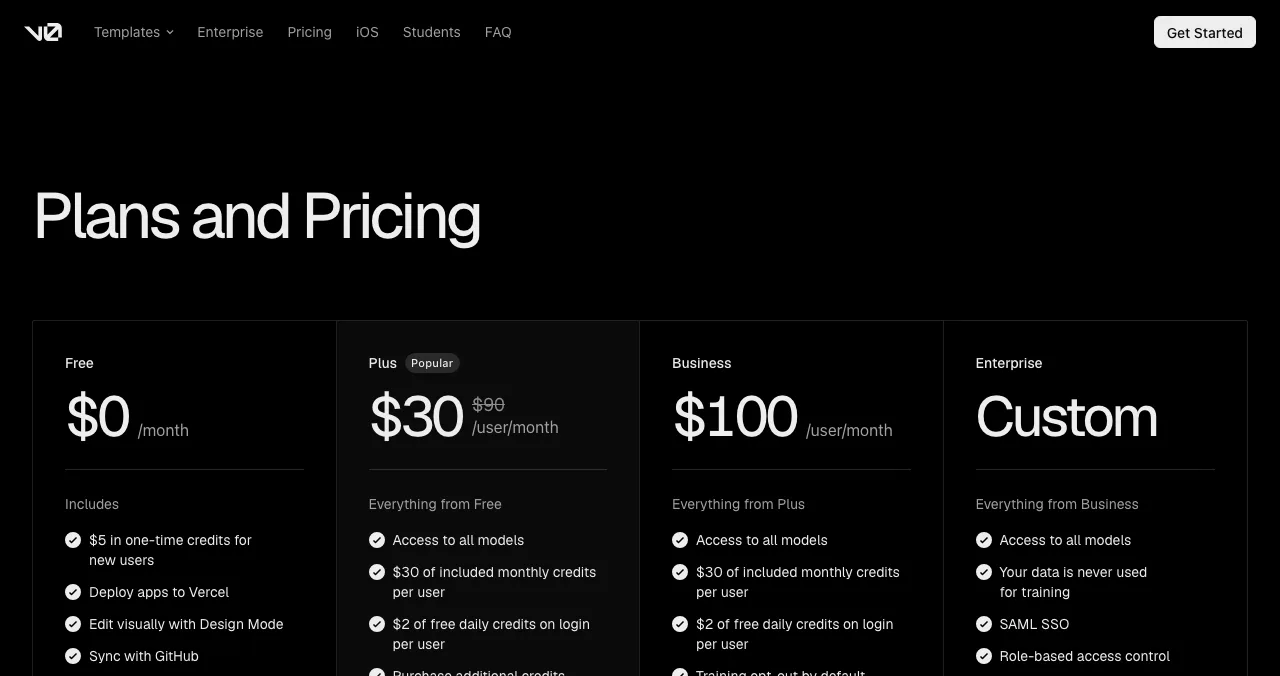
v0 generates React code and deploys apps to Vercel; the free plan gives new users $5 in one-time credits with a 7-message daily limit, and Plus is $30 per user a month. It's the developer's choice: you get code you own. For the wider picture, see what is vibe coding.
AI website builders compared by need
| Builder | Kind | Free plan | Own domain from | Best for |
|---|---|---|---|---|
| Wix | Visual | Yes, with Wix ads | Premium (price by location) | Small business |
| Framer | Visual | Yes, 500 AI credits a month | Basic, $10 a month | Design |
| Webflow | Visual | Yes, 2 static pages | Basic, $15/mo yearly | Professional teams |
| Squarespace | Visual | No, 14-day trial | Basic, $19/mo yearly (US) | Brand sites |
| Relume | Visual | Yes, 1,500 views a month | $12/site/mo yearly | Multi-page planning |
| Bolt | Code | Yes, 1M tokens a month | Pro, $25 a month | Pages with logic |
| v0 | Code | Yes, $5 one-time credits | Plus, $30/user/mo | Developers |
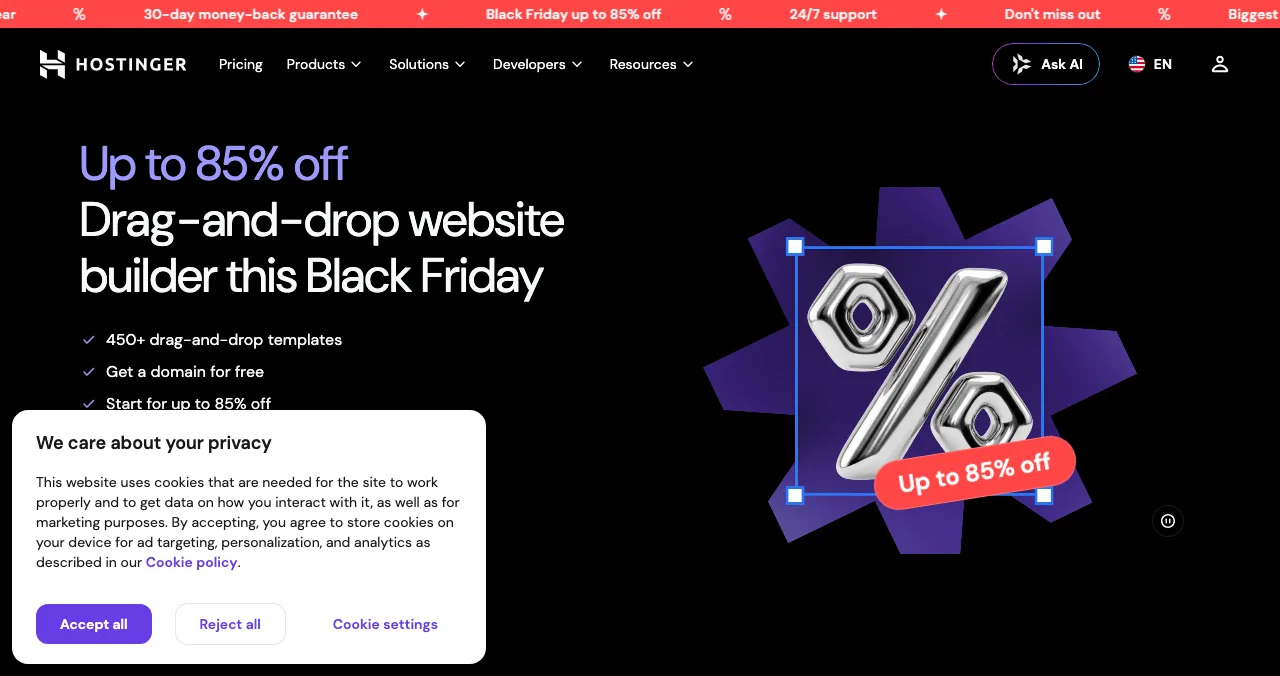
| Hostinger AI builder | Visual | No, trial and refund window | $1.99/mo intro for 48 months, renews $10.99 | Budget bundles |
Table: AI website builders compared (each builder's own pages, checked 20 Nov 2026; USD as shown to us)
Which AI website builder should you pick?
| If you… | Pick | Because |
|---|---|---|
| Run a small business and will edit it yourself | Wix | Full editor plus bookings, stores and Aria |
| Care most about how it looks | Framer or Squarespace | Design-first editors |
| Have a marketing team and a CMS | Webflow | Professional editor and CMS |
| Need many pages, planned properly | Relume | Sitemap and wireframes first |
| Need a page that does something | Bolt or v0 | Real code |
| Have a product to launch | Any of the above, plus the Launchpad | The site, then a page people find |
Table: Which AI website builder to pick
Free plans for most of these are compared in the best free AI website builders.
Launch the product, free
An AI website builder can have a page live in minutes. Nobody finds it, though, until it's linked from somewhere people already look. The Science of Apps Launchpad gives your product a free, permanent public page with its own link, live in about five minutes in six short steps. It's listed by the problem it solves and ranked by relevance, editorial picks and community interest, never payment. It earns a Featured badge on going live and can earn Verified, Community favourite and Editor's pick, plus vouches and followers. A free baseline diagnosis checks your landing page, discoverability and speed.

The full investigation tests 22 areas of the product with 39 automatic measurements in a real browser on desktop and mobile and 74 expert heuristics, gives each finding one of five verdicts, and stays private to your team.
See what your visitors actually see
List free, then order the report that fits: the first impression, or the full diagnosis with a plan.

 Economy
See what new customers see
- Store listing and homepage, screen by screen
- Scorecard against 60 Laws of UX
- Customers, competitors and the fixes worth most
PremiumThe full diagnosis and the plan
- Every screen, every finding, every flow
- All 60 laws with evidence and fixes
- 8 strategy chapters and a 90-day roadmap
Researched from your live product and fact-checked against the evidence.
From prompt to launched in a day
- Hour 1
Write the brief
Who it's for, the problem, the one action, three real facts about the product.
- Hour 2
Generate and compare
Run the same brief on two builders; keep the better structure.
- Hours 3–4
Rewrite and replace
Swap generic copy and stock images for your own words and screenshots.
- Hour 5
Check
Test on a phone; run PageSpeed Insights; fix anything slow or unreadable.
- Hour 6
Launch
Create the Launchpad page, link the site, read the baseline check.
Mistakes to avoid with AI website builders

- Judging by the first draft — every builder's demo is good; judge the editor you'll use for a year
- Publishing invented facts — AI copy can make up numbers, awards or testimonials; delete anything you can't prove
- Accepting every section — more sections mean more to scan; keep what earns its place (cognitive load)
- Ignoring lock-in — visual builders rarely export to each other; choose the one you'll stay on
- Forgetting the renewal price — intro prices on long terms renew higher
Ready to launch?
How we know
Each builder is described from its own product and pricing pages, read on 20 November 2026; we didn't build test sites with them, so this isn't a hands-on review. Prices are in USD as shown to us, and Wix says its prices vary by location. The five-step model of how AI builders work is our summary of what these products describe on their own pages. Search volumes are Google Keyword Planner's global 12-month averages. Science of Apps runs the Launchpad and has no relationship with the builders named.
Key terms, defined
- AI website builder: software that generates a website from a text description and lets you edit and publish it.
- AI powered website builder: the same idea; often used for builders where AI assists inside a normal editor.
- Visual editor: a drag-and-drop editor where you change the site without code.
- Code-generating builder: an AI tool that writes the site's code, such as Bolt or v0.
- Aria: Wix's built-in AI agent for editing a Wix site.
- Wix ADI: Wix's earlier AI design tool, retired on 10 November 2024.
Frequently asked questions
How does an AI website builder work?
You describe your business or paste a prompt. The builder's language model plans a sitemap, writes headlines and copy, chooses a layout and style, and fills in images, then opens the result in an editor. Template builders assemble it from their own design blocks; code builders write HTML, CSS and JavaScript or React that you can deploy.
What is the Wix AI website builder?
It's Wix's tool for going from a prompt to a business-ready website, which Wix describes as part of Wix Harmony. You describe the site, it generates one, and you edit it by hand or with Aria, Wix's built-in AI agent. It's free to start; a Premium plan adds a custom domain and payments. It replaced Wix ADI, retired on 10 November 2024.
What is the best AI powered website builder?
For a business site most people should start with Wix; for design control, Framer; for a structured multi-page site, Relume; for a professional team, Webflow; and for a page that needs custom logic, Bolt or v0. The best AI powered website builder is the one whose editor you'll be happy using every week.
Is an artificial intelligence website builder good for SEO?
It can be, if you edit the output. AI builders set up page titles, mobile layouts and fast hosting, but the copy is often generic and similar to other AI sites. Rewrite headlines around what your customers search for, add real facts about your product, and get listed on relevant sites so search engines find you.
Is the Wix AI website builder free?
Yes, to start. Wix's AI builder page says you can start building with AI for free, with no credit card. The free site uses a wixsite.com address with Wix ads, up to 500 MB storage and 1 GB bandwidth. A custom domain, ad removal and online payments need a Premium plan, priced by location.
Can an AI website builder make a site for an app or SaaS?
Yes: most will produce a marketing page for an app or SaaS from a description. They won't know your real features, prices or screenshots, so add those yourself. For the product itself, use an app builder or your own code. Then list the product on a site like the Launchpad so people find it.
Is the Launchpad an AI website builder?
No. The Science of Apps Launchpad doesn't generate websites. It gives a product a free, permanent page with its own link, lists it by the problem it solves and tests the product with a detailed report. Build your site with an AI website builder, then launch the product on the Launchpad.
Sources
- Wix — AI website builder (checked 20 Nov 2026)
- Wix — Plans (checked 20 Nov 2026)
- Wix — About storage and bandwidth (checked 20 Nov 2026)
- Framer — Framer AI (checked 20 Nov 2026)
- Framer — Pricing (checked 20 Nov 2026)
- Webflow — AI site builder (checked 20 Nov 2026)
- Squarespace — Website design and AI website builder (checked 20 Nov 2026)
- Squarespace — Pricing (checked 20 Nov 2026)
- Relume — Pricing (checked 20 Nov 2026)
- Bolt — Pricing (checked 20 Nov 2026)
- v0 by Vercel — Pricing (checked 20 Nov 2026)
- Hostinger — Website builder (checked 20 Nov 2026)
- Science of Apps — Launchpad (checked 18 Nov 2026)
- Science of Apps — Product investigation (checked 18 Nov 2026)
- Checked November 20, 2026. Figures that change — fees, salaries, prices — are reviewed every six months; if something is out of date, tell us.
Where to go from here
- Best free AI website builders — 10 free plans that publish
- What is vibe coding? — the code-generating side of AI builders
- Wix vs Squarespace vs Shopify — the paid plans compared
- Science of Apps - LaunchpadThe best AI website generator for your project: nine AI website makers compared on free plans, verified prices and what they build, plus how a generated site gets its first visitorsThe best AI website generator by job: 9 AI website makers, from Durable and Wix to Framer and v0, with free plans, verified prices and how to get visitors.
- Science of Apps - LaunchpadHow to create a free website for a business: 9 ways compared, from Google Business Profile and Square Online to Wix, Google Sites and Durable, with the best free website builder for small business by typeHow to create a free website for business: 9 ways compared, including the best free website builder for small business by type, with limits and catches.
- Science of Apps - LaunchpadWebflow alternatives compared: Framer, WordPress, Wix, Squarespace, Strikingly, Tilda and Carrd on free plans, prices, limits and who each suitsIs Webflow free? Only on webflow.io. The best Webflow alternatives, from Framer to WordPress and Carrd, compared on free plans, prices and limits.
- Science of Apps - LaunchpadWix alternatives in 2027: ten free and cheaper website builders and sites like Wix, with each one's free plan, cheapest paid plan and catch, checked on its own pricing pageThe best Wix alternatives and Wix competitors, free and paid: WordPress.com, Squarespace, Webflow, Framer, Carrd and more, with prices checked 20 Nov 2026.
- Science of Apps - LaunchpadThe best free portfolio sites for founders, makers and builders: a free portfolio website on GitHub Pages, Carrd, Framer, Webflow, Wix, Google Sites, Strikingly, WordPress.com or Dribbble, compared on limits, plus a free page for the product you builtThe best free portfolio sites for founders and builders: GitHub Pages, Carrd, Framer, Webflow, Wix, Google Sites and more, compared on free limits.
- Science of Apps - LaunchpadFramer alternatives for startup websites: Webflow, Wix, WordPress.com, Squarespace, Carrd, Hostinger, Durable and Tilda compared on free plans, prices and limitsThe best Framer alternative depends on your site: Webflow for CMS, WordPress.com for content, Carrd for one page. Free plans, prices and limits, checked.



Get the ideas, not the noise.
Sign up with Google and we’ll send you short UX psychology tips by email — why people tap, stall and leave, and what to do about it. Unsubscribe anytime. Prefer something to keep? Get the free Laws of UX guide as a PDF.
Launch day ends. Your listing shouldn't.
Whichever AI website builder you pick, the Science of Apps Launchpad gives your product a free, permanent page that's found by the problem it solves, and tests what visitors see with a detailed report.