 By
Quick answer: What are the best free portfolio sites?
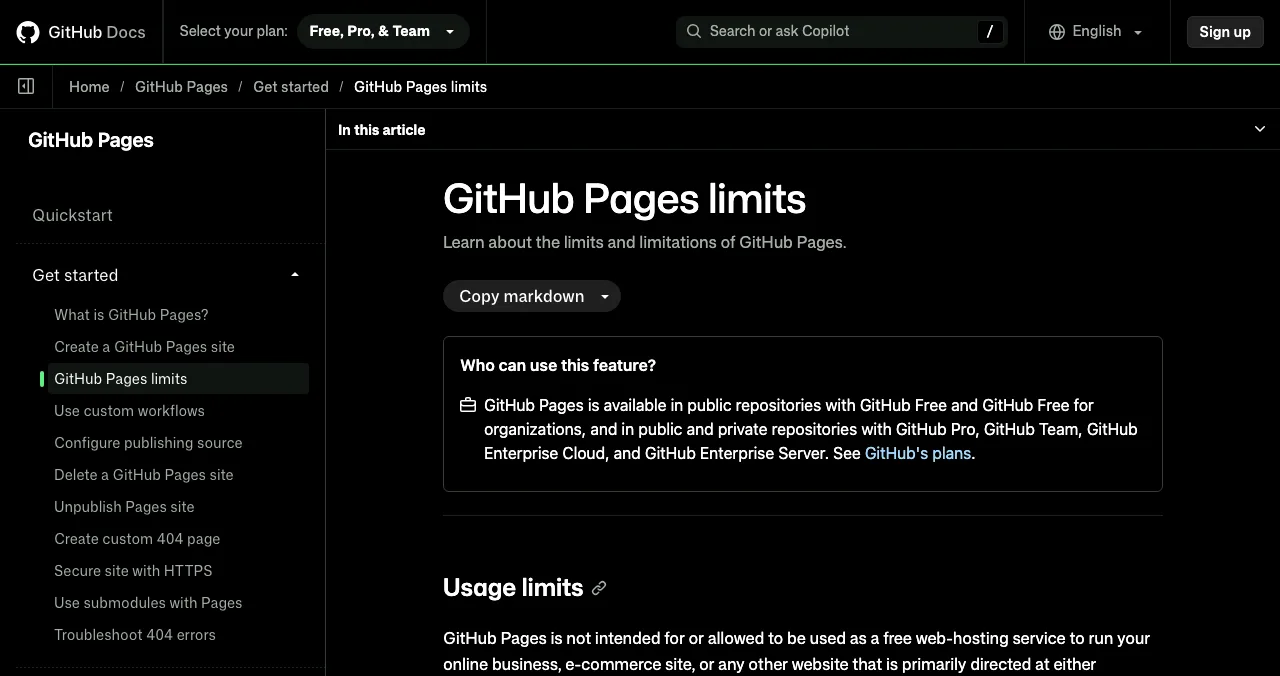
- Developers: GitHub Pages, free from public repositories (1 GB site, 100 GB/month soft bandwidth).
- One-page portfolio: Carrd, up to three free sites.
- Design-led: Framer and Webflow free on their subdomains.
- Easiest: Wix, Strikingly, Google Sites; Dribbble for designers.
- Built a product? Add a free Science of Apps Launchpad page showing it, with you as founder.
Key takeaways
- A builder's portfolio is strongest when it shows shipped work people can try.
- Free plans mean a subdomain and often branding; that's fine for a portfolio.
- GitHub Pages is the best free option for developers, but not for commercial sites.
- Pick the tool whose free limits match your work: one page, many pages, or a feed.
- Founders should show the product, not just the person.
Builders get judged on what they've shipped. A portfolio website is where you show it, and it shouldn't cost anything to start. There are more free portfolio sites than ever, but their free plans differ a lot: one page or many, a feed or a site, a subdomain with branding or a clean address. This list compares the best free portfolio sites for founders, developers, designers and makers on their free limits, using each provider's own pricing or docs page as read on 20 November 2026, and ends with the step most builders skip: a page for the product itself. Jump to the comparison, which to choose or show the product.
Free portfolio sites for builders
 Show your product
GitHub Pages Developers
Free hosting from a repository, for developers.
FreePublic repos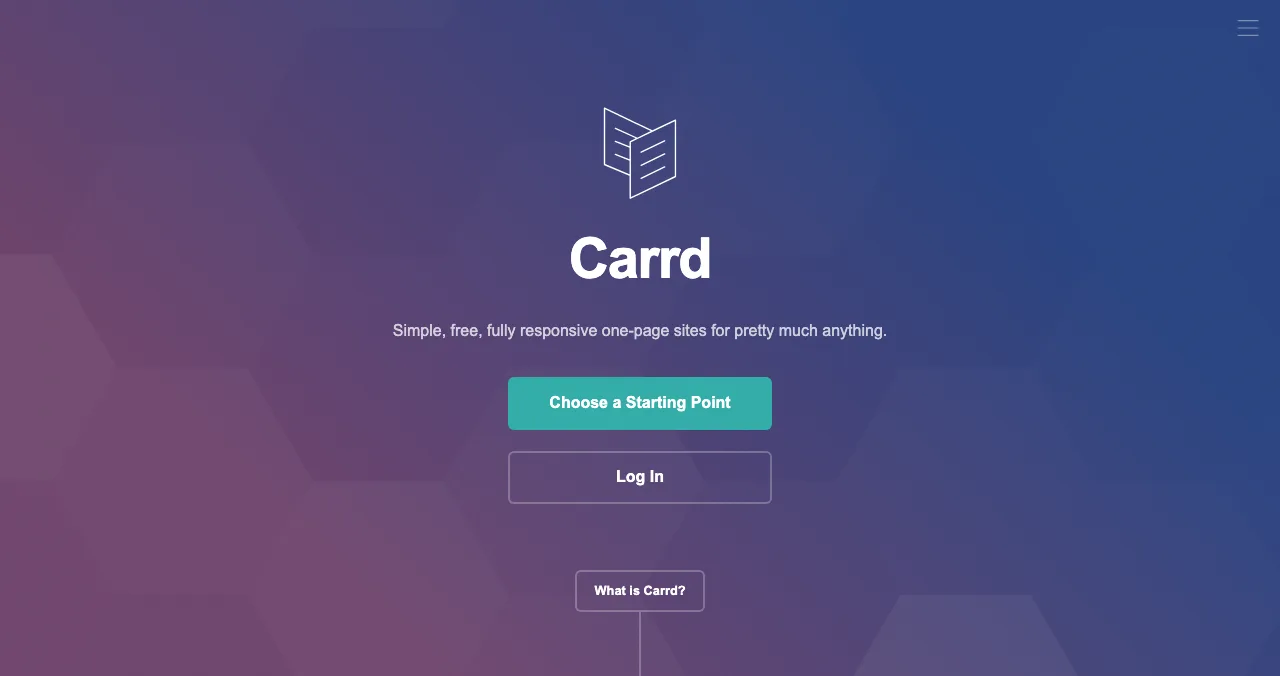
Carrd
One-page portfolios in minutes.
3 free sitesDomain $19/yr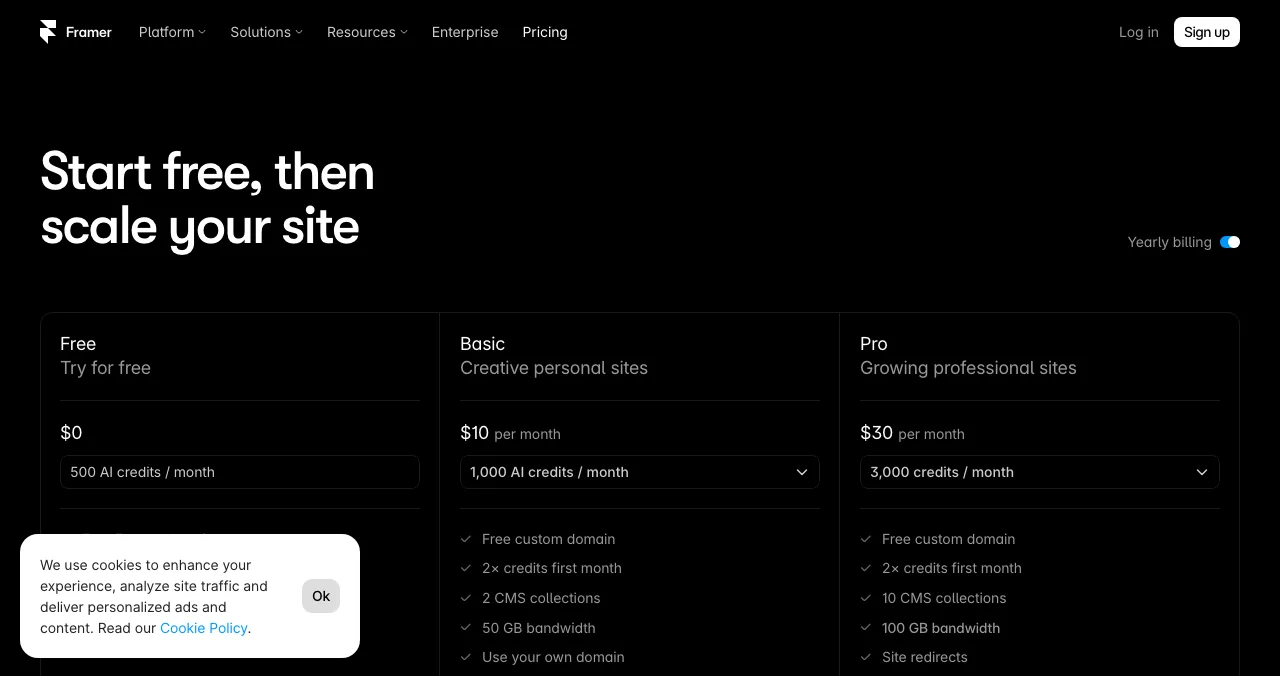
Framer
Design-led portfolios with motion.
Free domain1 GB bandwidth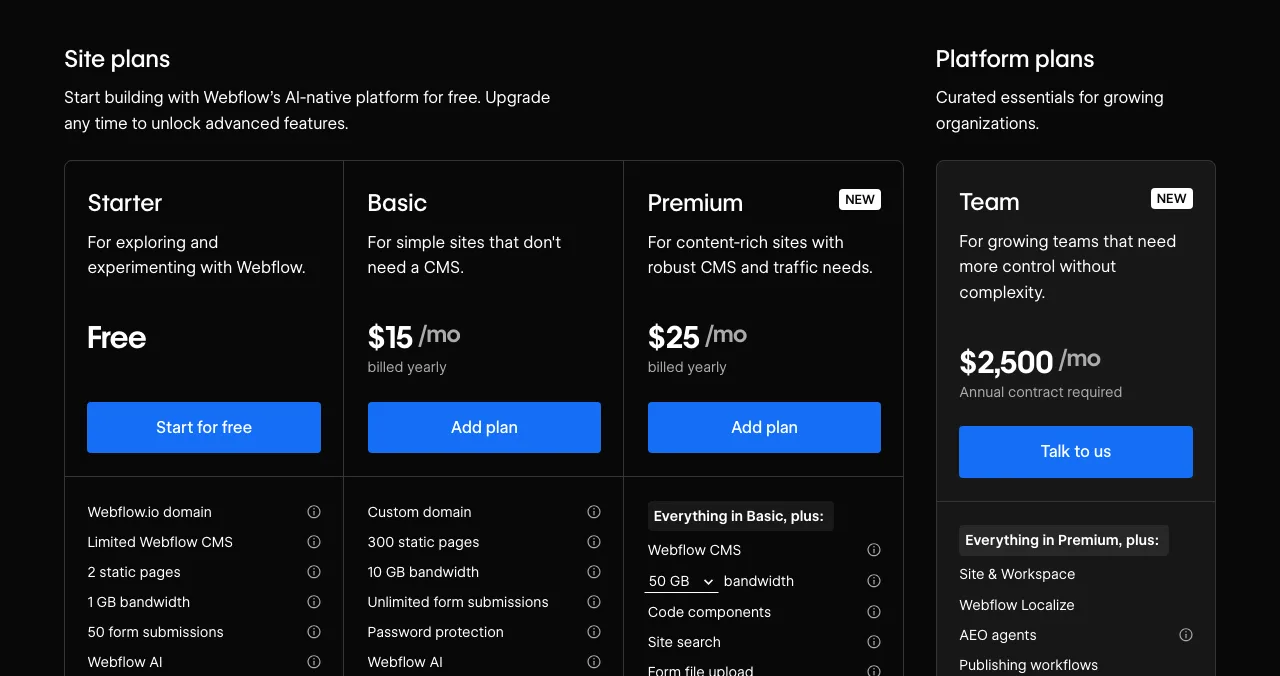
Webflow
Full design control.
Free Starter2 static pages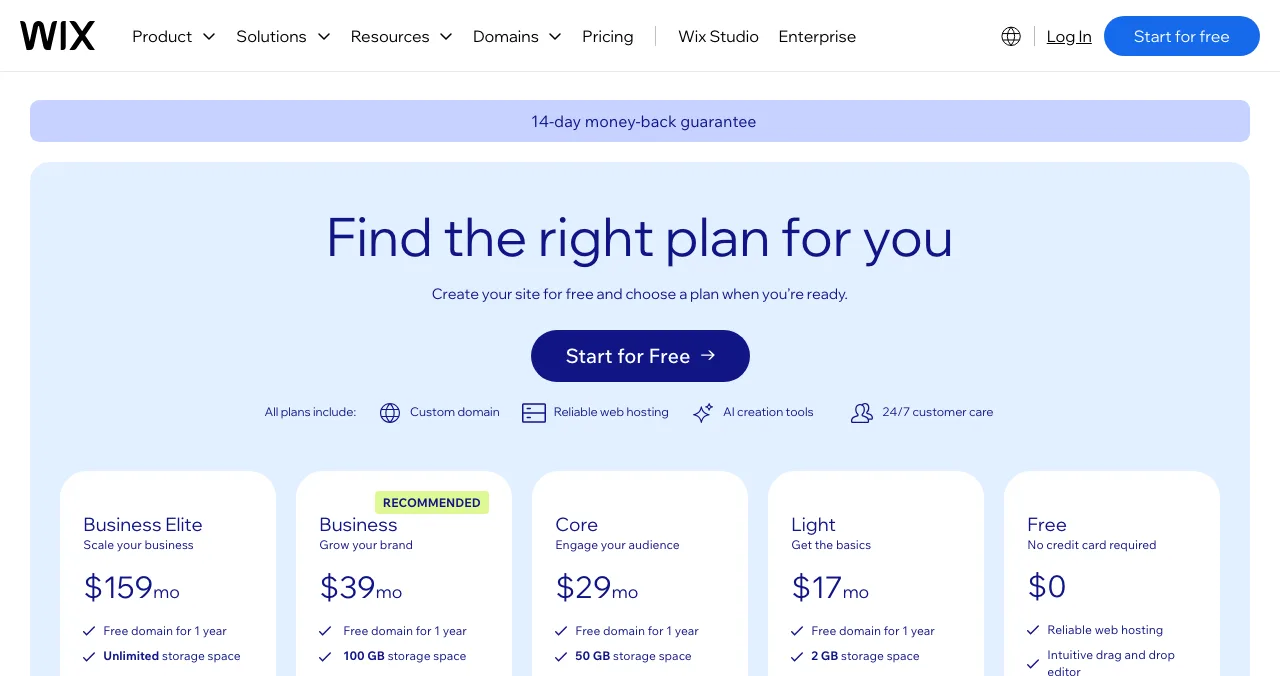
Wix
The easiest drag-and-drop editor.
Free with adswixsite.com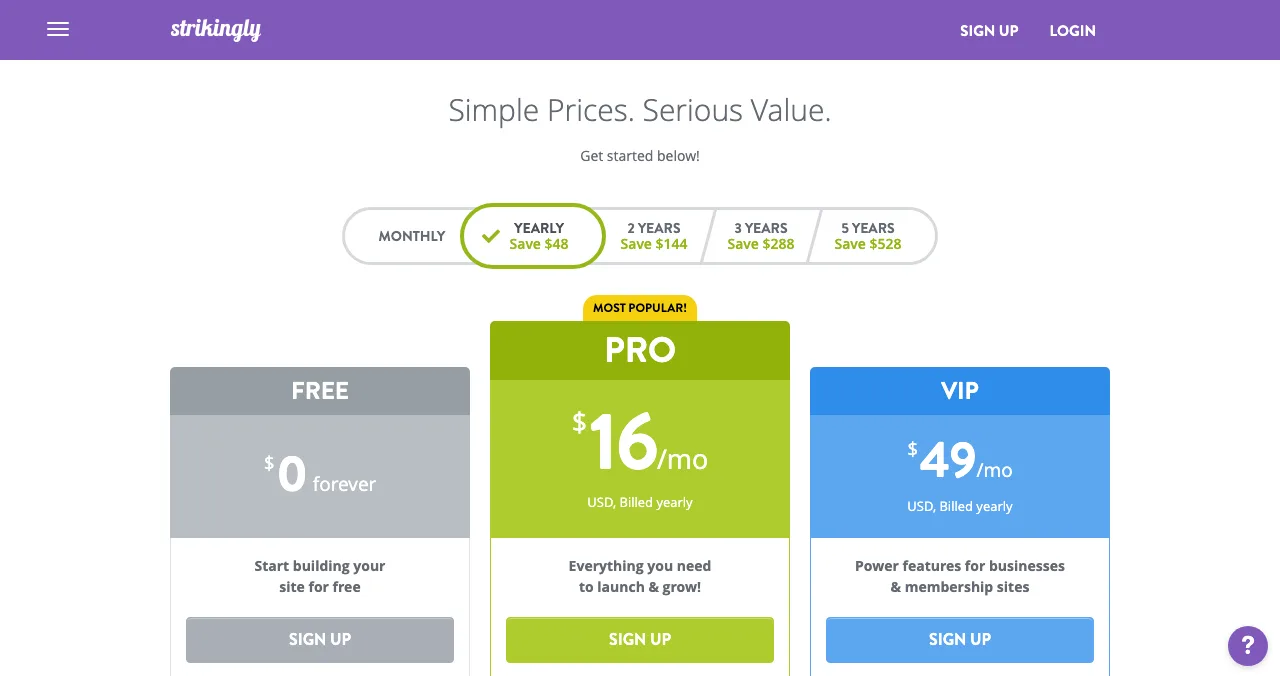
Strikingly
Simple sites, unlimited free ones.
Freestrikingly.com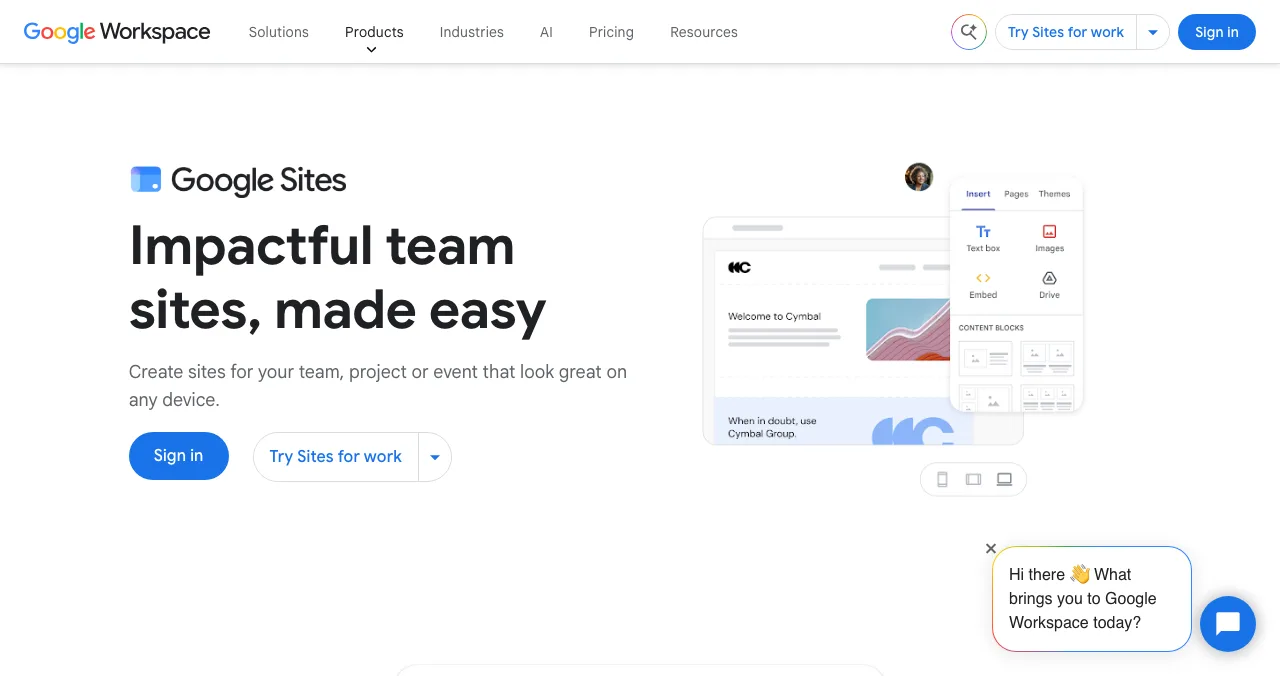
Google Sites
Free, and your own domain is allowed.
FreeUp to 5 domains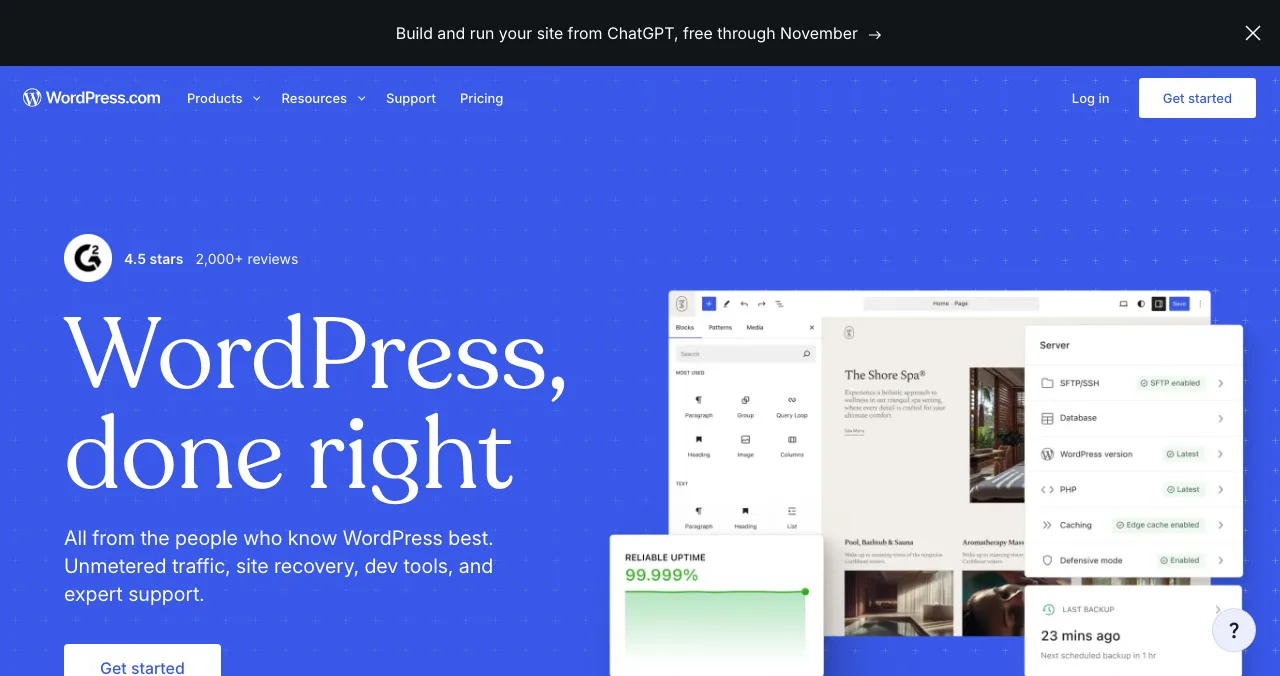
WordPress.com
A portfolio with a blog.
Free with ads
Dribbble
A designer community and portfolio.
Free planPro from $4/mo
Free portfolio sites compared
| Site | Free plan address | Free limits | Branding on free | Custom domain from | Best for |
|---|---|---|---|---|---|
| GitHub Pages | username.github.io | Public repos on GitHub Free; site ≤ 1 GB; 100 GB/month soft bandwidth | No | Free (bring a domain) | Developers |
| Carrd | carrd.co | Up to three sites | Yes | Pro Standard $19/year | One-page portfolios |
| Framer | Free Framer domain | 1 GB bandwidth | Yes | Paid plans | Designers, founders |
| Webflow | webflow.io | 2 static pages, 1 GB bandwidth | Yes | Basic $15/month billed yearly | Design control |
| Wix | wixsite.com | Wix ads on every page | Yes (ads) | Paid plans | Easiest editing |
| Strikingly | strikingly.com | Unlimited free sites | Yes | Pro $16/month billed yearly | Simple sites |
| Google Sites | sites.google.com | Free with a Google account | No ads | Free (bring a domain) | Quick, free, own domain |
| WordPress.com | WordPress.com address | Ads shown to visitors | Yes (ads) | Paid plans | Portfolio plus blog |
| Dribbble | dribbble.com profile | Free plan; some limits not stated on the Pro page | — | — | Designers |
Table: Free portfolio sites compared (each provider's own pricing or docs page, checked 20 Nov 2026)
1. GitHub Pages: the developer's free portfolio
- Cost
- Free for public repositories on GitHub Free
- Size
- Published site up to 1 GB
- Bandwidth
- Soft limit of 100 GB per month
- Catch
- Not for an online business or SaaS
Free hosting straight from a repository. GitHub's docs say Pages "is not intended for or allowed to be used as a free web-hosting service to run your online business, e-commerce site" or SaaS, which a personal portfolio isn't. Limits: site up to 1 GB, 100 GB a month soft bandwidth, 10 builds an hour unless you deploy with Actions. Best for: developers who live in Git.
2. Carrd: one-page portfolios
Up to three free sites on carrd.co with Carrd branding; Pro Lite ($9 a year) removes branding; Pro Standard ($19 a year) adds your domain, forms and embeds. Best for: a link-in-bio style portfolio or a founder one-pager.
3. Framer: design-led portfolios
Free on a Framer domain with 1 GB bandwidth and 500 AI credits a month; custom domains on paid plans. Best for: designers and founders who want motion and polish.
4. Webflow: full design control
The free Starter plan publishes two static pages to webflow.io with 1 GB bandwidth. Enough for a portfolio home page and a projects page. Best for: designers who want to learn a professional tool.
5. Wix: the easiest editor
A permanent free plan on a wixsite.com address with Wix ads; dedicated portfolio templates. Best for: non-technical makers who want drag and drop.
6. Strikingly: unlimited free sites
Unlimited free sites on a Strikingly.com domain; Pro ($16 a month billed yearly) adds a custom domain. Best for: quick, simple portfolios.
7. Google Sites: free, with your own domain
Free with any Google account, no ads, and you can connect up to five custom domains you own. Plain templates, but embedded Docs and Slides make case studies easy. Full review: Google Sites as a free website.
8. WordPress.com: a portfolio with a blog
A free plan that shows WordPress.com ads to visitors; paid plans remove them and include a free domain for a year. Best for: makers who write about their work.
9. Dribbble: a designer community
Dribbble's Pro page lists a Free plan at $0 and paid Lite ($4), Standard ($8) and Plus ($99) tiers, per month billed yearly. It doesn't spell out every Free limit. Best for: visual designers looking for clients inside a design community.
Which free portfolio site should you choose?
| You are… | Choose |
|---|---|
| A developer | GitHub Pages |
| A founder with one product | Carrd for you, a Launchpad page for the product |
| A designer | Framer, or Dribbble for the community |
| Non-technical, want it easy | Wix or Strikingly |
| Want your own domain free of builder fees | Google Sites or GitHub Pages |
| A writer-maker | WordPress.com |
Table: Which free portfolio site to choose
Show the product, not just the person
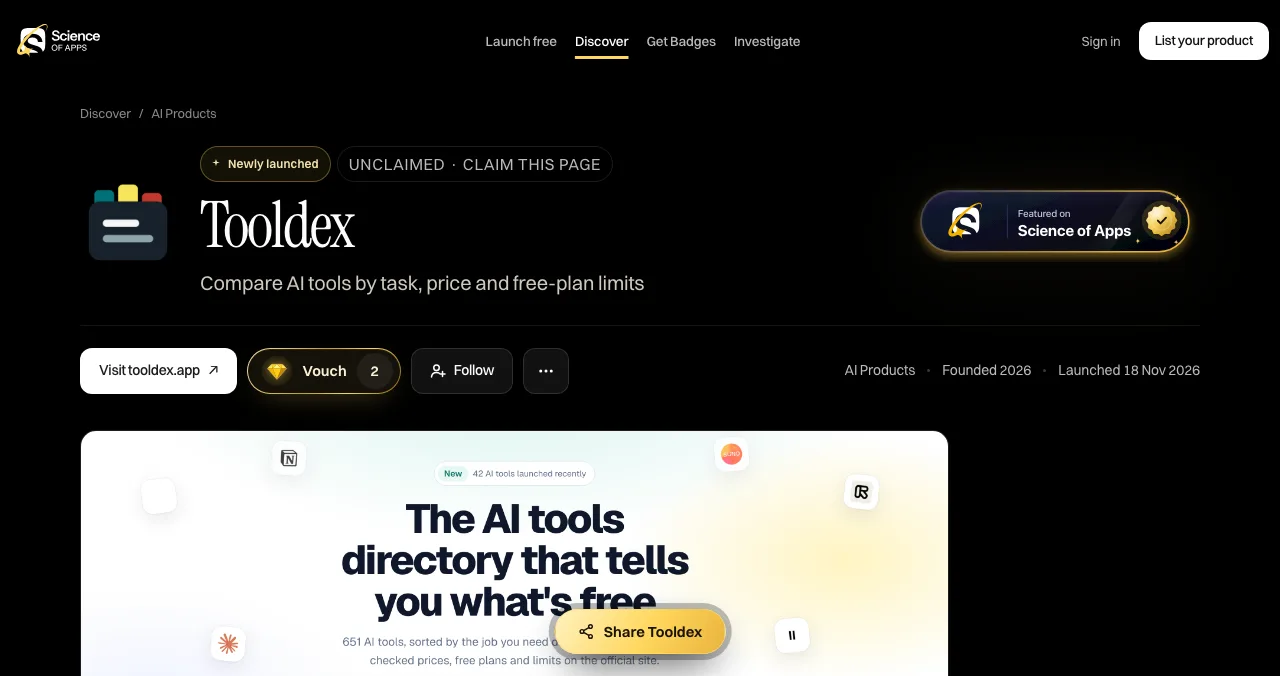
A portfolio says "I build things". A product page proves it: people can find the product by the problem it solves, try it, vouch for it and follow it. A free Launchpad listing creates that page in six short steps, with a founder card (your photo, name and LinkedIn, shown when you choose), a Featured badge and a custom link you can put on your portfolio. Once it's live, the product can be tested end to end.
- Areas of your product tested
- 22
- Automatic measurements, desktop and mobile
- 39
- Expert checks behind your login
- 74
- Verdicts that rank what to fix first
- 5
Show a product that's been tested
List free, then order the report that fits your stage.

 Economy
See what new customers see
- Store listing and homepage, screen by screen
- Scorecard against 60 Laws of UX
- Customers, competitors and the fixes worth most
PremiumThe full diagnosis and the plan
- Every screen, every finding, every flow
- All 60 laws with evidence and fixes
- 8 strategy chapters and a 90-day roadmap
Fact-checked against the evidence. Private to your team, and never affects ranking.
You can also choose to publish a Science of Apps card showing your score band and verified strengths, never your weaknesses, which makes useful portfolio proof.
A weekend plan
- Saturday morning
Pick and build
One free portfolio site from the table.
- Saturday afternoon
Three projects
What it was, what you did, the result, a link.
- Sunday morning
Product pages
A Launchpad listing for each shipped product.
- Sunday afternoon
Link it up
Portfolio to product pages, and back.
Mistakes

- Twenty projects — three to six of your best beat a wall of thumbnails
- No outcomes — say what changed because of your work
- Dead demo links — check every link before you share
- Screenshots only — link to things people can try
- Hiding the product behind your name — give it its own page
Ready to launch?
How we chose
We included free portfolio options with a permanent free plan or free hosting and published limits, and read each provider's own pricing or documentation page on 20 November 2026. Wix and WordPress.com localised prices for our location, so any of their prices we quote are US prices from each pricing page's US view as archived by the Wayback Machine (Wix 17 Nov, WordPress.com 18 Nov 2026). We didn't build test portfolios. Science of Apps runs the Launchpad, which isn't ranked here.
Key terms, defined
- Portfolio website: a site showing your best work, with what you did and the result.
- Subdomain: an address on the provider's domain, such as you.github.io.
- Static site: pages served as files, with no server-side code; what GitHub Pages hosts.
- Founder card: on the Launchpad, your photo, name and LinkedIn on your product's page.
- Case study: a project write-up: problem, your role, what you did and the outcome.
Frequently asked questions
What are the best free portfolio sites?
For developers, GitHub Pages. For a one-page portfolio, Carrd. For design-led portfolios, Framer and Webflow. For the easiest editors, Wix, Strikingly and Google Sites. For designers who want a community, Dribbble. All have a free option, checked on 20 November 2026. If your best work is a product, add a free Launchpad page for it.
How do I make a free portfolio website?
Pick a builder whose free plan fits: Carrd for one page, Framer or Webflow for a designed site, GitHub Pages if you can push a repository. Start from a template, show three to six of your best projects with what you did and the result, add contact details, and publish on the free subdomain.
Is a portfolio website free forever?
On most builders, yes, on their subdomain: Wix, Framer, Webflow, Carrd, Strikingly, WordPress.com and Google Sites all have permanent free options, and GitHub Pages is free for public repositories. A custom domain costs extra, from $19 a year on Carrd Pro Standard plus the domain itself.
What's the best free portfolio for developers?
GitHub Pages: free hosting from a public repository on GitHub Free, a published site up to 1 GB and a soft bandwidth limit of 100 GB a month. GitHub's terms say it isn't for running an online business or SaaS, which is fine for a personal portfolio. Link your shipped products from it.
Should a founder have a portfolio website?
A founder's best portfolio is the product. A simple personal page helps for hiring and investors, but a product page people can find and try does more. A free Launchpad listing shows the product with a founder card (your photo, name and LinkedIn, shown when you choose), so the product and the person appear together.
Is Dribbble free for a portfolio?
Dribbble's Pro page lists a Free plan at $0 alongside paid Lite, Standard and Plus tiers billed yearly from $4 a month. The page doesn't spell out every Free limit, so check it before relying on it. Dribbble suits designers who want their shots seen by a design community and clients.
Sources
- GitHub Docs — GitHub Pages limits (checked 20 Nov 2026)
- Carrd — Pro plans (checked 20 Nov 2026)
- Framer — Pricing, US-dollar view archived by the Wayback Machine on 16 Nov 2026 (checked 20 Nov 2026)
- Webflow — Pricing (checked 20 Nov 2026)
- Wix — Plans and pricing, US view archived by the Wayback Machine on 17 Nov 2026 (checked 20 Nov 2026)
- Strikingly — Pricing (checked 20 Nov 2026)
- Dribbble — Pro plans (checked 20 Nov 2026)
- Sites Help — Use a custom domain for your site (checked 20 Nov 2026)
- WordPress.com — Pricing, US view archived by the Wayback Machine on 18 Nov 2026 (checked 20 Nov 2026)
- Science of Apps — Launch page: founder card (checked 20 Nov 2026)
- Checked November 20, 2026. Figures that change — fees, salaries, prices — are reviewed every six months; if something is out of date, tell us.
Where to go from here
- UX portfolio examples — what good looks like
- Startup showcase websites — where to show what you built
- How to launch a side project — turn a project into a launch
- Science of Apps - LaunchpadFramer alternatives for startup websites: Webflow, Wix, WordPress.com, Squarespace, Carrd, Hostinger, Durable and Tilda compared on free plans, prices and limitsThe best Framer alternative depends on your site: Webflow for CMS, WordPress.com for content, Carrd for one page. Free plans, prices and limits, checked.
- Science of Apps - LaunchpadWebflow alternatives compared: Framer, WordPress, Wix, Squarespace, Strikingly, Tilda and Carrd on free plans, prices, limits and who each suitsIs Webflow free? Only on webflow.io. The best Webflow alternatives, from Framer to WordPress and Carrd, compared on free plans, prices and limits.
- Science of Apps - LaunchpadCarrd alternatives for one-page websites: Google Sites, Strikingly, Tilda, Framer, Wix and Webflow compared on free plans, custom domains and priceCarrd is free for three one-page sites. The best Carrd alternatives, from Google Sites to Framer, compared on free plans, domains and price.
- Science of Apps - LaunchpadWordPress alternatives for 2027: easier website builders and sites like WordPress, including free WordPress alternatives and WordPress.com alternatives, with prices checked on each pricing pageThe best WordPress alternative by job: Wix, Squarespace, Webflow, Framer, Ghost, Carrd or a free product page. WordPress competitors, checked 20 Nov 2026.
- Science of Apps - LaunchpadWix alternatives in 2027: ten free and cheaper website builders and sites like Wix, with each one's free plan, cheapest paid plan and catch, checked on its own pricing pageThe best Wix alternatives and Wix competitors, free and paid: WordPress.com, Squarespace, Webflow, Framer, Carrd and more, with prices checked 20 Nov 2026.
- Science of Apps - LaunchpadSquarespace alternatives and competitors for 2027: nine website builders and websites similar to Squarespace, including free ones, with plans and fees checked on each pricing pageSquarespace alternatives with free plans: Wix, WordPress.com, Webflow, Framer, Shopify and more, with each Squarespace competitor's prices checked 20 Nov 2026.

Get the ideas, not the noise.
Sign up with Google and we’ll send you short UX psychology tips by email — why people tap, stall and leave, and what to do about it. Unsubscribe anytime. Prefer something to keep? Get the free Laws of UX guide as a PDF.
Launch day ends. Your listing shouldn't.
A portfolio shows you; a free Science of Apps Launchpad page shows the product you built, with you as the founder behind it, found by the problem it solves and tested end to end with a detailed report.