 By
Quick answer: What is the best WordPress alternative?
- WordPress.org is free software you host; WordPress.com is the hosted service (free with ads, paid from US$4/mo yearly).
- Easier all-in-one: Wix (free plan) or Squarespace (14-day trial).
- Design-led: Webflow (free Starter, Basic $15/mo yearly) or Framer (free plan, Basic $10/mo).
- Publishing: Ghost, open source or hosted from $15/mo yearly.
- A page, not a CMS: the Launchpad, free forever, six steps.
Key takeaways
- WordPress's cost is maintenance: updates, plugins, security and hosting are yours.
- Hosted builders trade plugin freedom for less upkeep.
- Pick by what the site must do, not by which tool is most popular.
- Free plans live on subdomains; budget for a domain when it's real.
- Many products need one good page before they need a CMS.
"WordPress alternative" is searched about 3,600 times a month, with "wordpress competitors" and "wordpress com alternatives" at 320 each (Google Keyword Planner, global 12-month average). WordPress runs a huge share of the web for good reasons, but it asks a lot of a small team: hosting, updates, plugins, security and a theme that someone has to maintain. Most founders searching for sites like WordPress want the same result with less upkeep, or simply a good page for their product. This guide ranks eight alternatives by job, with free plans and prices from each company's own page on 20 November 2026. Jump to .org vs .com, the comparison or which to choose.
8 WordPress alternatives
 Get a free page
Science of Apps Launchpad Free first step
A free product page in six steps, no CMS, plus your product tested with a report.
Free foreverA page, not a CMS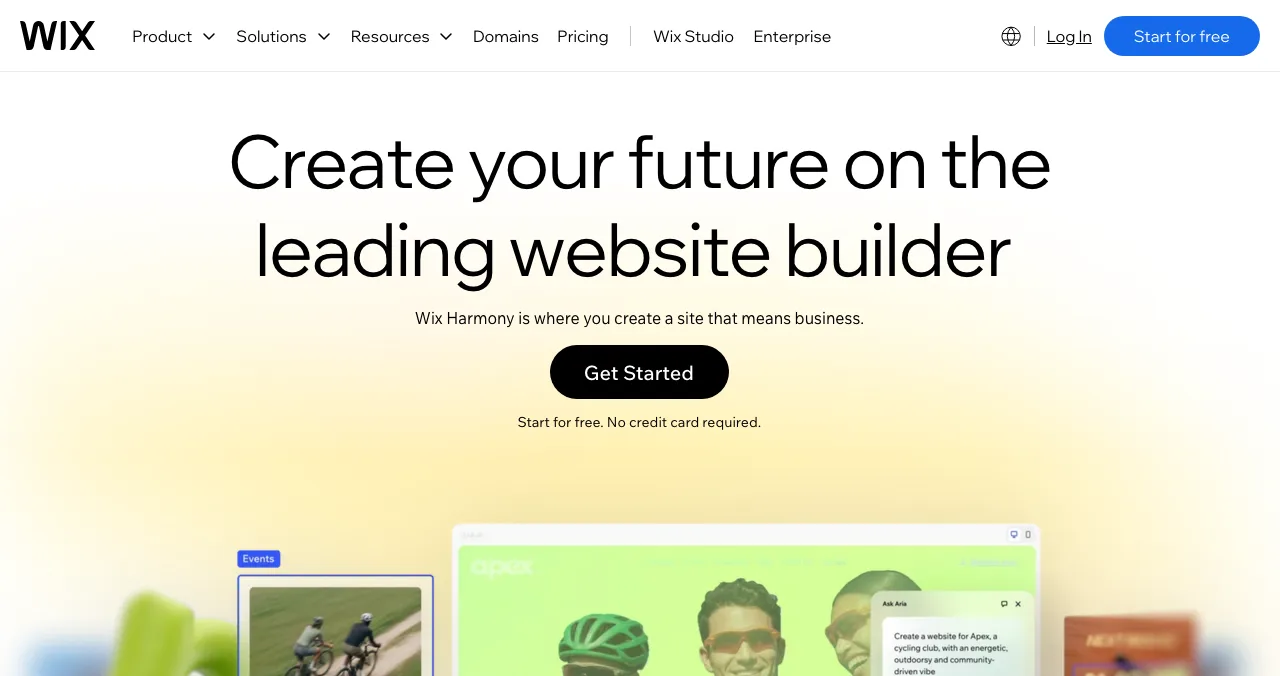
Wix
All-in-one drag-and-drop with a free plan and business apps.
Free planNo maintenance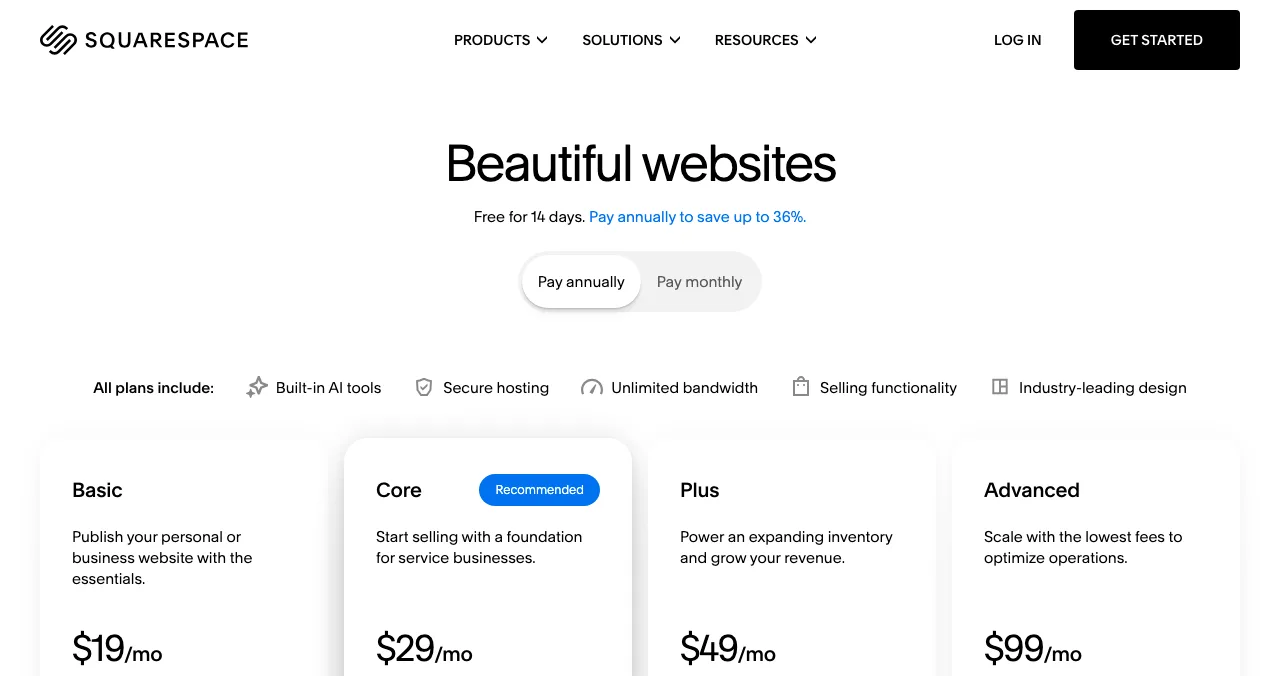
Squarespace
Polished templates with hosting, selling and email built in.
14-day trialNo free plan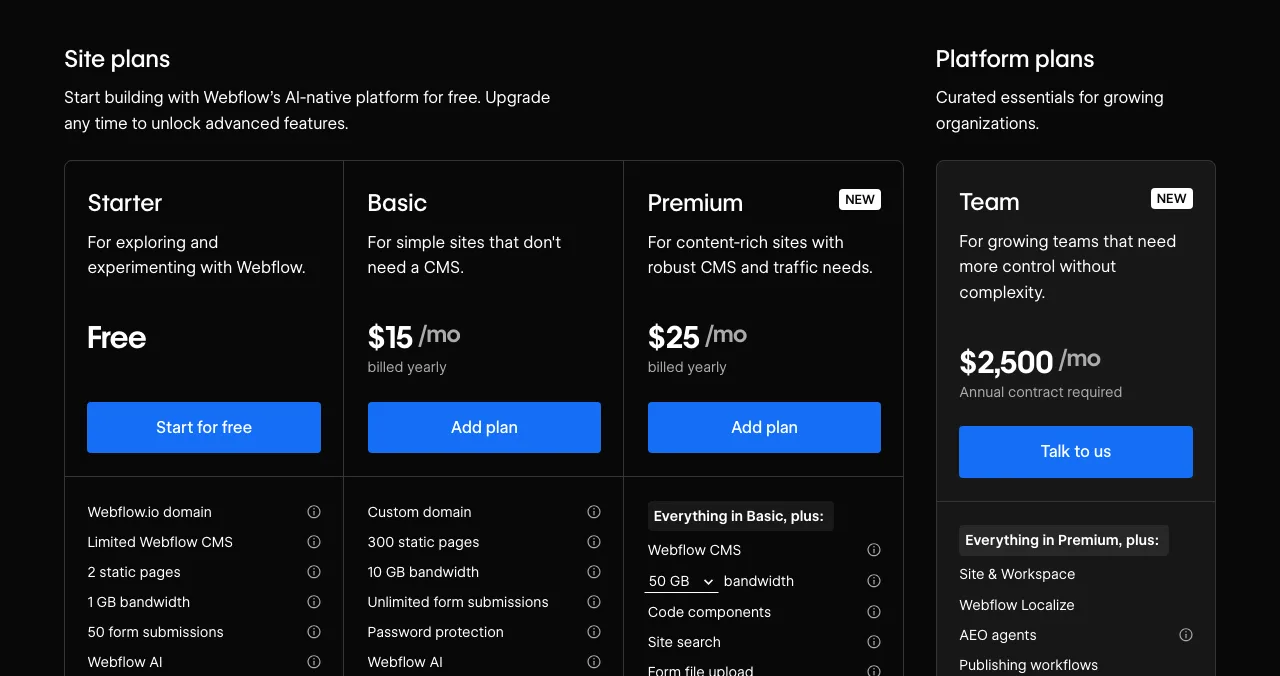
Webflow
Visual design control with a CMS on Premium.
Free StarterPremium $25/mo yearly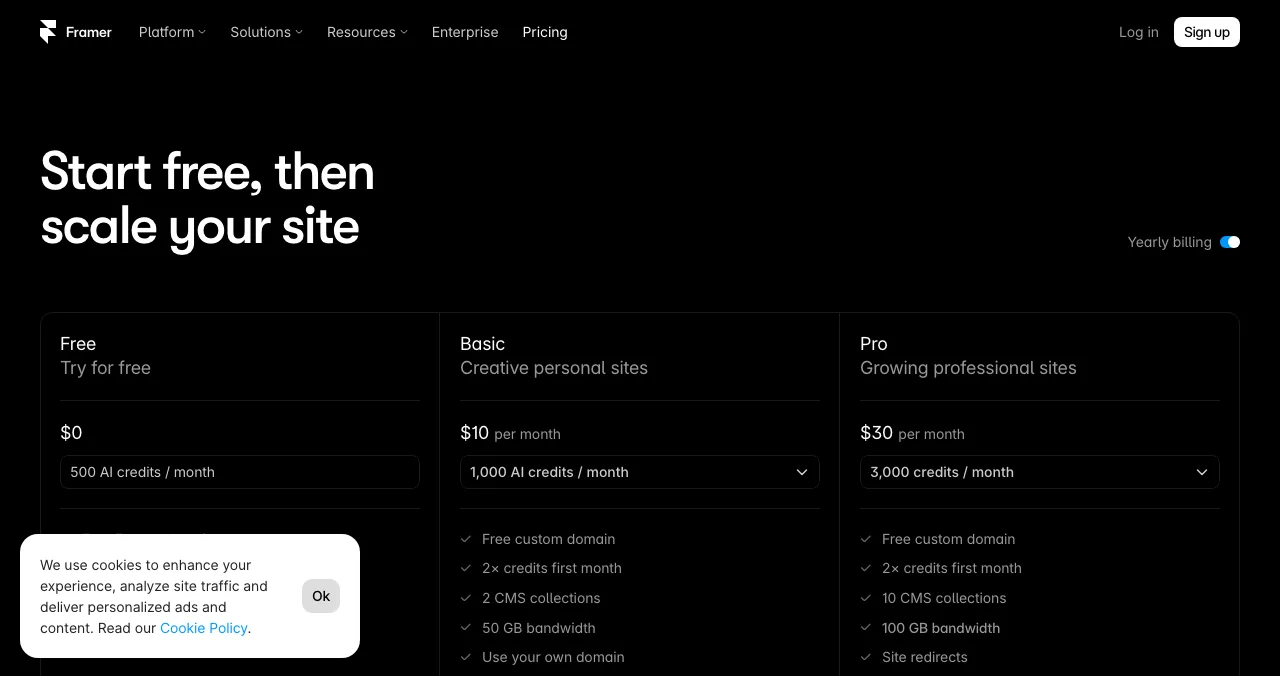
Framer
Design-first landing pages with AI help.
Free planBasic $10/mo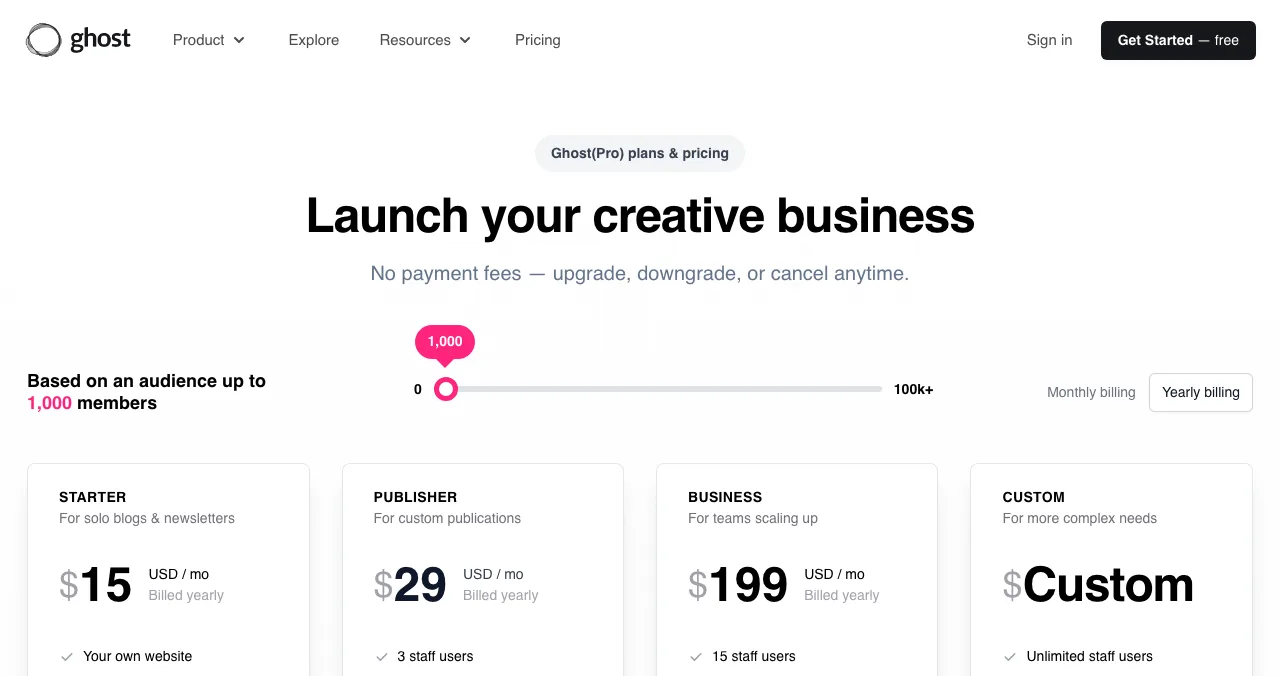
Ghost
Open-source publishing with newsletters and memberships.
Open sourceHosted $15/mo yearly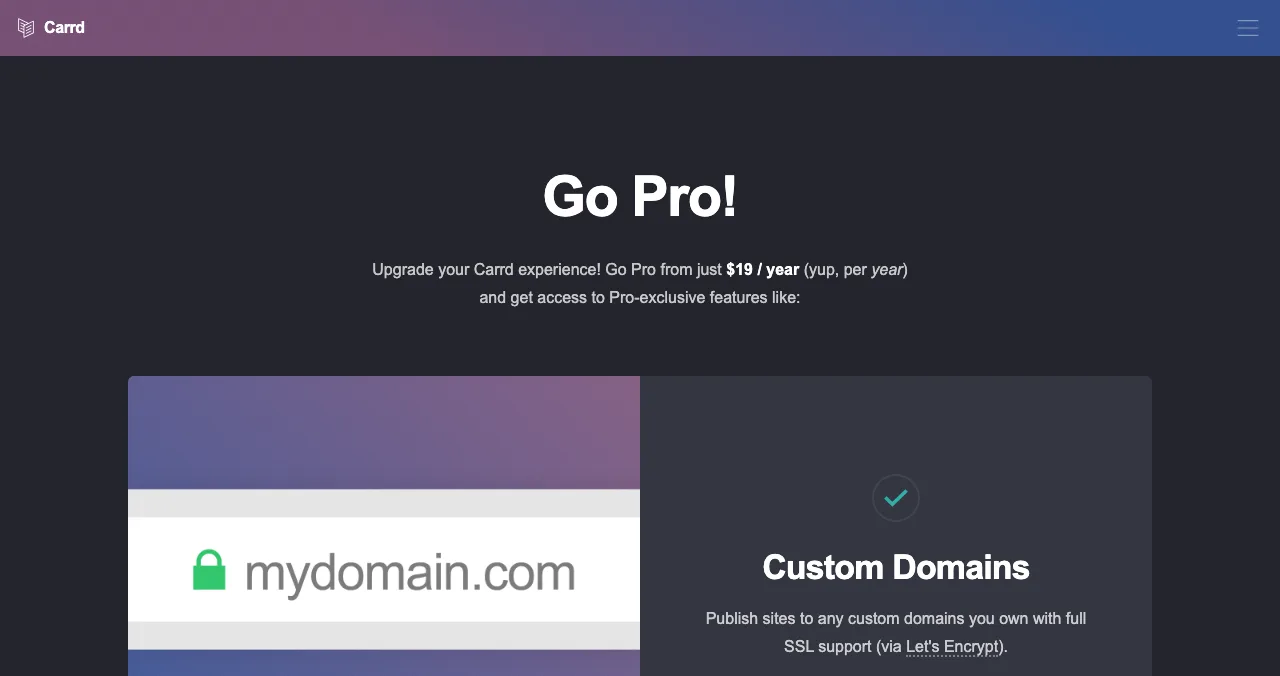
Carrd
One-page sites for a few dollars a year.
3 free sites$19/yr domains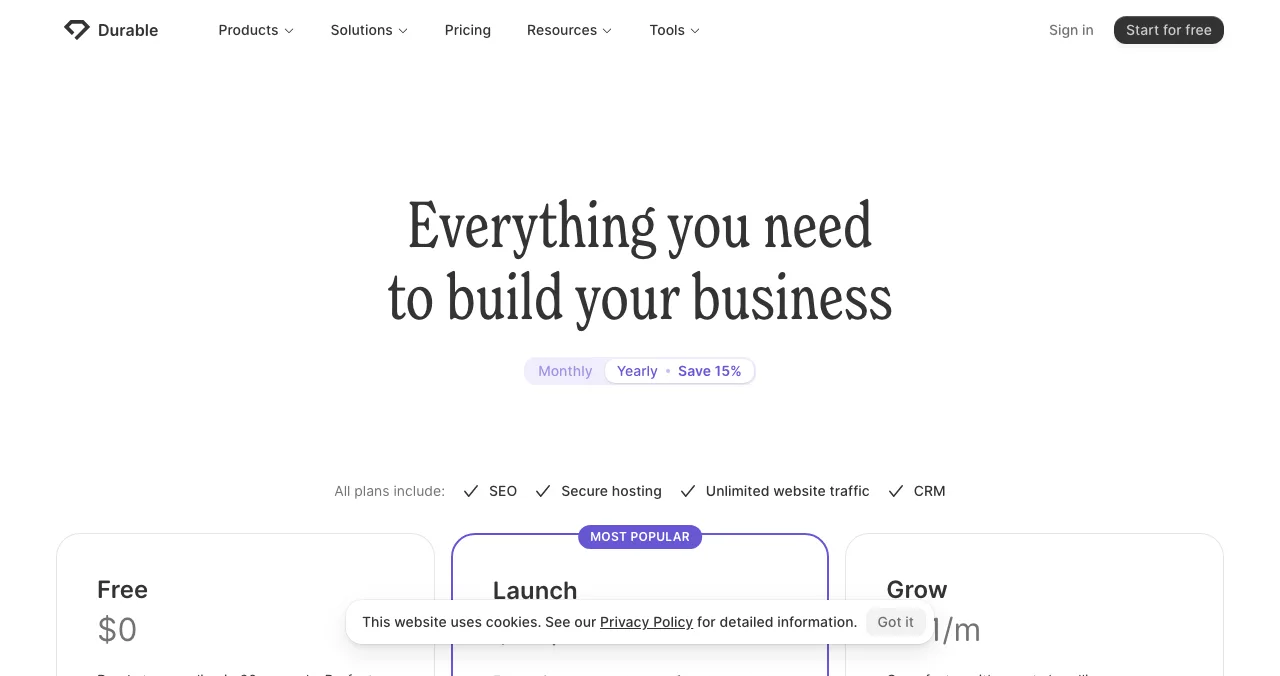
Durable
An AI-generated small-business site with a CRM.
Free planLaunch $22/mo yearly
WordPress.org or WordPress.com: which are you replacing?
"WordPress" means two different things, and the right alternative depends on which you use.
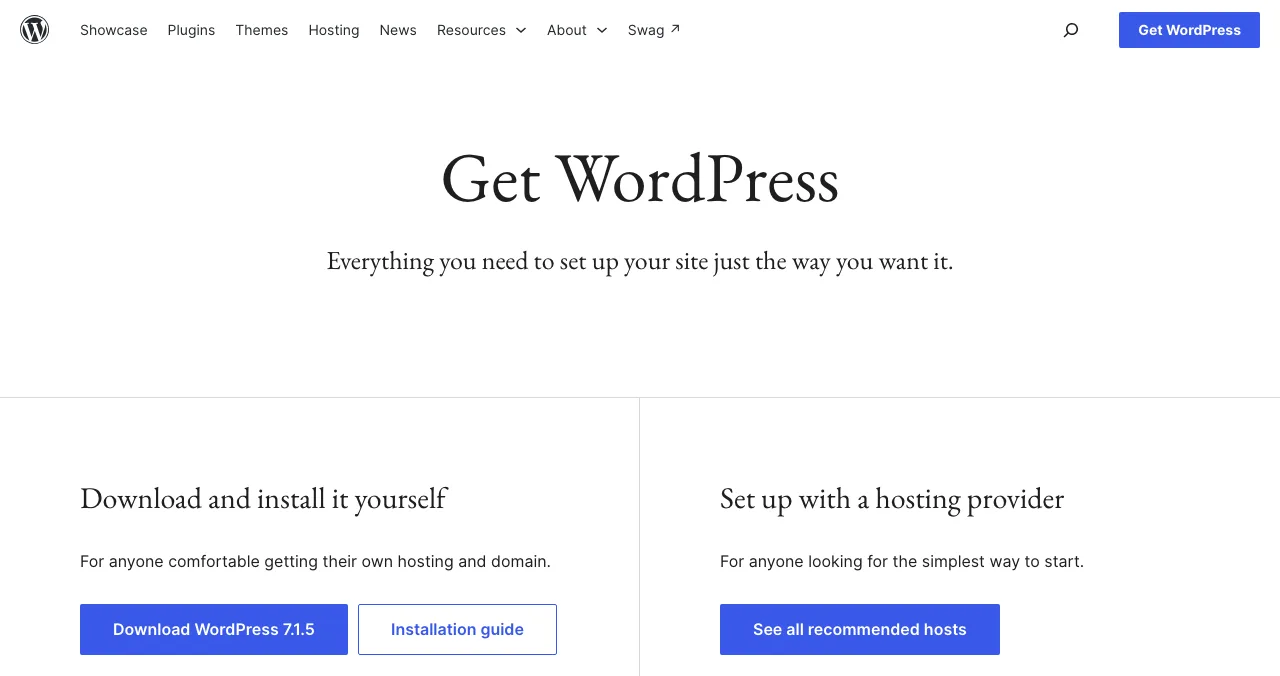
- WordPress.org is the free, open-source software. You download it (version 7.1.5 on 20 November 2026) and install it on hosting that meets its recommendations, PHP 8.3 or greater and MySQL 8.4 or MariaDB 10.11 or greater, or use a host that sets it up. You own everything and maintain everything.
- WordPress.com is a hosted service built on WordPress. Its free plan shows WordPress.com ads on a wordpress.com subdomain with 1 GB of storage and no plugins; paid plans in US$ run Personal $4, Premium $8, Business $25 and Commerce $45 a month billed yearly (Personal is $9 billed monthly), and plugins can be installed from Personal up.
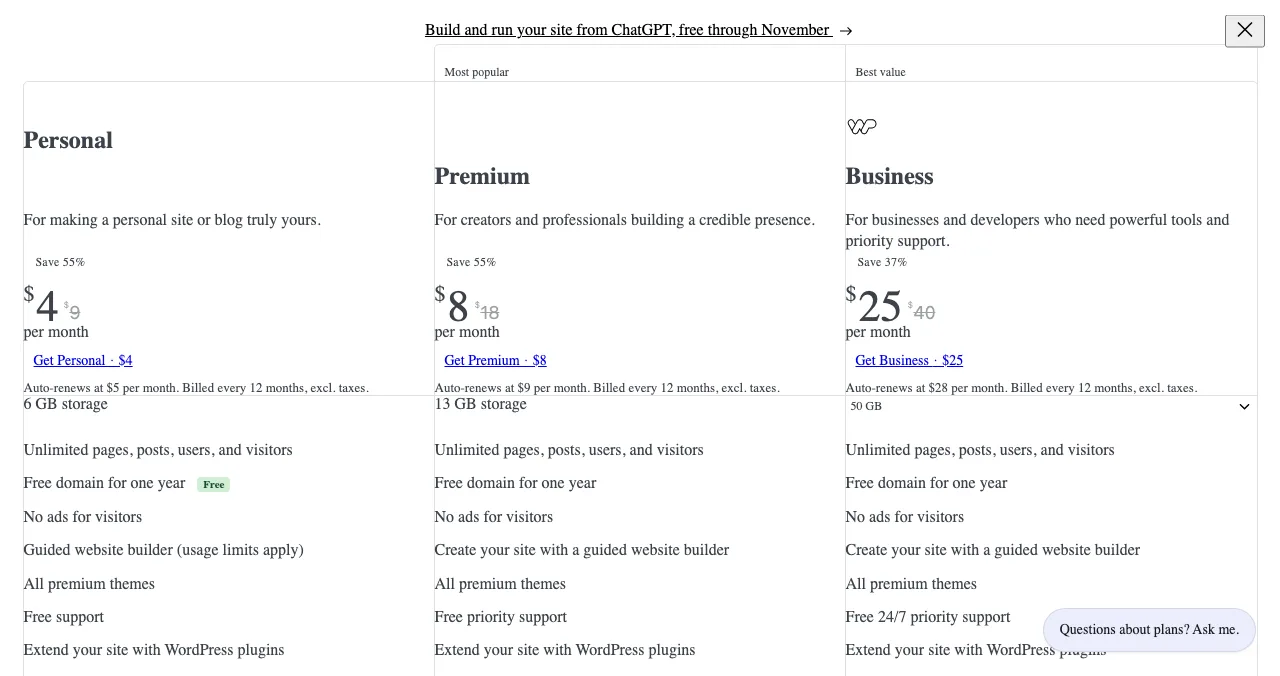
If you're on self-hosted WordPress and the pain is maintenance, WordPress.com itself is an alternative worth pricing. If the pain is WordPress's whole way of working, read on.
WordPress competitors compared
| Free option | Entry price (as shown) | Upkeep | Best at | |
|---|---|---|---|---|
| WordPress.org | Free software | Hosting costs extra | You run updates, plugins, backups | Anything, with effort |
| WordPress.com | Free with ads | Personal US$4/mo yearly | Hosted | Content sites |
| Science of Apps Launchpad | Free forever | None needed | None | A product page |
| Wix | Free plan, branding | Light $17/mo billed yearly | Hosted | All-in-one business sites |
| Squarespace | 14-day trial | Basic $19/mo yearly | Hosted | Polished design |
| Webflow | Starter, 2 pages | Basic $15/mo yearly | Hosted | Design control, CMS |
| Framer | Free plan | Basic $10/mo | Hosted | Landing pages |
| Ghost | Open source | Ghost(Pro) $15/mo yearly | Hosted or self-host | Publishing, newsletters |
| Carrd | 3 free sites | Pro Lite $9/yr | Hosted | One page |
| Durable | Free plan, durable.site | Launch $22/mo yearly | Hosted | AI small-business sites |
Table: WordPress alternatives compared (each platform's own pages in USD, checked 20 Nov 2026; Squarespace from its US page as archived by the Wayback Machine on 11 Nov 2026)
1. Science of Apps Launchpad: a page, not a CMS
- Cost
- Free, forever
- Setup
- Six short steps, about five minutes
- Upkeep
- None
- Ranking
- Relevance and community, never payment
- Not
- A CMS, blog, host or domain
A lot of founders install WordPress to get one page that explains the product and links to sign-up. The Launchpad does that job with no install: a permanent public profile with its own link, your description, screenshots and links to your app or site, checked automatically and by a person before it goes live.
- Cost: free to list, forever; "0 paid placements", and an optional Premium listing is labelled as a spotlight.
- Accepts: startups, SaaS, mobile apps, AI products, developer tools, browser extensions, games and open-source projects.
- Proof built in: a Featured badge on going live, earned badges such as Verified and Editor's pick, vouches and followers.
- Checked as you go live: a free baseline diagnosis of landing page, discoverability and speed.
Best for: a product that needs a public page today, with a full site later.
2. Wix: all-in-one, no maintenance
- Free
- Yes, no card; wixsite.com address, branding
- Paid
- Light, Core, Business, Business Elite (yearly)
- US price
- Not confirmed in USD (prices vary by location)
- Guarantee
- 14 days on first upgrade
- Catch
- Fewer extensions than WordPress plugins
Wix replaces WordPress's hosting, theme and plugin stack with one editor and an app market. You give up some flexibility and gain zero maintenance. The free plan needs no card; Premium plans connect your domain and remove Wix branding, with prices that vary by location.
Best for: small businesses that want WordPress-like breadth without the upkeep. More in Wix alternatives.
3. Squarespace: polished and simple
- Free
- No; 14-day trial, no card
- Basic
- $19/mo billed annually
- Store fee
- 2% on Basic, 0% on Core, Plus and Advanced
- Domain
- Free for the first year on annual plans
- Catch
- No free plan; no plugin ecosystem
Squarespace is the opposite of a WordPress build: fewer choices, finished templates, everything hosted. For a services startup or a portfolio, that's often exactly right. See Squarespace alternatives if you're weighing it.
Best for: design-led sites with little time to maintain them.
4. Webflow: the designer's WordPress alternative
- Starter
- Free, webflow.io, 2 static pages, 1 GB
- Basic
- $15/mo billed yearly, 300 pages
- Premium
- $25/mo billed yearly, CMS, site search
- Forms
- 50 free; unlimited on Basic
- Catch
- CMS only on Premium
Webflow is the most common move for startups leaving WordPress for their marketing site: visual control, a real CMS for a blog or changelog on Premium, and hosting handled. It replaces theme and page-builder plugins with one designer tool.
Best for: a custom marketing site plus blog, without plugins. Head to head in Webflow vs WordPress vs Framer.
5. Framer: landing pages, fast
- Free
- $0, Framer domain, 1 GB bandwidth
- Basic
- $10 per month, custom domain, 2 CMS collections
- Pro
- $30 per month
- AI
- 500 credits a month free
- Catch
- Not built for large content sites
Framer is for teams who want an animated, modern site without a developer. Its free plan publishes to a Framer domain; your own domain needs a paid plan, billed on the cycle you choose at checkout.
Best for: startup landing pages and small marketing sites.
6. Ghost: the publishing alternative
- Software
- Open source, self-hostable
- Ghost(Pro) Starter
- $15/mo billed yearly, 1,000 members
- Publisher
- $29/mo billed yearly
- Fees
- 0% from Ghost on paid subscriptions
- Catch
- Focused on publishing, not general sites
If you use WordPress mainly to blog, Ghost is the closest like-for-like swap: open source like WordPress, but focused on writing, newsletters and memberships, with no plugins to manage. Hosted Ghost(Pro) includes a ghost.io subdomain and supports custom domains.
Best for: content-led startups, newsletters and paid publications.
7. Carrd: when one page is enough
- Free
- Up to 3 sites, Carrd branding
- Pro Lite
- $9 a year, no custom domain
- Pro Standard
- $19 a year, custom domains
- Pro Plus
- $49 a year
- Catch
- One page per site
A WordPress install for a single landing page is overkill. Carrd builds one responsive page in minutes, and Pro Standard at $19 a year connects your domain.
Best for: landing pages, waitlists and personal sites.
8. Durable: an AI site in minutes
- Free
- $0, durable.site subdomain
- Launch
- $22/mo yearly, $25 monthly
- Grow
- $41/mo yearly, $49 monthly
- Includes
- Hosting, SEO tools, CRM
- Catch
- AI copy needs editing; no custom domain free
Durable generates a small-business website from a few prompts and adds a CRM and bookings. It's the furthest from WordPress's do-everything model, and the quickest to a live site.
Best for: local service businesses. For software products, see AI app builders.
Your product, tested end to end
Moving off WordPress is a good moment to check whether the new site and the product behind it actually work for a stranger.
- Areas of your product tested
- 22
- Automatic measurements, desktop and mobile
- 39
- Expert checks behind your login
- 74
- Verdicts that rank what to fix first
- 5
See your product the way a new visitor does
List free, then order the report that fits: the first impression, or the full diagnosis with a plan.

 Economy
See what new customers see
- Store listing and homepage, screen by screen
- Scorecard against 60 Laws of UX
- Customers, competitors and the fixes worth most
PremiumThe full diagnosis and the plan
- Every screen, every finding, every flow
- All 60 laws with evidence and fixes
- 8 strategy chapters and a 90-day roadmap
Analyst-reviewed, private to your team, never affects ranking.
Which WordPress alternative should you choose?
| Your situation | Choose |
|---|---|
| You need one page for the product, now | Science of Apps Launchpad |
| You want WordPress, without hosting it | WordPress.com |
| A general business site, no upkeep | Wix or Squarespace |
| A custom marketing site with a blog | Webflow |
| A landing page that looks sharp | Framer or Carrd |
| Mostly writing and a newsletter | Ghost |
| A local service business, fast | Durable |
| Complex plugins you depend on | Stay on WordPress.org |
Table: Which WordPress alternative fits your situation
A migration plan

- Export your content — WordPress's export gives you posts and pages to re-import or copy.
- Map your URLs — list every page that gets traffic and decide its new address.
- Rebuild on a free plan or trial — Wix, Webflow, Framer and Carrd let you build before paying.
- Set redirects, then switch DNS — old addresses should point to new ones on day one.
- Keep a stable product link — a Launchpad profile and your social bios keep working through the move.
Mistakes to avoid

- Leaving WordPress for a missing plugin feature — check the alternative supports what you rely on first
- Forgetting redirects — broken old URLs lose search traffic you've earned
- Choosing by popularity — WordPress is everywhere, but that doesn't make it right for one landing page
- Assuming free means finished — free plans use subdomains and branding
- Rebuilding the old site's clutter — cognitive load: a migration is the time to cut pages, not copy them all
Ready to launch?
How we chose
We picked platforms people weigh as WordPress competitors, covering all-in-one builders, design tools, publishing and one-page sites. WordPress.org's version and requirements come from its download page; every price and free-plan detail comes from each platform's own pricing page or homepage, read on 20 November 2026, in US dollars. Where a page localised by country, we used its US view as archived by the Wayback Machine (Squarespace, 11 November 2026; Framer, 16 November 2026); Wix's US price couldn't be confirmed, so we don't quote one. Search volumes are Google Keyword Planner global 12-month averages. Science of Apps runs the Launchpad and has no commercial relationship with the platforms listed.
Key terms, defined
- CMS: a content management system, such as WordPress, for creating and organising pages and posts.
- Self-hosted: software you install on hosting you pay for and maintain, like WordPress.org or Ghost.
- Hosted builder: a service that runs the software and hosting for you, like Wix or WordPress.com.
- Plugin: an add-on that extends WordPress; hosted builders use app markets or built-in features instead.
- Redirect: a rule sending an old URL to its new address, preserving visitors and search traffic.
- Product page: a public page for one product, such as a Launchpad profile, rather than a full site.
Frequently asked questions
What is the best WordPress alternative?
For most founders, a hosted builder: Wix or Squarespace for an all-in-one business site, Webflow or Framer for a design-led marketing site, Ghost for publishing, and Carrd for a single page. If all you need is a public page for a product, the Science of Apps Launchpad gives you one free, without a CMS.
Is there a free WordPress alternative?
Yes. Wix, Webflow (Starter), Framer, Carrd, Strikingly and Durable all have free plans as of 20 November 2026, each on the builder's own subdomain with limits such as branding or page caps. Ghost's software is open source and free to self-host, like WordPress itself, though you pay for hosting.
What are good WordPress.com alternatives?
WordPress.com alternatives are other hosted platforms: Wix and Squarespace for general sites, Ghost(Pro) for blogs with newsletters, Webflow and Framer for marketing sites. If you like WordPress but want more control than WordPress.com, self-host WordPress.org with a hosting company instead.
What's the difference between WordPress.org and WordPress.com?
WordPress.org distributes the free, open-source WordPress software; you install it on your own hosting and manage updates (version 7.1.5 on 20 November 2026). WordPress.com is a hosted service built on it: a free plan with ads on a wordpress.com subdomain, and paid plans from US$4 a month billed yearly, with plugins from Personal up.
Who are WordPress's main competitors?
WordPress's main competitors are hosted website builders (Wix, Squarespace, Webflow, Framer, Hostinger Website Builder), publishing platforms like Ghost, and Shopify for stores. Each removes some of WordPress's maintenance in exchange for less flexibility. Pick based on whether your site is mostly pages, posts or products.
Is WordPress too complicated for a startup website?
Not too complicated, but often more than you need. WordPress shines for content-heavy sites and plugin-dependent features. A startup that needs a landing page, pricing and sign-up can usually ship faster on Webflow, Framer or Carrd, and a product page on the Launchpad can go live first, in about five minutes.
Can I move from WordPress to another platform?
Yes. WordPress can export your posts and pages, and you can re-import or copy that content into the new platform; check the new platform's own migration help first. Designs and plugins don't transfer, so plan to rebuild layouts. Keep your domain, map old URLs to new ones with redirects, and switch DNS when the new site is complete.
Sources
- Wix — Plans and pricing, US view archived by the Wayback Machine on 9 Nov 2026 (checked 20 Nov 2026)
- WordPress.org — Get WordPress: download and requirements (checked 20 Nov 2026)
- WordPress.com — Plans and pricing (checked 20 Nov 2026)
- Wix — Plans and pricing (checked 20 Nov 2026)
- Squarespace — Pricing, US view archived by the Wayback Machine on 11 Nov 2026 (checked 20 Nov 2026)
- Webflow — Pricing (checked 20 Nov 2026)
- Framer — Pricing (checked 20 Nov 2026)
- Framer — Pricing, US view archived by the Wayback Machine on 16 Nov 2026 (checked 20 Nov 2026)
- Ghost — Ghost(Pro) pricing (checked 20 Nov 2026)
- Carrd — Pro plans (checked 20 Nov 2026)
- Durable — Pricing (checked 20 Nov 2026)
- Science of Apps — Launchpad (checked 18 Nov 2026)
- Science of Apps — Product investigation (checked 18 Nov 2026)
- Science of Apps — Launchpad pricing (checked 18 Nov 2026)
- Checked November 20, 2026. Figures that change — fees, salaries, prices — are reviewed every six months; if something is out of date, tell us.
Where to go from here
- Webflow vs WordPress vs Framer — the startup-site head-to-head
- Wix alternatives — ten free and cheaper builders
- Best no-code app builders — when you need an app, not a site
- Science of Apps - LaunchpadWix alternatives in 2027: ten free and cheaper website builders and sites like Wix, with each one's free plan, cheapest paid plan and catch, checked on its own pricing pageThe best Wix alternatives and Wix competitors, free and paid: WordPress.com, Squarespace, Webflow, Framer, Carrd and more, with prices checked 20 Nov 2026.
- Science of Apps - LaunchpadFramer alternatives for startup websites: Webflow, Wix, WordPress.com, Squarespace, Carrd, Hostinger, Durable and Tilda compared on free plans, prices and limitsThe best Framer alternative depends on your site: Webflow for CMS, WordPress.com for content, Carrd for one page. Free plans, prices and limits, checked.
- Science of Apps - LaunchpadSquarespace alternatives and competitors for 2027: nine website builders and websites similar to Squarespace, including free ones, with plans and fees checked on each pricing pageSquarespace alternatives with free plans: Wix, WordPress.com, Webflow, Framer, Shopify and more, with each Squarespace competitor's prices checked 20 Nov 2026.
- Science of Apps - LaunchpadWebflow alternatives compared: Framer, WordPress, Wix, Squarespace, Strikingly, Tilda and Carrd on free plans, prices, limits and who each suitsIs Webflow free? Only on webflow.io. The best Webflow alternatives, from Framer to WordPress and Carrd, compared on free plans, prices and limits.
- Science of Apps - LaunchpadThe best free portfolio sites for founders, makers and builders: a free portfolio website on GitHub Pages, Carrd, Framer, Webflow, Wix, Google Sites, Strikingly, WordPress.com or Dribbble, compared on limits, plus a free page for the product you builtThe best free portfolio sites for founders and builders: GitHub Pages, Carrd, Framer, Webflow, Wix, Google Sites and more, compared on free limits.
- Science of Apps - LaunchpadCarrd alternatives for one-page websites: Google Sites, Strikingly, Tilda, Framer, Wix and Webflow compared on free plans, custom domains and priceCarrd is free for three one-page sites. The best Carrd alternatives, from Google Sites to Framer, compared on free plans, domains and price.
Get the ideas, not the noise.
Sign up with Google and we’ll send you short UX psychology tips by email — why people tap, stall and leave, and what to do about it. Unsubscribe anytime. Prefer something to keep? Get the free Laws of UX guide as a PDF.
Launch day ends. Your listing shouldn't.
WordPress is a CMS you install, host and maintain. If you need a page for your product, the Science of Apps Launchpad gives you a free, permanent one in six short steps, and tests your product with a detailed report.