 By
Quick answer: Where should I launch my vibe coded app?
- First: a permanent free listing (Science of Apps Launchpad), with a product test and report.
- Then: Product Hunt for a big day, Peerlist or Uneed for builder audiences.
- Show HN: only if people can try it; its rules reject 'quickly-generated one-offs'.
- Before launch: sign-up, payments, secrets, mobile, error states.
- Lovable, Bolt, Replit: built with them is fine; launch the product, not the tool.
Key takeaways
- AI made building fast; it didn't make launching or polish automatic.
- Vibe coded apps tend to fail at the edges: errors, empty states, auth, payments.
- Communities welcome early work but not low-effort one-offs; show what's yours.
- A permanent page outlasts a launch day.
- Test the product before strangers do.
You described an app to Lovable, Bolt, Replit or v0, and a weekend later it works. Now the hard part: getting strangers to use it, without them finding the bugs before you do. A vibe coded app launches like any other product, with two differences: communities have grown wary of low-effort AI one-offs, and AI-built apps tend to break at the edges you didn't prompt for. This playbook covers where to launch an app built with AI for free, what each site accepts, and the checks to run first. Rules were read on each site's own pages between 16 and 20 November 2026. Jump to where to launch, the pre-launch checks or the plan.
Where to launch a vibe coded app
 List free
Science of Apps Launchpad List first
A permanent free page, plus your app tested with a detailed report.
Free foreverAny stage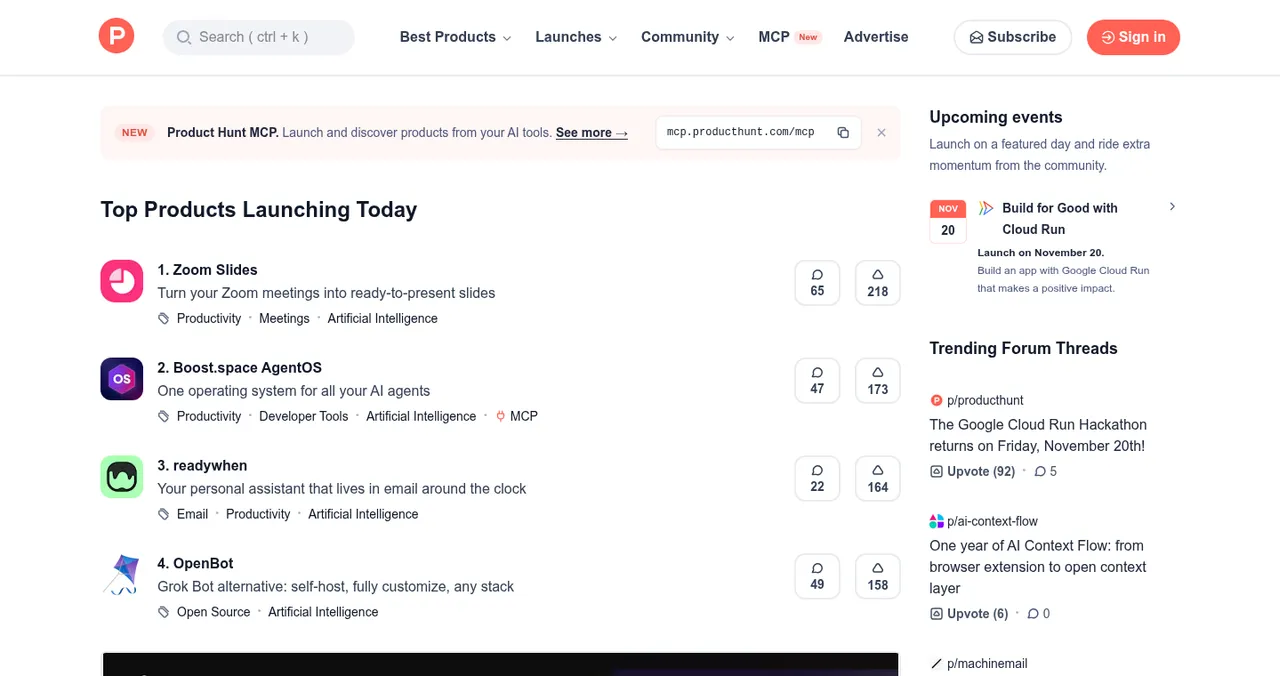
Product Hunt
The biggest single launch day.
Free12:01 AM PT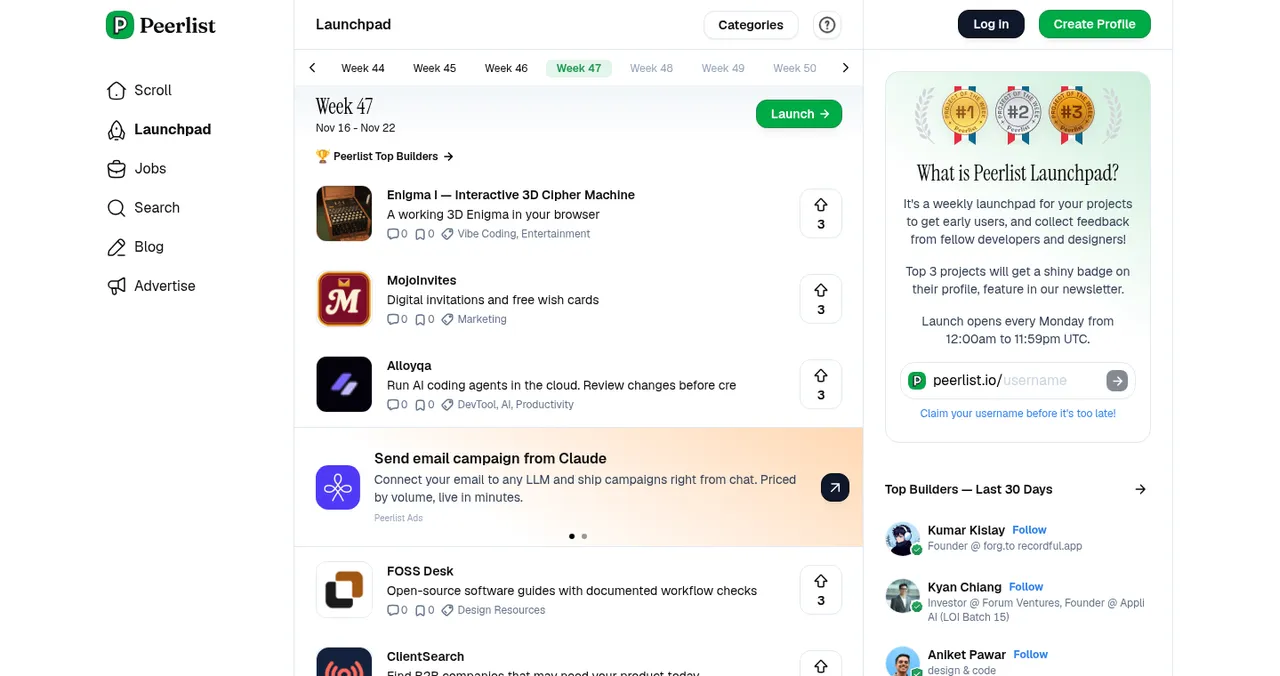
Peerlist Launchpad
A week-long launch for builders.
FreeEvery Monday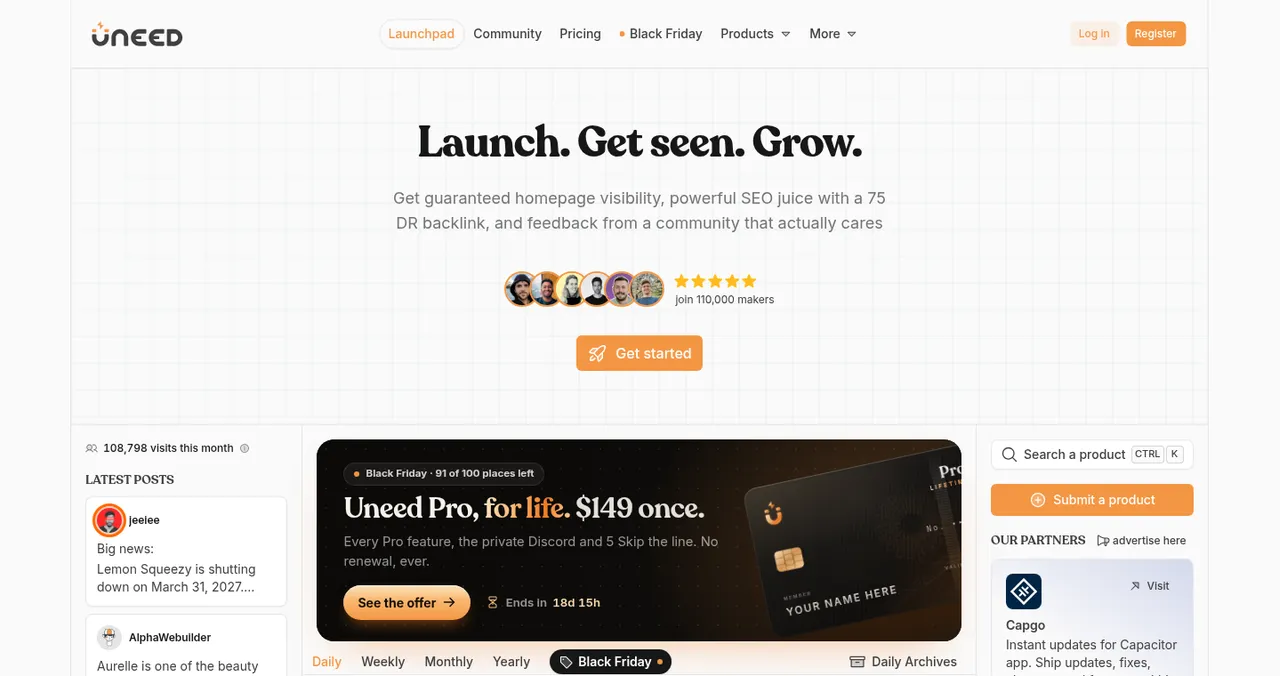
Uneed
Daily launches with leaderboards.
Free waiting linePaid to skip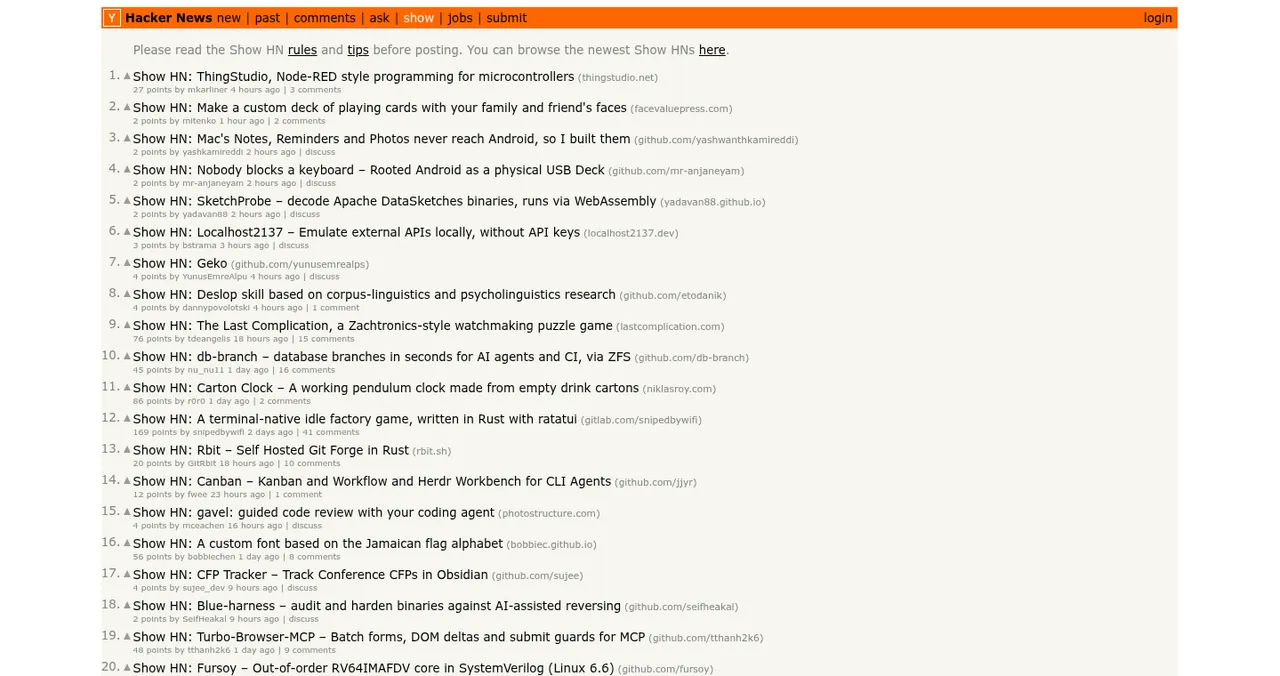
Hacker News (Show HN)
For things people can try right away.
FreeNo one-offs
Future Tools
A hand-reviewed AI tool directory.
Free submission
Where to launch an app built with AI
| Site | Cost | Accepts AI-built apps? | What it wants | Best for |
|---|---|---|---|---|
| Science of Apps Launchpad | Free, forever | Yes, any digital product | A working link; passes checks and review | Your permanent page and a product test |
| Product Hunt | Free | Yes | A personal account with a verified email | A big launch day |
| Peerlist Launchpad | Free | Yes | A Peerlist profile; launches open Mondays | Builders and indie makers |
| Uneed | Free line; paid to skip | Yes | A spot in the queue | Indie products |
| Show HN | Free | If it's non-trivial and tryable | No landing or sign-up pages; no quick one-offs | Developer tools |
| Future Tools | Free submission | Yes, AI tools | Hand review | People browsing AI tools |
Table: Where to launch a vibe coded app, free (each site's own pages, checked 16–20 Nov 2026)
1. Science of Apps Launchpad: list first, test first
- Cost
- Free, forever
- Accepts
- Startups, SaaS, mobile, AI products, dev tools, extensions, games, open source
- Review
- Automated checks and a person; usually a day or less
- Ranking
- Relevance, editorial, community; never payment
- Extra
- Your app tested with a detailed report
The Launchpad gives your app a permanent public page with its own link, in six short steps (name, story, details, media, links, founder), found by the problem it solves. It goes live with a Featured badge after automated checks and a person's review. For a vibe coded app the bigger value is the test: a free baseline check of your landing page, discoverability and speed as you go live, and a full investigation that works through sign-up, the core flow, payments and every screen, re-cut for AI products to include prompt and output trust.
- Areas of your app tested
- 22
- Automatic measurements, desktop and mobile
- 39
- Expert checks behind your login
- 74
- Verdicts that rank what to fix first
- 5
Best for: every AI-built app, before any launch day.
2. Product Hunt: the big day
- Cost: free.
- When: launches go live at 12:01 AM Pacific Time on the date you schedule.
- Who: a personal account with a verified email; company accounts can't submit.
- The rule: never ask for upvotes or pay for them.
Best for: a polished app with self-serve sign-up. See our Product Hunt launch guide.
3. Peerlist Launchpad: builders
A week-long launch that opens every Monday, voted on by builders. A good fit for side projects built with AI, where the audience appreciates how you made it. Best for: indie and side projects.
4. Uneed: daily launches
Free launches join a waiting line; paid options let you pick a sooner date. Its launch guide says free launches keep a dofollow link once they reach 20 upvotes. Best for: indie products with a few early supporters.
5. Hacker News (Show HN): only if it's real
Show HN's guidelines speak directly to vibe-coded apps: the project "should be non-trivial", and "Don't post quickly-generated one-offs". It wants things people can try, ideally without sign-ups, and rules out landing pages and fundraisers. If you built something substantial with AI, say so and explain how and why. Best for: developer tools, CLIs and open-source projects.
6. Future Tools: AI tool browsers
A free, hand-reviewed submission form for AI tools. Only relevant if your app is itself an AI tool, not just built with AI. Best for: AI-powered tools. More options in best websites to launch AI startups.
Before you launch: the vibe-coded app checks
AI builders are good at the happy path you described. They're weaker at everything you didn't: the error after a failed payment, the empty screen for a new user, the password reset, the key left in the browser. Run these before strangers do.

- Sign-up, sign-in and password reset — in a clean browser, on a phone
- Secrets — no API keys or service credentials visible in the browser's source or network tab
- Data privacy — one user can't see another user's data by changing a URL
- Payments — a test purchase, a failed card, a refund
- Empty and error states — a new account with no data; a request that fails
- Your own domain — some launch sites reject free subdomains
- Speed on mobile — check PageSpeed Insights
- Accessibility basics — contrast, labels, keyboard focus
Arrive
First impression
Discoverability on Google, AI and social; landing page, pricing, trust and speed.
Join
The first minutes
Sign-up, sign-in, recovery and onboarding.
Use
The everyday job
Home, core flow, dashboards, search, microcopy and error states.
Pay
Value into revenue
Paywall, upgrade, checkout and payments.
Stay
Coming back
Notifications, account, settings and help.
Every screen
Throughout
Accessibility to WCAG 2.2, visual design and consistency.
Find the bugs before your users do
List free, then order the report that fits your stage.

 Economy
See what new customers see
- Store listing and homepage, screen by screen
- Scorecard against 60 Laws of UX
- Customers, competitors and the fixes worth most
PremiumThe full diagnosis and the plan
- Every screen, every finding, every flow
- All 60 laws with evidence and fixes
- 8 strategy chapters and a 90-day roadmap
Fact-checked against the evidence. Private to your team, and never affects ranking.
Which should you use first?
| Your app | First | Then |
|---|---|---|
| A polished consumer or SaaS app | Launchpad listing and test | Product Hunt |
| A side project or experiment | Launchpad listing | Peerlist, Uneed |
| A developer tool or open-source repo | Launchpad listing | Show HN |
| An AI tool (not just AI-built) | Launchpad listing | Future Tools, Product Hunt |
| Not sure it works for strangers | Launchpad listing and its test | Launch sites after the fixes |
Table: Where to launch your vibe coded app first
A two-week launch plan
- Days 1–2
List and test
Launchpad listing; read the baseline; order a report if you want the full test.
- Days 3–6
Fix the edges
Sign-up, errors, payments, secrets, mobile.
- Day 7
Own domain
Move off the builder's subdomain if you haven't.
- Week 2
Launch
Peerlist on Monday; Product Hunt or Show HN when it's ready.
- After
Keep the page alive
Ask early users to vouch; update media as the app changes.
Mistakes

- Launching the prototype — the happy path isn't the product
- Leaving keys in the browser — check before anyone else does
- Hiding that you used AI — communities respond better to honesty about how you built it
- Posting a landing page to Show HN — it's off topic by the rules
- One launch day, no permanent page — the spike fades in a day
Ready to launch?
How we know
Show HN's guidelines and the Launchpad's pages were read on 20 November 2026. Product Hunt, Peerlist, Uneed and Future Tools details come from their own launch guides and help pages, checked on 16–17 November 2026. The pre-launch checks are Science of Apps' editorial checklist. Science of Apps runs the Launchpad.
Key terms, defined
- Vibe coded app: an app built mostly by describing it to an AI coding tool rather than writing the code by hand.
- AI app builder: a tool such as Lovable, Bolt, Replit or v0 that generates an app from prompts.
- Show HN: Hacker News's section for things people can try.
- Happy path: the flow where everything goes right; real users leave it quickly.
- Product investigation: an evidence-based test of a live product across its whole journey.
Frequently asked questions
Where should I launch my vibe coded app?
Start with a permanent free listing, such as the Science of Apps Launchpad, which accepts products at any stage and can test your product with a detailed report. Then pick launch sites by audience: Product Hunt for a big launch day, Peerlist or Uneed for builders and indie makers, Show HN for developer tools people can try straight away.
How do I launch an app built with AI?
Treat it like any app. Make sure strangers can sign up, use the core feature and pay without hitting errors; remove exposed keys and test data; check it on a phone. Then create a permanent listing, write an honest launch post about what it does and how you built it, and launch where your users already gather.
Can I launch a Lovable app on Product Hunt?
Yes. Product Hunt cares about the product, not the tool used to build it. Launches go live at 12:01 AM Pacific Time on the date you schedule, from a personal account with a verified email. Make sure the app works on its own domain and that visitors can try it without contacting you.
Is Show HN OK for vibe coded apps?
Only if it's substantial and people can try it. The Show HN guidelines say the project should be non-trivial and ask you not to post 'quickly-generated one-offs', and they rule out landing pages and sign-up pages. A real tool you built, can explain and will discuss in the thread is welcome.
What should I check before launching a vibe coded app?
Sign-up and sign-in, including password reset; payments and refunds; that API keys and secrets aren't exposed in the browser; error messages and empty states; data from other users staying private; speed on a mid-range phone; and accessibility basics. A product investigation covers these areas with evidence.
Do launch sites reject AI-built apps?
Not for being AI-built. They reject what they always have: things people can't try, spam, duplicates or broken links. The Science of Apps Launchpad accepts startups, SaaS, mobile apps, AI products, developer tools, browser extensions, games and open-source projects, checked automatically and reviewed by a person.
Sources
- Hacker News — Show HN guidelines (checked 20 Nov 2026)
- Science of Apps — Launchpad homepage: what you can list, FAQ (checked 20 Nov 2026)
- Science of Apps — Product investigation: AI products get prompt and output trust (checked 20 Nov 2026)
- Science of Apps — Pricing (checked 20 Nov 2026)
- Product Hunt Help Center — How Product Hunt works (checked 16–17 Nov 2026)
- Peerlist Help Center — How do I launch a project on Peerlist Launchpad? (checked 17 Nov 2026)
- Uneed — How to launch your product on Uneed (checked 17 Nov 2026)
- Future Tools — Submit a tool (checked 17 Nov 2026)
- Checked November 20, 2026. Figures that change — fees, salaries, prices — are reviewed every six months; if something is out of date, tell us.
Where to go from here
- Lovable vs Bolt vs Replit — the builders compared
- What is vibe coding? — the basics
- Best websites to launch AI startups — the full AI list
- Science of Apps - LaunchpadVibe coding to launch: how to turn a vibe coded app into a launched product, with the checks to run, the vibe coding tools to finish with and where to list itVibe coding gets you a working app in an afternoon. This playbook covers the step after: checks, a permanent page, first users and a test of what they'll hit.
- Science of Apps - LaunchpadBolt new alternatives: what Bolt.new costs, where its tokens run out, and eight AI app builders to try instead, plus how to launch what you shipBolt new pricing explained (free 1M tokens, Pro $25/mo) and the best Bolt new alternative for each job: Lovable, Replit, v0, Base44 and four more.
- Science of Apps - LaunchpadLovable alternatives: 10 AI app builders and no-code tools compared on price, free plan and what they build, plus how to launch what you makeThe best Lovable alternative depends on what you build: Bolt, Replit, v0, Base44 and six more, with prices from each pricing page and how to launch.
- AI & vibe codingLovable vs Bolt vs Replit: which AI app builder fits your project?Lovable vs Bolt vs Replit compared: how each builds apps from prompts, who it suits, how usage is billed, backend and deployment, code ownership and limits.
- AI & vibe codingThe best AI app builders for non-coders — and which kind of app each builds bestThe best AI app builders for non-coders by type — prompt-to-app (Lovable, Bolt, v0, Replit), AI-assisted no-code and internal tool builders.
- Science of Apps - LaunchpadWebsites like Replit: what Replit costs now, what its free plan really includes, and seven alternatives for coding in the browser and building apps with AIReplit pricing (free Starter, Core $20/mo) and 7 websites like Replit: GitHub Codespaces, Cursor, Lovable, Bolt, v0, Base44 and Emergent.
Get the ideas, not the noise.
Sign up with Google and we’ll send you short UX psychology tips by email — why people tap, stall and leave, and what to do about it. Unsubscribe anytime. Prefer something to keep? Get the free Laws of UX guide as a PDF.
Launch day ends. Your listing shouldn't.
List your vibe coded app free on the Science of Apps Launchpad for a permanent page found by the problem it solves, and get the product tested end to end with a detailed report before users find the bugs.