 By
Quick answer: What are the best websites like Replit?
- Replit pricing: free Starter (daily credits, Lite build, 1 published app); Core $20/mo or $18 billed annually; Pro $100/mo or $90 billed annually.
- Closest cloud IDE: GitHub Codespaces, free for 120 compute hours a month on personal accounts.
- AI coding on your own machine: Cursor, from free.
- Prompt-to-app builders: Lovable, Bolt.new, v0, Base44 and Emergent.
- After deploying: list the app free on the Launchpad and see what to fix.
Key takeaways
- Replit is two products in one: a cloud IDE and an AI app builder; pick an alternative for the half you use.
- The free Starter plan's published link goes down after 30 days, so it isn't a launch address.
- Codespaces is the closest like-for-like for coding; Lovable and Bolt for building by prompt.
- Usage-based credits make monthly cost hard to predict on every AI platform here.
- Wherever you deploy, a permanent product page and a check of the live product come next.
"Replit pricing" is searched about 6,600 times a month and "websites like replit" about 260 (Google Keyword Planner, global 12-month average), which says a lot: most people looking for a Replit alternative are reacting to the bill or the free plan's limits. Replit is really two products, a cloud coding environment and an AI agent that builds apps, so the right alternative depends on which half you use. This guide sets out Replit's current plans from its own pricing page and docs, then compares seven alternatives, all checked on 20 November 2026, and ends with how to launch the app once it's deployed. Jump to Replit's pricing, the comparison or which to pick.
7 websites like Replit
 Launch free
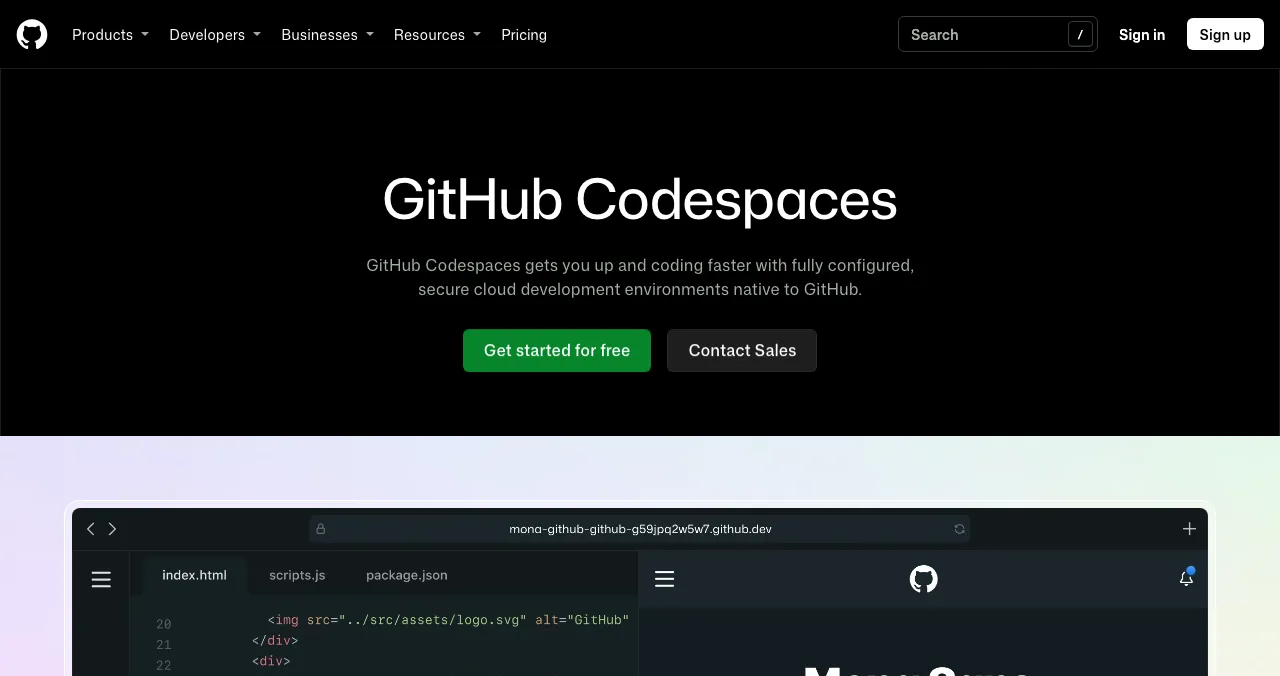
GitHub Codespaces Closest IDE
A full cloud development environment, native to GitHub.
Free 120 hrs/moPay as you go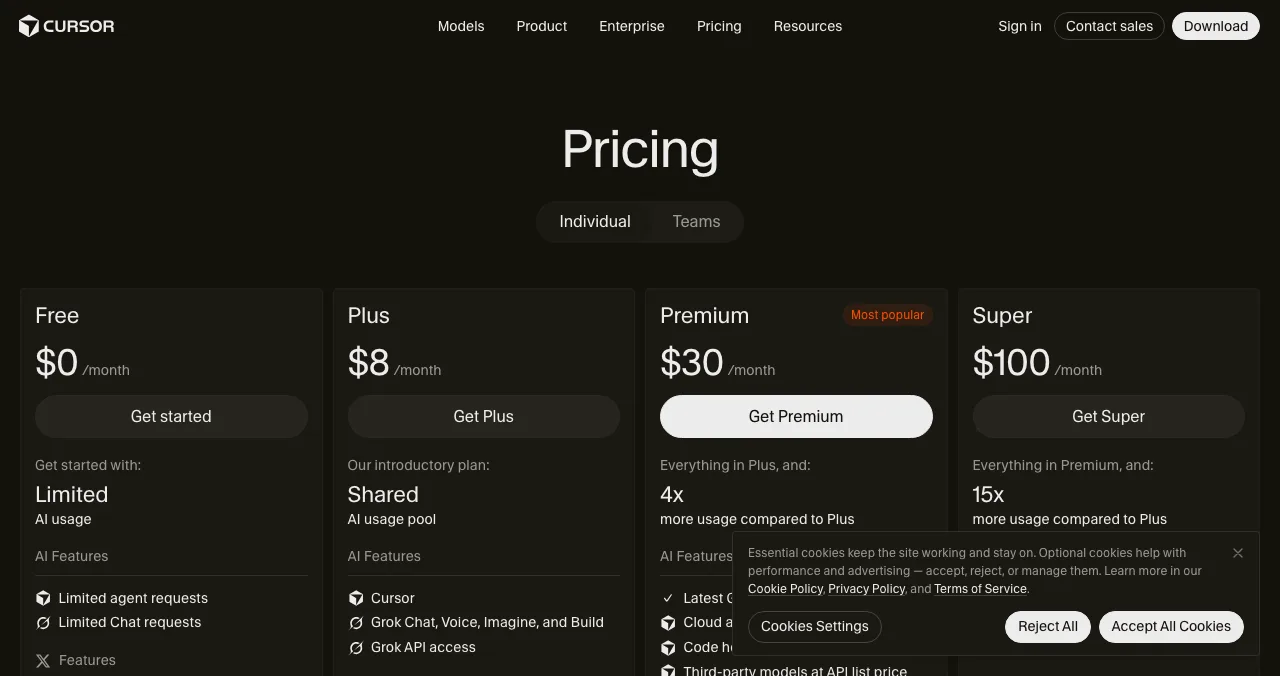
Cursor
An AI code editor for your own projects.
FreeFrom $8/mo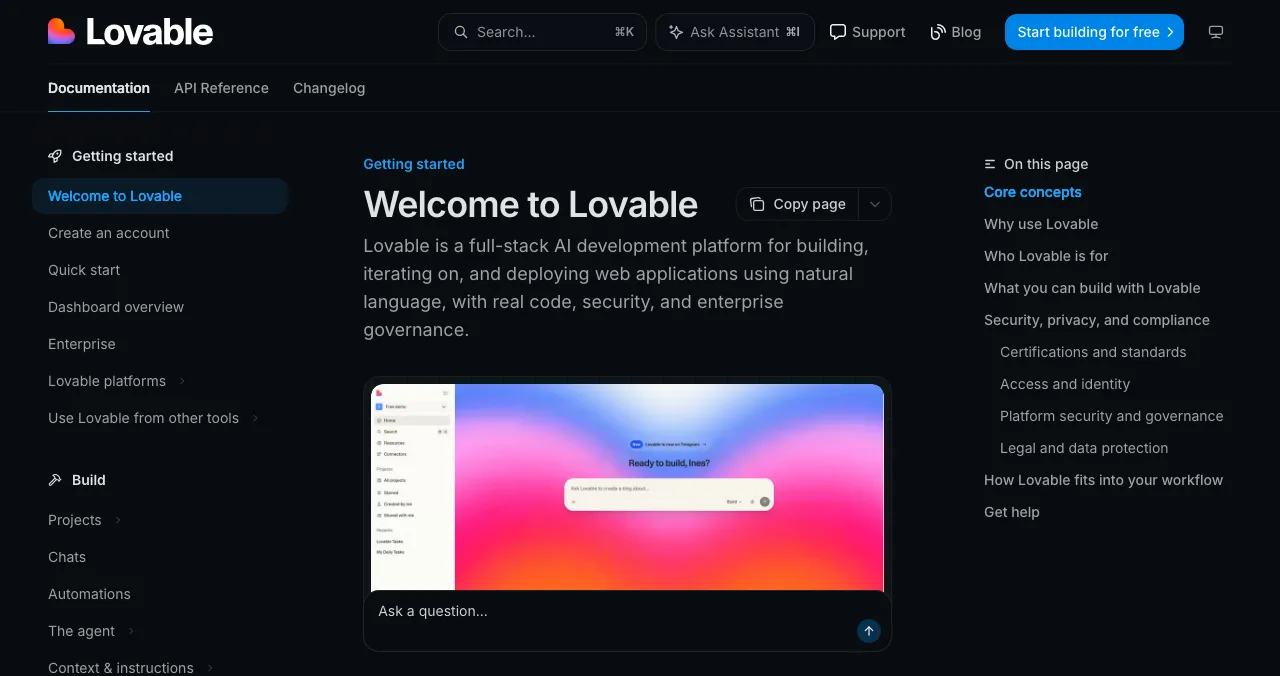
Lovable
Prompt to full-stack web app, no code in sight.
Free 5 credits/dayPro $25/mo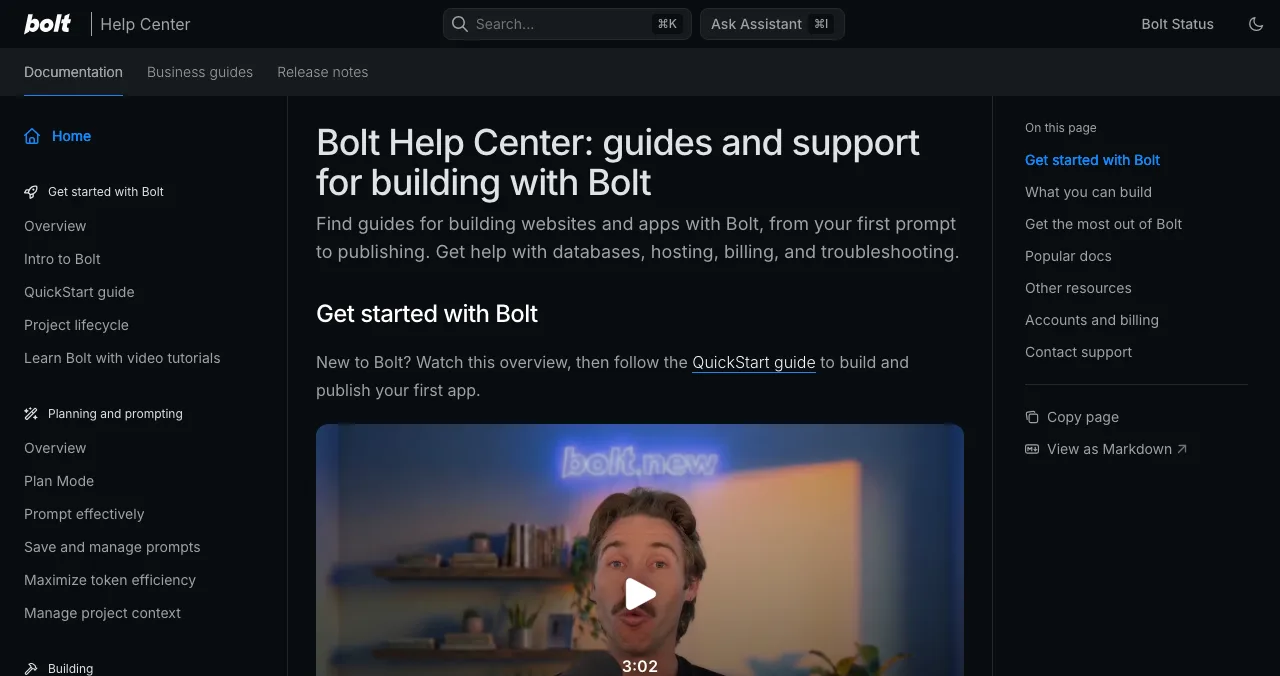
Bolt.new
Prompt to hosted app, with the code in view.
Free 1M tokens/moPro $25/mo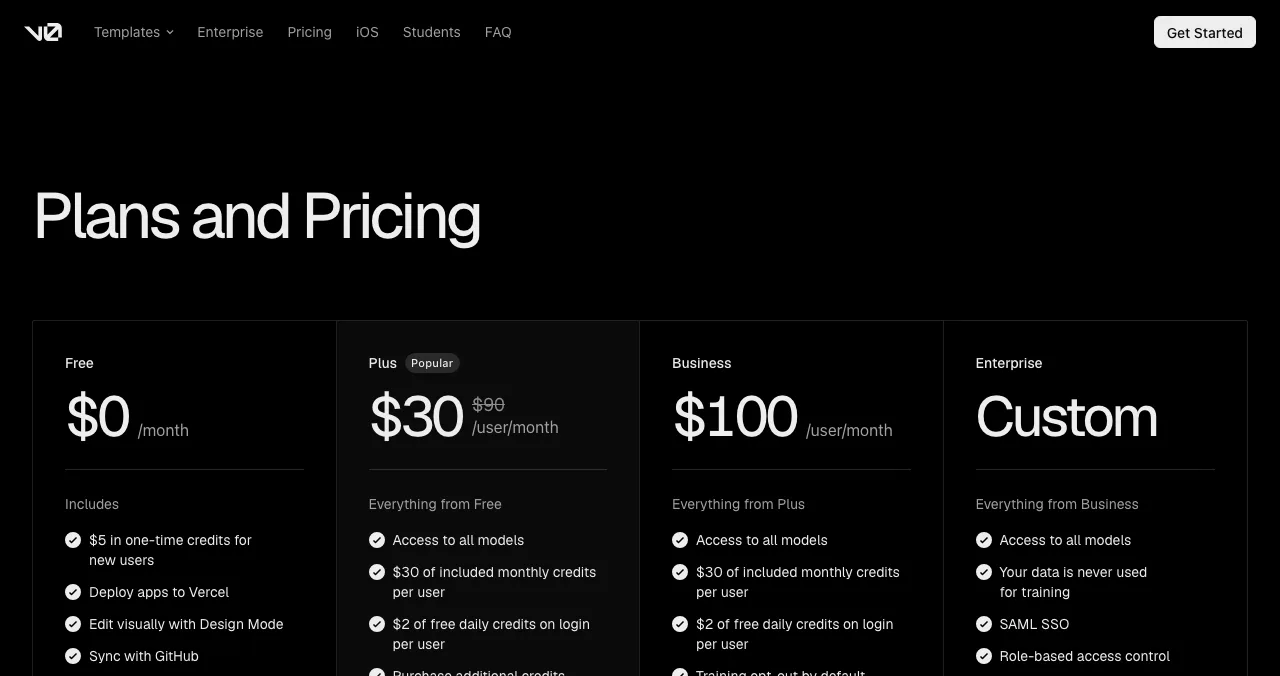
v0 by Vercel
Next.js apps and front ends, deployed on Vercel.
Free 7 msgs/dayPlus $30/user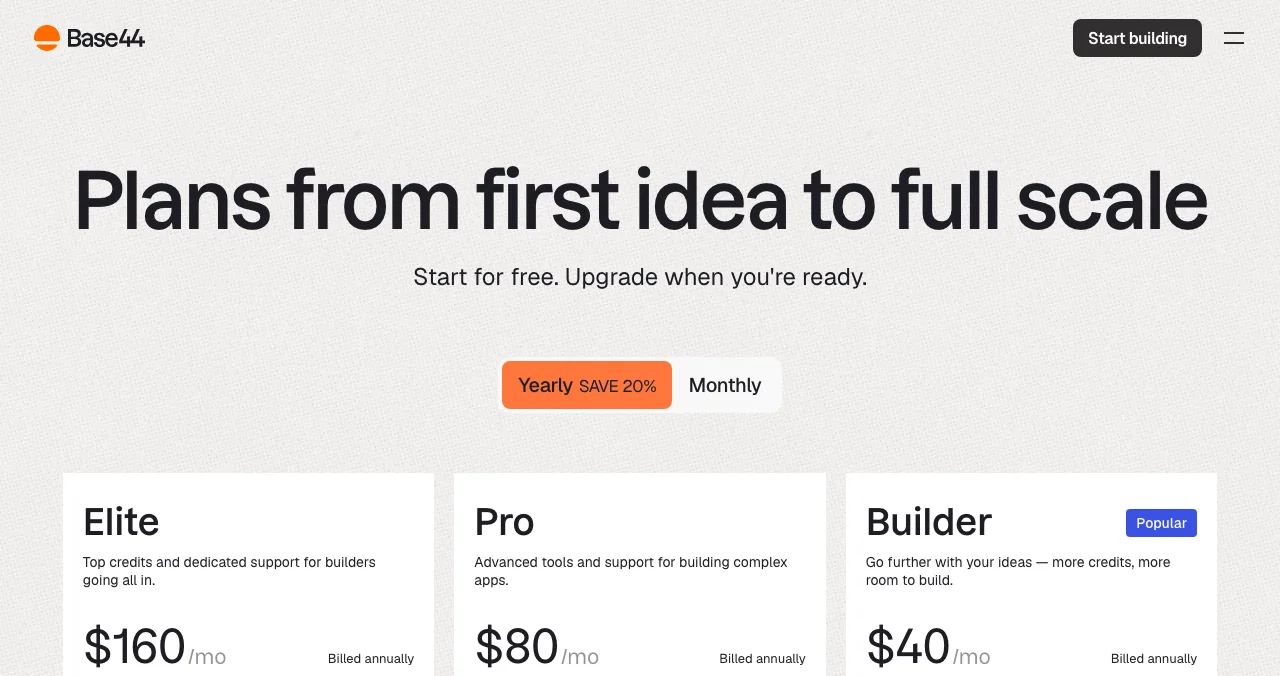
Base44
Backend, auth and hosting built in.
Free 25 credits/moFrom $16/mo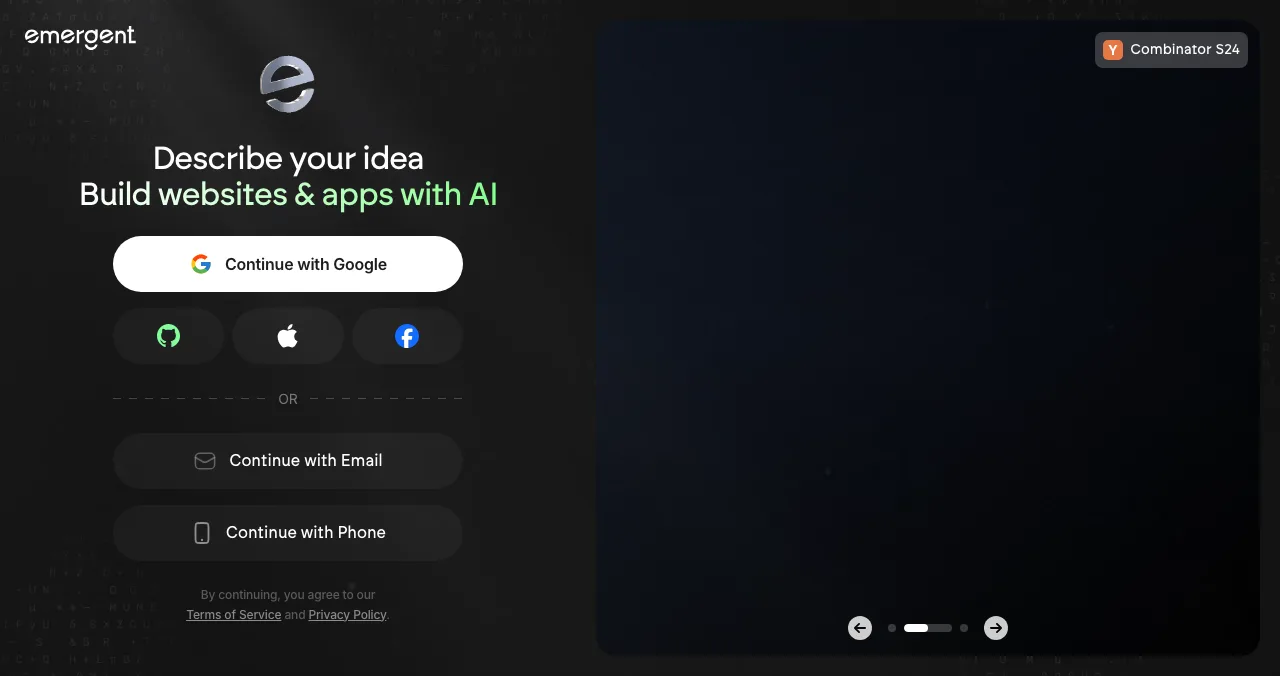
Emergent
Web and mobile apps from a description.
Free 10 credits/moFrom $17/mo
Replit pricing, checked today
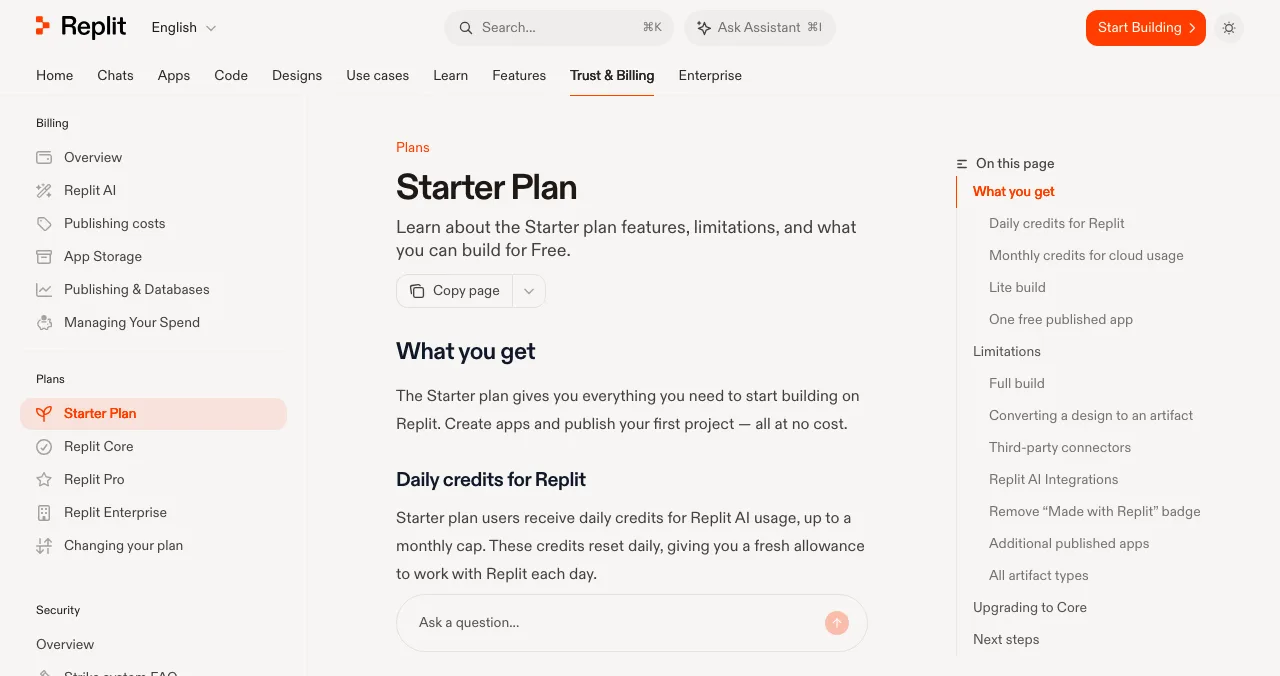
- Starter
- Free: daily credits, Lite build, 1 published app
- Core
- $20/mo, or $18/mo billed annually
- Pro
- $100/mo, or $90/mo billed annually
- Yearly
- "Up to 10% off"
- Catch
- Free published link goes down after 30 days
| Plan | Price (as shown) | What's included | Limits worth knowing |
|---|---|---|---|
| Starter | Free | Daily AI credits up to a monthly cap; monthly cloud credits; Lite build; 1 published app | Full build, connectors, AI Integrations and badge removal need Core; the published link goes down after 30 days |
| Core | $20/mo, $18/mo billed annually | $20 of usage credits; unlimited workspaces; up to 30 hours of chat and 60 projects on Free Mode | Usage beyond credits is billed |
| Pro | $100/mo, $90/mo billed annually; higher tiers $215 to $2,000/mo | $100 of credits; up to 15 collaborators; 28-day database rollback; premium support | Tier-to-credit mapping isn't explained on the page |
| Enterprise | Custom | SSO, SCIM, audit logs, single-tenant options | Sales-led |
Table: Replit pricing by plan (replit.com/pricing and Replit Docs, checked 20 Nov 2026; prices in dollars, subject to tax by location)
The free plan is generous for learning and trying the Agent, but two limits push people to look for a Replit alternative: Lite build only (the autonomous Full build needs Core) and a published app that disappears after 30 days.
Replit alternatives compared
| Tool | Replaces which half of Replit | Free plan (as listed) | Paid from (USD) | Hosting |
|---|---|---|---|---|
| GitHub Codespaces | The cloud IDE | 120 compute hrs + 15 GB-month storage on GitHub Free | Pay for usage beyond quota | No; deploy elsewhere |
| Cursor | Coding with AI | Limited AI usage | $8/mo (Plus) | No |
| Lovable | The Agent, for non-coders | 5 credits/day, up to 30/mo | $25/mo (Pro) | Yes |
| Bolt.new | The Agent, code in view | 1M tokens/mo, 300K/day | $25/mo (Pro) | Yes |
| v0 | The Agent, for Next.js | 7 messages/day | $30/user/mo (Plus) | Vercel |
| Base44 | The Agent, backend included | 25 message credits/mo, 5 apps | $16/mo billed annually | Yes |
| Emergent | The Agent, web and mobile | 10 credits/mo | $20/mo ($17 annually) | Yes, on paid plans |

Table: Replit alternatives compared (each provider's pricing page or docs, checked 20 Nov 2026)
1. GitHub Codespaces: the closest cloud IDE
- Free (GitHub Free)
- 120 compute hrs, 15 GB-month storage
- GitHub Pro
- 180 compute hrs, 20 GB-month storage
- Beyond quota
- Billed by usage
- Catch
- Bigger machines use the quota faster
Codespaces gives you a full, configured development environment in the browser, attached to a GitHub repository. It's the website like Replit for people who used Replit to code rather than to prompt.
- Cost: personal accounts on GitHub Free get 120 compute hours and 15 GB-month of storage each month; GitHub Pro gets 180 hours and 20 GB-month. Larger machine types draw down the quota faster.
- Catch: no built-in one-click hosting like Replit's; you deploy to a host of your choice.
Best for: developers who want Replit's "open a browser and code" without the platform lock-in.
2. Cursor: AI coding on your own code
- Free
- Limited agent and chat requests
- Plus
- $8/mo
- Premium
- $30/mo, 4× Plus usage
- Super
- $100/mo
- Catch
- Desktop editor; no hosting
Cursor is an AI code editor you install. Paired with GitHub and any host, it replaces Replit's AI-plus-editor combination for people comfortable with code.
- Cost: Free (limited usage), Plus $8, Premium $30, Super $100, Ultra $200 a month; Teams from $30 per user.
Best for: moving a Replit project to your own repository and continuing with AI help.
3. Lovable: the Agent, without the IDE
- Free
- 5 build credits a day, up to 30/mo
- Pro
- $25/mo, 100 monthly credits
- Business
- $50/mo
- Code
- Git sync to GitHub, GitLab or Bitbucket
- Catch
- Web apps only
If what you liked about Replit was the Agent, Lovable gives you that experience with less infrastructure to think about: frontend, backend, database and authentication from one description, published to a live URL.
- Cost: Free (5 credits a day, up to 30 a month, 5 lovable.app domains); Pro $25 a month with custom domains; Business $50.
Best for: non-coders who found Replit's IDE more than they needed. Compared directly in Lovable vs Bolt vs Replit.
4. Bolt.new: prompt to app, code in view
- Free
- 1M tokens/mo, 300K a day, hosting
- Pro
- $25/mo billed monthly, from 10M tokens
- Teams
- $30 per member/mo
- Catch
- Free sites carry Bolt branding
Bolt runs a development environment in the browser and builds from chat, with Bolt Cloud for hosting, databases and auth. It's the middle ground between Replit and Lovable.
- Cost: Free with 1M tokens a month (300K a day) and hosting; Pro $25 a month with custom domains; yearly saves "up to 28%".
Best for: builders who want to see the code but not manage a whole platform.
5. v0 by Vercel: Next.js apps on Vercel
- Free
- 7 messages a day; GitHub sync
- Plus
- $30 per user/mo
- Business
- $100 per user/mo
- Deploys
- Vercel, or a pull request
v0 builds with Next.js, Tailwind and shadcn/ui and deploys to Vercel with one click, or opens a pull request for review.
- Cost: Free (7 messages a day, deploy to Vercel, GitHub sync); Plus $30 per user a month with $30 of credits and $2 of free daily credits on login.
Best for: web apps whose front end has to look production-grade.
6. Base44: all-in-one for non-coders
- Free
- 25 message + 100 integration credits/mo, 5 apps
- Starter
- $16/mo billed annually
- Builder
- $40/mo billed annually, GitHub
- Includes
- Auth, database, hosting
Base44 says backend, auth, payments and hosting are "already built in", with integrations such as Gmail, Slack and HubSpot.
- Cost: Free (25 message credits, up to 5 apps); Starter $16, Builder $40, Pro $80, Elite $160 a month, billed annually.
Best for: internal tools and simple apps with no setup at all.
7. Emergent: web and mobile from one prompt
- Free
- 10 credits a month
- Standard
- $20/mo, $17/mo annually; hosting and GitHub
- Pro
- $200/mo, $167/mo annually
- Builds
- Web and mobile apps
Emergent describes an AI platform that "transforms your ideas into fully functional applications", with hosting, databases and APIs set up and code you own.
- Cost: Free (10 credits a month); Standard $20 ($17 annually) with private hosting and GitHub; Pro $200 ($167 annually).
Best for: projects that need a mobile app as well as a web app.
Which Replit alternative should you pick?
| You used Replit for… | Pick | Because |
|---|---|---|
| Coding in the browser | GitHub Codespaces | Same idea, free monthly quota |
| AI help on your own code | Cursor | Editor-first, your repository |
| Building apps without code | Lovable or Base44 | Hosting and backend included |
| Building apps, but seeing the code | Bolt.new | Code environment in the browser |
| Next.js front ends | v0 | Vercel deploys |
| Web plus mobile | Emergent | One description, both platforms |
| Everything, and it works | Stay on Replit Core | The free link expiry is the real problem |
Table: Which Replit alternative to pick, by how you used Replit
From Replit deploy to launch
A deployed app has a URL. A launched app has people who can find it, and a founder who knows what they'll hit. The Science of Apps Launchpad covers both, for free.

- Free, forever: six short steps, automated checks and a human review; Featured badge on going live.
- Found by the problem you solve: ranked by relevance, editorial picks and community interest, never payment.
- Earned proof: Verified, Community favourite, Editor's pick and more, plus vouches and followers.
- Tested: a free baseline diagnosis of landing page, discoverability and speed as you go live.
- Areas of your product tested
- 22
- Automatic measurements, desktop and mobile
- 39
- Expert checks behind your login
- 74
- Verdicts that rank what to fix first
- 5
The investigation loads your live app in a real browser on desktop and mobile, from first visit to payment, and an analyst approves every finding. For AI products it adds prompt and output trust checks: what the AI promises, and whether users can tell when it's wrong.
Evidence of what to fix
List free, then order the report that fits: the first impression, or the full diagnosis with a plan.

 Economy
See what new customers see
- Store listing and homepage, screen by screen
- Scorecard against 60 Laws of UX
- Customers, competitors and the fixes worth most
PremiumThe full diagnosis and the plan
- Every screen, every finding, every flow
- All 60 laws with evidence and fixes
- 8 strategy chapters and a 90-day roadmap
Researched from your live product and fact-checked against the evidence.
A plan for the week after you deploy
- Day 1
Make the address permanent
Upgrade or move to a host with a custom domain; free links expire.
- Day 2
List it
Create your Launchpad listing; read the baseline diagnosis.
- Day 3
Fix what blocks sign-up
Errors, empty states and slow first loads come first.
- Day 4
Watch five users
Give them the core task, say nothing, take notes.
- Day 5–7
Share it
Product Hunt, Indie Hackers and your communities, linking to one page.
Mistakes to avoid

- Launching on a free Replit link — it goes down after 30 days, taking every shared link with it
- Switching platforms over a bill — estimate a month on the alternative first; credits are metered everywhere
- Moving without exporting code — check how each tool gets your code out before you commit
- Leaving a "Made with" badge on — it reads as a prototype to the users you most want
- Shipping slow first loads — slow responses lose attention before the product has a chance
The Doherty threshold is the useful target: keep responses under about 400 ms where you can, and show progress where you can't, especially while an AI feature is thinking.
Ready to launch?
How we chose
Replit's plans come from its pricing page and Starter plan documentation, read on 20 November 2026; GitHub Codespaces' quota from GitHub's billing docs; every other price and limit from the provider's own pricing page on the same day. Prices are shown in dollars on those pages. Alternatives were chosen by which half of Replit they replace: the cloud IDE or the AI app builder. We didn't build a test app on each platform. Search volumes are Google Keyword Planner's global 12-month averages. Science of Apps runs the Launchpad and has no relationship with any provider named.
Key terms, defined
- Cloud IDE: a code editor and runtime that live in the browser, like Replit or Codespaces.
- Agent: an AI that plans and makes multi-step changes to a project, not just single completions.
- Lite build / Full build: Replit's quick-edit mode and its autonomous build mode (Full needs Core).
- Compute hours: Codespaces' unit for time a cloud machine runs; bigger machines use more.
- Published app: a deployed project with a public URL.
- Permanent listing: a public product page that stays live whatever host you use.
Frequently asked questions
What are the best websites like Replit?
For coding in the browser, GitHub Codespaces is the closest website like Replit: a full cloud development environment with a free monthly quota. For AI-assisted coding, Cursor. For building whole apps from a prompt, Lovable, Bolt.new, v0, Base44 and Emergent. Pick by which half of Replit you used: the IDE or the Agent.
How much does Replit cost?
Replit pricing, checked on 20 November 2026: Starter is free; Core is shown as $20 a month, or $18 a month billed annually, with $20 of usage credits; Pro is $100 a month, or $90 billed annually, with higher tiers up to $2,000 a month; Enterprise is custom. Yearly billing is described as up to 10% off, and prices may be subject to tax.
Is Replit free?
Yes. Replit's Starter plan is free with no time limit, according to its docs. It includes daily AI credits up to a monthly cap, monthly cloud credits, Lite build and one published app. Autonomous Full build, extra published apps, connectors and removing the Made with Replit badge need Core. The free published link goes down after 30 days.
What is the best free Replit alternative?
For coding, GitHub Codespaces gives personal accounts on GitHub Free 120 compute hours and 15 GB-month of storage each month. For building apps by prompt, Bolt's free plan gives 1M tokens a month with hosting, and Lovable gives 5 build credits a day. Cursor's free plan includes limited AI usage on your own machine.
Is Replit better than Lovable?
They suit different people. Replit is a full development platform with an agent, so you can drop into code, databases and deployment settings; Lovable keeps the code out of sight and is tuned for non-coders. If you'll maintain the code yourself, Replit; if you only want the app, Lovable. Our Lovable vs Bolt vs Replit comparison covers all three.
Can I host an app built elsewhere instead of on Replit?
Yes. Lovable, Bolt, Base44 and Emergent include hosting; v0 deploys to Vercel; Codespaces and Cursor are for writing code, so you deploy to a host of your choice. Whichever you choose, keep one permanent public page for the product, such as a Launchpad listing, so links don't break when you move hosts.
Where should I launch an app I deployed on Replit?
Don't rely on the deployment URL alone, especially on the free plan, whose link expires after 30 days. List the app on the Science of Apps Launchpad for a free, permanent page found by the problem it solves, with a test of the live product end to end. Then share it on Product Hunt, Indie Hackers and relevant communities.
Sources
- Replit — Pricing (checked 20 Nov 2026)
- Replit Docs — Starter Plan (checked 20 Nov 2026)
- GitHub Docs — GitHub Codespaces billing (checked 20 Nov 2026)
- GitHub — Codespaces (checked 20 Nov 2026)
- Cursor — Pricing (checked 20 Nov 2026)
- Lovable — Pricing (checked 20 Nov 2026)
- Bolt — Pricing (checked 20 Nov 2026)
- v0 by Vercel — Pricing (checked 20 Nov 2026)
- Base44 — Pricing (checked 20 Nov 2026)
- Emergent — Pricing (checked 20 Nov 2026)
- Science of Apps — Launchpad (checked 20 Nov 2026)
- Science of Apps — Product investigation (checked 18 Nov 2026)
- Checked November 20, 2026. Figures that change — fees, salaries, prices — are reviewed every six months; if something is out of date, tell us.
Where to go from here
- Lovable vs Bolt vs Replit — Replit against the two biggest prompt builders
- AI app development cost — what building with AI really costs
- How to launch an AI product — after you deploy
- Science of Apps - LaunchpadLovable alternatives: 10 AI app builders and no-code tools compared on price, free plan and what they build, plus how to launch what you makeThe best Lovable alternative depends on what you build: Bolt, Replit, v0, Base44 and six more, with prices from each pricing page and how to launch.
- Science of Apps - LaunchpadBolt new alternatives: what Bolt.new costs, where its tokens run out, and eight AI app builders to try instead, plus how to launch what you shipBolt new pricing explained (free 1M tokens, Pro $25/mo) and the best Bolt new alternative for each job: Lovable, Replit, v0, Base44 and four more.
- Science of Apps - LaunchpadBubble io alternatives: what Bubble's no-code plans cost today, seven alternatives with verified free tiers and prices, and where to launch the app once it's builtBubble io pricing, checked today, plus 7 Bubble alternatives with real free tiers: FlutterFlow, Glide, Softr, Adalo, WeWeb, Lovable and Base44.
- AI & vibe codingLovable vs Bolt vs Replit: which AI app builder fits your project?Lovable vs Bolt vs Replit compared: how each builds apps from prompts, who it suits, how usage is billed, backend and deployment, code ownership and limits.
- Science of Apps - LaunchpadReplit pricing in 2027: the free Starter plan, Replit Core, Replit Pro and Enterprise, how credits work and what it costs to build and launch an appReplit pricing checked 20 Nov 2026: free Starter limits, Replit Core at $20 a month ($18 yearly), Pro at $100 ($90), credits, and build vs launch costs.
- Science of Apps - LaunchpadEmergent AI review: what the Emergent AI app builder makes from a prompt, what Emergent pricing includes in credits, the Emergent alternatives worth comparing, and how to launch and test the appEmergent AI builds web and mobile apps from a prompt and hosts them. Emergent pricing, credits, alternatives, and how to launch and test what you build.






Get the ideas, not the noise.
Sign up with Google and we’ll send you short UX psychology tips by email — why people tap, stall and leave, and what to do about it. Unsubscribe anytime. Prefer something to keep? Get the free Laws of UX guide as a PDF.
Launch day ends. Your listing shouldn't.
From Replit deploy to launch: the Science of Apps Launchpad gives the app a free, permanent public page and evidence of what to fix, from a test of the live product end to end.