 By
Quick answer: What is the best Bolt.new alternative?
- Bolt new pricing: Free with 1M tokens a month and a 300K daily cap; Pro $25 a month from 10M tokens; Teams $30 per member.
- Closest alternative: Lovable, for people who never want to see the code.
- For code-first builders: Replit and Cursor.
- For built-in backends: Base44 and Emergent.
- For mobile and visual editing: FlutterFlow and Bubble.
- After shipping: list it free on the Launchpad and get the shipped product tested.
Key takeaways
- Bolt meters in tokens; long conversations and big projects use more per prompt.
- Free tokens don't roll over and the daily cap stops long sessions.
- Most alternatives meter in credits or messages, so compare on one real feature, not the headline number.
- Pick an alternative for a missing capability (mobile, visual editing, backend), not just a cheaper plan.
- A fast build still needs a launch and a check of what users will hit.
"Bolt new" is searched about 90,500 times a month (Google Keyword Planner, global 12-month average), and a good share of those searches end with the same question: when the tokens run out, what else is there? This guide explains Bolt new pricing in plain terms, then compares eight Bolt new alternatives on what they build, what their free plans include and what they cost, all from each builder's own pages as checked on 20 November 2026. It finishes with the part every builder skips: launching what you shipped and finding out what users will hit. Jump to Bolt's pricing, the comparison or which to choose.
8 Bolt.new alternatives
 Launch free
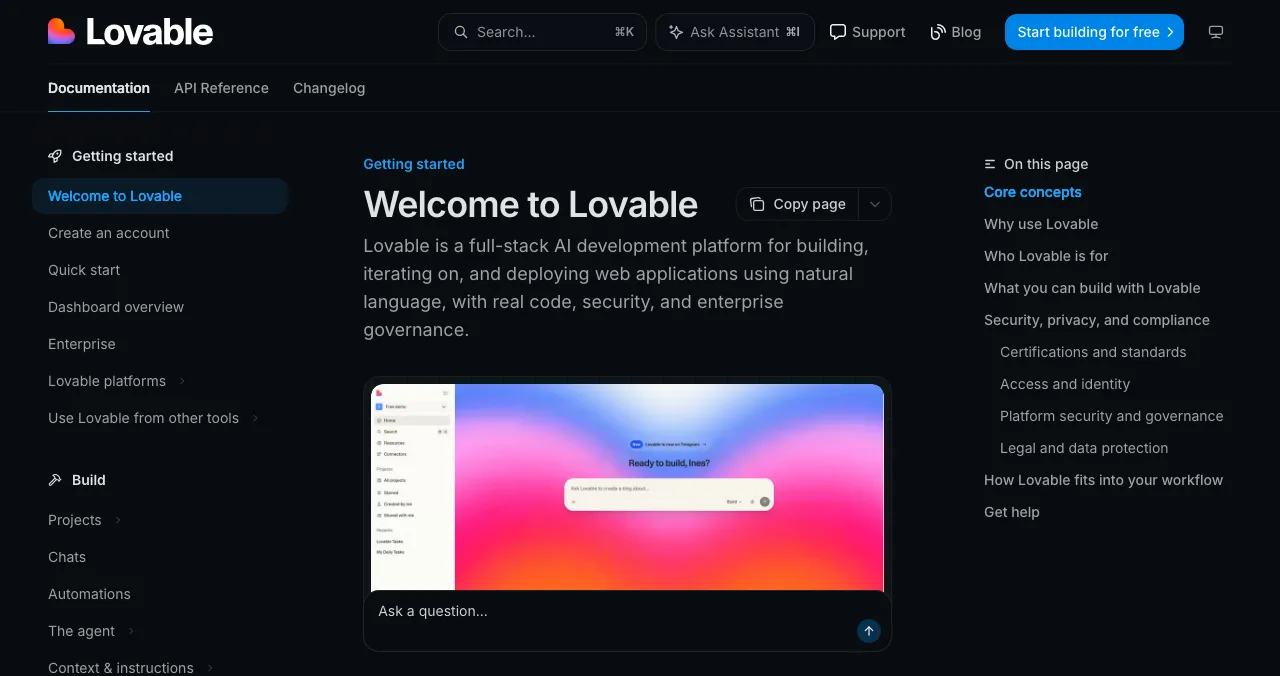
Lovable Closest match
Chat to a full-stack web app, tuned for people who never open the code.
Free 5 credits/dayPro $25/mo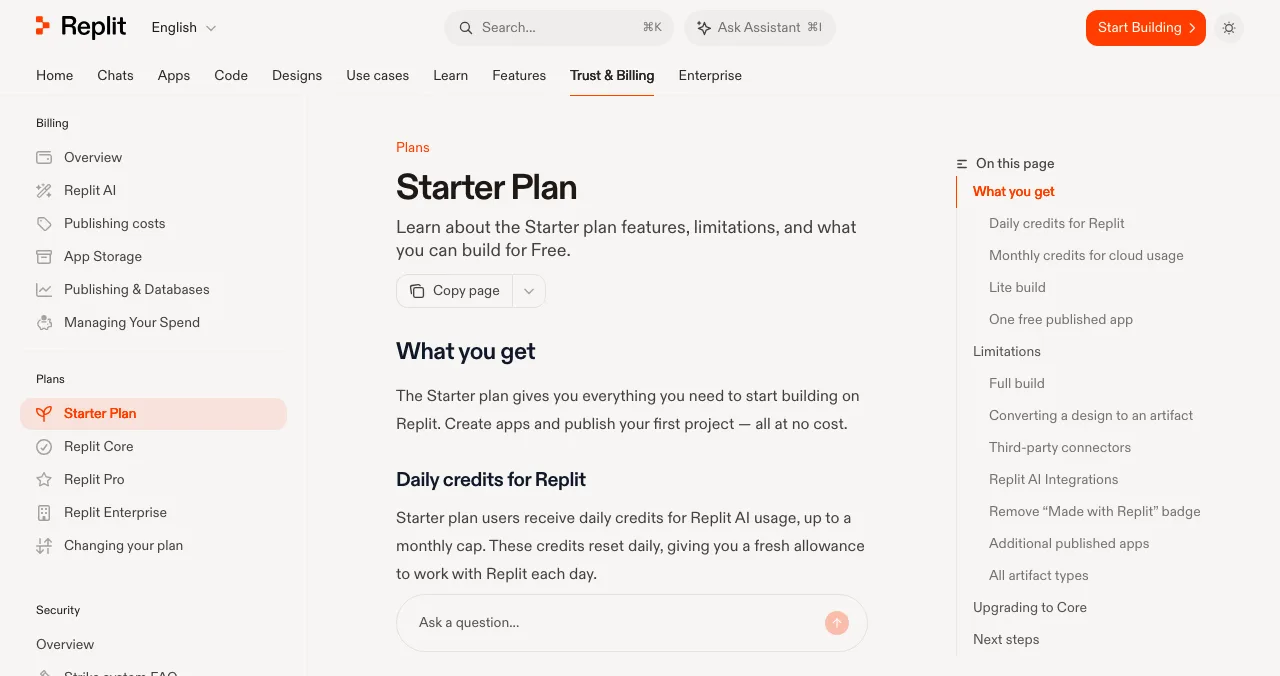
Replit
A full cloud development platform with an AI agent.
Free StarterCore $20/mo
v0 by Vercel
Next.js front ends and apps that deploy to Vercel.
Free 7 msgs/dayPlus $30/user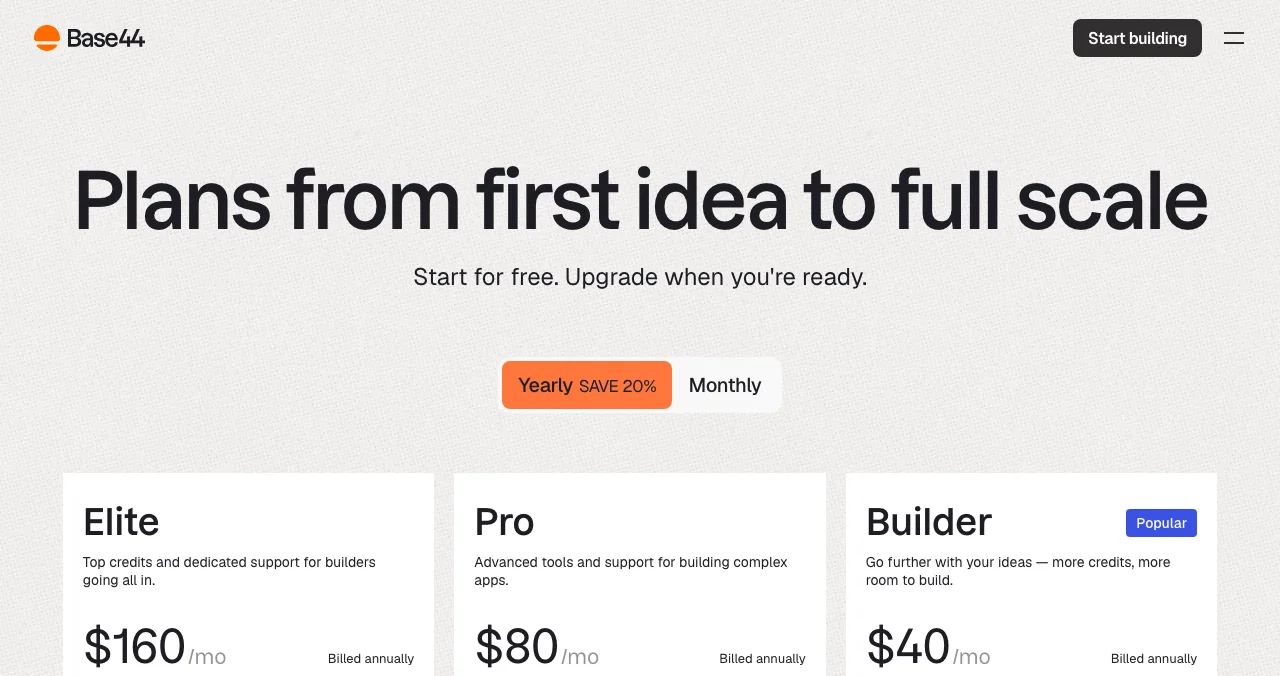
Base44
Auth, database and hosting built in, for non-coders.
Free 25 credits/moFrom $16/mo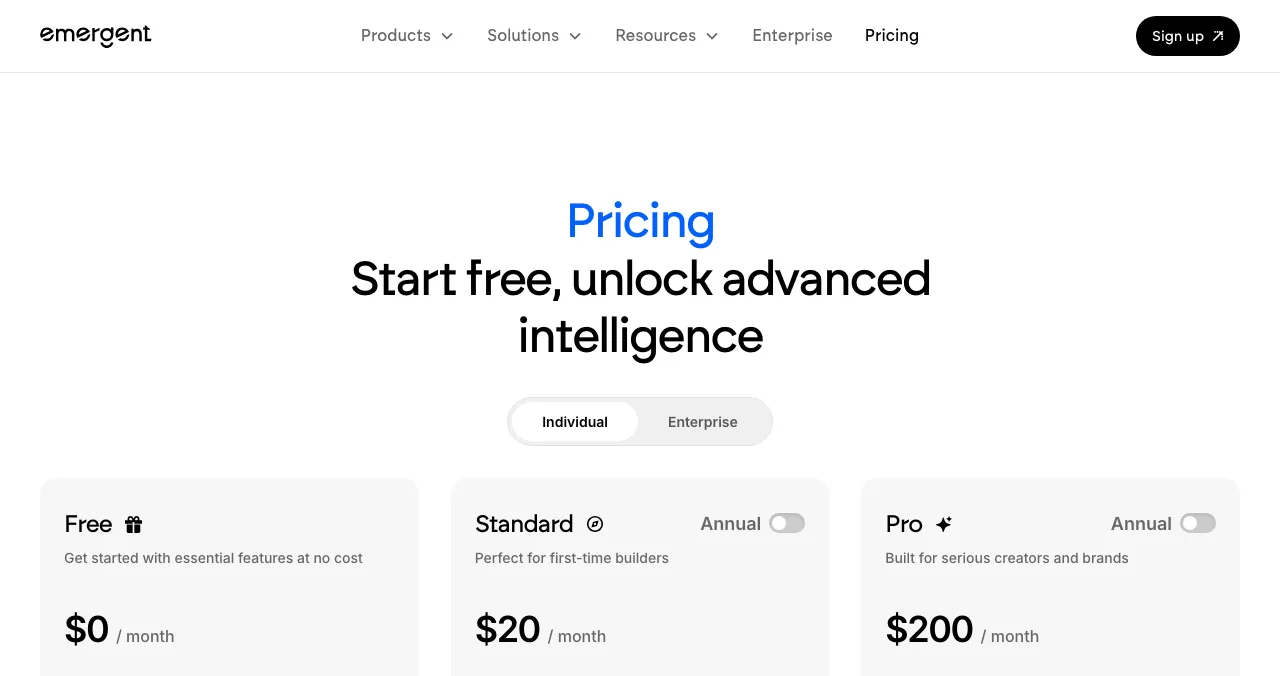
Emergent
Web and mobile apps from one description.
Free 10 credits/moFrom $17/mo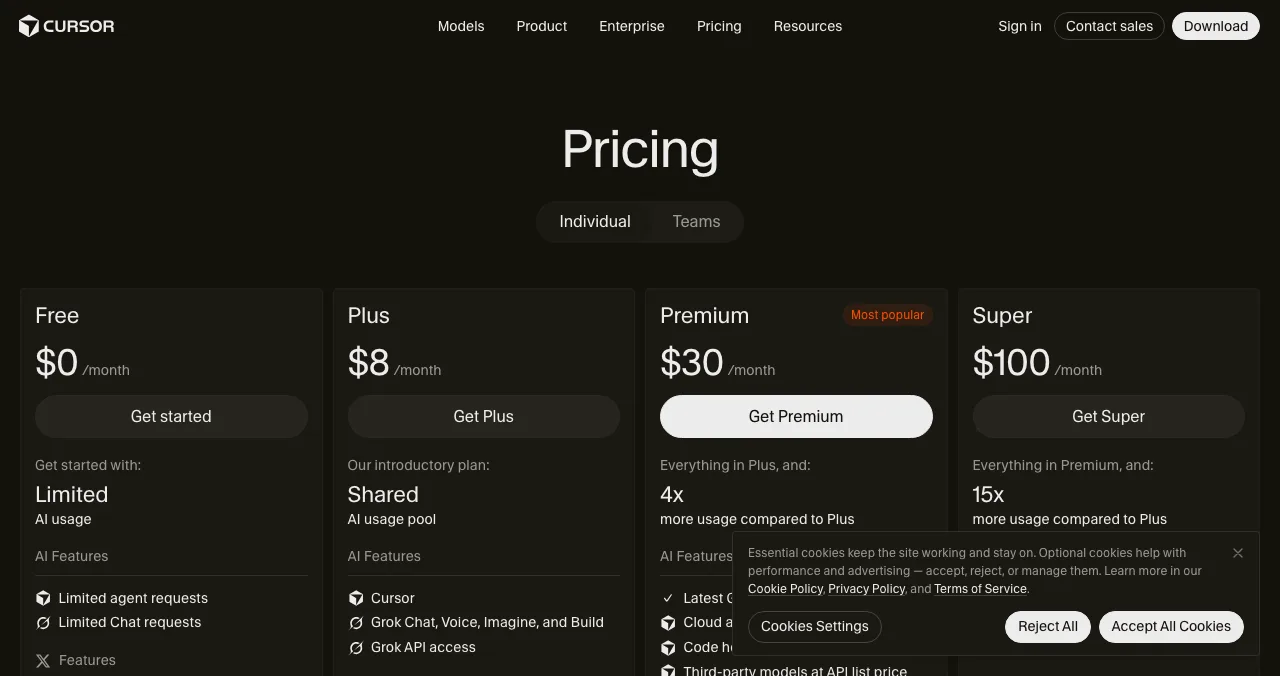
Cursor
An AI code editor once you want to own the code.
FreeFrom $8/mo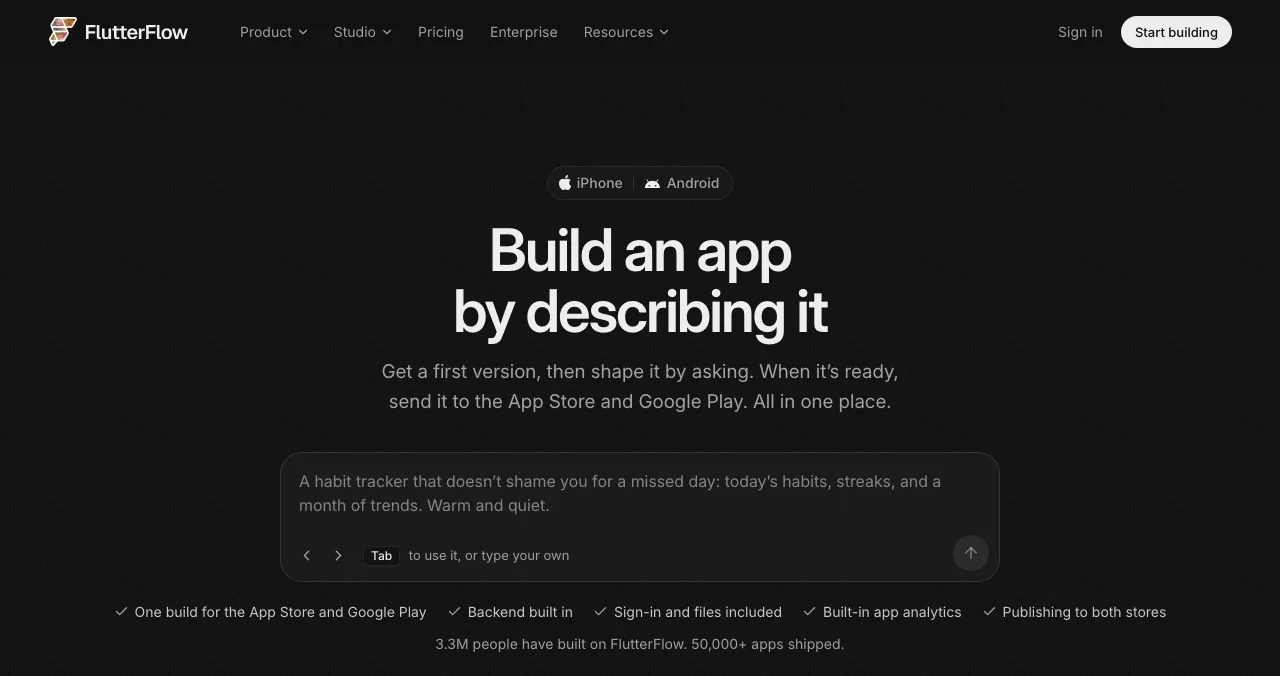
FlutterFlow
Native mobile apps for both stores, with Flutter export.
Free 2 projectsFrom $29/mo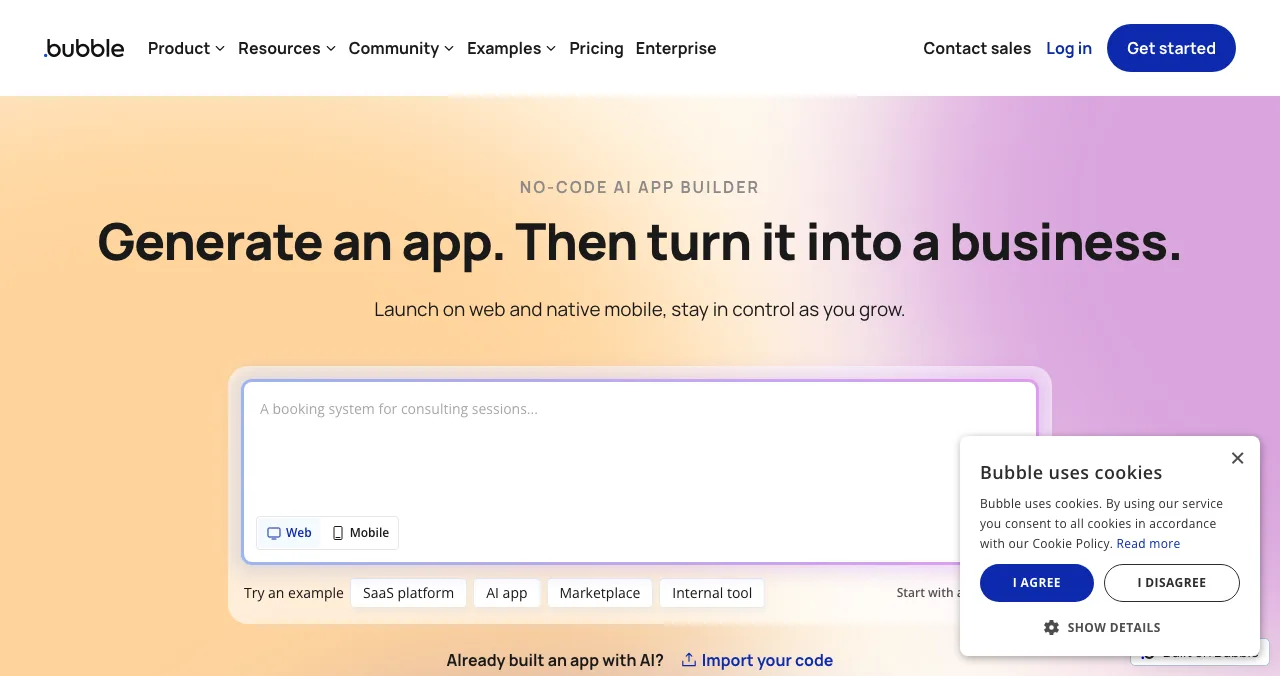
Bubble
AI-generated apps you edit visually, web and native mobile.
Free to buildFrom $32/mo
Bolt new pricing, explained
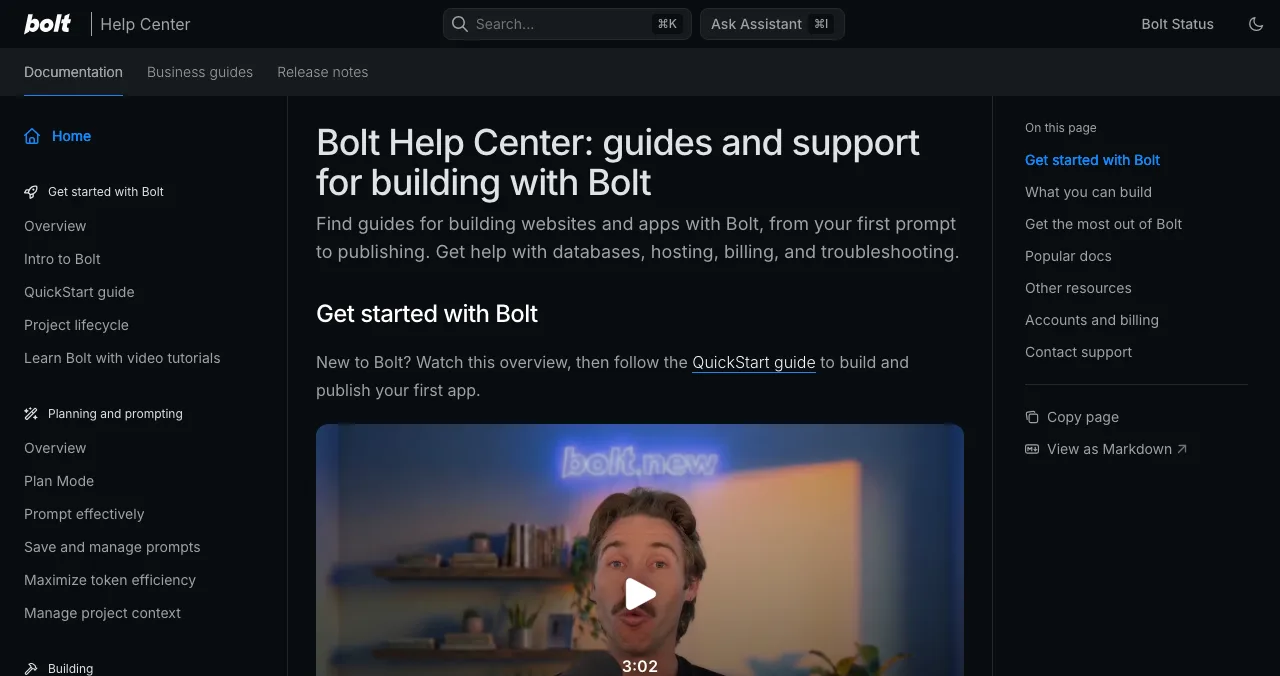
Bolt describes itself as a way to "create stunning apps & websites by chatting with AI". Its Bolt Cloud adds hosting, databases, authentication and custom domains, so a project can go from prompt to live site without leaving the browser.
- Free
- $0: 1M tokens/mo, 300K a day
- Pro
- $25/mo billed monthly, from 10M tokens
- Teams
- $30 per member/mo
- Yearly
- Saves "up to 28%"
- Catch
- Free tokens don't roll over
| Plan | Price (as shown) | Tokens | Hosting and domains |
|---|---|---|---|
| Free | $0, "Free forever, no card required" | 1M a month, 300K a day; no rollover | Hosting, up to 333K web requests; Bolt branding |
| Pro | $25 a month, billed monthly | From 10M a month, no daily limit; rollover | Up to 1M web requests; custom domain; no branding |
| Teams | $30 per member a month | Monthly allowance per paid member, not shared | Everything in Pro plus team features |
| Enterprise | Custom | High-volume | SSO, audit logs, SLAs |

Table: Bolt new pricing by plan (bolt.new/pricing, checked 20 Nov 2026; yearly prices aren't listed, only "save up to 28%")
The thing to understand about tokens: every prompt sends your project's context to the model, so the same request costs more tokens in a big project than a small one. The 300K daily cap on Free is what usually stops a long session; Pro removes it.
Bolt new alternatives compared
| Tool | Choose it when | Free plan (as listed) | Paid from (USD) |
|---|---|---|---|
| Lovable | You never want to see code | 5 credits/day, up to 30/mo | $25/mo (Pro) |
| Replit | The project will grow into real code | Daily credits; 1 published app, link expires after 30 days | $20/mo ($18 billed annually) |
| v0 | You want Next.js on Vercel | 7 messages/day | $30/user/mo (Plus) |
| Base44 | You want backend, auth and hosting done | 25 message credits/mo, 5 apps | $16/mo billed annually |
| Emergent | You want web and mobile together | 10 credits/mo | $20/mo ($17 annually) |
| Cursor | You're ready to own the codebase | Limited usage | $8/mo (Plus) |
| FlutterFlow | You need App Store and Google Play | 2 projects, no store deploy | $39/mo ($29 yearly) |
| Bubble | You want visual control without prompts | Build free; live site on paid plans | $32/mo billed annually |

Table: Bolt new alternatives compared (each builder's pricing page, checked 20 Nov 2026; prices in US dollars as shown)
1. Lovable: the closest Bolt new alternative for non-coders
- Free
- 5 build credits a day, up to 30/mo
- Pro
- $25/mo, 100 monthly credits
- Business
- $50/mo, SSO and team workspace
- Yearly
- "2 months free"
- Catch
- Credits, not tokens: hard to compare directly
Lovable's docs call it "a full-stack AI development platform for building, iterating on, and deploying web applications using natural language", with frontend, backend, database, authentication and integrations, and Git sync to GitHub, GitLab or Bitbucket.
- Cost: Free gives 5 build credits a day (up to 30 a month) plus unlimited collaborators and 5 lovable.app domains; Pro is $25 a month with 100 credits, custom domains and one-month rollover on monthly plans; Business $50.
- Versus Bolt: same starting price; Lovable hides the code by default, Bolt shows it.
Best for: founders who want the result, not the file tree. Detail: Lovable vs Bolt vs Replit.
2. Replit: when the project will outgrow the chat
- Free
- Starter: daily credits, Lite build, 1 app
- Core
- $20/mo, $18/mo billed annually
- Pro
- $100/mo, $90/mo billed annually
- Catch
- Free app link goes down after 30 days
Replit wraps an AI agent around a complete cloud IDE, database and deployment platform. You start in chat and can drop into code at any point.
- Cost: the Starter plan is free with daily AI credits up to a monthly cap and Lite build only; Core ($20, or $18 billed annually) unlocks Full build, unlimited published apps and $20 of usage credits; Pro is $100 ($90 annually).
- Catch: the free published link "will automatically go down after 30 days".
Best for: builders who will keep, extend and deploy the code themselves.
3. v0 by Vercel: Next.js front ends
- Free
- 7 messages a day; $5 one-time credits for new users
- Plus
- $30 per user/mo, $30 monthly credits
- Business
- $100 per user/mo
- Deploys
- One click to Vercel, or a pull request
- Catch
- Best at the interface; backend is on you
v0 builds with Next.js, Tailwind and shadcn/ui and can "deploy with one click" to Vercel or "open a pull request for review", which is why developers reach for it when they want code they'd write themselves.
- Cost: Free (7 messages a day), Plus at $30 per user a month with $30 of credits and $2 of free daily credits on login, Business at $100 per user.
Best for: landing pages, dashboards and front ends you'll hand to engineers.
4. Base44: the backend comes with it
- Free
- 25 message + 100 integration credits/mo
- Starter
- $16/mo billed annually, custom domain
- Builder
- $40/mo billed annually, GitHub
- Apps
- Up to 5 on Free, unlimited on paid
- Catch
- Only annual prices are shown
Base44 calls itself "a no-code AI platform for building apps, websites and AI agents" and says backend, authentication, payments and hosting are "already built in", with one-click integrations to tools like Gmail and Slack.
- Cost: Free (25 message and 100 integration credits a month, up to 5 apps); Starter $16, Builder $40, Pro $80, Elite $160 a month, billed annually.
Best for: internal tools and simple SaaS where you want zero setup.
5. Emergent: web and mobile from one prompt
- Free
- 10 credits a month
- Standard
- $20/mo, $17/mo annually; 100 credits
- Pro
- $200/mo, $167/mo annually; 750 credits
- Code
- "You own all the code"; GitHub from Standard
- Catch
- Free credits cover a test, not a build
Emergent says it turns "ideas into fully functional applications", with web and mobile builds, built-in hosting and GitHub integration on paid plans.
- Cost: Free with 10 credits a month; Standard $20 ($17 annually) with 100 credits; Pro $200 ($167 annually) with 750 credits.
Best for: a product that needs a web app and a mobile app from the start.
6. Cursor: when you're ready to own the code
- Free
- Limited agent and chat requests
- Plus
- $8/mo
- Premium
- $30/mo
- Teams
- From $30 per user/mo
- Catch
- No hosting: it's an editor
Cursor is where many Bolt projects go next: download the code, open it in an AI editor and keep building with full control.
- Cost: Free (limited usage), Plus $8, Premium $30, Super $100 and Ultra $200 a month; Teams from $30 per user.
Best for: developers continuing a Bolt project outside the browser.
7. FlutterFlow: native mobile apps
- Free
- 2 projects; no code download or store deploy
- Basic
- $39/mo, $29/mo billed yearly
- Pro
- $80/mo, $60/mo billed yearly
- Output
- One build for App Store and Google Play
- Catch
- Store publishing starts on Basic
FlutterFlow says "Build an app by describing it" and promises "one build for the App Store and Google Play", with clean Flutter export.
- Cost: Free (2 projects), Basic $39 ($29 yearly), Pro $80 ($60), Max $150 ($113).
Best for: the store-ready mobile app Bolt's homepage doesn't promise.
8. Bubble: visual control without prompting
- Free
- Build free: 500 AI credits, 50K workload units
- Starter
- $32/mo billed annually
- Growth
- $119/mo billed annually
- Builds
- Web and native iOS and Android
- Catch
- No code export
Bubble pairs an AI agent with a full visual editor and says it hosts "a built-in database, security, and auto-scaling infrastructure" for web and native mobile.
- Cost: free to build; Starter $32, Growth $119, Team $349 a month billed annually; a live site needs a paid plan.
Best for: complex apps you'll maintain by clicking, not prompting.
Which Bolt new alternative should you choose?
| If Bolt is… | Try | Because |
|---|---|---|
| Too code-heavy | Lovable or Base44 | The code stays out of sight |
| Too limiting for a growing codebase | Replit or Cursor | Full environment, your code |
| Not producing the front end you want | v0 | Next.js and shadcn/ui output |
| Missing a mobile app | FlutterFlow or Emergent | App-store builds |
| Too hard to change without prompting | Bubble | Visual workflows |
| Fine, just out of tokens | Stay, or upgrade to Pro | Switching costs a rebuild |
Table: Which Bolt new alternative to choose, by what's missing
Shipping fast is half the job
AI builders compressed weeks of building into an afternoon. What they didn't compress is the rest: getting the app in front of people, and knowing what those people will hit on their first visit. The Science of Apps Launchpad covers both.

- Free, forever: six short steps; automated checks and human review; a Featured badge on going live.
- Ranked fairly: relevance, editorial picks and community interest such as vouches and follows, never payment.
- Earned proof: Verified (work email on your domain), Community favourite, Editor's pick and more.
- Areas of your product tested
- 22
- Automatic measurements, desktop and mobile
- 39
- Expert checks behind your login
- 74
- Verdicts that rank what to fix first
- 5
Arrive
First impression
Landing page, discoverability, speed and trust.
Join
The first minutes
Sign-up, sign-in and onboarding.
Use
The everyday job
The core flow, errors and, for AI products, prompt and output trust.
Pay
Value into revenue
Upgrade and checkout.
Stay
Coming back
Notifications, account and help.
Every screen
Throughout
Accessibility and consistency.

Evidence for every finding
Pinned to its screen or backed by a measurement.
Five verdicts
Good, Needs improvement, Needs to be fixed, Critical, Recommendation.
Analyst-reviewed
Approved by a person before you see it.
Private to your team
Never affects your listing's ranking.
Know what users will hit
List free, then order the report that fits: the first impression, or the full diagnosis with a plan.

 Economy
See what new customers see
- Store listing and homepage, screen by screen
- Scorecard against 60 Laws of UX
- Customers, competitors and the fixes worth most
PremiumThe full diagnosis and the plan
- Every screen, every finding, every flow
- All 60 laws with evidence and fixes
- 8 strategy chapters and a 90-day roadmap
Researched from your live product and fact-checked against the evidence.
From Bolt project to launched product

- Stop adding features — freeze scope for the first launch; one core flow that works beats ten that half-work.
- Connect a domain — on Bolt Pro or your new builder's paid plan; it also removes builder branding.
- List on the Launchpad — your permanent page; read the free baseline diagnosis.
- Fix the first five minutes — sign-up, empty states and error messages, from the findings.
- Share widely — Product Hunt, Indie Hackers and your communities, all linking to the same page.
Mistakes to avoid

- Switching builders to save tokens — rebuilding elsewhere usually costs more than a month of Pro
- Re-prompting a bug in circles — each retry spends tokens; describe the exact error and expected result instead
- Leaving the builder's branding on — it signals "prototype" to the first users you most want to impress
- Skipping error and empty states — AI builds the happy path you described, not the edge cases
- Launching without a permanent page — preview links change; a listing doesn't
Users expect your app to behave like the apps they already use, Jakob's law: an AI builder's defaults often follow conventions well, so the risk is in the custom screens you prompted into existence.
Ready to launch?
How we chose
Bolt's plans come from its pricing page and homepage, read on 20 November 2026, and every alternative's prices and limits from its own pricing page or documentation on the same day. Prices are shown in US dollars on those pages; some show local currency depending on where you are. We chose alternatives by the capability people most often leave Bolt for: simplicity, code ownership, front-end quality, built-in backend, mobile and visual editing. We didn't build a test app on every tool. Search volume is Google Keyword Planner's global 12-month average. Science of Apps runs the Launchpad and has no relationship with any builder named.
Key terms, defined
- Bolt new (Bolt.new): an AI builder that turns chat prompts into hosted web apps in the browser.
- Tokens: the units Bolt meters AI work in; bigger projects use more per prompt.
- Daily limit: the cap on tokens a free account can use in one day (300K on Bolt Free).
- Rollover: unused allowance carried into the next month (Bolt Pro yes, Free no).
- Custom domain: your own web address instead of the builder's subdomain.
- Permanent listing: a public product page that stays live and findable after launch day.
Frequently asked questions
What is the best Bolt.new alternative?
There isn't one best Bolt new alternative; pick by what Bolt isn't giving you. Lovable is the closest for non-coders, Replit suits projects you'll keep in code, v0 builds Next.js front ends for Vercel, Base44 and Emergent include backend and hosting, FlutterFlow builds native mobile apps and Bubble gives a visual editor. Most have free plans, so test the same prompt on two.
How much does Bolt new cost?
Bolt new pricing, checked on 20 November 2026: Free is $0 with 1M tokens a month and a 300K daily limit; Pro is $25 a month billed monthly, starting at 10M tokens with no daily limit and rollover; Teams is $30 per member a month; Enterprise is custom. Yearly billing saves up to 28%, according to its pricing page. Prices are shown in dollars.
Is Bolt new free?
Yes, Bolt has a free-forever plan with no card required: 1M tokens a month, up to 300K a day, website hosting with up to 333K web requests, unlimited databases and up to 3 collaborators. Free sites carry Bolt branding, free tokens don't roll over, and custom domains aren't listed on the free plan.
What are the best free Bolt new alternatives?
Lovable gives 5 build credits a day (up to 30 a month), Base44 25 message credits a month, Emergent 10 credits a month, v0 7 messages a day and Replit a daily allowance with one published app whose free link goes down after 30 days. Bubble and FlutterFlow are free to build on but need a paid plan to go live properly.
Is Lovable better than Bolt new?
For people who never want to see code, Lovable usually feels simpler; for people who want the file tree and terminal in view, Bolt does. Both start at $25 a month on their paid plans. Lovable meters in credits, Bolt in tokens. Our Lovable vs Bolt vs Replit comparison covers the three head to head.
Can Bolt new build mobile apps?
Bolt's homepage lists websites, apps, prototypes and slides; it doesn't describe native app-store builds on that page. If you need an app in the App Store and Google Play, FlutterFlow promises one build for both stores, Bubble now builds native iOS and Android apps, and Emergent says it builds web and mobile apps.
Where should I launch an app built with Bolt new?
Give it a permanent product page first: the Science of Apps Launchpad lists apps free, forever, ranked by relevance rather than payment, and tests the shipped product end to end with a report. Then share it on Product Hunt, Indie Hackers and the communities your users read, all pointing at the same page.
Sources
- Bolt — Pricing (checked 20 Nov 2026)
- Bolt — Homepage (checked 20 Nov 2026)
- Bolt — Help Center (checked 20 Nov 2026)
- Lovable — Pricing (checked 20 Nov 2026)
- Replit — Pricing (checked 20 Nov 2026)
- Replit Docs — Starter Plan (checked 20 Nov 2026)
- v0 by Vercel — Pricing (checked 20 Nov 2026)
- Base44 — Pricing (checked 20 Nov 2026)
- Emergent — Pricing (checked 20 Nov 2026)
- Cursor — Pricing (checked 20 Nov 2026)
- Bubble — Pricing (checked 20 Nov 2026)
- FlutterFlow — Pricing (checked 20 Nov 2026)
- Science of Apps — Launchpad (checked 20 Nov 2026)
- Science of Apps — Product investigation (checked 18 Nov 2026)
- Checked November 20, 2026. Figures that change — fees, salaries, prices — are reviewed every six months; if something is out of date, tell us.
Where to go from here
- Lovable vs Bolt vs Replit — the head-to-head
- What is vibe coding? — the plain-English guide
- Launch week guide — what to do after you ship
- Science of Apps - LaunchpadLovable alternatives: 10 AI app builders and no-code tools compared on price, free plan and what they build, plus how to launch what you makeThe best Lovable alternative depends on what you build: Bolt, Replit, v0, Base44 and six more, with prices from each pricing page and how to launch.
- Science of Apps - LaunchpadWebsites like Replit: what Replit costs now, what its free plan really includes, and seven alternatives for coding in the browser and building apps with AIReplit pricing (free Starter, Core $20/mo) and 7 websites like Replit: GitHub Codespaces, Cursor, Lovable, Bolt, v0, Base44 and Emergent.
- Science of Apps - LaunchpadBubble io alternatives: what Bubble's no-code plans cost today, seven alternatives with verified free tiers and prices, and where to launch the app once it's builtBubble io pricing, checked today, plus 7 Bubble alternatives with real free tiers: FlutterFlow, Glide, Softr, Adalo, WeWeb, Lovable and Base44.
- Science of Apps - LaunchpadBuilt an app with AI? Where to launch a vibe coded app free, what each launch site accepts, and the checks to run before strangers find the bugsBuilt a vibe coded app with Lovable, Bolt or Replit? Where to launch an app built with AI for free, what each site accepts, and what to check first.
- Science of Apps - LaunchpadBase44 review: what the AI app builder makes from a prompt, what each plan costs in credits, the alternatives worth comparing, and how to launch and test what you buildBase44 builds apps from a prompt with backend, auth and hosting built in. Base44 pricing, limits, alternatives, and how to launch and test the app you make.
- AI & vibe codingLovable vs Bolt vs Replit: which AI app builder fits your project?Lovable vs Bolt vs Replit compared: how each builds apps from prompts, who it suits, how usage is billed, backend and deployment, code ownership and limits.




Get the ideas, not the noise.
Sign up with Google and we’ll send you short UX psychology tips by email — why people tap, stall and leave, and what to do about it. Unsubscribe anytime. Prefer something to keep? Get the free Laws of UX guide as a PDF.
Launch day ends. Your listing shouldn't.
Shipping fast is half the job. The Science of Apps Launchpad gives the app you built a free, permanent product page and tests the shipped product end to end, with prompt and output trust checks if it's an AI product.