 By
Quick answer: What is Emergent AI and is it worth it?
- What it is: an AI development platform that builds web and mobile apps, dashboards, SaaS tools and AI agents from a description.
- Free plan: 10 credits a month, with access to advanced models and one-click LLM integration.
- Paid: Standard $20/mo ($17 annual), Pro $200/mo ($167 annual); Business and Enterprise custom (USD, checked 20 Nov 2026).
- Built in: hosting, databases and APIs; GitHub integration from Standard; you own the generated code.
- After you build: list the app free on the Launchpad and get it tested end to end.
Key takeaways
- Emergent covers both web and mobile from one prompt-driven builder.
- Ten free credits is a taste, not a build; Standard is the realistic starting plan.
- Private project hosting and GitHub integration both start on Standard.
- Its homepage user numbers are its own claims, not independently verified.
- A built app still needs a public launch and a test of what real users will hit.
"emergent ai" is searched about 450,000 times a month (Google Keyword Planner, global 12-month average), a sign of how many people want an app without writing code. This review explains what the Emergent AI app builder does, what Emergent pricing buys in credits, where it fits against the other AI builders, and what comes after the build: launching the app and learning what users will hit. Everything here comes from Emergent's own pages as checked on 20 November 2026; we didn't build an app on it, so this isn't a hands-on test. Jump to Emergent pricing, the verdict, Emergent alternatives or the launch plan.
What is Emergent AI, and what does the app builder make?
Emergent calls itself "an AI-powered development platform that transforms your ideas into fully functional applications." You describe what you want in plain language and the platform builds it. Its homepage lists web applications, mobile apps, dashboards, ecommerce sites, portfolio sites, SaaS tools and internal business applications, and its product pages add websites, landing pages, forms, surveys, CRMs, schedulers, automations and AI agents.
Three things matter most for a founder:
- Web and mobile from one place. Emergent advertises "Create & launch mobile apps fast" alongside web apps, and its free plan mentions building "Web and Mobile experiences".
- Hosting included. You can "Publish your product on production-ready built-in hosting," with databases and APIs "already set up."
- Code ownership. "You own all the code Emergent generates," with GitHub integration and the option to host elsewhere.
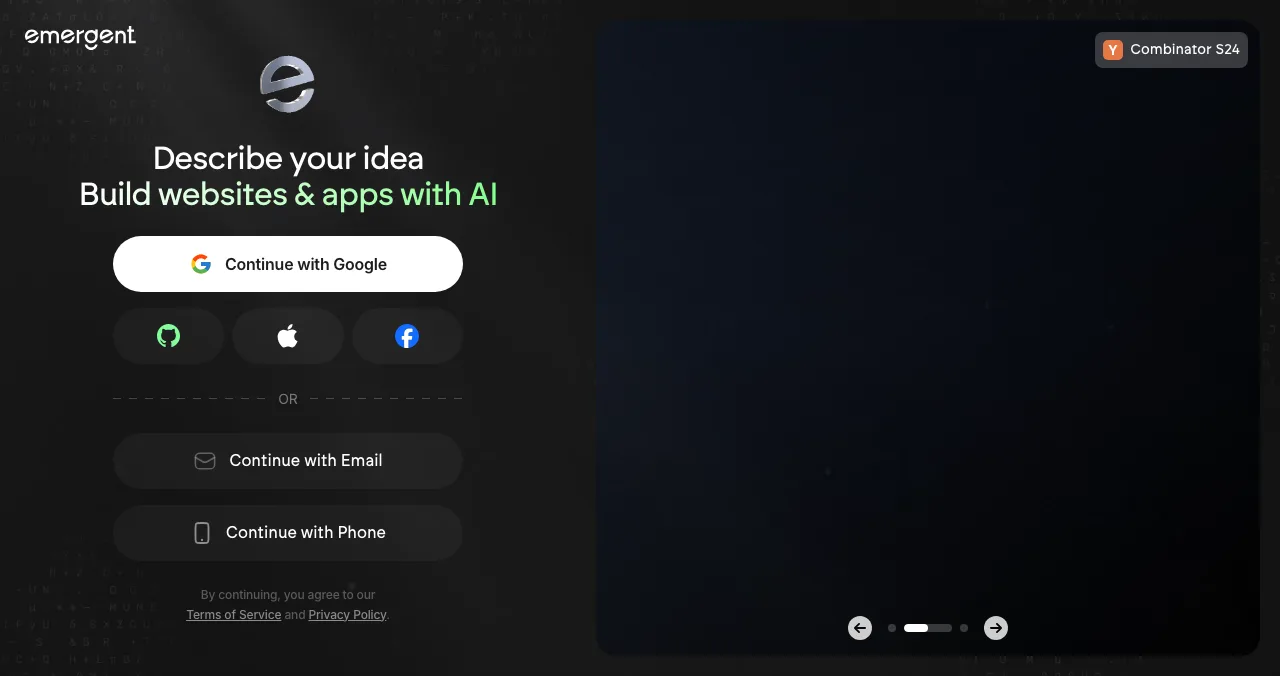
On trust signals, Emergent's footer names Emergentlabs and shows SOC 2 and ISO 27001 badges, and a "Combinator S24" badge appears on its sign-in screen. It claims "10M+ Active Builders Worldwide" and "15M+ Apps Successfully Created"; those are its own figures, which we haven't verified.
Emergent pricing: what each plan includes
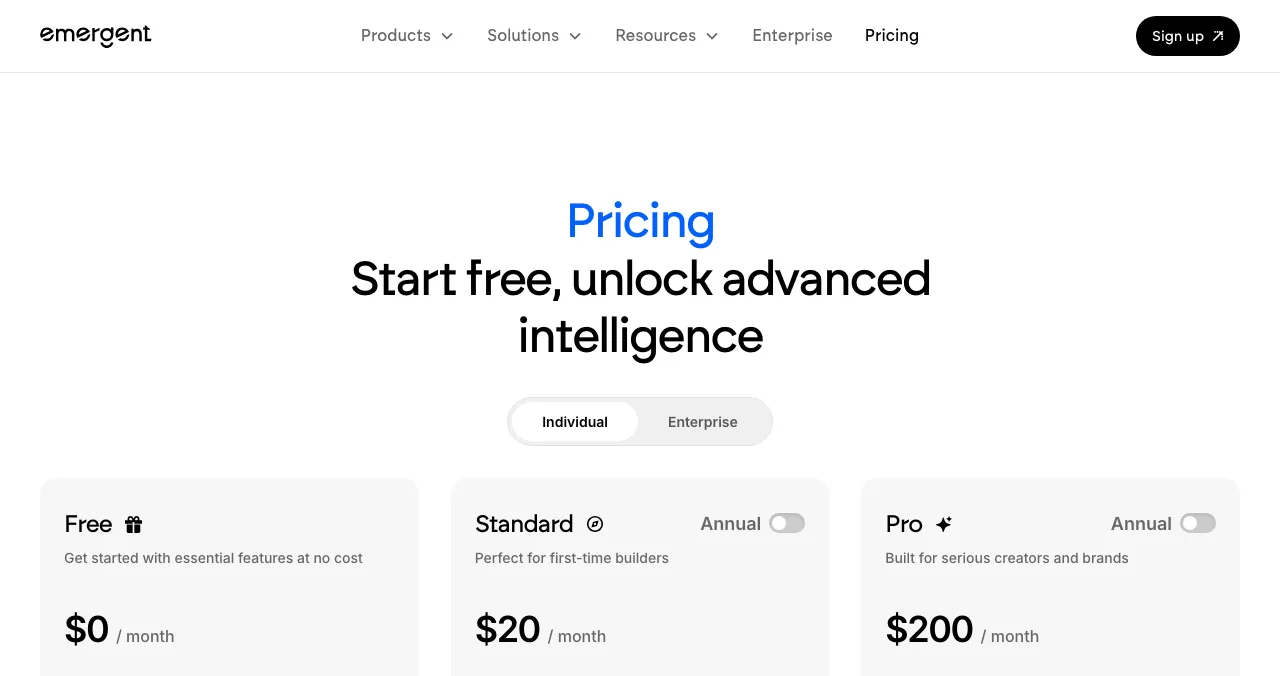
Emergent prices by credits, spent as the AI builds and changes your app. Prices are in US dollars; Standard and Pro show a monthly price and a lower annual-option price.
| Plan | Monthly (USD) | Annual option (USD) | Credits | What's added |
|---|---|---|---|---|
| Free | $0 | — | 10 a month | Core features, web and mobile, advanced models, one-click LLM integration |
| Standard | $20 / month | $17 / month (saves $36 a year) | 100 a month; more can be bought | Private project hosting, GitHub integration, fork tasks |
| Pro | $200 / month | $167 / month (saves $396 a year) | 750 a month | 1M context window, Ultra thinking, system prompt edit, custom AI agents, priority support |
| Business | Custom | Custom | Not listed | RBAC, SSO, shared team workspaces, real-time co-editing |
| Enterprise | Custom | Custom | User-level credit limits | Audit logs, self-hosted database, deploy in your own cloud (VPC), priority SLA |
Table: Emergent pricing by plan (emergent.sh/pricing, checked 20 Nov 2026; USD)
The jump that matters is Free to Standard. Ten credits lets you see how Emergent works on your idea; 100 credits, private hosting and GitHub integration are what a real first version needs. Pro is a big step up, priced for people building every day.
Emergent AI review: the verdict

Where Emergent is strong
- Web and mobile apps from one prompt-driven builder
- Built-in hosting with databases and APIs set up
- States that you own all the generated code
- Annual option saves about 15% on Standard and Pro
- Enterprise can deploy apps in your own cloud
Where it falls short
- 10 free credits a month is only enough to try it
- GitHub integration and private hosting start on Standard
- Pro at $200 a month is a steep second step
- Headline user numbers are self-reported
- Launching, getting users and testing aren't part of the builder
The limit is the same for every AI builder: it makes what you ask for. It can't tell you whether visitors understand your homepage, whether onboarding loses people on step two, or whether your AI feature's answers feel trustworthy. Those are the things that decide whether a launch turns into users.
Emergent alternatives worth comparing
Here are the closest Emergent alternatives, each from its own pages (20 Nov 2026). The best AI app builders guide covers the wider field, and Lovable vs Bolt vs Replit goes deeper on three of them.
| Tool | Free plan | First paid plan (USD) | Best for |
|---|---|---|---|
| Emergent | 10 credits a month | Standard $20/mo ($17 annual) | Web and mobile apps from a prompt |
| Lovable | 5 daily credits (up to 30 a month) | Pro $25/mo | Polished full-stack web apps |
| Base44 | 25 message credits, up to 5 apps | Starter $16/mo, billed annually | All-in-one apps with integrations |
| Bolt | 1M tokens a month (300K daily) | Pro $25/mo, billed monthly | A browser dev environment with hosting |
| FlutterFlow | 2 projects, no code download | Basic $39/mo ($29 yearly) | Native mobile apps in Flutter |
Table: Emergent alternatives, free plans and first paid plans (each tool's pricing page, checked 20 Nov 2026)
Lovable
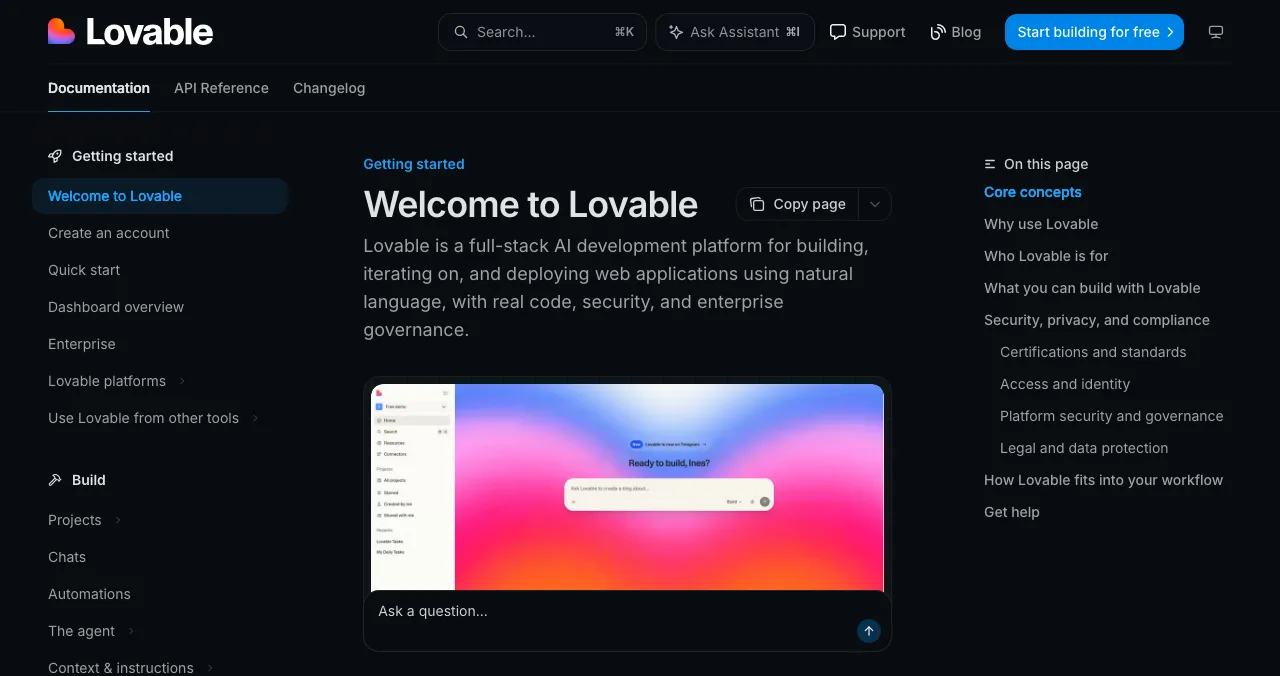
Lovable generates frontend, backend, database, authentication and integrations, publishes to a live URL and syncs code to GitHub, GitLab or Bitbucket. Free gives 5 build credits a day up to 30 a month; Pro is $25 a month with custom domains. Pick it over Emergent if your product is web-only and you want more free building room.
Base44
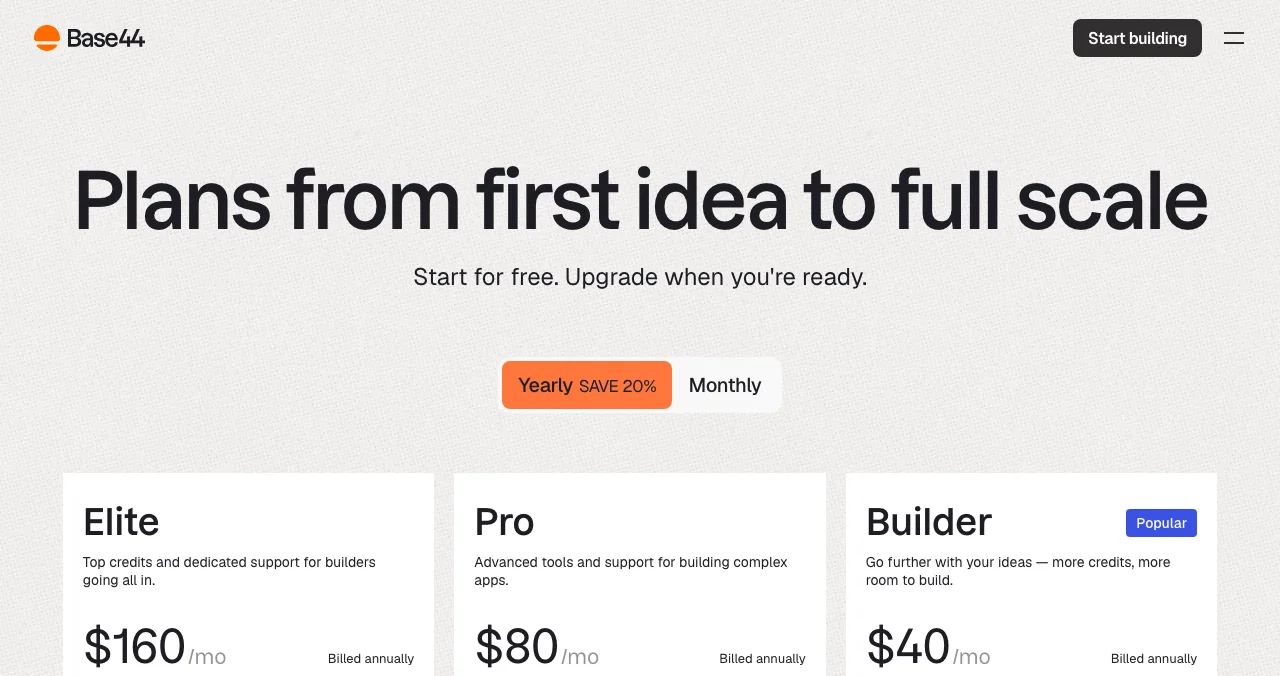
Base44 builds apps, websites and AI agents with backend, auth, hosting and one-click integrations built in. Free has 25 message credits a month and up to 5 apps; Starter is $16 a month billed annually. Pick it over Emergent if you need named integrations such as Gmail, Slack or HubSpot.
Bolt
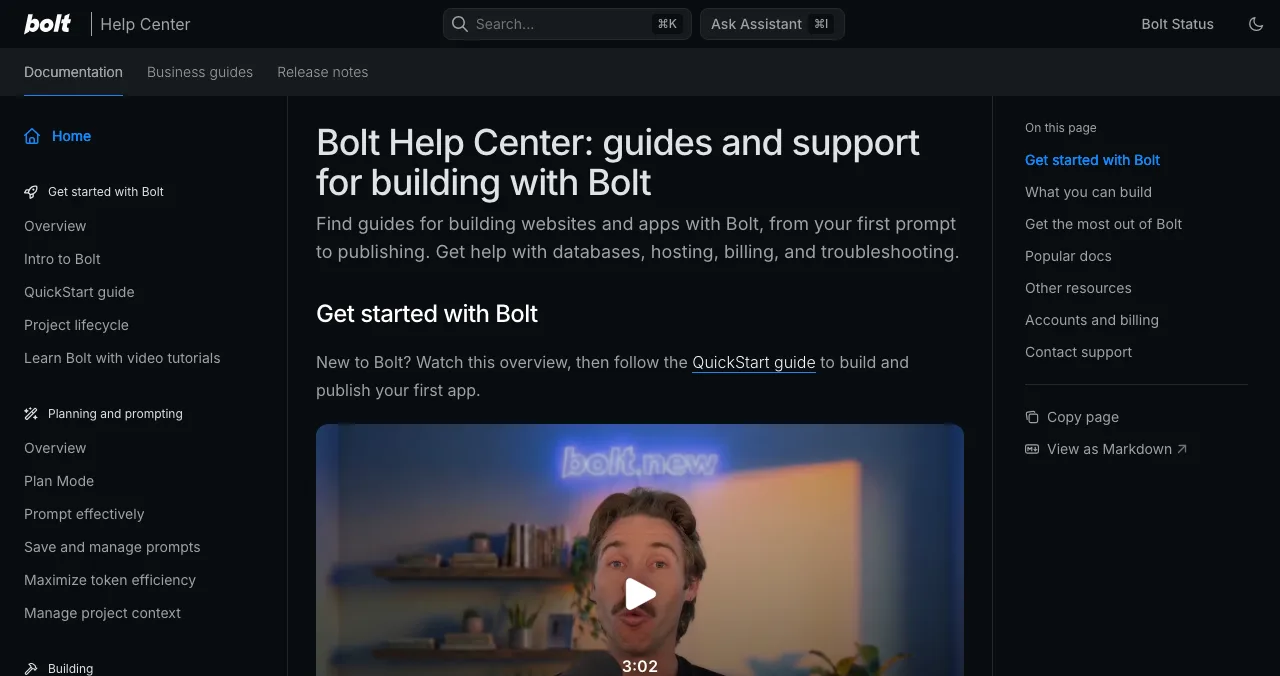
Bolt is a chat-driven builder inside a browser development environment, with hosting, databases and authentication on Bolt Cloud. Free gives 1M tokens a month (300K a day); Pro is $25 a month billed monthly. Pick it over Emergent if you want to see and edit the code as it's written.
FlutterFlow
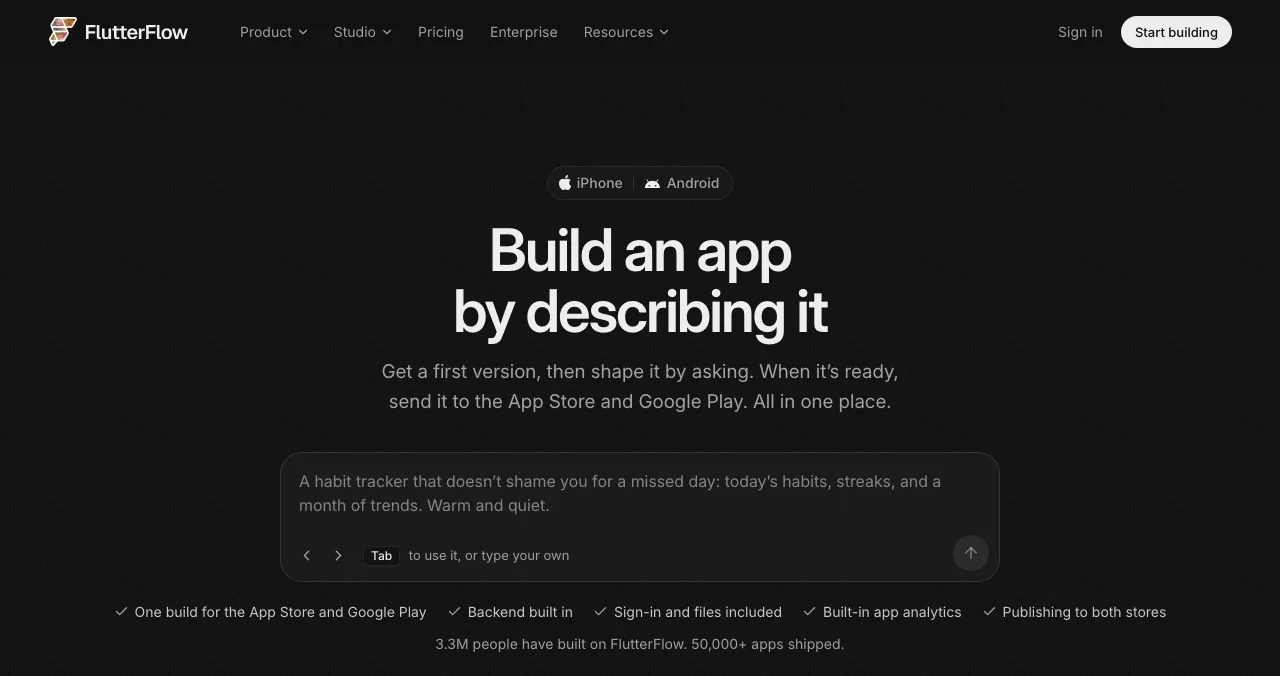
FlutterFlow builds mobile apps from a description in Flutter, with "one build for the App Store and Google Play" and code export. Free allows 2 projects without code download or store deploys; Basic is $39 a month or $29 a month billed yearly. Pick it over Emergent if a polished native mobile app is the product.
Emergent builds; the Launchpad launches and diagnoses
An Emergent app lives on a URL the moment you publish. What it doesn't have yet is a place people discover it, proof that anyone else rates it, or evidence of how a stranger moves through it. The Science of Apps Launchpad covers all three.
- Cost
- Free, forever
- Time
- About five minutes, six short steps
- Visible for
- Permanent
- Ranking
- Relevance, editorial, community; never payment
- Included
- A product test and detailed report

- What you get: a public product page with its own link, found by the problem you solve, a Featured badge on going live and earned badges such as Verified, Community favourite and Editor's pick, plus vouches and followers.
- Accepts: web apps, mobile apps and AI products, among others; every listing is checked automatically and reviewed by a person.
- What it isn't: a host or builder. Emergent keeps hosting your app; the Launchpad is its launch page.
- The difference: a free baseline diagnosis of landing page, discoverability and speed as you go live, and an end-to-end test of the product.
- Areas of your product tested
- 22
- Automatic measurements, desktop and mobile
- 39
- Expert checks behind your login
- 74
- Verdicts that rank what to fix first
- 5
Arrive
First impression
Discoverability on Google, AI and social; landing page, pricing, trust and speed.
Join
The first minutes
Sign-up, sign-in, recovery and onboarding.
Use
The everyday job
Home, core flow, dashboards, search, microcopy and error states.
Pay
Value into revenue
Paywall, upgrade, checkout and payments.
Stay
Coming back
Notifications, account, settings and help.
Every screen
Throughout
Accessibility to WCAG 2.2, visual design and consistency.

The investigation is re-cut per category. Many Emergent apps use its one-click LLM integration, and for AI products the test adds prompt and output trust checks: whether users know what to ask, whether answers state their limits, and whether a wrong answer is easy to notice and fix.
Evidence for every finding
Each finding is pinned to its screen or backed by a measurement.
Five verdicts
Good, Needs improvement, Needs to be fixed, Critical, Recommendation.
Analyst-reviewed
Findings are approved, edited or rejected by a Science of Apps analyst before you see them.
Private to your team
Reports are private by default and never affect your listing's ranking.
See what your first users will hit
List free, then order the report that fits: the first impression, or the full diagnosis with a plan.

 Economy
See what new customers see
- Store listing and homepage, screen by screen
- Scorecard against 60 Laws of UX
- Customers, competitors and the fixes worth most
PremiumThe full diagnosis and the plan
- Every screen, every finding, every flow
- All 60 laws with evidence and fixes
- 8 strategy chapters and a 90-day roadmap
Researched from your live product and fact-checked against the evidence.
Which Emergent plan, or which tool, should you start with?
| Your situation | Start with | Then |
|---|---|---|
| Trying an idea | Emergent Free (10 credits) or another free tier | List it on the Launchpad to test interest |
| A first real version | Emergent Standard | Connect a domain; Launchpad listing and baseline check |
| Building daily with long context | Emergent Pro | Test the product before pushing traffic |
| Web-only, more free room | Lovable or Bolt | Launch and test the same way |
| Native mobile is the product | FlutterFlow | Launch the store listing and product page together |
Table: Which Emergent plan or Emergent alternative to start with, by situation
A launch plan for an Emergent app
- Day 1
Build the core flow
Spend credits on the one job your app does; skip extras.
- Day 2
Publish and own the domain
Publish on Emergent's hosting and connect your own domain.
- Day 3
List it
Create your Launchpad listing; read the free baseline check.
- Day 4
Fix the first five minutes
Sign-up, onboarding and the first task on mobile and desktop.
- Day 5
Find first users
Share the listing where your users already talk; see where to find beta testers.
Mistakes to avoid with Emergent

- Expecting a full build on the free plan — 10 credits is for trying, not finishing
- Leaving code on the platform you plan to leave — GitHub integration starts on Standard; set it up early
- Trusting headline numbers as proof — self-reported user counts aren't reviews; try it on your idea
- Launching an AI feature unchecked — vague or wrong answers lose trust faster than slow screens
- Skipping mobile testing — if Emergent made a mobile app, test it on a real phone
Users judge the whole experience by its most intense moment and its end, the peak-end rule. In an AI app, that peak is often the first answer; make it a good one.
Ready to launch?
How we reviewed Emergent
Emergent's features and claims come from its homepage, and its plans, credits and prices from its pricing page, both read on 20 November 2026; prices are in US dollars as shown. User counts are Emergent's own and weren't independently verified. We didn't build an app on Emergent, so this reviews what it offers and costs, not a hands-on test. Alternatives come from their own pricing and documentation pages the same day. The Launchpad's terms come from its homepage (20 November) and investigation and pricing pages (18 November). Search volume is Google Keyword Planner's global 12-month average. Science of Apps runs the Launchpad and has no relationship with Emergent.
Key terms, defined
- Emergent AI: an AI development platform that builds web and mobile apps from a plain-language description, with hosting included.
- Credit (Emergent): the unit of AI usage spent as Emergent builds or changes your app.
- Context window: how much text a model can consider at once; Emergent's Pro plan lists 1M.
- VPC deployment: running apps in your own private cloud network, offered on Emergent Enterprise.
- Prompt and output trust: whether users understand what to ask an AI feature and can rely on, or spot problems in, what it answers.
- Permanent listing: a product page that stays live and findable after any launch day.
Frequently asked questions
What is Emergent AI?
Emergent describes itself as 'an AI-powered development platform that transforms your ideas into fully functional applications.' You describe the app in plain language and it builds it. Its homepage lists web apps, mobile apps, dashboards, ecommerce sites, portfolio sites, SaaS tools and internal business apps, published on built-in hosting with databases and APIs already set up.
Is the Emergent AI app builder free?
There's a free plan. Emergent's pricing page (checked 20 Nov 2026) lists 10 free credits a month, core platform features, building web and mobile experiences, access to advanced models and one-click LLM integration. The page doesn't list hosting or GitHub for Free; private project hosting and GitHub integration start on the Standard plan.
How much does Emergent cost? What is Emergent pricing?
Emergent pricing on 20 Nov 2026, in US dollars: Free $0 with 10 credits a month; Standard $20 a month, or $17 a month on the annual option, with 100 credits; Pro $200 a month, or $167 annually, with 750 credits, a 1M context window and custom agents; Business and Enterprise are custom-priced. Extra credits can be bought on Standard.
What are the best Emergent alternatives?
For web apps from a prompt, the closest Emergent alternatives are Lovable and Base44, which bundle backend, sign-in and hosting, and Bolt, which gives you a full browser development environment. If a native mobile app is the main goal, FlutterFlow builds Flutter apps for the App Store and Google Play and lets paid plans download the code.
Do I own the code Emergent generates?
Emergent's homepage says 'You own all the code Emergent generates,' and mentions GitHub integration and the option to host elsewhere. On its pricing page, GitHub integration is listed from the Standard plan up, so on the free plan you build on Emergent's platform. Check the terms of service before relying on ownership for a commercial product.
Is Emergent AI legit?
Emergent is run by Emergentlabs, shows SOC 2 and ISO 27001 badges in its footer, and a 'Combinator S24' badge appears on its sign-in screen. It claims 10M+ active builders and 15M+ apps created; those are Emergent's own figures, which we haven't verified. As with any builder, try the free plan on your core idea before paying.
How do I launch an app built with Emergent?
Publish it on Emergent's hosting, connect your own domain, then give it a permanent public home: a free Science of Apps Launchpad listing, Product Hunt and the communities your users read. Before you push for traffic, test sign-up, the core task and payments on desktop and mobile; for an AI app, check that answers are trustworthy.
Sources
- Emergent — Pricing: Free, Standard, Pro, Business, Enterprise (checked 20 Nov 2026)
- Emergent — Homepage: what it builds, hosting, code ownership (checked 20 Nov 2026)
- Lovable — Pricing (checked 20 Nov 2026)
- Base44 — Pricing (checked 20 Nov 2026)
- Bolt — Pricing (checked 20 Nov 2026)
- FlutterFlow — Pricing (checked 20 Nov 2026)
- Science of Apps — Launchpad: launch your product free (checked 20 Nov 2026)
- Science of Apps — Product investigation (checked 18 Nov 2026)
- Science of Apps — Pricing: free listing, Economy and Premium reports (checked 18 Nov 2026)
- Checked November 20, 2026. Figures that change — fees, salaries, prices — are reviewed every six months; if something is out of date, tell us.
Where to go from here
- Best AI app builders — how Emergent compares with the field
- How to launch an AI product — the launch side of an AI-built app
- What is vibe coding? — the approach behind prompt-built apps
- Science of Apps - LaunchpadBase44 review: what the AI app builder makes from a prompt, what each plan costs in credits, the alternatives worth comparing, and how to launch and test what you buildBase44 builds apps from a prompt with backend, auth and hosting built in. Base44 pricing, limits, alternatives, and how to launch and test the app you make.
- Science of Apps - Launchpadv0 by Vercel review: what the AI agent builds, what v0 pricing really includes in credits, the v0 alternatives worth comparing, and how to turn a v0 prototype into a launched productv0 by Vercel turns prompts into Next.js apps and deploys them to Vercel. v0 pricing, limits, alternatives, and how to launch and test what you build.
- Science of Apps - LaunchpadWebsites like Replit: what Replit costs now, what its free plan really includes, and seven alternatives for coding in the browser and building apps with AIReplit pricing (free Starter, Core $20/mo) and 7 websites like Replit: GitHub Codespaces, Cursor, Lovable, Bolt, v0, Base44 and Emergent.
- Science of Apps - LaunchpadSoftr review: Softr pricing and plan limits, how Softr with Airtable works, the Softr alternatives worth comparing, and where to launch a Softr app that's ready for the publicSoftr pricing: a free plan, then $19, $99 and $329 a month. What each plan limits, how Softr with Airtable works, alternatives, and where to launch the app.
- Science of Apps - LaunchpadLovable alternatives: 10 AI app builders and no-code tools compared on price, free plan and what they build, plus how to launch what you makeThe best Lovable alternative depends on what you build: Bolt, Replit, v0, Base44 and six more, with prices from each pricing page and how to launch.
- Science of Apps - LaunchpadNo code app builder free plans compared: what ten builders really give you for $0, what each makes you pay for to go live, and how to launch the app freeNo code app builder free plans compared: 10 builders, what $0 gets you, what you pay to publish, the best no code mobile app builder, and a free launch.





Get the ideas, not the noise.
Sign up with Google and we’ll send you short UX psychology tips by email — why people tap, stall and leave, and what to do about it. Unsubscribe anytime. Prefer something to keep? Get the free Laws of UX guide as a PDF.
Launch day ends. Your listing shouldn't.
Emergent builds and hosts your app. The Science of Apps Launchpad launches it on a free, permanent product page and diagnoses it, testing the live product end to end with a detailed report.