 By
Quick answer: Is there a no code app builder that's free?
- Free to build, paid to publish: most free plans stop at testing; stores and custom domains cost extra.
- Most usable free plans: Softr (5 app users, 5K records), AppSheet (up to 10 test users), Bolt and Base44 (hosting included).
- Best no code mobile app builder on $0: FlutterFlow, Adalo or Thunkable to build; all need a paid plan to publish to the stores.
- Prompt builders: Lovable, Base44 and Bolt give small daily or monthly AI allowances.
- Launching costs nothing: list the app free on the Launchpad and get it tested.
Key takeaways
- A free plan is a trial of the editor, not a free app: check what 'live' costs before you start.
- AI credits, records, users and published apps are the four limits that bite first.
- Free mobile builders let you test on a device; the App Store and Google Play need paid plans.
- Prompt-based builders run out of credits fastest on big changes; plan small prompts.
- Launching and getting feedback can stay free even when hosting doesn't.
"No code app builder" is searched about 22,200 times a month, and "no code app builder free", "no code mobile app builder" and "best no code app builder" about 1,000 times each (Google Keyword Planner, global 12-month average). The honest answer to the free question is "yes, until you want to go live". This guide reads the free plan of ten builders, from each brand's own pricing page on 20 November 2026, and says exactly what $0 gets you, what it doesn't, and the cheapest paid step. Then it covers the part that can stay free: launching. Jump to the table, which to choose or the plan.
10 free no-code app builders
 Launch free
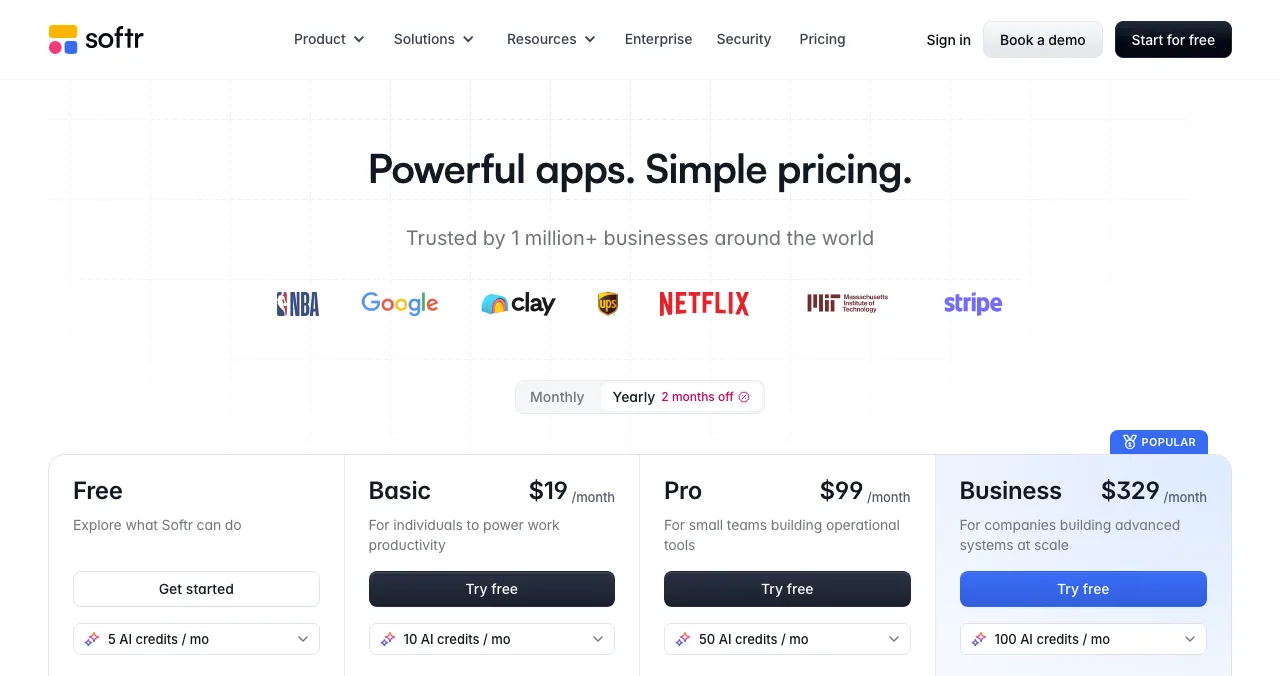
Softr Most usable free
Portals and internal tools; the free plan supports real, small use.
5 app users5K records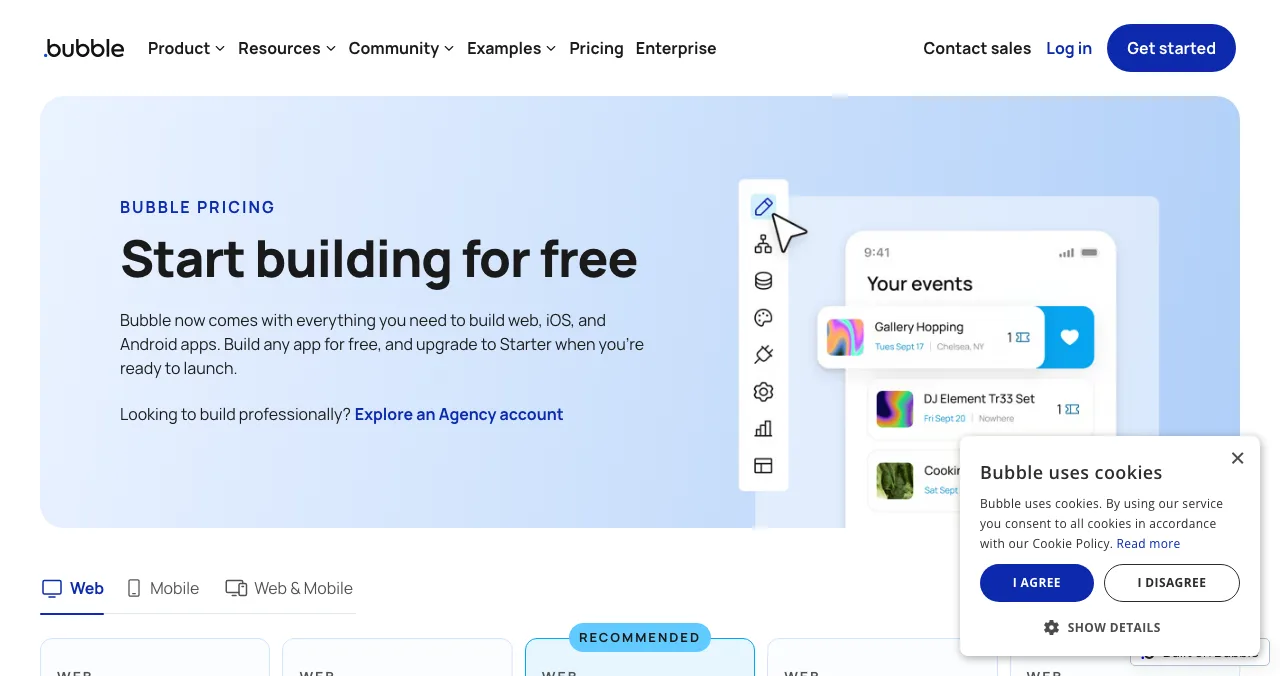
Bubble
Complex web and native mobile apps, free to build.
Build only500 AI credits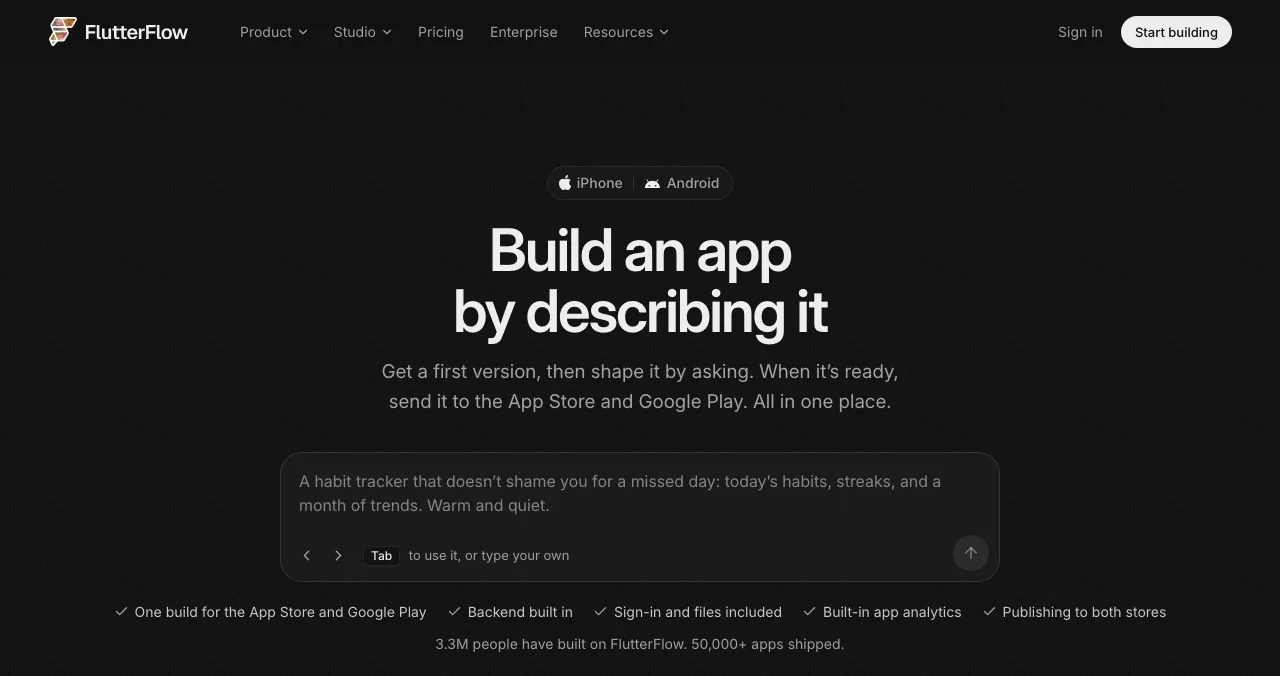
FlutterFlow
Polished mobile apps in Flutter.
2 projectsNo code download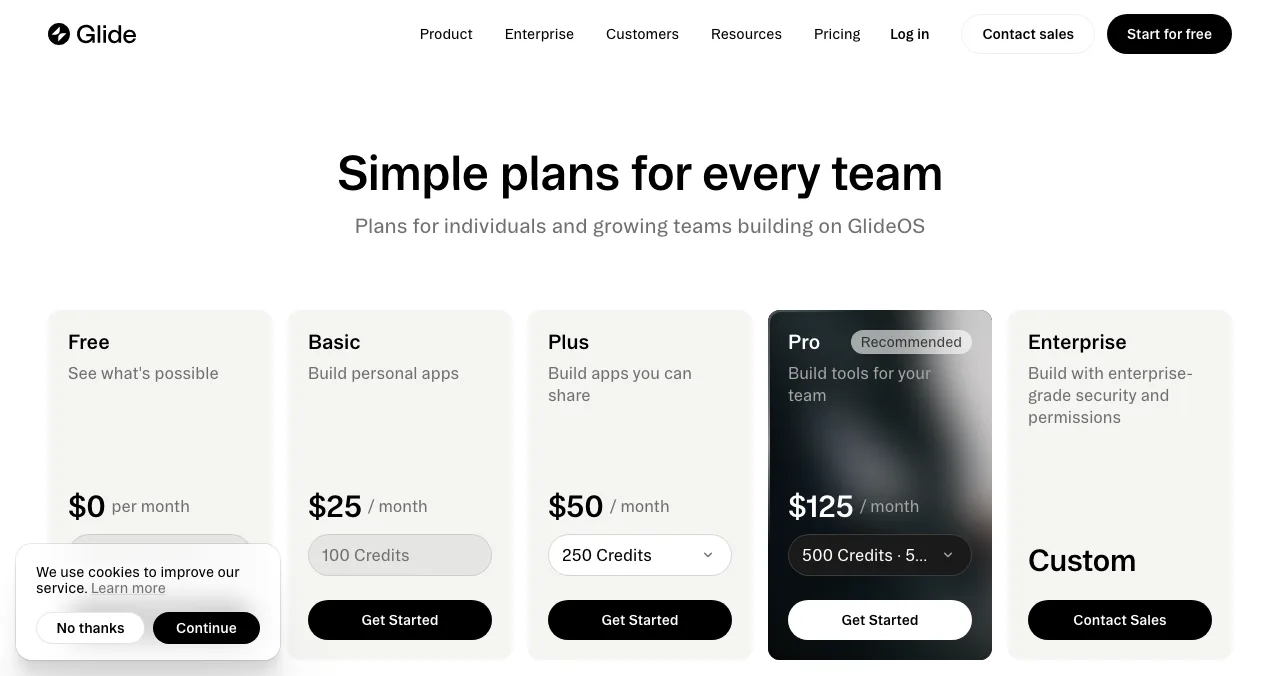
Glide
Apps on spreadsheets.
10 projects0 published apps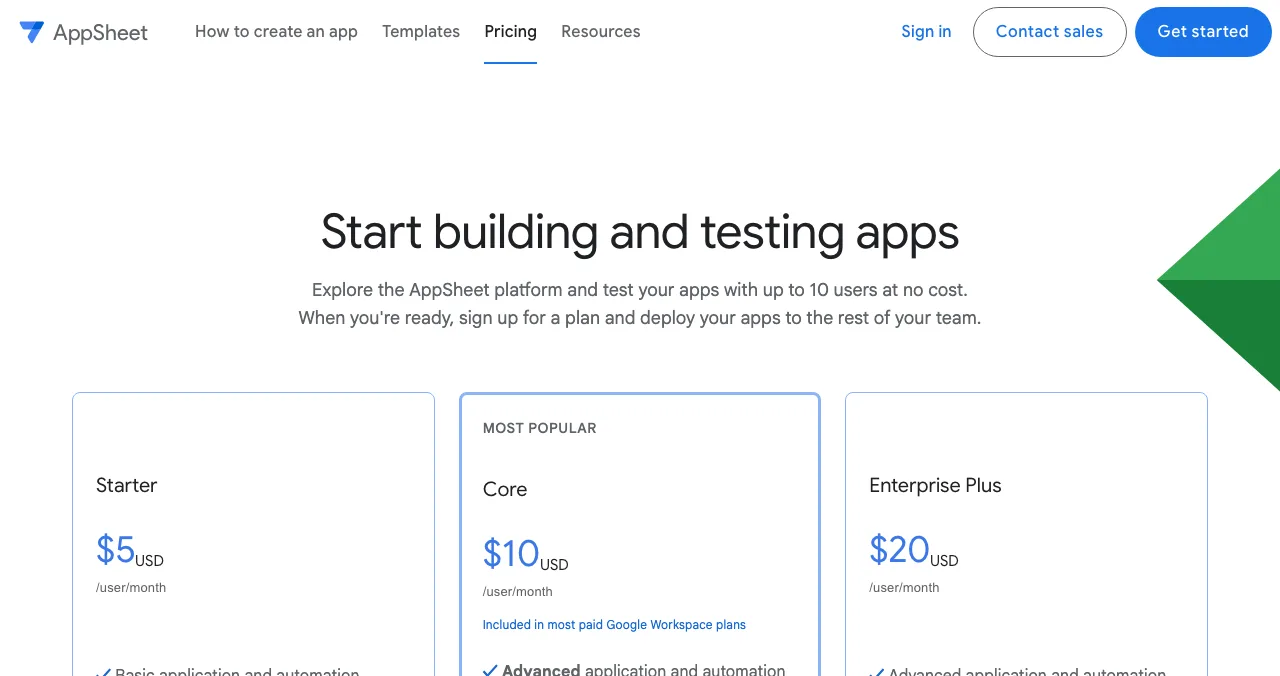
AppSheet
Google's builder for data apps and automation.
Free prototypes10 test users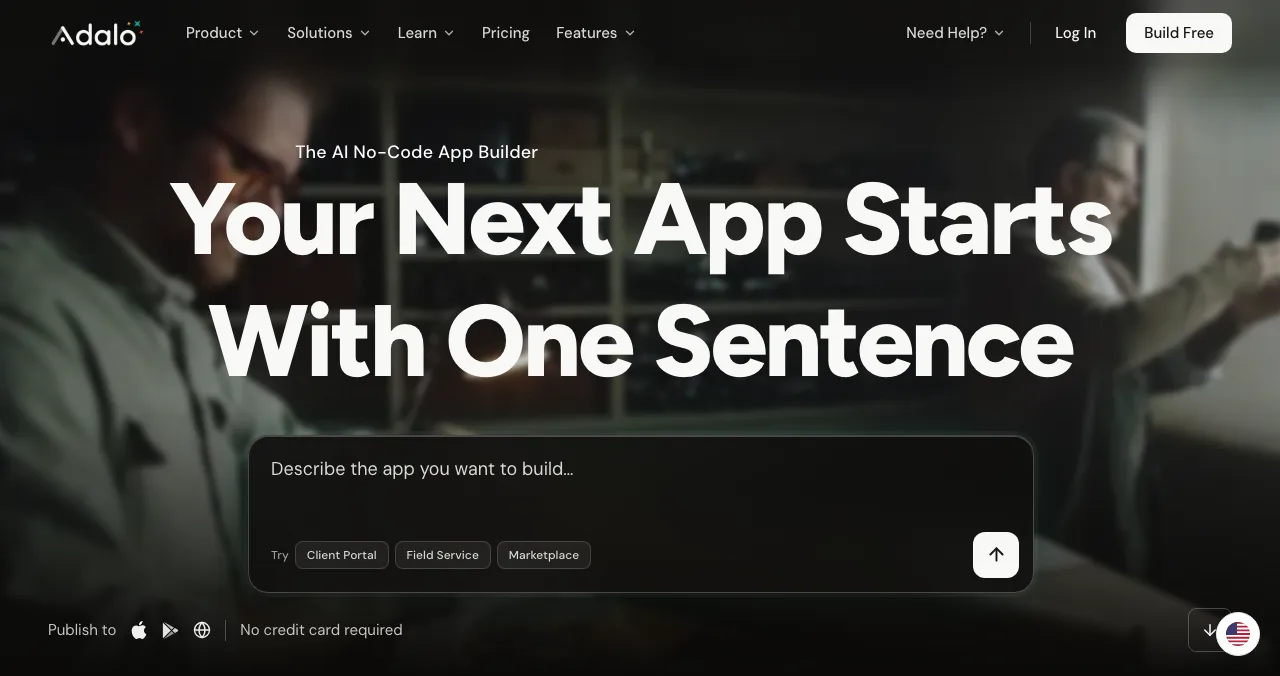
Adalo
Simple native apps with flat pricing.
500 records1 free app build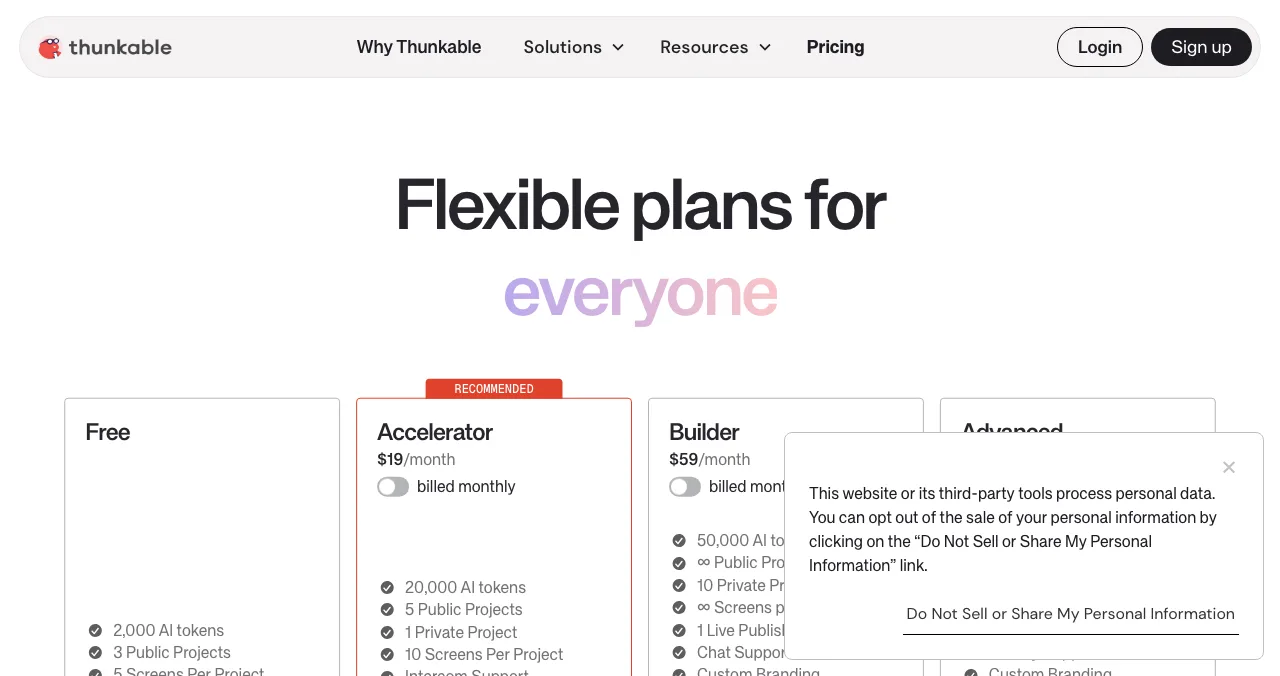
Thunkable
Drag-and-drop mobile apps.
3 public projects5 screens each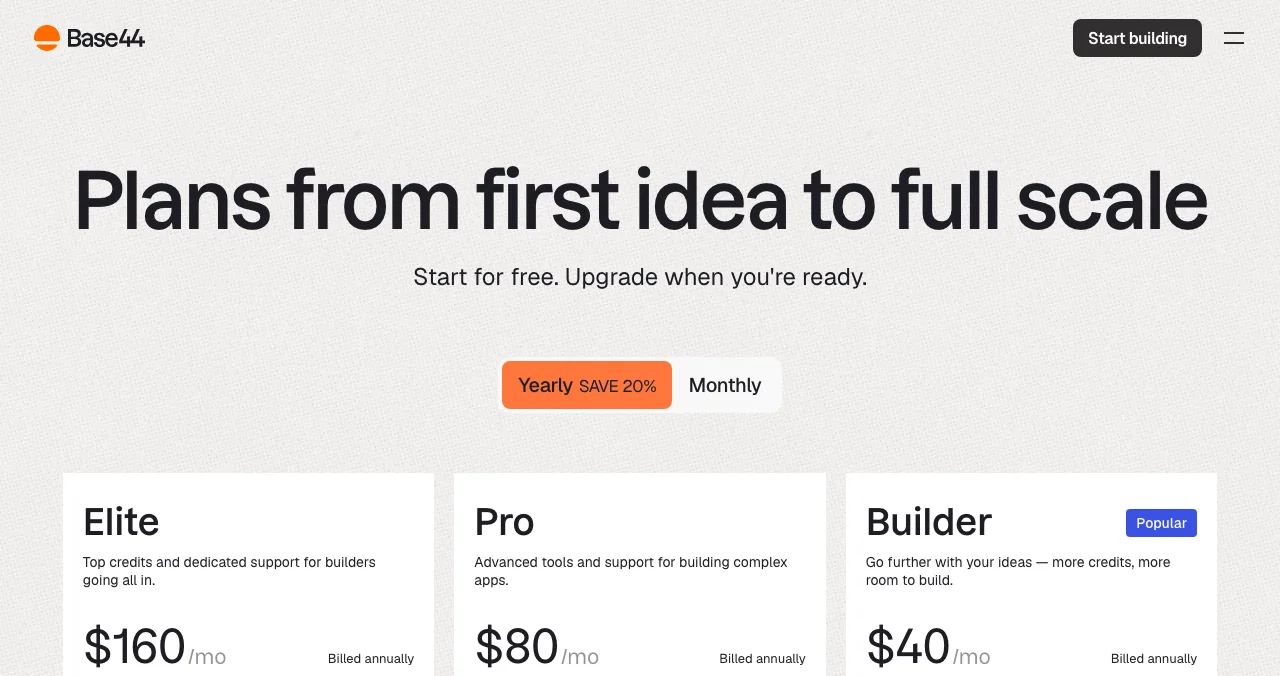
Base44
Prompt-built apps with backend and hosting.
25 credits a month5 apps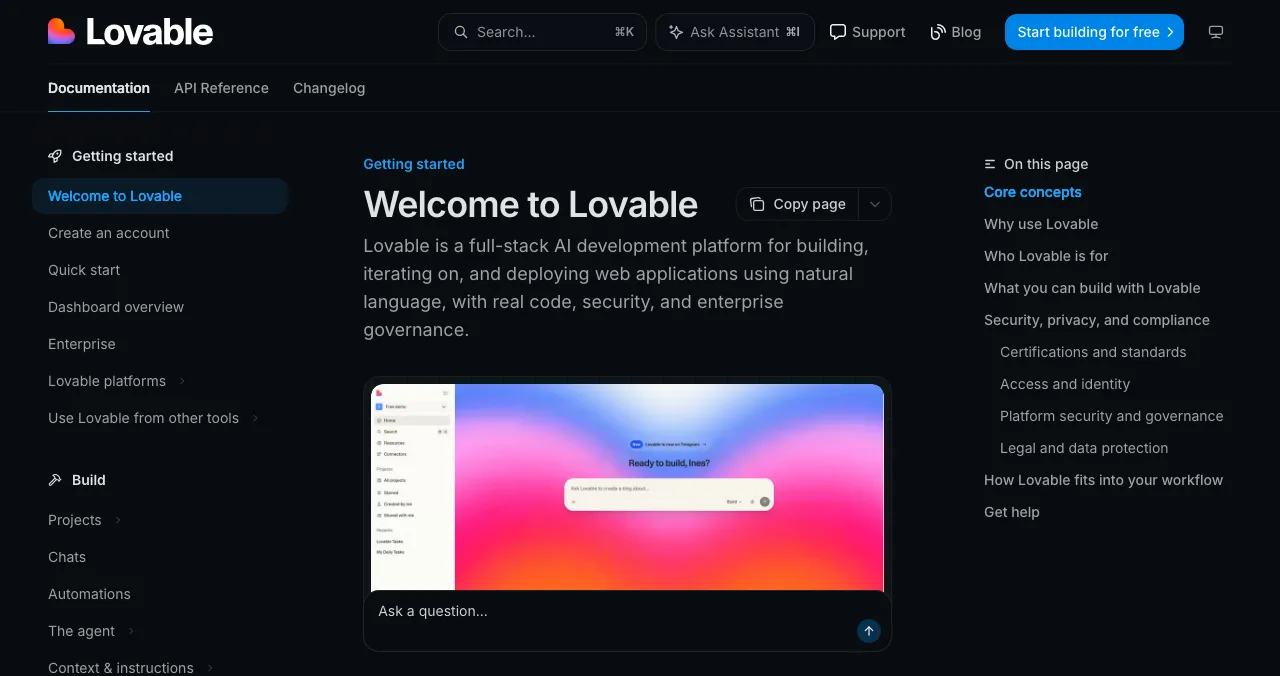
Lovable
Prompt-built full-stack web apps.
5 daily creditsUp to 30 a month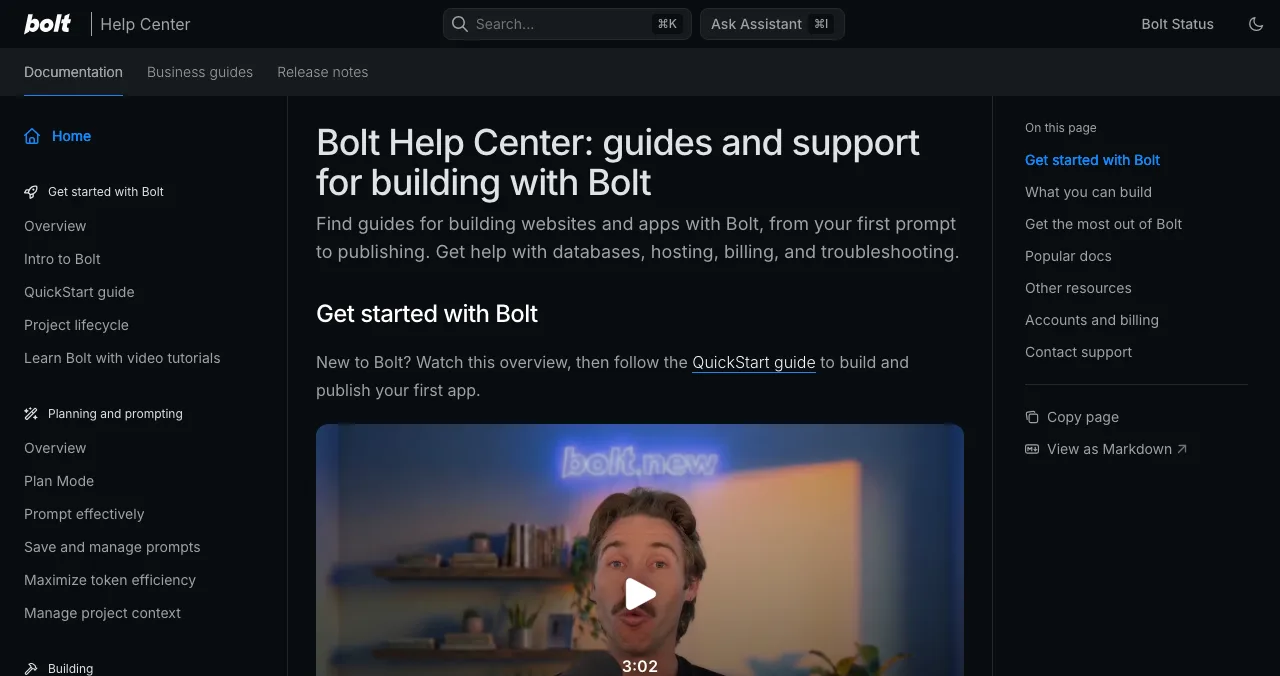
Bolt
Prompt-built sites and apps with hosting.
1M tokens a monthBolt branding
No code app builder free plans, side by side
| Builder | Free plan gives you | Not on the free plan | Cheapest paid (USD) |
|---|---|---|---|
| Softr | 3 builders, 5 app users, 5K records, 500 workflow actions/mo, 5 AI credits/mo | Custom domain | Basic $19/mo |
| Bubble | Editor, 500 AI credits, 50K workload units, development version | Live site, custom domain, store builds | Starter $32/mo, billed annually |
| FlutterFlow | 2 projects, a free AI allowance | Code download, app store deploy | Basic $39/mo ($29/mo yearly) |
| Glide | 2 team members, 10 projects, limited credits | Any published app | Basic $25/mo |
| AppSheet | Basic app and automation features, up to 10 test users | Deploying to the rest of your team | Starter $5/user/mo |
| Adalo | 500 records per app, unlimited test apps, one free app build, 1 editor | App store publishing, custom domain | Builder $65/mo monthly ($624/yr) |
| Thunkable | 3 public projects, 5 screens each, 2,000 AI tokens | Private projects | Accelerator $19/mo billed monthly |
| Base44 | 25 message + 100 integration credits/mo, up to 5 apps, hosting | Custom domain, GitHub | Starter $16/mo, billed annually |
| Lovable | 5 daily credits (up to 30/mo), 5 lovable.app domains | Custom domain | Pro $25/mo |
| Bolt | 1M tokens/mo (300K a day), hosting, up to 333K web requests | Custom domain; Bolt branding stays | Pro $25/mo |
Table: What ten no-code app builders give free, and the cheapest paid plan (each brand's pricing page, checked 20 Nov 2026)
1. Softr: the most usable free plan for internal tools
- Free
- 3 builders, 5 app users
- Records
- 5K
- Paid from
- $19/mo (Basic)
- Data
- Airtable, Notion, Sheets +48
- Catch
- No custom domain on Free
Softr's free plan lists unlimited apps, databases, workflows and agents, capped by people and data: up to 3 builders, 5 app users and 5K database records, with 500 workflow actions and 5 AI credits a month. That's enough for a real internal tool for a tiny team.
- Upgrade trigger: a custom domain or more users. Basic is $19/month; yearly billing gives two months off.
Best for: a client portal or internal tool on Airtable, Notion or Google Sheets.
2. Bubble: the most capable, free to build
- Free
- Editor and development version
- AI credits
- 500
- Workload
- 50K units
- Paid from
- $32/mo billed annually
- Catch
- No live site on Free
Bubble's pricing page says you can "build any app for free, and upgrade to Starter when you're ready to launch". The Free plan includes the API connector, a development web version, the debugger, on-device mobile testing and 500 AI credits. A live website, custom domain and store builds come with paid plans.
Best for: complex web apps you're prepared to pay to host once they work.
3. FlutterFlow: free to design a real mobile app
- Free
- 2 projects
- AI
- A free allowance (unquantified)
- Paid from
- $39/mo, or $29/mo yearly
- Exports
- Code and stores from Basic
- Catch
- Can't ship from Free
FlutterFlow is the strongest no code mobile app builder for polished apps: one Flutter build for the App Store and Google Play, with code you can export. The free plan is a design-and-test plan with 2 projects; code download and store deployment start on Basic.
Best for: a consumer mobile app you intend to publish properly.
4. Glide: free to build on your spreadsheet
- Free
- 10 projects, 2 team members
- Published apps
- 0 on Free
- Paid from
- $25/mo (Basic, 2 apps)
- Data
- Excel and Google Sheets
- Catch
- Annual plans "coming soon"
Glide is free for building and showing what's possible, but its free plan publishes zero apps and runs zero workflows. Basic at $25/month publishes 2 apps with 100 credits.
Best for: turning a team spreadsheet into an app, once you've seen it work.
5. AppSheet: free prototypes with ten testers
- Free
- Prototypes, up to 10 test users
- Paid from
- $5/user/mo (Starter)
- Core
- $10/user/mo
- Enterprise Plus
- $20/user/mo
- Catch
- Priced per user
AppSheet lets you "use basic app and automation features at no cost while building one or many app prototypes" and invite up to 10 test users free. When you deploy to the rest of your team, plans are per user: Starter $5, Core $10 and Enterprise Plus $20 a month (USD), with Core included in most paid Google Workspace plans.
Best for: internal data apps inside a Google Workspace company.
6. Adalo: free test apps, flat pricing to publish
- Free
- 500 records per app, 1 editor
- Builds
- One free app build
- AI
- 5 Ada prompts a month
- Paid from
- $65/mo monthly, $624/yr
- Catch
- Stores from Builder
Adalo's free plan is "free forever" with unlimited test apps, 500 records per app and one free app build. App store publishing and custom domains are Builder features; Adalo promises no usage-based charges.
Best for: a simple native app where you want to know the bill in advance.
7. Thunkable: three public projects for free
- Free
- 3 public projects
- Screens
- 5 per project
- AI
- 2,000 tokens
- Paid from
- $19/mo billed monthly
- Catch
- No private projects on Free
Thunkable's free plan allows 3 public projects with 5 screens each and 2,000 AI tokens; it "does not include private projects". Accelerator is $19/month billed monthly and Builder $59/month billed monthly, with lower yearly rates shown on the page.
Best for: learning and small mobile prototypes you don't mind being public.
8. Base44: free app with hosting built in
- Free
- 25 message credits/mo
- Integrations
- 100 credits/mo
- Apps
- Up to 5
- Paid from
- $16/mo billed annually
- Catch
- Credits go fast
Base44 builds apps from a description, with authentication, database and built-in hosting on every plan, so a free app can be live. 25 message credits a month means roughly 25 prompts, so keep each one specific.
Best for: a quick internal or personal app with no backend set-up.
9. Lovable: daily credits for a full-stack web app
- Free
- 5 daily credits, up to 30/mo
- Domains
- 5 lovable.app domains
- Publishing
- Invite-only, up to 10 people
- Paid from
- $25/mo (Pro)
- Catch
- No custom domain on Free
Lovable's free plan gives 5 build credits a day up to 30 a month, unlimited collaborators and invite-only publishing for up to 10 people per project. Pro at $25/month adds 100 monthly credits and custom domains.
Best for: a web MVP from a prompt. Compared in Lovable vs Bolt vs Replit.
10. Bolt: a free plan that includes hosting
- Free
- 1M tokens/mo, 300K a day
- Hosting
- Included, up to 333K requests
- Branding
- Bolt branding on sites
- Paid from
- $25/mo (Pro)
- Catch
- No custom domain listed on Free
Bolt's free plan is "free forever, no card required": 1M tokens a month with a 300K daily limit, website hosting with up to 333K web requests, unlimited databases and up to 3 collaborators. Free sites carry Bolt branding, and free tokens don't roll over.
Best for: a small site or app you want online today for $0.
A note on Replit: its free Starter plan includes one published app, but Replit's docs say that published link "will automatically go down after 30 days", so treat it as a demo, not a home.
Launch it free: the Science of Apps Launchpad
A free builder gets you an app; a free launch gets you users. The Launchpad is that step: a public product page with its own link, live in about five minutes in six short steps, free forever. It isn't a builder or a host; your app stays wherever you built it.
- Cost
- Free, forever
- Stage
- Pre-launch to live
- Found by
- The problem your app solves
- Ranking
- Relevance, never payment
- Included
- A product test and detailed report

- Cost: free to list, forever; paying for optional reports or a labelled Premium listing never changes organic ranking.
- Accepts: startups, SaaS, mobile apps, AI products, developer tools, browser extensions, games and open source.
- Proof: a Featured badge on going live, then earned badges such as Verified, Community favourite and Editor's pick, plus vouches and followers.
- Free check: a baseline diagnosis of landing page, discoverability and speed runs as you go live.
- Areas of your product tested
- 22
- Automatic measurements, desktop and mobile
- 39
- Expert checks behind your login
- 74
- Verdicts that rank what to fix first
- 5
Arrive
First impression
Discoverability on Google, AI and social; landing page, pricing, trust and speed.
Join
The first minutes
Sign-up, sign-in, recovery and onboarding.
Use
The everyday job
Home, core flow, dashboards, search, microcopy and error states.
Pay
Value into revenue
Paywall, upgrade, checkout and payments.
Stay
Coming back
Notifications, account, settings and help.
Every screen
Throughout
Accessibility to WCAG 2.2, visual design and consistency.
Evidence for every finding
Each finding is pinned to its screen or backed by a measurement.
Five verdicts
Good, Needs improvement, Needs to be fixed, Critical, Recommendation.
Analyst-reviewed
Findings are approved, edited or rejected by an analyst before you see them.
Private to your team
Reports are private by default and never affect your listing's ranking.
Know what users will hit before you pay for hosting
List free, then order the report that fits: the first impression, or the full diagnosis with a plan.

 Economy
See what new customers see
- Store listing and homepage, screen by screen
- Scorecard against 60 Laws of UX
- Customers, competitors and the fixes worth most
PremiumThe full diagnosis and the plan
- Every screen, every finding, every flow
- All 60 laws with evidence and fixes
- 8 strategy chapters and a 90-day roadmap
Researched from your live product and fact-checked against the evidence.
Which free no-code app builder should you use?
| You want | Start free on | Pay when |
|---|---|---|
| An internal tool for a tiny team | Softr or AppSheet | More than 5 app users / 10 testers |
| A SaaS web app | Bubble | You're ready to go live (Starter) |
| A native mobile app | FlutterFlow, Adalo or Thunkable | You publish to the stores |
| An app on a spreadsheet | Glide or AppSheet | You publish (Glide) or deploy to staff (AppSheet) |
| A web MVP from a prompt | Lovable, Base44 or Bolt | Credits run out or you need a custom domain |
Table: Which free no-code app builder to start on, and when you'll pay
A $0 plan from idea to first users

- Pick by your core flow — the one job users come for decides the builder, not the feature list.
- Build on the free plan — keep prompts small if you're on AI credits.
- Test with five real people — watch them sign up and do the job.
- List on the Launchpad — free, permanent, with a baseline check of your landing page and speed.
- Upgrade only what's proven — the builder plan that lets you go live, billed annually if the saving is real.
Mistakes to avoid

- Building where you can't publish — Glide's free plan has 0 published apps; Bubble's has no live site
- Running out of AI credits mid-build — Base44 gives 25 a month, Lovable 5 a day
- Leaving the builder's branding on a paid launch — free Bolt sites carry Bolt branding
- Overloading the first screen — too many choices slow first-time users; see Hick's law
- Skipping a launch because the app is "free" — users still need to find it
Ready to launch?
How we chose and checked
We included builders with a genuine $0 plan across the main kinds of app: web SaaS, mobile, spreadsheet apps, portals and prompt-built apps. Every limit and price comes from each brand's own pricing page or docs, read on 20 November 2026, in US dollars; screenshots that showed local-currency or regional prices are labelled. We didn't build test apps for this comparison. Search volumes are Google Keyword Planner's global 12-month averages. Science of Apps runs the Launchpad and has no relationship with any builder listed.
Key terms, defined
- No code app builder: a tool for making apps visually or by prompt, without writing code.
- Free plan: a $0 tier, usually limited by users, records, credits or published apps.
- Published app: an app other people can open at a public address or install from a store.
- AI credits or tokens: the allowance that pays for AI generation inside the builder.
- Test users: people invited to try an unpublished app, often free up to a limit.
- Product page: a permanent public page for one product, separate from its own site.
Frequently asked questions
Is there a no code app builder that's free?
Yes. Bubble, FlutterFlow, Glide, Softr, Adalo, Thunkable, AppSheet, Base44, Lovable and Bolt all have $0 plans, checked on 20 November 2026. What differs is how far the free plan goes: some only let you build and test, while Softr, Bolt and Base44 let a small app go live with limits on users, records, credits or branding.
What is the best no code app builder?
The best no code app builder depends on the app. Bubble suits complex web apps, FlutterFlow polished mobile apps, Glide and AppSheet spreadsheet apps, Softr portals on Airtable, Adalo simple store apps, and Lovable, Base44 or Bolt prompt-built web apps. Choose by your core flow, then check what its cheapest live plan costs.
What is the best no code mobile app builder for free?
To build and test a mobile app for $0, FlutterFlow (2 free projects), Adalo (500 records per app, one free app build) and Thunkable (3 public projects) all work. None publishes to the App Store or Google Play on the free plan: FlutterFlow deploys from Basic, Adalo from Builder, and Bubble needs a paid plan for store versions.
Can I publish an app for free with a no code app builder?
Sometimes, with limits. Bolt's free plan includes hosting with Bolt branding. Softr's free plan supports 5 app users. Base44 includes built-in hosting on every plan. Replit's free Starter plan allows one published app, but its docs say the link goes down after 30 days. App store publishing always needs a paid plan among the builders here.
Are free no-code app builders good enough for a real business?
For validating an idea, yes. For paying customers, usually not: free plans cap users, records, credits or published apps, and many show the builder's branding. A good approach is to build and test free, show it to ten target users, then upgrade only the builder you're sure about, billed annually if the saving is real.
Which free no code app builder works with Google Sheets?
Glide and AppSheet are built for it. Glide turns the Excel files and Google Sheets a team runs on into apps, and its free plan includes 10 projects but no published apps. AppSheet, from Google, is free for prototyping with up to 10 test users; paid plans start at $5 per user a month.
Where can I launch my app for free once it's built?
The Science of Apps Launchpad lists any app free, forever, on a public product page found by the problem it solves, after automated checks and a human review. It also tests the product end to end with a report. Add your builder's showcase, Product Hunt and relevant communities once the first fixes are in.
Sources
- Bubble — Pricing (checked 20 Nov 2026)
- FlutterFlow — Pricing (checked 20 Nov 2026)
- Glide — Pricing (checked 20 Nov 2026)
- Softr — Plans and pricing (checked 20 Nov 2026)
- Adalo — Pricing (checked 20 Nov 2026)
- Thunkable — Pricing (checked 20 Nov 2026)
- AppSheet — Pricing (checked 20 Nov 2026)
- Base44 — Pricing (checked 20 Nov 2026)
- Lovable — Pricing (checked 20 Nov 2026)
- Bolt — Pricing (checked 20 Nov 2026)
- Replit Docs — Starter plan (checked 20 Nov 2026)
- Science of Apps — Launchpad: launch your product free (checked 20 Nov 2026)
- Science of Apps — Product investigation (checked 18 Nov 2026)
- Science of Apps — Pricing: free listing, Economy and Premium reports (checked 18 Nov 2026)
- Checked November 20, 2026. Figures that change — fees, salaries, prices — are reviewed every six months; if something is out of date, tell us.
Where to go from here
- Best no-code app builders — compared on a real brief
- Best AI app builders — for non-coders
- Where to launch a no-code product — showcases and launch sites
- Science of Apps - LaunchpadThe best free website builders for 2027: 12 free plans compared by ads, subdomain, storage, bandwidth and what you have to pay for, plus the free product page that also gets you foundThe best free website builder depends on what you can live with: ads, a subdomain, tiny storage. 12 free plans compared, limits checked 20 Nov 2026.
- Science of Apps - LaunchpadLovable alternatives: 10 AI app builders and no-code tools compared on price, free plan and what they build, plus how to launch what you makeThe best Lovable alternative depends on what you build: Bolt, Replit, v0, Base44 and six more, with prices from each pricing page and how to launch.
- Science of Apps - LaunchpadBase44 review: what the AI app builder makes from a prompt, what each plan costs in credits, the alternatives worth comparing, and how to launch and test what you buildBase44 builds apps from a prompt with backend, auth and hosting built in. Base44 pricing, limits, alternatives, and how to launch and test the app you make.
- Science of Apps - LaunchpadThe best free AI website builders for 2027: 10 free plans that publish a real site, their AI credits, subdomains and badges, and the AI builders that only look freeThe best free AI website builder publishes a live site without paying. 10 free plans compared by AI credits, subdomain and badge, checked 20 Nov 2026.
- Science of Apps - LaunchpadThe best website builder with no coding needed: 10 no-code website builders compared on free plans, prices, ease and what each is best for, plus a free way to get the finished site foundThe best website builder with no coding: 10 no code website builders compared on free plans, prices and ease, from Wix and Squarespace to Carrd and Framer.
- Science of Apps - LaunchpadEmergent AI review: what the Emergent AI app builder makes from a prompt, what Emergent pricing includes in credits, the Emergent alternatives worth comparing, and how to launch and test the appEmergent AI builds web and mobile apps from a prompt and hosts them. Emergent pricing, credits, alternatives, and how to launch and test what you build.

Get the ideas, not the noise.
Sign up with Google and we’ll send you short UX psychology tips by email — why people tap, stall and leave, and what to do about it. Unsubscribe anytime. Prefer something to keep? Get the free Laws of UX guide as a PDF.
Launch day ends. Your listing shouldn't.
Free builders get the app made; they don't get it found. The Science of Apps Launchpad lists your app free, forever, on its own product page and tests it end to end with a detailed report.