 By
Quick answer: What is v0 by Vercel and how much does it cost?
- What it is: Vercel's AI agent for code, full-stack apps and agents, built around Next.js, Tailwind and shadcn/ui.
- Free plan: $0 with a 7-message daily limit, deploys to Vercel, Design Mode and GitHub sync.
- Paid: Plus $30 and Business $100 per user a month, each with $30 of monthly credits plus $2 of daily login credits (USD, checked 20 Nov 2026).
- v0 dev: the old v0.dev address now redirects to v0.app.
- After you deploy: list the product free on the Launchpad and get it tested end to end.
Key takeaways
- v0 outputs real, editable code in a mainstream stack, so a developer can take over without a rewrite.
- Plans are priced per user, and the included credits are dollar amounts spent on model usage.
- Free is enough to prototype a landing page or dashboard, not to build a full product.
- One-click Vercel deploys make shipping trivial; launching and testing are still separate jobs.
- Lovable, Bolt, Replit and Base44 suit people who never want to see the code.
"v0 vercel" is searched about 18,100 times a month (Google Keyword Planner, global 12-month average), mostly by people deciding whether Vercel's AI agent is the right way to build their product. This review covers what v0 builds, what v0 pricing actually buys you in credits, how it compares with the other AI builders, and what to do once your v0 project is deployed. Every fact comes from v0's own pages as checked on 20 November 2026; we didn't build a project on it, so this isn't a hands-on test. Jump to v0 pricing, the verdict, the v0 alternatives or the launch plan.
What is v0 by Vercel, and is v0 dev the same thing?
v0 describes itself as "an AI agent that helps anyone create real code and full-stack apps and agents." You describe what you want; it writes the code, shows a real-time preview, and can search the web, inspect sites, fix errors and connect to external tools along the way. Its homepage lists "landing pages, dashboards, ecommerce stores, AI apps, to full-stack applications" as things to build.
The stack is the point. v0 names "Next.js, Tailwind, shadcn/ui, and more", which is the stack a large share of React developers already use, so the code it produces is code a developer can read and keep. It can also connect to a backend for data-driven apps, and for data work its page mentions Python, SQL, Pandas and Matplotlib.
v0 dev is the old name people still search: the product used to live at v0.dev. When we checked on 20 November 2026, v0.dev redirected to v0.app.
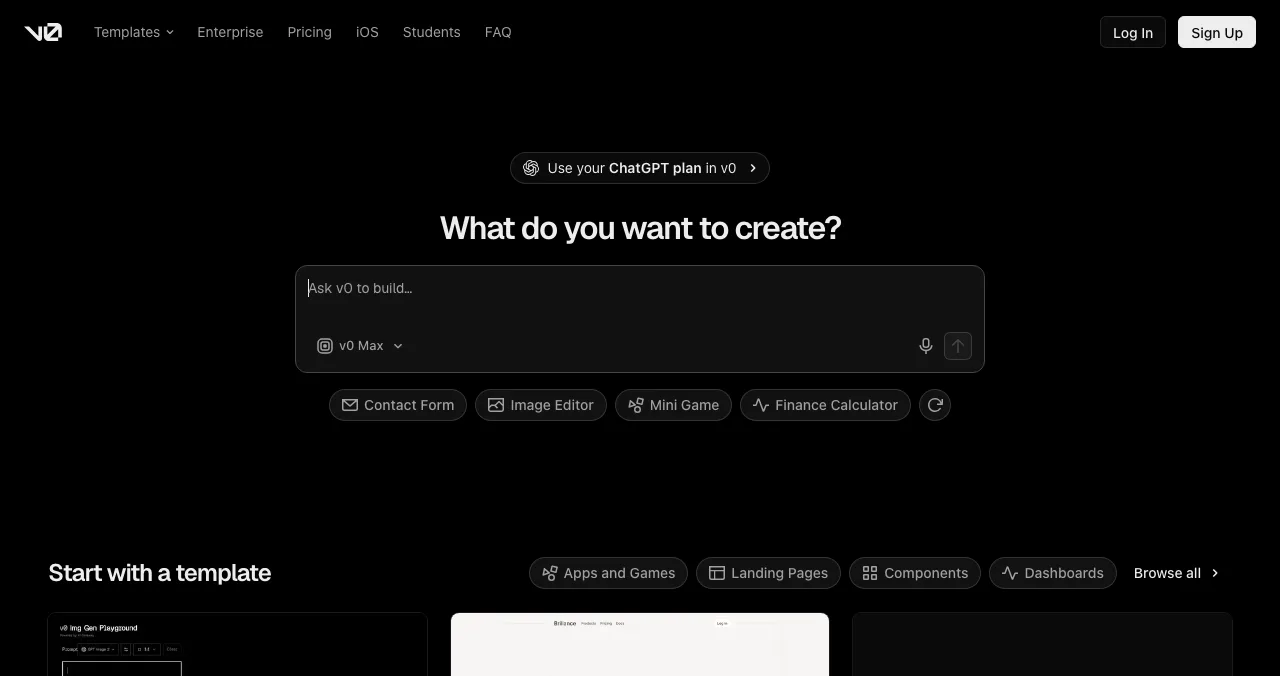
Deployment is where v0 stands out. You can "deploy with one click" to Vercel's infrastructure, either straight to production or by opening a pull request for review, which suits a team where a developer approves changes.
v0 pricing: what each plan includes
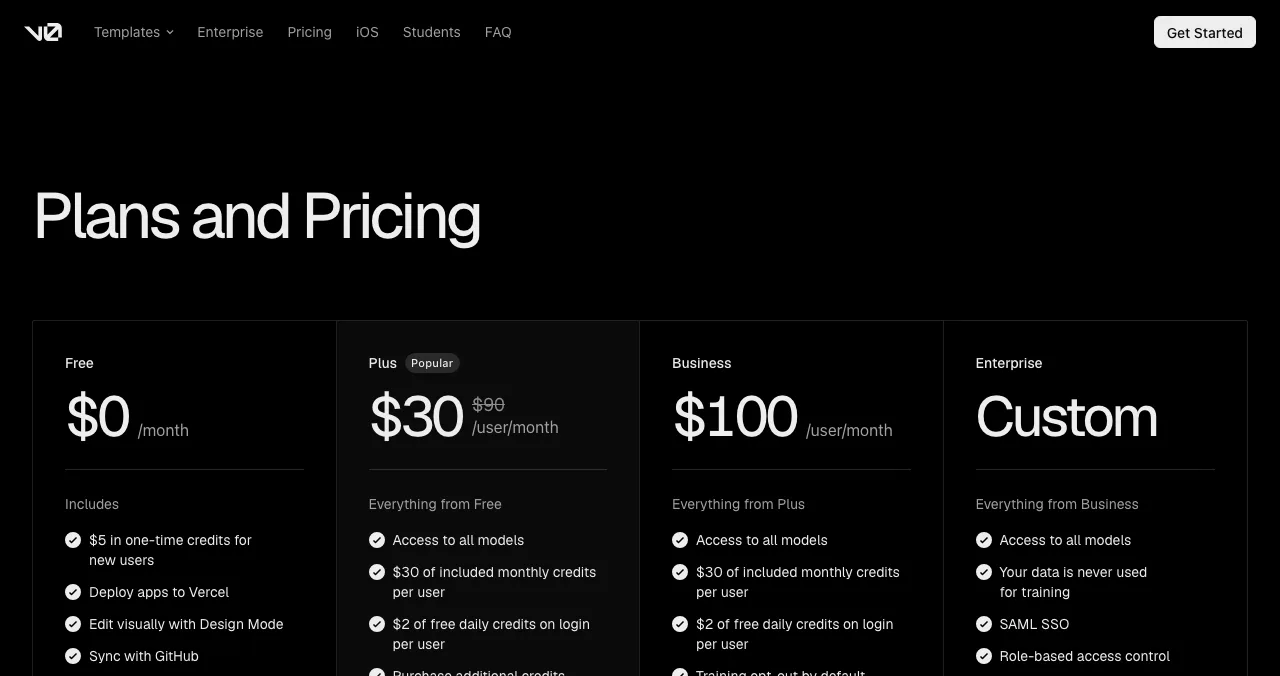
v0 is priced per user, and its credits are dollar amounts spent on model usage rather than a count of messages. Prices are in US dollars.
| Plan | Price (USD) | Included credits | What's included |
|---|---|---|---|
| Free | $0 / month | 7 messages a day; $5 one-time credits for new users | v0, deploy to Vercel, Design Mode, GitHub sync |
| Plus | $30 / user / month (shown against a crossed-out $90) | $30 monthly + $2 daily on login, per user | All models, extra credits shared across the team, centralised billing, chat sharing |
| Business | $100 / user / month | $30 monthly + $2 daily on login, per user | Everything in Plus, training opt-out on by default |
| Enterprise | Custom | Not stated | Data never used for training, SAML SSO, role-based access, no queues, support SLAs |

Table: v0 pricing by plan (v0.app/pricing, checked 20 Nov 2026; USD; no annual prices listed)
Read the table as two questions. How much will you prompt? Seven messages a day is fine for one landing page; a real app needs Plus. Do you need privacy controls? Business costs more than three times Plus for the same credits, and what it adds is training opt-out by default.
v0 review: the verdict

Where v0 is strong
- Real code in a mainstream stack: Next.js, Tailwind, shadcn/ui
- One-click deploys to Vercel, or a pull request for review
- GitHub sync and Design Mode on the free plan
- Agent can search the web, inspect sites and fix errors
- Team features: shared credits, centralised billing, chat sharing
Where it falls short
- Free plan limited to 7 messages a day
- Priced per user, so a team pays per seat
- Credits are dollar amounts, which makes usage harder to predict than a message count
- Business adds privacy defaults but no extra credits over Plus
- Shipping is easy; finding users and testing the product are not part of v0
The honest limit of any code generator is that it builds what you describe. It can't tell you that your pricing page confuses people or that your sign-up form fails on a small Android screen. A clean Next.js codebase can still lose most of its first visitors on the first screen.
v0 alternatives worth comparing
The right v0 alternatives depend on whether you want to keep the code. Each is described from its own pages (20 Nov 2026). For a longer comparison of three of them, read Lovable vs Bolt vs Replit.
| Tool | Free plan | First paid plan (USD) | Best for |
|---|---|---|---|
| v0 by Vercel | 7 messages a day | Plus $30/user/mo | Next.js interfaces and Vercel deploys |
| Bolt | 1M tokens a month (300K daily) | Pro $25/mo, billed monthly | A full dev environment in the browser |
| Replit | Starter: daily AI credits, 1 published app | Core $18/mo, billed annually | A cloud workspace with an agent and hosting |
| Lovable | 5 daily credits (up to 30 a month) | Pro $25/mo | Full-stack apps without touching code |
| Base44 | 25 message credits, up to 5 apps | Starter $16/mo, billed annually | All-in-one apps with backend and hosting |
Table: v0 alternatives, free plans and first paid plans (each tool's own pages, checked 20 Nov 2026)
Bolt
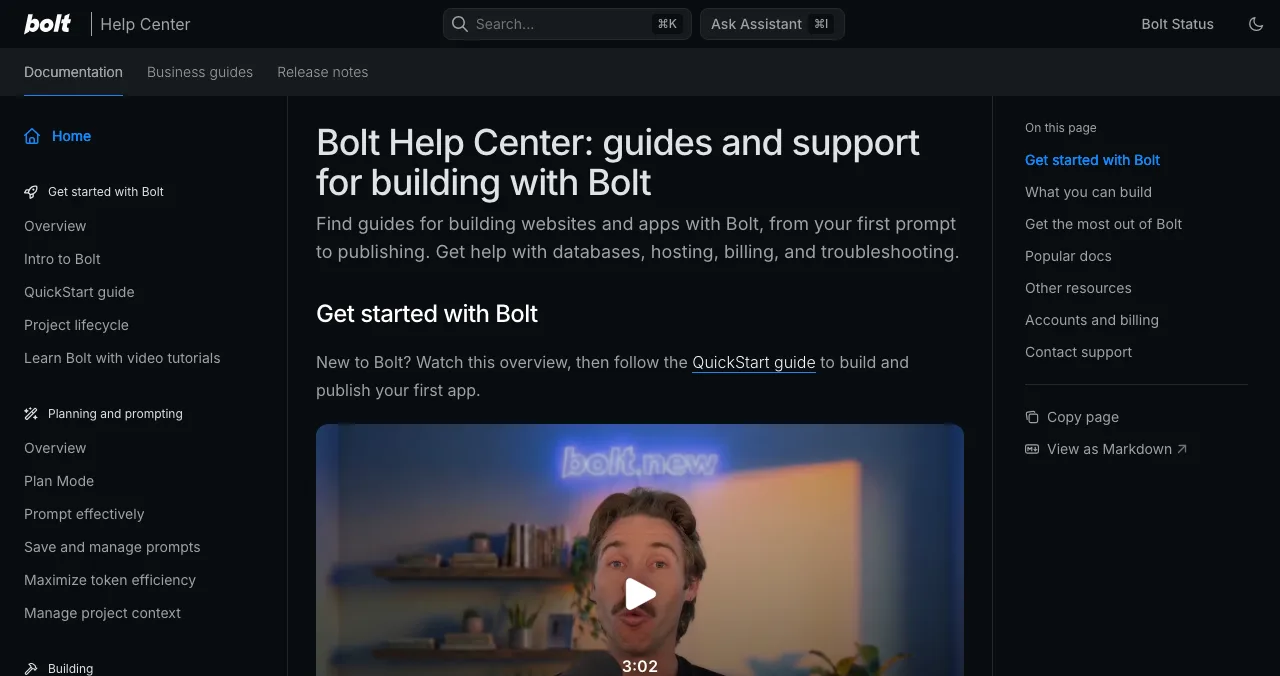
Bolt builds websites and apps by chat inside a browser development environment, with Bolt Cloud for hosting, databases and authentication. Free gives 1M tokens a month with a 300K daily cap; Pro is $25 a month billed monthly, starting at 10M tokens with custom domains. Pick it over v0 if you want hosting and a database in the same place as the editor.
Replit
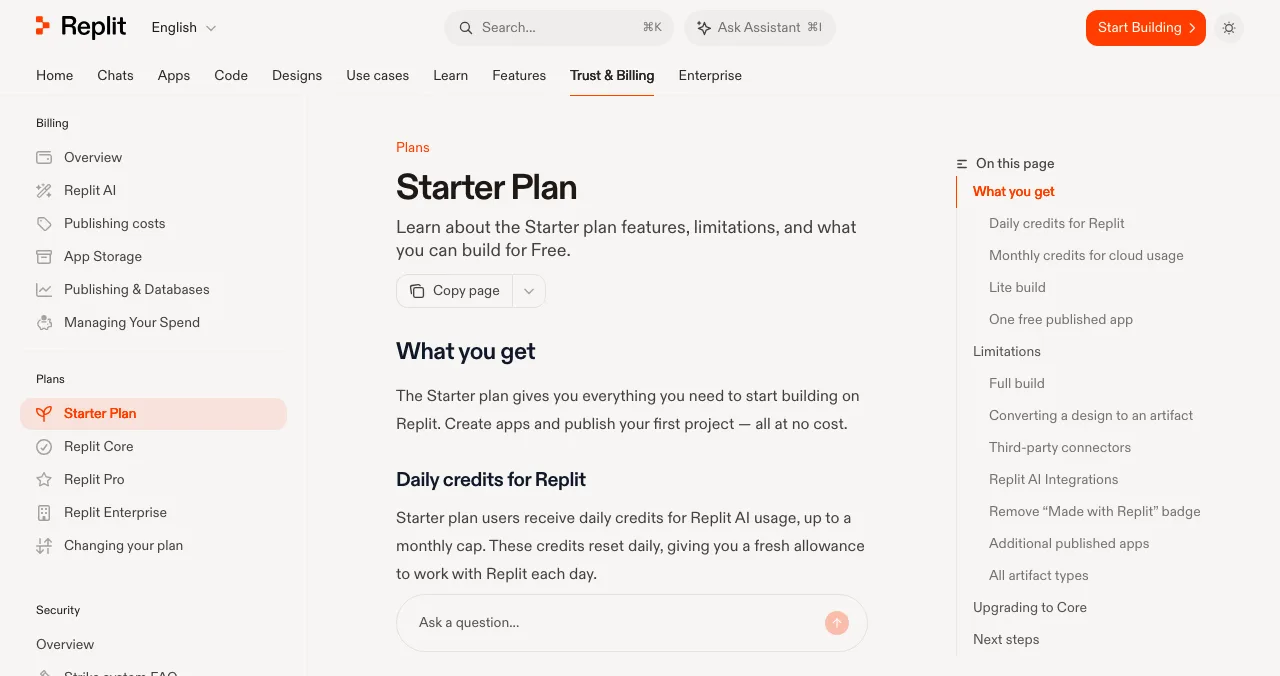
Replit is a full cloud workspace with an AI agent. Its free Starter plan has daily AI credits up to a monthly cap, Lite build only, and one published app whose link goes down after 30 days. Core is listed at $18 a month billed annually (shown against $20). Pick it over v0 if you want a backend, database and hosting beyond the front end.
Lovable
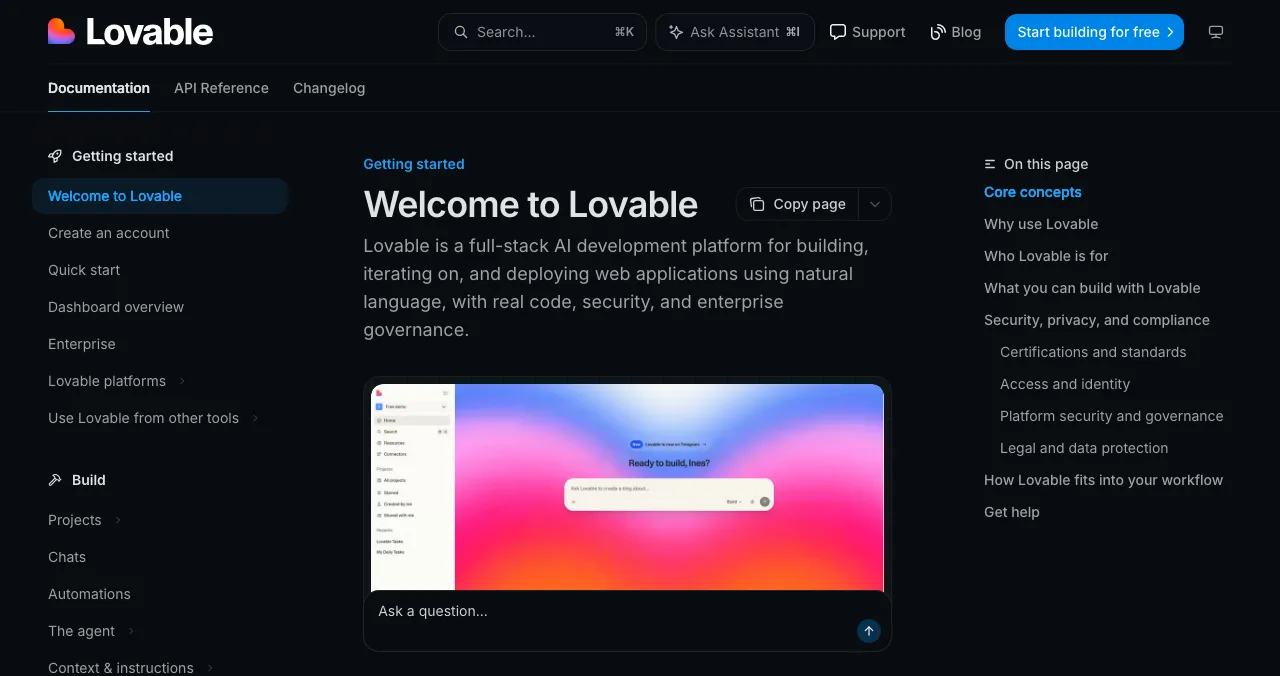
Lovable generates frontend, backend, database, authentication and integrations from a description and publishes to a live URL, with code syncable to GitHub, GitLab or Bitbucket. Free gives 5 build credits a day up to 30 a month; Pro is $25 a month. Pick it over v0 if you don't want to manage a backend yourself.
Base44
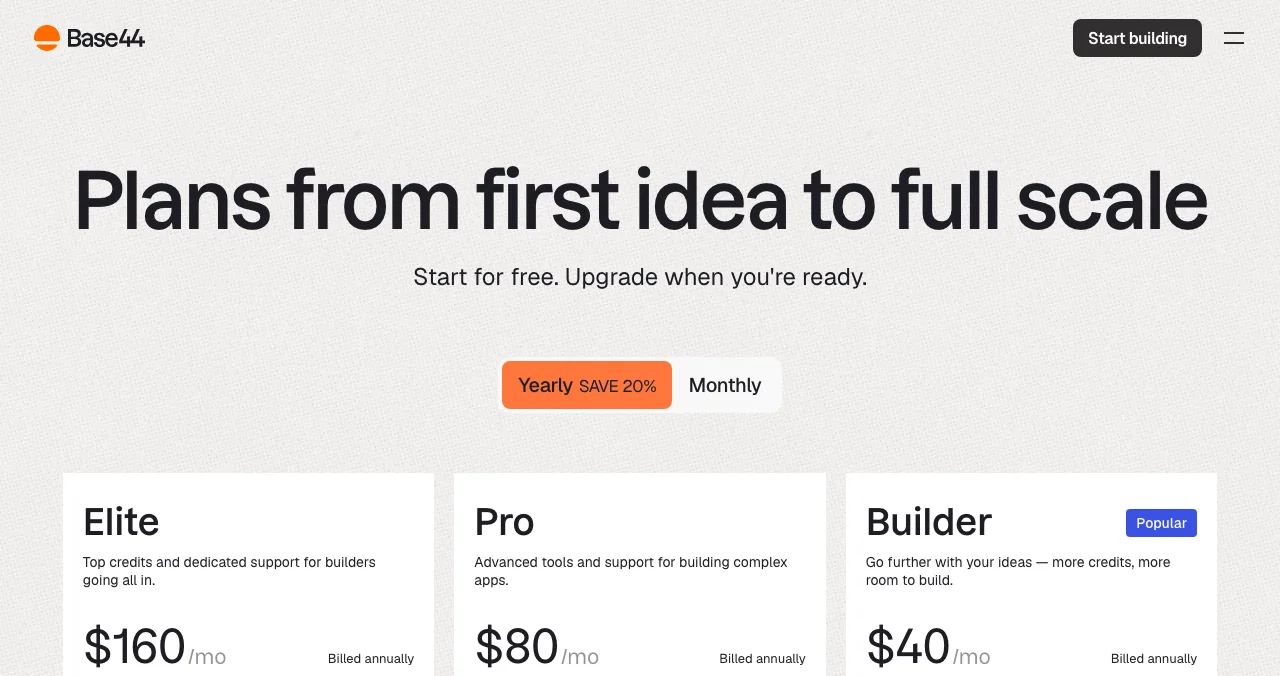
Base44 is a no-code AI platform with backend, sign-in and hosting built in. Free gives 25 message credits a month and up to 5 apps; Starter is $16 a month billed annually, and GitHub integration starts on Builder ($40). Pick it over v0 if you want the whole app, not just the interface.
From v0 prototype to a launched product page
v0 makes the jump from idea to live URL almost instant. But a Vercel preview URL is not a product page: nobody can find it, it carries no proof that anyone else uses it, and you have no evidence of how a stranger experiences it. That's what the Science of Apps Launchpad adds.
- Cost
- Free, forever
- Time
- About five minutes, six short steps
- Visible for
- Permanent
- Ranking
- Relevance, editorial, community; never payment
- Included
- A product test and detailed report

- What you get: a public product page with its own link, found by the problem you solve, a Featured badge when it goes live and earned badges such as Verified (a work email on your domain), Community favourite and Editor's pick, plus vouches and followers.
- What it isn't: a host. Vercel keeps serving your app; the Launchpad is where people discover it.
- The difference: a free baseline diagnosis of your landing page, discoverability and speed runs as you go live, and the product can be tested end to end, in a real browser on desktop and mobile.
- Areas of your product tested
- 22
- Automatic measurements, desktop and mobile
- 39
- Expert checks behind your login
- 74
- Verdicts that rank what to fix first
- 5
Arrive
First impression
Discoverability on Google, AI and social; landing page, pricing, trust and speed.
Join
The first minutes
Sign-up, sign-in, recovery and onboarding.
Use
The everyday job
Home, core flow, dashboards, search, microcopy and error states.
Pay
Value into revenue
Paywall, upgrade, checkout and payments.
Stay
Coming back
Notifications, account, settings and help.
Every screen
Throughout
Accessibility to WCAG 2.2, visual design and consistency.

The investigation is re-cut by category. For AI products, such as an app or agent you built with v0, it adds prompt and output trust checks: whether people know what to ask, whether answers are clear about their limits, and whether a wrong answer is easy to spot and correct.
Evidence for every finding
Each finding is pinned to its screen or backed by a measurement.
Five verdicts
Good, Needs improvement, Needs to be fixed, Critical, Recommendation.
Analyst-reviewed
Findings are approved, edited or rejected by a Science of Apps analyst before you see them.
Private to your team
Reports are private by default and never affect your listing's ranking.
See what your first users will hit
List free, then order the report that fits: the first impression, or the full diagnosis with a plan.

 Economy
See what new customers see
- Store listing and homepage, screen by screen
- Scorecard against 60 Laws of UX
- Customers, competitors and the fixes worth most
PremiumThe full diagnosis and the plan
- Every screen, every finding, every flow
- All 60 laws with evidence and fixes
- 8 strategy chapters and a 90-day roadmap
Researched from your live product and fact-checked against the evidence.
Which v0 plan, or which tool, should you start with?
| Your situation | Start with | Then |
|---|---|---|
| One landing page or dashboard | v0 Free | Deploy, then list it on the Launchpad |
| A real product you'll iterate on daily | v0 Plus | Connect a domain; Launchpad listing and baseline check |
| A team with privacy requirements | v0 Business or Enterprise | Test the product before a public launch |
| You never want to see code | Lovable or Base44 | Launch and test the same way |
| You want backend and hosting in one workspace | Replit or Bolt | Hand a tested product to users, not a demo |
Table: Which v0 plan or v0 alternative to start with, by situation
A launch plan for a v0 project

- Build one flow end to end — spend your credits on the job your product exists for; leave settings and admin screens for later.
- Deploy and own the domain — ship to Vercel and connect a custom domain so your links never change.
- Write the one-liner — the problem you solve, for whom, in one sentence; reuse it everywhere.
- List it on the Launchpad — your permanent product page; read the free baseline check.
- Fix what blocks first-time users — sign-up, the first task and mobile layout before anything cosmetic.
- Then go wider — Product Hunt, communities and directories, all pointing at the same page. Our launch week guide has the order.
Mistakes to avoid with v0

- Sharing a preview URL as your launch — it isn't findable and may change; use your domain and a product page
- Prompting on Free for a whole product — 7 messages a day stretches a build over weeks
- Paying for Business for credits — it includes the same $30 a month as Plus; you pay for privacy defaults
- Shipping without a stranger's eyes — the generated UI looks finished, which hides confusing flows
- Forgetting mobile — test every screen on a phone before you post anywhere
People expect your product to work like the ones they already use, which is Jakob's law. v0's shadcn/ui components help here because they follow familiar patterns; your custom flows are where users get lost.
Ready to launch?
How we reviewed v0
v0's features come from its homepage and its plans and limits from its pricing page, both read on 20 November 2026; prices are in US dollars as shown there, with no annual prices listed. The v0.dev redirect was checked the same day. We didn't build a project on v0, so this is a review of what it offers and costs, not a hands-on test. Alternatives come from their own pricing and documentation pages on 20 November. The Launchpad's terms come from its homepage (20 November) and investigation and pricing pages (18 November). Search volume is Google Keyword Planner's global 12-month average. Science of Apps runs the Launchpad and has no relationship with Vercel.
Key terms, defined
- v0: Vercel's AI agent that writes code and full-stack apps, mainly in Next.js, Tailwind and shadcn/ui.
- Credits (v0): dollar-denominated usage allowances spent on AI model requests.
- Design Mode: v0's visual editor for adjusting a generated interface without prompting.
- Next.js: a React framework for building web apps, made by Vercel.
- shadcn/ui: a collection of copy-in React components built on Tailwind CSS.
- Product page: a permanent, public page that explains your product and links to it, separate from where the app is hosted.
Frequently asked questions
What is v0 by Vercel?
v0 is Vercel's AI agent. Its homepage says it 'helps anyone create real code and full-stack apps and agents', from landing pages and dashboards to ecommerce stores and AI apps. It works with Next.js, Tailwind and shadcn/ui, can search the web, inspect sites and fix errors, and deploys to Vercel in one click or opens a pull request for review.
How much does v0 cost? What is v0 pricing?
On v0's pricing page (checked 20 Nov 2026, USD): Free is $0 with a 7-message daily limit; Plus is $30 per user a month, shown against a crossed-out $90; Business is $100 per user a month; Enterprise is custom. Plus and Business both include $30 of monthly credits per user and $2 of free daily credits on login. New users also get $5 in one-time credits.
Is v0 dev the same as v0.app?
Yes. 'v0 dev' is what many people search because v0 used to live at v0.dev. When we checked on 20 Nov 2026, v0.dev redirected to v0.app, which is where the product, its pricing and its documentation now sit. Bookmarks and old tutorials pointing at v0.dev still land on the same product.
What are the best v0 alternatives?
If you want to keep the code, the closest v0 alternatives are Bolt (a full development environment in the browser) and Replit (a cloud workspace with an AI agent and hosting). If you'd rather not touch code, Lovable and Base44 bundle backend, sign-in and hosting into a prompt-first builder. Compare free tiers before paying.
Is v0 free to use?
Yes, there's a free plan. It includes access to v0, deploying to Vercel, visual editing with Design Mode and GitHub sync, with a limit of 7 messages a day. New users also get $5 in one-time credits. Plus unlocks all models and $30 of monthly credits per user, which is what a sustained build needs.
Does v0 deploy my app to Vercel?
Yes. v0's homepage says you can deploy with one click to infrastructure powered by Vercel, either straight to production or by opening a pull request for review. Deploying is included on the free plan. A live Vercel URL isn't a launch, though: you still need a public product page, users and a check of what they'll hit.
How do I launch a product I built with v0?
Deploy to Vercel and connect your own domain, then give the product a permanent public page: a free Science of Apps Launchpad listing, plus Product Hunt and the communities your users read. Before you push for traffic, test sign-up, the core task and any payment step on mobile and desktop, since v0 generates the interface, not the user testing.
Sources
- v0 — Pricing: Free, Plus, Business, Enterprise (checked 20 Nov 2026)
- v0 — Homepage: what v0 builds and deploys (checked 20 Nov 2026)
- Bolt — Pricing (checked 20 Nov 2026)
- Replit Docs — Starter plan (checked 20 Nov 2026)
- Lovable — Pricing (checked 20 Nov 2026)
- Base44 — Pricing (checked 20 Nov 2026)
- Science of Apps — Launchpad: launch your product free (checked 20 Nov 2026)
- Science of Apps — Product investigation (checked 18 Nov 2026)
- Science of Apps — Pricing: free listing, Economy and Premium reports (checked 18 Nov 2026)
- Checked November 20, 2026. Figures that change — fees, salaries, prices — are reviewed every six months; if something is out of date, tell us.
Where to go from here
- Best AI app builders — where v0 fits among the rest
- Lovable vs Bolt vs Replit — the prompt-first builders compared
- Startup audit — what to check before real users arrive
- Science of Apps - LaunchpadEmergent AI review: what the Emergent AI app builder makes from a prompt, what Emergent pricing includes in credits, the Emergent alternatives worth comparing, and how to launch and test the appEmergent AI builds web and mobile apps from a prompt and hosts them. Emergent pricing, credits, alternatives, and how to launch and test what you build.
- Science of Apps - LaunchpadBase44 review: what the AI app builder makes from a prompt, what each plan costs in credits, the alternatives worth comparing, and how to launch and test what you buildBase44 builds apps from a prompt with backend, auth and hosting built in. Base44 pricing, limits, alternatives, and how to launch and test the app you make.
- Science of Apps - LaunchpadSoftr review: Softr pricing and plan limits, how Softr with Airtable works, the Softr alternatives worth comparing, and where to launch a Softr app that's ready for the publicSoftr pricing: a free plan, then $19, $99 and $329 a month. What each plan limits, how Softr with Airtable works, alternatives, and where to launch the app.
- Science of Apps - LaunchpadReplit pricing in 2027: the free Starter plan, Replit Core, Replit Pro and Enterprise, how credits work and what it costs to build and launch an appReplit pricing checked 20 Nov 2026: free Starter limits, Replit Core at $20 a month ($18 yearly), Pro at $100 ($90), credits, and build vs launch costs.
- Science of Apps - LaunchpadVibe coding to launch: how to turn a vibe coded app into a launched product, with the checks to run, the vibe coding tools to finish with and where to list itVibe coding gets you a working app in an afternoon. This playbook covers the step after: checks, a permanent page, first users and a test of what they'll hit.
- Science of Apps - LaunchpadMicrolaunch review: how a 30-day launch works, what Launch Pro, Launch Plus and Launch Everywhere cost, whether there's a free option, and how it compares with Uneed, Product Hunt and the free LaunchpadIs Microlaunch free? Its own pages show paid launch packs from $39 for 30 days of visibility. How it works, what each plan includes, and free options to pair.





Get the ideas, not the noise.
Sign up with Google and we’ll send you short UX psychology tips by email — why people tap, stall and leave, and what to do about it. Unsubscribe anytime. Prefer something to keep? Get the free Laws of UX guide as a PDF.
Launch day ends. Your listing shouldn't.
v0 takes you from prompt to a deployed Vercel URL. The Science of Apps Launchpad turns that URL into a free, permanent product page and tests the live product end to end with a detailed report.