 By
Quick answer: How do you launch a vibe coded app?
- The gap: vibe coding tools build the app; nothing in them launches it or tells you what users will hit.
- Before launch: check sign-up, errors and empty states, secrets and data access, speed, and any AI output.
- The address: your own domain, plus a permanent public product page.
- First users: five people doing the core task while you watch, then the places your users read.
- The check: list free on the Launchpad and get the live app tested end to end.
Key takeaways
- A vibe coding app that works for you is a demo; one that works for strangers is a product.
- AI builds the happy path you described; launches break on the paths you didn't.
- Secrets, data permissions and auth are the riskiest parts of a vibe coded app; check them first.
- A permanent page beats a preview link: every share, vouch and backlink points somewhere stable.
- Watch real users before you add features; the next prompt should come from what they hit.
"Vibe coding" is searched about 550,000 times a month (Google Keyword Planner, global 12-month average). Most of that interest is about building: which tool, which prompt, how fast. Far less is about what happens next, which is where most vibe coded apps quietly stop. The app works on your laptop, the preview link gets shared in one group chat, and nobody else ever finds it. This playbook covers the step after the build: what to check before strangers arrive, which vibe coding tools make launching easier, where to put the app so it's found, and how to learn what users will hit. Tools and pages were checked on 20 November 2026. Jump to the checks, where to launch or the 7-day plan.
Why do vibe coded apps stall before launch?
Vibe coding compresses the build. It doesn't compress the parts that make an app a product: an address people trust, a first five minutes that make sense to a stranger, data that stays private, and somewhere for people to find it. Three patterns show up again and again:

The happy-path app
The AI built exactly what you described. A new user does something you didn't describe, like signing up twice or leaving a field empty, and the app breaks.
The preview-link launch
The app lives on a builder subdomain or a free link that expires. Every share points somewhere temporary, so nothing builds up.
The endless prompt loop
Instead of launching, the founder keeps adding features, because the next prompt is easier than the first user conversation.
The fix for all three is the same: stop building for a week, check, launch to a few people, and let what they hit decide the next prompt.
The pre-launch checks for a vibe coded app
Run these before anyone outside your circle signs up. Each takes minutes with your vibe coding tool, a second browser and a second account.

- Sign-up and sign-in — create an account, sign out, reset the password, sign in on mobile; every path should end somewhere sensible
- Error and empty states — submit empty forms, use a new account with no data, turn off Wi-Fi; nothing should show a raw error or a blank screen
- Secrets — no API keys in front-end code; ask your tool where every key lives and move them to server-side settings
- Data access — with a second account, try to see the first account's data; database rules should stop you
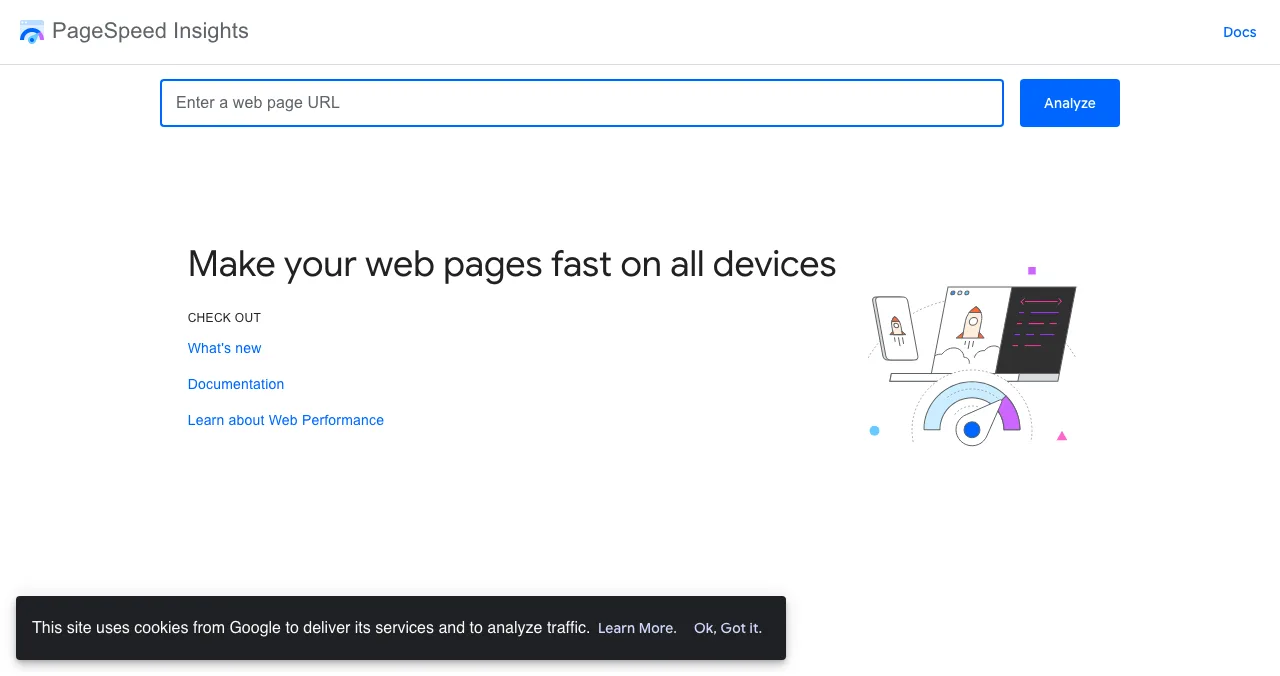
- Speed on mobile — run your homepage through PageSpeed Insights and fix the worst item it flags
- AI output — if your app uses AI, try ten realistic and ten awkward inputs; check what users see when the answer is wrong or empty
- Payments — if you charge, run a test payment end to end, including a failed card and a cancellation
If your app handles payments, health data or other people's personal information, add one more check: a paid review by a developer. Vibe coding is a fine way to build those apps; launching them unreviewed isn't.
Vibe coding tools: which ones make launching easier?
Any of the popular vibe coding tools can build a launchable app. What differs is what they give you on the plan you'll actually pay for: a custom domain, a real database, code export and hosting that won't expire. From each tool's own pages on 20 November 2026:
| Vibe coding tool | Free plan (as listed) | Custom domain | Code out | Hosting |
|---|---|---|---|---|
| Lovable | 5 credits/day, up to 30/mo | Pro ($25/mo) | Git sync to GitHub, GitLab, Bitbucket | Yes |
| Bolt.new | 1M tokens/mo, 300K/day | Pro ($25/mo) | It's a code environment | Yes; branding on Free |
| Replit | Daily credits, 1 published app | Paid plans | Yes | Free link goes down after 30 days |
| v0 by Vercel | 7 messages/day | Via Vercel | GitHub sync | Vercel deploys |
| Cursor | Limited usage | Your host | Your codebase | Bring your own |
Table: Vibe coding tools compared on what matters at launch (each tool's own pages, checked 20 Nov 2026; prices in US dollars as shown)
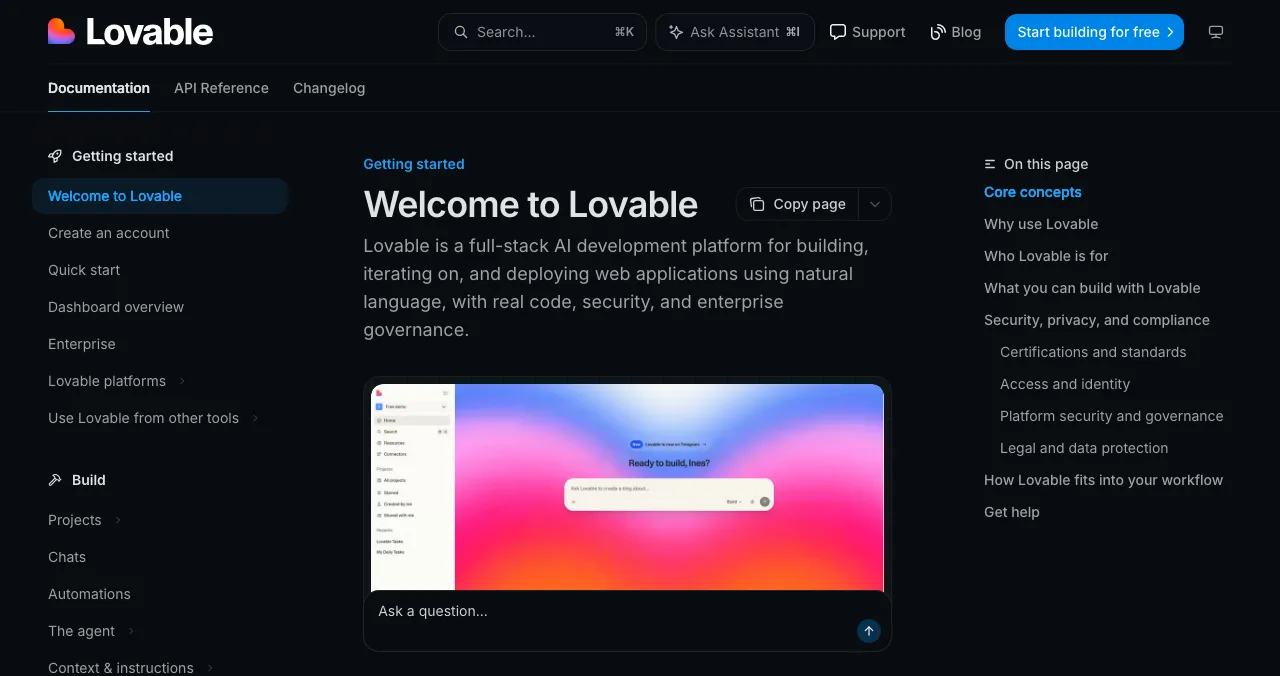
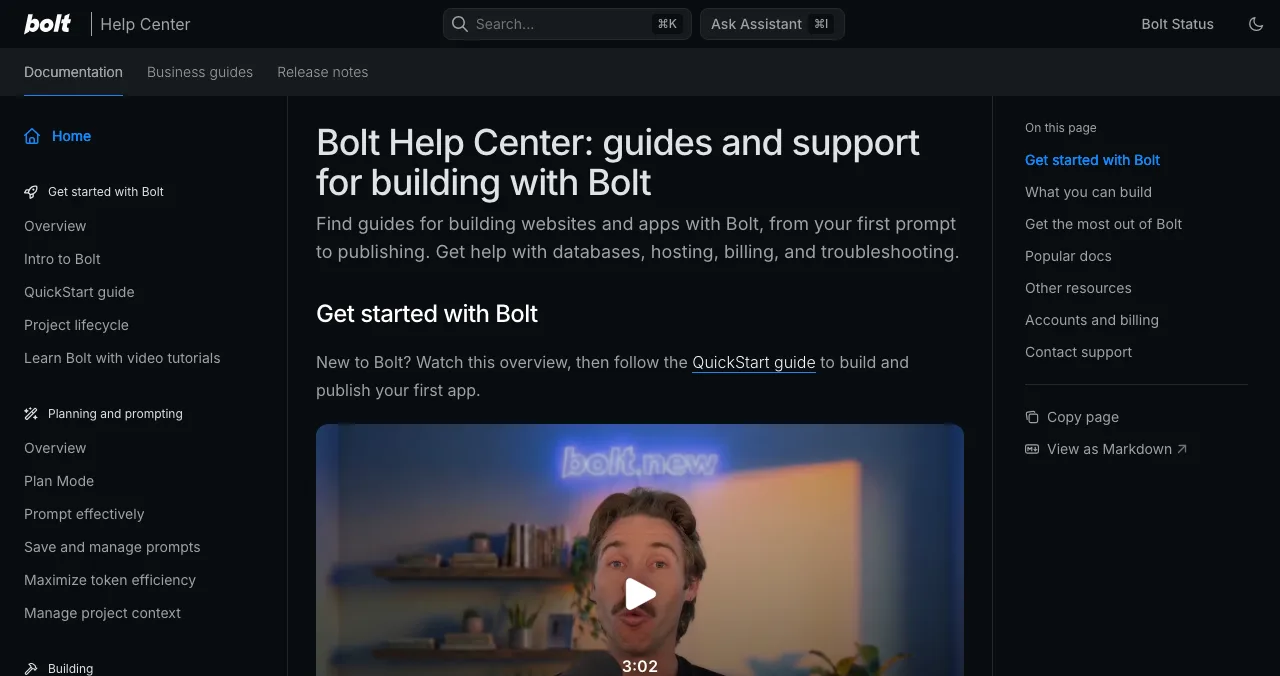
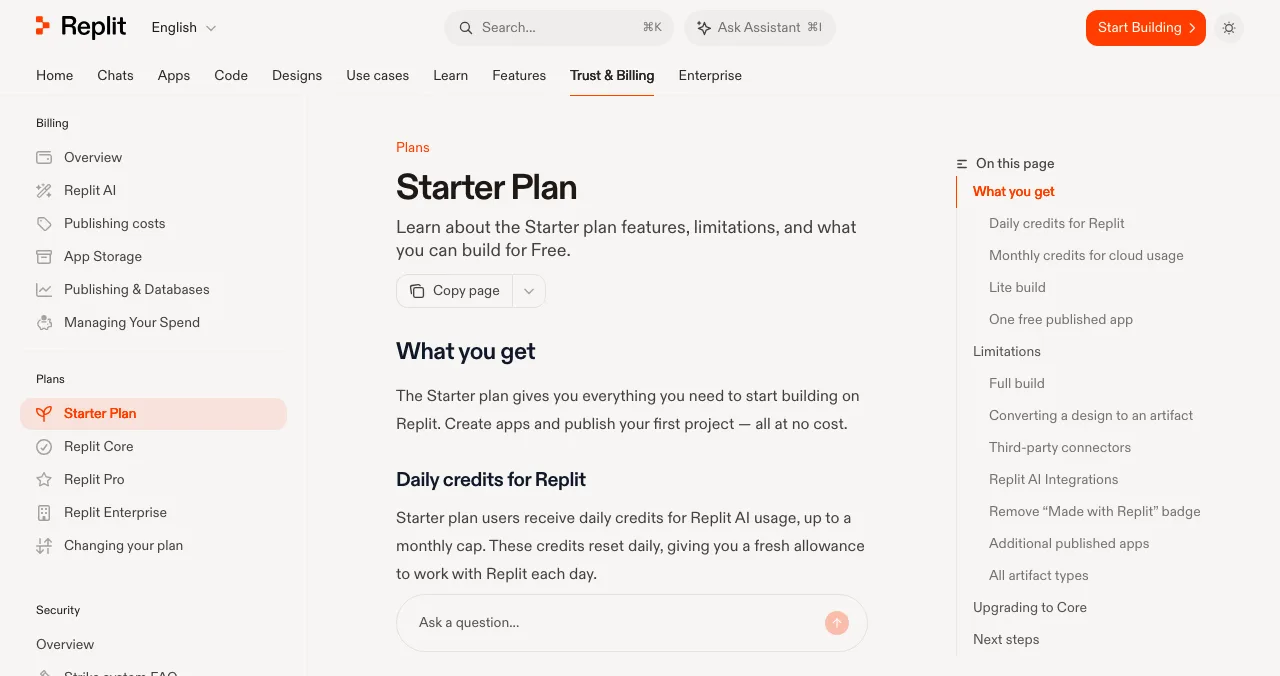
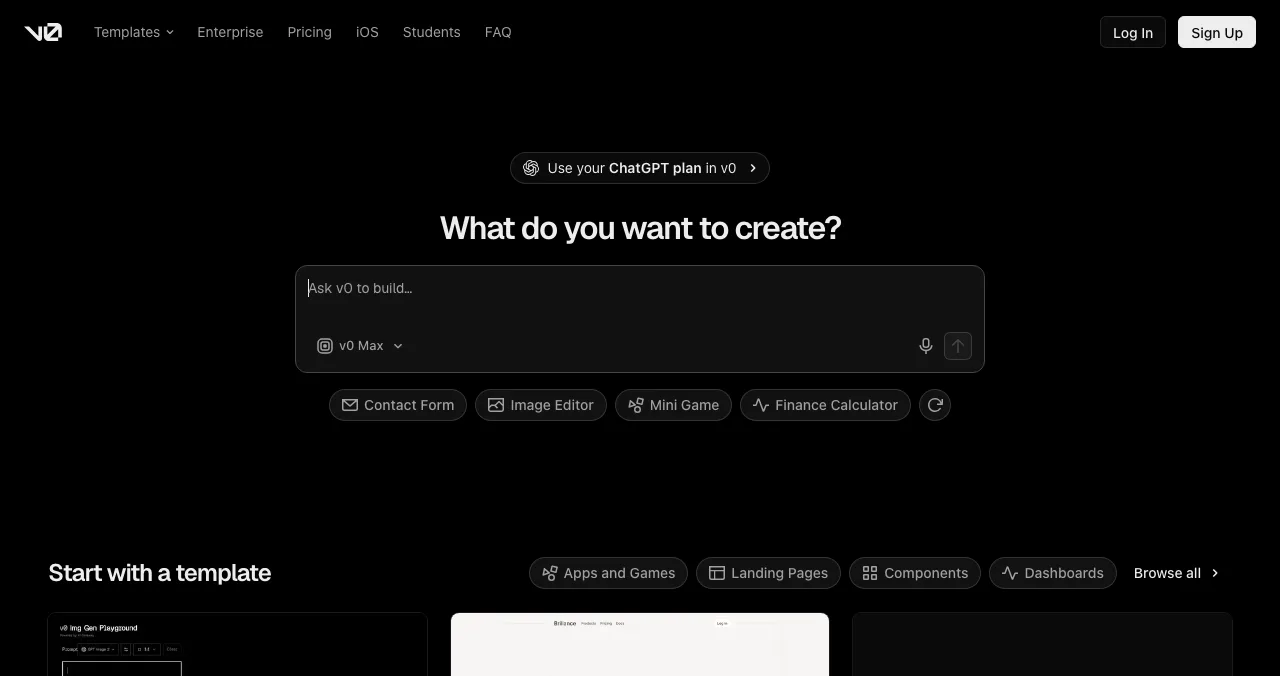
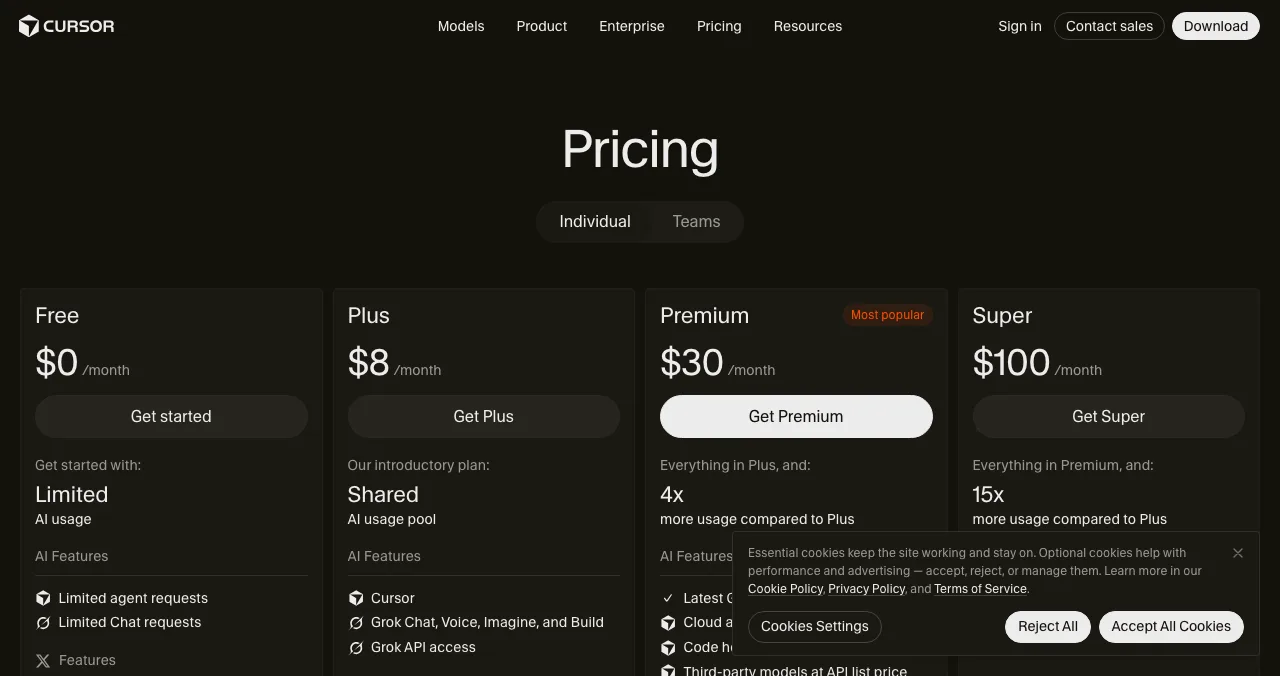
The tool you started with is usually the right one to launch with. Switching tools right before launch costs a rebuild; upgrading to the plan with a custom domain costs a month's fee. Detailed comparisons: Lovable vs Bolt vs Replit and AI app builders for non-coders.
Where should you launch a vibe coding app?
Launch in layers: one permanent page first, then the places that send a burst of people to it.
| Where | What it gives you | When |
|---|---|---|
| Your own domain | The address you control | Before anything else |
| Science of Apps Launchpad | A permanent, free product page found by problem; a test of the live app | Day 1 of launch week |
| Communities your users read | The first real users | Days 2–5 |
| Product Hunt | A one-day burst of early adopters | Once the first five minutes work |
| Indie Hackers, Show HN | Builders and technical feedback | When the build story is part of the pitch |
Table: Where to launch a vibe coding app, in order
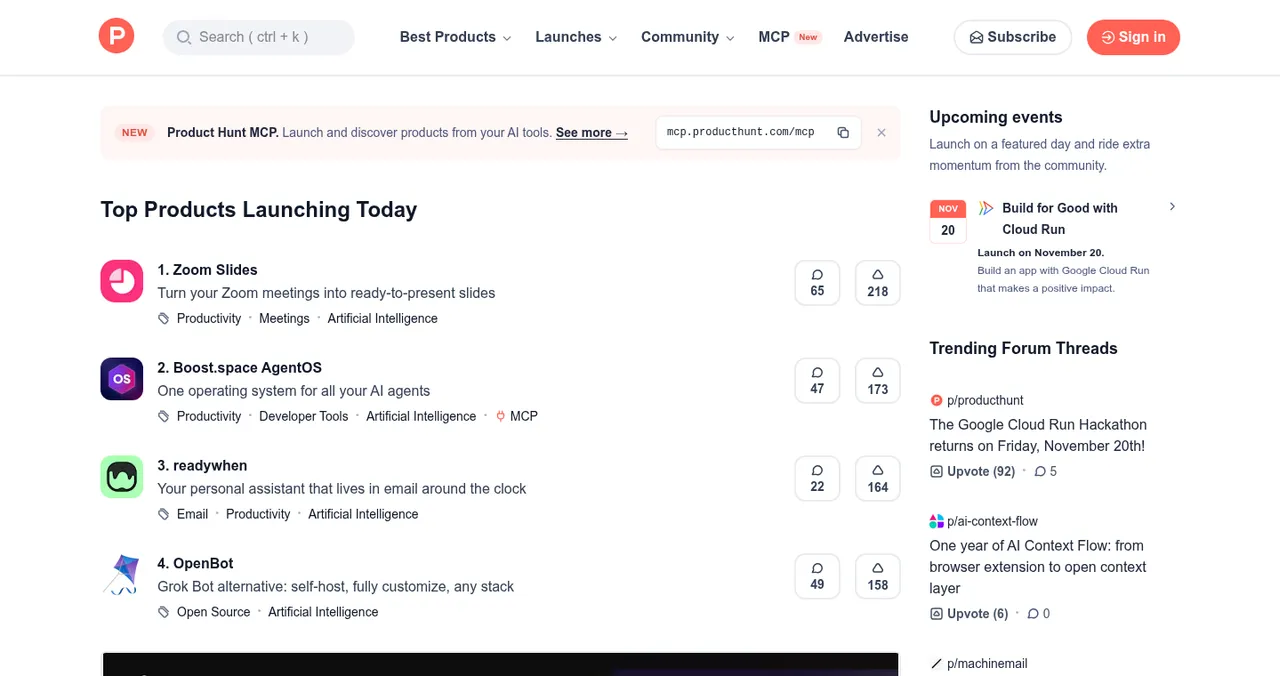
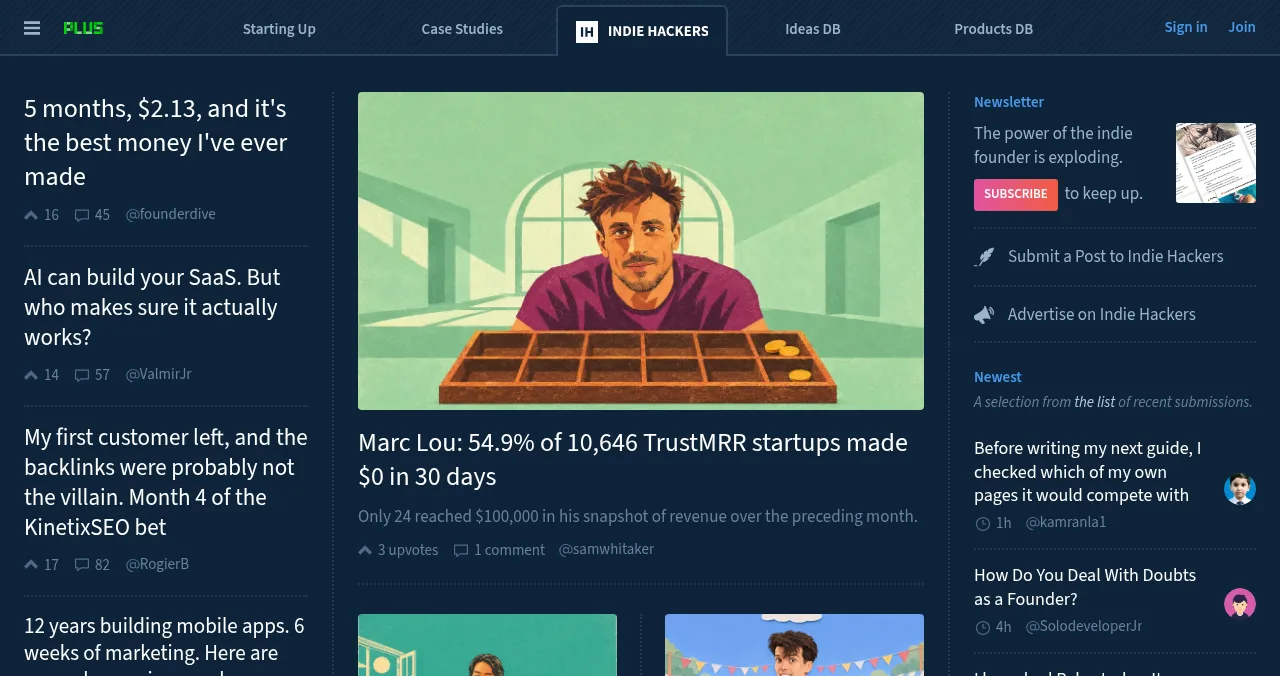
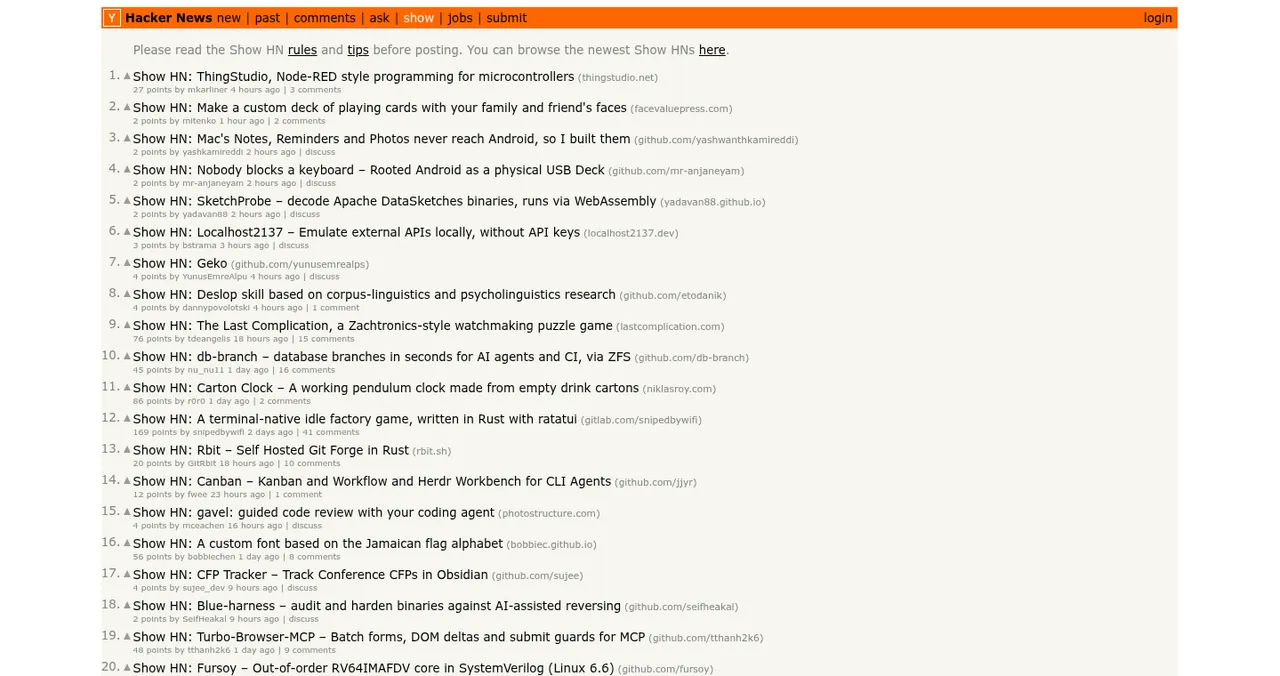
A launch day is one day. A permanent page keeps collecting visitors, vouches and badges after it, and gives every post, reply and directory listing one stable place to point. More on the launch-day side: how to launch an AI product and the launch week guide.
The Launchpad: the step vibe coding tools don't have

- Free, forever: list in six short steps; checked automatically and reviewed by a person; a Featured badge when it goes live.
- Found by the problem it solves: ranked by relevance, editorial picks and community interest such as vouches and follows, never payment.
- Earned proof: Verified (a work email on your domain), Community favourite, Editor's pick and more, each linking back to your page.
- For any stage: AI products, SaaS, mobile apps, developer tools, browser extensions, games and open source.
Your vibe coded app, tested end to end
- Areas of your app tested
- 22
- Automatic measurements, desktop and mobile
- 39
- Expert checks behind your login
- 74
- Verdicts that rank what to fix first
- 5
Arrive
First impression
Landing page, discoverability on Google and AI search, speed and trust.
Join
The first minutes
Sign-up, sign-in, recovery and onboarding.
Use
The everyday job
Core flow, empty and error states, and for AI products, prompt and output trust.
Pay
Value into revenue
Paywall, upgrade and checkout.
Stay
Coming back
Notifications, account and help.
Every screen
Throughout
Accessibility, visual design and consistency.

Evidence for every finding
Each finding is pinned to its screen or backed by a measurement.
Five verdicts
Good, Needs improvement, Needs to be fixed, Critical, Recommendation.
Analyst-reviewed
A person approves every finding before you see it.
Private to your team
Reports never affect your listing's ranking.
This is the check your vibe coding tool can't do for itself: the same AI that built the happy path is the one least likely to notice what it missed. The investigation loads the live app in a real browser, as a stranger would.
Know what users will hit, before they do
List free, then order the report that fits: the first impression, or the full diagnosis with a plan.

 Economy
See what new customers see
- Store listing and homepage, screen by screen
- Scorecard against 60 Laws of UX
- Customers, competitors and the fixes worth most
PremiumThe full diagnosis and the plan
- Every screen, every finding, every flow
- All 60 laws with evidence and fixes
- 8 strategy chapters and a 90-day roadmap
Researched from your live product and fact-checked against the evidence.
A 7-day plan from vibe coded app to launched product
- Day 1
Freeze and check
Stop adding features; run the pre-launch checks above.
- Day 2
Own the address
Upgrade to the plan with a custom domain; remove builder branding.
- Day 3
List it
Create your Launchpad listing; read the free baseline diagnosis.
- Day 4
Five watched users
Give five people the core task; say nothing; note where they stall.
- Day 5
Fix, by prompt
Turn each stall into one specific prompt; re-test with a new account.
- Day 6
Tell your communities
Post where your users are, linking to your Launchpad page.
- Day 7
Go wider
Product Hunt, Indie Hackers or Show HN, depending on your audience.
Mistakes to avoid

- Launching the demo — a flow that works for you, signed in as admin, isn't proof it works for a new account
- Leaving keys in the front end — ask your tool to list every secret and where it's stored
- Sharing a link that expires — free published links and preview URLs change or vanish; launch on a permanent page
- Prompting instead of watching — five watched users beat fifty new features
- Hiding what the AI does — tell users what the AI can get wrong and how to check it
- Ending on a dead end — a confusing last step colours the whole visit
That last one is the peak-end rule: people judge an experience mostly by its most intense moment and its end, so make the first success screen and the sign-off clear.
Ready to launch?
How we know
Tool plans and limits come from each vibe coding tool's own pricing page or documentation, read on 20 November 2026. The pre-launch checks are standard web-app practice for authentication, data access, secrets and speed, not results from testing specific apps. The Launchpad's terms come from its homepage (20 November 2026) and its investigation and pricing pages (18 November 2026). Search volume is Google Keyword Planner's global 12-month average. Science of Apps runs the Launchpad and has no relationship with the tools named.
Key terms, defined
- Vibe coding: building software by describing it to an AI and iterating on the result without reading every line.
- Vibe coded app: an app built mainly through vibe coding.
- Vibe coding tools: prompt-to-app builders and AI code editors such as Lovable, Bolt.new, Replit, v0 and Cursor.
- Happy path: the flow a user takes when everything goes as expected.
- Database rules: settings that decide which signed-in user can read or change which data.
- Permanent listing: a public product page that stays live and findable after launch day.
Frequently asked questions
How do you launch a vibe coded app?
Freeze the scope, then run five checks: sign-up and sign-in, error and empty states, secrets and data access, speed on mobile, and any AI output users rely on. Move it to your own domain, create a permanent product page such as a free Science of Apps Launchpad listing, watch five people use it, then share it on Product Hunt, Indie Hackers and your communities.
What is vibe coding?
Vibe coding means building software by describing what you want to an AI and iterating on what it produces, without reading every line of code. It's excellent for prototypes, internal tools and first versions of products. Production apps still need review of security, data handling and edge cases, which is what this playbook's pre-launch checks cover.
What are the best vibe coding tools?
Prompt-to-app builders such as Lovable, Bolt.new, Replit, v0, Base44 and Emergent produce a hosted app from a description; AI code editors such as Cursor suit people who'll read the code. For launching, the tool matters less than whether it supports a custom domain, code export and a real database on the plan you can afford.
Is a vibe coded app safe to launch?
It can be, once you check it. The common risks in a vibe coded app are API keys exposed in front-end code, database rules that let any signed-in user read everyone's data, and missing input validation. Ask your tool to audit for these, test with a second account, and get a developer review if you handle payments or personal data.
How do I get users for my vibe coding app?
Start with a permanent public page, so every mention points somewhere stable: a free Launchpad listing is found by the problem your app solves. Then go where your users already are: communities, Product Hunt, Indie Hackers, Show HN for technical products. Five watched users before the wide launch will tell you more than fifty silent visits.
Should I tell users my app was vibe coded?
There's no rule that you must, and users mostly care whether it solves their problem. Be honest if asked, and be especially clear about anything AI does inside the product: what it can get wrong and how users can check. Among builders, on Indie Hackers or Show HN, the build story itself can be part of the launch.
What does the Launchpad check on an AI-built app?
A free baseline diagnosis of your landing page, discoverability and speed runs as your listing goes live. The full investigation covers 22 areas from first visit to payment, with 39 automatic measurements in a real browser on desktop and mobile and 74 expert checks, analyst-reviewed and private. For AI products it adds prompt and output trust checks.
Sources
- Lovable — Documentation: Welcome to Lovable (checked 20 Nov 2026)
- Bolt — Pricing (checked 20 Nov 2026)
- Replit Docs — Starter Plan (checked 20 Nov 2026)
- v0 by Vercel — Homepage and pricing (checked 20 Nov 2026)
- Cursor — Pricing (checked 20 Nov 2026)
- Google — PageSpeed Insights (checked 17 Nov 2026)
- Product Hunt — Homepage (checked 16 Nov 2026)
- Indie Hackers — Homepage (checked 17 Nov 2026)
- Hacker News — Show HN (checked 16 Nov 2026)
- Science of Apps — Launchpad (checked 20 Nov 2026)
- Science of Apps — Product investigation (checked 18 Nov 2026)
- Science of Apps — Pricing: free listing and reports (checked 18 Nov 2026)
- Checked November 20, 2026. Figures that change — fees, salaries, prices — are reviewed every six months; if something is out of date, tell us.
Where to go from here
- What is vibe coding? — the plain-English guide
- Lovable vs Bolt vs Replit — choosing a vibe coding tool
- How to launch an AI product — channels and messaging
- Science of Apps - LaunchpadBuilt an app with AI? Where to launch a vibe coded app free, what each launch site accepts, and the checks to run before strangers find the bugsBuilt a vibe coded app with Lovable, Bolt or Replit? Where to launch an app built with AI for free, what each site accepts, and what to check first.
- Science of Apps - LaunchpadHow to launch a startup in 2027: from a validated problem to a working product, a public launch and your first customersHow to launch a startup in 2027, step by step: validate the problem, build a small product, test it, publish a permanent page, launch and win first users.
- Science of Apps - LaunchpadProduct launch strategy for 2027: how to plan, run and follow up a launch that brings users, not just a spikeA product launch strategy for 2027: set goals, size the launch, build a permanent page, sequence launch days, run launch week and follow up, step by step.
- Science of Apps - LaunchpadApp directories for mobile apps: the app stores themselves, then the directories and launch sites that accept apps (Product Hunt, AlternativeTo, SaaSHub, a permanent listing) and whether they're worth itApp directories for mobile apps: the stores first, then directories that accept apps (Product Hunt, AlternativeTo, SaaSHub) and when they're worth it.
- Science of Apps - LaunchpadWhat to do after a Product Hunt launch: a 30-day plan to turn one day of attention into users, reviews and a better productWhat to do after a Product Hunt launch: keep replying, follow up, measure, ship feedback, collect reviews, launch elsewhere and plan your relaunch.
- Science of Apps - LaunchpadHow to get your first users for a new app: the store listing, launch sites, communities, direct outreach and a web page that keeps bringing people inHow to get users for a new app, free: fix the store listing, launch on Product Hunt and Peerlist, reach people directly, and add a permanent web page.
Get the ideas, not the noise.
Sign up with Google and we’ll send you short UX psychology tips by email — why people tap, stall and leave, and what to do about it. Unsubscribe anytime. Prefer something to keep? Get the free Laws of UX guide as a PDF.
Launch day ends. Your listing shouldn't.
The missing step after vibe coding is the launch: a free, permanent product page on the Science of Apps Launchpad, real users, and a test of the live app end to end, with prompt and output trust checks for AI products.