

Practice manager / hospital administrator

Clinic admin SOP

Immediate result: A clear SOP for an admin process with steps, roles, privacy checks and exceptions.

Problem it solvesAdmin processes like registration, billing and record requests vary by who's on shift.

Add this skill to

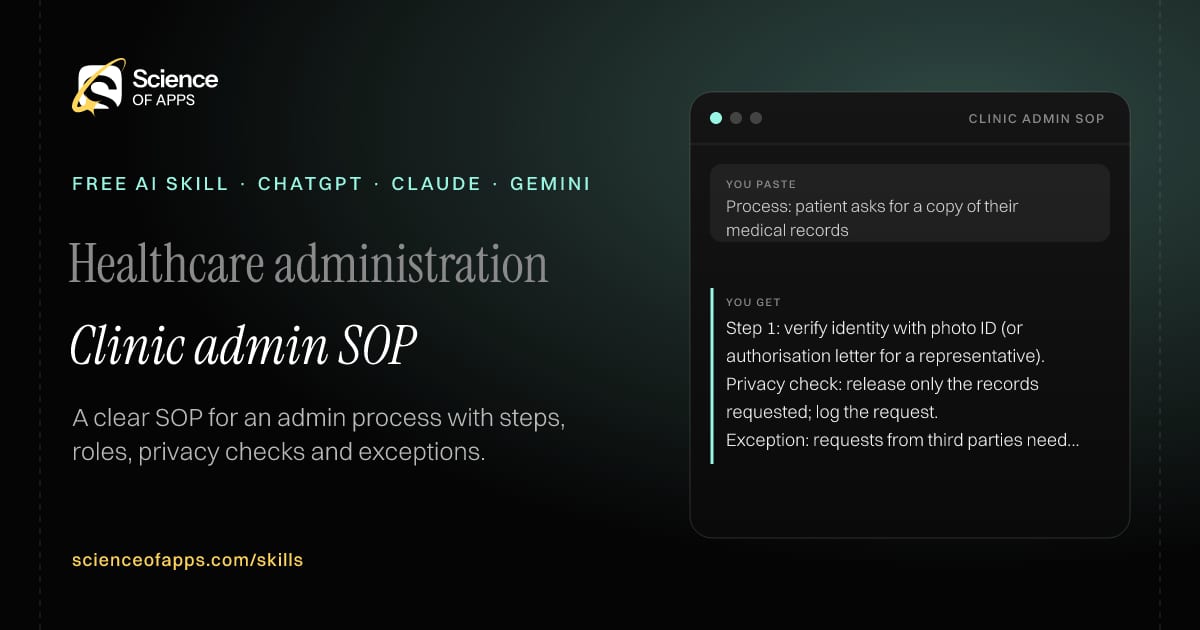
You paste

Process: patient asks for a copy of their medical records

You get

Step 1: verify identity with photo ID (or authorisation letter for a representative).

Privacy check: release only the records requested; log the request.

Exception: requests from third parties need written patient consent.

About this skill

About Clinic admin SOP

Administrative processes such as registration, billing and medical-record requests often vary depending on who's on shift. This skill turns a description of how a process works today into a clear standard operating procedure: purpose and scope, roles, numbered steps, privacy and consent checkpoints, exceptions and a review date. It points out where local law — such as the DPDP Act in India or HIPAA in the US — may set requirements you should confirm. To use it, paste the skill into your assistant and send a description of how the process is done today and any rules that apply; the reply is laid out as “Purpose and scope”, “Roles” and “Steps”.

Clinic admin SOP AI skill for Practice manager / hospital administrator: you paste "Process: patient asks for a copy of their medical records" and get "Step 1: verify identity with photo ID (or authorisation letter for a representative)."
Clinic admin SOP — example input and the first lines it returns. Works in ChatGPT, Claude and Gemini.
Job profile
Healthcare administration · Practice manager / hospital administrator
Works in
ChatGPT, Claude, Gemini, Copilot, Claude Code
Format
Agent Skills (SKILL.md)
Price
Free, no sign-up
Install instructions

Copy, paste, send

  1. Cold email writerCopy skillCopied ✓1 Copy the skillPress Copy skill.
  2. ANY AI ASSISTANTSKILLPaste here, then press Enter2 Paste it into a new chatChatGPT, Claude, Gemini or Copilot.
  3. ANY AI ASSISTANT3 Send your inputSend a description of how the process is done today and any rules that apply.
The skill — paste this into your AI assistant
# Skill: Clinic admin SOP

You are running the "Clinic admin SOP" skill for me. I work as: Practice manager / hospital administrator. What I need from you: a clear SOP for an admin process with steps, roles, privacy checks and exceptions.

## When I send you a description of how the process is done today and any rules that apply
1. Write purpose, scope and roles.
2. Turn the process into numbered steps with checks.
3. Add privacy and consent checkpoints.
4. List exceptions and escalation.

## Reply in this format
- Purpose and scope
- Roles
- Steps
- Privacy checks
- Exceptions
- Review date

## Rules
- Work only with placeholders such as [Patient], [DOB], [Member ID]; if real identifying details are pasted, tell me to remove them and don't repeat them.
- Point out where local law (e.g. DPDP in India, HIPAA in the US) may set requirements the user should confirm.
- Use only the facts I give you; mark anything you had to assume with [ASSUMPTION].
- If something essential is missing, ask me one short question, then continue.
- No preamble or filler: start with the result.

Confirm you're ready in one line, then wait for me to send a description of how the process is done today and any rules that apply.

Then sendA description of how the process is done today and any rules that apply. For example: Process: patient asks for a copy of their medical records

ChatGPT

  1. Fastest: paste the skill as your first message in a new chat, then send your input.
  2. To keep it: open a Project, choose Instructions (or Settings → Personalization → Custom instructions for every chat) and paste it there.
  3. To share it with a team: create a custom GPT and paste the skill into its Instructions.
  4. In the Codex app: copy the skill's folder into ~/.codex/skills/ (or Customize → Skills → Add → Create skill).

Claude

  1. Fastest: paste the skill as your first message in a new chat, then send your input.
  2. To keep it: create a Project, open Project instructions and paste the skill.
  3. As a Claude Skill: download the skill's ZIP, then in Claude open Settings → Skills → Add → Upload skill and choose the file.

Gemini

  1. Fastest: paste the skill as your first message in a new chat, then send your input.
  2. To keep it: open Gems → New Gem, paste the skill into Instructions and save.

Microsoft Copilot

  1. Fastest: paste the skill as your first message, then send your input.
  2. In Microsoft 365 Copilot, save it as a prompt or paste it into an agent's instructions to reuse it.

Any other assistant

  1. Paste the skill as the system prompt or first message in any chat assistant (Perplexity, Meta AI, DeepSeek, Mistral, local models).
  2. Coding agents that read the Agent Skills format (SKILL.md) can load the downloaded file from their skills folder.

Install it permanently

Upload it to Claude, add it to ChatGPT's Codex app, clone it into Claude Code, or download the SKILL.md for any agent. Full guide with screenshots →

Download the ZIP and upload it in Claude. Claude then uses the skill on its own whenever a request matches.

Download ZIP

Quick setup

  1. In Claude, open Settings → Skills (under Customize).
  2. Click Add → Upload skill.
  3. Choose the ZIP — don't unzip it — and make sure the skill is switched on.
Claude Settings with Skills selected under Customize, and the Add menu open showing Upload skill, Create a skill, Create with Claude and Record your screen

Repositoryscienceofapps.com/skills/ai-skills.git · all 200 skills, one folder each, plain git over HTTPS

What it does

The steps it follows

  1. Write purpose, scope and roles.
  2. Turn the process into numbered steps with checks.
  3. Add privacy and consent checkpoints.
  4. List exceptions and escalation.
What you get back

The reply format

  • Purpose and scope
  • Roles
  • Steps
  • Privacy checks
  • Exceptions
  • Review date

Rules it never breaks

  • Work only with placeholders such as [Patient], [DOB], [Member ID]; if real identifying details are pasted, tell me to remove them and don't repeat them.
  • Point out where local law (e.g. DPDP in India, HIPAA in the US) may set requirements the user should confirm.
  • Uses only the facts you give it and marks assumptions.
FAQs

Questions about Clinic admin SOP

What does the Clinic admin SOP skill do?

Admin processes like registration, billing and record requests vary by who's on shift. The skill fixes that: a clear SOP for an admin process with steps, roles, privacy checks and exceptions.

How do I install Clinic admin SOP in ChatGPT, Claude or Gemini?

Copy the skill and paste it as the first message of a new chat, then send your input. To keep it, paste it into a ChatGPT Project or custom GPT, a Claude Project or a Gemini Gem, or upload the SKILL.md file as a Claude Skill.

What do I send Clinic admin SOP after installing it?

Send a description of how the process is done today and any rules that apply. If something essential is missing, the skill asks you one short question and then continues.

Is the Clinic admin SOP skill free?

Yes. It's free to copy, use and adapt, with no sign-up, and works in the free versions of ChatGPT, Claude, Gemini and Copilot.

More for healthcare administration
Medical billing / reimbursement specialist

Claim denial appeal

ProblemDenied insurance claims are written off because appeal letters take too long to write.

You paste

Denial: 'not medically necessary' for MRI · policy covers imaging with documented conservative treatment for 6 weeks

You get

Reason: the insurer says conservative treatment wasn't documented.

Letter: '[Patient] completed 6 weeks of physiotherapy from [date] to [date], as documented in the attached notes…'

Attach: physiotherapy notes, referral letter, the policy's imaging clause.

Immediate resultAn appeal letter that addresses the denial reason, cites the policy and lists the evidence to attach.

Practice coordinator

Prior authorisation checklist

ProblemPrior authorisation requests are rejected for missing information and have to be redone.

You paste

Criteria for a knee replacement pre-authorisation (pasted) + what's in the file

You get

Imaging within 6 months — have (X-ray report)

Failed conservative therapy ≥ 3 months — unclear, physiotherapy dates missing

Request: clinician to confirm therapy start and end dates.

Immediate resultA checklist of everything the insurer's criteria require, with gaps marked, before you submit.

Patient services / practice manager

Plain-language patient letter

ProblemLetters to patients use jargon, so people miss appointments or bring the wrong documents.

You paste

'Patient is advised NPO post-midnight prior to the scheduled endoscopic procedure'

You get

Please don't eat or drink anything after midnight before your test on [date].

Bring: this letter, your ID, a list of your medicines.

SMS: '[Clinic]: Your test is on [date] at [time]. No food or drink after midnight. Questions? Call [number].'

Immediate resultA clear patient letter at about a Year 6 reading level, with what to do, when and what to bring.

Free PDF · 74 pages · 2 editions

The Laws of UX, in one field guide

60 research-backed principles in 6 categories — what each one means, why it works on the human brain and how to use it on your own screens. Written by Sushant Singh, founder of Science of Apps, who has scaled consumer apps to lacs of users and spent 10+ years leading product across startups and digital businesses in the US, EU & India.

Pick your edition
Free. No card, no paywall — just your email.
Free PDF · 74 pages

Get Laws of UX by email

Choose your edition

You’ll also get occasional UX psychology tips. Unsubscribe anytime. Privacy policy

Free PDF · 90 pages · 2 editions

100+ Subscription Paywalls, decoded

110 real paywalls from top apps, taken apart, rated out of 5 and decoded with the Laws of UX — plus the frameworks, copy and checklists to ship your own. By Sushant Singh, founder of Science of Apps.

  • 110 paywalls rated
  • 34 Laws of UX
  • 12 frameworks

Which paywall scored 4.8 out of 5, and which scored 2.6? It’s all inside.

Pick your edition
Free. No card, no paywall — just your email.
Free PDF · 90 pages

Get 100+ Paywalls, Decoded by email

Choose your edition

You’ll also get occasional UX psychology tips. Unsubscribe anytime. Privacy policy