 By
Quick answer: How do I launch a SaaS product?
- 1. Private beta: 10–30 target users, watched closely.
- 2. Fix activation: the path from sign-up to the first real result.
- 3. Simple pricing: few plans, a free trial or free tier, visible prices.
- 4. Permanent page: one canonical page every launch links to.
- 5. Public launch: your audience first, then Product Hunt, Peerlist or Show HN, plus SaaSHub.
- 6. Convert: follow up every trial; measure activation and paid conversion.
Key takeaways
- A SaaS launch should start private: a small beta finds the problems a public launch would expose.
- Activation, a new user getting a real result, matters more than sign-ups; launch traffic that doesn't activate is wasted.
- Simple, visible pricing reduces hesitation; too many plans slow decisions.
- Most SaaS launch channels are free; your own audience and alternatives directories keep working after launch day.
- Follow up with every trial user personally in the first weeks; it's where first customers come from.
A SaaS launch isn't the day you post on Product Hunt. It's the stretch from your first private beta user to your first paying customers, and the public launch sits in the middle. Founders who skip the private part launch a product that breaks under strangers; founders who skip the follow-up get a spike of sign-ups and no revenue. This step-by-step guide covers the whole sequence, with launch-site rules from each platform's own pages, checked 16–17 November 2026. Jump to the private beta, activation, the public launch or converting trials.
- Steps from beta to first customers
- 6
- Beta users who match your target customer
- 10–30
- Metric that matters most early: activation
- 1
- Launch sites you need to pay for
- 0
Step 1: Run a private beta

- Recruit 10–30 people who match your buyer — not friends; people with the problem.
- Watch them use it — screen-share the first session; don't help unless they're stuck.
- Write down every hesitation — where they paused, misread or asked a question.
- Fix, then invite the next group — the beta ends when new users reach a first result without you.
Step 2: Fix activation
Activation is a new user reaching the first real result: the first report generated, the first invoice sent, the first teammate invited. Launch traffic is impatient; if it doesn't activate fast, it's gone.

- Sign-up asks only what's needed — email and password or social sign-in; the rest later
- Verification doesn't block value — or explains why it must
- The first screen isn't empty — templates, sample data or one guided action
- Progress is visible — users know where they are and what's next (Nielsen H1)
- Errors explain the fix — plain language, a way forward (Nielsen H9)
- It works on mobile — even if your core use is desktop, sign-up often isn't
Step 3: Set simple pricing
| Choice | When it fits |
|---|---|
| Free trial | Value shows within days; you want a clear paid decision |
| Free plan | The product spreads through use (collaboration, sharing) |
| Paid only, with a guarantee | High-value niche B2B with a clear buyer |
Table: Free trial vs free plan vs paid only
Keep it simple: two or three plans, one recommended, prices visible, trial terms stated (length, card or no card, how to cancel). More plans mean slower decisions (Hick's Law).
Step 4: Publish a permanent page

Every launch channel needs one canonical page to send people to, and it should keep working after launch day. A free Science of Apps Launchpad listing is found by the problem your SaaS solves, ranked by relevance and never by payment, and once it's live your product is tested end to end with a detailed report.
Step 5: Launch publicly
- Day −14
Submit to slow queues
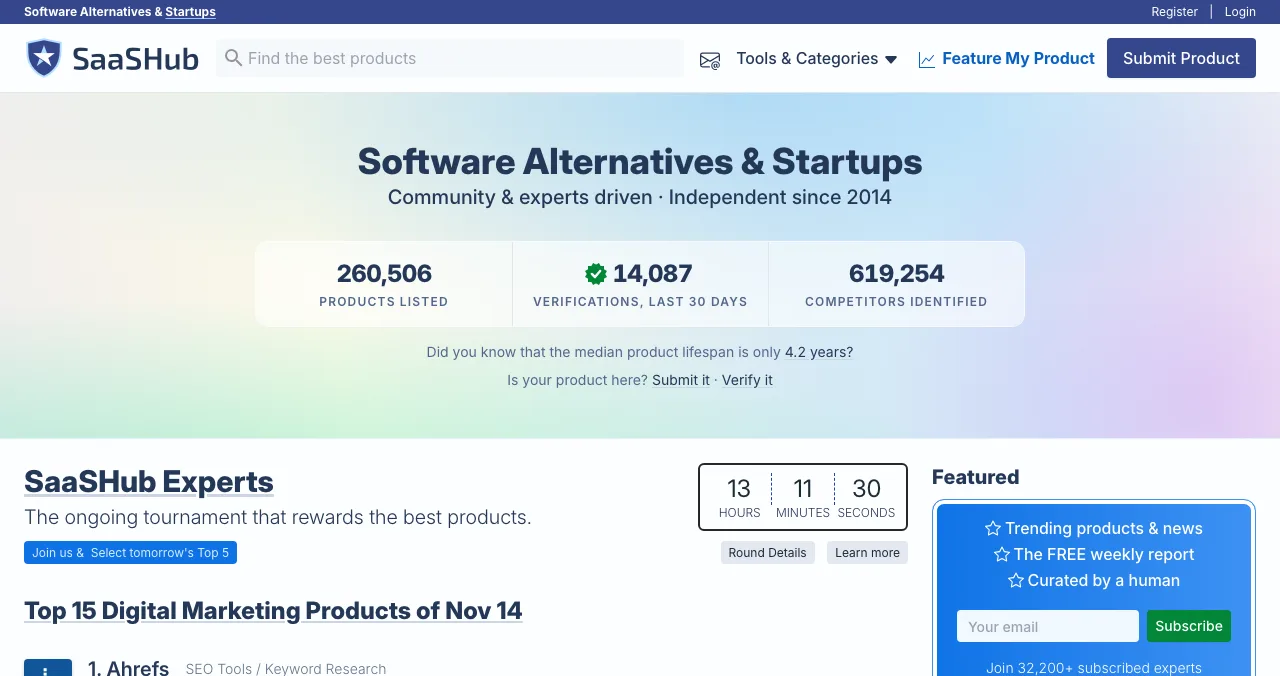
SaaSHub and AlternativeTo review submissions by hand; send them early. Book Product Hunt (up to 30 days ahead).
- Day −7
Warm up
Tell your beta users and email list the date; ask beta users for honest public reviews.
- Day 0
Your audience, then Product Hunt
Email and in-app first; Product Hunt live at 12:01 AM Pacific; reply all day.
- Day +7
Second wave
Peerlist (Monday launches) or, for developer SaaS, Show HN and DevHunt.
- Day +14
Always-on
SaaSHub and AlternativeTo listings live; a complete Crunchbase profile.
Which sites fit which SaaS is covered in where to launch a SaaS.
Step 6: Convert trials into customers

- Email every new trial personally — ask what they're trying to do
- Watch activation daily — who reached the first result, who didn't
- Help the stuck ones — a short call or a two-line tip often saves them
- Ask why people didn't buy — at trial end, one question
- Ship the top fix each week — and tell the people who asked for it
What we test before a SaaS launch

Arrive
First impression
Findability, landing page, pricing and trust signals, speed.
Join
The first few minutes
Sign-up, sign-in, recovery and onboarding to the first result.
Use
The everyday job
The core workflow, dashboards, navigation and states.
Pay
Where value turns into revenue
The paywall, upgrade, checkout and payments.
Stay
What brings people back
Notifications, settings, account and help.
Every screen
Judged throughout
Accessibility to WCAG 2.2, visual consistency.
SaaS launch mistakes

- Skipping the private beta — strangers find what friends forgive
- Counting sign-ups — count activations and paid conversions
- Hiding pricing — B2B buyers want a price before a demo
- Launching a waitlist — SaaSHub and Show HN turn them away
- No follow-up — first customers come from conversations, not launch pages
Ready to launch?
How we know
Launch-site rules come from Product Hunt's help centre, SaaSHub's submission guidelines and Show HN's guidelines, read on 16–17 November 2026; usability checks from Nielsen's heuristics. The beta size and sequence are our editorial guidance. Science of Apps runs the Launchpad mentioned above.
Key terms, defined
- Private beta: a limited release to selected users before a public launch.
- Activation: a new user reaching the first real result.
- Trial-to-paid conversion: the share of trial users who become paying customers.
- Free plan (freemium): a permanently free tier with paid upgrades.
- Alternatives directory: a site where buyers compare software by the tools it replaces.
Frequently asked questions
How do I launch a SaaS product?
Start with a private beta for 10–30 people who match your target customer, fix what stops them reaching a real result, set simple pricing, publish a permanent product page, then launch publicly: to your own audience first, then on launch sites that fit your buyers, and in alternatives directories like SaaSHub. Measure activation and paid conversion.
Should I launch my SaaS with a free trial or a free plan?
A free trial suits products whose value shows within days and where you want a clear paid decision. A free plan suits products that spread through use, such as collaboration tools. Either way, make the terms clear: length, card or no card, and how to cancel.
How long should a SaaS beta last?
Long enough that beta users complete the core task several times and you've fixed the biggest blockers: often four to eight weeks. End it when new beta users reach their first result without your help.
Where should I launch a SaaS?
Your own audience first, then a permanent page such as a free Science of Apps Launchpad listing, launch days on Product Hunt, Peerlist or Uneed (Show HN and DevHunt for developer SaaS), and alternatives directories such as SaaSHub and AlternativeTo, where buyers compare tools.
What metrics matter after a SaaS launch?
Activation rate (new sign-ups reaching the first real result), trial-to-paid conversion, and early retention (how many users come back in week two). Sign-ups and launch-site rank matter much less.
What should I test before launching a SaaS?
The full journey in a clean browser on desktop and mobile: landing page and pricing, sign-up and verification, onboarding, the core task, upgrade and checkout, and account recovery. One broken step can waste a launch.
Sources
- Product Hunt Help Center — What kind of products get featured (checked 17 Nov 2026)
- Product Hunt Help Center — What to do during and after your launch (checked 17 Nov 2026)
- SaaSHub — Submit a product: guidelines (checked 17 Nov 2026)
- Hacker News — Show HN guidelines
- Nielsen Norman Group — 10 usability heuristics for user interface design
- Science of Apps — Product investigation: what we investigate and how
- Science of Apps — Launchpad: launch your product free
- Checked November 17, 2026. Figures that change — fees, salaries, prices — are reviewed every six months; if something is out of date, tell us.
Where to go from here
- Where to launch a SaaS — 14 sites, by layer
- Product launch strategy — the five decisions behind any launch
- SaaS ideas — if you're still choosing what to build
- Science of Apps - LaunchpadHow to launch a startup in 2027: from a validated problem to a working product, a public launch and your first customersHow to launch a startup in 2027, step by step: validate the problem, build a small product, test it, publish a permanent page, launch and win first users.
- Science of Apps - LaunchpadProduct launch strategy for 2027: how to plan, run and follow up a launch that brings users, not just a spikeA product launch strategy for 2027: set goals, size the launch, build a permanent page, sequence launch days, run launch week and follow up, step by step.
- Science of Apps - LaunchpadHow to get your first SaaS customers: from design partners to paid plans, without a sales teamHow to get your first paying SaaS customers in 2027: design partners, founder-led sales, communities, launch sites, directories and a trial that works.
- Science of Apps - LaunchpadThe startup launch checklist for 2027: everything to do before, during and after launch, in orderA startup launch checklist for 2027: product, page, visibility, assets, launch-day and follow-up items, in order, with the platform rules that matter.
- Science of Apps - LaunchpadPre-launch marketing for startups: a six-week plan from waitlist to launch day, with the channels, assets and rules that matterPre-launch marketing for startups: a 6-week plan with a waitlist, building in public, early adopters, launch assets and a scheduled launch date.
- Science of Apps - LaunchpadHow to market a SaaS in 2027: positioning, being found by buyers, content that gets cited, launches and a product that convertsHow to market a SaaS in 2027: sharp positioning, alternatives directories, search and AI visibility, launches, founder-led sales and a trial that converts.
Get the ideas, not the noise.
Sign up with Google and we’ll send you short UX psychology tips by email — why people tap, stall and leave, and what to do about it. Unsubscribe anytime. Prefer something to keep? Get the free Laws of UX guide as a PDF.
Launch day ends. Your listing shouldn't.
A permanent, free page for your SaaS, plus your product tested end to end, from sign-up and onboarding to the paywall and checkout, with a detailed report on what to fix before launch.