 By
Quick answer: How do I launch a developer tool?
- Before launch: a one-minute quick start, a demo or playground, no sign-up wall.
- Show HN: link to the tool itself; write a maker comment; stay to discuss.
- DevHunt: a free permanent listing, or a $49 launch week voted by developers.
- Product Hunt: once anyone can use it; free, 24 hours from 12:01 AM PT.
- Peerlist Launchpad: Mondays, with a verified profile and complete project.
- Always: a permanent page that ranks for the problem you solve.
Key takeaways
- Developers judge a tool by trying it; time-to-first-success is your launch metric.
- Show HN rejects landing pages and sign-up pages; make it runnable first.
- DevHunt's week-long, developer-only vote suits tools a general audience overlooks.
- Space launches out so each audience gets your attention and a fixed version.
- Never ask anyone to upvote on any of these sites.
Developers don't read your landing page and decide. They copy the install command, run it, and decide in about a minute. That makes launching a developer tool different from launching a consumer app: the product has to be ready to be tried before any launch site will help. This guide covers the preparation, then the four developer-friendly launches in the order that usually works, with each site's rules as read on 17 November 2026. Jump to preparation, the launch order or mistakes.
Before you launch: make it try-able

- A copy-paste install — one command, or a single script tag
- A one-minute quick start — to a first real result
- A hosted demo or playground — for people who won't install yet
- No sign-up wall for the first try — Show HN calls sign-up pages off topic
- Clear docs and examples — the README is your landing page
- An honest "what's unfinished" list
The launch order
| Step | Site | Cost | Why this order |
|---|---|---|---|
| 1 | Show HN | Free | Sharp technical feedback while you can still change things |
| 2 | DevHunt | Free listing; $49 launch | A developer-only vote across a week |
| 3 | Product Hunt | Free | A broad launch day once it's polished |
| 4 | Peerlist Launchpad | No fee mentioned | Builders, every Monday |
| Always | A permanent listing | Free | Discovery that doesn't end |
Table: A launch order for developer tools (each site's own pages, checked 17 Nov 2026)
1. Show HN
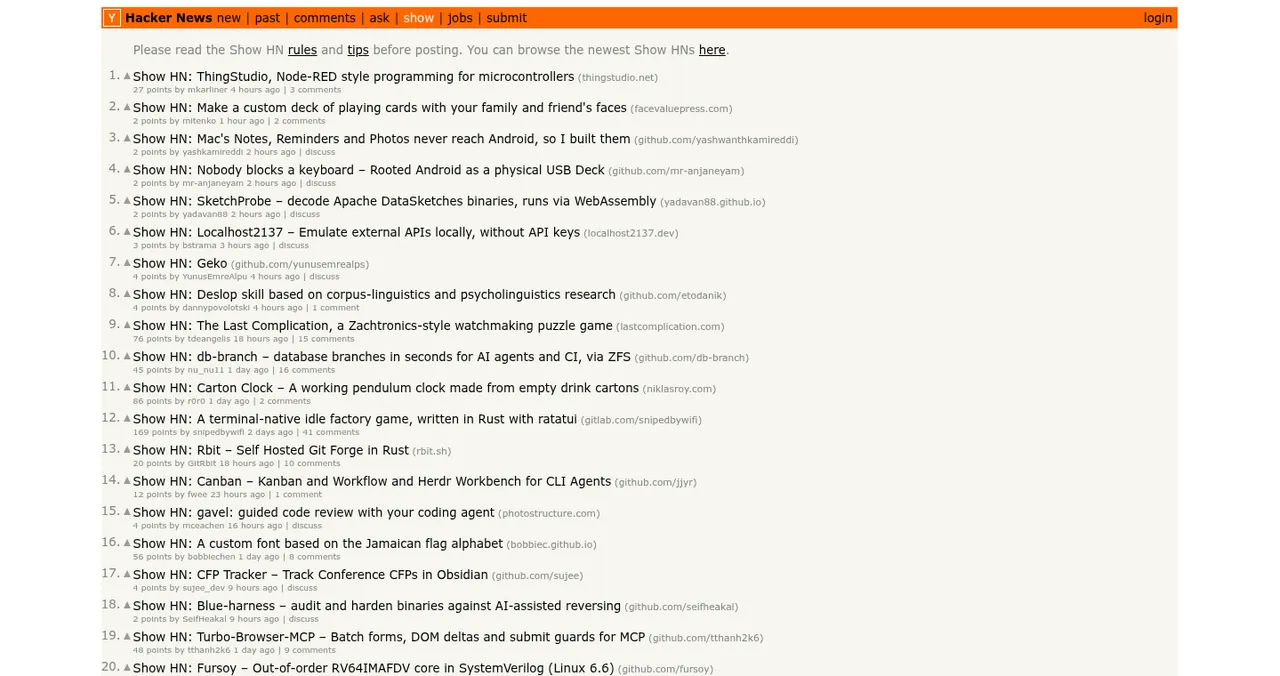
Post a story whose title starts "Show HN", linking to the tool itself. Write a first comment on how and why you built it, and stay to discuss. Every Show HN appears on shownew; after a small points threshold, on the Show page. Full rules in our Show HN guide.
2. DevHunt
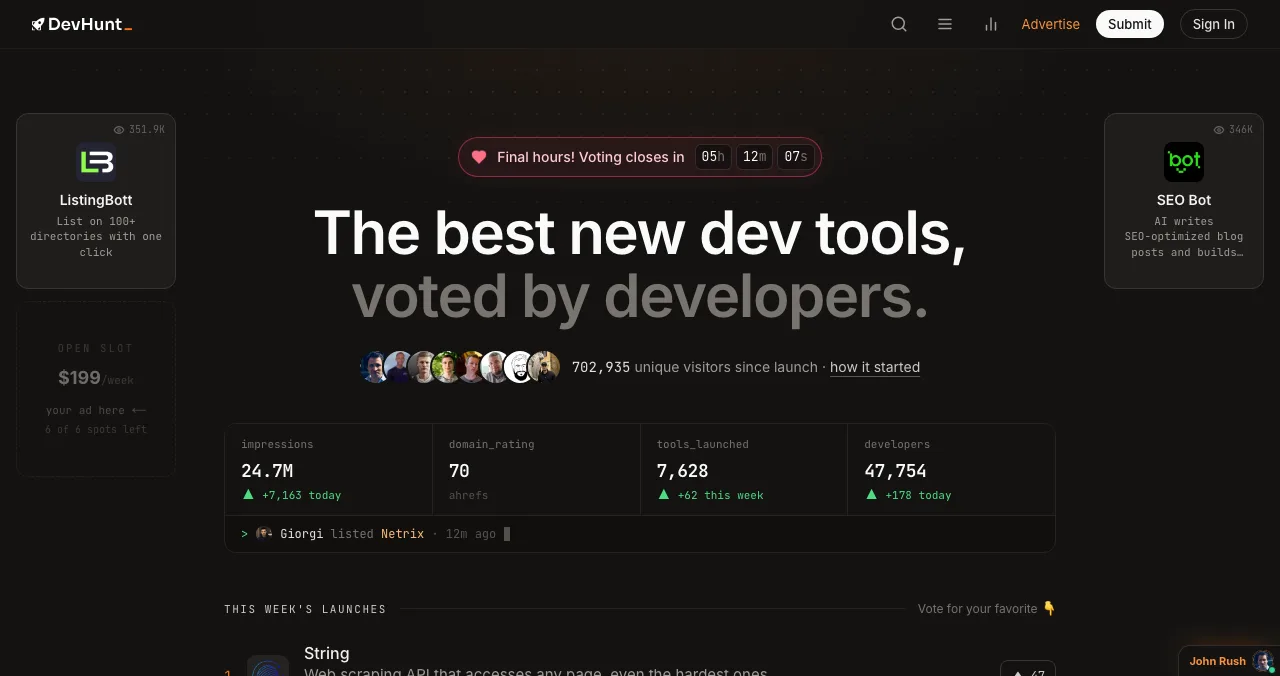
Developer tools only: open-source projects, APIs, SDKs, CLIs, databases, auth, AI agents and MCP servers. List free (nofollow link), or launch for $49 to choose your week, get a newsletter spot and a dofollow link. Voters sign in with GitHub or Google. See our DevHunt review.
3. Product Hunt
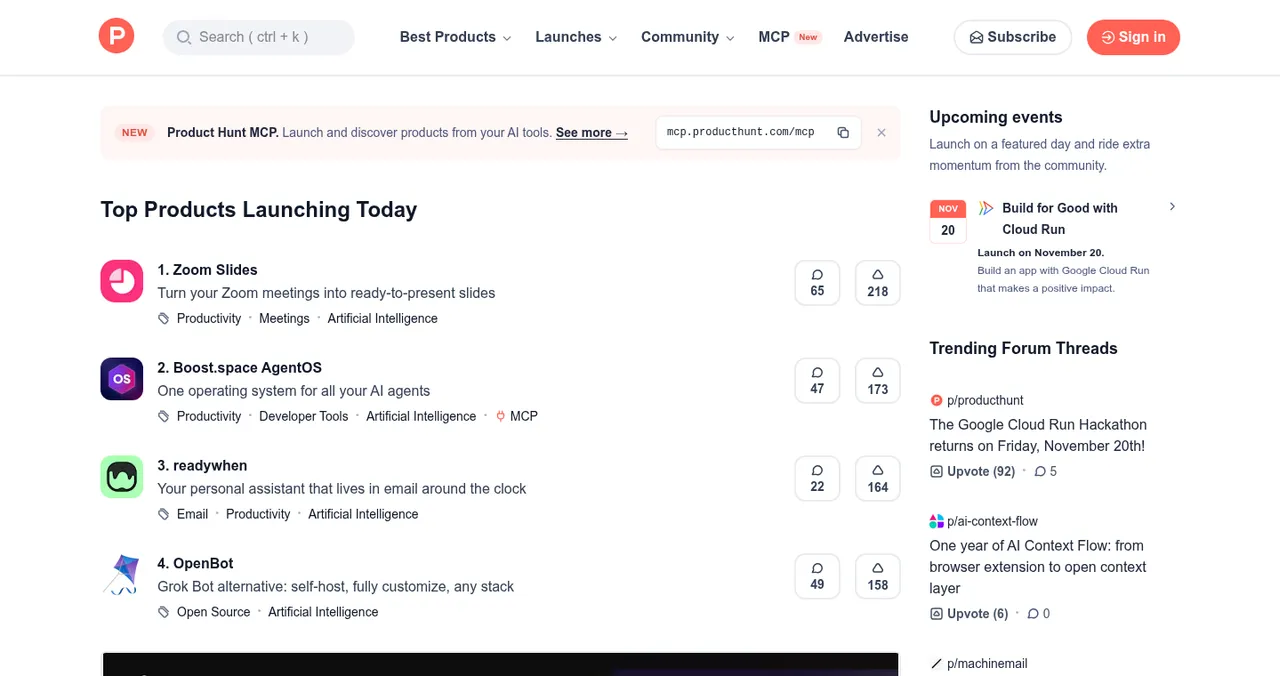
Free, 24 hours from 12:01 AM Pacific. Featuring is editorial, so explain the value for non-specialists in the tagline and gallery. Plan with our Product Hunt launch guide.
4. Peerlist Launchpad
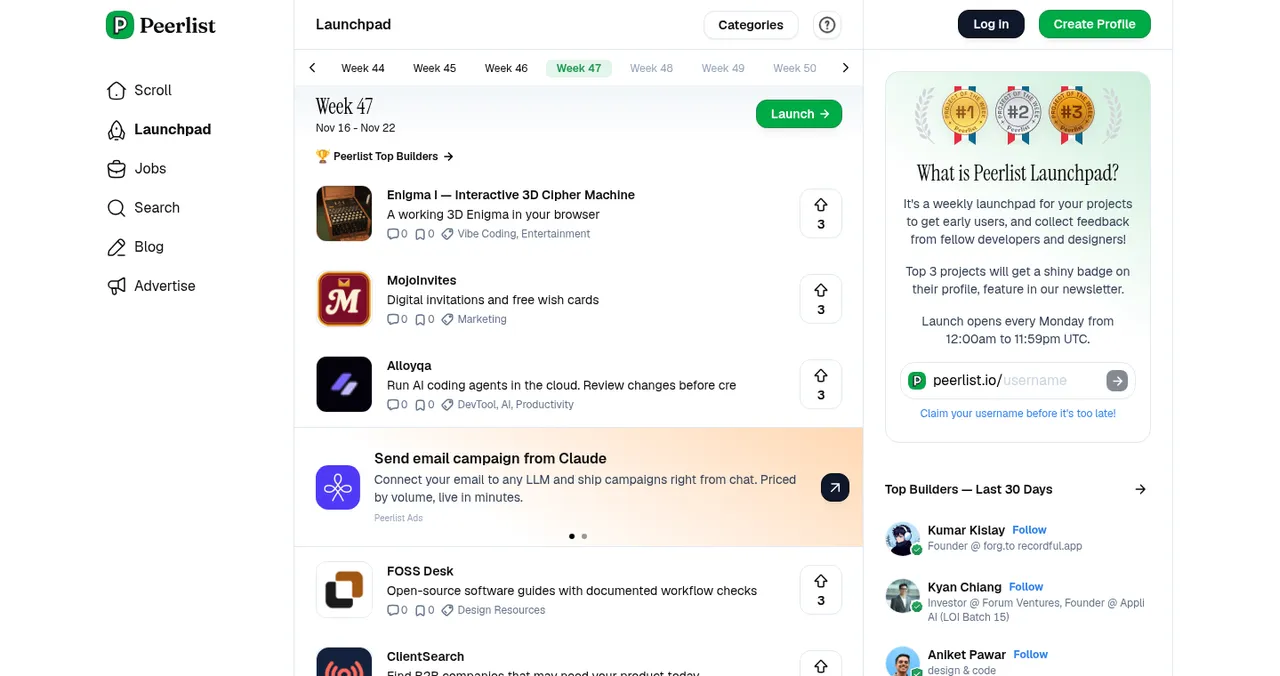
Needs a verified profile and a 100% complete project; Monday is launch day.
A permanent page

Dev-tool launch mistakes

- Launching a waitlist — Show HN won't take it; developers won't wait
- A sign-up wall before the first result
- All launches in one week — no time to fix what the first audience found
- Marketing language — developers respond to plain, specific descriptions
- Asking for upvotes — against the rules on every one of these sites
- Disappearing after posting — answer every technical question
Ready to launch your dev tool?
How we know
Each site's rules come from its own pages (Show HN guidelines, DevHunt FAQ, Product Hunt help centre, Peerlist help centre), read on 17 November 2026. The launch order is our editorial recommendation, not a rule of any site. Science of Apps runs the Launchpad.
Key terms, defined
- Dev tool: software made for developers.
- Quick start: the shortest path from install to a first result.
- Playground: a hosted environment to try a tool without installing it.
- Show HN: a Hacker News post sharing something people can try.
- Dofollow link: an ordinary link that can pass ranking signals.
Frequently asked questions
Where should I launch a developer tool?
Show HN for candid technical feedback, DevHunt for a developer-only vote, Product Hunt for a broad launch day, Peerlist Launchpad for builders on Mondays, and a permanent listing for ongoing discovery.
What order should I launch a dev tool in?
A common order is Show HN first, for sharp feedback while you can still fix things, then DevHunt, then Product Hunt once the tool is polished and anyone can use it, with Peerlist and permanent listings alongside.
Is DevHunt free for developer tools?
Listing is free with a permanent page and a nofollow link. A $49 launch picks your week and adds a newsletter spot, a dofollow link and a tie-break boost.
Can I post my developer tool on Show HN?
Yes, if people can try it: something they can run, with no landing page or sign-up wall in front of it. Post a story whose title starts 'Show HN', link to the tool, and stay to discuss it.
Should I launch an open-source tool on Product Hunt?
Yes, once anyone can use it. Product Hunt is free and covers every kind of product, but the audience is broader than developers, so make the value obvious to non-specialists too.
How do I make a developer tool easy to try?
A copy-paste install command, a quick start that reaches a first result in about a minute, a hosted demo or playground, sample data, and no account required for the first try.
Sources
- Hacker News — Show HN guidelines (checked 17 Nov 2026)
- DevHunt — FAQ: launching, voting and pricing (checked 17 Nov 2026)
- Product Hunt Help Center — How Product Hunt works (checked 17 Nov 2026)
- Product Hunt Help Center — How to promote your launch (and what to avoid) (checked 17 Nov 2026)
- Peerlist Help Center — How do I launch a project on Peerlist Launchpad? (checked 17 Nov 2026)
- Science of Apps — Launchpad: launch your product free
- Checked November 17, 2026. Figures that change — fees, salaries, prices — are reviewed every six months; if something is out of date, tell us.
Where to go from here
- Show HN guide — post it right
- DevHunt review — is the $49 launch worth it?
- How to launch on Product Hunt — the step-by-step plan
- Science of Apps - LaunchpadThe best product launch platforms in 2027, matched to what you're launching: SaaS, AI, developer tools, apps and pre-launch, with costs and rulesThe best product launch platforms in 2027 by use case: Product Hunt, Science of Apps Launchpad, DevHunt, Peerlist, Uneed, BetaList, Show HN and more.
- Science of Apps - LaunchpadHow to launch and promote a Chrome extension: the Chrome Web Store listing, the free launch sites that take extensions, and where users look for themHow to launch and promote a Chrome extension: the Web Store's one-time fee and listing, then Product Hunt, Show HN, DevHunt, AlternativeTo and a free profile.
- Science of Apps - LaunchpadPeerlist Launchpad explained: verified profiles, Monday launches and scheduling, plus seven alternatives for buildersHow Peerlist Launchpad works (verified profile, 100% complete project, Monday launches) and seven alternatives: DevHunt, Uneed, Fazier, Show HN and more.
- Science of Apps - LaunchpadHow to launch an open source project: a README that converts, the launch sites developers read, and how to turn first users into contributorsHow to launch an open source project in 2027: a README that converts, Show HN, DevHunt and Product Hunt, and turning first users into contributors.
- Science of Apps - LaunchpadHow to get your first users for a new app: the store listing, launch sites, communities, direct outreach and a web page that keeps bringing people inHow to get users for a new app, free: fix the store listing, launch on Product Hunt and Peerlist, reach people directly, and add a permanent web page.
- Science of Apps - LaunchpadThe top 5 websites to launch your startup for free, checked against each site's own rulesThe 5 best free websites to launch a startup: Science of Apps Launchpad, Product Hunt, Show HN, Uneed and Peerlist, with costs, rules and who each one suits.
Get the ideas, not the noise.
Sign up with Google and we’ll send you short UX psychology tips by email — why people tap, stall and leave, and what to do about it. Unsubscribe anytime. Prefer something to keep? Get the free Laws of UX guide as a PDF.
Launch day ends. Your listing shouldn't.
Give your dev tool a free, permanent Launchpad page developers find by the problem it solves, ranked by relevance and never by payment, plus its site tested end to end with a detailed report.