 By
Quick answer: How do I check backlinks of competitors for free?
- Free tools: Semrush (no account for a preview; 10 reports a day free), Ahrefs' free checker, Moz Link Explorer, Bing Webmaster Tools.
- Bing says its backlink report covers any website, not just yours.
- Paid gap tools such as Ahrefs' Link Intersect find sites linking to competitors but not you.
- Sort what you find: listings, articles, partners, communities and spam.
- Copy the listings first; they're the fastest links you can earn.
Key takeaways
- Competitor backlinks are a map, not a shopping list.
- Most young competitors' links are directories, launch pages and profiles you can earn too.
- Ignore the spammy links; copying them copies the risk.
- Referring domains matter more than total links.
- Each free tool shows a different slice; two tools beat one.
Your competitors' backlinks are the most useful free market research in SEO. They show which directories reviewed them, which launch sites featured them, which writers covered them and which partners list them, and most of those doors are open to you too. "Check backlinks of competitors", "find backlinks of competitors" and "check competitors backlinks" are each searched about 880 times a month worldwide (Google Keyword Planner, global 12-month average), usually by someone about to pay for a tool they don't need yet. Here's how to do it free in about an hour, with each tool's limits read from its own page on 20 November 2026. Jump to the tools, the method or what to copy.
Free ways to check competitor backlinks
 List free
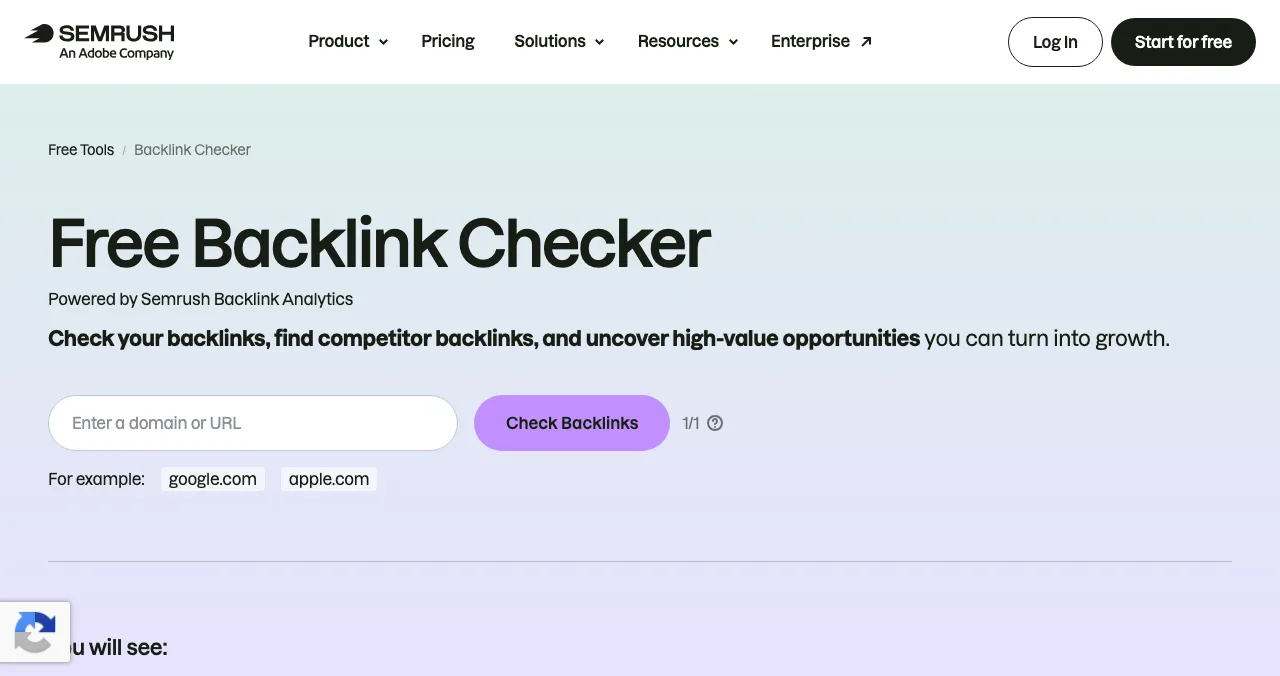
Semrush free backlink checker Start here
Any domain; a preview with no account.
10 reports/dayFree account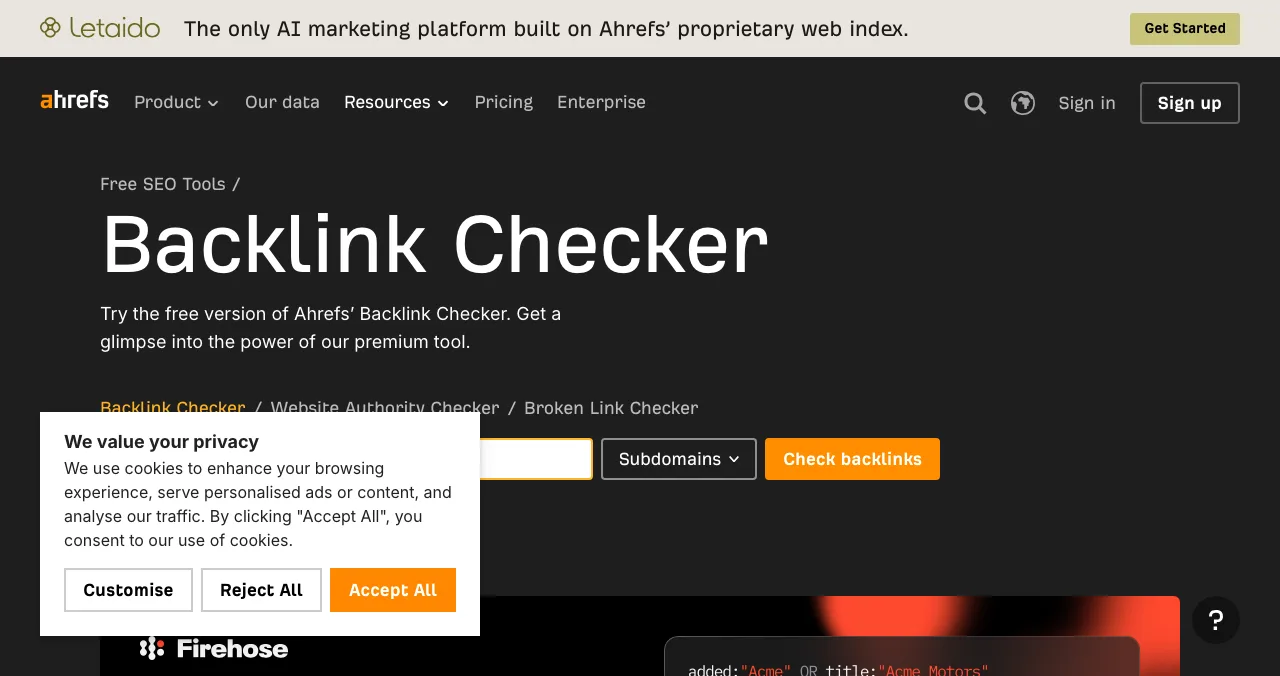
Ahrefs free backlink checker
A quick preview of any site's links.
FreePreview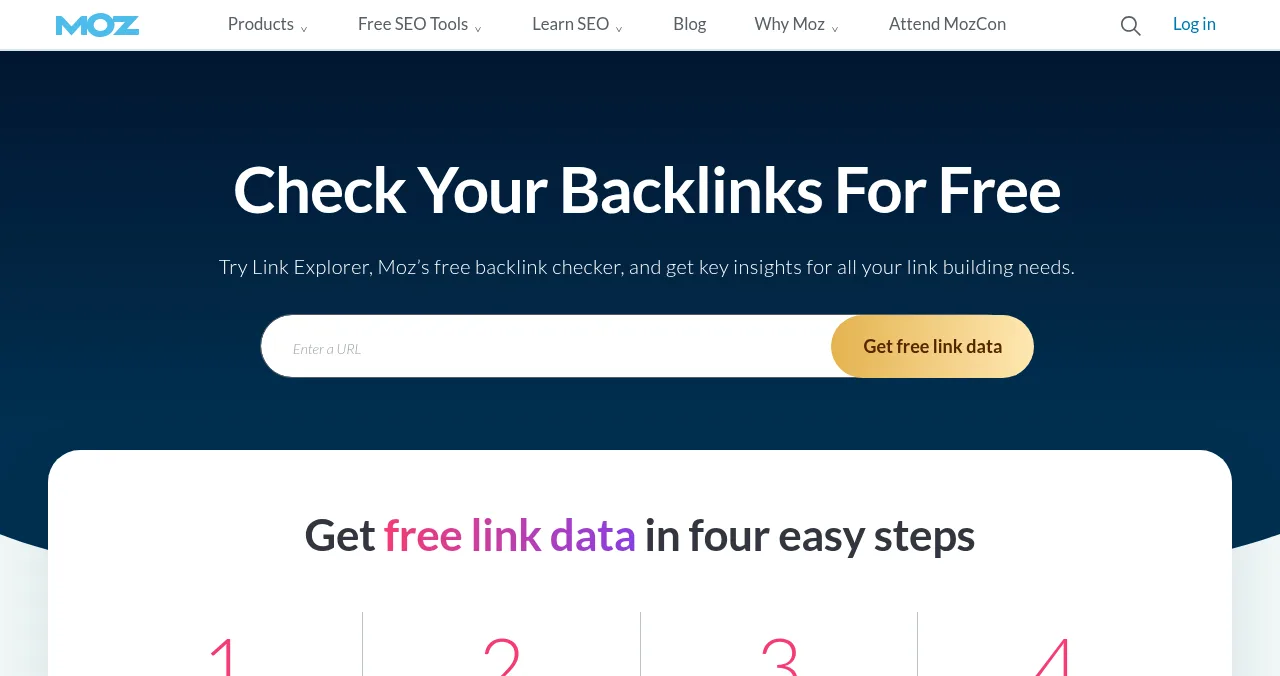
Moz Link Explorer
Linking domains with DA and Spam Score.
10 queries/monthFree account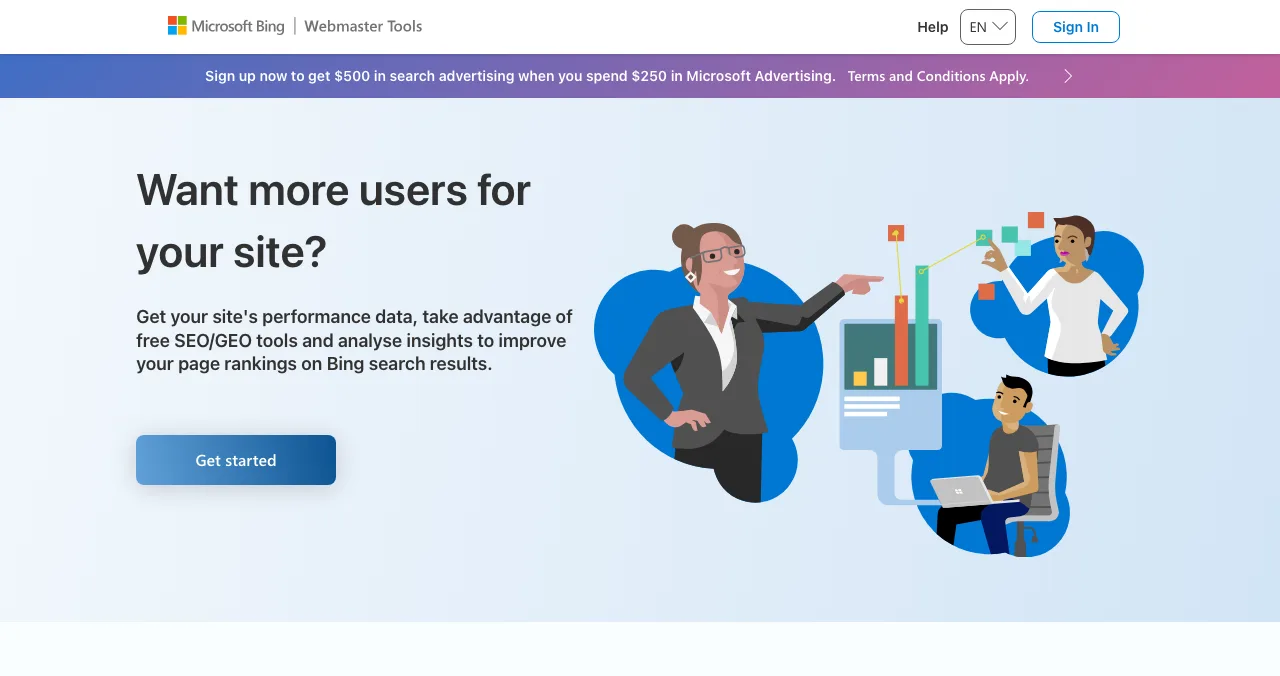
Bing Webmaster Tools
Bing's backlink report covers any website.
FreeMicrosoft account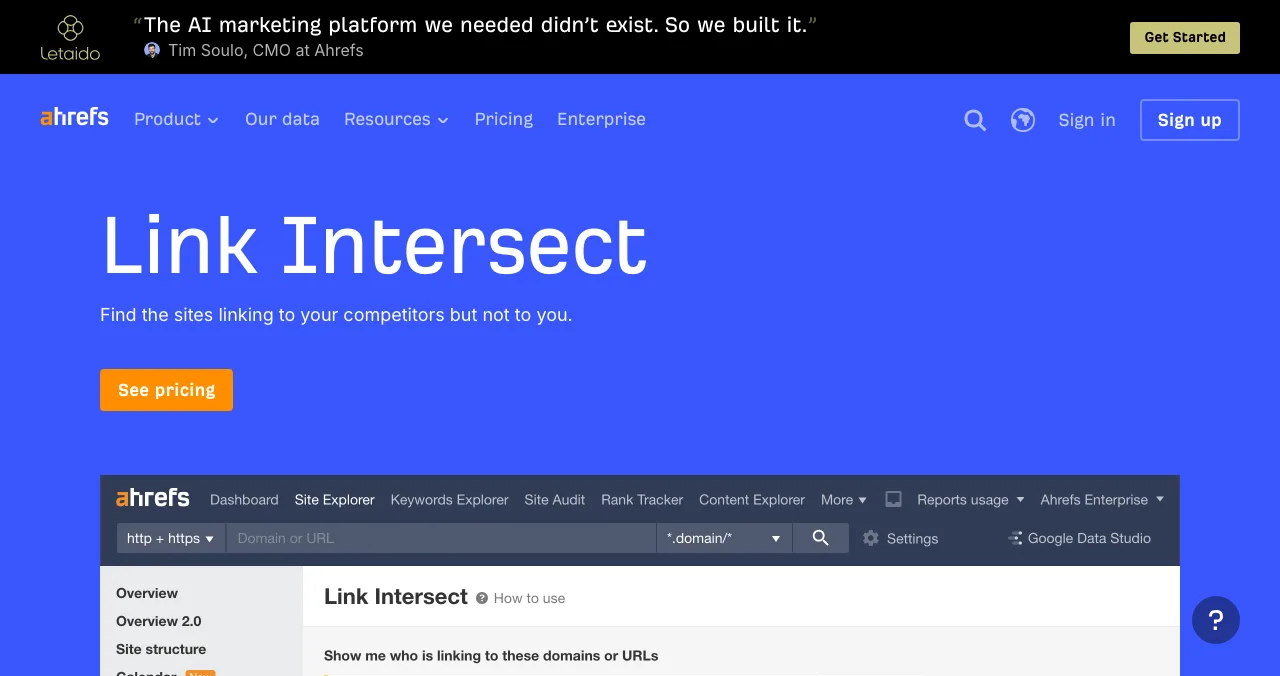
Ahrefs Link Intersect
Sites linking to competitors but not you.
PaidGap analysis
Competitor backlink checkers compared
| Tool | Any domain? | Account | Free limit | Best for |
|---|---|---|---|---|
| Semrush free backlink checker | Yes | None for a preview | Free account: 10 reports a day | A fast first look |
| Ahrefs free backlink checker | Yes | None | A preview of the paid tool | A second index's view |
| Moz Link Explorer | Yes | Free, verified email | 10 queries a month | Linking domains with DA and Spam Score |
| Bing Webmaster Tools | Yes, any website | Microsoft account | Not stated | Bing's own crawl, free |
| Ahrefs Link Intersect | Yes | Paid plan | — | Finding the gap automatically |
Table: Free and paid tools to check competitor backlinks (each tool's own page, checked 20 Nov 2026)
1. Semrush free backlink checker
- Cost
- Free preview with no account
- Limit
- Free account: 10 reports a day
- Shows
- A preview of backlinks and referring domains
- Catch
- Paid plans from $117.33 a month billed annually ($139 monthly)
Start here. Paste a competitor's domain and you get a preview of their links and referring domains. A free Semrush account raises that to 10 reports a day across its tools, enough to check three competitors and come back tomorrow.
Best for: the first look at each competitor.
2. Ahrefs free backlink checker
- Cost
- Free
- Shows
- A preview: referring domains, backlinks, Domain Rating
- Catch
- Ahrefs Free (Webmaster Tools) covers only your verified sites; competitors need a paid plan
Ahrefs calls its free checker "a glimpse into the power of our premium tool". It's a different crawler from Semrush's, so the top links it shows often differ. Note the limit: Ahrefs Free shows up to 1,000 backlinks for sites you verify, but analysing competitors' unverified sites in depth needs a paid subscription.
Best for: a second opinion on a competitor's best links.
3. Moz Link Explorer
- Cost
- Free account, verified email
- Limit
- 10 queries a month
- Shows
- Linking domains, anchor text, DA, Spam Score, new and lost domains
Moz's free data includes linking domains, anchor text, follow versus nofollow counts and Spam Score, which helps you skip the junk. Ten queries a month means one competitor per query, so spend them on your closest rivals. For what DA means, see our DA PA checker guide.
Best for: filtering out spammy competitor backlinks.
4. Bing Webmaster Tools
- Cost
- Free
- Account
- Microsoft account
- Shows
- Bing's backlink report "for any website"
Bing's 2023 announcement said its backlink report "displays inbound links data not only for your site, but also for any website." That makes it the only free competitor backlink checker run by a search engine. Sign in with a Microsoft account and look up competitors alongside your own site.
Best for: a free, search-engine view of any competitor.
5. Ahrefs Link Intersect (paid)
Link Intersect does in one step what the spreadsheet method below does by hand: "find the sites linking to your competitors but not to you." Its page leads to pricing rather than a free version. Worth it once you're doing this monthly; not for the first pass.
How to check competitor backlinks in an hour

- Pick three competitors — the products that show up when customers search your problem, not just the biggest names.
- Pull referring domains — Semrush or Ahrefs' free checker for each; add Moz or Bing for a second view.
- Paste into one sheet — one row per referring domain, with a column per competitor.
- Remove sites that already link to you — check your own Search Console Links report.
- Count overlaps — domains linking to two or three competitors are your best targets.
- Label each domain — listing, review site, article, partner, community, or spam.
- Act on the labels — list, pitch, ask or ignore, as below.
Which competitor backlinks should you copy?
| Label | Example | What to do | Time |
|---|---|---|---|
| Listing | A reviewed directory or launch site | Submit your own listing | Minutes |
| Review site | A category review or comparison platform | Create a profile; ask real customers for reviews | Days |
| Article or roundup | "Best tools for X" | Pitch the writer with a reason to include you | Weeks |
| Partner page | An integration's marketplace | Build or claim the integration; ask for a listing | Weeks |
| Community | A forum thread or Q&A answer | Contribute genuinely; never drop links | Ongoing |
| Spam | Stats pages, link networks, paid placements | Ignore; copying it copies the risk | — |
Table: How to act on each kind of competitor backlink (Science of Apps editorial guidance)
The spam row matters. If a competitor's links include paid placements or link networks, Google's spam policies list those as link spam. Their risk isn't your strategy. See are free backlinks safe? for how to tell.
Competitors' listings show where to list: start with the Launchpad

When you run this exercise on a young competitor, the listing row is usually the longest. Add yours, starting with a free Launchpad profile: six short steps, automated checks and a human review, ranked by relevance, editorial picks and community interest, never payment, and free forever. On 18 November 2026 (re-checked 20 November), the profile's website link had rel="noopener" only, a followed link; a dated observation, not a promise.
The listing also checks your product against what competitors' visitors expect: a free baseline diagnosis of your landing page, discoverability and speed runs as you go live, and a full investigation goes much deeper.
- Areas of your product tested in a full investigation
- 22
- Automatic measurements, desktop and mobile
- 39
- Expert checks behind your login
- 74
- Verdicts, from Good to Critical
- 5
See how you compare when visitors arrive
List free, then order the report that fits your stage.

 Economy
See what new customers see
- Store listing and homepage, screen by screen
- Scorecard against 60 Laws of UX
- Customers, competitors and the fixes worth most
PremiumThe full diagnosis and the plan
- Every screen, every finding, every flow
- All 60 laws with evidence and fixes
- 8 strategy chapters and a 90-day roadmap
Researched from your live product and fact-checked against the evidence.
Which tool should you use?
| You want to… | Use |
|---|---|
| A first look, no account | Semrush or Ahrefs free checker |
| Filter out spam | Moz Link Explorer (Spam Score) |
| A search engine's data on any site | Bing Webmaster Tools |
| The gap, automatically, every month | Ahrefs Link Intersect (paid) |
| Your own links, to remove from the list | Google Search Console Links report |
Table: Which competitor backlink checker to use, by goal
Mistakes

- Copying every link — including the paid and spammy ones
- Only checking the market leader — its links come from years of press; a similar-stage rival's are more reachable
- Trusting one tool — each crawler sees a different slice
- Counting links, not domains — one site with 500 footer links is one domain
- Pitching without a reason — writers include you because you're useful, not because a rival is listed; lead with social proof from real users
Ready to close the gap?
How we know
Tool limits come from Semrush's prices page, Ahrefs' backlink checker, Ahrefs Free and Link Intersect pages, Moz's Link Explorer page and Bing's 2023 Webmaster blog post, all read on 20 November 2026. The method and labels are Science of Apps' editorial guidance; Google's link-spam examples come from its spam policies. Search volumes are from Google Keyword Planner (global 12-month average). Science of Apps runs the Launchpad.
Key terms, defined
- Competitor backlinks: links from other sites pointing to a competitor's site.
- Referring domain: a distinct website linking to a site.
- Link gap (link intersect): sites linking to your competitors but not to you.
- Spam Score: Moz's indicator of spam risk for a linking domain.
- Unverified site: a site you don't own, which most free tools limit.
Frequently asked questions
How do I check backlinks of competitors for free?
Enter the competitor's domain in Semrush's free backlink checker, which previews any domain without an account (a free account gives 10 reports a day), or in Ahrefs' free backlink checker. For more, use Moz Link Explorer's 10 free monthly queries, and add the competitor in Bing Webmaster Tools, whose backlink report covers any website.
How do I find backlinks of competitors that don't link to me?
That's a link gap or link intersect analysis. Ahrefs' Link Intersect, a paid feature, finds 'the sites linking to your competitors but not to you'. Free alternative: export referring domains for two or three competitors from a free checker into a spreadsheet, remove any that already link to you, and count which domains appear for more than one competitor.
Can I see all of a competitor's backlinks for free?
Not all of them. Free versions show previews or limited rows, and each tool has its own crawler, so no index is complete. Ahrefs says analysing unverified sites in its free product needs a paid plan beyond the public checker preview. For a startup competitor with a few hundred links, two free tools usually show the important ones.
Which competitor backlinks should I copy?
The ones that exist for a reason you share: directory and launch listings, review sites, company profiles, integration partner pages, and articles or roundups in your category. Skip paid placements, link-network sites, comment spam and anything you'd be embarrassed for a customer to see, because copying those copies the risk.
Is it allowed to check competitors' backlinks?
Yes. Backlinks are public: they're links on other people's websites. Tools such as Semrush, Ahrefs, Moz and Bing Webmaster Tools crawl the web and report them. Bing's own blog says its backlink report shows inbound links for any website. Using what you find to earn similar links honestly is ordinary competitive research.
How often should I check competitor backlinks?
Quarterly is plenty for most startups. Do a full pass when you start link building, then check new links for your two closest competitors every three months. A new listing, review or article about them is usually an opportunity you can pursue too, especially directories and roundups that cover your whole category.
Sources
- Semrush — Prices: free plan, 10 reports per day (checked 20 Nov 2026)
- Ahrefs — Free Backlink Checker (checked 20 Nov 2026)
- Ahrefs — Ahrefs Free (formerly Webmaster Tools): competitors need a paid plan (checked 20 Nov 2026)
- Ahrefs — Link Intersect (checked 20 Nov 2026)
- Moz — Link Explorer: 10 free queries per month (checked 20 Nov 2026)
- Bing Webmaster Blog — Backlink report continues for any website (Sept 2023; checked 20 Nov 2026)
- Google Search Central — Spam policies for Google web search: link spam (checked 20 Nov 2026)
- Science of Apps — Launchpad: launch your product free (checked 18 Nov 2026)
- Checked November 20, 2026. Figures that change — fees, salaries, prices — are reviewed every six months; if something is out of date, tell us.
Where to go from here
- Free backlink checkers — the six best, compared
- How to get backlinks — turn the gap into links
- Free directory submission sites — the listings worth copying
- Science of Apps - LaunchpadThe best free backlink checkers for startups in 2027: six tools compared on their own pages, what each free version shows, its limits, and how to check my backlinks in ten minutesThe best free backlink checker depends on whose links you check: Search Console and Ahrefs Free for yours, Semrush, Moz and Bing for any site. Limits compared.
- Science of Apps - LaunchpadThe best link building tools for startups, free and paid: what you need to find opportunities, find contacts, pitch, monitor mentions and earn links from launch sites, with prices checked on each tool's own pageThe best link building tools for startups: Search Console, Ahrefs, Semrush, Moz, Hunter, Qwoted, Google Alerts and the Launchpad. Free tiers and prices checked.
- Science of Apps - LaunchpadCompetitor analysis website tools for startups: how to find competitors' websites, check their traffic, tech and keywords for free, and find every place they list so you can list there tooFree competitor analysis website tools: find competitors, check their traffic, tech, keywords and news, and see where they list so you can list there too.
- Science of Apps - LaunchpadDA PA checker guide: the free domain authority checkers worth using (Moz DA checker, MozBar, Ahrefs, Semrush), bulk DA PA checks, and why Google doesn't use any of these scoresThe best free DA PA checker is Moz Link Explorer (10 free queries a month). Five free domain authority checkers compared, bulk checks, and what DA really means.
- Science of Apps - LaunchpadWebsite traffic checker: how to find website traffic for any site with free traffic checker tools, how accurate the estimates are, and how to get traffic of your ownA website traffic checker estimates any site's visits. Free traffic checker tools compared, how to find website traffic accurately, and how to get your own.
- Science of Apps - LaunchpadSEO checker: free website SEO checker tools compared, from Google's own SEO checker in Search Console to Seobility, Ahrefs, Screaming Frog and HubSpot, with limits verifiedThe best free SEO checker is Google Search Console, then a website SEO checker online such as Seobility, Ahrefs Free or Screaming Frog. Free limits compared.
Get the ideas, not the noise.
Sign up with Google and we’ll send you short UX psychology tips by email — why people tap, stall and leave, and what to do about it. Unsubscribe anytime. Prefer something to keep? Get the free Laws of UX guide as a PDF.
Launch day ends. Your listing shouldn't.
Competitor backlinks show you where to list. Start with a free Science of Apps Launchpad listing: a moderated product profile with a link back, and your product tested with a detailed report.