 By
Quick answer: How do I check a website's traffic for free?
- Any site, free: Ahrefs' traffic checker, Semrush Traffic Analytics, Similarweb's free checker, SpyFu.
- All third-party numbers are estimates; compare trends, not exact visits.
- Your own site: Google Analytics, Search Console and Microsoft Clarity measure real visits.
- Use estimates to benchmark competitors and find their best channels.
- Then get traffic of your own from listings, search and communities.
Key takeaways
- Third-party traffic numbers are modelled; they can be far off for small sites.
- Use one tool consistently so comparisons are apples to apples.
- Channel mix (search, referral, social) is more useful than total visits.
- Your own analytics beat any estimate of your own site.
- Competitor referral sources show where your buyers already look.
"Website traffic checker" is searched about 135,000 times a month (Google Keyword Planner, global 12-month average), mostly by people sizing up a competitor or a site they're about to buy from or partner with. Here's the honest version: every third-party traffic checker gives an estimate, and the estimates disagree. This guide shows the free traffic checker tools worth using, how to read them without fooling yourself, how to measure your own site exactly, and how to turn what you learn into traffic of your own. Tool details were read on each tool's own page on 20 November 2026. Jump to the comparison, how accurate they are or getting your own traffic.
Free website traffic checkers
 Launch free
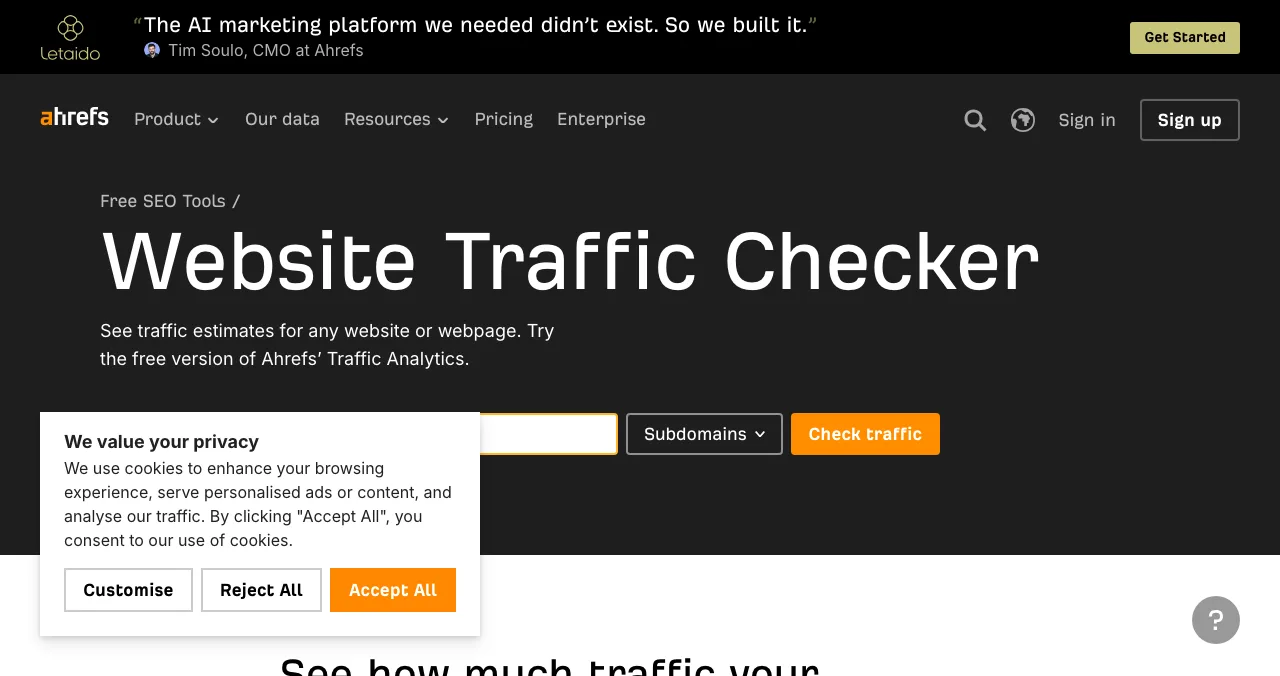
Ahrefs Website Traffic Checker Get your own
Traffic estimates for any site or page.
Free versionEstimates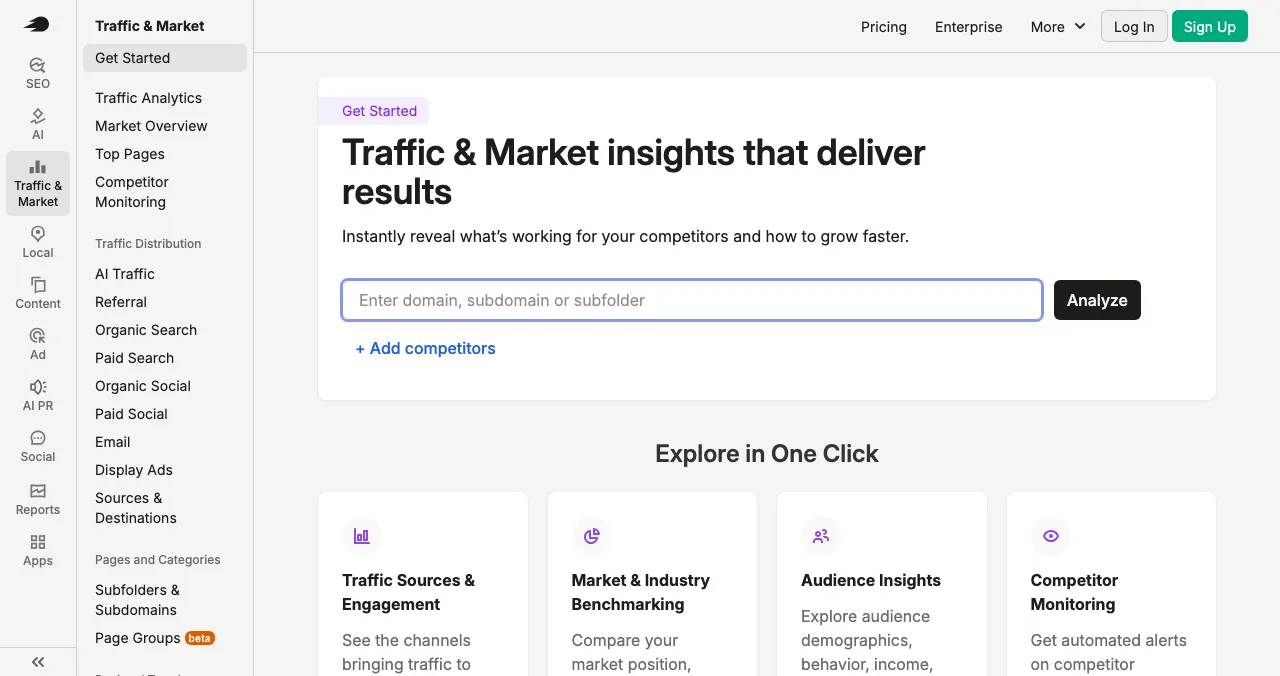
Semrush Traffic Analytics
Traffic, channels and competitor benchmarks.
Free account limitsEstimates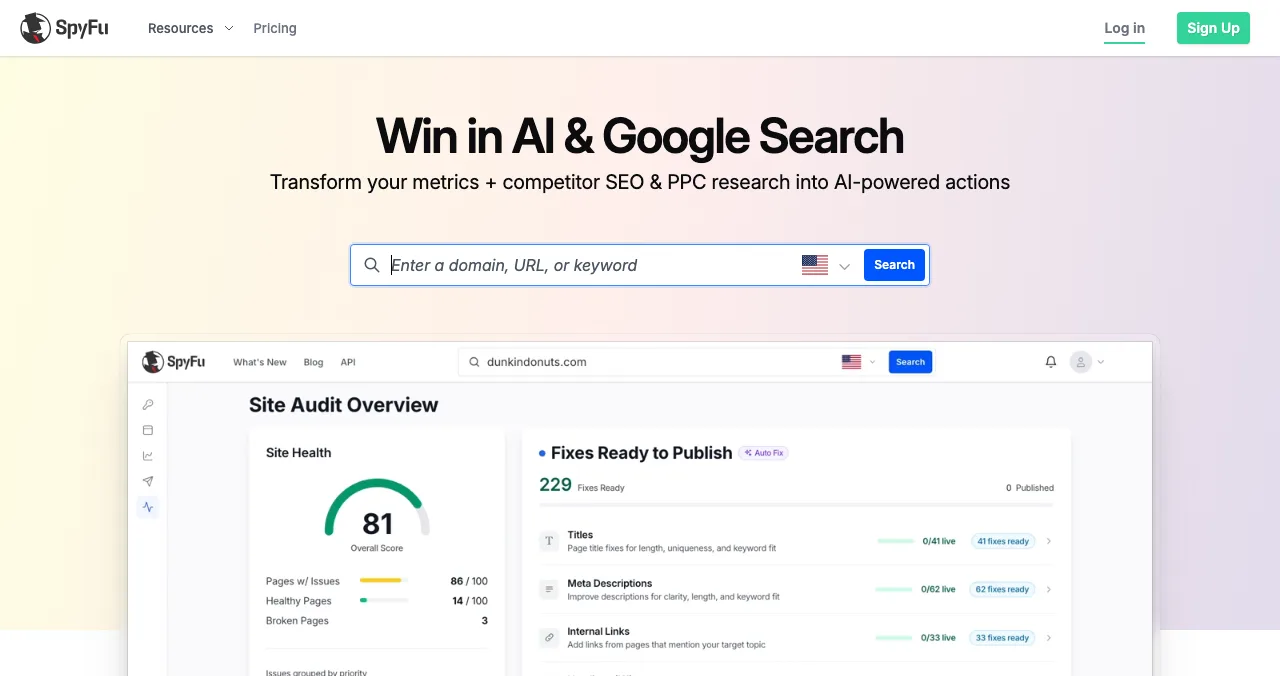
SpyFu
Competitors' SEO and PPC keywords.
Paid plansSearch focus
Google Trends
Relative search interest over time.
FreeNot visits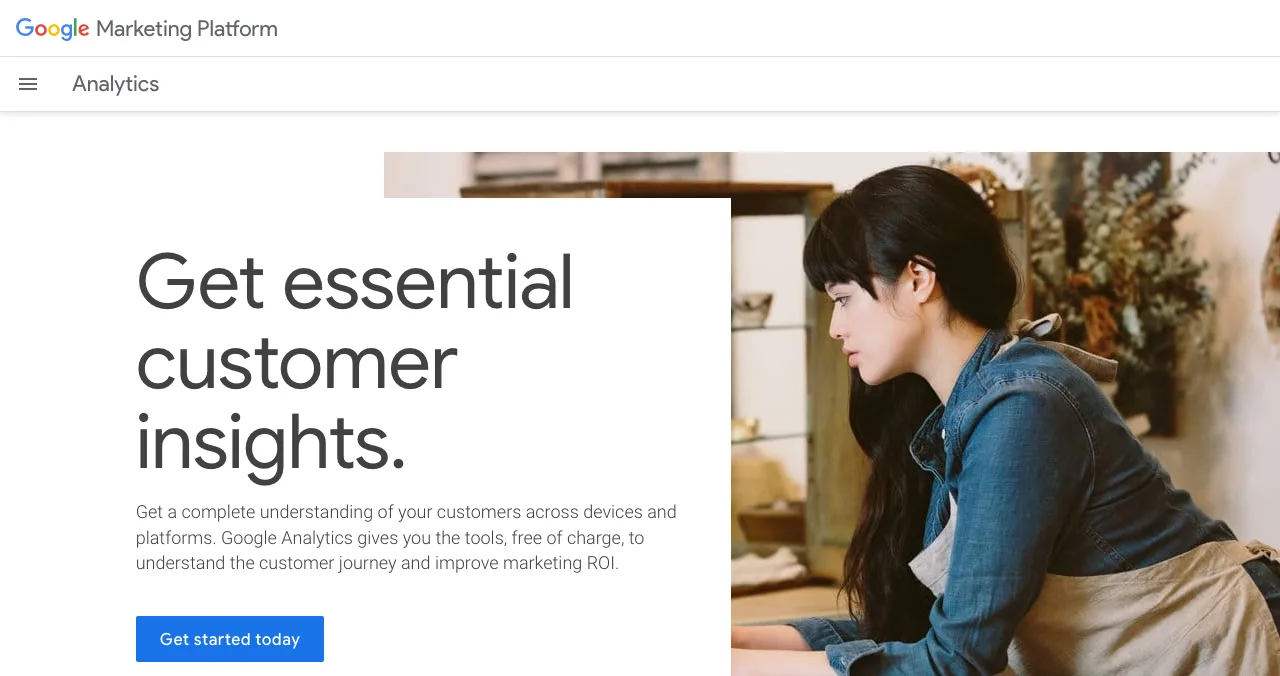
Google Analytics
Exact visits and sources on your own site.
FreeYour site only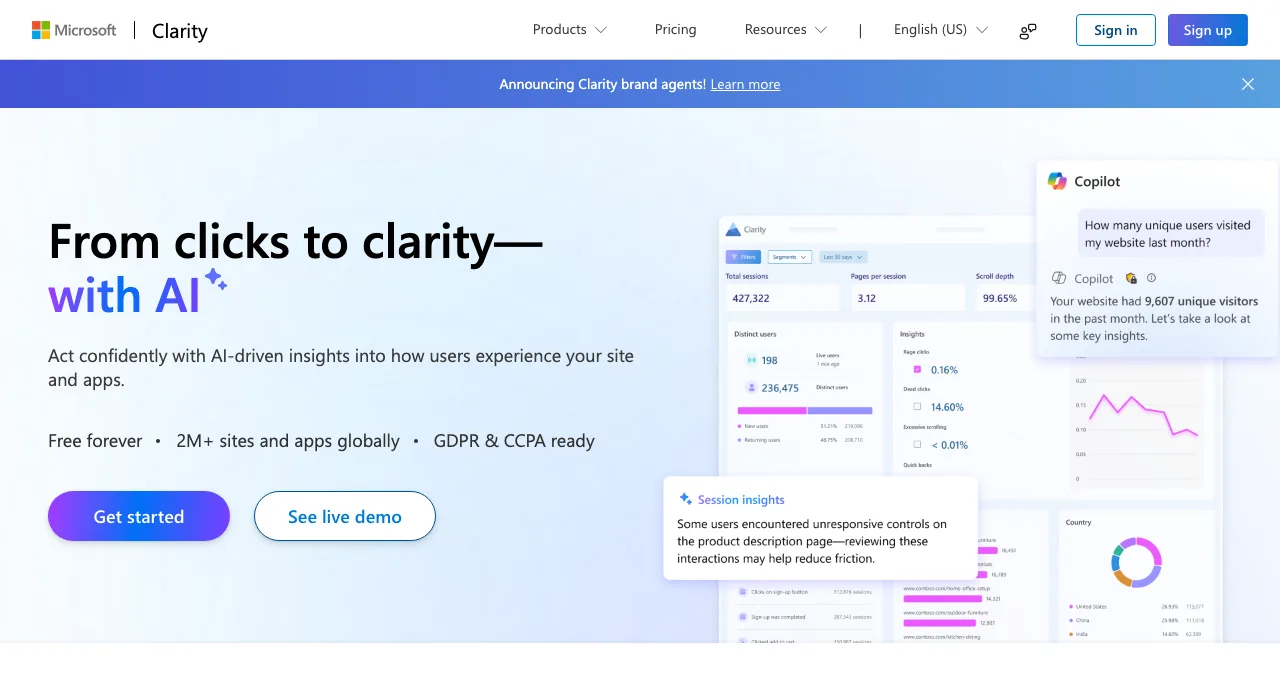
Microsoft Clarity
Heatmaps and recordings of your visitors.
FreeYour site only
Science of Apps Launchpad
A free, permanent listing that sends you visitors.
Free foreverTraffic source
Website traffic checkers compared
| Tool | Any site? | What you get free | Paid for competitors |
|---|---|---|---|
| Ahrefs Website Traffic Checker | Yes | Traffic estimates; full traffic reports free for your verified sites | Traffic Analytics add-on $99/mo or $990/yr |
| Semrush Traffic Analytics | Yes | Limited with a free account | Paid plans (not verified here) |
| Similarweb free checker | Yes | Visits, duration, pages per visit, device split; compare with one other site; all traffic only | Paid plans (not verified here) |
| SpyFu | Yes | Free trial of some tools (e.g. PPC Ad Rank Tracker) | Paid plans (not verified here) |
| Google Trends | Search interest only | Free | — |
| Google Analytics, Search Console, Clarity | Your site only | Free, real data | — |
Table: Free website traffic checkers compared (each tool's own page; Similarweb from its own blog; checked 20 Nov 2026, USD)
1. Ahrefs Website Traffic Checker
- Cost
- Free version
- Shows
- Traffic estimates for any site or page
- Your site
- Traffic reports free once verified
- Competitors in depth
- $99/mo or $990/yr add-on
Ahrefs calls this the free version of its Traffic Analytics, offering "traffic estimates for any website or webpage". Full traffic reports are free for websites you verify; reports on other domains need the Traffic Analytics add-on at $99 a month or $990 a year.
Best for: a quick estimate, then free reports on your own site.
2. Semrush Traffic Analytics
Enter a domain to see traffic sources and engagement, benchmark a market and monitor competitors. A free Semrush account has daily limits; deeper competitor data is paid.
Best for: channel mix and side-by-side competitor comparison.
Similarweb's free checker
Similarweb is the name most people know. Its own blog says the free Website Traffic Checker shows monthly visits, visit duration, page views, pages per visit and the desktop/mobile split, is limited to comparing up to one other website, and shows all traffic only. We couldn't capture its page for this post (it blocked our screenshot tool), so it isn't in the ranked list, but it's worth a look for total-visit estimates.
3. SpyFu: competitors' search keywords
SpyFu focuses on search: the keywords a competitor ranks for, the keywords they've bought on Google and their ad history. It's less about total visits, more about which searches bring them traffic.
Best for: finding the search terms competitors win.
4. Google Trends: interest, not visits
Compare brand names or category terms over time. Trends shows relative interest, not visits, but it's free, it's Google's own data, and it reveals seasonality.
Best for: checking whether a competitor's brand interest is growing.
Your own site: real numbers
For your own site, never rely on an estimate. Google Analytics describes itself as free of charge; Search Console shows search queries and clicks; Microsoft Clarity says it's free forever with no traffic limits. Together they show how many people came, from where, and what they did. To measure listings specifically, see tracking directory referral traffic.
How accurate is a website traffic checker?
| Factor | Effect on accuracy |
|---|---|
| Site size | Large sites are estimated better; small sites can be wildly off |
| Channel | Search-based estimates miss direct, email and community traffic |
| Country | Coverage varies by market |
| Subdomains | app.example.com may or may not be counted |
| Method | Panels, clickstream and ranking models give different answers |
Table: What affects traffic checker accuracy (Science of Apps editorial)
Rule of thumb: compare competitors with the same tool, read the trend over months and the channel mix, and treat a single monthly number as a rough order of magnitude.
How to use competitor traffic data

- List five competitors — the ones buyers compare you with.
- Check each in one tool — note visits, channel mix and top countries.
- Find their referral sources — directories, communities and articles that send them visitors.
- Find their top search terms — SpyFu or Ahrefs.
- Pick two channels they underuse — that's where you can win early.
Our competitor analysis website guide goes deeper on finding where competitors list.
Get your own traffic: the Launchpad
Checking a competitor's traffic doesn't give you any. A listing does. The Science of Apps Launchpad is free to list on, forever: a permanent public product page with its own link, found by the problem your product solves, ranked by relevance, editorial picks and community interest, never by payment. You go live with a Featured badge and can earn others, such as Verified and Community favourite, and vouches from users. When you want to know why visitors don't convert, order an investigation of 22 areas of the product.
- Paid placements
- 0
- Short steps to list
- 6
- Badges you can earn
- 7
- Areas tested in an investigation
- 22
Make sure visitors stay
List free, then order the report that fits your stage.

 Economy
See what new customers see
- Store listing and homepage, screen by screen
- Scorecard against 60 Laws of UX
- The fixes worth most
PremiumThe full diagnosis and the plan
- Every screen, every finding, every flow
- All 60 laws with evidence and fixes
- 8 strategy chapters and a 90-day roadmap
Analyst-reviewed. Private to your team. Never affects ranking.
Which traffic checker should you use?
| Your goal | Use |
|---|---|
| A rough size of any site | Similarweb free or Ahrefs' checker |
| Competitors' channel mix | Semrush Traffic Analytics |
| Competitors' search keywords | SpyFu or Ahrefs |
| Brand interest over time | Google Trends |
| Your own traffic | Google Analytics, Search Console, Clarity |
| More traffic for you | Launchpad listing, then free promotion |
Table: Which website traffic checker to use, by goal (Science of Apps editorial)
Mistakes to avoid

- Treating estimates as facts — especially for small sites
- Mixing tools — compare competitors in the same tool
- Watching totals, not channels — the mix tells you what to copy
- Estimating your own site — install analytics instead
- Benchmarking without acting — pick two channels and start this week
Ready to launch?
How we chose
We included free or freemium traffic checkers that work on any domain, plus the free tools for measuring your own site. Details come from each tool's own page on 20 November 2026; Similarweb's free-tool details come from its own blog because its site blocked our screenshot tool. We did not buy paid plans. Search volumes are from Google Keyword Planner, global 12-month average. Science of Apps runs the Launchpad.
Key terms, defined
- Website traffic checker: a tool that estimates another site's visits.
- Free traffic checker: a traffic checker with a no-cost tier, usually limited.
- Clickstream data: anonymised browsing data used to model traffic.
- Channel mix: the share of visits from search, direct, referral, social, email and ads.
- Referral traffic: visits that arrive from links on other sites, such as directories.
Frequently asked questions
How do I find website traffic for any site?
Enter the domain into a website traffic checker such as Ahrefs' Website Traffic Checker, Semrush Traffic Analytics, Similarweb's free checker or SpyFu. Each shows an estimate of monthly visits and, depending on the tool, channels, top pages and countries. Use the same tool for every site you compare, because their methods differ.
Is there a free traffic checker that's accurate?
No third-party traffic checker is exact. They model traffic from panels of users, clickstream data and search rankings, so estimates for small or niche sites can be far off. They're useful for comparing sites and spotting trends. The only accurate numbers come from the site's own analytics.
What is the best website traffic checker online free?
For quick, free estimates: Similarweb's free checker for total visits and engagement, and Ahrefs' or Semrush's tools for search-driven traffic. Similarweb's blog says the free tool compares up to one other site and shows all traffic only. For your own site, Google Analytics and Search Console are free and exact.
How do I check my own website traffic?
Install Google Analytics for visits, sources and conversions, verify Google Search Console for search queries and clicks, and add Microsoft Clarity for heatmaps and recordings. All three are free. Ahrefs also offers free traffic reports for websites you verify, which is handy for comparing its estimates of competitors against your own real numbers.
Why do traffic checkers show different numbers?
Each tool uses different data sources and models. Some estimate only organic search traffic from rankings; others estimate all channels from panels. Results also differ by country coverage and how they treat subdomains. Pick one tool, use it for every comparison, and look at direction rather than exact counts.
How can a new startup get website traffic?
Start with places where buyers already look: a free Science of Apps Launchpad listing, relevant directories, Google Business Profile if you serve a location, communities where you can help, and a few pages that answer the questions buyers search. Then check competitors' referral sources to find more.
Sources
- Ahrefs — Website Traffic Checker (checked 20 Nov 2026)
- Semrush — Traffic & Market (Traffic Analytics) (checked 20 Nov 2026)
- Similarweb — Blog: Similarweb free (checked 20 Nov 2026)
- SpyFu — Homepage (checked 20 Nov 2026)
- Google — Analytics (checked 20 Nov 2026)
- Microsoft — Clarity (checked 20 Nov 2026)
- Science of Apps — Launchpad homepage and pricing (checked 20 Nov 2026)
- Checked November 20, 2026. Figures that change — fees, salaries, prices — are reviewed every six months; if something is out of date, tell us.
Where to go from here
- Competitor analysis website tools — find where they list
- Increase website traffic — the free playbook
- Track directory referral traffic — measure your listings
- Science of Apps - LaunchpadCompetitor analysis website tools for startups: how to find competitors' websites, check their traffic, tech and keywords for free, and find every place they list so you can list there tooFree competitor analysis website tools: find competitors, check their traffic, tech, keywords and news, and see where they list so you can list there too.
- Science of Apps - LaunchpadThe best free backlink checkers for startups in 2027: six tools compared on their own pages, what each free version shows, its limits, and how to check my backlinks in ten minutesThe best free backlink checker depends on whose links you check: Search Console and Ahrefs Free for yours, Semrush, Moz and Bing for any site. Limits compared.
- Science of Apps - LaunchpadSEO checker: free website SEO checker tools compared, from Google's own SEO checker in Search Console to Seobility, Ahrefs, Screaming Frog and HubSpot, with limits verifiedThe best free SEO checker is Google Search Console, then a website SEO checker online such as Seobility, Ahrefs Free or Screaming Frog. Free limits compared.
- Science of Apps - LaunchpadWebsite checker: 12 free tools to check any site online for speed, SEO, accessibility, security and Google indexing, and what single checkers can't tell youThe best free website checker depends on what you test: 12 tools for speed, SEO, indexing, accessibility and security, and the whole product.
- Science of Apps - LaunchpadHow to check backlinks of competitors for free: find backlinks of competitors with Semrush, Ahrefs, Moz and Bing Webmaster Tools, sort competitor backlinks into ones you can earn, and where to list firstHow to check backlinks of competitors for free with Semrush, Ahrefs, Moz and Bing, sort competitor backlinks into ones you can earn, and where to list first.
- Science of Apps - LaunchpadDA PA checker guide: the free domain authority checkers worth using (Moz DA checker, MozBar, Ahrefs, Semrush), bulk DA PA checks, and why Google doesn't use any of these scoresThe best free DA PA checker is Moz Link Explorer (10 free queries a month). Five free domain authority checkers compared, bulk checks, and what DA really means.


Get the ideas, not the noise.
Sign up with Google and we’ll send you short UX psychology tips by email — why people tap, stall and leave, and what to do about it. Unsubscribe anytime. Prefer something to keep? Get the free Laws of UX guide as a PDF.
Launch day ends. Your listing shouldn't.
Benchmark competitors, then get your own traffic: a free, permanent Launchpad listing is found by the problem your product solves, and every vouch and badge links back to you.