 By
Quick answer: What are the best free competitor analysis website tools?
- Find competitors: AlternativeTo, G2, Product Hunt and a plain Google search.
- Traffic: Ahrefs' free checker and Semrush Traffic Analytics (estimates).
- Keywords: SpyFu; tech stack: BuiltWith.
- News and funding: Google Alerts, Crunchbase, Owler.
- Act on it: list everywhere your competitors list, plus the free Launchpad.
Key takeaways
- Competitor analysis is only useful if it changes what you do this week.
- Where competitors are listed is the most actionable finding.
- Traffic numbers are estimates; channel mix is the signal.
- Read competitors' reviews for the complaints you can solve.
- Re-run the analysis quarterly, not daily.
Most competitor analysis ends as a spreadsheet nobody opens again. The useful kind ends in actions: a sharper one-liner, a pricing change, and a list of places your buyers already look because your competitors are listed there. This guide covers the free competitor analysis website tools for each question (who your competitors are, how much traffic they get, which keywords and tech they use, what's new) and then the step most founders skip: listing everywhere they list. Tools were opened on their own pages between 17 and 20 November 2026. Jump to the tools by job, where competitors list or the plan.
Free competitor analysis website tools
 Launch free
AlternativeTo List there too
Find competitors as alternatives to a known app.
FreeFind
G2
Competitors by category, with reviews.
Free to browseReviews
Product Hunt
New competitors as they launch.
FreeLaunches
Ahrefs Website Traffic Checker
Traffic estimates for any site.
Free versionEstimates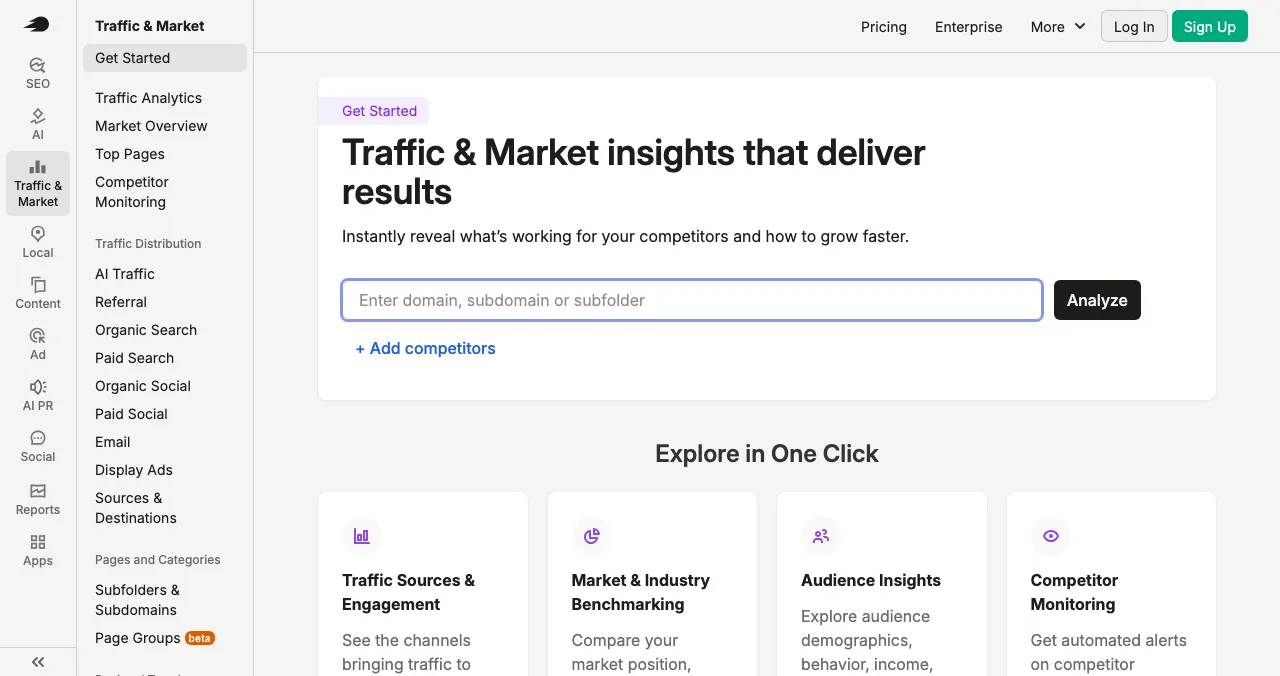
Semrush Traffic Analytics
Channels and competitor benchmarks.
Free account limitsEstimates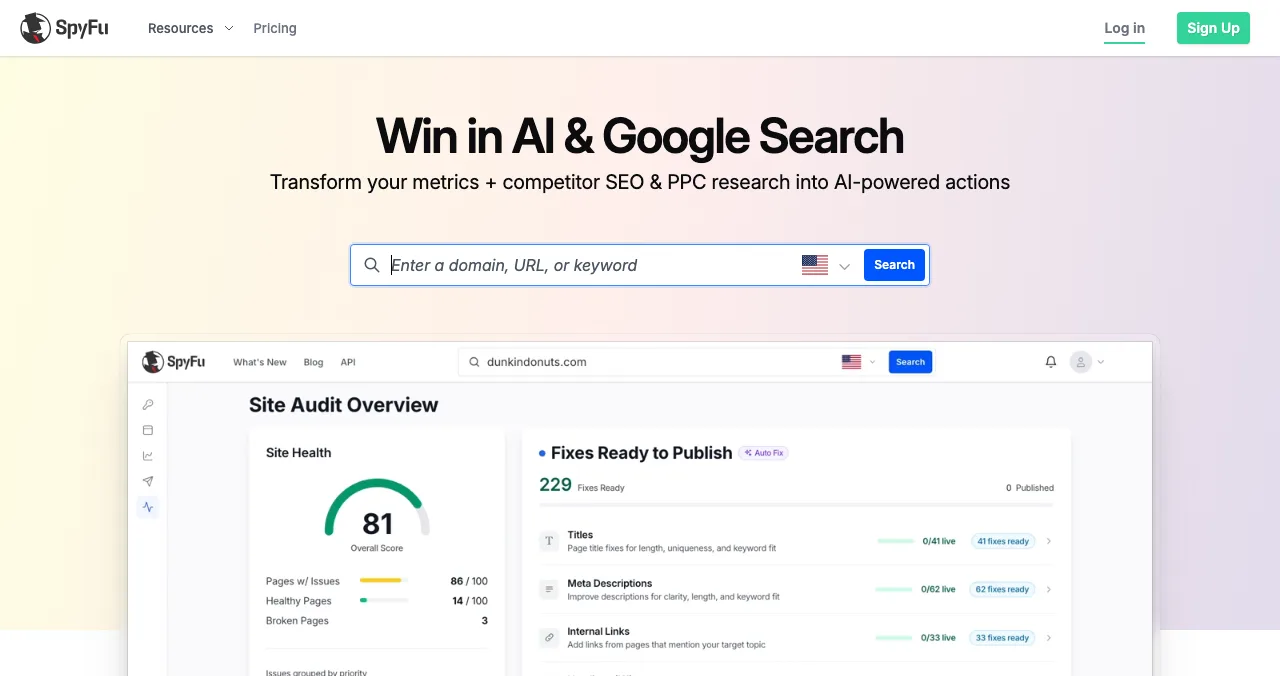
SpyFu
Competitors' SEO and PPC keywords.
Paid depthKeywords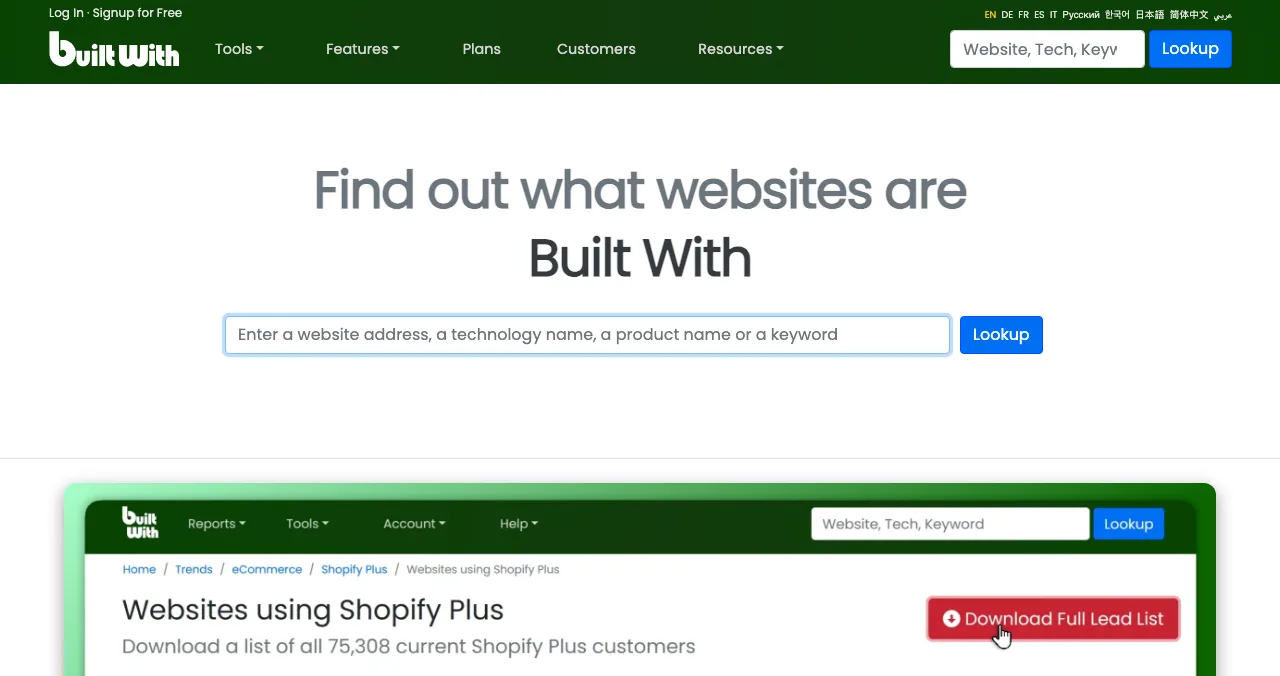
BuiltWith
The technology a site runs on.
Free lookupTech stack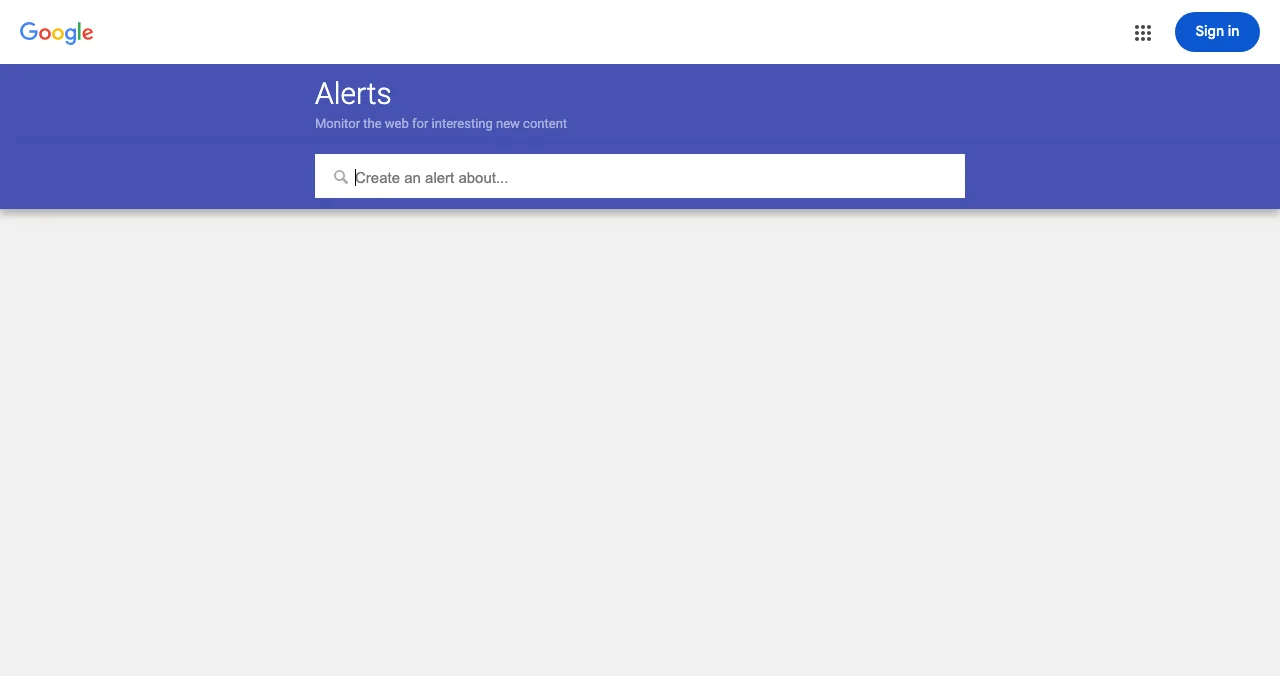
Google Alerts
Email when a competitor is mentioned.
FreeMonitoring
Crunchbase
Funding, team and company news.
Free basicsFunding
Owler
Follow companies and their news.
Free to followNews
Science of Apps Launchpad
Where you list too, free; reports include competitors.
Free foreverYour listing
Competitor analysis tools by job
| Question | Free tool | What you learn |
|---|---|---|
| Who are my competitors? | AlternativeTo, G2, Product Hunt, Google | Names, categories, reviews |
| How much traffic do they get? | Ahrefs' checker, Semrush | Estimated visits and channel mix |
| Which searches bring them visitors? | SpyFu, Ahrefs | Keywords and ads |
| What's their tech? | BuiltWith | CMS, analytics, payments, frameworks |
| What's new with them? | Google Alerts, Crunchbase, Owler | Mentions, funding, hires |
| Where are they listed? | Search, referral data, footers | Directories and marketplaces to join |
Table: Free competitor analysis website tools by job (each tool's own page, checked 17–20 Nov 2026)
How to find competitors' websites

- Search the problem, not your category name — "how to [job your product does]" shows who buyers find.
- Look up the best-known player on AlternativeTo — its alternatives page is a ready-made competitor list.
- Browse G2 categories — and read the three-star reviews for complaints you can solve.
- Search Product Hunt and the Launchpad — for new entrants.
- Ask five customers — "what else did you consider?"
How much traffic do competitors get?
Ahrefs' checker gives traffic estimates for any website; reports on other domains in depth need its $99/month Traffic Analytics add-on. Semrush adds traffic sources and competitor monitoring, with limits on a free account. Treat every number as an estimate and compare channel mix. More in our website traffic checker guide.
Which keywords and tech do they use?
SpyFu shows the keywords a competitor ranks for and the ones they've bought on Google, with ad history. The keywords they pay for are usually the ones that convert.
BuiltWith: their tech stack
BuiltWith looks up the technology behind a site: CMS, analytics, payments, chat and frameworks. Useful for spotting which payment or onboarding tools competitors rely on.
What's new with competitors?
Set a Google Alert on each competitor's name. Crunchbase shows funding rounds and team; Owler lets you follow companies. Together they tell you when a competitor raises, hires or launches.
Where are your competitors listed?
This is the most actionable part of any competitor website analysis. Every listing you find is a place your buyers already look.

- Search "[competitor] alternatives" — note every site in the top 20
- Search "[competitor] reviews" — G2, Capterra, Trustpilot and niche review sites
- Search "[competitor] launch" — Product Hunt, Hacker News, BetaList, the Launchpad
- Check their footer and press page — "Featured on" badges list their launch sites
- Check referral sources — a traffic checker's referral data shows directories that send them visitors
- Search their name on Crunchbase and LinkedIn — company profiles investors check
Then list on the ones that fit your stage. Our guides to business listing sites and free directory submission sites cover the rules for each.
List on the Launchpad too
The Science of Apps Launchpad is free to list on, forever: a permanent public page, found by the problem it solves, ranked by relevance, editorial picks and community interest (never payment). It accepts startups, SaaS, mobile apps, AI products, developer tools, browser extensions, games and open source, at any stage. Once you're live, you can order an investigation of your product; the Economy report covers your store listing and homepage screen by screen, with customers, competitors and the fixes worth most.
- Areas of your product tested
- 22
- Automatic measurements, desktop and mobile
- 39
- Expert checks behind your login
- 74
- Verdicts that rank what to fix first
- 5
See what buyers see when they compare
List free, then order the report that fits your stage.

 Economy
See what new customers see
- Store listing and homepage, screen by screen
- Scorecard against 60 Laws of UX
- Customers, competitors and the fixes worth most
PremiumThe full diagnosis and the plan
- Every screen, every finding, every flow
- All 60 laws with evidence and fixes
- 8 strategy chapters and a 90-day roadmap
Analyst-reviewed. Private to your team. Never affects ranking.
A one-week competitor analysis plan
- Day 1
Find
List 5–10 competitors with AlternativeTo, G2, Product Hunt and customers.
- Day 2
Position
Copy each one-liner and pricing page into a sheet; note who each targets.
- Day 3
Traffic and keywords
Ahrefs' checker, Semrush and SpyFu; note channel mix and paid keywords.
- Day 4
Reviews
Read their 2- and 3-star reviews; list complaints you solve.
- Day 5
Listings
Find everywhere they're listed; list on the Launchpad and two more that fit.
Mistakes to avoid

- Copying features — copy the channels, differentiate the product
- Trusting traffic estimates exactly — read direction and mix
- Too many competitors — five to ten real ones is plenty
- Ignoring reviews — complaints are your roadmap
- Analysis without action — every pass should end in three changes; competing on everything invites choice overload for buyers
Ready to launch?
How we chose
We picked free or freemium tools that answer one competitor question each, described from their own pages between 17 and 20 November 2026. We didn't buy paid plans. Search volumes ("competitor analysis website" about 1,900 a month) come from Google Keyword Planner, global 12-month average. Science of Apps runs the Launchpad.
Key terms, defined
- Competitor analysis website: an online tool for researching competitors' traffic, keywords, tech or news.
- Website competitor checker: a tool that compares your site with competitors' on traffic or keywords.
- Channel mix: where a site's visitors come from: search, direct, referral, social, email, ads.
- Tech stack: the software a website or product is built and run on.
- Referral source: another site that sends visitors through a link.
Frequently asked questions
What is a competitor analysis website?
A competitor analysis website is an online tool that shows what competitors do: their traffic, search keywords, technology, funding, news, reviews and where they're listed. Most combine free lookups with paid depth. Startups can cover the essentials free with AlternativeTo, G2, Ahrefs' traffic checker, SpyFu, BuiltWith, Google Alerts and Crunchbase.
How do I find competitors' websites?
Search Google for your category and the problem you solve, then look up your best-known competitor on AlternativeTo and G2, which list alternatives side by side. Search Product Hunt and the Science of Apps Launchpad by problem. Ask a few customers what else they considered. Five to ten real competitors is enough.
Is there a free website competitor checker?
Several tools offer free lookups. Ahrefs' Website Traffic Checker gives traffic estimates for any site, BuiltWith shows the technology a site runs on, Google Trends compares brand interest, and Google Alerts emails you new mentions. Deeper competitor data, such as full keyword lists, usually needs a paid plan.
What should a competitor website analysis include?
Positioning (their one-liner and who it targets), pricing and plans, sign-up and onboarding, traffic channels, top search keywords, technology, reviews and common complaints, funding and team size, and every directory or marketplace they appear in. End with three things you'll do differently.
How do I find where competitors are listed?
Search their brand name with words like 'alternatives', 'reviews' and 'launch'; check referral sources in a traffic checker; look for badges in their website footer; and search their name on Product Hunt, G2, Capterra, AlternativeTo, SaaSHub and Crunchbase. Each listing you find is a place your buyers already look.
How often should a startup do competitor analysis?
A full pass before launch and then quarterly is enough for most startups. Set Google Alerts on each competitor's name so news reaches you between passes. Daily monitoring tends to pull founders into copying features instead of talking to their own customers.
Sources
- Ahrefs — Website Traffic Checker (checked 20 Nov 2026)
- Semrush — Traffic & Market (checked 20 Nov 2026)
- SpyFu — Homepage (checked 20 Nov 2026)
- BuiltWith — Homepage (checked 20 Nov 2026)
- Google — Alerts (checked 18 Nov 2026)
- Crunchbase — Homepage (checked 17 Nov 2026)
- Science of Apps — Launchpad pricing and reports (checked 20 Nov 2026)
- Checked November 20, 2026. Figures that change — fees, salaries, prices — are reviewed every six months; if something is out of date, tell us.
Where to go from here
- Competitor analysis template — a ready-made sheet
- Website traffic checker — estimate any site's traffic
- Business listing sites — where to list next
- Science of Apps - LaunchpadWebsite traffic checker: how to find website traffic for any site with free traffic checker tools, how accurate the estimates are, and how to get traffic of your ownA website traffic checker estimates any site's visits. Free traffic checker tools compared, how to find website traffic accurately, and how to get your own.
- Science of Apps - LaunchpadHow to check backlinks of competitors for free: find backlinks of competitors with Semrush, Ahrefs, Moz and Bing Webmaster Tools, sort competitor backlinks into ones you can earn, and where to list firstHow to check backlinks of competitors for free with Semrush, Ahrefs, Moz and Bing, sort competitor backlinks into ones you can earn, and where to list first.
- Science of Apps - LaunchpadAlternativeTo vs SaaSHub vs the Science of Apps Launchpad: three free places to list software, what each accepts, who finds you there, and the order to list inAlternativeTo and SaaSHub catch people switching tools; the Launchpad catches launches and tests your product. Rules, costs and the order to list in.
- Science of Apps - LaunchpadThe best There's An AI For That alternatives for listing an AI tool in 2027, with every fee checkedThe best There's An AI For That alternatives for 2027: TopAI.tools, Toolify, AIxploria, Future Tools and free launch sites, with listing fees checked.
- Science of Apps - LaunchpadHow to find early adopters: who they are, the ten places they gather, and how to turn them into your first users and championsHow to find early adopters for a startup: who they are, where they gather (communities, launch sites, BetaList), how to approach them and keep them.
- Science of Apps - LaunchpadHow to judge a startup launch website before you list: real traffic, organic ranking, honest pricing, link policy and permanence, with red flags for pay-to-win sites and fake upvotesHow to tell a good startup launch website from a pay-to-win one: real visitors, organic ranking, clear pricing, permanent pages and red flags.






Get the ideas, not the noise.
Sign up with Google and we’ll send you short UX psychology tips by email — why people tap, stall and leave, and what to do about it. Unsubscribe anytime. Prefer something to keep? Get the free Laws of UX guide as a PDF.
Launch day ends. Your listing shouldn't.
Find where competitors list, list there too, and add a free, permanent Launchpad page. An optional investigation's Economy report includes customers, competitors and the fixes worth most.