 By
Quick answer: What are the best free business listing sites?
- Local, free: Google Business Profile, Bing Places, Yelp, Apple Business (Apple Maps).
- Online startups, free: Science of Apps Launchpad, LinkedIn Page, Crunchbase.
- Eligibility: Google Business Profile needs a location customers visit, or service at customers' locations.
- Keep NAP consistent: name, address, phone the same everywhere.
- Avoid: paid "submit to 500 directories" services.
Key takeaways
- Choose business listing sites by where your customers look, not by count.
- Online-only startups usually aren't eligible for Google Business Profile.
- Claim before you create: many businesses already have an unclaimed listing.
- Consistent details across listings help customers and search engines trust you.
- Mass directory submission is what Google calls link spam.
Search "business listing submission sites" and you'll find lists of hundreds of directories, most of which nobody visits. About 320 people a month search that phrase worldwide and about 260 search "local business directory submission" (Google Keyword Planner, global 12-month average). The useful answer is much shorter, and it splits in two. If customers come to you, or you go to them, a handful of map and local listings matter enormously. If you're an online startup, most local listings won't accept you, and different listings do the job. This quality-checked list covers seven free business listing sites, read on their own pages on 18 November 2026. Jump to the comparison, local or online? or the plan.
7 free business listing sites worth it
 List free
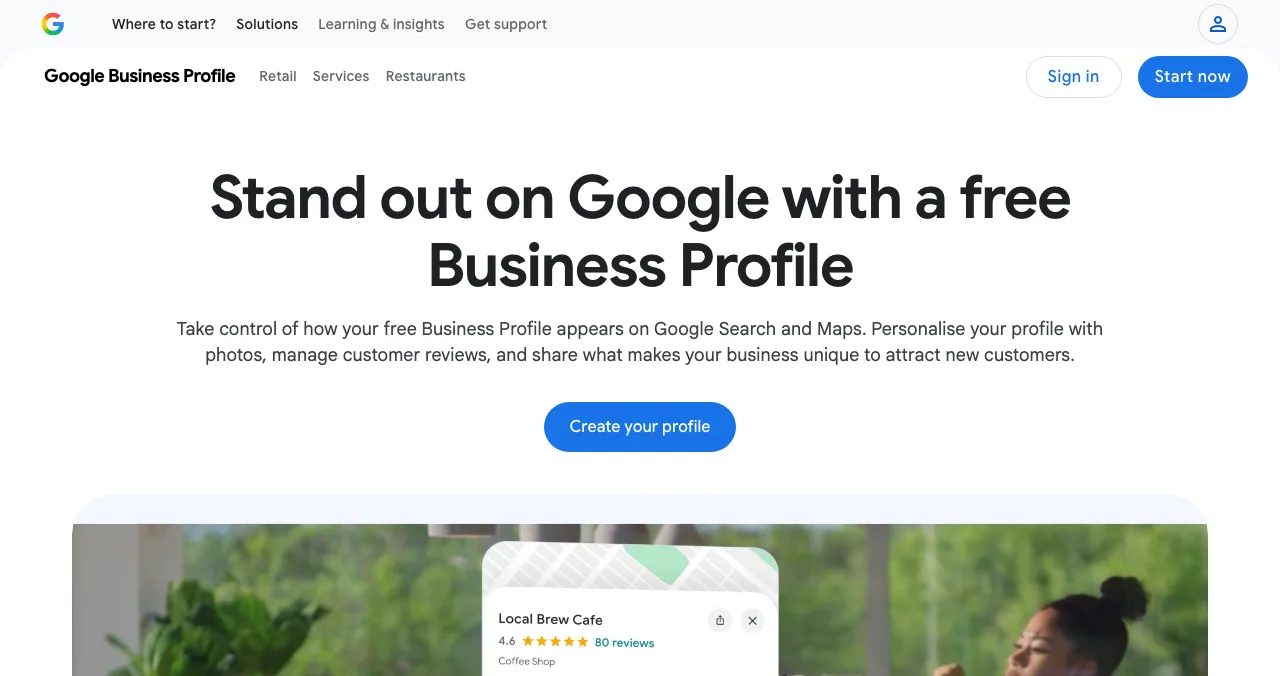
Google Business Profile For local
The listing that matters most for local search.
FreeLocation or service area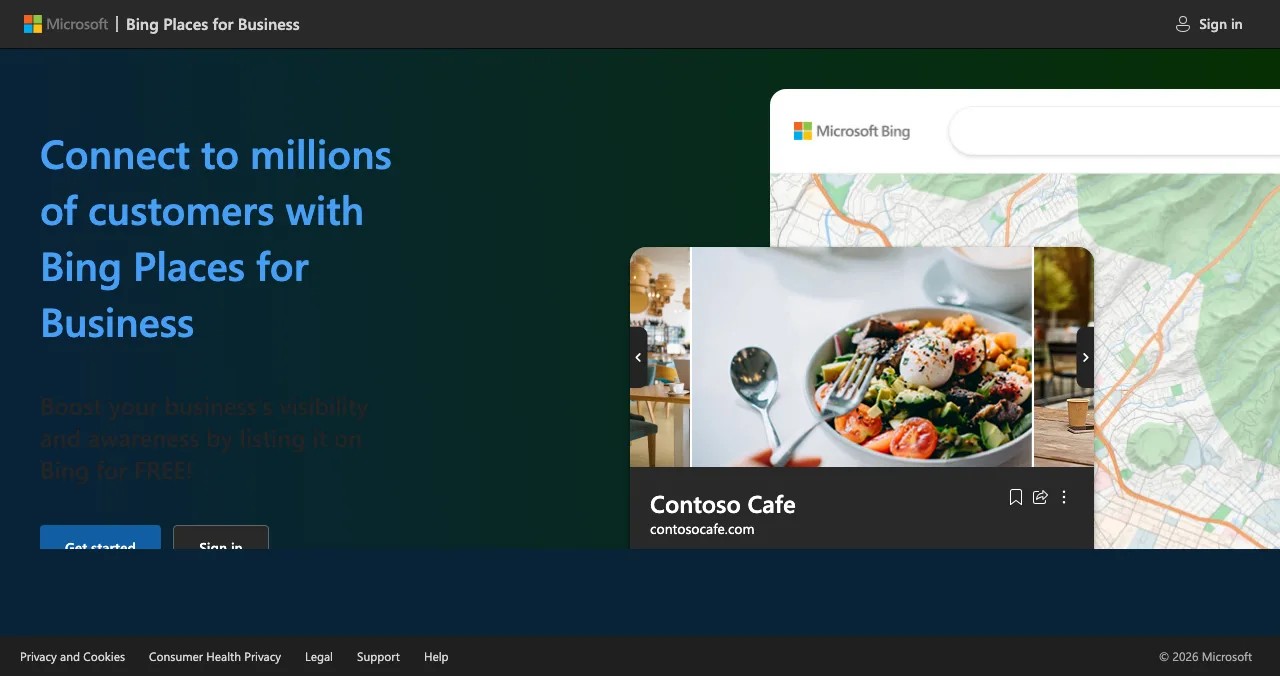
Bing Places for Business
Bing search and maps; can import from Google.
FreeImport from Google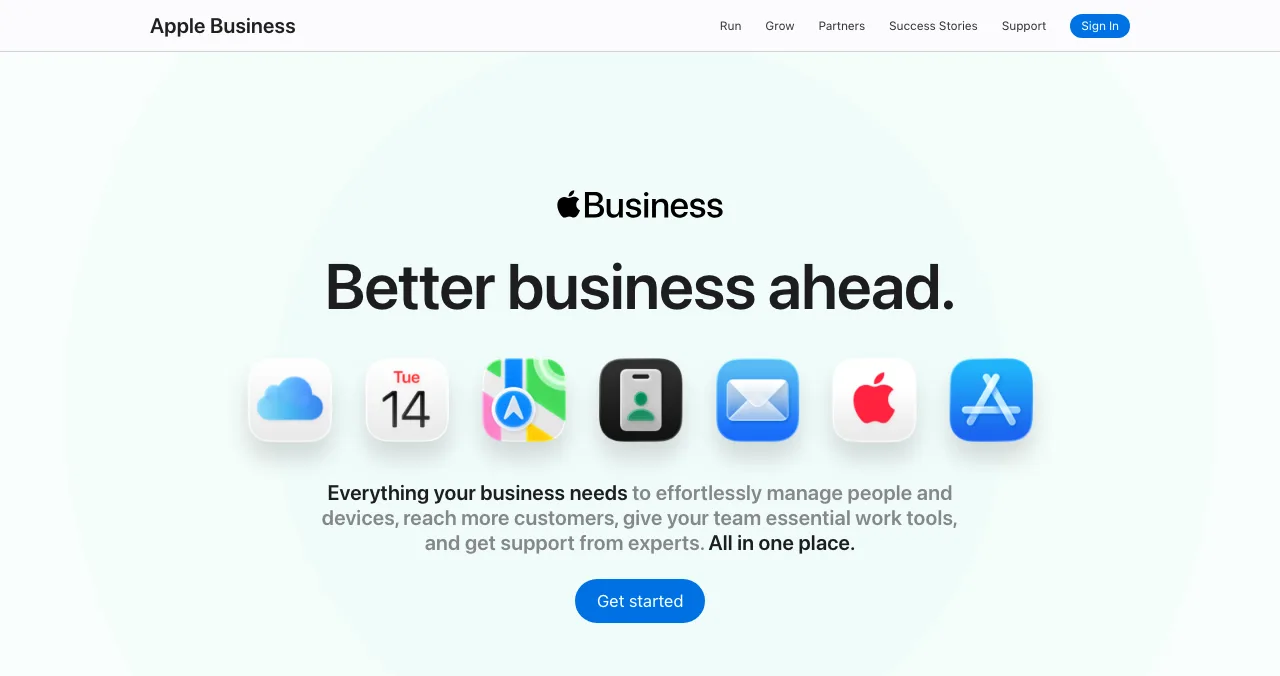
Apple Business
Your place on Apple Maps.
Claim your locationLogo, hours, photos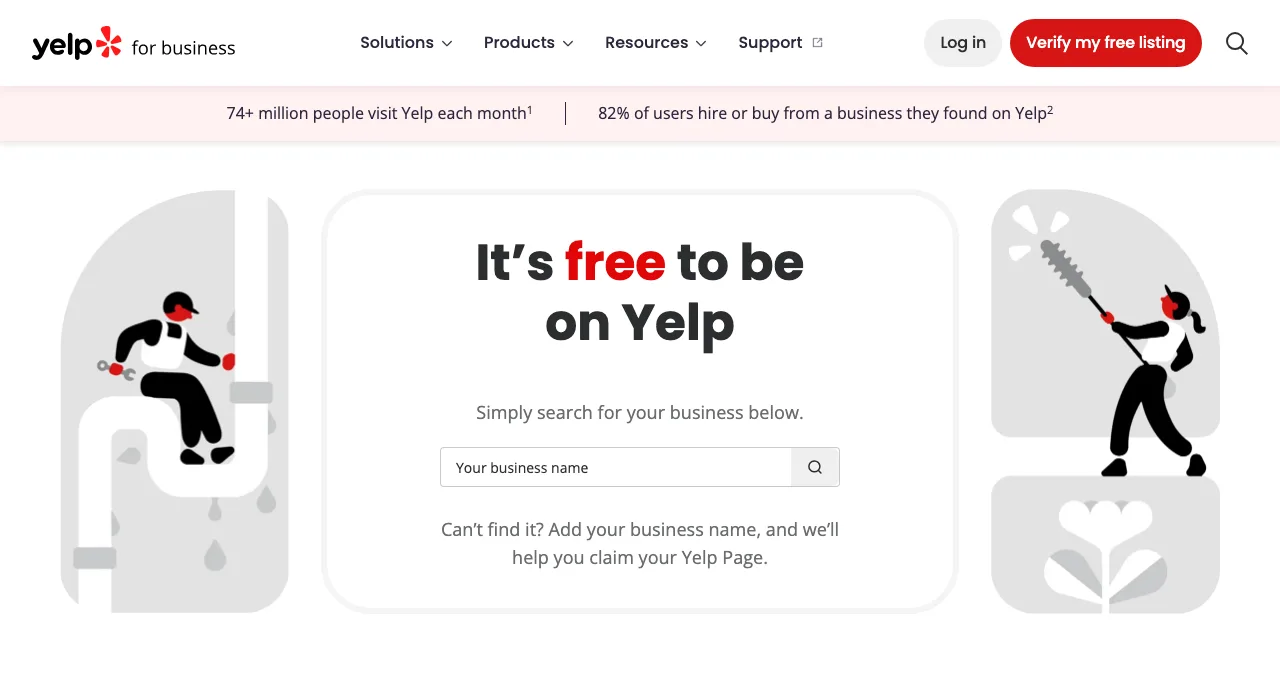
Yelp for Business
Reviews for local services.
Free pageAds paid
Science of Apps Launchpad
The business listing for online startups, plus a product report.
Free foreverNo storefront needed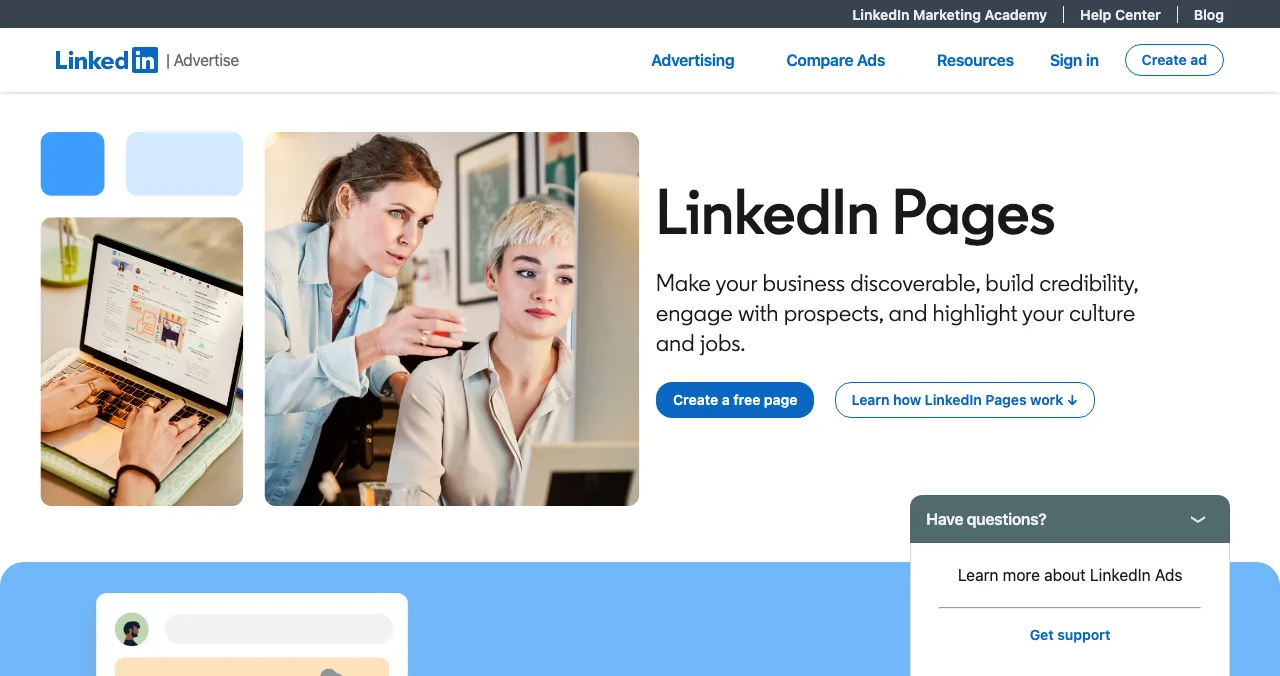
LinkedIn Pages
Your company page for buyers, hires and partners.
FreeNo website needed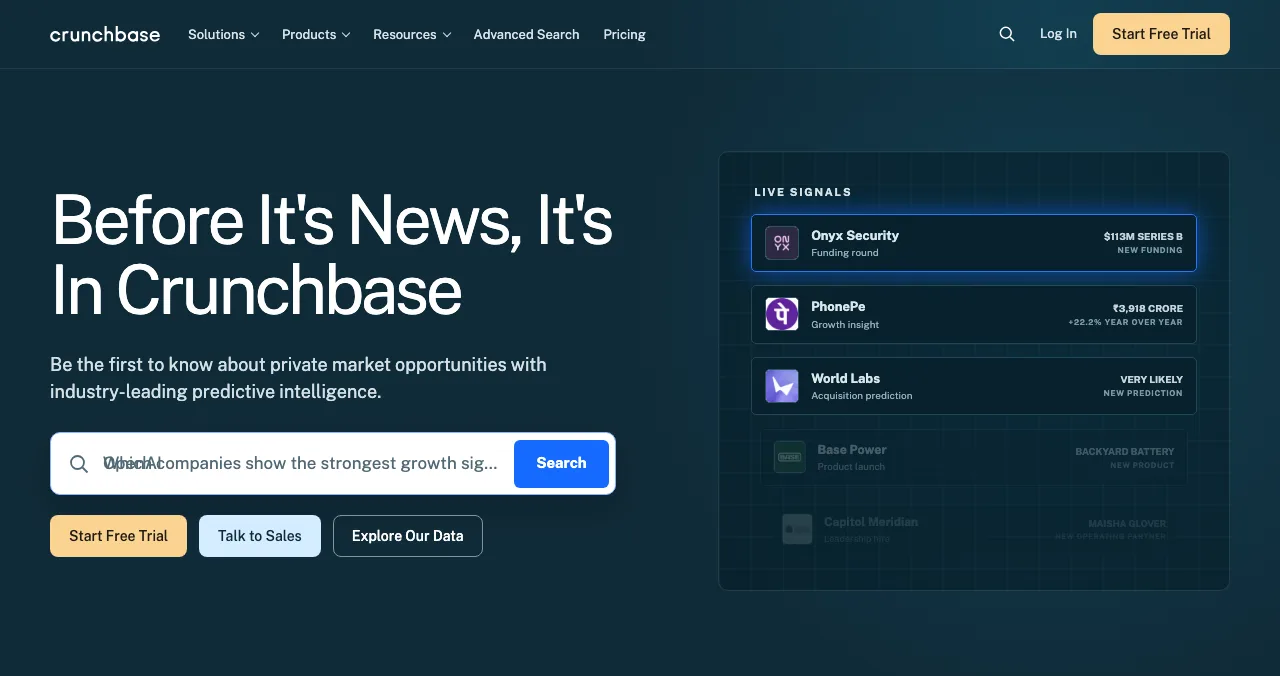
Crunchbase
The company profile investors check.
Free profileCompany data
Free business listing sites compared
| Site | Best for | Cost | Eligibility | Where it shows |
|---|---|---|---|---|
| Google Business Profile | Local businesses | Free | A location customers visit, or travel to customers | Google Search and Maps |
| Bing Places for Business | Local businesses | Free (per Bing, 17 Nov 2026) | Local listings; can import from Google Business Profile | Bing |
| Apple Business | Local businesses | Not stated for the Maps listing | Claim your business location | Apple Maps |
| Yelp for Business | Local services | Free page; ads and upgrades paid | Claim or add your business | Yelp |
| Science of Apps Launchpad | Online startups and digital products | Free, forever | A digital product with a working link | Launchpad discovery, your public profile |
| LinkedIn Page | Any company | Free | A LinkedIn account and authority to act for the company | |
| Crunchbase | Startups that will talk to investors | Free profile | Registered, socially authenticated user (17 Nov 2026) | Crunchbase |
Table: Free business listing sites compared (each site's own pages, checked 17–18 Nov 2026)
1. Google Business Profile: the one that matters most for local
- Cost
- Free
- Shows on
- Google Search and Maps
- Eligible
- A location customers visit, or travel to customers
- Not eligible
- Virtual offices and mailing addresses you don't operate from
Google's Business Profile page says "creating a Business Profile and listing your business on Google is free." Its guidelines describe eligible businesses as having a physical location customers can visit or travelling to customers at their locations; service-area businesses without a storefront get one profile and should generally hide their address. A rented mailing address or virtual office you don't operate from "isn't eligible."
Best for: any business with a real place or service area. Not for online-only startups.
2. Bing Places for Business: Bing, with a Google import
- Cost
- Free (per Bing, checked 17 Nov 2026)
- Shortcut
- Import listings from Google Business Profile
- Catch
- Categories don't carry over on import
Bing's help describes syncing your Google Business Profile into Bing Places on a weekly, biweekly or monthly schedule; category information isn't imported, so set it by hand.
Best for: local businesses that already have a Google Business Profile; it takes minutes.
3. Apple Business: your place on Apple Maps
- Maps
- Claim your business location
- Control
- Logo, hours, images and key details
- Also
- Brand placements and Custom Actions such as bookings
- Catch
- Cost of the Maps listing not stated on the page
Apple Business brings device management, email and Maps together. For listings, the relevant part is Maps: claim your business location and control its logo, hours, images and key details. The page lists paid storage and AppleCare+ options but doesn't state a price for the Maps listing, so check before you assume.
Best for: local businesses whose customers use iPhones.
4. Yelp for Business: local services and reviews
- Cost
- "It's free to be on Yelp"
- Free page
- Update info, respond to reviews, add photos
- Paid
- Yelp Ads, Page Upgrades
- Catch
- Reviews you can't control
Best for: restaurants, home services and other local services where customers read reviews before calling.
5. Science of Apps Launchpad: the business listing for online startups
- Cost
- Free, forever
- Accepts
- Startups, SaaS, mobile apps, AI, dev tools, extensions, games, open source
- Review
- Automated checks + a person, usually a day or less
- Ranking
- Relevance, editorial picks, community interest; never payment
- Extra
- Your product tested, with a detailed report
An online startup has no address for a map pin. What it needs is a permanent public page that describes the product, links to the website and gets found by people with the problem. The Launchpad is free forever, gives you a Featured badge on going live and a Verified badge when you confirm a work email on your domain, and tests your product: a free baseline diagnosis of your landing page, discoverability and speed as you go live, and a full 22-area investigation when you want one.
- Areas of your product tested
- 22
- Automatic measurements, desktop and mobile
- 39
- Expert checks behind your login
- 74
- Verdicts, from Good to Critical
- 5
See what customers see after they click
List free, then order the report that fits: what new customers see first, or the full diagnosis and a plan.

 Economy
See what new customers see
- Store listing and homepage, screen by screen
- Scorecard against 60 Laws of UX
- Customers, competitors and the fixes worth most
PremiumThe full diagnosis and the plan
- Every screen, every finding, every flow
- All 60 laws with evidence and fixes
- 8 strategy chapters and a 90-day roadmap
Researched from your live product and fact-checked against the evidence.
Best for: SaaS, apps, AI products and any startup without a storefront.
6. LinkedIn Page: your company, for buyers and hires
- Cost
- "You can create a LinkedIn Page for free"
- Needs
- A LinkedIn account; confirm you can act for the company
- Types
- Company, Showcase page, Educational institution
- Catch
- Only as useful as you keep it
Best for: B2B startups; buyers and candidates check it.
7. Crunchbase: the profile investors check
- Cost
- Free profile
- Who can add
- A registered, socially authenticated user (17 Nov 2026)
- Audience
- Investors, partners, journalists
- Catch
- Company data, not customers
Best for: startups that will raise money or sell to larger companies. Step by step: get listed on Crunchbase.
What to put in every business listing
Whichever business listing sites you use, the same fields come up. Write them once, in a document, and paste them everywhere.
| Field | Write | Why it matters |
|---|---|---|
| Business name | Exactly as customers see it; no keywords added | Mismatched names split your listings |
| Address or service area | Your real operating address, or the area you serve | Google says virtual offices aren't eligible |
| Phone | One number, the same everywhere | Customers call; mismatches erode trust |
| Website | Your canonical URL, with https | Every listing should point to the same place |
| Category | The single most accurate category | Decides which searches you appear for |
| Hours | Including holidays | Wrong hours cost visits |
| Description | One sentence on what you do, then specifics | Read by customers and by systems that summarise listings |
| Photos and logo | Real photos; a square logo | Listings with images look maintained |
Table: The fields to keep identical across business listings (Science of Apps editorial guidance; eligibility from Google's guidelines)
Online startups need the same discipline with a different set of fields: name, one-liner, 150-word description, category, logo, screenshots and URL. See how to write a directory listing.
Local business or online startup: which listings?
| Your business | List on, in this order |
|---|---|
| Shop, clinic, studio, restaurant (customers visit) | Google Business Profile, Apple Business, Bing Places, Yelp |
| Service business that travels to customers | Google Business Profile (service area, address hidden), Bing Places, Yelp |
| SaaS, app, AI product, online-only startup | Science of Apps Launchpad, LinkedIn Page, Crunchbase, then software directories |
| Hybrid (online product, real office customers visit) | Both columns |
Table: Which business listing sites to use, by business type (Science of Apps editorial guidance based on each site's eligibility rules)
A one-week listing plan
- Day 1
Write your facts once
Exact business name, address or service area, phone, website, hours, category, one-line description.
- Day 1
Claim before you create
Search each site for an existing listing; claim it rather than making a duplicate.
- Day 2
The big one
Google Business Profile if eligible; Launchpad listing if online.
- Day 3
Mirror it
Bing Places (import from Google) and Apple Business; LinkedIn Page.
- Day 4
Reviews and companies
Yelp if you're a local service; Crunchbase if investors matter.
- Day 7
Check consistency
Same name, address, phone and URL everywhere; fix any mismatch.
Business listing mistakes

- Paying for "submission to 500 directories" — Google lists low-quality directory links and automated link building as link spam
- Using a virtual office for Google Business Profile — Google says it isn't eligible
- Creating duplicates — claim the existing listing first
- Inconsistent name, address or phone — customers and search engines both get confused
- Listing an online startup as a local business — use product and company listings instead
Ready to list your startup?
How we chose
We kept business listing sites that real customers, buyers or investors use and that have a free route, and read each one's own pages on 18 November 2026: Google's Business Profile page and guidelines, Bing's help, Apple Business, Yelp for Business and LinkedIn's help. Crunchbase's help page and Bing's homepage blocked our reader that day, so those details come from our 17 November check. Search volumes are Google Keyword Planner global 12-month averages. Science of Apps runs the Launchpad.
Key terms, defined
- Business listing site: a directory or map where businesses publish their name, location, contact details and description.
- Local business directory submission: adding a business to local search and map listings.
- Service-area business: a business that travels to customers rather than receiving them at a storefront.
- NAP: name, address and phone number, which should match across listings.
- Claiming a listing: proving you own an existing listing so you can edit it.
Frequently asked questions
What are the best free business listing sites?
For businesses customers visit or that serve customers on site: Google Business Profile, Bing Places for Business, Yelp and Apple Business for Apple Maps. For online startups: the Science of Apps Launchpad (free forever, with a product report), a LinkedIn Page and a Crunchbase company profile. All have a free route, checked on their own pages in November 2026.
What is local business directory submission?
Adding your business's name, address, phone, hours and category to the directories and maps people use to find local services, such as Google Business Profile, Bing Places, Apple Maps through Apple Business, and Yelp. The goal is to appear when nearby customers search, with accurate details. A handful of major listings matters far more than hundreds of small ones.
Can an online-only startup get a Google Business Profile?
Usually not. Google's guidelines describe eligible businesses as having a physical location customers can visit or travelling to customers at their locations, and say a mailing address or virtual office you don't operate from isn't eligible. Online startups should use listings built for products and companies instead.
Is Google Business Profile free?
Yes. Google's Business Profile page says 'creating a Business Profile and listing your business on Google is free.' The profile can appear on Google Search and Maps. Google offers separate paid advertising, but the listing itself costs nothing. Check the eligibility rules first: online-only businesses usually don't qualify.
Are business listing submission sites good for SEO?
Major, real listings help people find you and confirm your details; that's their value. Mass submission is different: Google's spam policies list low-quality directory or bookmark site links and automated link building as link spam. Submit by hand to the few business listing sites your customers use.
Is Yelp free for businesses?
Yes. Yelp for Business says 'It's free to be on Yelp,' and you can claim a free page to update your information, respond to reviews and add photos. Yelp Ads and Page Upgrades are paid options. The free page is worth claiming for any local service, so you can keep your details accurate and reply to the reviews customers read before they call.
Where should a SaaS or app startup list instead of local directories?
On product and company listings: the Science of Apps Launchpad for a permanent, free product listing; LinkedIn and Crunchbase for your company; and software directories such as SaaSHub, AlternativeTo and G2 once you're released. These are where buyers and investors look for online products.
Sources
- Google Business Profile — Get listed on Google (checked 18 Nov 2026)
- Google Business Profile Help — Guidelines for representing your business (checked 18 Nov 2026)
- Bing Places for Business — Help: sync your Google Business Profile (checked 18 Nov 2026)
- Apple — Apple Business (checked 18 Nov 2026)
- Yelp for Business — It's free to be on Yelp (checked 18 Nov 2026)
- LinkedIn Help — Create a LinkedIn Page (checked 18 Nov 2026)
- Crunchbase Knowledge Center — How do I create a Crunchbase profile? (checked 17 Nov 2026)
- Google Search Central — Spam policies for Google web search (checked 18 Nov 2026)
- Science of Apps — Launchpad: launch your product free (checked 18 Nov 2026)
- Checked November 18, 2026. Figures that change — fees, salaries, prices — are reviewed every six months; if something is out of date, tell us.
Where to go from here
- Free directory submission sites — the wider list
- Directory submission tracker — track every listing
- Get listed on Crunchbase — step by step
- Science of Apps - LaunchpadThe top 5 websites to launch your startup for free, checked against each site's own rulesThe 5 best free websites to launch a startup: Science of Apps Launchpad, Product Hunt, Show HN, Uneed and Peerlist, with costs, rules and who each one suits.
- Science of Apps - LaunchpadFree directory submission sites in 2027: a quality-checked list, and the directory links Google calls spamA quality-checked list of free directory submission sites for 2027, from Google Business Profile to SaaSHub, plus the low-quality directories to avoid.
- Science of Apps - LaunchpadFree startup directories in 2027: 16 checked sites to submit your startup to, grouped by what you want (investors, customers, a launch, India) with each one's rules16 free startup directories checked for 2027, grouped by goal: investors, customers, launch day and India, with each site's rules and the ones to skip.
- Science of Apps - LaunchpadSaaS directories worth your time in 2027: 13 checked places to list a SaaS, labelled buyer-intent or launch, free or paid, with their rules13 SaaS directories worth listing on in 2027, each checked: buyer-intent vs launch sites, free vs paid, the rules, and whether directories help SEO.
- Science of Apps - LaunchpadHow to list your startup in India in 2027: DPIIT recognition, startup databases, media and launch platformsHow to list your startup in India in 2027: free DPIIT recognition via NSWS, Tracxn and Crunchbase profiles, YourStory, Google Business and launch platforms.
- Science of Apps - LaunchpadA startup directory submission tracker you build yourself: the columns, 24 real rows with cost, link type and review time checked on each site, the formulas, and how many directories to submit toBuild a directory submission tracker in 10 minutes: the columns, 24 real rows with cost, rel and review time checked 18 Nov 2026, and the formulas to use.


Get the ideas, not the noise.
Sign up with Google and we’ll send you short UX psychology tips by email — why people tap, stall and leave, and what to do about it. Unsubscribe anytime. Prefer something to keep? Get the free Laws of UX guide as a PDF.
Launch day ends. Your listing shouldn't.
Local listings need an address customers can visit. For an online startup, a free, permanent Launchpad listing is the business listing that fits, plus your product tested with a detailed report.