 By
Quick answer: What is the best free website checker?
- Speed: Google PageSpeed Insights and Lighthouse, free.
- Google indexing: Search Console, the real Google website checker.
- A quick score: HubSpot Website Grader (asks for an email).
- Accessibility: WAVE and Accessibility Insights; security: SSL Labs, Safe Browsing, VirusTotal.
- Whole product: single checkers can't test sign-up, onboarding or pricing; an investigation can.
Key takeaways
- Pick the website checker by the question you're asking, not by the score it gives.
- Google's own tools are free and authoritative for speed and indexing.
- Automated checkers miss what needs human judgement: clarity, trust, flow.
- Run checks on mobile; that's where most first visits happen.
- A full product test covers screens behind the login that no public checker can reach.
"Website checker" gets typed into Google about 135,000 times a month (Google Keyword Planner, global 12-month average), and most results hand back a single score. The trouble is that each checker tests one thing: speed, or SEO, or accessibility, or HTTPS. This guide lists 12 free tools to check any site online, sorted by the question each one answers, with what each actually tests. Every tool was opened on 20 November 2026. At the end, we show what no public website checker can reach, and how to test that too. Jump to the table, which to use first or the plan.
12 free website checkers, by job
 Launch free
Science of Apps Launchpad Whole product
Free listing; optional investigation tests the whole product in 22 areas.
Free to listBehind the login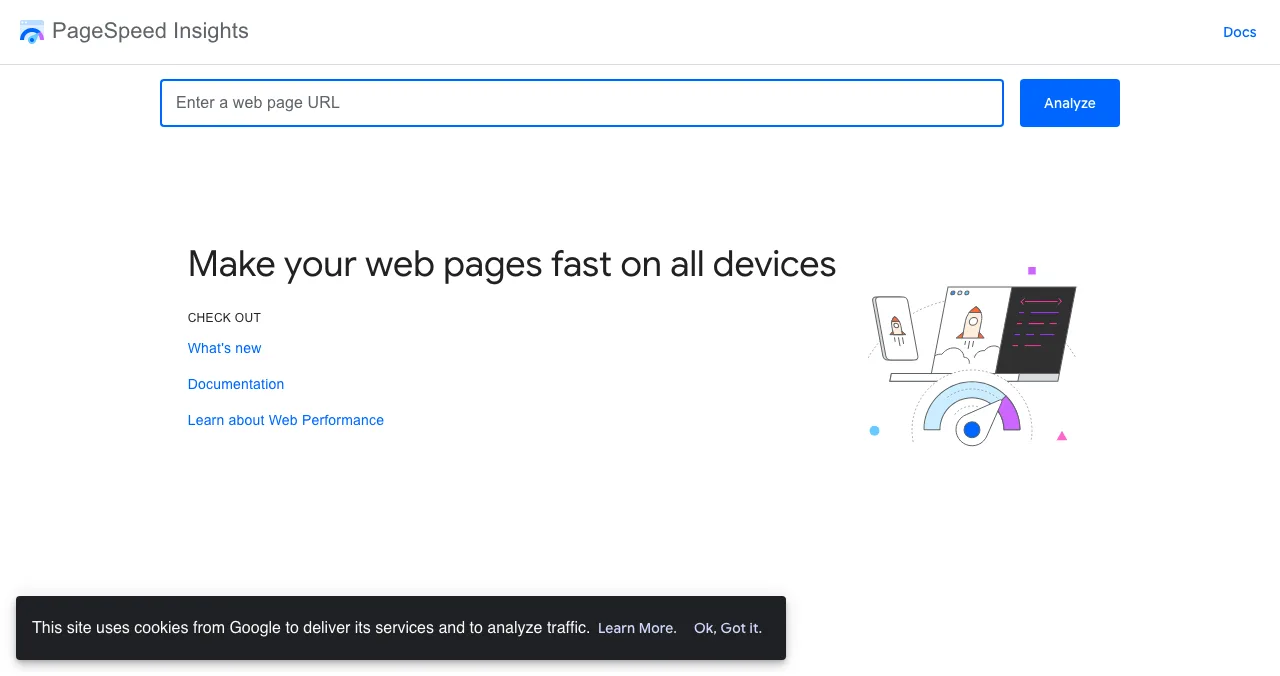
Google PageSpeed Insights
Speed and Core Web Vitals, lab and field data.
FreeSpeed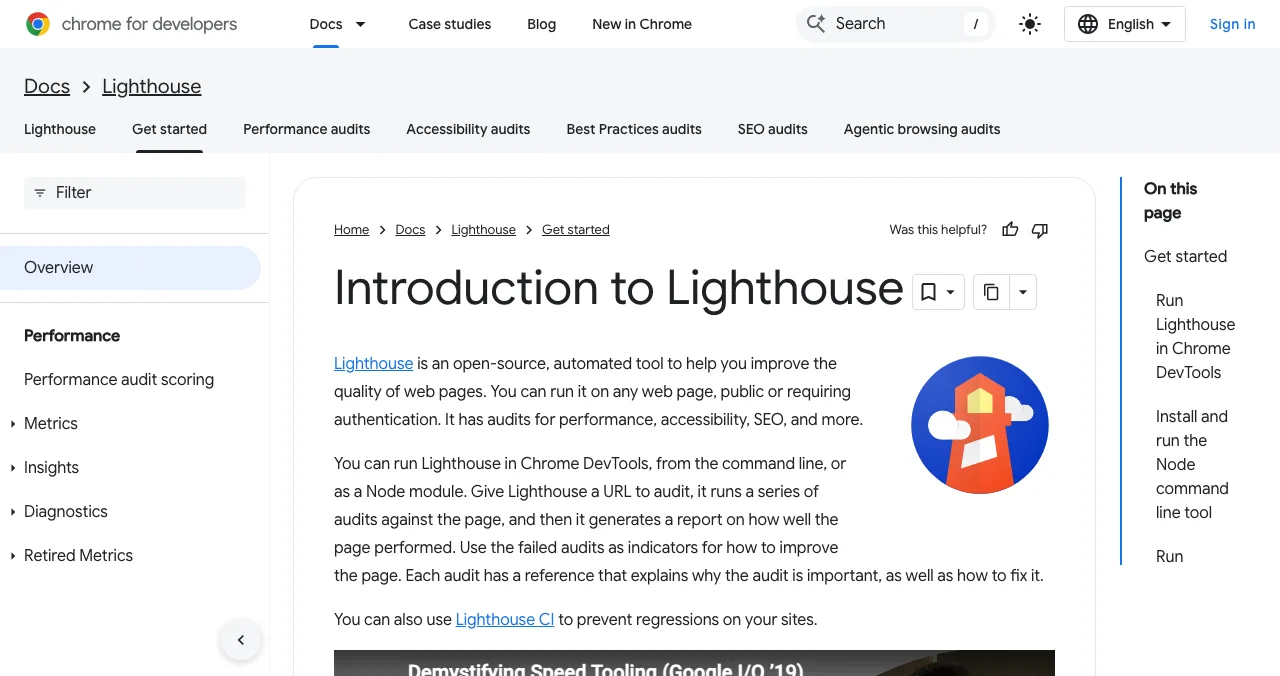
Lighthouse
Performance, accessibility, best practices, SEO audits in Chrome.
FreeBuilt into Chrome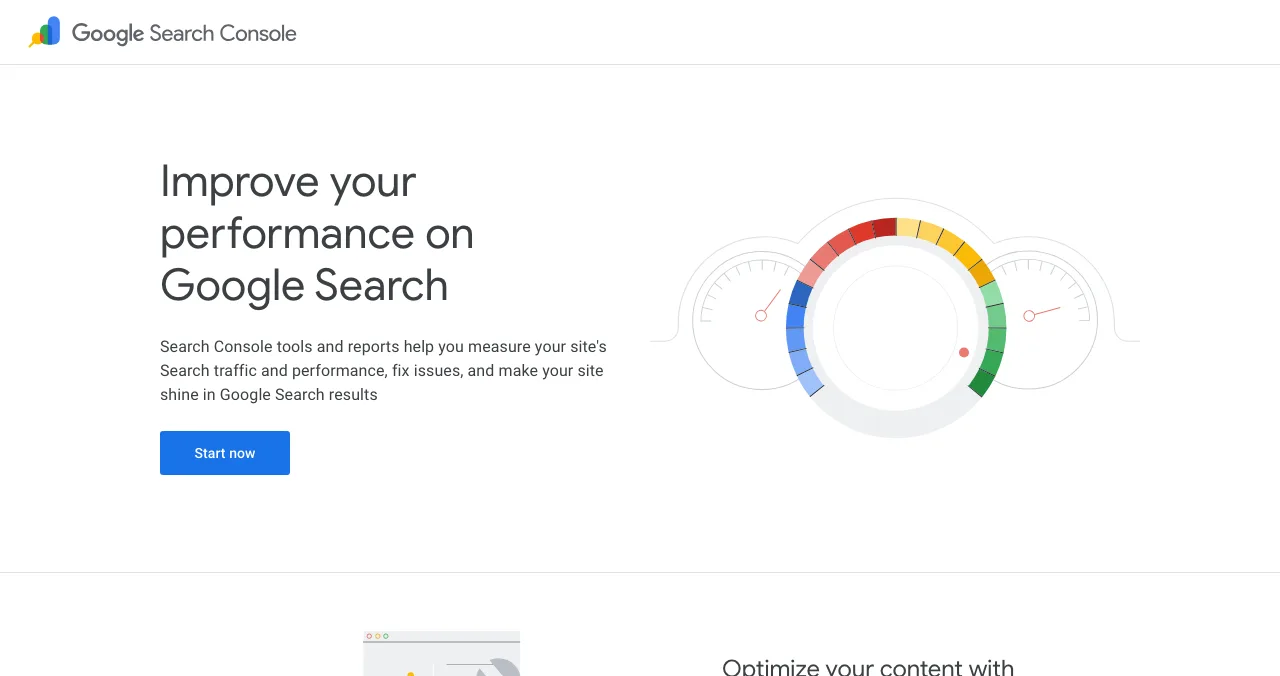
Google Search Console
Whether Google indexes and shows your pages.
FreeYour site only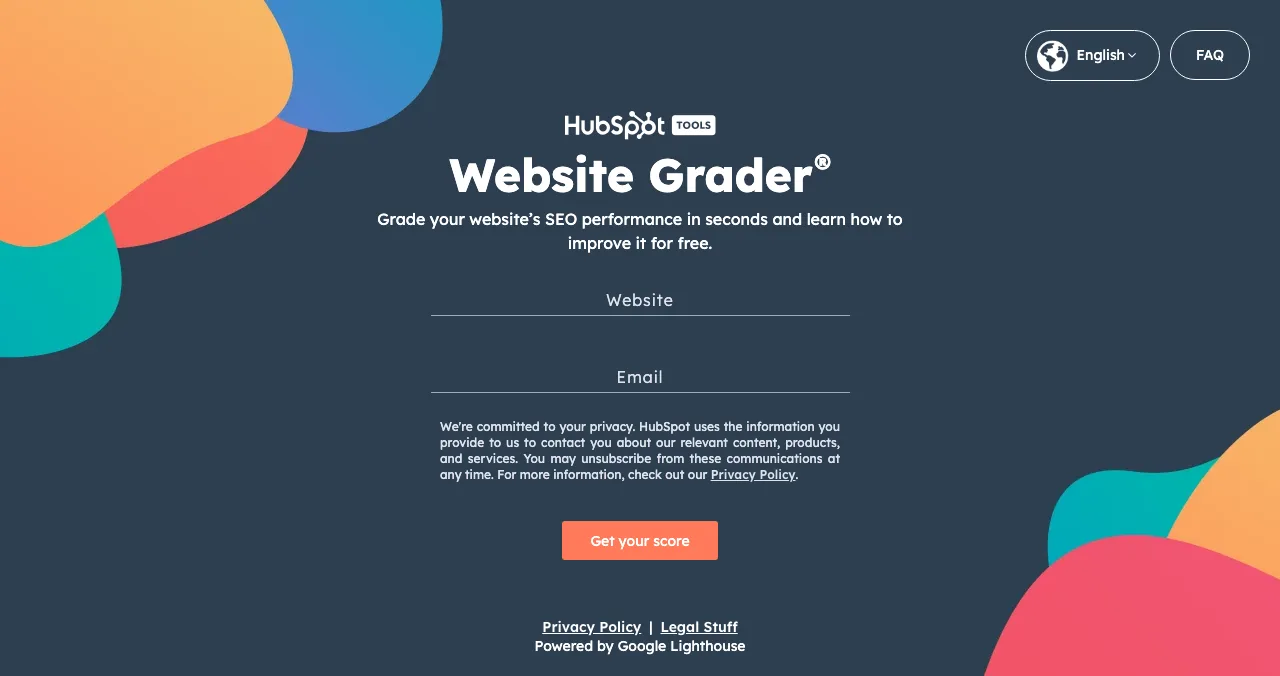
HubSpot Website Grader
A quick score for performance, mobile, SEO and security.
FreeAsks for email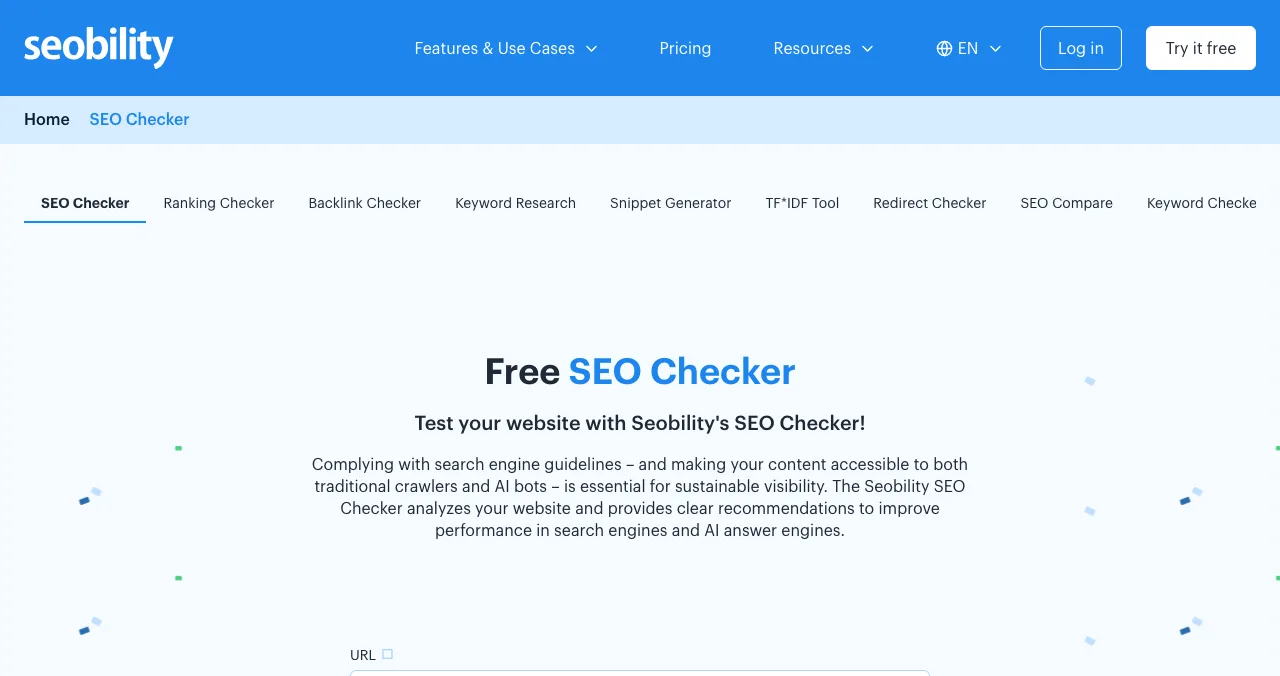
Seobility SEO Checker
On-page SEO check of a single URL.
FreeSEO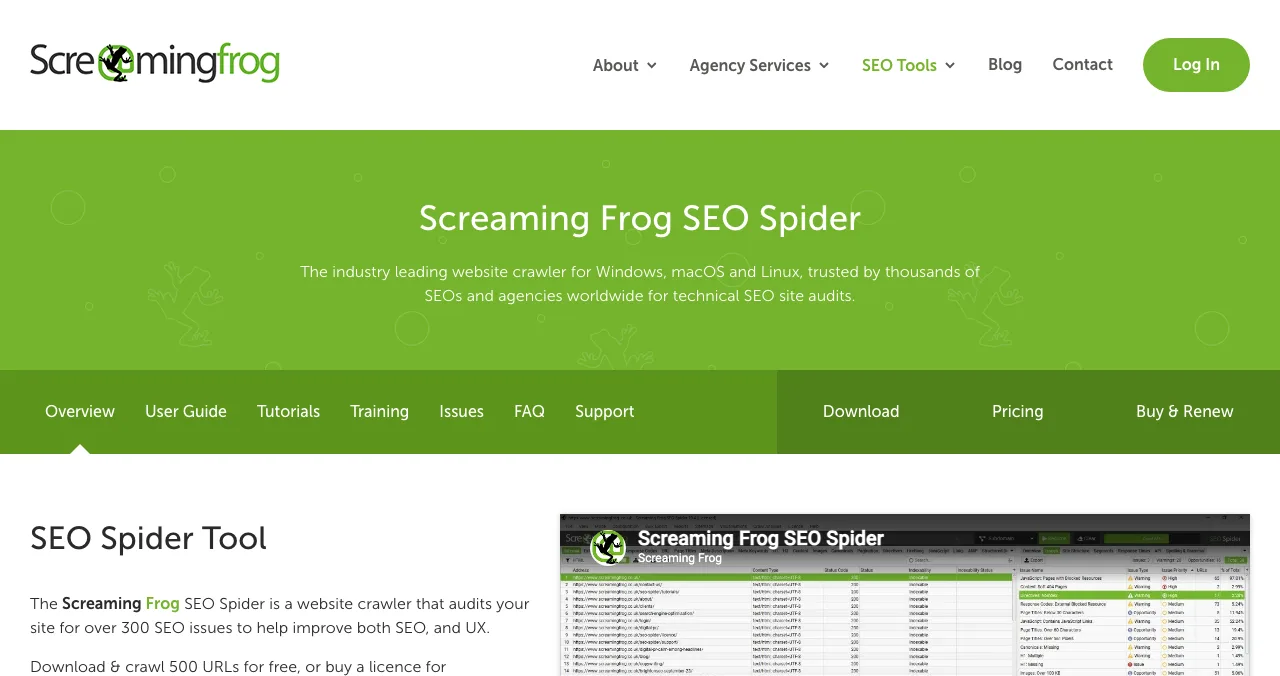
Screaming Frog SEO Spider
A desktop crawler for technical SEO.
Free to 500 URLsDesktop app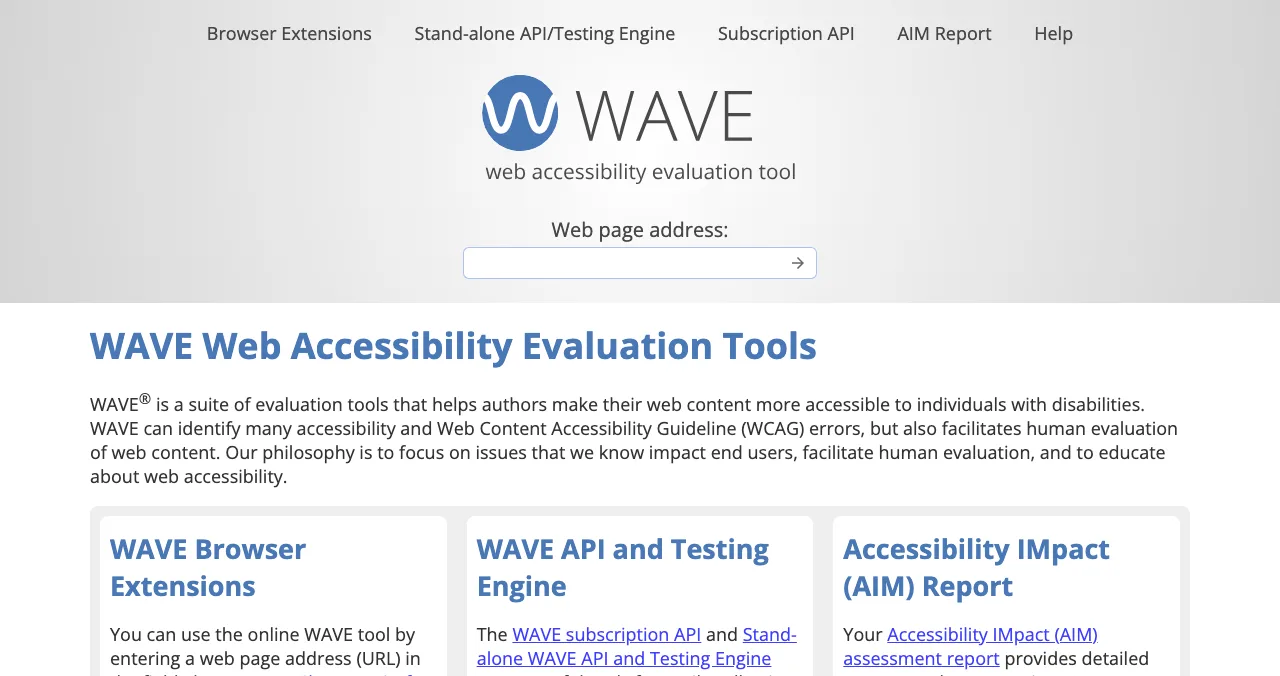
WAVE
Accessibility errors shown on the page.
FreeAccessibility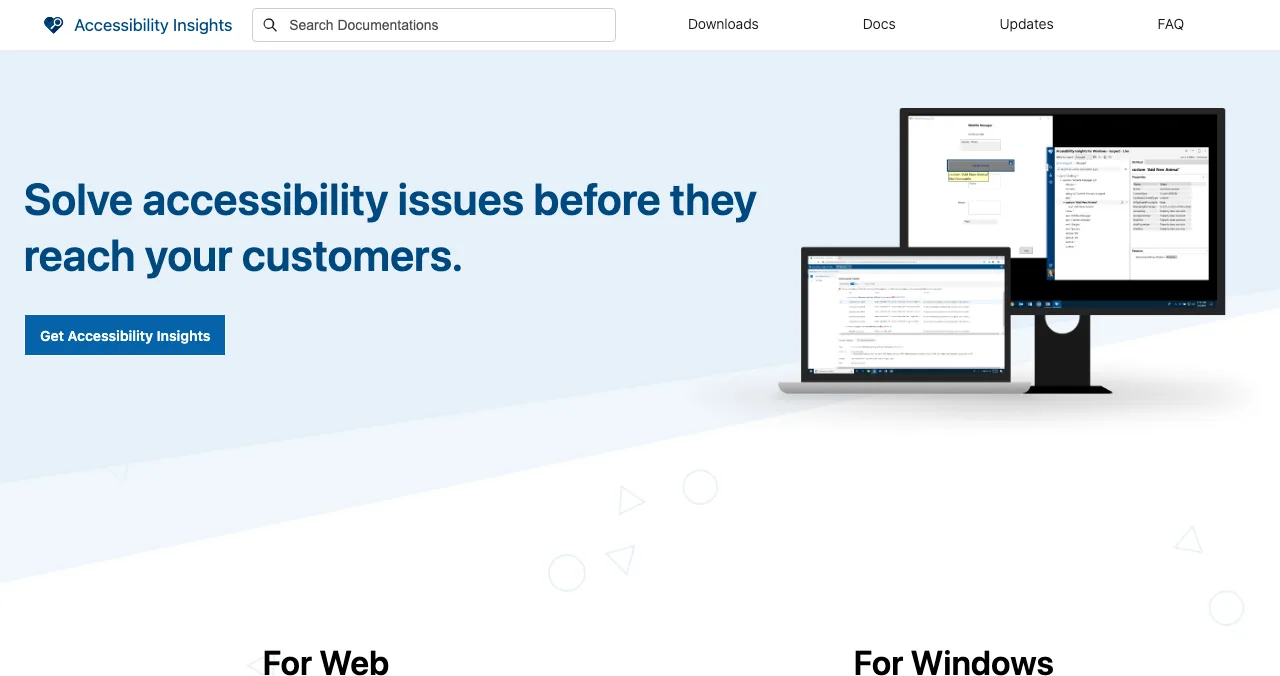
Accessibility Insights
Microsoft's free accessibility checks and guided tests.
FreeAccessibility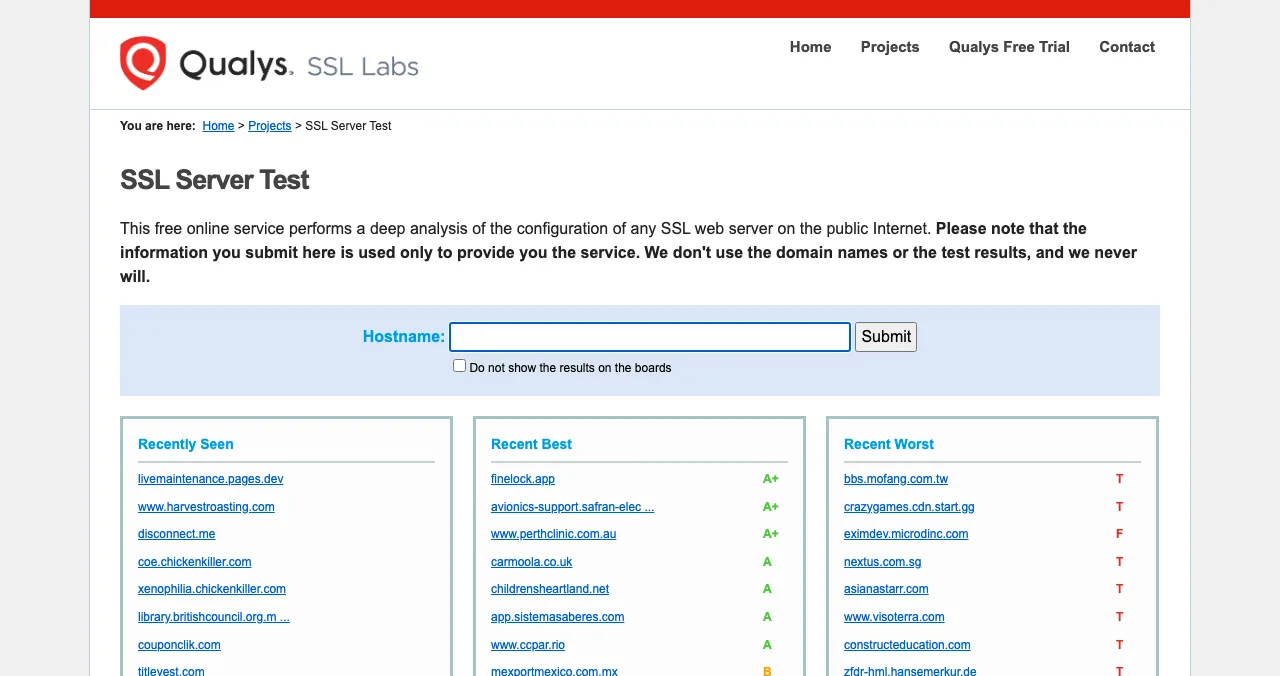
SSL Labs
Deep check of a server's HTTPS setup.
FreeSecurity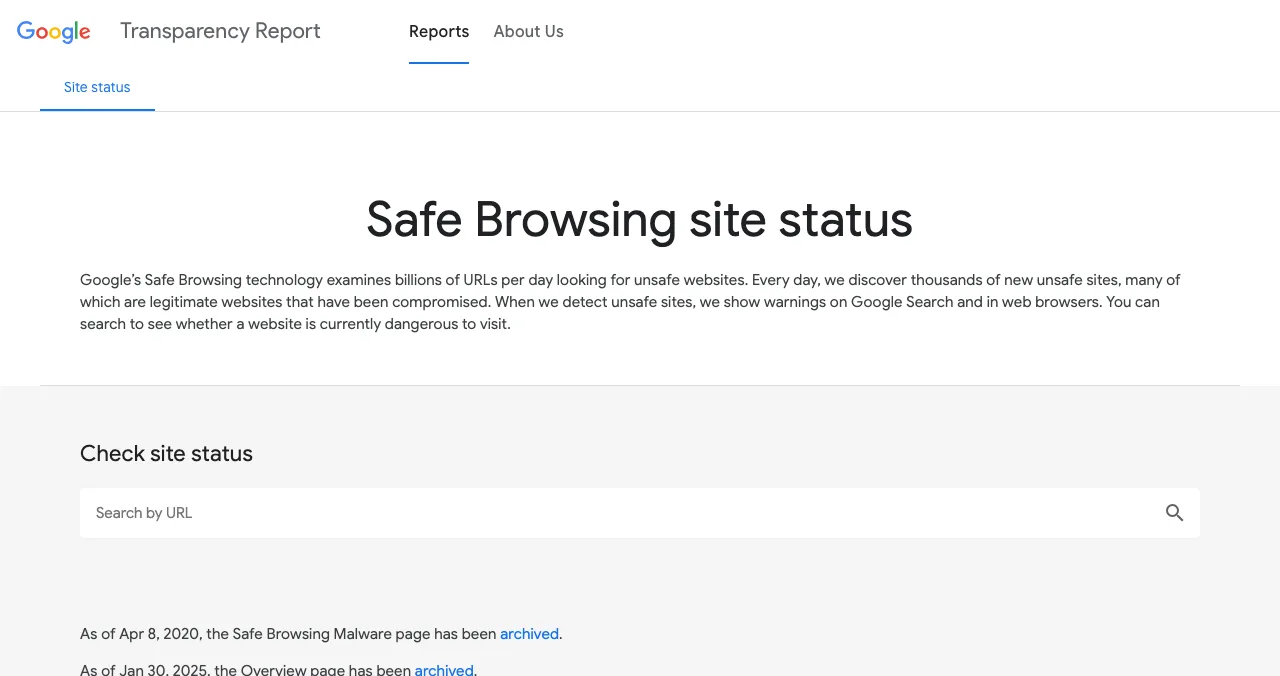
Google Safe Browsing site status
Whether Google flags a site as unsafe now.
FreeSecurity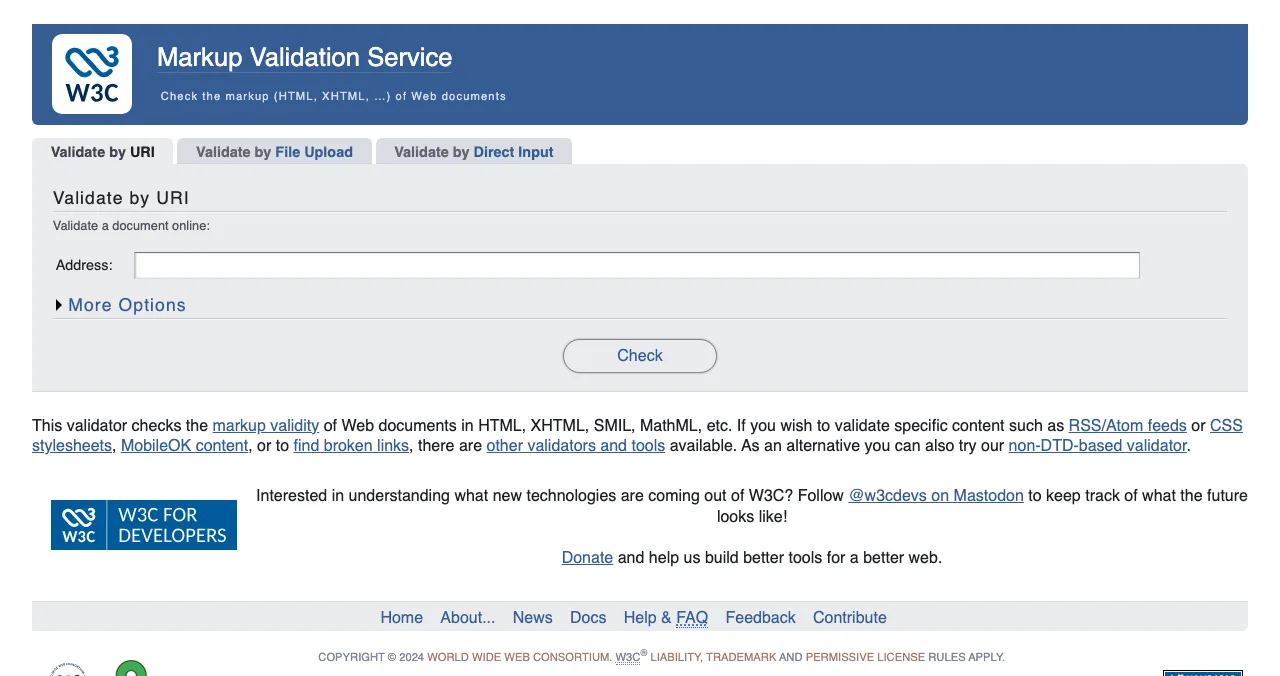
W3C Markup Validator
HTML markup validity.
FreeCode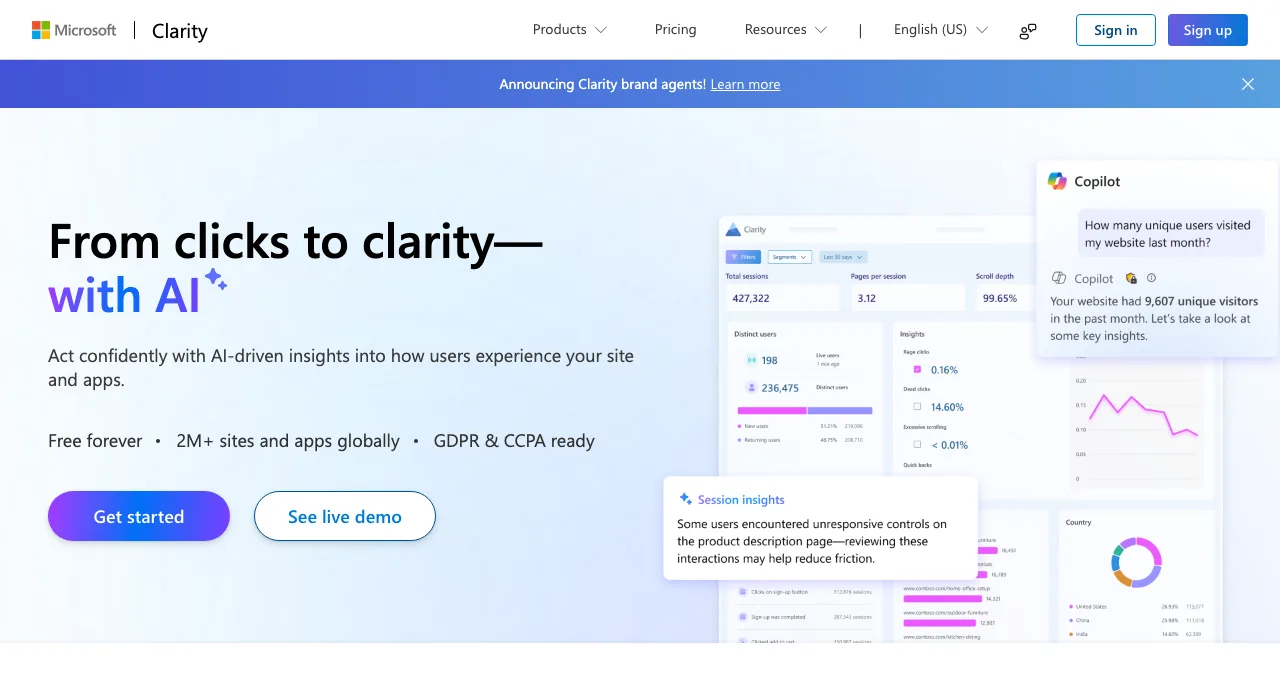
Microsoft Clarity
Heatmaps and recordings of real visitors.
FreeYour site only
Free website checkers compared
| Tool | What it checks | Needs | Can see behind a login? |
|---|---|---|---|
| PageSpeed Insights | Speed, Core Web Vitals | A URL | No |
| Lighthouse | Performance, accessibility, best practices, SEO | Chrome | Only pages you load yourself |
| Search Console | Indexing, queries, clicks | Verify ownership | No |
| HubSpot Website Grader | Performance, mobile, SEO, security score | URL and email | No |
| Seobility SEO Checker | On-page SEO for one URL | A URL | No |
| Screaming Frog | Crawl-wide technical SEO | Desktop install | No |
| WAVE | Accessibility errors | A URL or extension | Extension: yes, on your browser |
| Accessibility Insights | Automated and guided accessibility tests | Browser extension | Yes, on your browser |
| SSL Labs | HTTPS configuration | A hostname | No |
| Safe Browsing | Malware/phishing flag | A URL | No |
| W3C Validator | HTML validity | A URL | No |
| Microsoft Clarity | Real visitor behaviour | Install on your site | Yes, real sessions |
| Launchpad investigation | 22 areas, whole product | A free listing | Yes, 74 expert checks |
Table: Free website checkers compared (each tool's own page, checked 20 Nov 2026)
1. Google PageSpeed Insights: the speed check
- Cost
- Free
- Tests
- Speed and Core Web Vitals
- Data
- Lab test plus real-user field data where available
- Catch
- Lab scores vary between runs
Paste a URL and PageSpeed Insights runs a Lighthouse lab test and, where Chrome has enough real-user data, shows field Core Web Vitals. Look at the mobile tab first. Our Core Web Vitals guide explains each metric.
Best for: the first speed check on any page.
2. Lighthouse: the Google website checker in Chrome
Lighthouse is Google's open-source auditor, built into Chrome DevTools. It scores performance, accessibility, best practices and SEO. Because it runs in your browser, you can audit pages behind your own login: sign in, open DevTools, run it on the dashboard.
Best for: developers checking any page, including logged-in screens.
3. Google Search Console: is Google indexing you?
If people search "google website checker", this is usually what they need. Verify your domain and Search Console shows which pages are indexed, which queries show you, and errors that stop pages appearing. It only works for sites you own.
Best for: every site you run, from day one.
4. HubSpot Website Grader: a quick overall score
- Cost
- Free
- Grades
- Performance, mobile readiness, SEO, security
- Powered by
- Google Lighthouse
- Catch
- Asks for your email
HubSpot describes Website Grader as a free tool that grades a site on performance, mobile readiness, SEO and security; the page says it's powered by Google Lighthouse and that HubSpot uses your email to contact you. Our website grader comparison covers alternatives that don't ask for an email.
Best for: a plain-English summary to share with a non-technical co-founder.
5. Seobility SEO Checker: one URL, on-page SEO
Checks a single page's titles, headings, content and technical basics. Seobility's free Basic account adds one project with a 100-page crawl. More in our SEO checker comparison.
Best for: checking one landing page's on-page SEO.
6. Screaming Frog SEO Spider: crawl the whole site
A desktop crawler for Windows, macOS and Linux that audits a site for over 300 SEO issues. Free for up to 500 URLs; a paid licence removes the limit.
Best for: broken links, redirects and duplicate titles across a whole site.
7. WAVE: accessibility on the page
WebAIM's free tool overlays icons on the page for missing alt text, low contrast, missing form labels and more. Its browser extension can check pages behind your login.
Best for: fast accessibility triage.
8. Accessibility Insights: guided accessibility tests
Microsoft's free tools combine fast automated checks with guided manual tests, which matter because automated tools can't check everything. Our ADA compliance audit checklist covers the manual part.
Best for: going beyond automated accessibility scans.
9. SSL Labs: is HTTPS set up properly?
Qualys describes it as a free service that performs a deep analysis of the configuration of any public SSL web server, with a letter grade. Tick "Do not show the results on the boards" if you'd rather not appear on its public lists.
Best for: confirming your certificate and TLS settings.
10. Google Safe Browsing site status: flagged or not?
Google says Safe Browsing examines billions of URLs a day and shows warnings on Search and in browsers when it detects unsafe sites. Search your own domain after any security incident. For judging other sites, see our legit website checker guide.
Best for: checking whether your site, or one you're about to use, is flagged.
11. W3C Markup Validation Service: valid HTML
Checks HTML markup against the standards. Invalid markup rarely breaks a modern page, but errors such as duplicate IDs can confuse assistive technology.
Best for: developers cleaning up templates.
12. Microsoft Clarity: watch real visitors
Clarity says it's free forever with no traffic limits. Add its script and you get heatmaps and recordings of real sessions, the closest a free tool gets to seeing what actually happens on your site.
Best for: seeing where real visitors click, scroll and give up.
What no public website checker can test
Every tool above sees a page, not a product. None of them can sign up, finish onboarding, use your core feature or decide whether your pricing makes sense. That's where most startups lose people.
The Science of Apps Launchpad is free to list on, forever. Once your listing is live you can order an investigation: your product loaded in a real browser on desktop and mobile, 39 automatic measurements, 74 expert checks on the screens behind the login, and five verdicts that rank what to fix. It's analyst-reviewed, private to your team and never affects ranking.
- Areas of your product tested
- 22
- Automatic measurements, desktop and mobile
- 39
- Expert checks behind your login
- 74
- Verdicts that rank what to fix first
- 5
Arrive
First impression
Discoverability on Google, AI and social; landing page, pricing, trust and speed.
Join
The first minutes
Sign-up, sign-in, recovery and onboarding.
Use
The everyday job
Home, core flow, dashboards, search, microcopy and error states.
Pay
Value into revenue
Paywall, upgrade, checkout and payments.
Stay
Coming back
Notifications, account, settings and help.
Every screen
Throughout
Accessibility to WCAG 2.2, visual design and consistency.
From checks to a fix list
List free, then order the report that fits your stage.

 Economy
See what new customers see
- Store listing and homepage, screen by screen
- Scorecard against 60 Laws of UX
- The fixes worth most
PremiumThe full diagnosis and the plan
- Every screen, every finding, every flow
- All 60 laws with evidence and fixes
- 8 strategy chapters and a 90-day roadmap
Analyst-reviewed. Private to your team. Never affects ranking.
Which website checker should you use first?
| Your question | Use | Then |
|---|---|---|
| Is my site slow? | PageSpeed Insights (mobile) | Lighthouse on key screens |
| Is Google indexing me? | Search Console | Screaming Frog crawl |
| Is my SEO basic hygiene OK? | Seobility or HubSpot Website Grader | Search Console |
| Can everyone use it? | WAVE | Accessibility Insights guided tests |
| Is it secure? | SSL Labs, Safe Browsing | Fix and re-test |
| Why don't visitors sign up? | Microsoft Clarity | Launchpad investigation |
Table: Which website checker to use first, by question (Science of Apps editorial)
A one-hour website check plan

- PageSpeed Insights on mobile — your homepage and your sign-up page.
- Search Console — confirm both pages are indexed.
- WAVE — fix missing alt text, labels and contrast errors.
- SSL Labs and Safe Browsing — confirm HTTPS is sound and you're not flagged.
- Install Clarity — let it collect a week of real sessions.
- List on the Launchpad — then order an investigation when you want the whole product tested.
Mistakes to avoid

- Chasing a score — fix the listed issues; scores move between runs
- Testing desktop only — mobile is where first impressions happen
- Trusting one tool — each website checker tests one dimension
- Stopping at the homepage — sign-up and onboarding are where people leave
- Ignoring human judgement — a page can pass every check and still confuse; see mental model
Ready to launch?
How we chose
We picked free tools that answer one clear question each, opened every one on 20 November 2026 and described it from its own page. Search volume comes from Google Keyword Planner (global 12-month average). We didn't run paid plans. Science of Apps runs the Launchpad.
Key terms, defined
- Website checker: a tool that tests one aspect of a site, such as speed, SEO, accessibility or security.
- Online website testing: checking a live site with web-based tools, without installing anything.
- Core Web Vitals: Google's metrics for loading, responsiveness and visual stability.
- Lab data vs field data: a simulated test versus measurements from real Chrome users.
- Product investigation: a full test of a product's journey, including screens behind the login.
Frequently asked questions
What is the best free website checker?
It depends on what you need to test. Google PageSpeed Insights is the best free website checker for speed, Google Search Console for indexing, WAVE for accessibility, SSL Labs for HTTPS setup and HubSpot Website Grader for a quick overall score. Use two or three together rather than relying on one number.
Is there a Google website checker?
Google offers several free ones. PageSpeed Insights tests speed and Core Web Vitals, Lighthouse in Chrome audits performance, accessibility, best practices and SEO, Search Console shows whether Google has indexed your pages, and the Safe Browsing site status page shows whether Google currently flags a site as unsafe.
How do I check a website online for free?
Enter the URL into PageSpeed Insights for speed, WAVE for accessibility and SSL Labs for HTTPS. For SEO, run HubSpot Website Grader or Seobility's SEO checker, then verify the site in Search Console. For your own site, add Microsoft Clarity to watch real visitors. All are free.
What does online website testing miss?
Public checkers only see pages anyone can load. They can't sign up, complete onboarding, use the core feature or reach checkout, and they can't judge whether your message is clear or your pricing is trustworthy. Those need a person, a usability test or a product investigation that works behind the login.
Are free website checker scores accurate?
They're accurate for what they measure, but they measure different things. Lab tools like Lighthouse simulate a device and network, so scores vary between runs. A score is a prompt to look closer, not a verdict. Fix the specific issues listed rather than chasing a number.
How often should I run a website check?
Before launch, after every significant release, and monthly for speed and indexing. Search Console will email you about some issues automatically. A full product investigation makes sense before a big launch or acquisition push, and again after a redesign, when new screens and flows haven't been tested by anyone outside the team.
Sources
- Google — PageSpeed Insights (checked 20 Nov 2026)
- Chrome for Developers — Introduction to Lighthouse (checked 20 Nov 2026)
- HubSpot — Website Grader (checked 20 Nov 2026)
- Google Transparency Report — Safe Browsing site status (checked 20 Nov 2026)
- Screaming Frog — SEO Spider (checked 20 Nov 2026)
- Microsoft — Clarity (checked 20 Nov 2026)
- Qualys — SSL Labs SSL Server Test (checked 20 Nov 2026)
- Science of Apps — Product investigation: 22 areas (checked 20 Nov 2026)
- Checked November 20, 2026. Figures that change — fees, salaries, prices — are reviewed every six months; if something is out of date, tell us.
Where to go from here
- Free website audit — five checks, free tools
- Website vs UX vs product audit — which one you need
- UX audit tools — beyond automated checks
- Science of Apps - LaunchpadThe best free backlink checkers for startups in 2027: six tools compared on their own pages, what each free version shows, its limits, and how to check my backlinks in ten minutesThe best free backlink checker depends on whose links you check: Search Console and Ahrefs Free for yours, Semrush, Moz and Bing for any site. Limits compared.
- Science of Apps - LaunchpadFree SEO audit: a site SEO audit checklist you can run yourself in an afternoon, the free SEO audit tools for each step, and the product audit that should followRun a free SEO audit yourself: a 20-point site SEO audit checklist for indexing, titles, speed, links and AI answers, and the free SEO audit tool for each.
- Science of Apps - LaunchpadThe best UX audit tools for startups, free and paid: what each one actually checks (behaviour, speed, accessibility, research) and the gaps no tool fillsThe best UX audit tools for startups, free and paid: Clarity, PageSpeed Insights, WAVE, Hotjar, Maze and an end-to-end product test, with what each checks.
- Science of Apps - LaunchpadA free website UX audit for startups: the five things to check first (findability, clarity, speed, accessibility, the sign-up path) with the free tools that measure eachA free website UX audit for startups: check findability, clarity, speed, accessibility and the sign-up path first, with free Google, WebAIM and Microsoft tools.
- Science of Apps - LaunchpadWebsite traffic checker: how to find website traffic for any site with free traffic checker tools, how accurate the estimates are, and how to get traffic of your ownA website traffic checker estimates any site's visits. Free traffic checker tools compared, how to find website traffic accurately, and how to get your own.
- Science of Apps - LaunchpadSEO checker: free website SEO checker tools compared, from Google's own SEO checker in Search Console to Seobility, Ahrefs, Screaming Frog and HubSpot, with limits verifiedThe best free SEO checker is Google Search Console, then a website SEO checker online such as Seobility, Ahrefs Free or Screaming Frog. Free limits compared.
Get the ideas, not the noise.
Sign up with Google and we’ll send you short UX psychology tips by email — why people tap, stall and leave, and what to do about it. Unsubscribe anytime. Prefer something to keep? Get the free Laws of UX guide as a PDF.
Launch day ends. Your listing shouldn't.
Website checkers test one thing each. List free on the Science of Apps Launchpad, then order an investigation that tests the whole product in 22 areas, from SEO and AI discoverability to sign-up, speed, trust and WCAG 2.2.