 By
Quick answer: What are good Core Web Vitals scores?
- LCP (loading): good at 2.5 s or less; poor above 4 s.
- INP (responsiveness): good at 200 ms or less; poor above 500 ms.
- CLS (visual stability): good at 0.1 or less; poor above 0.25.
- Measured at the 75th percentile of real page loads, mobile and desktop separately.
- Test free with PageSpeed Insights, Search Console and Lighthouse.
Key takeaways
- Field data from real users is what counts; lab scores help you debug.
- For most startup sites, the hero image is the LCP problem.
- Third-party scripts are the usual INP and LCP culprits.
- Give every image and embed a size, and CLS mostly fixes itself.
- Fix the homepage and pricing page first; they carry the most new visitors.
A startup website rarely has a speed problem on the founder's laptop. It has one on a mid-range phone on a patchy mobile connection, which is where many first visits happen. Google's Core Web Vitals turn "it feels slow" into three numbers with published thresholds, and you can check them free in a few minutes. This guide explains what LCP, INP and CLS measure, the good and poor thresholds from web.dev, how to test page speed for your startup free, and which fixes improve Core Web Vitals most for the least work. Every threshold was checked on web.dev and Google's own pages on 18 November 2026. Jump to the thresholds, how to test or what to fix first.
- Good LCP, or less
- 2.5 s
- Good INP, or less
- 200 ms
- Good CLS, or less
- 0.1
- Percentile of page loads that must pass
- 75th
What are good Core Web Vitals scores? The thresholds
| Metric | Measures | Good | Needs improvement | Poor |
|---|---|---|---|---|
| Largest Contentful Paint (LCP) | Loading | ≤ 2.5 s | 2.5–4 s | > 4 s |
| Interaction to Next Paint (INP) | Responsiveness | ≤ 200 ms | 200–500 ms | > 500 ms |
| Cumulative Layout Shift (CLS) | Visual stability | ≤ 0.1 | 0.1–0.25 | > 0.25 |
Table: Core Web Vitals thresholds, LCP INP CLS (web.dev, checked 18 Nov 2026)
web.dev recommends measuring each metric at the 75th percentile of page loads, segmented by mobile and desktop. A page passes when it meets all three "good" targets at that percentile. In plain terms: three out of four visits must be good, not just your best one.
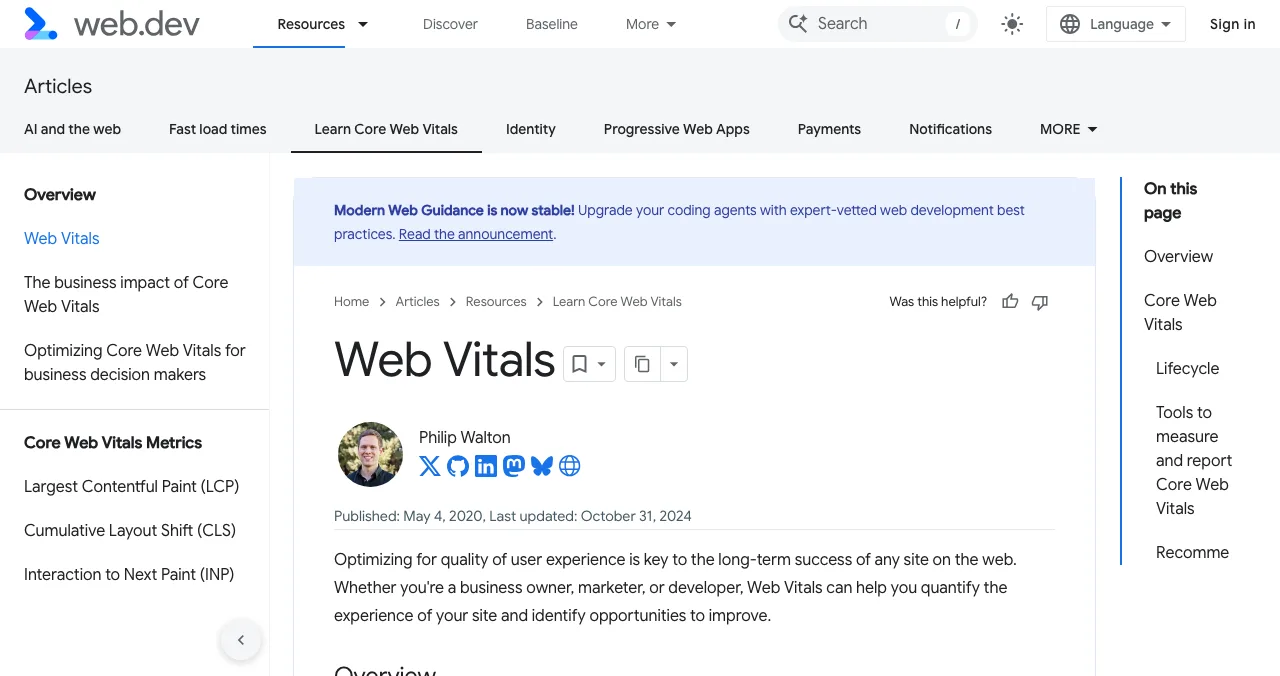
LCP, INP and CLS in plain words
Largest Contentful Paint (LCP) is when the biggest thing in view, usually the hero image or headline, finishes rendering. It's the moment a visitor feels the page has loaded.
Interaction to Next Paint (INP) is how long the page takes to respond visually after a tap, click or key press, looking across the visit. It replaced First Input Delay as a Core Web Vital in 2024; web.dev calls it FID's successor.
Cumulative Layout Shift (CLS) adds up unexpected movements of visible content, like a button jumping down just as you tap it because an image above it loaded.
Do Core Web Vitals affect rankings?
Google's Search Central page says Core Web Vitals align with what its core ranking systems seek to reward, and highly recommends achieving good scores. It doesn't say good scores guarantee rankings; relevant, helpful content still matters most. For a startup, the bigger reason to care is conversion: a page that loads late or jumps around loses people before they read your offer. Our SEO for startups guide covers the rest of search.
How to test page speed for a startup, free
| Tool | Data | Best for | Cost |
|---|---|---|---|
| PageSpeed Insights | Field (real users, when available) + lab | A quick check of any URL | Free |
| Search Console Core Web Vitals report | Field, grouped across your site | Finding which page groups fail | Free |
| Lighthouse (Chrome DevTools) | Lab | Debugging one page | Free |
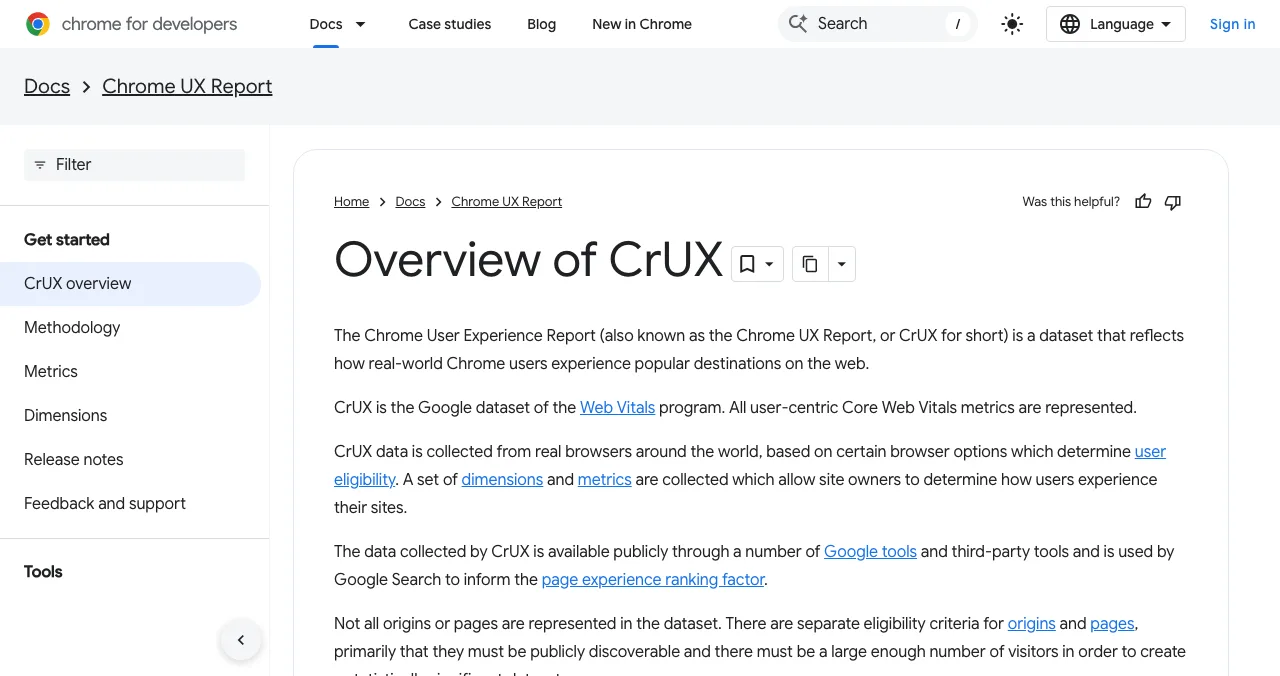
| Chrome UX Report (CrUX) | Field dataset | The data behind the tools above | Free |
Table: Free ways to test Core Web Vitals (Google documentation, checked 18 Nov 2026)
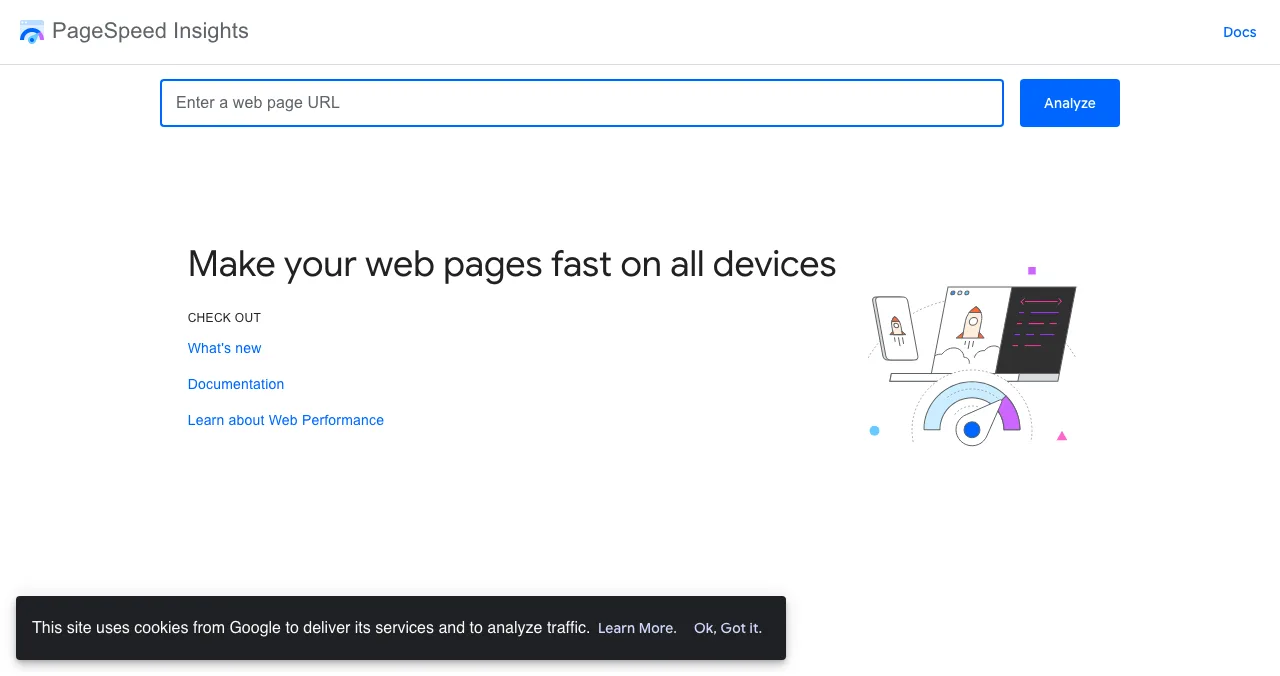
Field vs lab data. Field data comes from real Chrome users through the Chrome UX Report; it's what Google uses, but a new site may not have enough visitors to appear in it. Lab data comes from a simulated load; it's available for any page and is what you debug with.
The Search Console Core Web Vitals report groups similar pages and labels each group Good, Need improvement or Poor by its slowest metric, separately for mobile and desktop. After a fix, "Start Tracking" begins a 28-day validation.
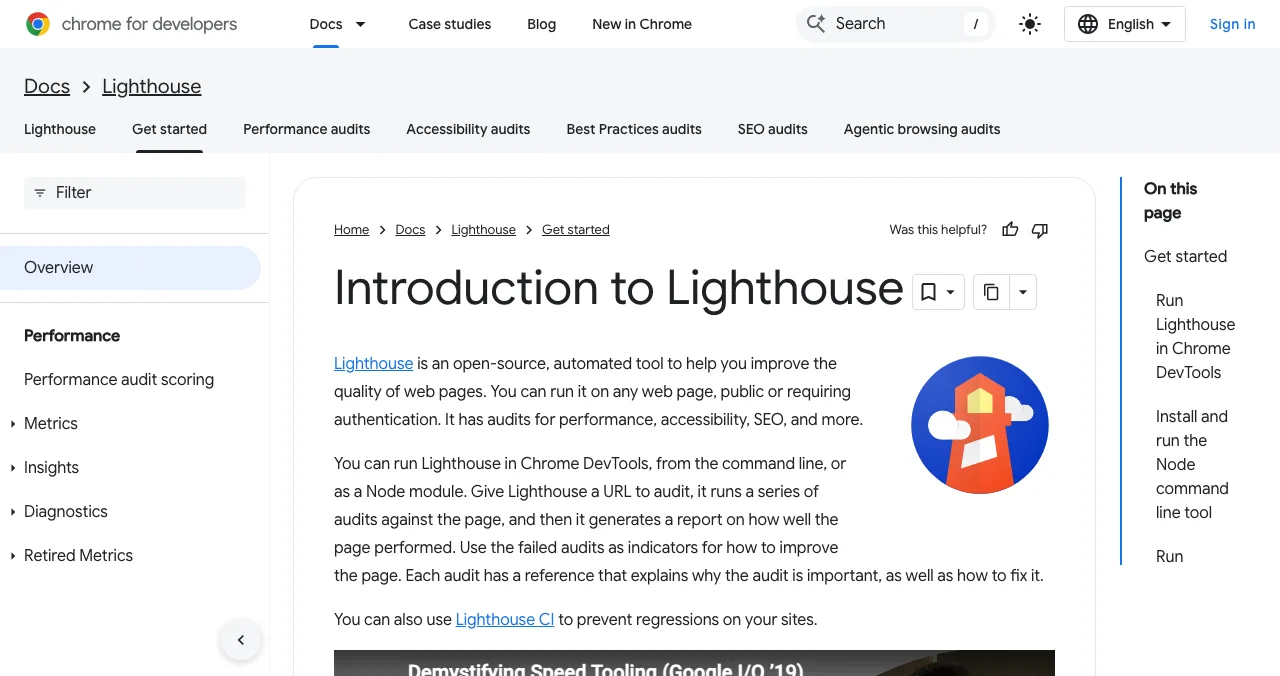
Lighthouse runs in Chrome DevTools and explains each failed audit with a fix.
How to improve Core Web Vitals: what to fix first
Most startup sites are built on a modern framework and a template, so the problems repeat. Fix them in this order.

- The hero image (LCP). Compress it, serve a modern format at the right size, keep it in the HTML rather than injecting it with JavaScript, set
fetchpriority="high"and never lazy-load it. - Third-party scripts (LCP and INP). Chat widgets, heatmaps, tag managers and A/B testing tools compete for the main thread. Remove what you don't use; delay the rest until after load.
- Image and embed dimensions (CLS). Give every image, video and iframe a
widthandheightor anaspect-ratio, and reserve space for banners and embeds. - Fonts (CLS and LCP). Preload the one or two fonts you need and pick a close fallback so text doesn't jump when the font swaps.
- Long JavaScript tasks (INP). Break heavy event handlers into smaller tasks and do only the visual update first; defer saving and analytics.
- Server response (LCP). Cache pages at a CDN and cut redirects to lower time to first byte.
| Symptom | Metric | Likely cause | First fix |
|---|---|---|---|
| Page feels blank for seconds | LCP | Large or late hero image | Compress, preload, don't lazy-load |
| Taps feel ignored | INP | Long tasks, heavy scripts | Remove or defer third-party scripts |
| Buttons jump while tapping | CLS | Images or banners without space | Set dimensions; reserve space |
| Text flickers and reflows | CLS | Web font swap | Preload fonts; matched fallback |
Table: Core Web Vitals symptoms and first fixes (web.dev optimisation guides, checked 18 Nov 2026)
Which pages first? Your homepage and pricing page carry most first-time visitors. Fix those before blog posts and docs. Responsiveness matters for perceived quality too: the Doherty threshold describes how productivity rises when systems respond within about 400 ms.
Speed and stability in a product audit

The Science of Apps Launchpad is a free, permanent listing for startups, SaaS, apps and AI products, ranked by relevance, editorial picks and community interest, never payment. As your listing goes live, a free baseline diagnosis checks your speed, landing page and discoverability. The full product investigation tests the product end to end in a real browser on desktop and mobile: "Speed and stability" is one of its 22 areas, with four of its 39 automatic measurements, alongside the screens behind your login that public speed tools can't reach.
Speed is one area of 22
List free, then order the report that fits your stage.

 Economy
See what new customers see
- Store listing and homepage, screen by screen
- Scorecard against 60 Laws of UX
- The fixes worth most
PremiumThe full diagnosis and the plan
- Every screen, every finding, every flow
- All 60 laws with evidence and fixes
- 8 strategy chapters and a 90-day roadmap
Fact-checked against the evidence. Private by default.
A two-week Core Web Vitals plan
- Day 1
Baseline
Run PageSpeed Insights on the homepage and pricing page (mobile); list on the Launchpad for the baseline diagnosis.
- Day 2
Hero image
Compress, resize and prioritise the LCP image.
- Day 3
Scripts
Remove unused third-party scripts; delay the rest.
- Day 4
Layout
Add dimensions to images and embeds; preload fonts.
- Day 5
Re-test
Lighthouse and PageSpeed Insights again; note the lab change.
- Days 6–14
Field data
Start validation in Search Console; watch the 28-day field data.
Core Web Vitals mistakes

- Testing only on desktop — read the mobile results first
- Chasing a perfect lab score — field data at the 75th percentile is what counts
- Lazy-loading the hero image — it delays LCP
- Adding every marketing script — each one costs main-thread time
- Images without dimensions — the commonest CLS cause
- Expecting instant change in Search Console — field data updates over 28 days
Ready to check your speed?
How we know
Thresholds, the 75th-percentile rule and fixes come from web.dev's Web Vitals, thresholds, INP and optimisation articles; ranking language from Google Search Central; report behaviour from Search Console Help; CrUX and Lighthouse descriptions from Chrome for Developers. All were read on 18 November 2026. Launchpad facts come from launchpad.scienceofapps.com/investigate. Science of Apps runs the Launchpad.
Key terms, defined
- Core Web Vitals: Google's three real-user metrics for loading (LCP), responsiveness (INP) and visual stability (CLS).
- Largest Contentful Paint (LCP): the time until the largest visible image or text block renders.
- Interaction to Next Paint (INP): how quickly a page visually responds to interactions across a visit.
- Cumulative Layout Shift (CLS): a score for unexpected movement of visible content.
- Field data: measurements from real users' visits, such as the Chrome UX Report.
- Lab data: measurements from a simulated page load, such as Lighthouse.
- 75th percentile: the value that three out of four page loads meet or beat.
Frequently asked questions
What are good Core Web Vitals scores?
According to web.dev, a good Largest Contentful Paint is 2.5 seconds or less, a good Interaction to Next Paint is 200 milliseconds or less, and a good Cumulative Layout Shift is 0.1 or less. Poor is LCP above 4 seconds, INP above 500 milliseconds and CLS above 0.25. Each is measured at the 75th percentile of page loads.
What do LCP, INP and CLS mean?
LCP, Largest Contentful Paint, is how long the biggest image or text block in view takes to render. INP, Interaction to Next Paint, is how quickly the page responds visually after a tap, click or key press. CLS, Cumulative Layout Shift, measures how much visible content jumps around unexpectedly while the page is open.
Do Core Web Vitals affect Google rankings?
Google says Core Web Vitals align with what its core ranking systems seek to reward, and it highly recommends good scores, but it doesn't promise that good scores lead to top rankings. Relevance and helpful content matter most. For startups, the stronger reason to fix them is conversion: slow, jumpy pages lose visitors.
How do I check my Core Web Vitals for free?
Enter your URL in Google's PageSpeed Insights to see real-user field data (when Google has enough) and a lab test. Use Search Console's Core Web Vitals report for grouped field data across your whole site, and Lighthouse in Chrome DevTools to debug a page. The Chrome UX Report dataset sits behind the field data.
How do I improve Core Web Vitals on a startup website?
Start with the hero image: compress it, size it correctly, keep it in the HTML and never lazy-load it. Remove or defer third-party scripts. Give images, videos and embeds fixed dimensions. Break up long JavaScript tasks. Then re-test on mobile, where most problems show first, and track the field data over the next 28 days.
What replaced First Input Delay?
Interaction to Next Paint (INP) replaced First Input Delay (FID) as the responsiveness Core Web Vital in 2024. FID measured only the delay before the first interaction was handled; INP looks at the responsiveness of interactions throughout the visit, so it's a stricter and more realistic measure of how a page feels.
Sources
- web.dev — Web Vitals (checked 18 Nov 2026)
- web.dev — Defining the Core Web Vitals metrics thresholds (checked 18 Nov 2026)
- web.dev — Interaction to Next Paint (INP) (checked 18 Nov 2026)
- web.dev — Optimize Largest Contentful Paint (checked 18 Nov 2026)
- web.dev — Optimize Cumulative Layout Shift (checked 18 Nov 2026)
- web.dev — Optimize Interaction to Next Paint (checked 18 Nov 2026)
- Google Search Central — Understanding Core Web Vitals and Google search results (checked 18 Nov 2026)
- Search Console Help — Core Web Vitals report (checked 18 Nov 2026)
- Science of Apps — Product investigation: speed and stability (checked 18 Nov 2026)
- Checked November 18, 2026. Figures that change — fees, salaries, prices — are reviewed every six months; if something is out of date, tell us.
Where to go from here
- Free website audit — five checks, free tools
- SEO for startups — where speed fits
- Traffic but no sign-ups — speed is cause 9 of 15
- Science of Apps - LaunchpadRoast my landing page: 25 fixes founders hear in landing page roasts, each with the principle that explains itRoast my landing page, done properly: 25 landing page fixes for headlines, CTAs, pricing, trust and speed, each tied to a usability or behavioural principle.
- Science of Apps - LaunchpadHow to get your first users for a new app: the store listing, launch sites, communities, direct outreach and a web page that keeps bringing people inHow to get users for a new app, free: fix the store listing, launch on Product Hunt and Peerlist, reach people directly, and add a permanent web page.
- Science of Apps - LaunchpadSEO for startups: a prioritised plan for the first six months, from getting indexed to pages that answer buyers' questions, using Google's own starter guideSEO for startups, month by month: get indexed, fix the basics, earn a few relevant links and publish pages answering buyers' questions, per Google's own guide.
- Science of Apps - LaunchpadHow to do a UX audit of your website in one day: the eight steps, the standards to check against, the free tools, and how to turn findings into a fix listHow to do a UX audit in one day: set goals, walk the journey, check Nielsen's heuristics and WCAG 2.2, measure speed, read analytics and rank the fixes.
- Science of Apps - LaunchpadA landing page review checklist for startups: 36 evidence-based checks for clarity, trust, speed, mobile and the call to action, with the research behind eachA landing page review checklist for startups: 36 checks for the first 10 seconds, trust, speed, mobile and the call to action, from NN/g and Google research.
- Science of Apps - LaunchpadWhat's inside a startup analysis report: the sections a good report covers, a one-page startup analysis canvas to start with, and the Economy and Premium product reports from the Science of Apps Launchpad comparedWhat a startup analysis report includes: the core sections, a one-page startup analysis canvas, and how the Economy and Premium product reports compare.






Get the ideas, not the noise.
Sign up with Google and we’ll send you short UX psychology tips by email — why people tap, stall and leave, and what to do about it. Unsubscribe anytime. Prefer something to keep? Get the free Laws of UX guide as a PDF.
Launch day ends. Your listing shouldn't.
List free on the Science of Apps Launchpad: a baseline diagnosis of your speed, landing page and discoverability runs as you go live, and the product investigation measures speed and stability in a real browser on desktop and mobile.