 By
Quick answer: Why does my website get traffic but no signups?
- Traffic but no sign-ups is a mismatch between who arrives and what you ask of them.
- Find the drop first: analytics for where, session recordings for why.
- The usual causes: wrong audience, unclear headline, hidden CTA, long form, slow mobile page, no trust.
- Fix one step at a time and measure each change.
- Free diagnosis of landing page, discoverability and speed when you list on the Launchpad.
Key takeaways
- Check the traffic source before redesigning the page.
- Visitors decide in seconds; the headline does most of the work.
- Every extra form field is a reason to leave.
- Most first visits are on phones: test there.
- Watch recordings before you guess.
Your analytics show visitors. Your database shows almost no sign-ups. It's one of the most frustrating places to be as a founder, because the traffic proves people are interested enough to click, and then something stops them. The good news: the causes are well known, and most can be diagnosed in a day with free tools. This guide lists 15 causes of website traffic but no conversions, grouped by where they happen, with a quick test and a fix for each, and maps each to an area of a structured product audit. Facts were checked on each source's own page on 18 November 2026. Jump to the diagnosis, the 15 causes or a free check.
First, find where visitors stop
Don't redesign anything yet. Find the step that loses the most people.

- Check the source. In your analytics, split visitors by channel. A spike from a viral post or an unrelated keyword can bring people who were never going to sign up.
- Build the funnel. Landing page → pricing (if any) → sign-up start → sign-up complete. Find the biggest drop.
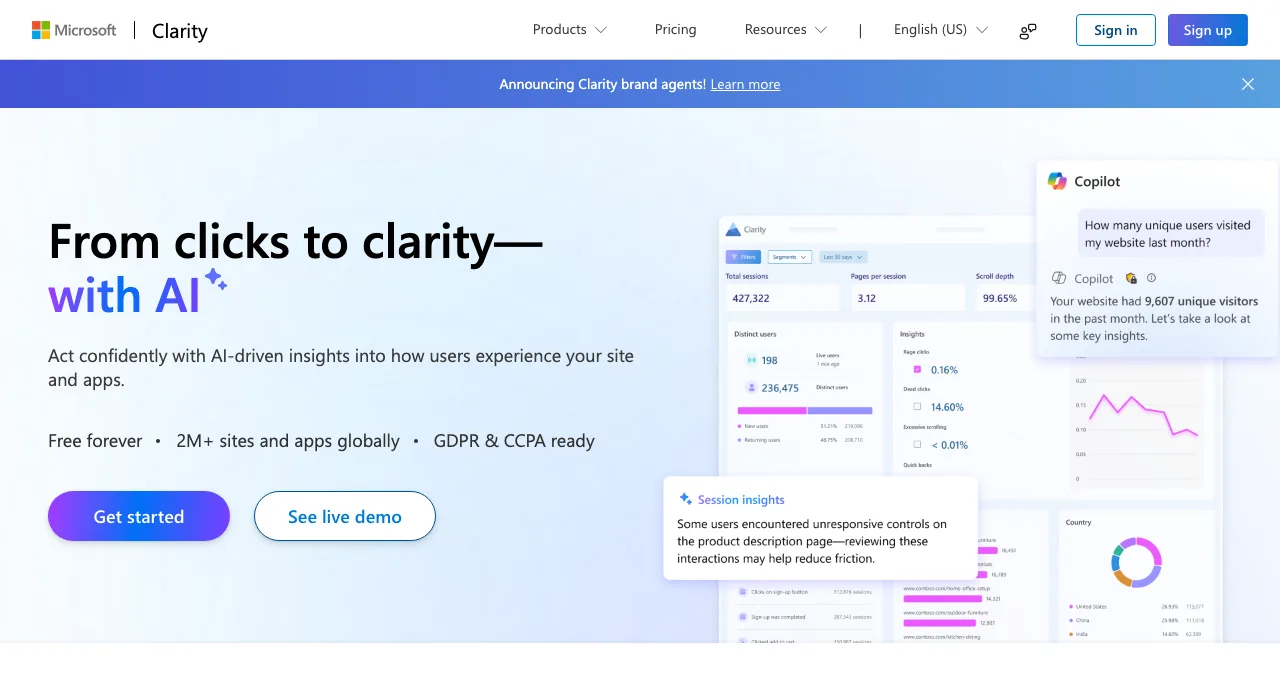
- Watch recordings. Session recordings show what people do on that step: scroll, hesitate, rage-click, leave.
- Test on a phone. Load the page on a mid-range phone on mobile data.
- Ask five people. Nielsen Norman Group's research found that testing with five users reveals most usability problems in a design.
| Where they drop | Likely causes | Audit area |
|---|---|---|
| Leave the landing page fast | Wrong audience, unclear headline, slow load | Discoverability; landing page; speed |
| Scroll but don't click | Weak or hidden CTA, no proof | Landing page; trust |
| Visit pricing, then leave | Unclear plans, price shock, no free option | Pricing and plans |
| Start sign-up, don't finish | Long form, errors, forced card | Sign up |
| Sign up, never return | Empty first screen, slow onboarding | Onboarding; empty states |
Table: Where visitors drop and which audit area it points to (areas from the Science of Apps product investigation)
15 causes of visitors but no sign-ups
Arrival: the wrong people, or the right people at the wrong time
1. The traffic doesn't match the audience. A post went viral with the wrong crowd, or you rank for a keyword with different intent. Test: conversion rate by channel and landing query in Search Console. Fix: target the channels and queries where the few sign-ups came from.
2. The page doesn't match the promise. The ad or post said one thing; the page says another. Test: read your ad and the page side by side. Fix: repeat the promise in the headline.
3. Visitors aren't ready yet. Early-stage visitors may want to learn, not commit. Test: do people read your content but skip sign-up? Fix: add a lower-commitment step, such as a demo video, a waitlist or a free tool.
The landing page: clarity and action
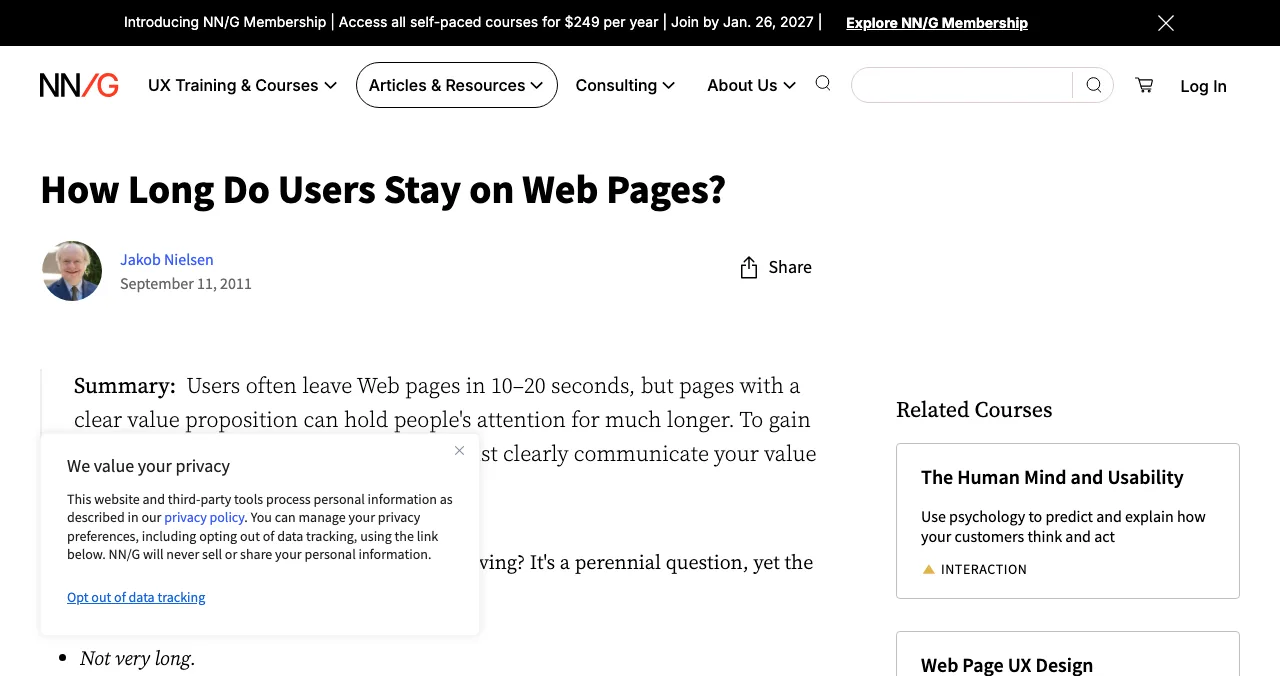
4. The headline doesn't say what you do. Nielsen Norman Group found that users often leave web pages within 10–20 seconds, and pages need to communicate value quickly to keep them longer. Test: show the page for five seconds to someone outside the team; ask what it does. Fix: say who it's for and what it does in plain words.
5. The call to action is hidden or vague. On a phone, the button sits below three screens of copy, or says "Learn more". Fix: one primary action, visible without scrolling on mobile, saying what happens next ("Start free").
6. Too many choices. Five buttons, three plans and a newsletter pop-up compete. Hick's law says decision time grows with the number of choices. Fix: one primary action per screen.
7. No proof. A new brand with no customers, logos, numbers or reviews asks for trust it hasn't earned. Fix: add honest social proof: early users' words with permission, a demo, a public changelog, founder faces. Never invent testimonials.
8. The product is invisible. Abstract illustrations instead of the actual product. Fix: show real screens or a short demo.
Speed and trust
9. The page is slow on mobile. Google's Web Vitals set "good" as Largest Contentful Paint within 2.5 seconds, Interaction to Next Paint of 200 ms or less, and Cumulative Layout Shift of 0.1 or less. Test: PageSpeed Insights, mobile tab. Fix: compress the hero image, cut third-party scripts, reserve space for images.
10. Trust signals are missing. No privacy policy, no company details, no HTTPS on every page, or a sign-up that asks for a card with no explanation. Fix: link privacy and terms, say who you are, and explain why you need any sensitive data.
Pricing: traffic but no sales
11. The price is hidden or confusing. Visitors can't tell what's free, what's paid or what happens after a trial. Fix: show plans clearly; our paywall audit guide covers the in-product side.
12. There's no low-risk way to start. A paid-only product with no trial, demo or free tier asks for a big leap. Fix: offer a free tier, trial or money-back guarantee you can stand behind.
Sign-up: the last few metres
13. The form is too long. Company size, phone, role and a password with five rules. Fix: ask for email (or single sign-on) only; collect the rest later.
14. The form breaks. Errors appear only after submit, the keyboard covers the button on mobile, or a verification email never arrives. Test: sign up yourself on a phone, in a clean browser. Fix: inline validation and a resend link.
15. Sign-up leads nowhere. People do sign up, but land on an empty dashboard and never come back, so your "conversion" doesn't count. Fix: a clear first action and sample data; see our SaaS onboarding audit.
Which cause is most likely for you?
| Symptom | Start with causes |
|---|---|
| Very high bounce, short time on page | 1, 2, 4, 9 |
| Long time on page, no clicks | 3, 5, 7, 8 |
| Many pricing visits, few sign-ups | 11, 12 |
| Many sign-up starts, few completions | 13, 14 |
| Sign-ups but no activation | 15 |
Table: Matching your symptoms to the 15 causes
A free diagnosis on the Science of Apps Launchpad

The Science of Apps Launchpad is a free, permanent listing for startups, SaaS, apps and AI products, ranked by relevance, editorial picks and community interest, never payment. As your listing goes live, a free baseline diagnosis checks your landing page, discoverability and speed, which covers the landing-page and speed causes (4, 5 and 9). The full investigation tests the product end to end, with 8 automatic measurements of the landing page and 8 of sign-up and sign-in forms among its 39, and hands you a detailed report.
- Areas, landing page to retention
- 22
- Automatic measurements in a real browser
- 39
- Expert checks behind the login
- 74
- Verdicts that set the fix order
- 5
Find out why visitors leave
List free, then order the report that fits your stage.

 Economy
See what new customers see
- Store listing and homepage, screen by screen
- Scorecard against 60 Laws of UX
- The fixes worth most
PremiumThe full diagnosis and the plan
- Every screen, every finding, every flow
- All 60 laws with evidence and fixes
- 8 strategy chapters and a 90-day roadmap
Fact-checked against the evidence. Private by default.
A seven-day fix plan
- Day 1
Measure
Funnel by channel; install free session recordings.
- Day 2
Diagnose
List on the Launchpad; read the baseline diagnosis; run PageSpeed Insights on mobile.
- Day 3
Five-second test
Show the page to five outsiders; rewrite the headline.
- Day 4
One action
Cut to one primary CTA, visible on mobile.
- Day 5
Shorter form
Remove every field you don't need today.
- Day 6
Proof and speed
Add honest proof; compress images; remove a heavy script.
- Day 7
Compare
Check the funnel against Day 1; pick the next biggest drop.
Mistakes when fixing low conversion

- Redesigning before diagnosing — find the step first
- Changing five things at once — you won't know which one worked
- Buying more traffic — more visitors into a leaky page costs more, not less
- Testing only on desktop — check the phone, on mobile data
- Fake urgency or fake reviews — they cost trust and may break consumer-protection rules
Ready to find out why?
How we know
Thresholds come from web.dev; the attention and five-user findings from Nielsen Norman Group; tool details from Microsoft Clarity, PageSpeed Insights and Search Console; Launchpad facts from launchpad.scienceofapps.com and /investigate. All were read on 18 November 2026. The 15 causes and their grouping are Science of Apps' editorial framework. Science of Apps runs the Launchpad.
Key terms, defined
- Conversion rate: the share of visitors who complete a goal, such as signing up.
- Funnel: the sequence of steps from first visit to goal, with the drop at each step.
- Call to action (CTA): the button or link that asks the visitor to take the next step.
- Session recording: a replay of a visitor's clicks, scrolls and movements on a page.
- Bounce: a visit that leaves without interacting further.
- Social proof: evidence that other people use and value the product.
Frequently asked questions
Why does my website get traffic but no signups?
Usually because the people arriving aren't the people the page is for, or because something on the page stops them: an unclear headline, a call to action they can't find, a long form, a slow mobile load, or no reason to trust you. Check the traffic source first, then watch session recordings to see where visitors stop.
What is a good conversion rate for a startup website?
There's no single good number, because it depends on the traffic source, the offer and what counts as a conversion. A free sign-up converts far more easily than a paid plan. Compare your own pages and channels against each other over time instead of chasing an industry average, and fix the step with the biggest drop.
Why do I get traffic but no sales?
Traffic but no sales usually points to the pricing page, trust or checkout. Visitors may not see what they get for the price, may not trust a new brand with payment details, or may hit a confusing checkout. Check whether people reach the pricing page at all, then where they stop between pricing and payment.
How do I find out why visitors leave my website?
Use funnel reports in your analytics to see which step loses the most people, then session recordings and heatmaps, such as free Microsoft Clarity, to see what they do there. Ask five people from your target audience to use the page while thinking aloud. A structured audit adds measurements of speed, forms and accessibility.
Can a slow website cause low conversions?
Yes. Slow pages lose visitors before they see your offer, especially on mobile networks. Google's Core Web Vitals set the thresholds: Largest Contentful Paint within 2.5 seconds, Interaction to Next Paint of 200 milliseconds or less, and Cumulative Layout Shift of 0.1 or less. Test with PageSpeed Insights on mobile first.
How do I fix a low conversion rate at a startup?
Diagnose before you redesign. Confirm the traffic matches your audience, then fix the biggest drop: clarify the headline, make one call to action visible on mobile, cut form fields, speed up the page and add proof. Change one thing at a time so you know what worked, and re-check after each change.
Sources
- Science of Apps — Product investigation: 22 areas (checked 18 Nov 2026)
- Nielsen Norman Group — How Long Do Users Stay on Web Pages? (checked 18 Nov 2026)
- web.dev — Web Vitals (checked 18 Nov 2026)
- Microsoft — Clarity (checked 18 Nov 2026)
- Google — PageSpeed Insights (checked 18 Nov 2026)
- Google — Search Console (checked 18 Nov 2026)
- Nielsen Norman Group — Why You Only Need to Test with 5 Users (checked 18 Nov 2026)
- Checked November 18, 2026. Figures that change — fees, salaries, prices — are reviewed every six months; if something is out of date, tell us.
Where to go from here
- Landing page conversion checklist — the page, item by item
- SaaS onboarding audit — after the sign-up
- Which audit do I need? — website, UX or product
- Science of Apps - LaunchpadHow to judge a startup launch website before you list: real traffic, organic ranking, honest pricing, link policy and permanence, with red flags for pay-to-win sites and fake upvotesHow to tell a good startup launch website from a pay-to-win one: real visitors, organic ranking, clear pricing, permanent pages and red flags.
- Science of Apps - LaunchpadHow to promote my website for free: 15 ways that work for a new startup or small business site, grouped by where visitors actually come fromHow to promote your website for free: 15 ways grouped by where visitors come from (search, listings, communities and people), with what each costs in time.
- Science of Apps - LaunchpadThe best free backlink checkers for startups in 2027: six tools compared on their own pages, what each free version shows, its limits, and how to check my backlinks in ten minutesThe best free backlink checker depends on whose links you check: Search Console and Ahrefs Free for yours, Semrush, Moz and Bing for any site. Limits compared.
- Science of Apps - LaunchpadA free website UX audit for startups: the five things to check first (findability, clarity, speed, accessibility, the sign-up path) with the free tools that measure eachA free website UX audit for startups: check findability, clarity, speed, accessibility and the sign-up path first, with free Google, WebAIM and Microsoft tools.
- Science of Apps - LaunchpadA landing page review checklist for startups: 36 evidence-based checks for clarity, trust, speed, mobile and the call to action, with the research behind eachA landing page review checklist for startups: 36 checks for the first 10 seconds, trust, speed, mobile and the call to action, from NN/g and Google research.
- Science of Apps - LaunchpadThe best UX audit tools for startups, free and paid: what each one actually checks (behaviour, speed, accessibility, research) and the gaps no tool fillsThe best UX audit tools for startups, free and paid: Clarity, PageSpeed Insights, WAVE, Hotjar, Maze and an end-to-end product test, with what each checks.
Get the ideas, not the noise.
Sign up with Google and we’ll send you short UX psychology tips by email — why people tap, stall and leave, and what to do about it. Unsubscribe anytime. Prefer something to keep? Get the free Laws of UX guide as a PDF.
Launch day ends. Your listing shouldn't.
List free on the Science of Apps Launchpad: a baseline diagnosis of your landing page, discoverability and speed runs as you go live, and the full product investigation checks every step from landing page to sign-up.