 By
Quick answer: Where can I get a free website audit?
- Findable: Google Search Console shows what's indexed.
- Clear: a stranger can say what you do after five seconds.
- Fast: PageSpeed Insights; LCP within 2.5 seconds.
- Accessible: WAVE flags the basic WCAG errors.
- Usable: Microsoft Clarity recordings of real sign-ups.
Key takeaways
- Check findability first; a perfect page nobody reaches converts nobody.
- Free tools cover measurement; judgement is the part you add.
- Audit the money path: home page to sign-up to first result.
- Rank problems by how many users they block.
- Re-run the same checks after every big change.
"Can someone audit my website for free?" gets asked in every founder community every week, and the answers are usually either a stranger's opinion or a sales call. You can do better yourself in an afternoon. Free tools from Google, WebAIM and Microsoft now measure most of what a first audit needs; the skill is knowing what to check first and in what order. This guide covers the five checks that matter most for a startup website, with the free tool for each, as checked on 17 November 2026. Jump to the five checks, the tools or what to do with results.
- First checks for a startup website
- 5
- Free tools that cover them
- 4
- Largest Contentful Paint target
- 2.5 s
- To make your value clear (NN/g)
- 10 s
The five checks, in order
| Check | The question | Free tool | Pass looks like |
|---|---|---|---|
| 1. Findable | Can Google find and index it? | Google Search Console | Key pages indexed; no errors |
| 2. Clear | Do strangers get it in seconds? | A five-second test | 4 of 5 people describe it correctly |
| 3. Fast | Does it load quickly on a phone? | PageSpeed Insights | LCP ≤ 2.5 s, INP ≤ 200 ms, CLS ≤ 0.1 |
| 4. Accessible | Any basic WCAG errors? | WAVE | No errors on key pages |
| 5. Usable | Can new visitors sign up? | Microsoft Clarity | No repeated stalls or rage clicks |
Table: Five first checks for a free startup website audit (thresholds from web.dev; tools checked 17 Nov 2026)
1. Findable: is the site indexed?
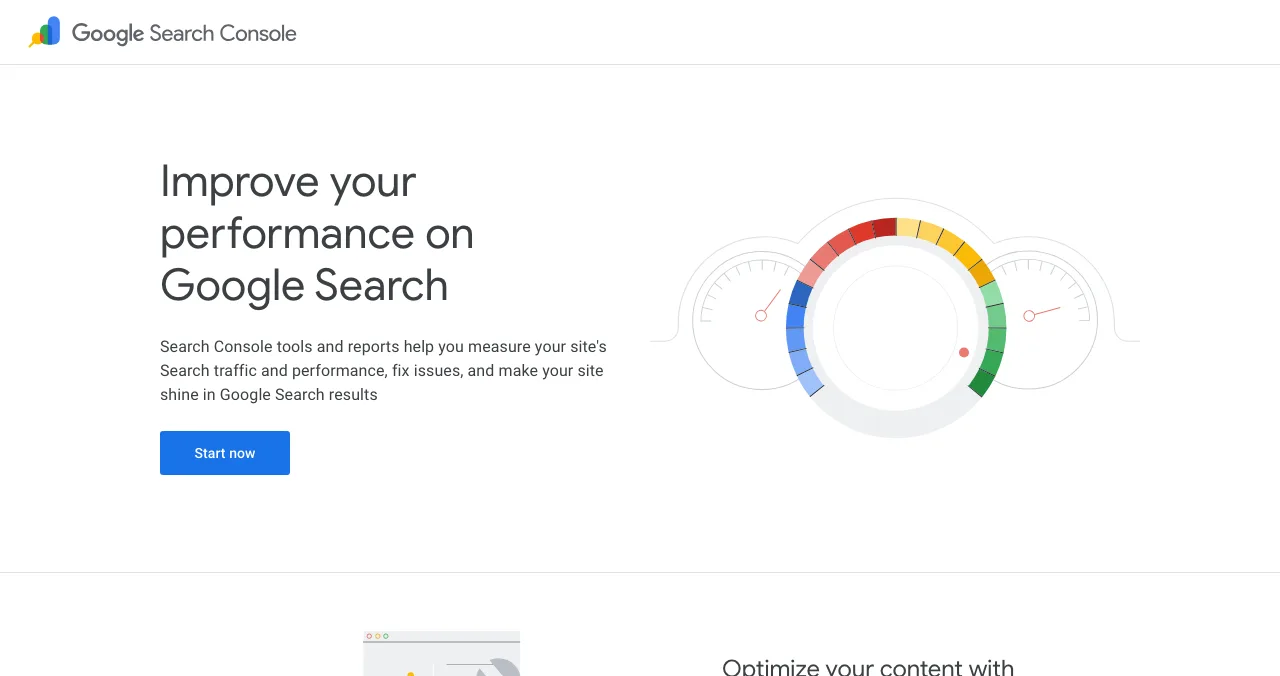
If Google can't index it, nothing else matters yet. Verify your site in Search Console, submit a sitemap and check that your home page, pricing and key feature pages are indexed. Search your product name and your main problem. More in SEO for startups.
2. Clear: does the home page explain itself?
NN/g's research found users often leave pages in 10–20 seconds and that a page must communicate its value proposition within about 10 seconds to hold attention. Show your home page to five people from your audience for five seconds and ask what it does and for whom. If fewer than four can say, rewrite the headline before anything else. The landing page checklist has the full set of checks.
3. Fast: what does PageSpeed Insights say?
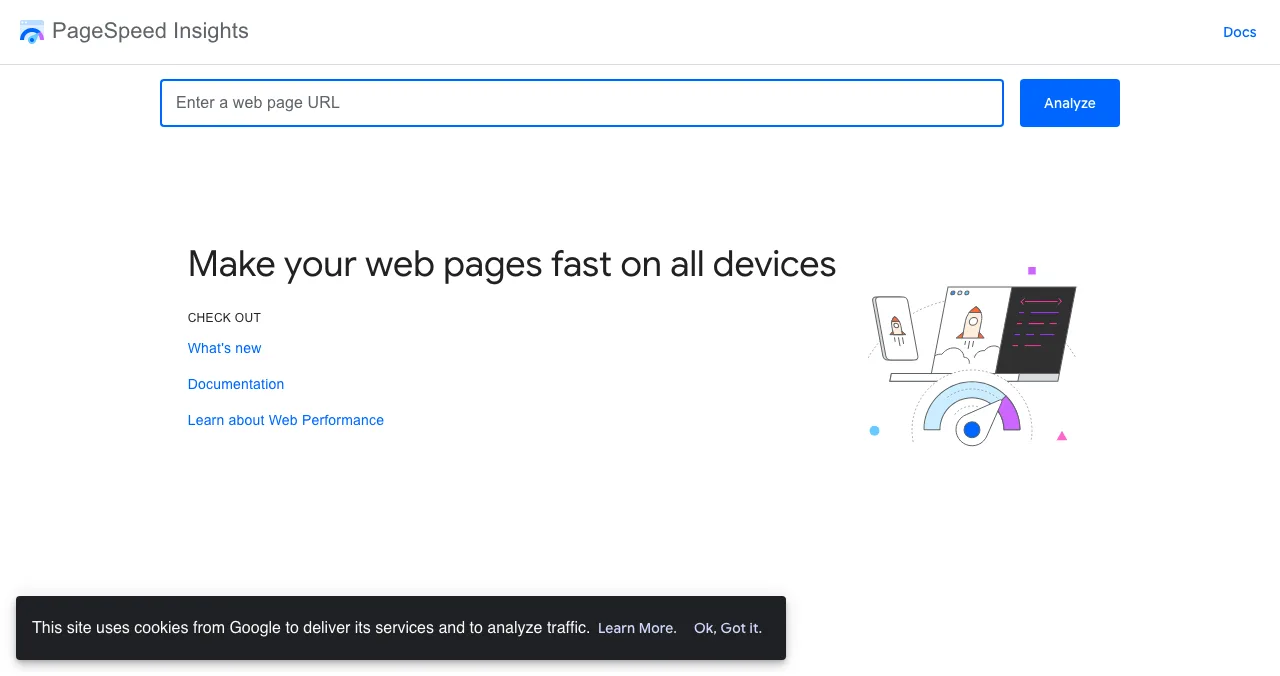
Run your home page, pricing and sign-up pages. Google's Core Web Vitals thresholds are Largest Contentful Paint within 2.5 seconds, Interaction to Next Paint of 200 milliseconds or less and Cumulative Layout Shift of 0.1 or less, at the 75th percentile of visits. Fix the top two suggestions on each page; they're usually images and third-party scripts.
4. Accessible: what does WAVE flag?
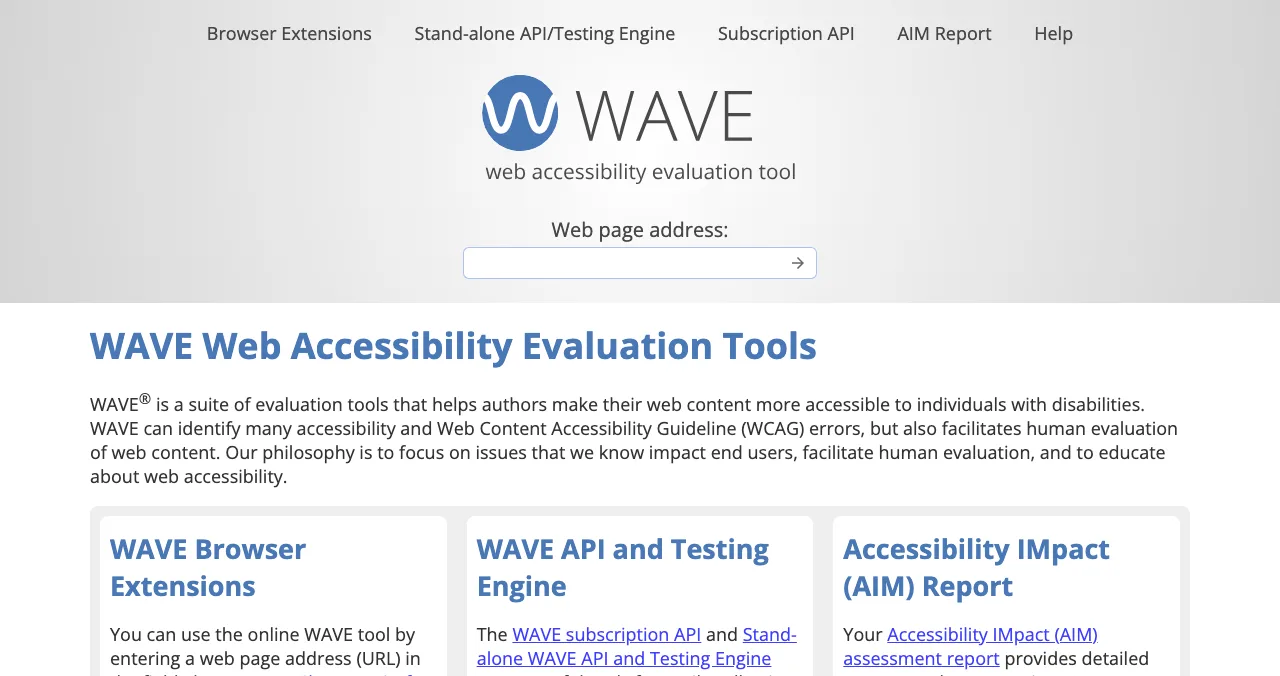
Paste each key page into WAVE, or use its Chrome, Firefox or Edge extension for pages behind a login. Fix every error first: missing alt text, empty buttons, missing form labels, low contrast. WebAIM itself says WAVE supports human evaluation rather than replacing it, so also try the sign-up form with only a keyboard.
5. Usable: can new visitors sign up?
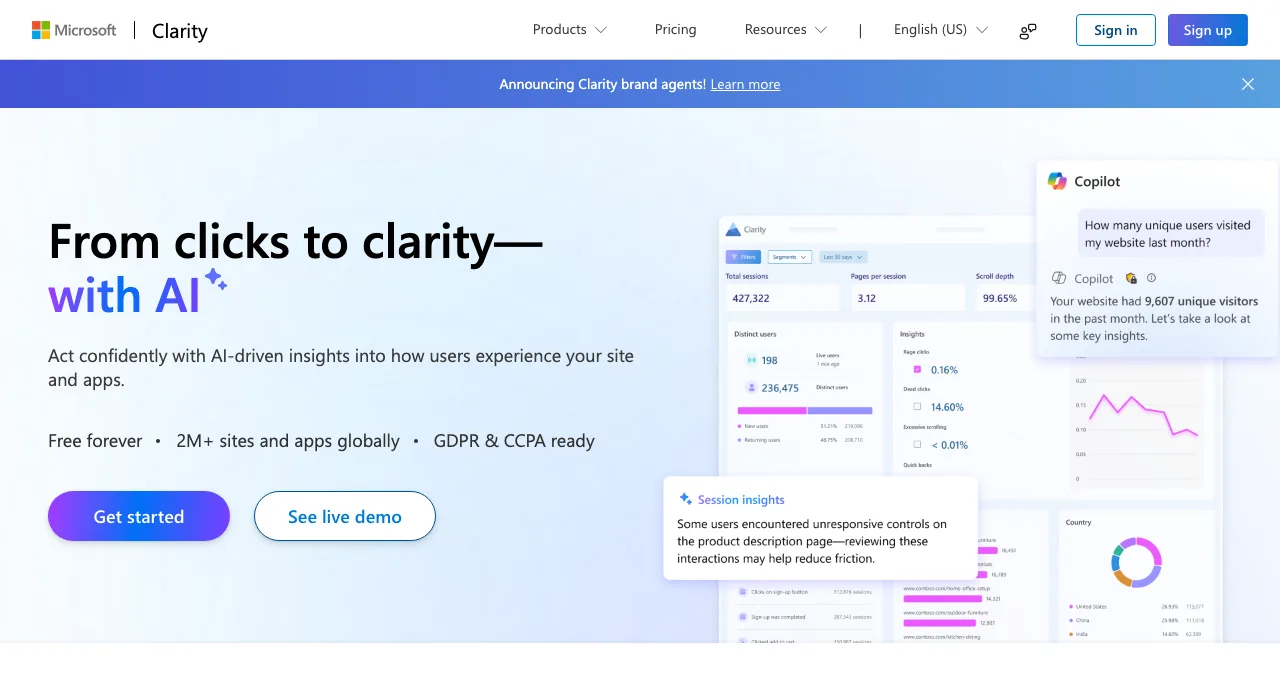
Install Microsoft Clarity (free forever) and let it record a week of real visits. Then watch ten sessions that reached your sign-up page. Note where people stop, repeat a click or leave. That's your most valuable finding, and no scanner can produce it.
What to do with the results

- List every problem — with the page, the evidence and the check it failed.
- Rate severity — does it block users, slow them or just annoy them?
- Fix blockers first — indexing, a broken sign-up, an unreadable headline.
- Re-run the checks — after each fix, with the same tools.
- Go deeper — audit the logged-in product with our one-day UX audit method.
What a free audit won't tell you

- Whether the product inside works — most free checks stop at public pages
- Why users leave — recordings show where, interviews show why
- What to prioritise for revenue — that needs your numbers
- Every accessibility issue — automated tools catch only some
Mistakes

- Auditing only the home page — check pricing and sign-up too
- Chasing a perfect speed score — pass the thresholds, then move on
- Testing on your own laptop — use a mid-range phone on mobile data
- Asking friends who know the product — use strangers from your audience
- Fixing everything at once — blockers first, then re-measure
Ready for a free report?
How we know
Speed thresholds come from web.dev's Web Vitals article; tool features from Google's, WebAIM's and Microsoft's own pages; the attention figures from NN/g; all read on 17 November 2026. The order of checks and the pass levels for the five-second test are our editorial recommendation.
Key terms, defined
- Website UX audit: a review of how easily people can understand and use a site.
- Indexed: stored by Google and eligible to appear in results.
- Five-second test: showing a page briefly and asking what it's about.
- Core Web Vitals: Google's loading, responsiveness and stability metrics.
- Rage click: repeated rapid clicks on one spot, a sign of frustration.
Frequently asked questions
Where can I get a free website audit?
Run one yourself with free tools: Google Search Console (indexing), PageSpeed Insights (speed), WAVE (accessibility) and Microsoft Clarity (real-user behaviour). Some services also offer free reports; the Science of Apps Launchpad gives listed products a free report on landing page, discoverability and speed.
What should a website UX audit check first?
Five things: whether Google can find and index the site, whether the home page explains itself within seconds, page speed, basic accessibility, and whether a new visitor can complete sign-up or the main action without help.
How long does a free website audit take?
The checks in this guide take about two hours, plus a week of collecting session recordings. A full UX audit of the logged-in product takes longer; see our one-day UX audit method.
Are free website audit tools accurate?
They measure accurately what they measure: speed, indexing, detectable accessibility errors, clicks. They can't judge whether your page makes sense to your users, which is why you add a five-second test and recordings.
What's the difference between an SEO audit and a UX audit?
An SEO audit checks whether search engines can find, understand and rank your pages. A UX audit checks whether people can understand and use them. Startups need the basics of both; this guide starts with the overlap.
Do I need to pay for a website audit?
Not for the first pass. Pay when you need depth: the logged-in product, a ranked fix list with evidence, or a second opinion from someone who hasn't seen the product before.
Sources
- Google — PageSpeed Insights
- web.dev — Web Vitals (checked 17 Nov 2026)
- WebAIM — WAVE Web Accessibility Evaluation Tools (checked 17 Nov 2026)
- Microsoft Clarity (checked 17 Nov 2026)
- Google Search Console
- Nielsen Norman Group — How Long Do Users Stay on Web Pages? (2011)
- Checked November 17, 2026. Figures that change — fees, salaries, prices — are reviewed every six months; if something is out of date, tell us.
Where to go from here
- UX audit tools — free and paid
- How to do a UX audit — the full method
- Laws of UX — why users behave this way
- Science of Apps - LaunchpadThe best UX audit tools for startups, free and paid: what each one actually checks (behaviour, speed, accessibility, research) and the gaps no tool fillsThe best UX audit tools for startups, free and paid: Clarity, PageSpeed Insights, WAVE, Hotjar, Maze and an end-to-end product test, with what each checks.
- Science of Apps - LaunchpadA landing page review checklist for startups: 36 evidence-based checks for clarity, trust, speed, mobile and the call to action, with the research behind eachA landing page review checklist for startups: 36 checks for the first 10 seconds, trust, speed, mobile and the call to action, from NN/g and Google research.
- Science of Apps - LaunchpadHow to do a UX audit of your website in one day: the eight steps, the standards to check against, the free tools, and how to turn findings into a fix listHow to do a UX audit in one day: set goals, walk the journey, check Nielsen's heuristics and WCAG 2.2, measure speed, read analytics and rank the fixes.
- Science of Apps - LaunchpadThe best websites to launch an AI startup or AI tool, with what each one really costsWhere to launch an AI tool in 2027: free launch sites, AI directories and their real fees (TAAFT, Toolify, AIxploria), and which to use first.
- Science of Apps - LaunchpadThe top 5 websites to launch your startup for free, checked against each site's own rulesThe 5 best free websites to launch a startup: Science of Apps Launchpad, Product Hunt, Show HN, Uneed and Peerlist, with costs, rules and who each one suits.
- Science of Apps - LaunchpadThe UX audit checklist: a free, journey-based template for websites and apps, built on Nielsen's heuristics and WCAG 2.2A free UX audit checklist for websites and apps: 60 checks across the user journey, from first impression to payment, using Nielsen's heuristics and WCAG 2.2.
Get the ideas, not the noise.
Sign up with Google and we’ll send you short UX psychology tips by email — why people tap, stall and leave, and what to do about it. Unsubscribe anytime. Prefer something to keep? Get the free Laws of UX guide as a PDF.
Launch day ends. Your listing shouldn't.
List free on the Launchpad and, once your listing is live, get a free report on your landing page, discoverability and speed, with deeper screen-by-screen reports available.