 By
Quick answer: Which tools do UX audits?
- Behaviour: Microsoft Clarity, free forever; Hotjar has a free plan.
- Speed: PageSpeed Insights, free, with Core Web Vitals.
- Accessibility: WAVE, free online and as a browser extension.
- Research: Maze, free for one study a month.
- Judgement: an expert or end-to-end review; no tool replaces it.
Key takeaways
- Tools collect evidence; a UX audit is the judgement made from it.
- A free stack covers behaviour, speed and accessibility.
- Automated accessibility checks find many issues, not all.
- Paid tools mainly add scale, surveys and recruiting.
- AI summaries speed up review but still need checking.
Search "UX audit tool" and you'll find dozens of products promising to audit your site automatically. Each of them does one useful thing: record sessions, measure speed, scan for accessibility errors, recruit testers. None of them tells you on its own why people abandon your sign-up at step three. This list shows what each tool really checks, what it costs as of 17 November 2026, and how to combine them into a free stack a startup can run this week. Jump to the list, the free stack or what tools miss.
UX audit tools for startups
 Get tested free
Science of Apps product investigation Top pick
Your product tested end to end, with a detailed report.
Free reportEvidence-backed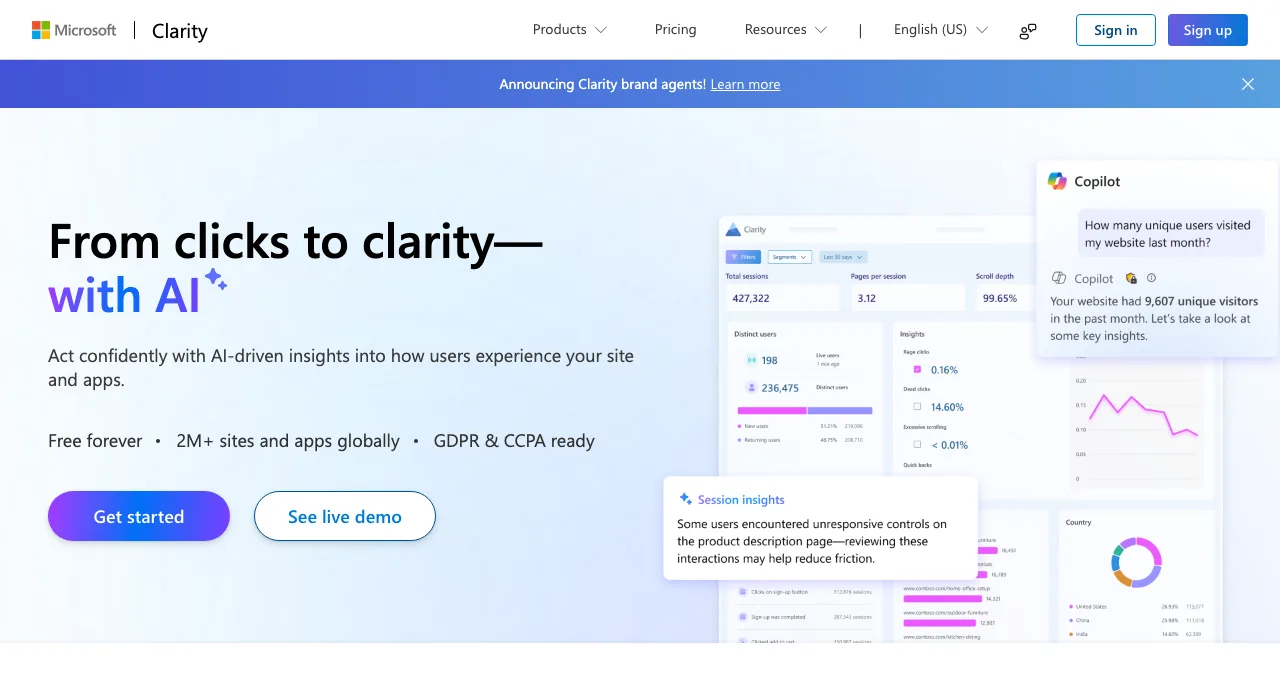
Microsoft Clarity
Session recordings and heatmaps, with AI summaries.
Free foreverBehaviour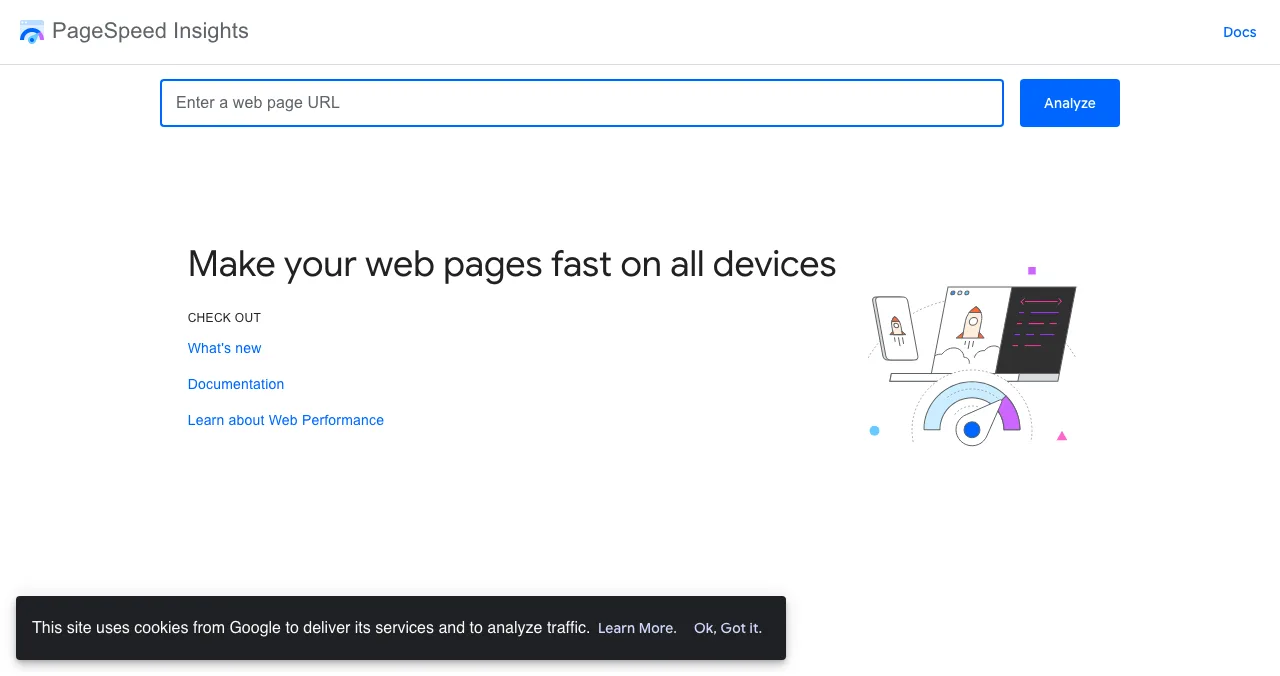
PageSpeed Insights
Core Web Vitals and speed fixes for any URL.
FreeSpeed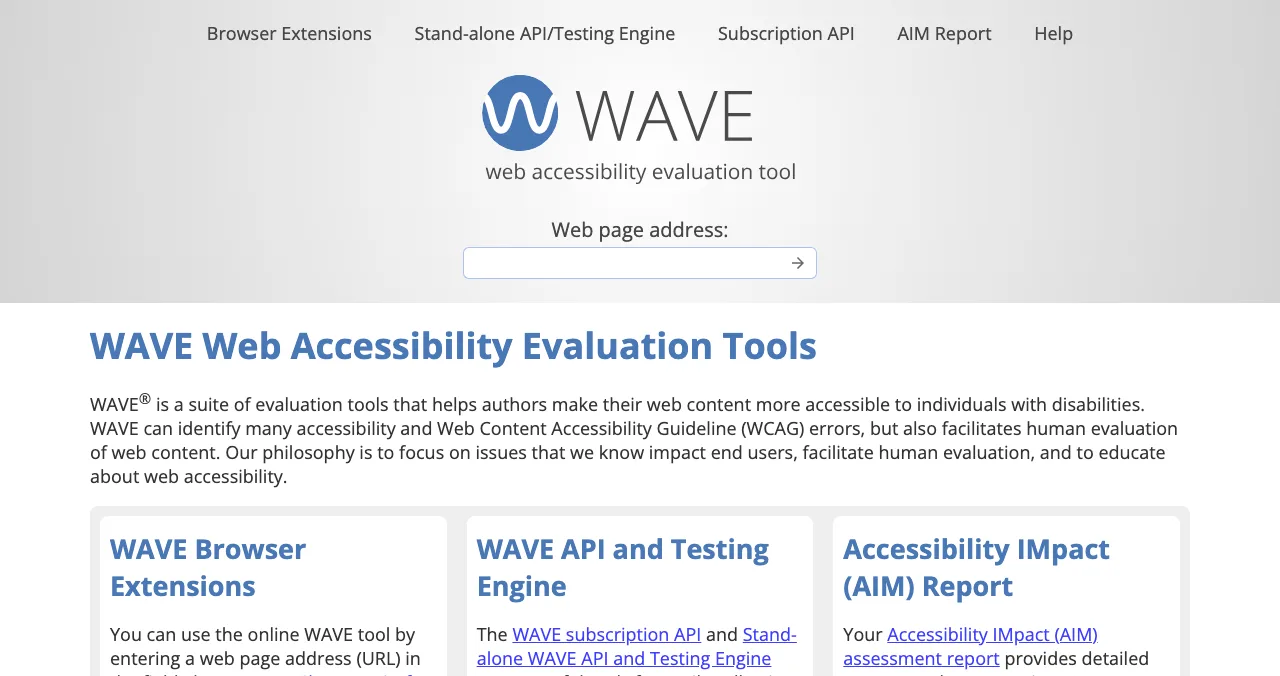
WAVE
Accessibility errors shown on the page itself.
FreeAccessibility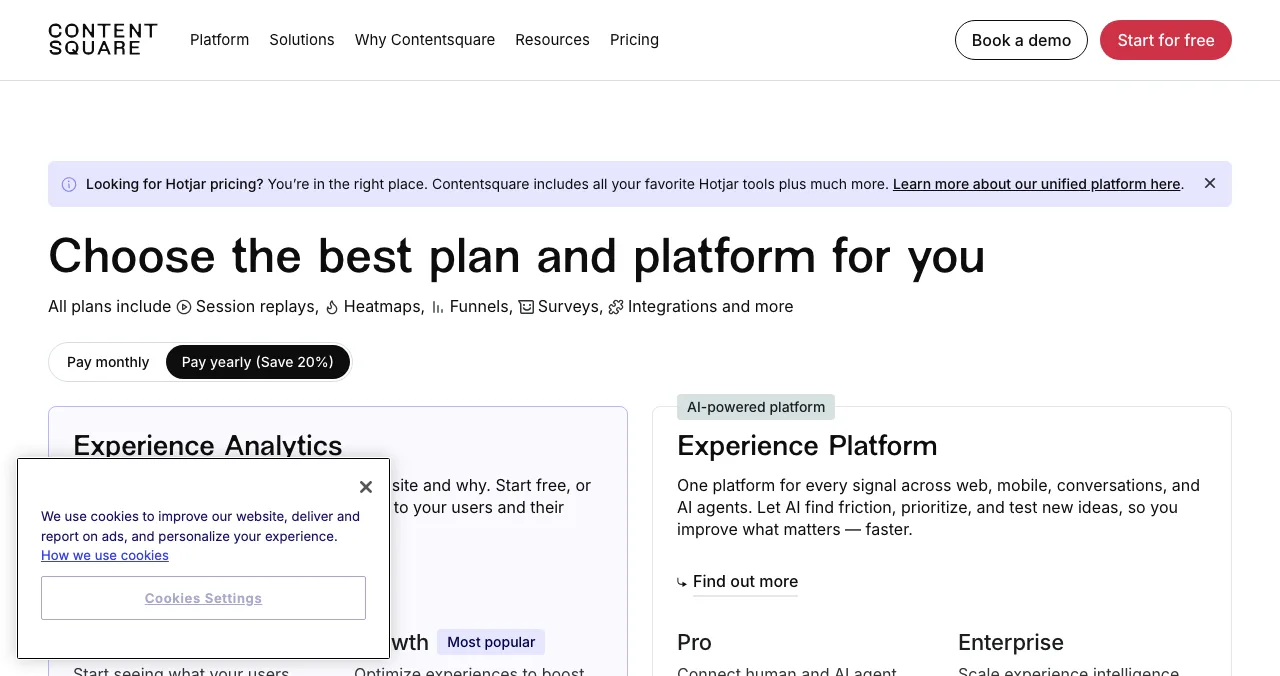
Hotjar (Contentsquare)
Recordings, heatmaps, funnels and surveys.
Free planFrom $39/mo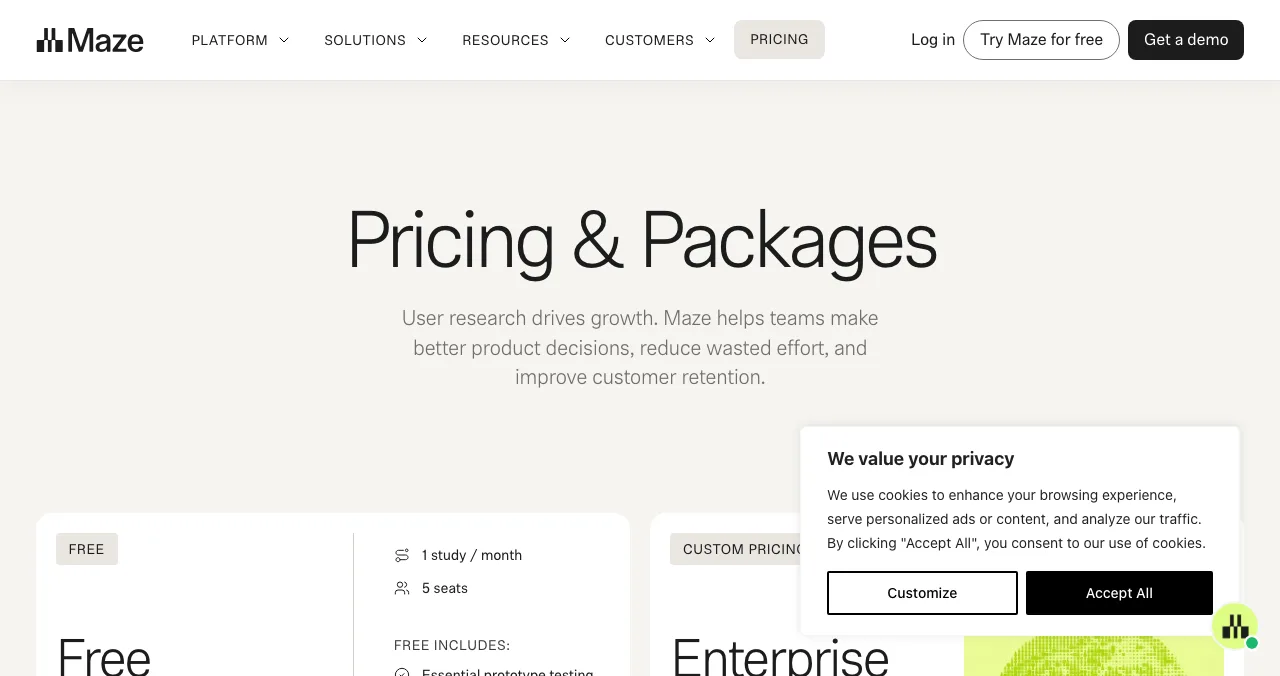
Maze
Prototype and usability tests with real users.
Free planFrom $99/mo
UX audit tools compared
| Tool | What it checks | Free option | Paid from | Best for |
|---|---|---|---|---|
| Science of Apps investigation | The whole journey, desktop and mobile | Free report once listed | Deeper reports | A judged, evidence-backed audit |
| Microsoft Clarity | Behaviour: recordings, heatmaps | Free forever | — | Seeing where users get stuck |
| PageSpeed Insights | Speed, Core Web Vitals | Free | — | Loading and stability |
| WAVE | Accessibility (WCAG errors) | Free online and extensions | API subscription | Accessibility basics |
| Hotjar (Contentsquare) | Behaviour plus surveys and funnels | $0 plan | $39/mo yearly | Surveys alongside recordings |
| Maze | Usability and prototype tests | 1 study a month | $99/mo | Testing a design before building |
Table: UX audit tools compared (each tool's own pages, checked 17 Nov 2026)
The best UX audit tools
1. Science of Apps product investigation: the judgement, not just the data
List your product free on the Launchpad and, once it's live, you get a free report on your landing page, discoverability and speed. Deeper reports test the product end to end in a real browser on desktop and mobile, including the screens behind the login, with every finding backed by evidence and approved by an analyst.
- Areas tested in the full investigation
- 22
- Automatic measurements
- 39
- Expert checks behind your login
- 74
- Verdicts that rank what to fix first
- 5
- Cost: free report once your listing is live; deeper reports are paid.
- Checks: first impression, sign-up, the core task, paying and staying.
- Catch: it needs a live product; it isn't a prototype-testing tool.
Best for: founders who want a ranked fix list, not more dashboards.
2. Microsoft Clarity: free recordings and heatmaps
- Cost
- Free forever
- Checks
- Session recordings, heatmaps, AI summaries
- Scale
- Used on 2M+ sites and apps (Microsoft's figure)
- Catch
- Shows what users do, not why
Clarity records real sessions and shows where people click, scroll and drop off, with AI summaries of recordings and heatmaps. It's the first tool to install: a week of recordings shows problems a checklist can't, like rage clicks on something that looks like a button.
Best for: finding where real users get stuck, at no cost.
3. PageSpeed Insights: speed and Core Web Vitals
- Cost
- Free
- Checks
- LCP, INP, CLS; lab diagnostics
- Good
- LCP ≤ 2.5 s · INP ≤ 200 ms · CLS ≤ 0.1
- Catch
- Speed only; nothing about usability
Paste any URL and Google reports Core Web Vitals (from real Chrome users where there's enough data) plus a lab test with specific fixes. Google's thresholds: Largest Contentful Paint within 2.5 seconds, Interaction to Next Paint 200 ms or less, Cumulative Layout Shift 0.1 or less.
Best for: a slow page you need to diagnose in five minutes.
4. WAVE: accessibility on the page
- Cost
- Free online tool and browser extensions
- Checks
- WCAG errors, contrast, structure
- Works on
- Chrome, Firefox and Edge extensions for logged-in pages
- Catch
- Automated checks can't catch every accessibility issue
WAVE marks accessibility problems directly on your page: missing alt text, low contrast, empty buttons. WebAIM says it identifies many WCAG errors but is built to support human evaluation, which is the honest position for any automated checker. The extensions test password-protected pages too.
Best for: catching accessibility basics before a launch.
5. Hotjar (now on Contentsquare): behaviour plus surveys
- Cost
- Free plan; Growth from $39/mo yearly ($49 monthly)
- Checks
- Replays, heatmaps, funnels, surveys
- Free plan
- 1 month of data access, 1 project
- Catch
- Pricing now lives on Contentsquare's site
Hotjar's pricing page now redirects to Contentsquare, which says its plans include the Hotjar tools. Every plan includes session replays, heatmaps, funnels and surveys. Surveys are the reason to pick it over Clarity: you can ask visitors why they're leaving.
Best for: pairing what users do with what they say.
6. Maze: test before you build
- Cost
- Free plan; Starter $99/mo; Enterprise custom
- Free plan
- 1 study a month, 5 seats
- Checks
- Prototype tests, surveys
- Catch
- Recruiting from its panel is pay-per-use
Maze runs unmoderated tests on prototypes and live sites, so you can check a redesign with real people before building it. The free plan includes essential prototype testing and surveys; panel recruiting is pay-per-use.
Best for: testing a new flow before you code it.
The free UX audit stack

- Install Clarity — let it collect a week of real sessions.
- Run PageSpeed Insights — on your home page, pricing and sign-up.
- Run WAVE — on the same pages, signed in where needed.
- Walk the journey yourself — against Nielsen's 10 heuristics, with the UX audit checklist.
- Combine and rank — every problem with its evidence and a severity rating.
What UX audit tools miss

- Intent — a heatmap shows a click, not whether the user found what they wanted
- The logged-in product — most scanners stop at the public pages
- Priorities — tools list issues; they don't rank them by business impact
- Copy and trust — whether the words make sense to your users
- The full journey — sign-up to payment to coming back, as one flow
Mistakes when choosing UX audit tools

- Buying a suite before installing a free recorder — start with Clarity
- Treating a speed score as a UX score — fast and confusing is still confusing
- Trusting "100% accessible" claims — automated checks don't cover everything
- Collecting recordings nobody watches — book 30 minutes a week
- Accepting AI summaries unchecked — verify each finding in the recording
Ready for an audit with a verdict?
How we know
Prices, plans and features come from each tool's own pages, read on 17 November 2026 (Hotjar's plans from Contentsquare's pricing page, where Hotjar's pricing link now leads). Core Web Vitals thresholds come from web.dev. Science of Apps figures come from its investigation page. The order is our editorial judgement for early-stage startups, with Science of Apps disclosed as our own.
Key terms, defined
- UX audit: an evidence-based review of a product's usability.
- Session recording: a replay of a real visitor's clicks and scrolls.
- Heatmap: a picture of where users click, scroll or look.
- Core Web Vitals: Google's loading, responsiveness and stability metrics.
- WCAG: the W3C's Web Content Accessibility Guidelines.
Frequently asked questions
Which tools do UX audits?
Tools cover parts of an audit: Microsoft Clarity and Hotjar show behaviour (recordings, heatmaps), PageSpeed Insights measures speed, WAVE checks accessibility and Maze runs usability tests. A complete audit combines their evidence with an expert review of the journey against usability heuristics.
What are the best free UX audit tools?
Microsoft Clarity (free forever), PageSpeed Insights (free), WAVE (free online tool and browser extensions), and the free plans of Hotjar and Maze. Together they cover behaviour, speed, accessibility and light user research.
Can AI do a UX audit?
AI features now summarise session recordings and heatmaps (Clarity and Hotjar both offer them) and can flag likely issues. They speed up review, but they can't tell whether a flow fits your users' goals; a person still has to verify each finding.
Is Hotjar free?
Hotjar's pricing now sits on Contentsquare's site. It lists a free plan at $0 forever, with paid Growth plans from $39 a month billed yearly ($49 monthly), as checked on 17 November 2026.
Is Microsoft Clarity really free?
Yes. Microsoft describes Clarity as free forever, with session recordings, heatmaps and AI summaries, and says it is used on more than 2 million sites and apps.
What's the difference between a UX audit tool and a UX audit?
A tool produces data: a heatmap, a speed score, a list of accessibility errors. An audit is the judgement: which problems matter, why users struggle and what to fix first, backed by that evidence.
Sources
- Microsoft Clarity — homepage (checked 17 Nov 2026)
- Contentsquare — Pricing, including Hotjar plans (checked 17 Nov 2026)
- Maze — Pricing & plans (checked 17 Nov 2026)
- WebAIM — WAVE Web Accessibility Evaluation Tools (checked 17 Nov 2026)
- Google — PageSpeed Insights
- web.dev — Web Vitals
- Nielsen Norman Group — 10 Usability Heuristics for User Interface Design
- Checked November 17, 2026. Figures that change — fees, salaries, prices — are reviewed every six months; if something is out of date, tell us.
Where to go from here
- How to do a UX audit — the one-day method
- UX audit checklist — 60 checks
- Laws of UX — the principles
- Science of Apps - LaunchpadA free website UX audit for startups: the five things to check first (findability, clarity, speed, accessibility, the sign-up path) with the free tools that measure eachA free website UX audit for startups: check findability, clarity, speed, accessibility and the sign-up path first, with free Google, WebAIM and Microsoft tools.
- Science of Apps - LaunchpadA landing page review checklist for startups: 36 evidence-based checks for clarity, trust, speed, mobile and the call to action, with the research behind eachA landing page review checklist for startups: 36 checks for the first 10 seconds, trust, speed, mobile and the call to action, from NN/g and Google research.
- Science of Apps - LaunchpadHow to do a UX audit of your website in one day: the eight steps, the standards to check against, the free tools, and how to turn findings into a fix listHow to do a UX audit in one day: set goals, walk the journey, check Nielsen's heuristics and WCAG 2.2, measure speed, read analytics and rank the fixes.
- Science of Apps - LaunchpadWhat is a UX audit? What it checks, how it's done, what you get, and how to get one for freeA UX audit is a structured review of where users struggle in your product. What it checks, the standards behind it, what you get, and how to get one free.
- Science of Apps - LaunchpadThe top 5 websites to launch your startup for free, checked against each site's own rulesThe 5 best free websites to launch a startup: Science of Apps Launchpad, Product Hunt, Show HN, Uneed and Peerlist, with costs, rules and who each one suits.
- ComparisonsBest Hotjar alternatives: tools for heatmaps, session recordings and user feedbackThe best Hotjar alternatives — Microsoft Clarity, PostHog, FullStory, Mouseflow, LogRocket, Smartlook and Lucky Orange — for heatmaps, replays and feedback.

Get the ideas, not the noise.
Sign up with Google and we’ll send you short UX psychology tips by email — why people tap, stall and leave, and what to do about it. Unsubscribe anytime. Prefer something to keep? Get the free Laws of UX guide as a PDF.
Launch day ends. Your listing shouldn't.
List free on the Launchpad and, once live, get a free report on your landing page, discoverability and speed; deeper reports test the product end to end, every finding backed by evidence.