 By
Quick answer: What is a UX audit?
- What it is: a structured review of where users struggle, with a prioritised fix list.
- What it checks: findability, first impression, sign-up, onboarding, the core task, payment, accessibility.
- Standards: Nielsen's 10 usability heuristics (1994, still reviewed by NN/g) and WCAG 2.2 for accessibility.
- What you get: findings with evidence, a severity for each, and what to fix first.
- Free option: list on Science of Apps Launchpad; your product is tested once the listing is live.
Key takeaways
- A UX audit tells you where users get stuck and why, before you spend more on traffic.
- Good audits follow the user's journey, from search result to settings, rather than reviewing screens at random.
- Every finding should come with evidence (a measurement or a screenshot) and a severity, or it's just opinion.
- Heuristics and accessibility standards make audits repeatable; behavioural principles explain why users behave as they do.
- Audit before a launch or a paid campaign, after a redesign, and whenever a key metric drops without an obvious reason.
Your analytics say most people who start sign-up don't finish. They don't say why. A UX audit does: it walks your product the way a new user does, finds where people get confused, slowed down or blocked, explains the cause, and ranks what to fix first. This guide explains what a UX audit is, what a good one checks, the standards it relies on, what the report should give you, and how to get one free. Jump to what it checks, what you get or how to get one free.
- Usability heuristics most audits use (Nielsen, 1994)
- 10
- The WCAG version for accessibility checks
- 2.2
- Stages of the user journey a full audit follows
- 6
- A free product test with a Launchpad listing
- $0
What is a UX audit?
A UX audit is a structured review of a website or app that identifies usability and accessibility problems, shows the evidence for each, explains why it hurts users, and gives a prioritised list of fixes. It's mostly done by experts against established standards, often combined with automatic measurements (speed, accessibility checks) and analytics, without recruiting test users.
It's not a design opinion. "I'd make the button blue" isn't a finding. "The primary button fails WCAG contrast and sits below the fold on mobile, and your analytics show most mobile sessions never scroll that far" is.
What a UX audit checks
A good audit follows the journey a user takes, in order.
Arrive
First impression
Findability on search and AI assistants, the landing page, pricing, trust and privacy signals, speed and stability.
Join
The first few minutes
Sign-up, sign-in, account recovery, and onboarding to the first moment of value.
Use
The everyday job
The core task end to end, navigation and search, content and microcopy, and empty, loading and error states.
Pay
Where value turns into revenue
The paywall, upgrade, checkout and payments.
Stay
What brings people back
Notifications, account and settings, help and support.
Every screen
Judged throughout
Accessibility to WCAG 2.2, and visual design and consistency.
The standards behind a UX audit
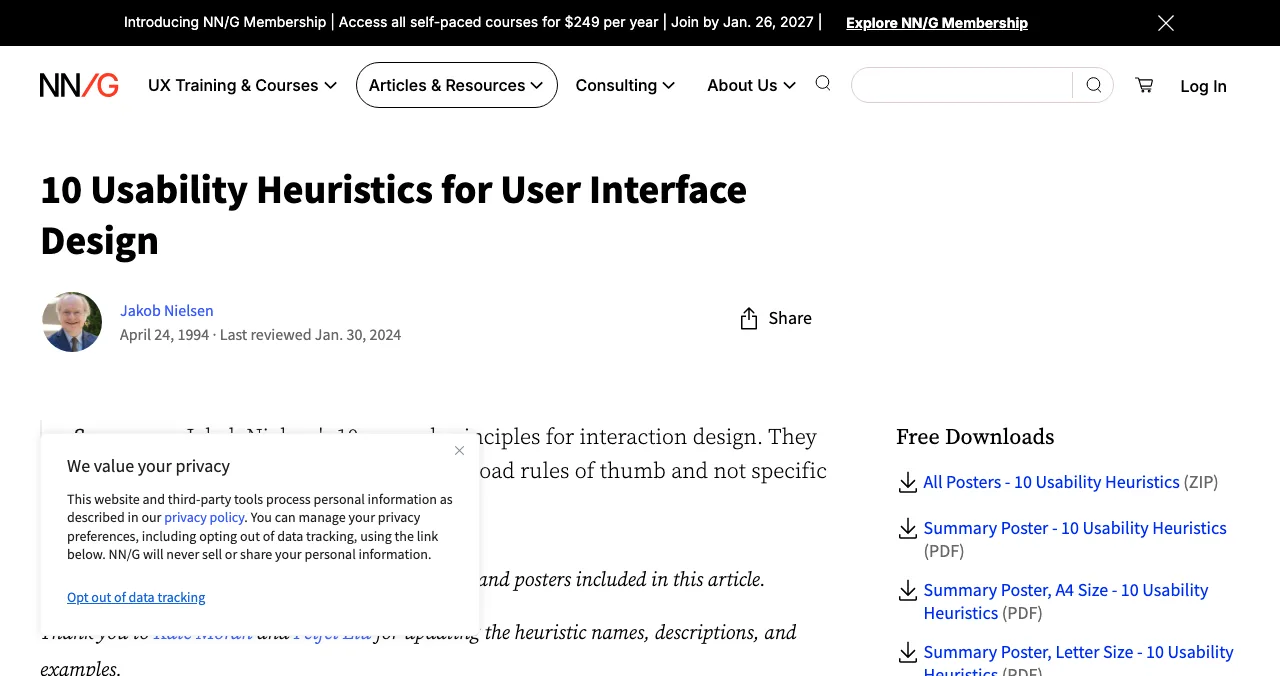
Nielsen's 10 usability heuristics, published by Jakob Nielsen in 1994 and still maintained by Nielsen Norman Group, are the most common lens:
| # | Heuristic | What it catches |
|---|---|---|
| 1 | Visibility of system status | No feedback after a click; unclear progress |
| 2 | Match between the system and the real world | Jargon users don't use |
| 3 | User control and freedom | No undo, no way back |
| 4 | Consistency and standards | The same action looking different on different screens |
| 5 | Error prevention | Forms that let users make avoidable mistakes |
| 6 | Recognition rather than recall | Making users remember information from another screen |
| 7 | Flexibility and efficiency of use | No shortcuts for frequent users |
| 8 | Aesthetic and minimalist design | Clutter competing with the main action |
| 9 | Help users recognize, diagnose, and recover from errors | Vague error messages |
| 10 | Help and documentation | No help where people get stuck |
Table: Nielsen's 10 usability heuristics (Nielsen Norman Group)
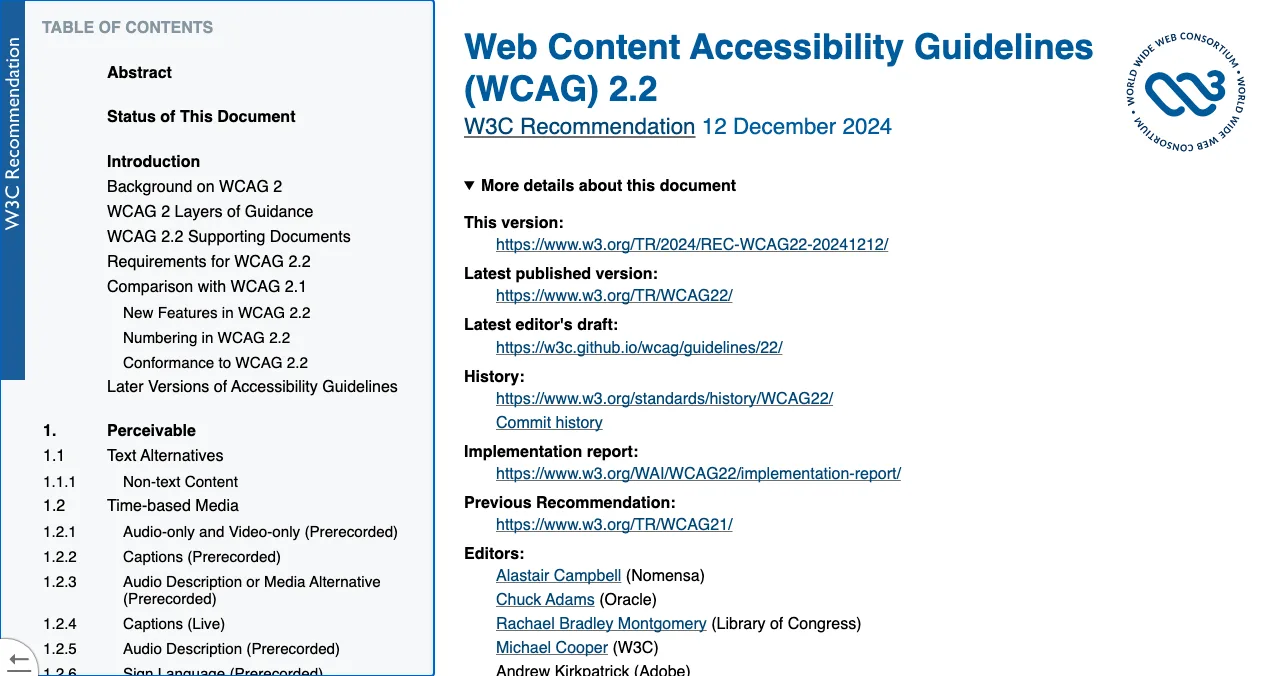
WCAG 2.2, a W3C Recommendation, is the standard for accessibility, organised around four principles: content must be perceivable, operable, understandable and robust. An audit checks things like colour contrast, keyboard access, labels and error identification.
Behavioural principles explain why users behave as they do: Hick's Law (more choices, slower decisions), cognitive load, social proof and the rest of the Laws of UX.
What you should get from a UX audit
Evidence for every finding
A measurement or a screenshot of the exact screen, not an opinion.
A severity and a next step
So your team knows what to fix first, and what can wait.
The reason behind it
The heuristic, accessibility criterion or behavioural principle at work.
Checked by a person
Findings reviewed before they reach you, especially if tools generated them.
Kept private
Your problems shouldn't be public.
How to get a UX audit for free

List your product free on Science of Apps Launchpad. Once your listing is live, your product is tested and you get a free report covering your landing page, discoverability and speed, with quick fixes. For more depth, order an Economy or Premium report.
- Areas tested, from search result to settings
- 22
- Automatic measurements, desktop and mobile
- 39
- Expert checks on the screens behind your login
- 74
- Verdicts: Good, Needs improvement, Needs to be fixed, Critical, Recommendation
- 5
| Free | Economy report | Premium report | |
|---|---|---|---|
| What's tested | Landing page, discoverability and speed | Store listing and homepage, screen by screen | Every area of the product that can be reached |
| 60 Laws of UX | — | A scorecard, and the laws costing you most | All 60, each with evidence and a fix |
| What to do next | Quick fixes | The short list of fixes worth most | A scored backlog and a 90-day roadmap |
| Format | Branded PDF | A4 PDF, about 40 pages | A4 PDF, about 95 pages |
| Delivered | Once your listing is live | Within 3 hours | Within 24 hours |
Table: Science of Apps product reports compared (Launchpad pricing page, checked 16 Nov 2026)
Make your product live. Get it diagnosed today.
List free, and once it's live, order the report that fits your stage: what new customers see first, or the full diagnosis with a plan to fix it.

 Economy
See what new customers see
- Store listing and homepage, screen by screen
- Scorecard against 60 Laws of UX
- Customers, competitors and the fixes worth most
PremiumThe full diagnosis and the plan
- Every screen, every finding, every flow
- All 60 laws with evidence and fixes
- 8 strategy chapters and a 90-day roadmap
Both reports are researched from your live product and fact-checked against the evidence before they reach you.
When to do a UX audit

- Before a launch — launch traffic is impatient; fix the obvious first
- Before a paid campaign — don't pay to send people into a leaky funnel
- After a redesign — new screens bring new problems
- When a metric drops — sign-ups, activation or conversion falling without an obvious cause
- Before fundraising — investors try the product themselves
UX audit mistakes

- Auditing screens, not journeys — problems hide in the hand-offs between screens
- Findings without evidence — opinions are hard to prioritise and easy to dismiss
- No severity — a 50-item list with no order rarely gets fixed
- Skipping accessibility — it affects many users and often overlaps with general usability
- Never re-checking — audit again after fixes to confirm they worked
Ready for an audit?
How we know
The heuristics come from Nielsen Norman Group's article by Jakob Nielsen (published 1994, last reviewed January 2024); accessibility from the W3C's WCAG 2.2 Recommendation; Science of Apps' report details from the Launchpad's investigation and pricing pages, checked on 16–17 November 2026. Science of Apps provides the free and paid reports described.
Key terms, defined
- UX audit: a structured, evidence-based review of where users struggle, with prioritised fixes.
- Heuristic evaluation: reviewing an interface against usability principles such as Nielsen's 10 heuristics.
- WCAG 2.2: the W3C's Web Content Accessibility Guidelines, version 2.2.
- Severity: how much a problem hurts users or the business, used to order fixes.
- First moment of value: when a new user first gets a real result from the product.
Frequently asked questions
What is a UX audit?
A UX audit is a structured review of a website or app that finds usability and accessibility problems, explains why they hurt users, and ranks what to fix first. It usually combines expert review against standards such as Nielsen's 10 usability heuristics and WCAG 2.2, automatic measurements such as speed, and a walk through the user's real journey.
What does a UX audit include?
Typically: findability and first impression, the landing page and pricing, sign-up and onboarding, the core task, navigation and content, errors and empty states, payment and upgrade, accessibility and visual consistency. The output is a report with each finding, its evidence, a severity and a recommended fix.
How do I get a free UX audit?
List your product free on Science of Apps Launchpad. Once your listing is live, your product is tested and you get a free report covering your landing page, discoverability and speed, with quick fixes. Deeper Economy and Premium reports test more of the product.
What's the difference between a UX audit and usability testing?
A UX audit is mainly an expert review against standards and evidence, done without recruiting users. Usability testing watches real users try tasks. Audits are faster and cheaper and catch known problems; testing reveals surprises. Many teams audit first, fix the obvious, then test with users.
When should I do a UX audit?
Before a launch or a paid campaign, after a redesign, when sign-up or conversion drops without an obvious reason, and before you raise money, since investors often try the product themselves.
How long does a UX audit take?
It depends on scope: a landing-page review can take hours; a full product audit takes days to weeks. On Science of Apps Launchpad, Economy reports are delivered within 3 hours and Premium reports within 24 hours of ordering.
What is a heuristic evaluation?
A heuristic evaluation is a type of UX audit in which reviewers check an interface against established usability principles, most often Jakob Nielsen's 10 usability heuristics, such as visibility of system status, error prevention and recognition rather than recall.
Sources
- Nielsen Norman Group — 10 usability heuristics for user interface design (Jakob Nielsen, 1994; reviewed 2024)
- W3C — Web Content Accessibility Guidelines (WCAG) 2.2, W3C Recommendation
- Science of Apps — Product investigation: what we investigate and how
- Science of Apps — Pricing: free listing, Economy and Premium reports
- Science of Apps — Launchpad: launch your product free
- Checked November 17, 2026. Figures that change — fees, salaries, prices — are reviewed every six months; if something is out of date, tell us.
Where to go from here
- The Laws of UX — the behavioural principles behind findings
- Roast my startup — opinions vs evidence-based feedback
- Top 5 websites to launch your startup free — launch once it's fixed
- Science of Apps - LaunchpadThe UX audit checklist: a free, journey-based template for websites and apps, built on Nielsen's heuristics and WCAG 2.2A free UX audit checklist for websites and apps: 60 checks across the user journey, from first impression to payment, using Nielsen's heuristics and WCAG 2.2.
- Science of Apps - LaunchpadThe top 5 websites to launch your startup for free, checked against each site's own rulesThe 5 best free websites to launch a startup: Science of Apps Launchpad, Product Hunt, Show HN, Uneed and Peerlist, with costs, rules and who each one suits.
- Science of Apps - LaunchpadProduct Hunt badges: how to get one, how to add it to your website, what each badge means, and other earned launch badgesHow to get and add a Product Hunt badge: launch badges from your dashboard, award badges by email, review badges, and other earned startup badges.
- Science of Apps - LaunchpadRoast my landing page: 25 fixes founders hear in landing page roasts, each with the principle that explains itRoast my landing page, done properly: 25 landing page fixes for headlines, CTAs, pricing, trust and speed, each tied to a usability or behavioural principle.
- Science of Apps - LaunchpadHow to get your first 100 users without paid ads: a channel-by-channel plan founders can start todayHow to get your first 100 users without paid ads in 2027: your network, communities, launch sites, directories, content and one-to-one outreach, step by step.
- Science of Apps - LaunchpadHow to launch and promote a Chrome extension: the Chrome Web Store listing, the free launch sites that take extensions, and where users look for themHow to launch and promote a Chrome extension: the Web Store's one-time fee and listing, then Product Hunt, Show HN, DevHunt, AlternativeTo and a free profile.
Get the ideas, not the noise.
Sign up with Google and we’ll send you short UX psychology tips by email — why people tap, stall and leave, and what to do about it. Unsubscribe anytime. Prefer something to keep? Get the free Laws of UX guide as a PDF.
Launch day ends. Your listing shouldn't.
List your product free and, once it's live, get it tested end to end: loaded in a real browser on desktop and mobile, measured automatically and reviewed by experts, with a detailed report on what to fix.