 By
Quick answer: What's the difference between a website audit, a UX audit and a product audit?
- Website audit: technical health of public pages (SEO, speed, links, security).
- UX audit: can people use the screens and flows?
- Product audit: both, plus sign-up, the core task, pricing, payments and retention.
- Which audit do I need? Pick the one that covers the stage where people drop off.
- Free baseline of landing page, discoverability and speed when you list on the Launchpad.
Key takeaways
- The three audits are nested, not rivals: a product audit contains the other two.
- SEO audits stop at the click; UX audits often stop at the login.
- Use free tools for the website layer before paying anyone.
- Audit where the funnel leaks, not where audits are cheapest.
- Every audit should end in a priority order.
Founders get told to "get an audit" as if there were only one kind. There are at least three, and they look at different things. A website audit checks whether your public pages are healthy and findable. A UX audit checks whether people can use your screens. A product audit follows the customer all the way through, from the first search to the renewal. Buy the wrong one and you'll fix things that weren't losing you customers. This guide compares the three side by side, shows where each one stops, and helps you decide which audit you need. Facts were checked on each source's own page on 18 November 2026. Jump to the comparison, which audit you need or a free route.
Website audit vs UX audit vs product audit, side by side
| Website audit | UX audit | Product audit | |
|---|---|---|---|
| Main question | Is the site healthy and findable? | Can people use it? | Does the whole journey work? |
| Scope | Public pages | Key screens and flows | Every stage, including behind the login |
| Typical checks | Indexing, metadata, speed, broken links, HTTPS | Clarity, navigation, forms, errors, accessibility | All of those, plus sign-up, core task, pricing, payments, retention |
| Method | Mostly automated tools | Expert review and user testing | Automated measurements plus expert checks |
| Stops at | The click | Often the login or the paywall | Rarely stops; it follows the customer |
| Free tools | Search Console, PageSpeed Insights, Lighthouse | WAVE, five-user tests, NN/g heuristics | A self-audit of each stage, or the Launchpad baseline |
Table: Website audit vs UX audit vs product audit (Science of Apps editorial comparison, checked 18 Nov 2026)
The three are nested. A product audit contains a UX audit, and a UX audit of the landing page overlaps with a website audit. The question is how far along the journey you need to look.
What does a website audit check?
A website audit is a technical health check of your public pages. It asks whether search engines can crawl and index them, whether titles and descriptions are set, whether pages load quickly, whether links work, and whether the site is secure. An SEO audit is the search-focused slice of a website audit.
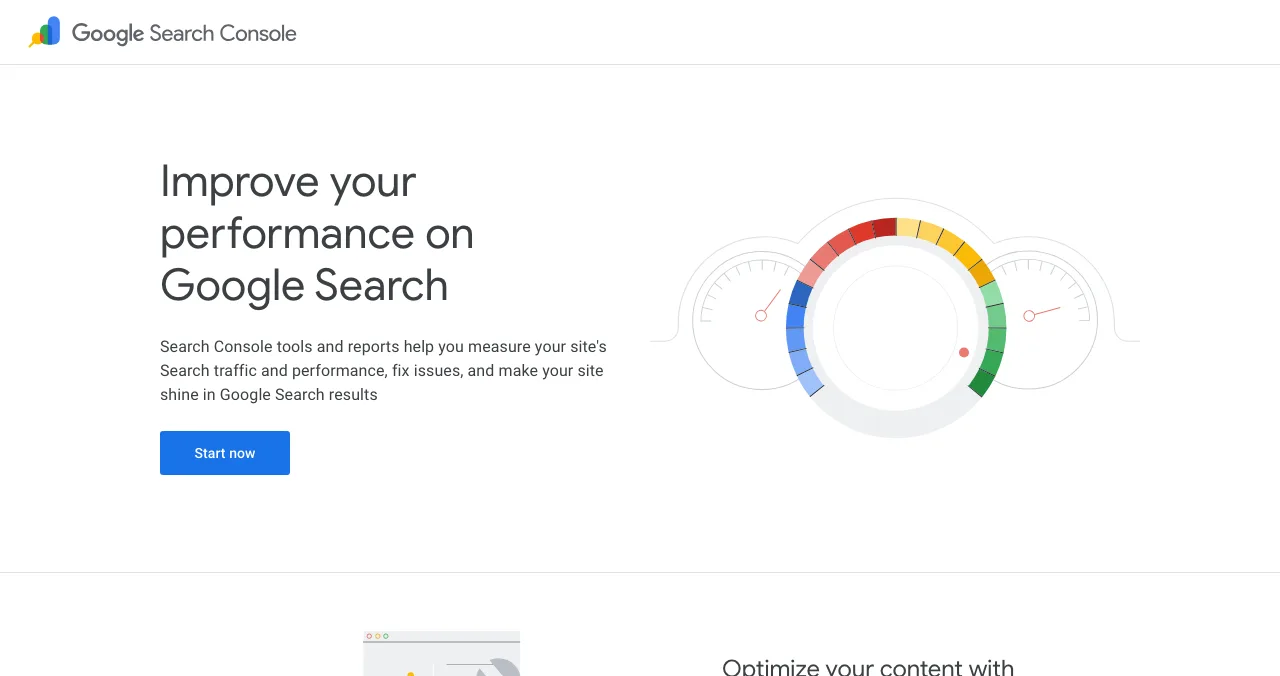
Most of it is automated. Google's own tools are free:
- Cost
- Free
- What it shows
- Indexing, search queries, clicks, Core Web Vitals report
- Needs
- Proof that you own the domain
- Catch
- Data only; it doesn't tell you why people leave
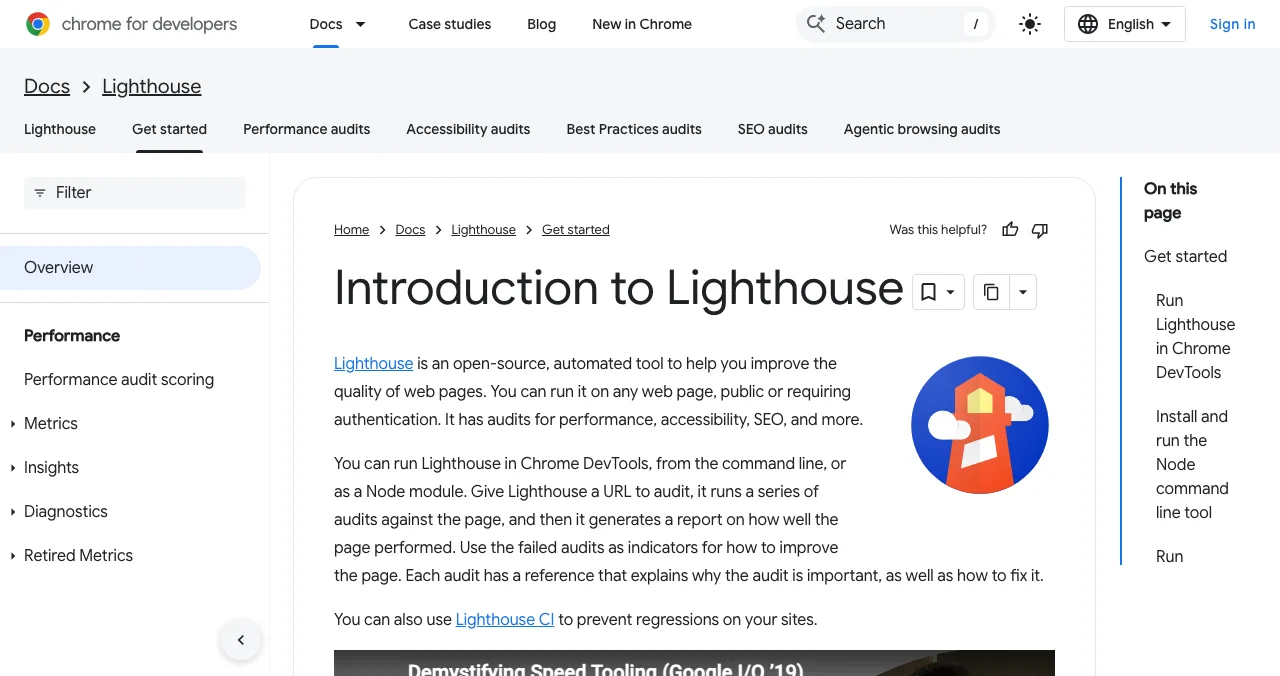
Lighthouse, built into Chrome DevTools, runs automated audits for performance, accessibility, SEO and more, and explains each failure. PageSpeed Insights adds real-user Core Web Vitals data where Google has it. Our free website audit guide walks through five checks.
Where it stops: at the click. A website audit can tell you the page loads in two seconds; it can't tell you the headline confuses people.
What does a UX audit check?
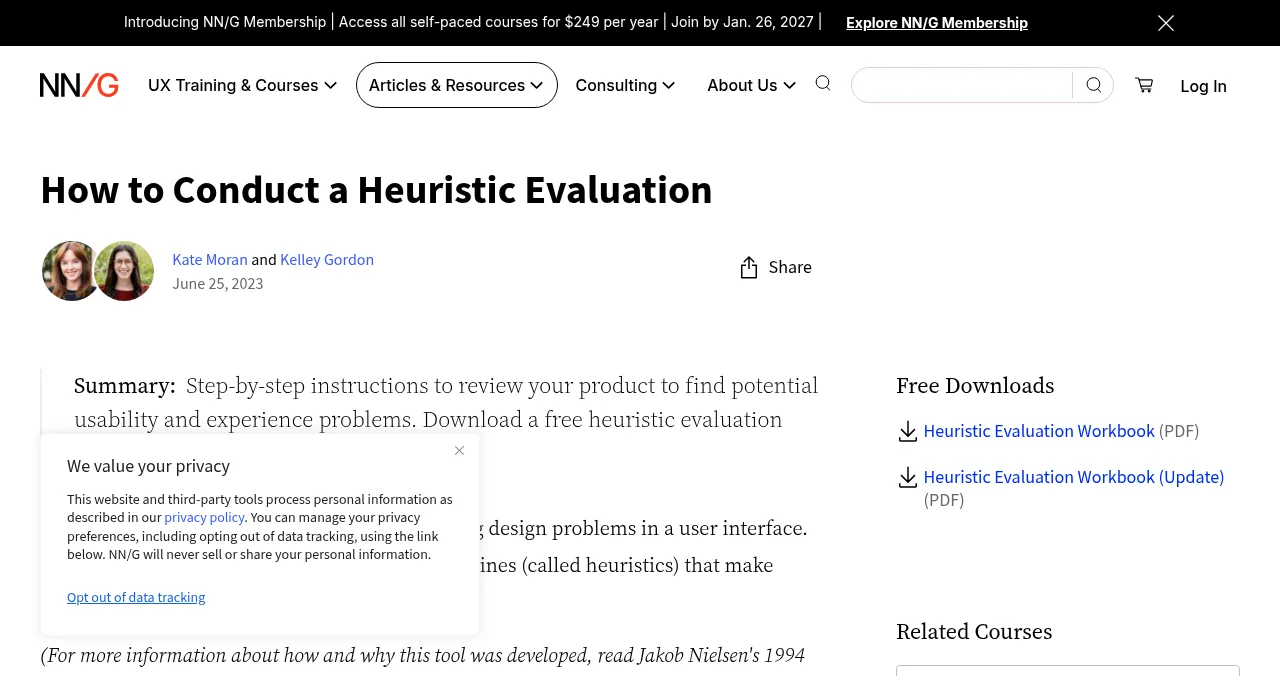
A UX audit checks whether real people can understand and use your screens. An expert walks through key flows and judges them against known principles, usually Nielsen's ten heuristics, and records each problem with a screenshot and a severity. Good UX audits add accessibility checks against WCAG and, where possible, watch real users.
Where it stops: often at the login or the paywall, because many UX audits only cover the flows the client chose. Discoverability, pricing logic and speed measurements are usually out of scope.
SEO audit vs UX audit: why you usually need both
SEO audit vs UX audit is a false choice for most startups. SEO gets the right people to the page; UX turns them into users. Google's own SEO starter guide puts people first: make content helpful and easy to use. A page that ranks but confuses visitors wastes the traffic, and a page that converts well but never ranks has no one to convert.
| Symptom | Likely audit |
|---|---|
| Few impressions in Search Console | SEO audit |
| Impressions but few clicks | SEO audit (titles and descriptions) |
| Clicks but high bounce | UX audit of the landing page |
| Sign-ups but no activation | Product audit (onboarding and core task) |
| Active users but no upgrades | Product audit (pricing, paywall, checkout) |
Table: Which audit each symptom points to
Product audit vs UX audit: what the product audit adds
Product audit vs UX audit comes down to the stages after the first screen. A product audit adds discoverability (search, AI answers, social), pricing and plans, trust and privacy, speed measurements, the paywall and checkout, notifications, account settings and help. It judges each one against business outcomes as well as usability.
The Science of Apps product investigation, for example, covers 22 areas across six stages (Arrive, Join, Use, Pay, Stay, Every screen) with 39 automatic measurements and 74 expert checks. Our 360-degree product audit guide explains how it works.
Arrive
Website audit territory
Discoverability, landing page, pricing, trust and speed.
Join
UX audit territory
Sign up, sign in and recovery, onboarding.
Use
UX audit territory
Home, core task, dashboards, search, microcopy, empty and error states.
Pay
Product audit only
Paywall and upgrade, checkout and payments.
Stay
Product audit only
Notifications, account, settings, help.
Every screen
All three, partly
Accessibility to WCAG 2.2, visual design and consistency.
Which audit do I need?
| Your stage | Start with | Then |
|---|---|---|
| Pre-launch, no traffic yet | Website audit of the landing page | UX test of sign-up with five people |
| Launched, traffic but no sign-ups | UX audit of the landing page and sign-up | Speed check on mobile |
| Sign-ups but users don't stay | Product audit of onboarding and the core task | Retention cohorts |
| Users stay but don't pay | Product audit of pricing, paywall and checkout | Pricing interviews |
| Before a fundraise or big ad spend | Full product audit | Re-audit after fixes |
Table: Which audit do I need, by stage
If you can't tell where people leave, start with the funnel numbers in your analytics. The stage with the biggest drop is the one to audit first.
A free route: the Science of Apps Launchpad

The Science of Apps Launchpad is a free, permanent place to list your product, ranked by relevance, editorial picks and community interest, never payment. When your listing goes live, a free baseline diagnosis checks your landing page, discoverability and speed: the website-audit layer. The full product investigation tests the product end to end, behind the login too, and hands you a detailed report with a verdict on every finding.
- Areas across six stages
- 22
- Automatic measurements
- 39
- Expert checks
- 74
- Verdicts
- 5
From diagnosis to action plan
List free, then order the report that fits your stage.

 Economy
See what new customers see
- Store listing and homepage, screen by screen
- Scorecard against 60 Laws of UX
- The fixes worth most
PremiumThe full diagnosis and the plan
- Every screen, every finding, every flow
- All 60 laws with evidence and fixes
- 8 strategy chapters and a 90-day roadmap
Fact-checked against the evidence. Private by default.
A one-week plan that covers all three
- Day 1
Website layer
Verify Search Console; run PageSpeed Insights and Lighthouse on the homepage and pricing page.
- Day 2
List free
List on the Launchpad and read the baseline diagnosis.
- Day 3
UX layer
Run a heuristic review of the landing page and sign-up; scan with WAVE.
- Day 4
Five users
Watch five people sign up and try the main task.
- Day 5
Product layer
Walk onboarding, the upgrade path and checkout on a phone; record every problem.
- Day 6–7
Prioritise
Give each finding a verdict and fix the Critical ones first.
Mistakes to avoid

- Buying the audit you know — pick the one that covers your leaking stage
- Treating a Lighthouse score as a UX verdict — a fast page can still confuse
- Auditing only what's public — most churn happens behind the login
- Testing with the team — your mental model isn't a new user's
- No priority order — a list of 150 issues helps nobody
Ready for your audit?
How we know
Tool capabilities come from Google Search Central, Search Console, Chrome for Developers (Lighthouse), Nielsen Norman Group and WebAIM. Launchpad facts come from launchpad.scienceofapps.com, /investigate and /pricing. All were read on 18 November 2026. The comparison and decision tables are Science of Apps' editorial framework. Science of Apps runs the Launchpad.
Key terms, defined
- Website audit: a technical health check of public pages: indexing, SEO, speed, links and security.
- SEO audit: the search-focused part of a website audit.
- UX audit: an expert review of whether people can understand and use a product's screens and flows.
- Product audit: an evidence-based review of the whole customer journey, including the screens behind the login.
- Heuristic evaluation: judging an interface against a set of established usability principles.
- Lighthouse: Google's open-source tool for automated performance, accessibility and SEO audits.
Frequently asked questions
What's the difference between a website audit, a UX audit and a product audit?
Scope. A website audit checks the technical health of public pages: indexing, SEO, speed, links and security. A UX audit checks whether people can use the screens and flows. A product audit covers the whole customer journey, including the website and UX layers plus sign-up, the core task, pricing, payments and retention behind the login.
What is the difference between an SEO audit and a UX audit?
An SEO audit asks whether search engines can find, crawl and understand your pages, and whether they deserve to rank. A UX audit asks whether people who arrive can understand and use the product. SEO audits look at metadata, links and content; UX audits look at layouts, flows, copy and errors. You usually need both.
What is the difference between a product audit and a UX audit?
A UX audit focuses on usability: screens, flows, copy and accessibility. A product audit is wider. It adds discoverability, positioning, pricing, payments, speed measurements and retention, and judges each against business outcomes as well as usability. A good product audit includes a UX audit inside it.
Which audit do I need?
Find where people drop off. If few people find you, start with a website and SEO audit. If visitors arrive but don't sign up, audit the landing page and sign-up UX. If people sign up but don't stay or pay, you need a product audit that reaches behind the login. Before a big launch or fundraise, audit the whole journey.
Can I do a website audit for free?
Yes. Google Search Console shows indexing and search performance, PageSpeed Insights measures speed and Core Web Vitals, Lighthouse in Chrome DevTools checks performance, accessibility and SEO, and WebAIM's WAVE flags accessibility errors. Listing on the Science of Apps Launchpad also runs a free baseline diagnosis of your landing page, discoverability and speed.
How long does each audit take?
Automated website checks take minutes per page. A UX audit of a few key flows typically takes days when done by a person. A full product audit takes longer because it covers every stage. On the Launchpad, the Economy report arrives within 3 hours and the Premium report within 24 hours, because measurements are automated and analysts review the findings.
Sources
- Science of Apps — Product investigation: 22 areas (checked 18 Nov 2026)
- Science of Apps — Launchpad pricing: Economy and Premium reports (checked 18 Nov 2026)
- Google Search Central — SEO Starter Guide (checked 18 Nov 2026)
- Google — Search Console (checked 18 Nov 2026)
- Chrome for Developers — Introduction to Lighthouse (checked 18 Nov 2026)
- Nielsen Norman Group — How to Conduct a Heuristic Evaluation (checked 18 Nov 2026)
- WebAIM — WAVE web accessibility evaluation tool (checked 18 Nov 2026)
- Checked November 18, 2026. Figures that change — fees, salaries, prices — are reviewed every six months; if something is out of date, tell us.
Where to go from here
- Free website audit — five checks, free tools
- What is a UX audit? — the UX layer, in depth
- 360-degree product audit — the whole journey
- Science of Apps - LaunchpadThe best UX audit tools for startups, free and paid: what each one actually checks (behaviour, speed, accessibility, research) and the gaps no tool fillsThe best UX audit tools for startups, free and paid: Clarity, PageSpeed Insights, WAVE, Hotjar, Maze and an end-to-end product test, with what each checks.
- Science of Apps - LaunchpadThe top 5 websites to launch your startup for free, checked against each site's own rulesThe 5 best free websites to launch a startup: Science of Apps Launchpad, Product Hunt, Show HN, Uneed and Peerlist, with costs, rules and who each one suits.
- Science of Apps - LaunchpadWhat a startup audit covers: product, UX, positioning, SEO, AI visibility, speed, accessibility and growth, with a self-audit checklist and how to get a full startup analysis freeA startup audit checks product, UX, positioning, SEO, AI visibility, speed, accessibility and growth. What it covers, a self-audit checklist and a free route.
- Science of Apps - LaunchpadHow to do a UX audit of your website in one day: the eight steps, the standards to check against, the free tools, and how to turn findings into a fix listHow to do a UX audit in one day: set goals, walk the journey, check Nielsen's heuristics and WCAG 2.2, measure speed, read analytics and rank the fixes.
- Science of Apps - LaunchpadA free website UX audit for startups: the five things to check first (findability, clarity, speed, accessibility, the sign-up path) with the free tools that measure eachA free website UX audit for startups: check findability, clarity, speed, accessibility and the sign-up path first, with free Google, WebAIM and Microsoft tools.
- Science of Apps - LaunchpadWhat a 360-degree product audit is: every stage of the customer journey, measured and checked by experts, with five verdicts and a priority order, and how to get one freeA 360 degree product audit checks every stage of the journey, from first visit to renewal, with measurements, expert checks and verdicts. What it covers.
Get the ideas, not the noise.
Sign up with Google and we’ll send you short UX psychology tips by email — why people tap, stall and leave, and what to do about it. Unsubscribe anytime. Prefer something to keep? Get the free Laws of UX guide as a PDF.
Launch day ends. Your listing shouldn't.
List free on the Science of Apps Launchpad: a baseline diagnosis of your landing page, discoverability and speed runs as you go live, and the full product investigation covers all three audits in 22 areas.