 By
Quick answer: What is a 360-degree product audit?
- A 360-degree product audit reviews the whole customer journey, not one page.
- Two lenses: automatic measurements in a real browser, and expert checks on the screens behind the login.
- Every finding carries evidence, a verdict and a fix.
- The output is a priority order: Critical first, quick wins next.
- Free baseline diagnosis when you list on the Science of Apps Launchpad.
Key takeaways
- Most audits stop at one layer; customers experience all of them in one sitting.
- Machines measure speed, forms and accessibility; people judge clarity, trust and flow.
- A finding without evidence is an opinion.
- Verdicts turn a long report into a short to-do list.
- Audit before you scale acquisition, not after.
Most product audits look at one layer. An SEO audit looks at search, a UX audit looks at screens, and a speed test looks at load times. Your customers see all of it in one sitting: they find you, land, sign up, try the main job, look at the price, and decide whether to stay. A 360-degree product audit follows that same path. This guide explains what a 360-degree product audit covers, how automatic measurements and expert checks work together, what the five verdicts mean, and how to get one free. Every Launchpad fact was checked on its own page on 18 November 2026. Jump to the six stages, the two lenses or a free audit.
- Areas across the customer journey
- 22
- Automatic measurements, desktop and mobile
- 39
- Expert checks on screens behind the login
- 74
- Verdicts, from Good to Critical
- 5
What is a 360-degree product audit?
A 360-degree product audit is a full product audit: an evidence-based review of the whole product, organised by the stages a customer goes through. It answers one question per stage: can a stranger find you, understand you, join, get value, pay, and come back? Each problem it finds is recorded with evidence (a measurement or a screenshot), a verdict on how serious it is, and a recommended fix.
The word "360" matters because problems compound across stages. A clear landing page doesn't help if the sign-up form fails on mobile. A great onboarding flow doesn't help if the pricing page hides the yearly saving. An end-to-end product audit catches those hand-offs, which single-discipline audits miss.
| Audit type | What it covers | What it misses |
|---|---|---|
| SEO audit | Indexing, metadata, content, links | Everything after the click |
| Speed test | Load time, responsiveness, layout shifts | Whether the page makes sense |
| UX audit | Usability of screens and flows | Discoverability, often pricing and payments |
| Accessibility audit | WCAG conformance | Business outcomes |
| 360-degree product audit | The whole journey, every screen | Deep code review and security testing |
Table: How a 360-degree product audit compares with single-layer audits (Science of Apps editorial framework)
The six stages of a 360-degree product audit
The Science of Apps product investigation splits the journey into six stages and 22 areas. Use it as a template even if you audit yourself.
Arrive
First impression
Discoverability on search, AI and social; landing page and entry point; pricing and plans; trust, privacy and security; speed and stability.
Join
The first minutes
Sign up; sign in and account recovery; onboarding.
Use
The everyday job
Home screen; core task flow; dashboard and insights; search and navigation; content and microcopy; empty, loading and error states.
Pay
Value into revenue
Paywall and upgrade; checkout and payments.
Stay
Coming back
Notifications and messaging; my account and profile; settings and preferences; help and support.
Every screen
Throughout
Accessibility to WCAG 2.2; visual design and consistency.
That's 5 + 3 + 6 + 2 + 4 + 2 = 22 areas. The areas are re-cut for each category: the investigation page says fintech products get KYC and money movement, AI products get prompt and output trust, and games get first-time play and the store.
Automatic measurements vs expert checks: the two lenses
A 360-degree audit needs two lenses, because machines and people see different things.
Automatic measurements run on the rendered product in a real browser, on desktop and mobile. They're objective and repeatable. The investigation lists 39 of them: accessibility 9, landing page 8, sign-up and sign-in forms 8, speed and stability 4, discoverability 4, trust and policies 2, design consistency 2, and pricing page 2.
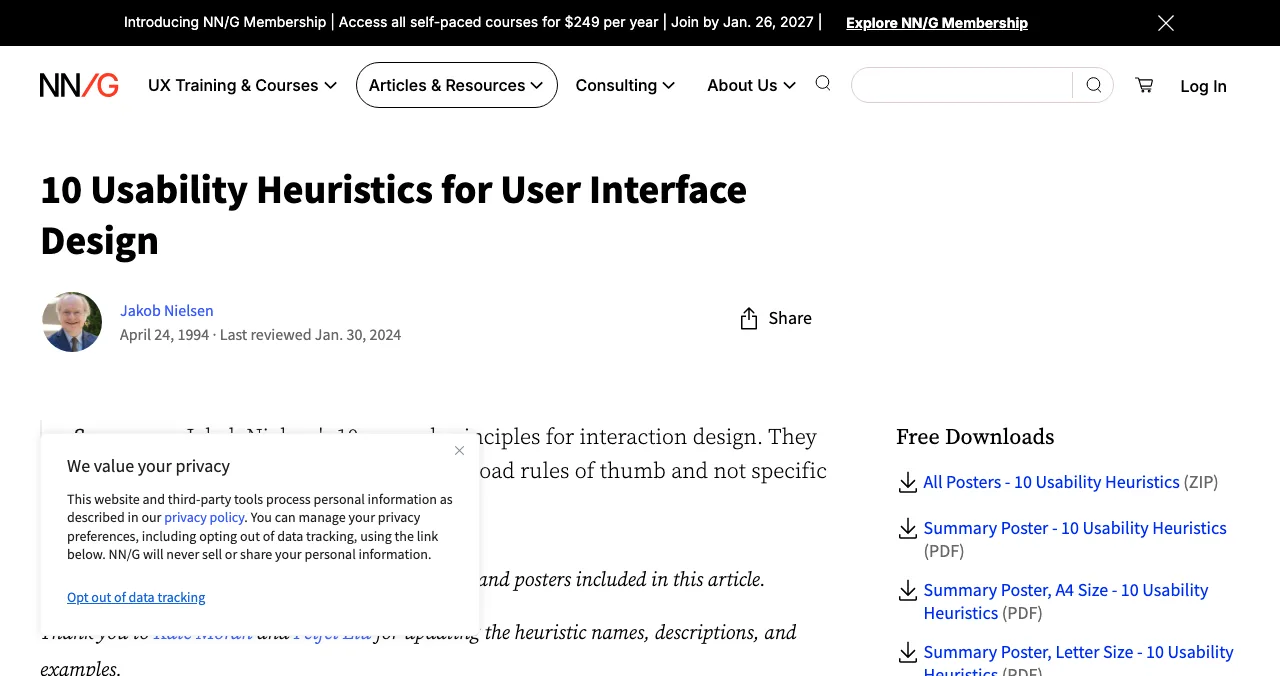
Expert checks cover what a script can't judge: is the value clear, does the onboarding teach the right thing, does the error message help? The investigation runs 74 expert heuristics on the screens behind your login, grounded in the 60 Laws of UX and Nielsen's ten usability heuristics.
| Lens | Good at | Examples |
|---|---|---|
| Automatic measurement | Facts you can count | Load times, contrast ratios, missing form labels, broken links, missing metadata |
| Expert check | Judgement in context | Is the headline clear? Does onboarding reach value? Is the upgrade prompt fair? |
Table: The two lenses of a 360-degree product audit
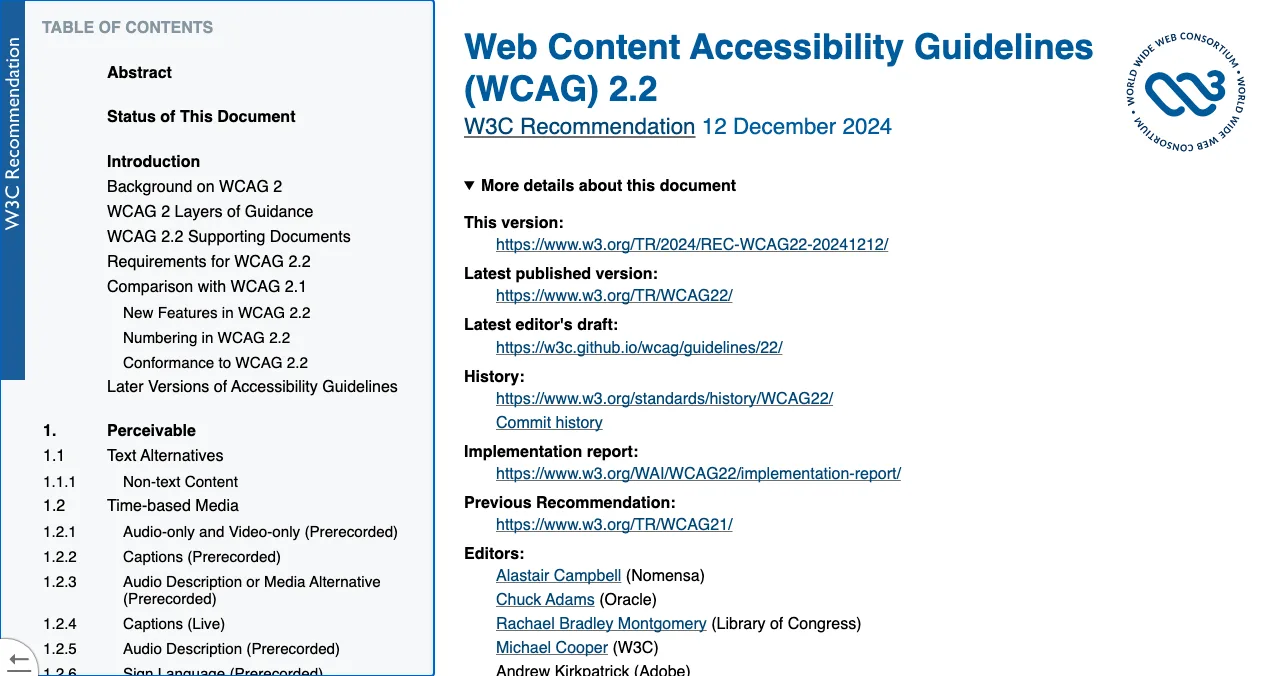
Speed and accessibility have published standards, so measure them against those. Google's Web Vitals define the thresholds for loading, responsiveness and visual stability; the W3C's WCAG 2.2 is the accessibility standard.
The five verdicts: how findings get a priority
A 200-item report is useless without an order. Verdicts give one. The investigation uses five:
| Verdict | Meaning | What to do |
|---|---|---|
| Good | Working well | Keep it |
| Needs improvement | Works, but costs you | Quick win |
| Needs to be fixed | Hurts users or revenue | Prioritise |
| Critical | Blocks users or breaks trust | Fix first |
| Recommendation | Not broken; an opportunity | Plan it |
Table: The five verdicts of the Science of Apps product investigation (launchpad.scienceofapps.com/investigate, checked 18 Nov 2026)
What do findings look like?
Every finding has four parts: what was seen, the evidence, the verdict, and the fix. The investigation page's own example notes a plan toggle that "defaults to monthly and hides the yearly saving". The examples below are illustrative, written to show the format, not taken from a real customer's report.

Arrive · Speed and stability
Illustrative: the hero image is the largest element and loads late on mobile. Evidence: a lab measurement above Google's 2.5-second LCP threshold. Verdict: Needs to be fixed. Fix: compress and preload it.
Join · Sign up
Illustrative: the form asks for company size and phone before showing any value. Evidence: 7 fields counted. Verdict: Needs improvement. Fix: ask for email only; collect the rest later.
Use · Empty states
Illustrative: a new account opens on a blank dashboard with no next step. Evidence: screenshot. Verdict: Critical. Fix: add sample data and one clear first action.
Pay · Pricing and plans
Illustrative: the toggle defaults to monthly and hides the yearly saving. Evidence: screenshot. Verdict: Recommendation. Fix: show both prices side by side.
Product review vs product audit: which do you need?
People ask about product review vs product audit because both words get used loosely. A review is someone's honest opinion after using the product, such as a customer review, an investor's take or a roast. An audit checks the product against defined criteria, with evidence. You want both: reviews tell you how people feel, audits tell you what to fix and in what order.
| Product review | Product audit | |
|---|---|---|
| Output | Opinion, rating, comments | Findings with evidence and verdicts |
| Criteria | The reviewer's own | Defined areas and standards |
| Repeatable | Rarely | Yes, so you can re-run it after fixes |
| Best for | Sentiment, positioning | Priorities, roadmap, before scaling spend |
Table: Product review vs product audit
A SaaS product audit: what changes?
A SaaS product audit puts extra weight on three stages. In Join, the trial sign-up and the first session decide activation. In Use, dashboards and empty states decide whether the trial user ever reaches value. In Pay, the upgrade prompt, the pricing page and checkout decide conversion. Our SaaS onboarding audit goes deeper on the first of those.
A free 360-degree product audit on the Science of Apps Launchpad

The Science of Apps Launchpad is a free, permanent place to list a startup, SaaS, mobile app, AI product, developer tool, browser extension, game or open-source project. Listing takes six short steps and is free forever. Ranking depends on relevance, editorial picks and community interest, never payment. As your listing goes live, a free baseline diagnosis checks your landing page, discoverability and speed. The full product investigation tests the product end to end and hands you a detailed report.
Evidence for every finding
Each finding is pinned to its screen or backed by a measurement.
Five verdicts
Good, Needs improvement, Needs to be fixed, Critical, Recommendation.
Analyst-reviewed
Findings are approved, edited or rejected by a Science of Apps analyst before you see them.
Private to your team
Reports are private by default and never affect your listing's ranking.
From investigation to action plan
List free, then order the report that fits your stage.

 Economy
See what new customers see
- Store listing and homepage, screen by screen
- Scorecard against 60 Laws of UX
- The fixes worth most
PremiumThe full diagnosis and the plan
- Every screen, every finding, every flow
- All 60 laws with evidence and fixes
- 8 strategy chapters and a 90-day roadmap
Fact-checked against the evidence. Private by default.
How to run your own 360-degree audit this week

- Map the journey. Write down the six stages and the screens in each. Missing screens are findings too.
- Measure. Run PageSpeed Insights on your homepage and pricing page, mobile first. Run an accessibility scan.
- Walk it as a stranger. Sign up in a clean browser on a phone. Time each step and screenshot each problem.
- Watch five users. Ask them to do the main task without hints. Note where they stop.
- Give verdicts. Mark each finding Good, Needs improvement, Needs to be fixed, Critical or Recommendation.
- Fix in order. Critical first, then the quick wins, then the rest.
Mistakes to avoid

- Auditing one layer — a perfect landing page can't save a broken sign-up form
- Desktop only — measure and walk the product on a phone too
- No evidence — "feels slow" isn't a finding; a measured load time is
- Everything is urgent — verdicts exist so Critical gets fixed first
- Founders as testers — your mental model isn't your users'
- Auditing once — re-run after fixes to check they worked
Ready for your product audit?
How we know
The investigation's areas, measurement counts, expert checks, verdicts and report lengths come from launchpad.scienceofapps.com, its /investigate and /pricing pages, read on 18 November 2026. Standards come from Nielsen Norman Group, the W3C and web.dev. The comparison tables are Science of Apps' editorial framework. The sample findings are illustrative. Science of Apps runs the Launchpad.
Key terms, defined
- 360-degree product audit: an evidence-based review of the whole customer journey and every screen, ending in prioritised fixes.
- Product investigation: Science of Apps' 360-degree product audit, covering 22 areas with measurements and expert checks.
- Automatic measurement: a check a script runs on the rendered product, such as load time or a missing form label.
- Expert heuristic: a judgement-based check against a known principle of usable design.
- Verdict: the severity a finding is given, which sets the order of fixes.
- WCAG 2.2: the W3C's current Web Content Accessibility Guidelines.
Frequently asked questions
What is a 360-degree product audit?
It's an evidence-based review of a whole digital product, following the customer journey from discovery and the landing page through sign-up, onboarding, the core task, pricing, checkout and retention, with accessibility and design checked on every screen. Each finding gets evidence, a severity verdict and a recommended fix, so the team ends with a priority order.
What is the difference between a product review and a product audit?
A product review is usually an opinion: a reviewer, customer or investor says what they think after using the product. A product audit is a structured check against defined criteria, with evidence for each finding and a verdict on how serious it is. Reviews tell you how people feel; audits tell you what to fix and in what order.
What is a product investigation?
Product investigation is the Science of Apps name for its 360-degree product audit: 22 areas across six journey stages, 39 automatic measurements in a real browser on desktop and mobile, 74 expert checks on screens behind the login, and five verdicts. Findings are reviewed by an analyst, kept private to your team and never affect Launchpad ranking.
What does a SaaS product audit cover?
A SaaS product audit covers the trial-to-paid journey: discoverability, the landing and pricing pages, sign-up and onboarding, the core workflow and dashboards, empty and error states, the upgrade path and checkout, notifications, account settings and help. Accessibility and visual consistency are checked on every screen, and speed is measured on mobile as well as desktop.
How long does a 360-degree product audit take?
It depends on the depth. Automated measurements take minutes. An expert review of every screen takes longer. On the Science of Apps Launchpad, the baseline diagnosis runs as your listing goes live, the Economy report (about 40 pages) arrives within 3 hours and the Premium report (about 95 pages) within 24 hours.
Can I run a product audit myself?
You can run a useful first pass: sign up in a clean browser on a phone, time each step, run Google PageSpeed Insights and the WAVE accessibility checker, and watch five new users try the main task. What founders miss is the stranger's view, because they already know where everything is. An outside audit fills that gap.
Sources
- Science of Apps — Product investigation: 22 areas, 39 measurements, 74 expert checks (checked 18 Nov 2026)
- Science of Apps — Launchpad pricing: Economy and Premium reports (checked 18 Nov 2026)
- Science of Apps — Launchpad homepage (checked 18 Nov 2026)
- Nielsen Norman Group — 10 Usability Heuristics for User Interface Design (checked 18 Nov 2026)
- W3C — Web Content Accessibility Guidelines (WCAG) 2.2 (checked 18 Nov 2026)
- web.dev — Web Vitals (checked 18 Nov 2026)
- Google — PageSpeed Insights (checked 18 Nov 2026)
- Checked November 18, 2026. Figures that change — fees, salaries, prices — are reviewed every six months; if something is out of date, tell us.
Where to go from here
- What is a UX audit? — the UX layer, in depth
- How to do a UX audit — step by step
- UX audit cost — what audits cost and why
- Science of Apps - LaunchpadThe B2B software directory guide for 2027: where to launch B2B software free, from G2 and Capterra to SaaSHub and Product Hunt, with each one's terms checkedWhere to launch B2B software free: the Launchpad, G2's free plan, Capterra, SaaSHub and Product Hunt, plus what B2B buyers check first. Terms checked Nov 2026.
- Science of Apps - LaunchpadSaaS audit checklist: 100 checks across 22 areas of the customer journey, from discoverability and sign-up to the paywall, retention and accessibility, plus a SaaS health check of the numbersA SaaS audit checklist with 100 checks across 22 areas, from discoverability and sign-up to paywall, retention and accessibility, plus a SaaS health check.
- Science of Apps - LaunchpadWhat a startup audit covers: product, UX, positioning, SEO, AI visibility, speed, accessibility and growth, with a self-audit checklist and how to get a full startup analysis freeA startup audit checks product, UX, positioning, SEO, AI visibility, speed, accessibility and growth. What it covers, a self-audit checklist and a free route.
- Science of Apps - LaunchpadThe top 5 websites to launch your startup for free, checked against each site's own rulesThe 5 best free websites to launch a startup: Science of Apps Launchpad, Product Hunt, Show HN, Uneed and Peerlist, with costs, rules and who each one suits.
- Science of Apps - LaunchpadWhat is a UX audit? What it checks, how it's done, what you get, and how to get one for freeA UX audit is a structured review of where users struggle in your product. What it checks, the standards behind it, what you get, and how to get one free.
- Science of Apps - LaunchpadThe UX audit checklist: a free, journey-based template for websites and apps, built on Nielsen's heuristics and WCAG 2.2A free UX audit checklist for websites and apps: 60 checks across the user journey, from first impression to payment, using Nielsen's heuristics and WCAG 2.2.
Get the ideas, not the noise.
Sign up with Google and we’ll send you short UX psychology tips by email — why people tap, stall and leave, and what to do about it. Unsubscribe anytime. Prefer something to keep? Get the free Laws of UX guide as a PDF.
Launch day ends. Your listing shouldn't.
List free on the Science of Apps Launchpad: a baseline diagnosis of your landing page, discoverability and speed runs as you go live, and the full product investigation covers 22 areas end to end.